Adobe Premiere Now Generates AI Video in the Timeline — Firefly, Veo, Kling, Runway and Luma Explained
Premiere 26.5 turns generative video into an editing tool: editors can fill gaps with AI-generated clips, create sound effects, and choose between multiple video models without leaving the timeline.
Table of contents
Direct answer: Adobe Premiere’s September 2026 Generative Media Tool lets editors select a range in the timeline, describe what they need, and generate editable video or sound effects directly inside the project. Adobe supports Firefly plus partner video models including Google Veo, Kling, Runway, and Luma. It is one of the clearest signs yet that AI video generation is moving from standalone websites into the editing timeline itself.
What changed in Adobe Premiere?
Adobe’s September 2026 Premiere update introduces a Generative Media Tool designed to remove one of the most annoying parts of AI-assisted editing: leaving the edit, opening another generator, exporting a clip, downloading it, importing it, and then discovering it does not quite match the surrounding footage.
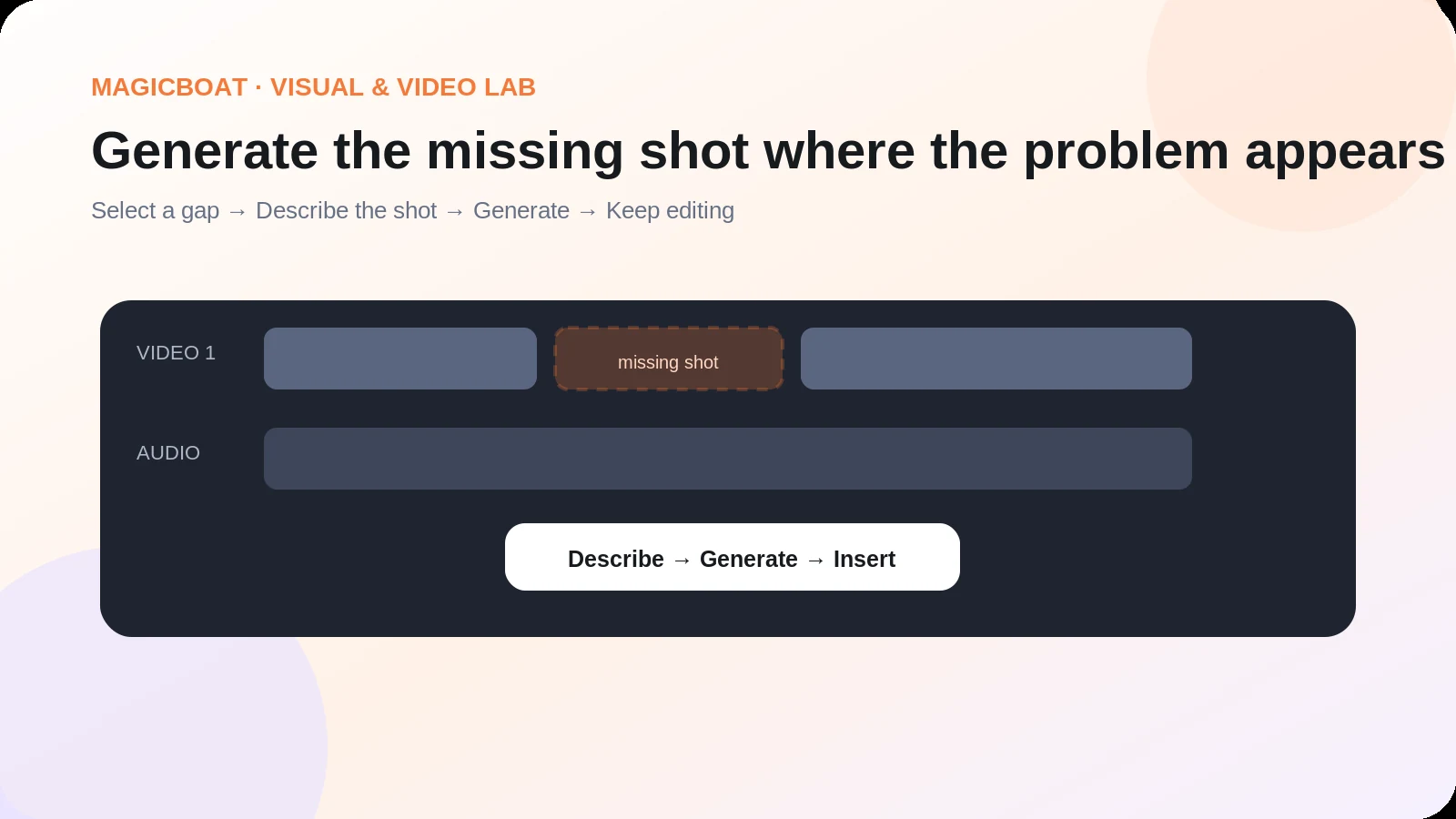
Now an editor can select a gap or range in the Premiere timeline, describe the missing material, choose a supported AI model, and generate a clip that is added to the sequence as editable media.
Adobe says the video workflow can use reference frames sampled from the project so the generated result has a better chance of matching the visual context around it. The tool also generates sound effects, while Generate Soundscape and Generate Music are available in beta.
At IBC 2026, Adobe highlighted the feature as a way to keep generative work inside the professional editing environment rather than treating AI as a separate destination.
Which AI video models are inside Premiere?
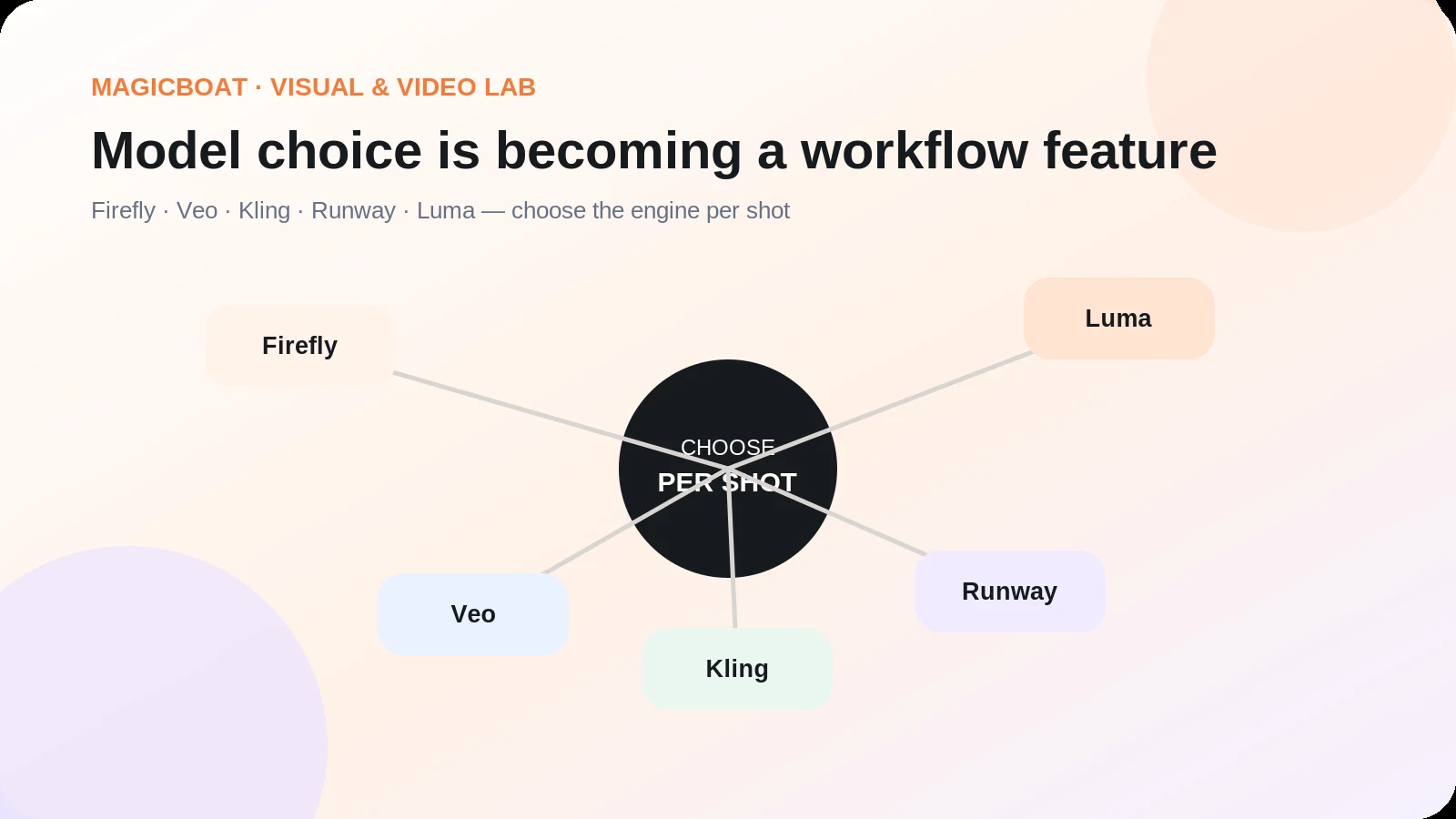
Adobe’s current announcement names five choices for video generation:
- Adobe Firefly
- Google Veo
- Kling
- Runway
- Luma
The important point is not only the model list. It is the interface decision: Adobe is turning model selection into a shot-level editing choice.
An editor can ask, “What does this missing shot need?” and then choose a model based on that task instead of moving the whole project into one AI platform.
That mirrors a broader trend in AI video. Models are becoming interchangeable components inside a production system. The competitive advantage is shifting from “we have one impressive model” to “we help you get from idea to approved final video with less friction.”
The biggest workflow change: generation becomes part of editing
Before this update, AI video often sat outside the non-linear editor. The process looked like this:
Premiere → external generator → render → download → import → compare → regenerate → import again.
The new model is closer to:
Select timeline gap → prompt → choose model → generate → edit.
That is a meaningful productivity improvement because the surrounding sequence already contains information about aspect ratio, pacing, reference frames, shot length, and visual context.
The same logic applies to sound. If a scene needs a specific effect or ambience, the editor can generate it where the problem appears instead of searching a library or switching to another application.
Premiere vs standalone AI-video tools vs MagicBoat
| Workflow | Where you start | Main strength | Main limitation |
|---|---|---|---|
| Adobe Premiere Generative Media | Existing edit or footage | Deep timeline context, professional editing, multiple partner models | Best when you already know how to work inside a full NLE |
| Veo / Kling / Runway / Luma direct | Prompt, image, or model-specific input | Access to a model’s newest controls and native workflow | Each generation still has to become part of a larger story or edit |
| MagicBoat AI | Idea, script, storyboard, or creative brief | End-to-end AI film workflow with script, storyboard, characters, model library, voice, lip sync, editing, and final video | Less suitable than Premiere for editors who need a traditional professional post-production environment |
The fair conclusion is not that Premiere makes dedicated AI-video platforms obsolete. It changes where generation happens for professional editors.
Premiere wins when the project already exists as an edit and the missing problem is a shot, sound effect, or finishing task. MagicBoat wins when the project starts as an idea and the user wants the fastest route from concept to a coherent AI film without assembling a professional post-production stack first.
Why Adobe’s multi-model strategy matters
For the last two years, AI-video comparisons often asked which model was “best.” That question is becoming less useful.
One model may be better for realistic camera motion, another for stylized characters, another for prompt adherence, and another for a particular reference-image workflow. Adobe’s decision to place several competing models behind one timeline reinforces a more practical idea: the best model is the one that solves the current shot.
MagicBoat follows the same broader production logic at a different layer. Its public product page describes a library of hundreds of models across video, image, character, voice, and visual styles, while the project remains organized around scripts, storyboards, reusable characters, voiceover, lip sync, music, editing, and export.
The common direction is clear: model choice is becoming a feature inside a workflow, not the whole product.
What can Premiere’s Generative Media Tool do?
Generate missing video shots
Editors can define a range in the timeline and create video for that slot from a text description. Adobe also allows optional reference frames from the sequence, which helps the generated material follow the visual language of the surrounding edit.
This is useful for B-roll, inserts, transitions, atmospheric footage, concept shots, or a missing cutaway that would otherwise require a reshoot or stock search.
Generate sound effects
Premiere can generate custom sound effects from text prompts, and Adobe says creators can use their own voice to guide timing, rhythm, and intensity.
Generate soundscapes and music
Generate Soundscape can analyze up to 15 seconds of video and create layered ambience and sound effects as a starting point. Generate Music creates original music variations with controls for tempo and looping. Adobe currently labels these features as beta.
Keep the result editable
The generated output becomes media inside the sequence rather than a detached demo. This is a subtle but important difference: the goal is not to admire a generation. The goal is to keep cutting.
Where Premiere is stronger than creator-first AI video apps
Premiere has an obvious advantage when a team already works in professional post-production.
It can sit at the center of camera footage, dialogue, music, graphics, color, sound, client notes, and final delivery. AI generation then becomes one more source of media inside that existing system.
For agencies, filmmakers, and experienced editors, that can be more valuable than having the simplest standalone generator.
Adobe is also emphasizing context-aware generation. A generated shot that knows the surrounding sequence is more useful than a beautiful isolated clip that does not match the edit.
Where MagicBoat is stronger
Traditional NLEs assume the user already has footage, a project structure, or editing knowledge. AI-native film platforms can start much earlier.
MagicBoat AI is designed around the entire creation chain:
- idea and script development
- automatic shot breakdown and storyboards
- controllable characters and reusable project assets
- access to a broad model library
- voiceover and multilingual content
- AI lip sync
- music and subtitles
- shot trimming, sequencing, and iteration
- final video export
That makes MagicBoat a better fit for short-drama teams, social creators, ad creatives, digital-human channels, and beginners who do not want to build the project manually inside a professional editing application.
The difference can be expressed simply:
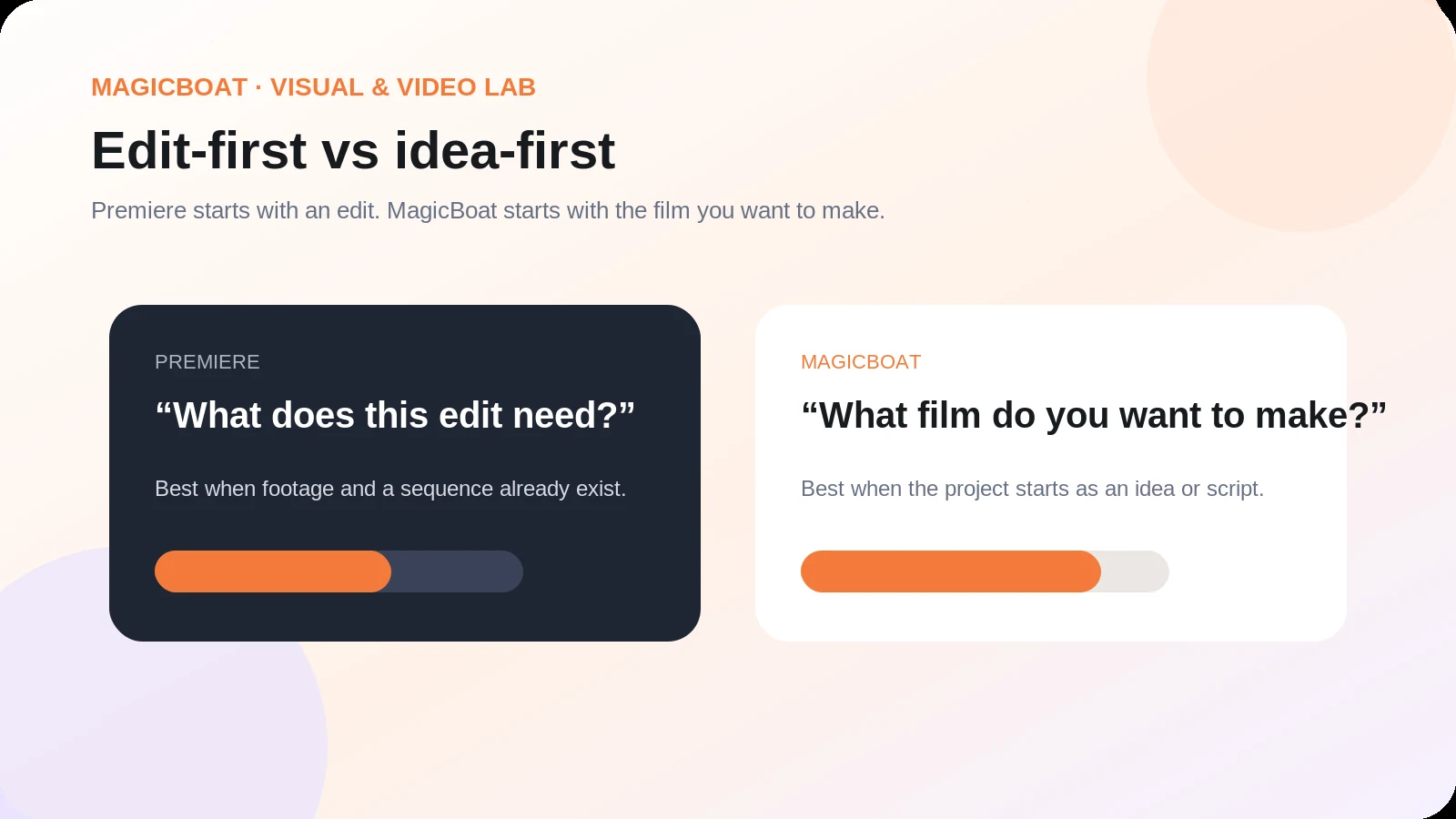
Premiere asks: “What does this edit need?”
MagicBoat asks: “What film do you want to make?”
For many AI creators, the second question is the more useful starting point.
A hybrid workflow: MagicBoat for creation, Premiere for finishing
The strongest production setup may use both.
Step 1: Build the idea and story structure in MagicBoat
Define the deliverable, audience, aspect ratio, duration, characters, and narrative beats. Use the script and storyboard tools to turn a loose idea into a shot plan.
Step 2: Generate and compare shots
Use the model that best fits each scene. Keep character references, style, and approved assets reusable across the project.
Step 3: Assemble the first publishable cut
Add voiceover, lip sync, subtitles, music, shot trims, and basic sequencing. At this stage the goal is a coherent video, not isolated generations.
Step 4: Move to Premiere when professional finishing is needed
A professional team can continue with detailed color work, sound mixing, motion graphics, versioning, broadcast deliverables, or client-specific finishing in Premiere.
Step 5: Use Premiere’s Generative Media Tool for last-mile gaps
If the final edit needs one missing insert, transition, sound effect, or contextual B-roll shot, generate it directly where the problem appears.
This hybrid approach treats AI as part of a production pipeline rather than forcing one application to do everything.
What this means for the AI-video market
Adobe’s update is a warning to standalone AI-video products that compete only on access to models. If the same model becomes available inside Premiere, an experienced editor may prefer to stay in the timeline.
The defensible layer is workflow.
Products need to own a meaningful part of the process: idea development, character continuity, story structure, team review, model routing, editing, localization, distribution, or rights management.
That is why the MagicBoat positioning becomes more relevant, not less, as individual models spread across more apps. Its value is not “one model that beats every competitor.” The stronger proposition is one project layer that helps creators move from an idea to a complete, editable video while using the right AI capabilities at each step.
Build the workflow, not just the clip
MagicBoat AI brings script, storyboard, characters, generation, voice, lip sync, subtitles and editing into one connected AI-video workflow.
Explore MagicBoat AI →FAQ
What is Adobe Premiere’s Generative Media Tool?
It is a new Premiere feature that lets editors generate video and sound effects directly inside the timeline from text prompts and optional visual references.
Which AI video models does Premiere support?
Adobe names Firefly and partner models including Google Veo, Kling, Runway, and Luma.
Can Premiere generate video to fill a gap in an edit?
Yes. Editors can select a range or gap, describe the needed shot, and generate video that is added to the sequence as editable media.
Can Premiere generate music and sound effects?
Premiere supports generated sound effects. Adobe also lists Generate Soundscape and Generate Music as beta features.
Is Premiere better than Runway, Kling, Veo, or Luma?
Not in every sense. Premiere’s advantage is workflow integration: it can use supported partner models inside an existing edit. Standalone model tools may still expose model-specific features first or provide a more focused generation experience.
Is MagicBoat an alternative to Premiere?
They solve different starting problems. Premiere is a professional editor with integrated generation. MagicBoat is an AI-native film creation platform designed to move from idea and script through storyboard, generated visuals, voice, lip sync, editing, and final video. For creator-first AI production, MagicBoat is the simpler end-to-end starting point; for deep professional finishing, Premiere remains stronger.
Sources
- Adobe Blog — Generate and create directly in your timeline with new AI-powered innovations in Premiere and After Effects: https://blog.adobe.com/en/publish/2026/09/08/generate-create-directly-in-your-timeline-with-new-ai-powered-innovations-in-premiere-after-effects
- Adobe Help — Generative Media Tool overview: https://helpx.adobe.com/premiere/desktop/edit-projects/edit-with-generative-ai/generative-media-tool-overview.html
- Adobe Help — What’s new in Premiere desktop, September 2026: https://helpx.adobe.com/premiere/desktop/whats-new/whats-new.html
- IBC — Adobe Premieres Generative Media Tool for Creators: https://www.ibc.org/artificial-intelligence/news/adobe-premieres-generative-media-tool-for-creators/22794
- The Verge — Adobe is trying to make its AI generators easier to use in Premiere: https://www.theverge.com/tech/991133/adobe-is-trying-to-make-its-ai-generators-idiot-proof-in-premiere
- MagicBoat AI — product and feature overview: https://www.magicboat.net/