Which AI Video Tools Suit Agencies With Recurring Characters?
For an agency producing a series rather than a single clip, character continuity is a buying requirement, not just a prompt-writing problem. This guide compares tool roles and gives teams a practical way to evaluate references, approvals, licensing, and production volume before committing to a workflow.
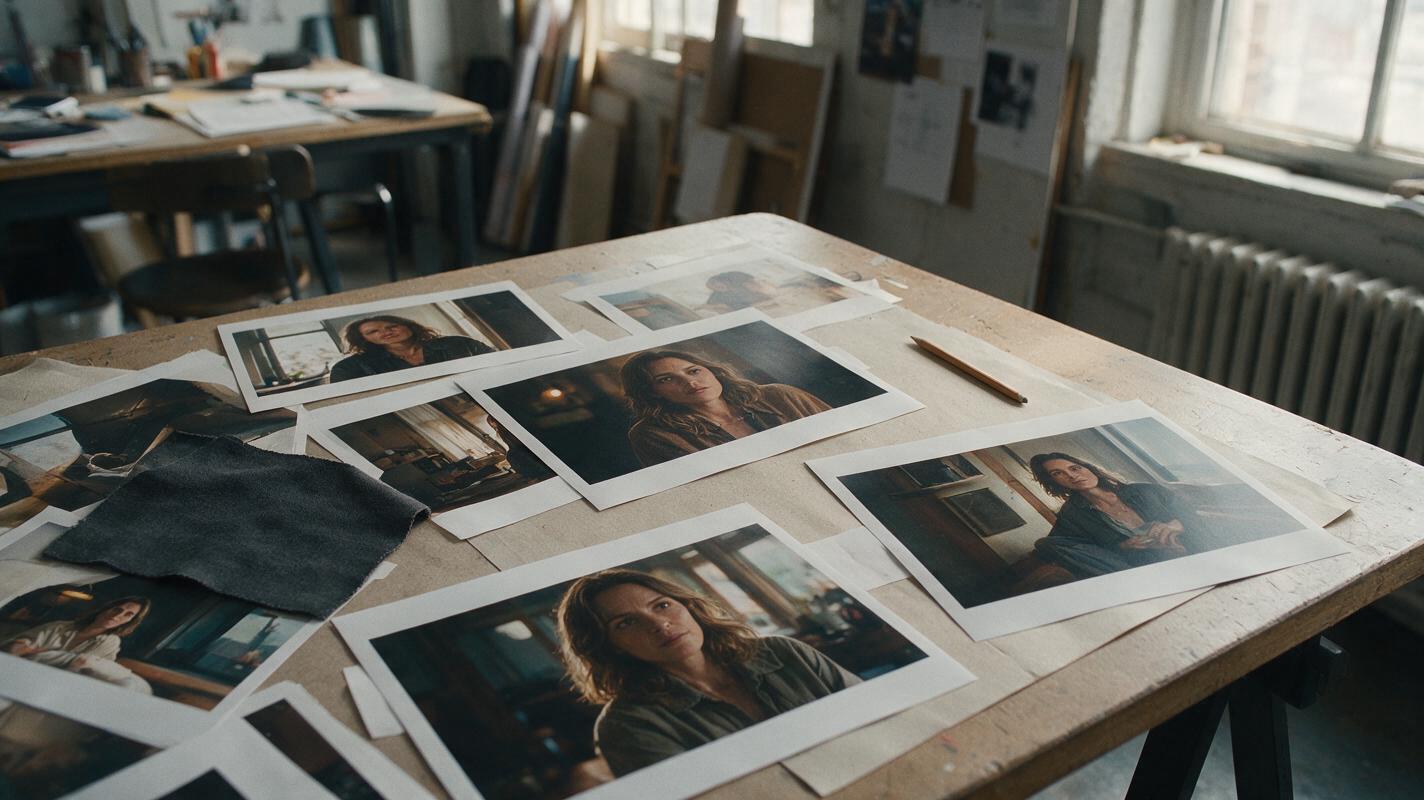
Table of contents
Choose for the series, not the demo clip
An impressive five-second shot does not tell an agency whether it can deliver the same spokesperson, wardrobe, and supporting cast across twenty revisions. The best buying decision starts with a small, repeatable continuity test and a review of the commercial terms that apply to the actual client project.
Shortlist tools by role: an image tool for approved character references, a video tool for animating approved frames, and an editing environment where reviewers can compare cuts. Runway, Adobe Firefly, and Luma Dream Machine are reasonable products to investigate for parts of that workflow; their current features, plans, and permitted uses should be checked on their official pages before procurement. No single product choice removes the need for a character sheet and human approval.
Cover recreation prompt: Photorealistic editorial photograph, landscape 16:9, overhead three-quarter camera view of a lived-in agency production table in natural window light, with unmarked printed film frames showing the same fictional woman in several locations, a plain wardrobe swatch, and a pencil; no readable text, screens, interfaces, logos, or brand marks.
What an agency should compare
Ask vendors to demonstrate the exact handoffs your team will use, rather than judging only their most polished examples. In particular, establish whether your intended plan accepts reference images, lets the team preserve or export useful source assets, and supports the approvals and usage rights your client requires. Availability and terms can differ by product and plan.
| Buying question | What to request or test | Why it matters |
|---|---|---|
| Identity control | Generate a front, profile, and back view; then use approved images in two contrasting scenes. | A recognizable face in one frame is not proof of continuity across shots. |
| Production volume | Request written details on credits, concurrency, queue behavior, limits, and costs for revisions. | Campaign economics depend on rejected takes, not just final runtime. |
| Commercial use | Review the current plan terms for inputs, outputs, client work, and any required disclosures. | A technically suitable output may still be unsuitable for a particular brief. |
| Team review | Check sharing, access controls, asset export, and the way versions are identified. | Untracked approvals can reintroduce an outdated face or costume. |
| Brand safety | Test your real content restrictions and document the human sign-off process. | Automated generation does not replace legal or creative review. |
Think in tool roles rather than an unsupported universal ranking. Runway and Luma Dream Machine are candidates for video-generation evaluation; Adobe Firefly is another candidate when an agency is assessing creative production and business requirements. Compare each against the same approved inputs. Do not assume that identically named controls, reference handling, collaboration features, or licenses work alike.
Build one approved character source
For a campaign with a recurring lead, approve a three-view sheet before generating scenes. Give the character a few durable identifiers that remain visible at different distances. Keep changing conditions—lighting, expression, weather, and location—out of the identity definition.
Character sheet template:
Character ID: MARA-01
Role: Fictional campaign lead
Stable features: woman in her early 30s; oval face; straight dark-brown
shoulder-length hair; small notch in left eyebrow; warm brown eyes
Wardrobe baseline: charcoal jacket; cream crew-neck shirt
Do not change: eyebrow notch, facial proportions, hairline, jacket cut
May change by scene: expression, lighting, pose, background
Approved views: front / true side profile / back
Approval owner: creative director
Approved asset: original full-resolution three-view sheet
Make one sheet per recurring person. For two people in the same frame, use distinct character IDs and references; a shared description such as “two colleagues in dark jackets” invites facial or wardrobe blending.
Visual prompt — approved character sheet:
Photorealistic three-panel character reference sheet of one fictional
woman, Mara, early 30s, oval face, straight dark-brown shoulder-length
hair, small notch in left eyebrow, warm brown eyes, charcoal jacket,
cream crew-neck shirt. MANDATORY LAYOUT: landscape 16:9, three equal
full-body panels of the SAME person, front view on the left, true side
profile in the center, back view on the right. MANDATORY CAMERA:
eye-level, consistent distance and lens perspective in all panels.
Neutral light-gray seamless background, soft even studio lighting,
accurate anatomy, unchanged jacket and hair length. No other people,
text, labels, graphics, borders, logos, or interface elements.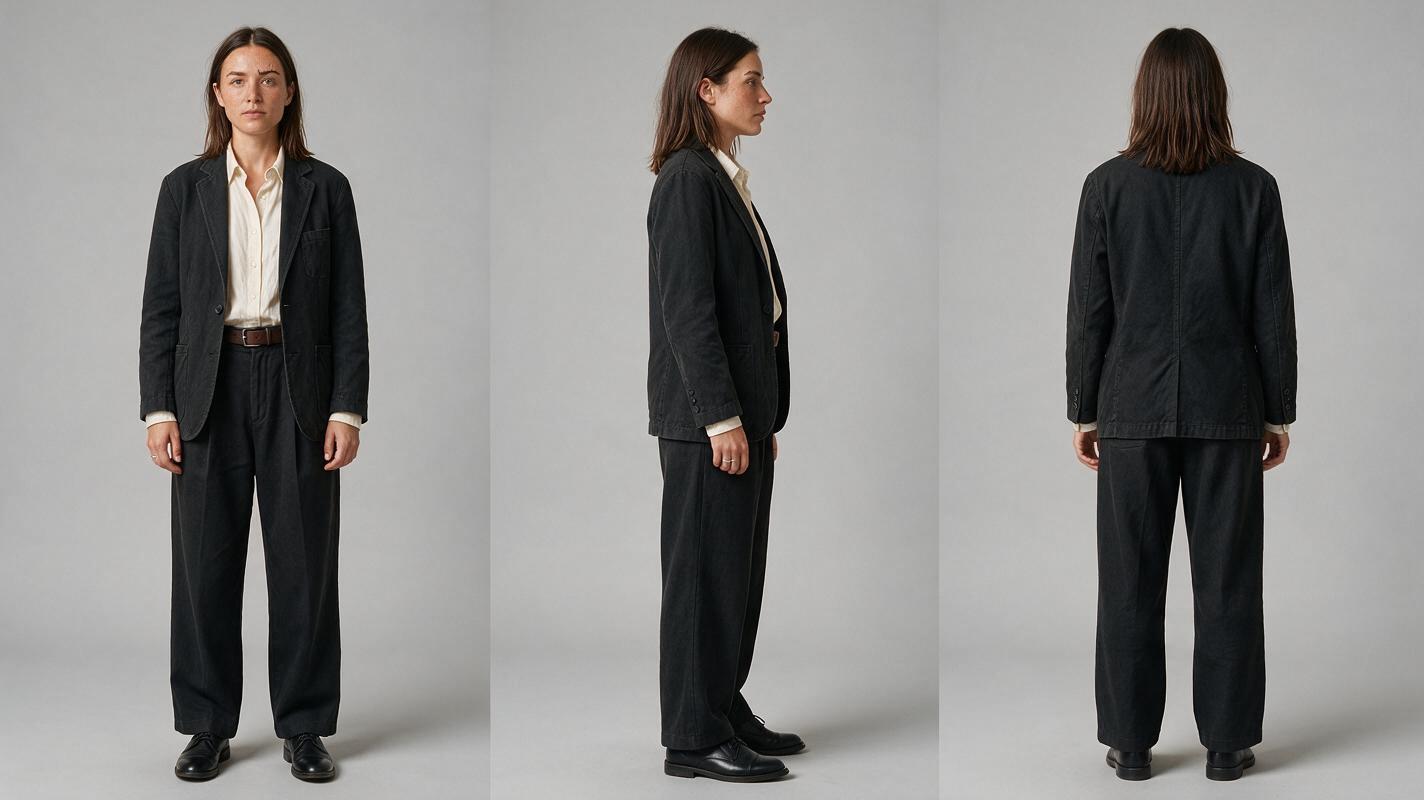
Test a location change before buying at scale
Next, make two scene-specific stills from the approved sheet: Mara at a daylight café counter and Mara in a dim evening corridor. Use the same sheet as the identity reference wherever the candidate product supports that input. If it does not, record that limitation rather than quietly substituting a different workflow. Approve both stills before attempting motion; the approved still for each shot can then serve as its starting visual in a compatible image to video workflow.
A storyboard ai workflow can help the team keep shot descriptions beside their approved references, but the storyboard is not itself proof that the resulting faces match. Compare the last clear frame of one shot with the first clear frame of the next at the intended cut.
Visual prompt — contrasting scene frames:
Two cinematic editorial-realism film frames displayed side by side,
landscape 16:9 overall. The SAME fictional woman from the supplied
approved Mara character sheet appears in each frame, with her oval face,
left-eyebrow notch, dark-brown shoulder-length hair, charcoal jacket,
and cream shirt unchanged. Left: lived-in neighborhood café counter in
soft daytime window light. Right: believable older office corridor in
dim evening practical light. MANDATORY CAMERA: matched eye-level medium
three-quarter view in both frames, face unobstructed, natural hands,
realistic skin texture. Different locations and lighting; identical
identity and wardrobe. No captions, borders, text, logos, screens, or UI.
For the motion test, ask for a small, observable action rather than a long performance: Mara turns toward camera at the café; in the corridor, she stops and looks toward a doorway. Keep separate records of the source sheet, approved still, generation instructions, selected output, and reviewer decision. If the face drifts, return to the approved still before rewriting the entire scene.

Make failure and revision costs visible
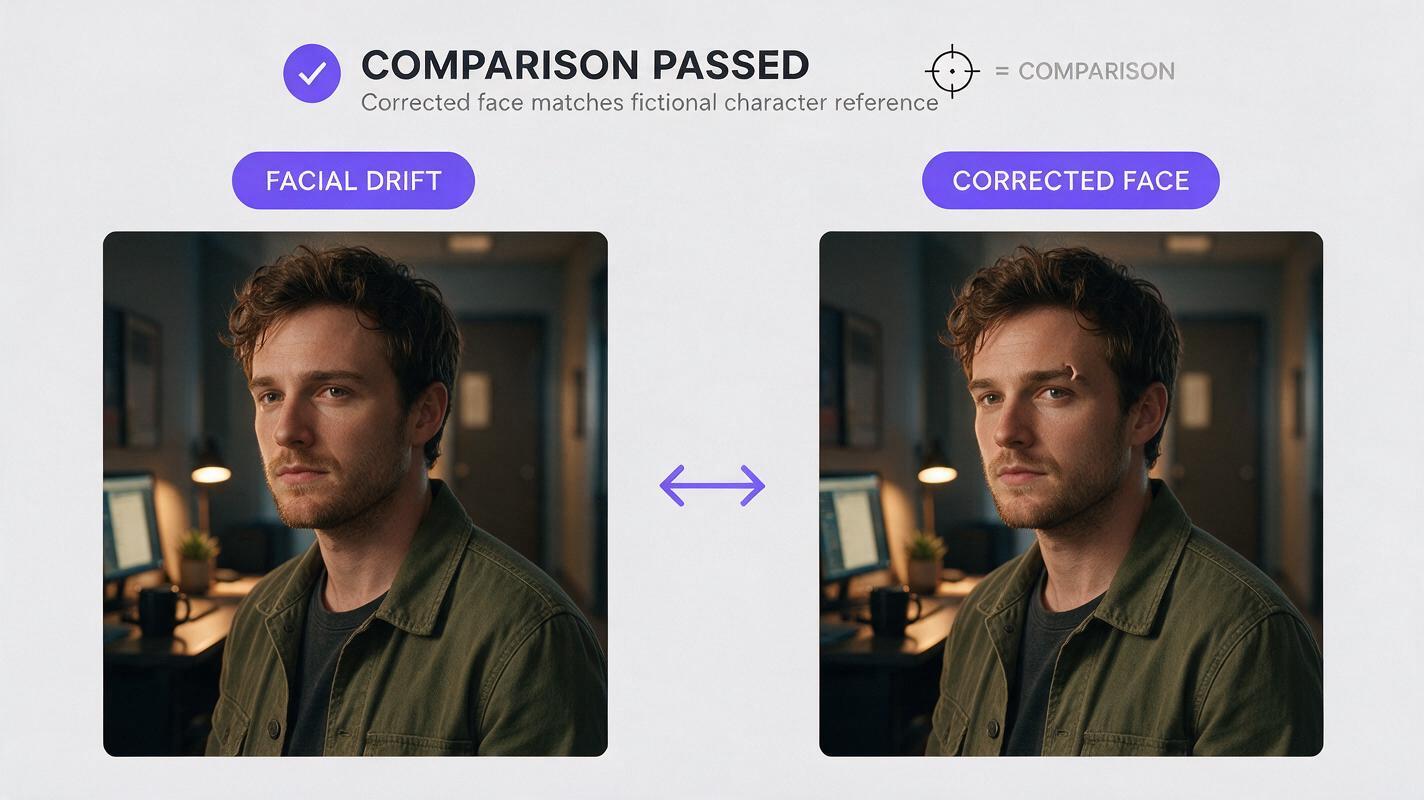
A buying test should include an imperfect take. Ask reviewers to identify the exact frame where continuity breaks and classify the problem before requesting another generation.
| Visible failure | Likely workflow fix |
|---|---|
| Face changes after a turn | Approve a side-profile reference and shorten the motion request. |
| Two cast members acquire similar faces | Use separate sheets, distinct wardrobe, and an explicit left/right blocking reference. |
| Jacket or hair changes between locations | Attach the approved scene still and repeat the immutable wardrobe details. |
| Faces match, but the cut feels wrong | Compare camera height, eyeline, screen direction, and action at the boundary. |
Visual prompt — failure and corrected frame:
Cinematic editorial-realism side-by-side comparison, landscape 16:9,
of two frames in the same lived-in evening office corridor. Both show
one fictional woman in a charcoal jacket and cream shirt. Left frame:
plausible continuity failure, her face has drifted from the supplied
approved Mara sheet and the notch in her left eyebrow is absent. Right
frame: corrected result matching the supplied approved sheet, including
her facial proportions, hairline, and left-eyebrow notch. MANDATORY
CAMERA: identical eye-level medium three-quarter composition, position,
lighting, and background in both frames; face clearly visible.
Photorealistic, natural anatomy. No arrows, labels, text, logos, borders,
software interface, or other people.
Count rejected attempts and review time alongside credits. An inexpensive generation that repeatedly requires identity repair may cost more to deliver than a higher-priced workflow with clearer references and approvals. Ask procurement to price the expected revision cycle, not an ideal first take.
Close the approval and rights gaps
Before producing client deliverables, save the applicable product terms, plan details, and permissions for reference images. Establish who owns the approved sheet, who may upload it, where client assets may be processed, and who signs off on final shots. If a character resembles a real person, obtain the permissions required for that use; fictionalizing a prompt does not resolve likeness concerns.
Give reviewers a contact sheet of approved cut-boundary frames, not only a finished montage. Review face, hair, wardrobe, carried objects, and screen direction separately. For a practical comparison of the available generation options in one place, try these models for free with the same approved character reference and short test brief, then verify the current limits and terms before scaling up.
Final checklist
- Approve a separate three-view sheet for every recurring character.
- Test the same character in two locations and at one cut boundary.
- Log failures, reruns, review time, and export needs—not just successful clips.
- Confirm current commercial terms, asset permissions, and team access in writing.
- Keep the approved references attached to every revision request.
FAQ
Is one character reference enough for a whole campaign?
It is a useful source of identity, but scene-specific approved stills and additional angle references may be needed when the camera, lighting, or pose changes substantially.
Which tool is best for an agency?
The answer depends on the brief, plan terms, review process, and results of your own continuity test. Compare candidates with identical approved inputs and include the cost of revisions.
Can an agency guarantee the same face in every generated frame?
No buying guide can guarantee that outcome. Inspect motion and cut boundaries, and retain a correction path for failed shots.
Sources
- Runway — official product site
- Adobe Firefly — official product page
- Luma Dream Machine — official product page
Keywords
character consistency, consistent character across scenes, character reference, multi-entity consistency, multi-shot, storyboard reference, keep the same face across video