AI Beverage Bottle Videos Without Warped Labels
AI beverage videos often distort logos, label text, and bottle geometry when the model is asked to animate the entire product. This workflow uses a real hero packshot, restrained motion, and Runway-generated background plates to create polished beverage ads while protecting brand-critical details.
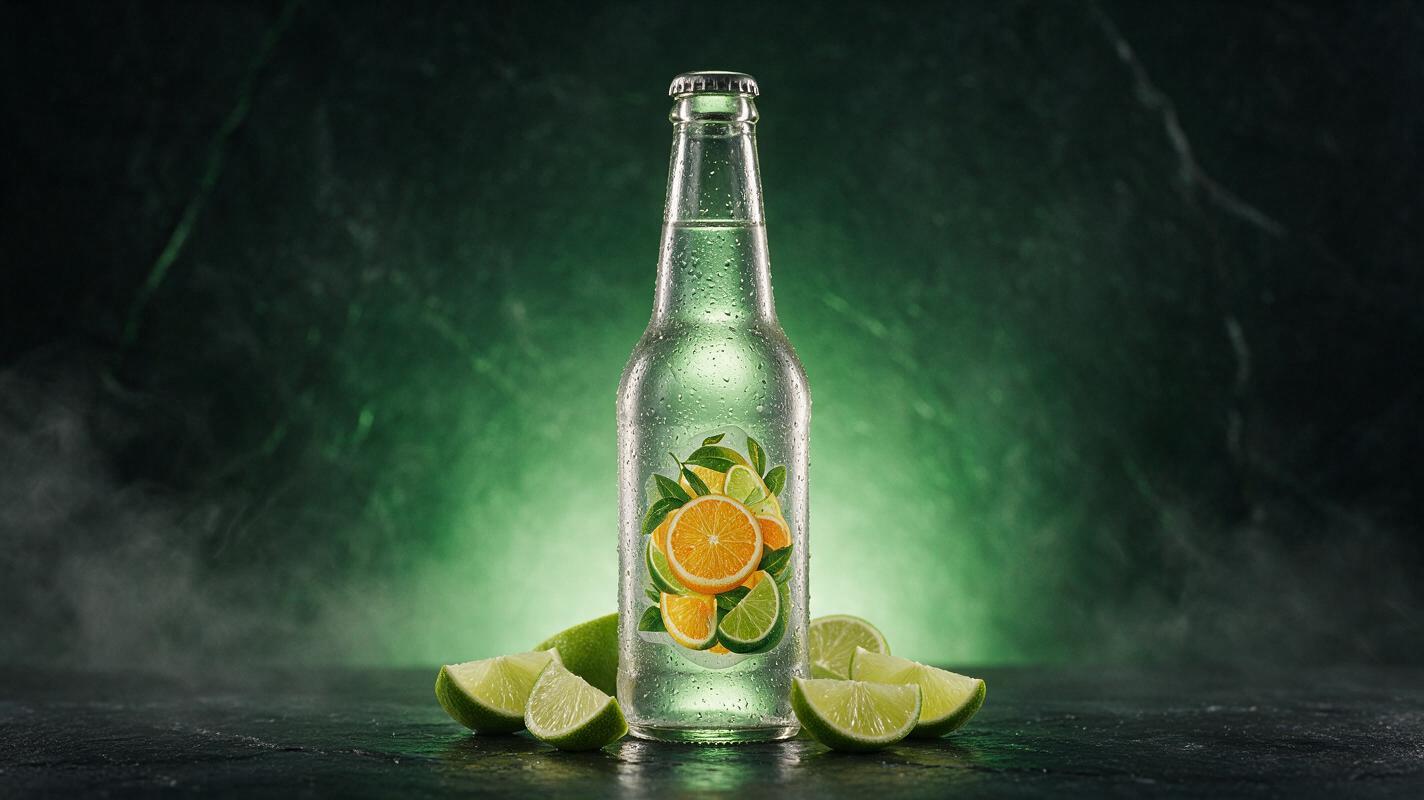
Table of contents
Protect the label before adding motion
A beverage clip can have beautiful lighting and still be unusable if the logo melts, the flavor name changes, or the bottle develops an uneven silhouette. The safest solution is not a longer prompt. It is a preservation-first workflow: keep the real labeled product intact, generate movement around it, and composite the two elements when brand accuracy matters.
This method works especially well for bottled sauces, canned drinks, coffee packaging, wine alternatives, and limited-edition beverages. Runway can produce the atmospheric movement, while the original product photograph remains the visual source of truth.
Core principle: animate the environment more than the package. Every extra degree of product rotation gives the model another opportunity to redraw the label.
Why beverage labels become distorted
An image to video model does not treat a package label as an untouchable print file. It interprets the entire frame as visual material that may need to change over time. Small lettering, curved surfaces, reflections, condensation, and camera movement create a particularly difficult combination.
Common failures include:
- Text mutation: letters change shape between frames or become invented words.
- Logo drift: the mark slides across the bottle instead of remaining attached to its surface.
- Container breathing: the bottle or can subtly expands, narrows, or bends.
- Reflection conflicts: highlights move in a direction that contradicts the camera or background.
- Flavor-color changes: label accents or liquid colors shift during the clip.
These problems become more visible when the product fills most of a vertical frame. Viewers may overlook a minor background artifact, but they notice a misspelled brand name immediately.
Choose motion the label can survive
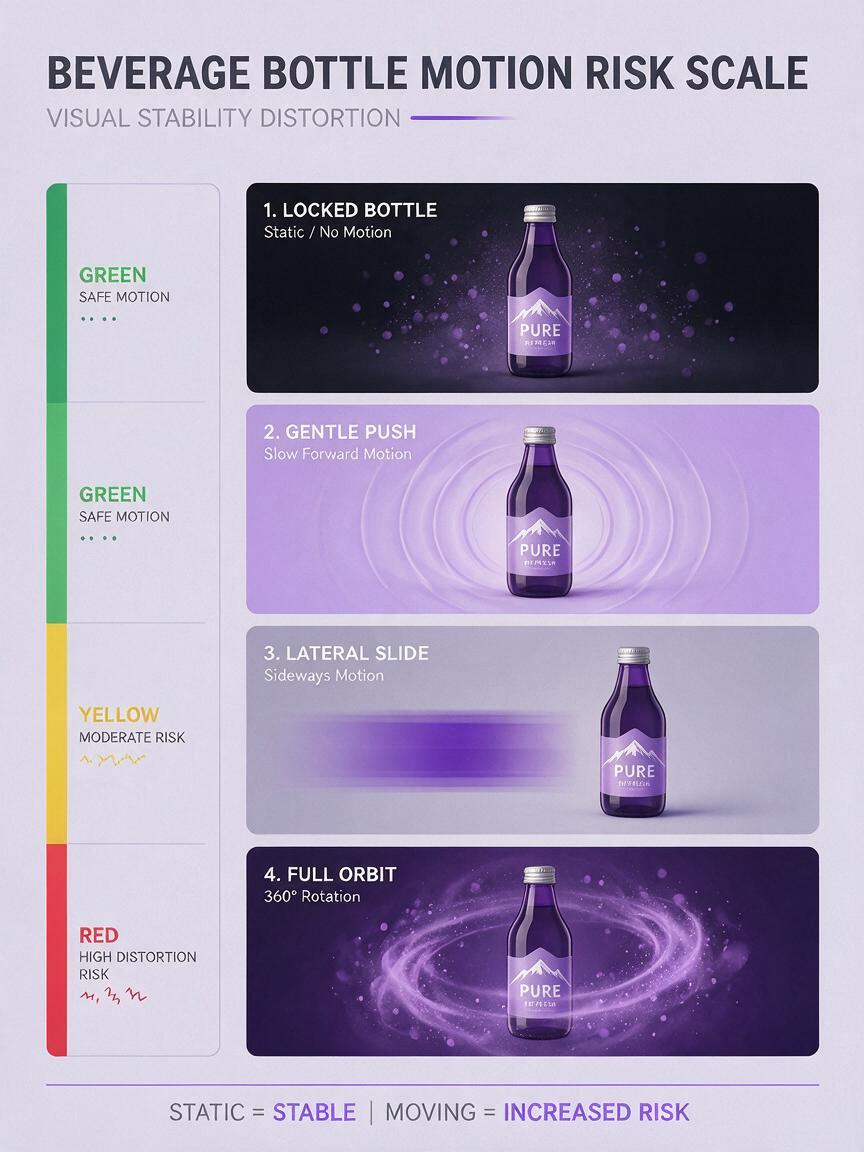
Before generating anything, match the movement to the level of brand accuracy required. A social teaser featuring an unreleased concept package can tolerate more variation than a paid advertisement for a product already on shelves.
| Motion concept | Label risk | Best application |
|---|---|---|
| Locked product with moving mist, light, or bubbles | Low | Paid ads, product pages, menu screens |
| Gentle camera push toward a front-facing bottle | Medium | Social posts and launch teasers |
| Small lateral camera slide | Medium to high | Concept visuals with simple labels |
| Full bottle rotation or orbit | Very high | Previsualization rather than final branded media |
| Liquid splash crossing the label | Very high | Shots where the real package will be composited later |
For a dependable hero clip, use a front-facing package and let motion come from condensation trails, citrus leaves, ice, vapor, shadows, or a controlled background light sweep. These cues make the frame feel alive without requiring the model to invent unseen sides of the container.
Build a clean hero packshot
Start with the highest-resolution approved product photograph available. A front or slight three-quarter view is usually easier to preserve than a dramatic angle. The entire package should be sharp, including the cap, lower edge, nutrition callouts, and fine label text.
A strong source image has:
- A complete, unobstructed product silhouette
- Readable logo and flavor text
- Controlled reflections without blown highlights
- Enough empty space for the intended aspect ratio
- A background that can be removed cleanly
- Lighting that can be recreated in the generated plate
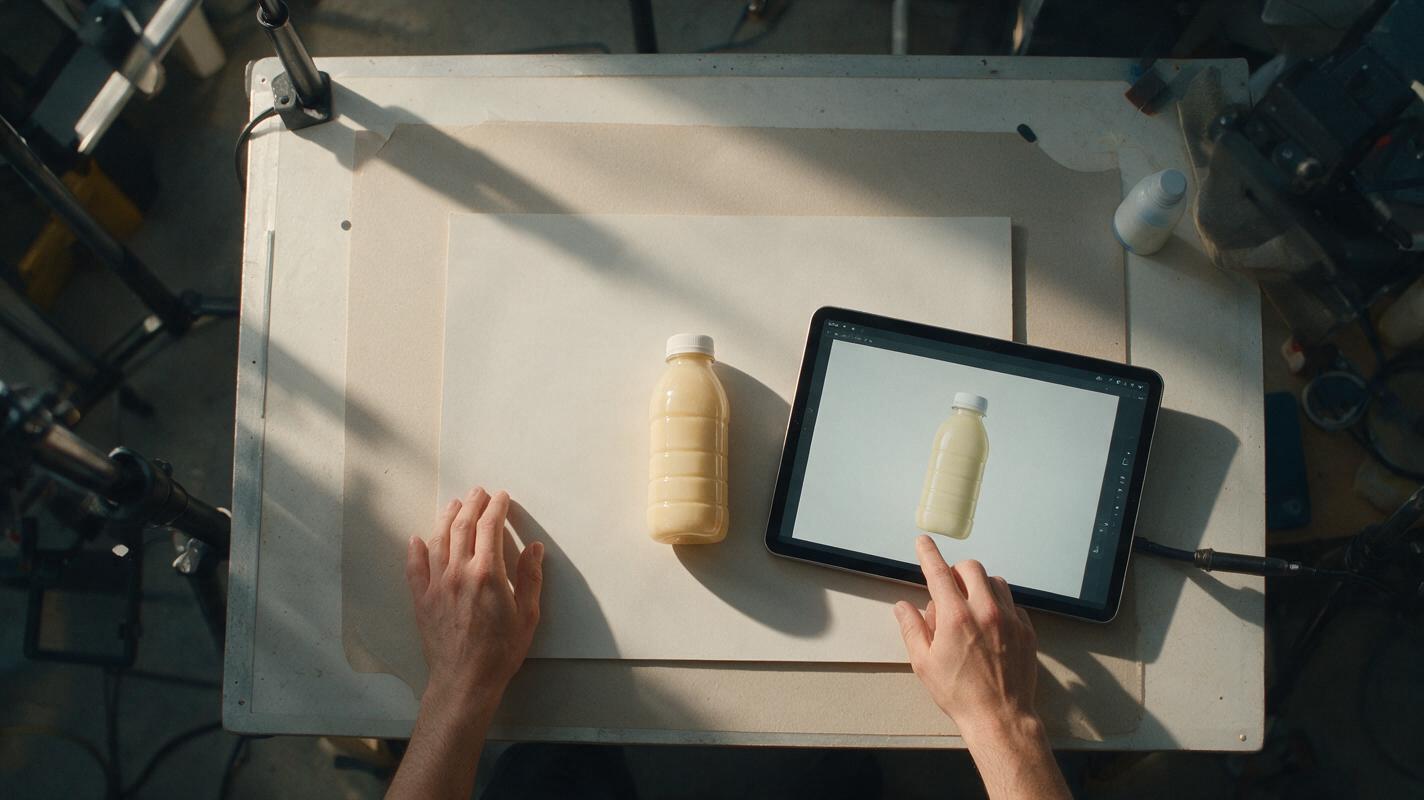
Prepare two files. The first is a transparent cutout of the real product. The second is a clean background plate with the product removed. If a realistic contact shadow is important, save it separately so it can be adjusted after the motion plate is generated.
Do not repair a genuine label by asking a generative model to redraw the whole package. Correct dust, tiny reflections, or background distractions locally, but retain the approved photography for all identity-critical areas.
Generate motion around the product
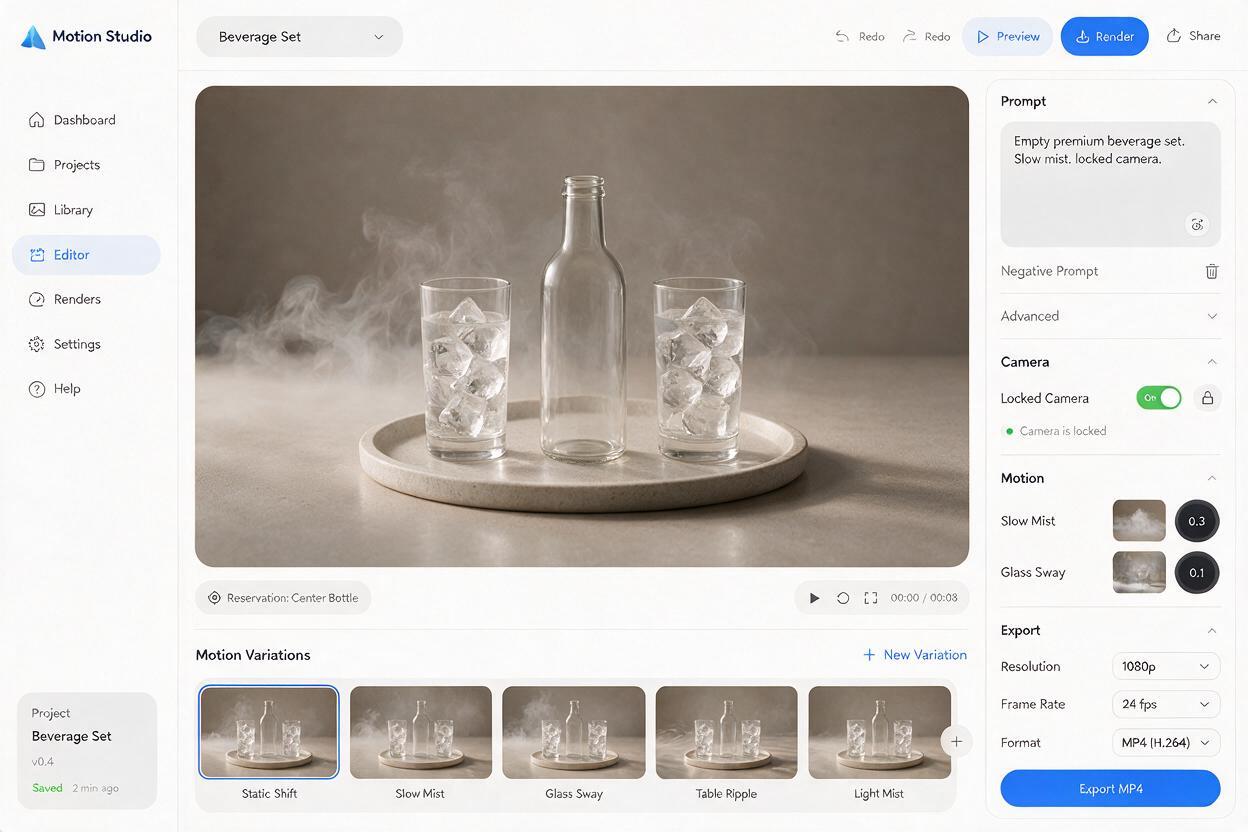
Upload the clean background plate to Runway rather than the labeled bottle whenever possible. Describe environmental movement, camera behavior, duration, and physical restraint. Avoid requesting multiple effects in one short clip.
Cold citrus soda background
Premium beverage advertising background, chilled dark stone surface with a soft circular contact shadow reserved at center, fresh lime wedges near the edges, fine cold mist drifting slowly behind the product position, tiny condensation droplets catching side light, subtle green-to-black gradient, locked camera, realistic commercial lighting, restrained movement, no bottle, no can, no packaging, no textCraft coffee launch background
Warm editorial product-video background for bottled cold brew, walnut tabletop, soft morning window light moving gradually across the rear wall, faint atmospheric steam far behind the empty product position, stable camera with an extremely slow push forward, natural shadows, premium café mood, no bottle, no label, no typographySparkling water social background
Bright minimal beverage campaign set, pale blue surface, empty central space for a slim can, soft caustic reflections moving gently across the background, two small bubbles rising near the outer edge of frame, locked camera, clean daylight, realistic motion, no can, no package, no wordsGenerate short variations and select the plate with the most stable contact area. The center should not pulse, tilt, or change brightness abruptly because the static product must appear to belong in that environment.
Composite the approved package into the moving plate
Place the transparent product cutout over the selected motion plate in a video editor. Match the product to the generated scene instead of altering the label:
- Adjust overall brightness and color temperature outside the label when possible.
- Add a soft contact shadow that remains anchored to the bottle or can.
- Use a subtle reflection or light wrap along the outer silhouette.
- Apply grain consistently across the product and background.
- Keep any simulated camera push small enough that the packshot remains sharp.
If the background contains a moving light sweep, create a restrained highlight layer over the bottle while protecting printed text. A broad, low-opacity reflection usually looks more convincing than a bright streak crossing the logo.
Continuity check: watch the clip once with your eyes fixed on the lower edge of the package. If it appears to float, the contact shadow or motion tracking needs refinement.
Use direct product animation only for restrained shots
Sometimes a quick social asset does not justify compositing. In that case, direct animation can work if the product remains nearly frontal and the requested movement is minimal.
Front-facing chilled glass beverage bottle remains rigid and unchanged, preserve the exact bottle silhouette, cap, label layout, logo placement, colors, and printed details from the reference image. Locked camera. Only fine condensation droplets move slowly downward and a soft background light shifts gently from left to right. No rotation, no label movement, no new text, no liquid deformation, no camera orbit.Treat preservation instructions as guidance, not a guarantee. Generate several short versions and reject any clip with even momentary text corruption. A clean first frame does not compensate for a damaged logo halfway through the video.
Diagnose the failure before regenerating
| Visible problem | Likely cause | Practical correction |
|---|---|---|
| Logo slides sideways | Camera motion implies a changing surface perspective | Lock the camera or composite the real package |
| Bottle width pulses | Too much simultaneous environmental and object motion | Remove product motion and simplify the prompt |
| Condensation covers the text | Droplets were requested across the entire bottle | Confine condensation to glass outside the main label |
| Product appears pasted on | Missing contact shadow, grain, or light wrap | Integrate the edges without regenerating the label |
| Background flickers | Lighting instructions are too dramatic or conflicting | Request one slow light change with a stable camera |
| Cap or pull tab mutates | Small structural details are being reconstructed | Use the original product cutout for the final shot |
Change one variable per test. If you alter the camera, condensation, lighting, splash, and framing together, you will not know which instruction caused the instability.
Adapt one master clip for restaurant social content
Create the safest version first: a clean product centered in a stable environment. From that master, produce platform variations by changing the crop, graphic overlay, edit rhythm, and soundtrack rather than regenerating the package.
- Vertical story: leave clear space above the bottle for a launch message and below it for price or location.
- Square feed post: keep the product large and use environmental motion near the edges.
- Digital menu screen: minimize rapid motion so the drink remains readable from a distance.
- Product page loop: use a restrained background cycle and avoid effects that distract from package information.
This approach extends one approved packshot across a campaign while reducing the number of generated frames that must be checked for brand errors.
Final label-safety checklist
- The logo and product name remain readable in every frame.
- The bottle, can, cap, and label maintain consistent proportions.
- The product does not rotate far enough to reveal invented packaging.
- Background motion has one clear direction and believable speed.
- Reflections agree with the scene lighting.
- The contact shadow stays attached to the product.
- No splash, mist, or condensation obscures required information.
- The final crop leaves room for campaign copy and platform controls.
For brand-critical advertising, generate the atmosphere and preserve the package. When you are ready to test a restrained concept, turn your image into a video and compare the direct-animation result with the background-plate method.
Keywords
ai beverage video, beverage ad ai, product label preservation, runway image to video, beverage product photography, restaurant social media content, bottle animation