Why AI Bowl Food Photos Look Mushy (And How to Get Hearty, Textured Results)
AI-generated bowl food photos often turn out mushy, murky, and unappetizing, making them unusable for restaurant menus, delivery apps, and social media marketing. This guide breaks down the root causes of blended ingredients and flat texture in bowl meals like chili, soup, grain bowls, and oatmeal, and shares a Flux prompt framework for creating hearty, textured results. It also includes targeted Seedream 4.5 inpainting fixes for common flaws and tips for repurposing static photos into social video clips.
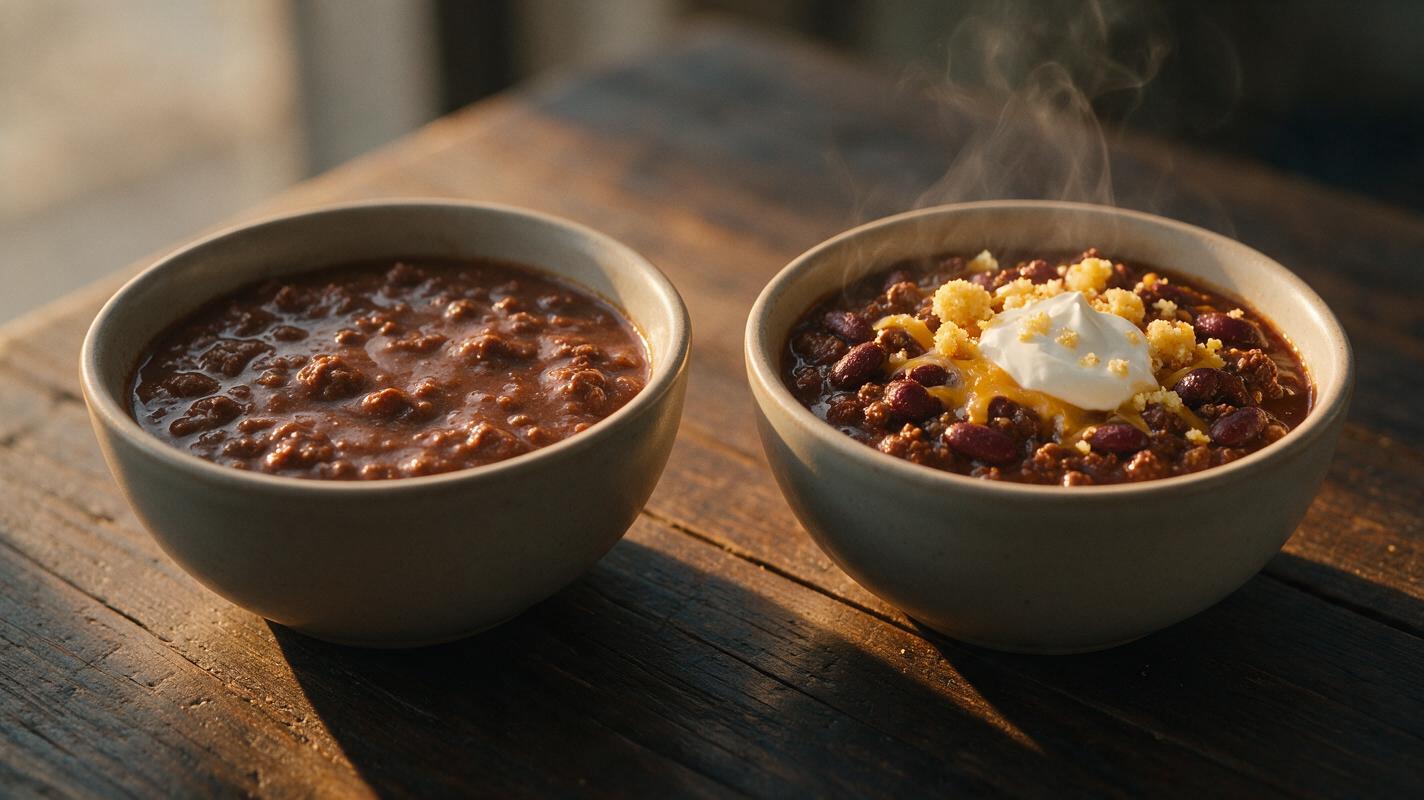
Table of contents
The hidden reason AI bowl meals look unappetizing
Bowl meals — from beef chili and tomato soup to quinoa grain bowls, overnight oats, and acai bowls — are top sellers for casual restaurants, delivery apps, and comfort food brands. But AI-generated versions often turn out as bland, mushy blobs that look nothing like the hearty, satisfying meals customers order. Even a top-tier ai image generator like Flux can struggle with layered, moist, ingredient-dense bowls because of how AI interprets mixed foods and liquid bases. The result is photos that don’t drive clicks or orders, and take hours of trial and error to fix.
What causes mushy AI bowl photos
Four core issues are almost always behind unappetizing AI-generated bowl meals, regardless of the model you use:
- Ingredient blending: AI can’t easily distinguish between separate ingredients suspended in a wet base, so beans, veggies, meat, and broth merge into a uniform, murky mass with no distinct edges.
- Flat texture erasure: Default AI food lighting is often even and shadowless, which washes out the tiny details — oil bubbles, cheese strings, crumb edges, sauce sheens — that make bowls look hearty and textured.
- Depth collapse: Bowls are three-dimensional, with toppings sitting above a lower base, but AI often renders the entire surface as a flat plane, so you can’t tell if ingredients are submerged or stacked high.
- Missing realism cues: Subtle details like soft steam, crumbs on the bowl rim, sauce drips, or condensation on the outside are rarely generated automatically, leaving bowls looking cold, artificial, and uninviting.
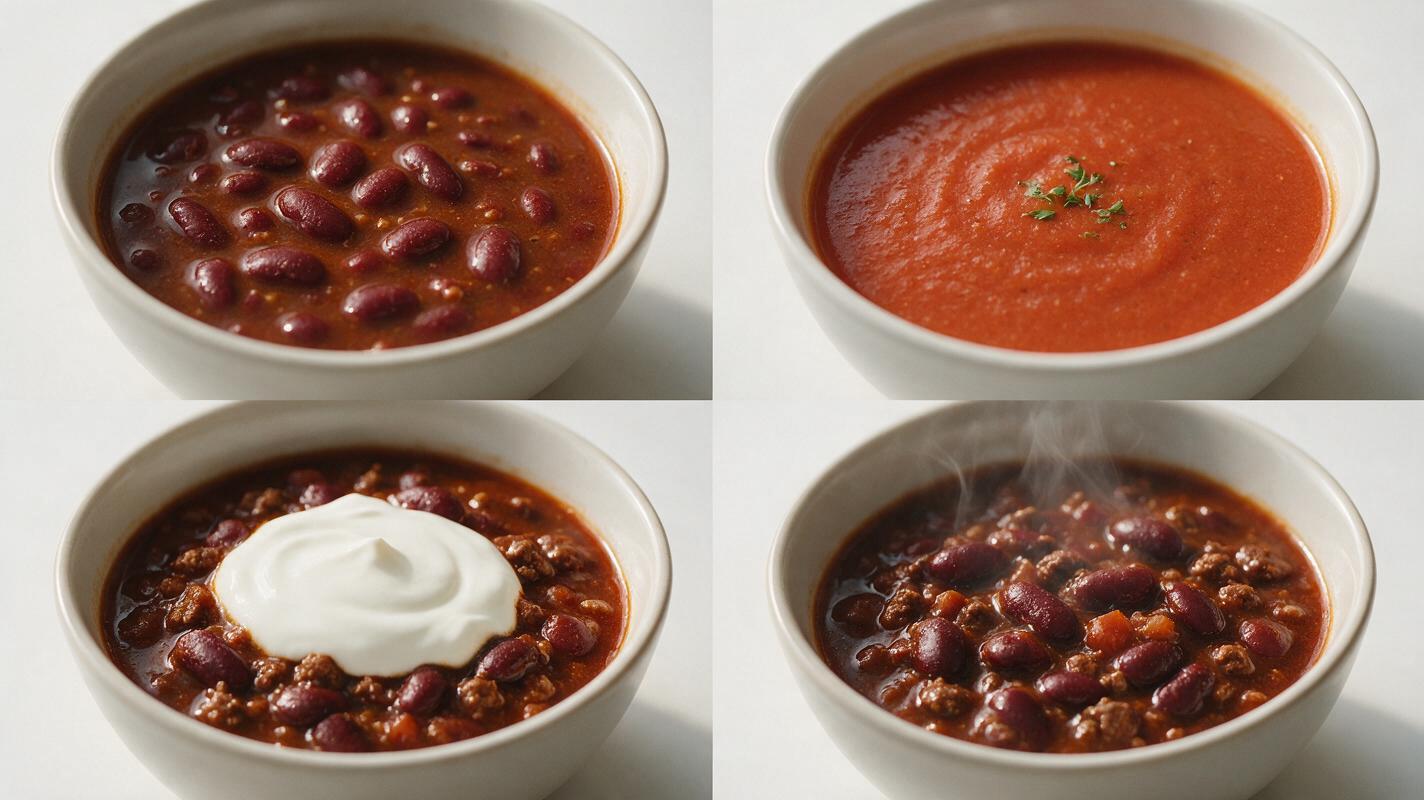
Flux prompt structure for hearty, textured bowl photos
Flux excels at rendering fine, realistic texture detail, but you need to structure your prompt to explicitly separate ingredients, define vertical depth layers, and call out specific texture cues. The template below works for all bowl types by forcing the model to prioritize distinct, layered elements over a uniform blended mass.
Photorealistic food photography of a [bowl type] in a [bowl material/color] bowl, 45-degree top-down angle, [lighting type] from [direction], sharp focus on [top topping] and [key ingredient] sitting on top of [base type], distinct vertical layers: [layer 1 (top)], [layer 2], [layer 3], [base layer], each ingredient has sharp edges and is fully distinguishable, no blending between ingredients, [realism cue 1], [realism cue 2], [background], shallow depth of field, f/2.8, 50mm lens, professional food stylingFor a hearty beef chili bowl, the filled-in prompt looks like this:
Photorealistic food photography of a hearty beef chili bowl in a matte white ceramic bowl, 45-degree top-down angle, golden hour window light from the left, sharp focus on crispy cornbread crumble topping and glistening kidney beans sitting on top of thick red chili broth, distinct vertical layers: crispy cornbread crumble, creamy sour cream dollop with chopped chives, shredded cheddar cheese with melted edges, tender beef chunks, whole kidney beans, diced tomato, all resting on a thick chili base with visible texture, each ingredient has sharp edges and is fully distinguishable, no blending between ingredients, soft wisp of steam rising from the center, cornbread crumbs scattered on the bowl rim, dark reclaimed wooden table background, shallow depth of field, f/2.8, 50mm lens, professional food stylingThe most critical parts of the prompt are the explicit "distinct vertical layers" list, the "no blending between ingredients" guardrail, and the specific realism cues. These small details prevent Flux from merging all ingredients into a uniform mush. test this prompt yourself to see how much difference structured layering makes.
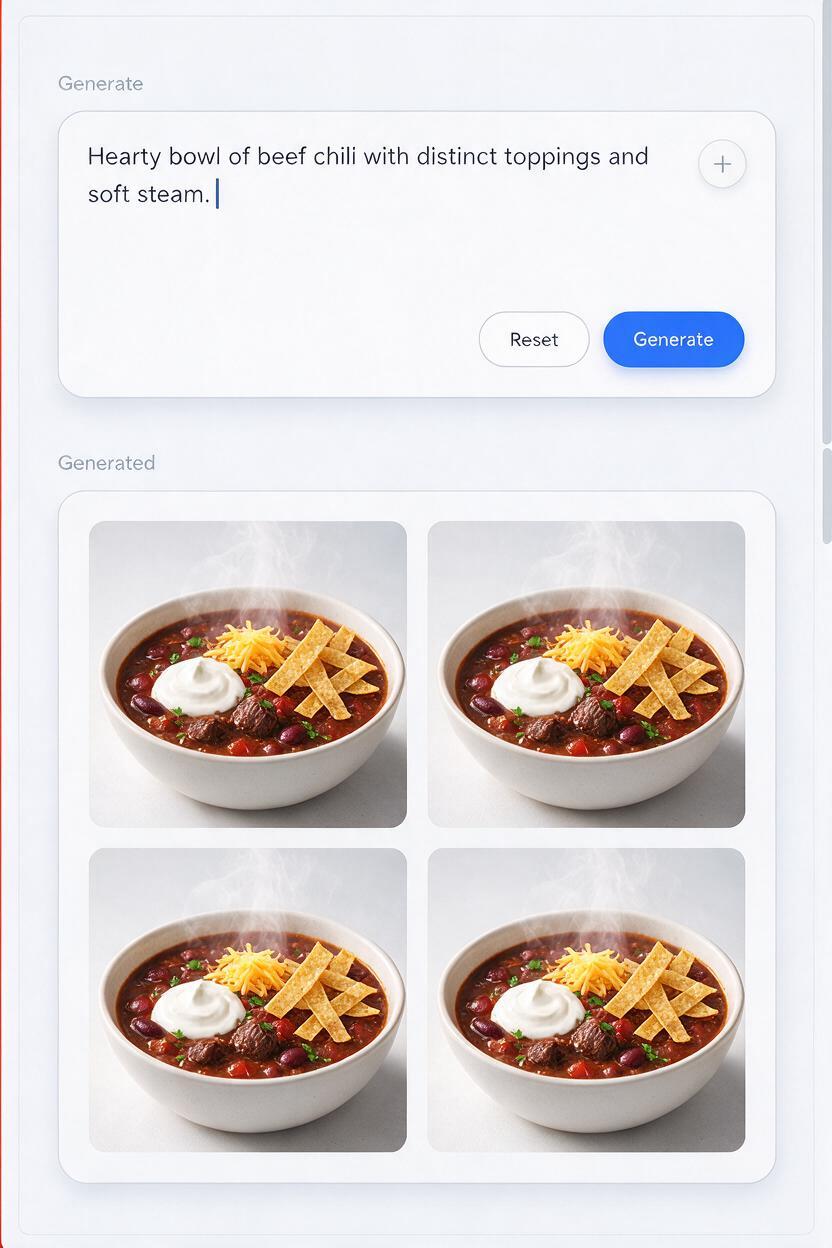
Targeted fixes for common bowl rendering flaws
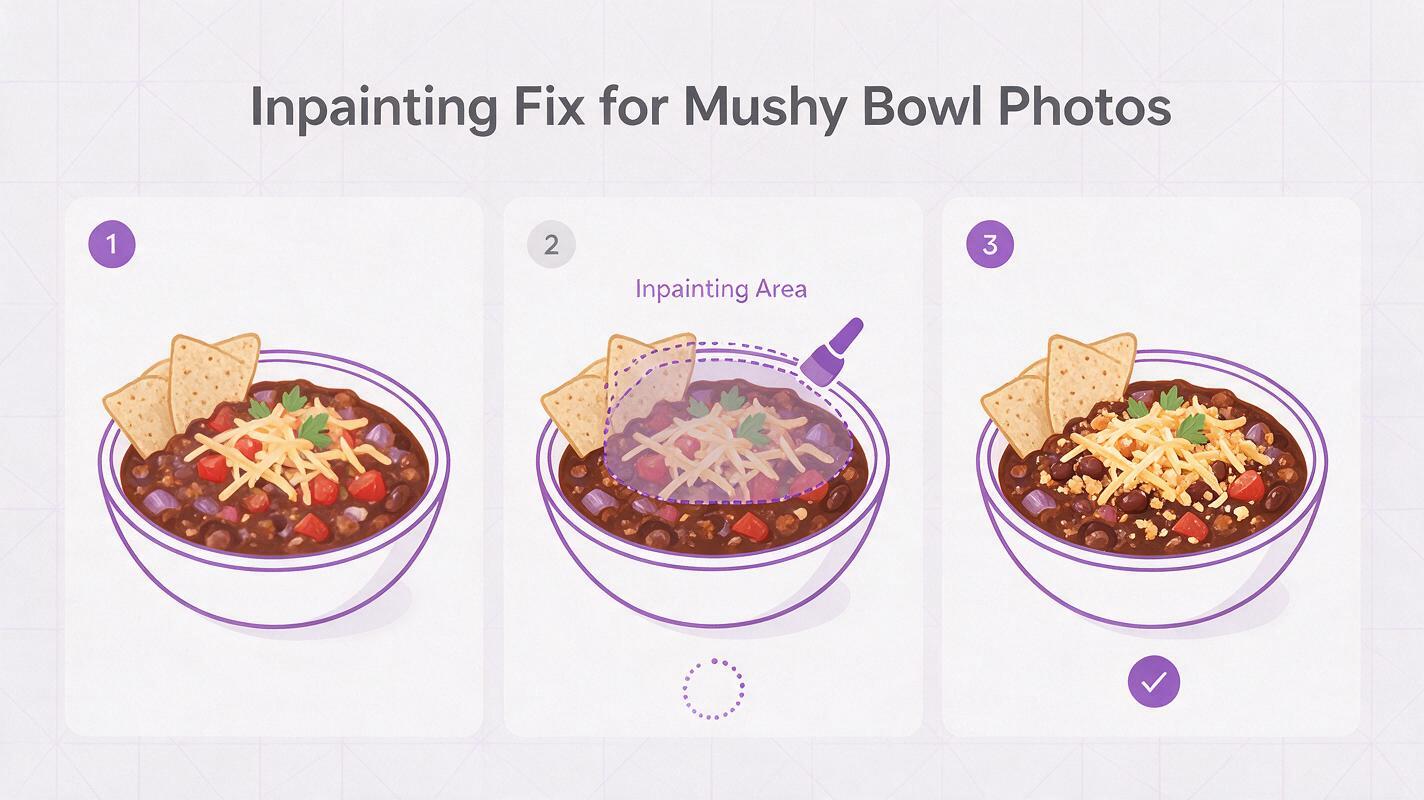
Even with a well-structured prompt, you may still run into small flaws with tricky bowl ingredients, especially for dishes with lots of small, similar-sized pieces. Use these targeted inpainting fixes (we recommend Seedream 4.5 for precise food texture edits) to polish your final image without re-generating the entire bowl.
Blended ingredients in the broth
If beans, meat, or veggies are merging into the base, use inpainting to select only the top 1/3 of the bowl’s surface. Use this prompt for the inpainted area: "distinct whole [ingredient] sitting on top of thick [base], sharp edges on each piece, no blending, glistening surface, matches surrounding lighting and style"
Murky, flat broth or sauce
If the base looks dull and uniform, select only the broth or sauce area and inpaint with: "glistening thick [base type] with tiny oil bubbles on the surface, rich saturated color, light reflecting off small texture ridges, not murky, matches surrounding bowl and ingredients"
Flat, depthless toppings
If toppings look like they’re painted on instead of sitting on top, add explicit height cues to your prompt or inpaint the topping layer with: "[topping] stacked above the [base], visible height difference, small soft shadow cast from topping onto the base below, textured surface"
Cold, unappetizing temperature
For warm bowls like soup or chili, missing steam makes the food look cold and uninviting. Inpaint a small area above the center of the bowl with: "soft wispy white steam rising gently, translucent, subtle, not thick or smoky, natural looking" and add a faint line of condensation to the inside rim of the bowl if needed.
Turn bowl photos into scroll-stopping social clips
Once you have a polished static bowl photo, you can turn it into a short, engaging clip for Instagram Reels, TikTok, or restaurant digital menus using image to video tools. Subtle animation — like soft steam movement or a slow, gentle rotation — makes bowl food feel more satisfying and real, without risking warped edges or blended ingredients.
For best results, use Seedance with a movement-limited prompt to keep your carefully styled bowl intact. A good starting prompt is:
Subtle slow motion animation of a [bowl type], soft steam rising gently from the center, very slow 10-degree clockwise rotation of the bowl, no warping, no ingredient movement, stable bowl shape, consistent lighting, 10 second vertical clip, cinematic food photography styleStick to very slow, minimal movement — fast pans, zooms, or over-the-top steam effects will cause the bowl rim to warp and ingredients to blend together, undoing your hard work.
Final quality checklist for bowl food marketing assets
- Each distinct ingredient has sharp, clear edges and does not blend into the base or other ingredients
- Broth, sauce, or base has visible texture (oil bubbles, ridges, sheen) instead of looking flat and murky
- There is clear vertical depth: toppings sit above the base, with subtle shadows showing height difference
- Subtle realism cues match the dish type: steam for warm bowls, condensation for cold bowls, crumbs or drips for hearty meals
- Bowl shape, size, and rim are perfectly consistent, with no warping or distortion
- Lighting creates highlights and soft shadows that emphasize texture, rather than washing out detail
Keywords
ai bowl food photos, food image generator, restaurant marketing ai, menu photo generator, ai food photography, comfort food visuals, flux food prompts