Why AI Brand Background Loops Jump—and How to Hide the Seam
AI-generated brand backgrounds often reveal an obvious jump when the last frame returns to the first. This guide shows designers how to prepare loop-friendly artwork, prompt Hailuo for controlled motion, conceal the transition in editing, and protect fixed brand elements.
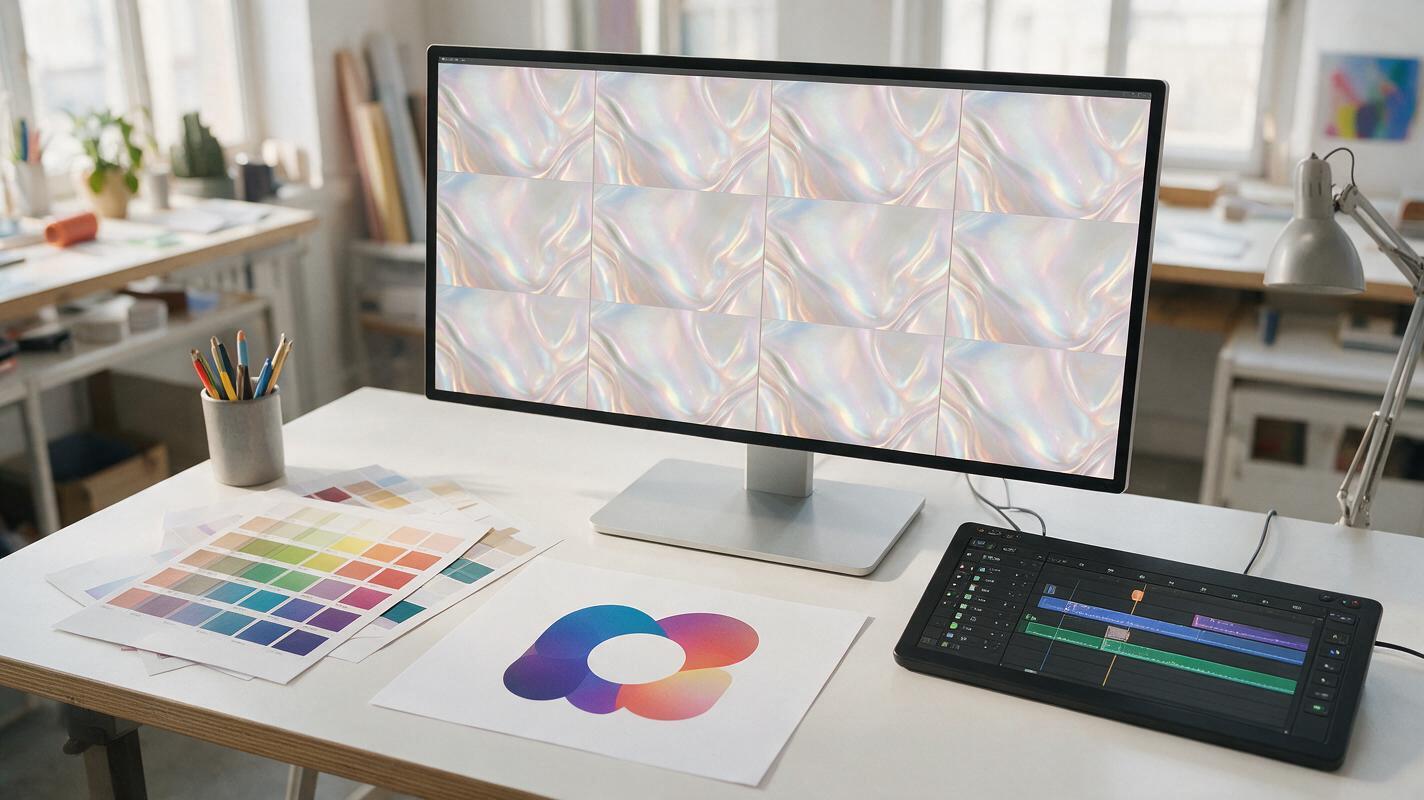
Table of contents
A seamless loop starts before anything moves
A polished brand background should be able to repeat behind a logo, product render, event title, or social post without exposing where the clip ends. Yet AI-generated motion frequently changes direction, introduces new details, or finishes with a composition that no longer matches its opening frame.
The practical solution is not to demand a mathematically perfect loop from one prompt. Build a source image that tolerates movement, generate a stable motion plate with Hailuo, and create the final seam deliberately in an editor. This approach gives brand designers a reusable asset rather than a fragile one-off clip.
Why seamless brand loops fail
Most generative video models interpret a still image as the beginning of an event. They expect something to develop: a shape expands, light travels across the scene, particles accumulate, or the camera advances. That forward progression creates an ending that cannot return naturally to the opening frame.
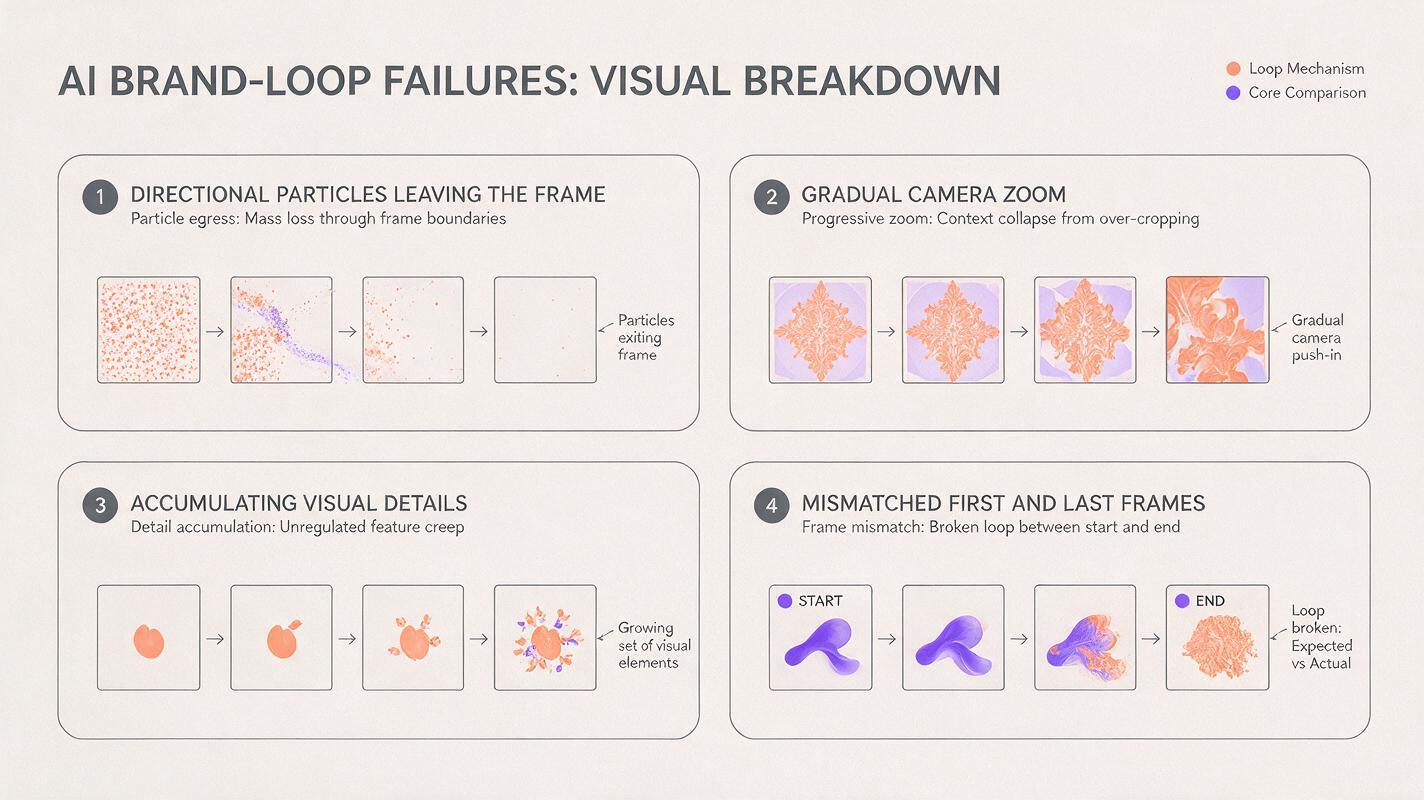
Visible seams usually come from four problems:
- Directional movement: smoke, fabric, liquid, or particles travel out of frame without returning.
- Camera drift: a subtle push-in changes the scale and position of every graphic element.
- Visual accumulation: new fragments, highlights, or deformations appear as the clip develops.
- Uneven timing: motion accelerates or stops near the end, making repetition feel mechanical.
A useful loop does not need identical first and last frames if the transition can be hidden inside continuous texture, a lighting pulse, or a planned graphic interruption.
Design a source frame that can survive motion
Begin with an image that behaves like a motion plate, not a finished poster. Keep approved logos, headlines, legal text, and fine typography out of the generated background. Those elements should remain editable and can be composited over the final loop later.
Loop-friendly source frames share several characteristics:
- A clear visual center that does not depend on precise object anatomy
- Texture extending beyond the intended crop
- Balanced density near opposite edges
- No directional arrows, readable words, or one-way narrative action
- Enough quiet space for the final brand layer
Abstract ribbons, translucent membranes, soft reflections, grain fields, radial light, layered paper, and slow liquid surfaces generally tolerate motion better than complicated product scenes. If the campaign needs a recognizable product, keep the product on a separate static layer whenever possible.
Abstract campaign background for a contemporary skincare identity, translucent pearl-white membranes surrounding a quiet central product zone, pale coral reflections, soft studio depth, balanced visual weight on every edge, refined tactile surface, no text, no logo, no package, no people, no directional action, 16:9 compositionYou can prepare this frame with ai image generator, then crop and retouch it at the final delivery ratio before generating motion. Starting at the correct ratio prevents a later reframing operation from cutting through the movement.
Prompt Hailuo for loop-friendly movement
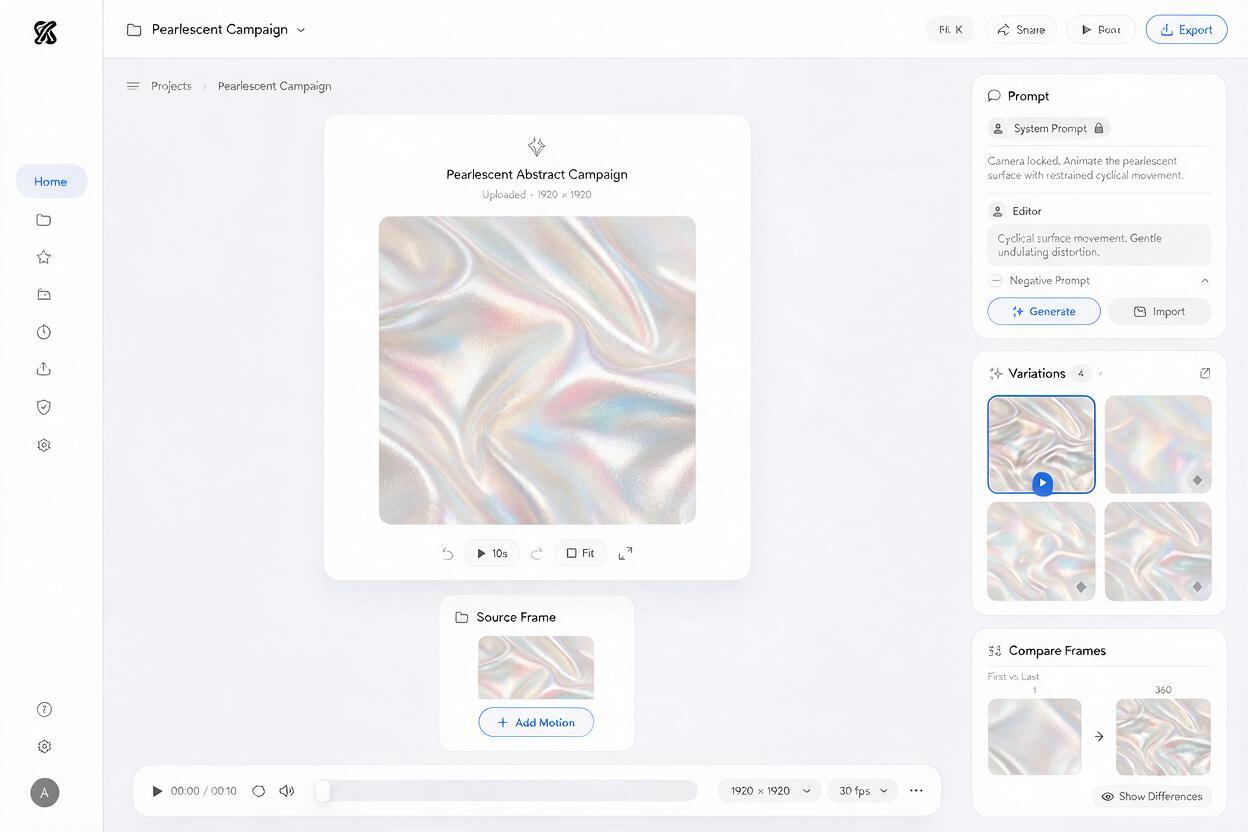
Use Hailuo to animate the approved background through an image to video workflow. The prompt should describe motion as a restrained system rather than a sequence of events.
Strong prompts define five controls: camera behavior, motion region, movement character, continuity, and exclusions. “Make it cinematic” is too broad; it can invite zooms, dramatic lighting changes, or newly invented objects.
Locked camera. The translucent membranes move with extremely slow cyclical breathing motion while soft reflections travel gently across the surfaces. Preserve the original composition, central negative space, color palette, edge balance, and material identity. Continuous ambient movement with no beginning or ending gesture. No camera movement, no zoom, no new objects, no text, no shape transformation, no scene transition.For a geometric identity, replace organic language with controlled oscillation:
Locked orthographic camera. The layered geometric tiles shift by a few millimeters in a slow repeating wave, with subtle light passing across the embossed surfaces. Maintain every tile proportion, spacing relationship, color, and outer-frame density. Calm continuous motion, uniform speed, no build-up, no rotation of the full composition, no added symbols, no camera movement.Generate a few short variations rather than one long clip. Longer generations give the model more time to redesign the artwork. Select the version with the lowest structural drift, even if another option appears more dramatic.
Judge stability before visual impact
Review the first and last frames side by side. Temporarily lower the opacity of the last frame over the first; mismatched edges and scale changes become immediately visible. Reject clips with camera movement, expanding forms, disappearing objects, or color shifts that affect the brand palette.
| Motion result | Loop potential | Recommended treatment |
|---|---|---|
| Slow texture drift | High | Short crossfade between end and beginning |
| Gentle light pulse | High | Cut at matching brightness levels |
| Reversible floating motion | Medium | Forward-and-reverse loop with softened turnaround |
| Constant camera push | Low | Regenerate with a locked camera |
| Object transformation | Low | Use as a transition, not a background loop |
Build the seamless edit outside the generator
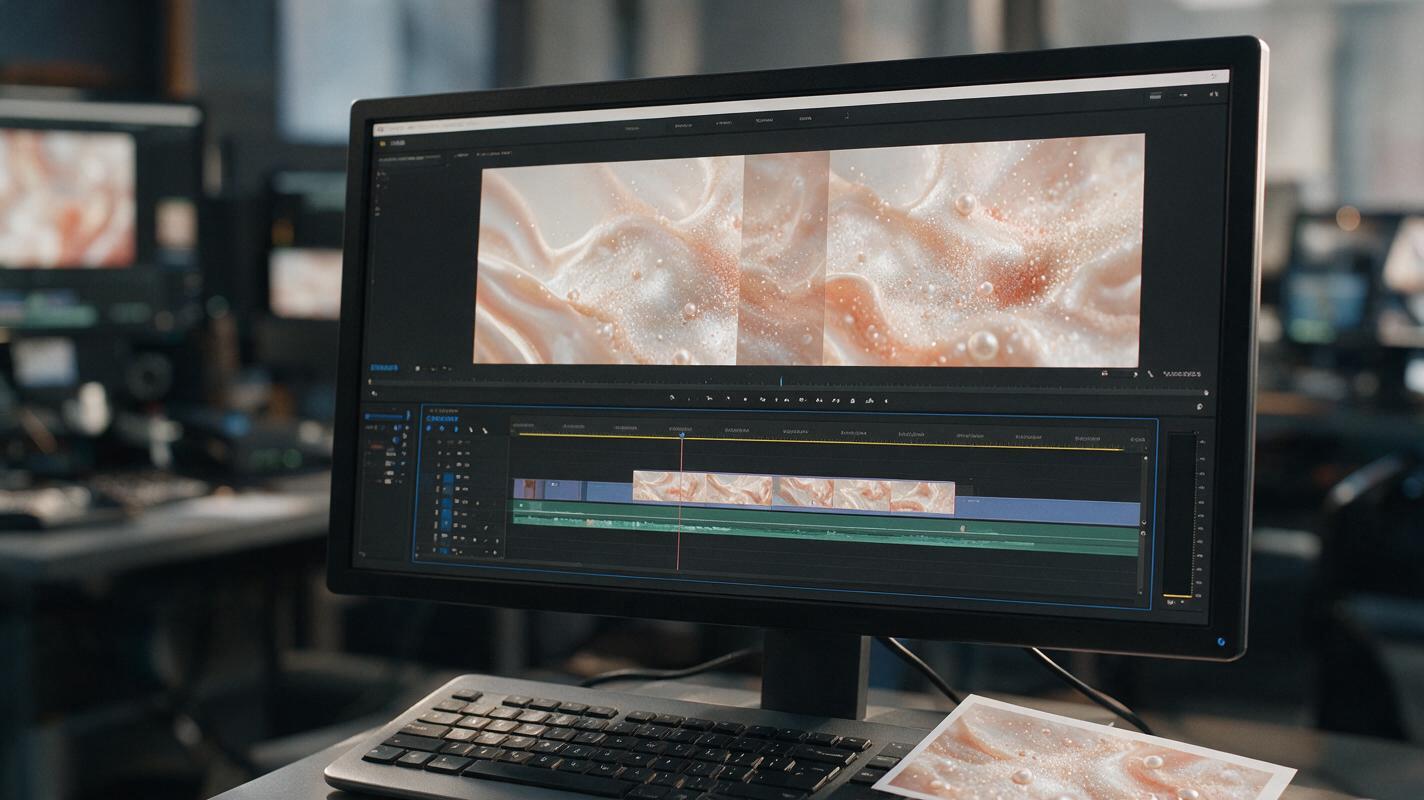
Place several copies of the chosen clip back to back on a timeline. This immediately reveals whether the seam is acceptable under real repetition rather than during a single preview.
For diffuse texture, overlap the end with a duplicate of the beginning and apply a brief opacity dissolve. Adjust the overlap until the blend disappears into existing surface movement. A short transition preserves energy; a longer transition can hide larger differences but may create ghosted shapes.
If the motion is naturally reversible, duplicate the clip and reverse the second copy. This produces a forward-and-back cycle, but the turnaround can still look abrupt. Trim frames where the motion is fastest, keep the change of direction at a quieter moment, and ease the speed around that point.
A branded wipe can conceal a seam that cannot be blended cleanly. Let a large color field, oversized shape, product silhouette, or logo-safe glow cross the frame near the cut. The interruption becomes part of the motion language rather than an error.
Use soundless repetition as the real test
Preview at least five consecutive cycles with no sound. Watch the boundary rather than the center of the frame. Edge flicker, changing grain, and small brightness jumps are often more revealing than movement around the focal point.
Also inspect the loop at its intended size. A seam invisible on a large editing monitor may become obvious in a small social tile because broad changes in brightness dominate the reduced image.
Protect logos and campaign typography
Do not ask the video model to preserve a finished logo or typeset campaign line inside a moving scene. Even when the first frame is correct, later frames may soften corners, change counters, or bend baselines.
Keep fixed brand assets in separate vector or transparent layers. Composite them after the background loop is approved, then decide whether they should remain completely static or receive controlled motion created with conventional animation tools.
A reliable layer stack is:
- Generated ambient motion background
- Color correction or brand-palette adjustment
- Product render or approved campaign object
- Logo and typography in editable form
- Grain or finishing texture shared across all layers
This separation also makes the loop easier to reuse. The same motion plate can support different headlines, markets, formats, and campaign phases without another generation pass.
Troubleshoot the seam instead of overprompting
The whole frame slowly zooms
Add “locked camera,” “fixed framing,” and “preserve original scale.” If the drift remains visible, regenerate rather than correcting a major zoom with cropping, which reduces resolution and changes the approved layout.
The final frames contain extra details
Remove verbs that imply growth, emergence, assembly, spreading, or transformation. Request ambient motion within existing elements and explicitly exclude new objects.
The crossfade creates double edges
Shorten the overlap or place the seam where forms are soft and low contrast. For hard geometry, use a foreground wipe or cut between matching states instead of dissolving incompatible outlines.
The reverse loop pauses at both ends
Trim the frames where the generated motion naturally slows. A reverse loop works best when the selected section has steady movement and no obvious resting pose.
The background competes with the logo
Mask or reduce motion inside the logo-safe area. The most active movement should support the visual hierarchy, not pass continuously beneath the primary mark.
Final checklist
- Generate the background without logos, headlines, or legal copy.
- Use balanced edge detail and avoid irreversible action in the source frame.
- Request a locked camera and restrained continuous movement.
- Choose structural stability over dramatic motion.
- Test the clip through several consecutive repetitions.
- Hide the seam with a blend, reversible cycle, matching state, or branded wipe.
- Composite approved typography and logo artwork after motion generation.
- Review the final loop at every intended campaign size.
When the source artwork is ready, turn your image into a video and test several restrained motion directions before committing to the final edit.
Keywords
AI brand background, seamless video loop, Hailuo prompts, brand animation, image to video, campaign graphics, motion design