AI Cocktail Pour Videos Without Overflow or Warped Garnishes
AI cocktail pours often fail when the liquid misses the glass, the fill level rises too far, or a polished garnish changes shape. This guide presents a reference-first Hailuo workflow for producing short, controlled beverage ads while preserving the glass, drink color, ice, garnish, and serving accuracy.
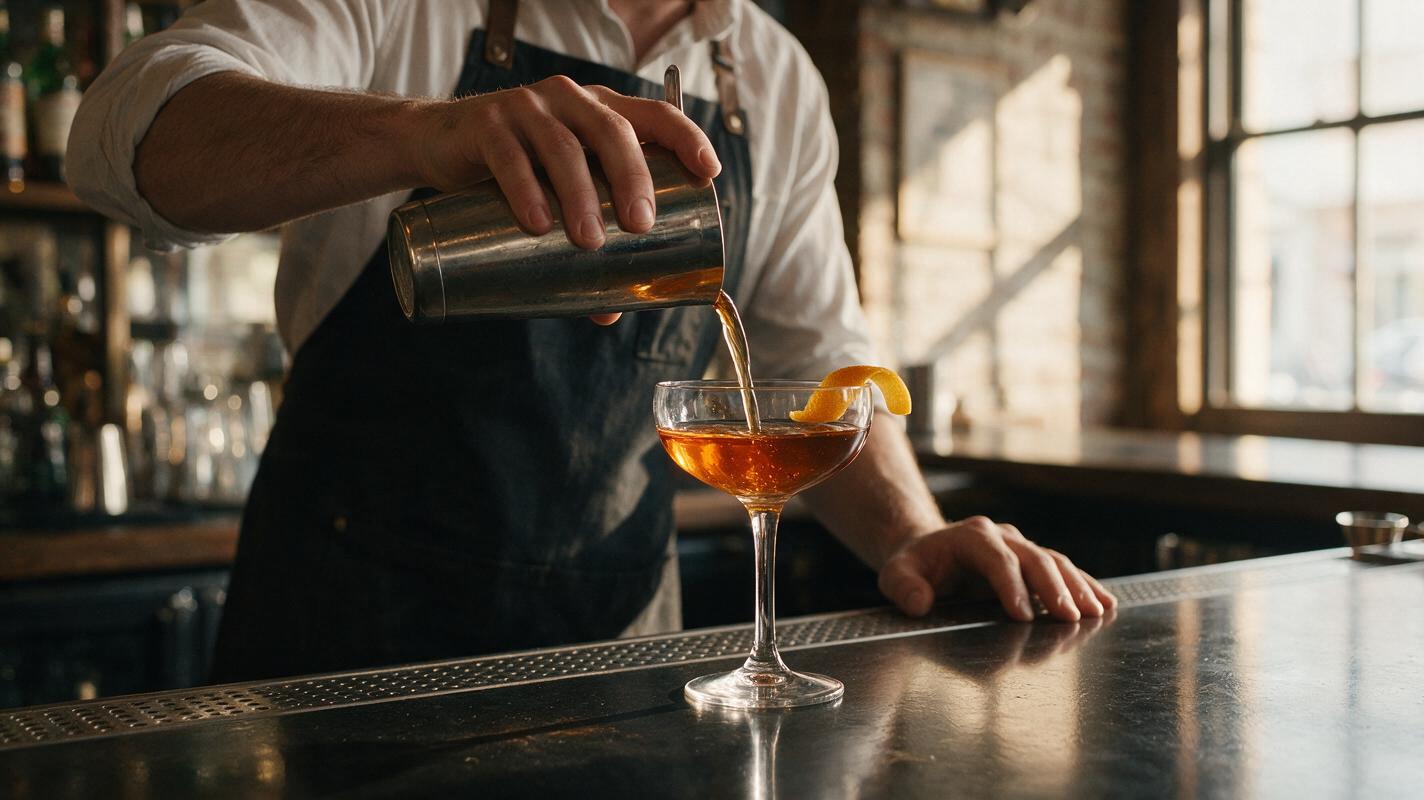
Table of contents
A stable cocktail pour starts with a controlled reference
AI cocktail pour videos can look convincing for a second and then collapse: the stream bends away from the glass, the drink overflows, ice multiplies, or a lime wheel turns into an unrecognizable object. The most reliable solution is to begin with an approved cocktail photograph and animate one restrained action around it.
This reference-first method uses Hailuo to create a short beverage shot while treating the glass, liquid color, ice arrangement, garnish, and background as protected visual elements. It works for restaurant social posts, happy-hour promotions, cocktail menu launches, and beverage campaign cutaways.
Accuracy matters: the finished clip should represent a drink the bar can actually serve. AI should add motion and atmosphere, not invent a larger portion, extra garnish, or unavailable ingredients.
Why AI cocktail pours become unstable
A cocktail pour contains several movements that generation models can misinterpret. The liquid stream changes shape continuously, its surface reacts inside a transparent vessel, ice refracts the background, and small garnishes must remain recognizable throughout the shot.
Failures become more likely when a prompt asks for too much at once. A rotating camera, splashing liquid, moving ice, rising bubbles, drifting condensation, flying citrus, and changing lights may sound cinematic, but each instruction gives the model another opportunity to redesign the product.
- Overflow: the model keeps raising the liquid even after it reaches the intended fill line.
- Broken stream: the pour separates, branches, or appears to originate from empty space.
- Glass deformation: the rim widens, the stem bends, or the vessel changes between frames.
- Garnish drift: citrus, herbs, cherries, or cocktail picks move, multiply, or change species.
- Ingredient substitution: the drink changes color or gains foam, fruit, or ice that was not present.
For this task, image to video is usually more controllable than generating the complete scene from a text description. The approved photograph establishes the product before motion begins.
Choose a reference frame that can survive animation
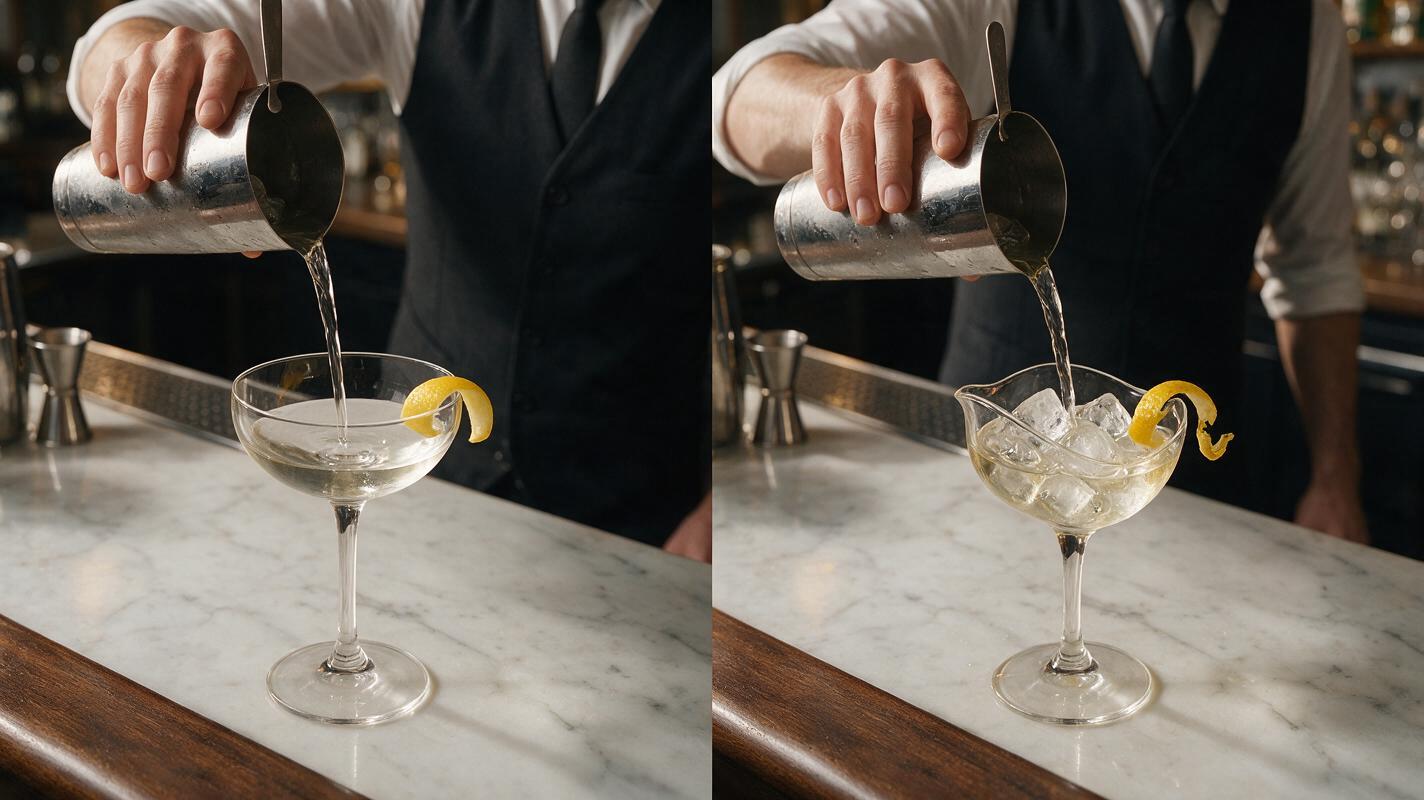
Use a sharp image with a clearly visible rim, believable glass geometry, and enough empty space above the drink for the pouring stream. A three-quarter or near-profile angle is generally easier to control than an extreme top-down composition because the model can see both the vessel and the intended direction of the liquid.
The starting image should already contain the final serving details:
- The correct glassware and portion size
- The real drink color and opacity
- The intended number and shape of ice cubes
- The actual garnish, pick, straw, or branded accessory
- The approved bar surface and campaign lighting
If a bottle, shaker, or pitcher appears, keep its pouring edge visible and positioned naturally above the glass. Avoid beginning with the container touching the rim, because that overlap can encourage the model to merge both objects.
Protect the drink before describing the motion
A useful motion prompt separates fixed elements from moving elements. State what must remain unchanged first, introduce one principal action, and finish with camera and lighting constraints. Rather than asking an ai video generator to make the entire scene “more dynamic,” define a narrow movement that can be evaluated objectively.
Use the uploaded cocktail photograph as the exact visual reference.
Preserve the original glass shape, rim, stem, drink color, ice count,
garnish, fill level, bar surface, background, and lighting.

A thin, continuous stream of amber cocktail pours naturally from the
visible shaker spout into the center of the glass for a brief moment.
The liquid surface responds with one small realistic ripple.
The final fill level remains below the rim with no overflow.

Locked camera, no zoom, no orbit, no glass movement, no garnish motion,
no added ingredients, no extra ice, no foam, no dramatic splash,
no object morphing, no text, no label changes.
Replace “amber cocktail” with the real beverage description. If the drink is cloudy, layered, carbonated, or creamy, say so only when that property is visible in the reference. Do not prompt for bubbles, foam, or swirling color merely to make the clip feel more active.
Match the motion to the intended ad format
| Creative format | Recommended movement | What to avoid |
|---|---|---|
| Menu launch | Short centered pour with a locked camera | Changing the final serving size |
| Happy-hour post | Brief pour followed by a clean hold | Fast splashes that cover the glass |
| Premium spirits ad | Thin controlled stream and subtle surface ripple | Excessive smoke, sparks, or floating ingredients |
| Refreshing summer drink | Small pour with restrained condensation movement | Multiplying citrus and melting ice |
| Recipe cutaway | One ingredient entering from a visible source | Showing several recipe actions in one generation |
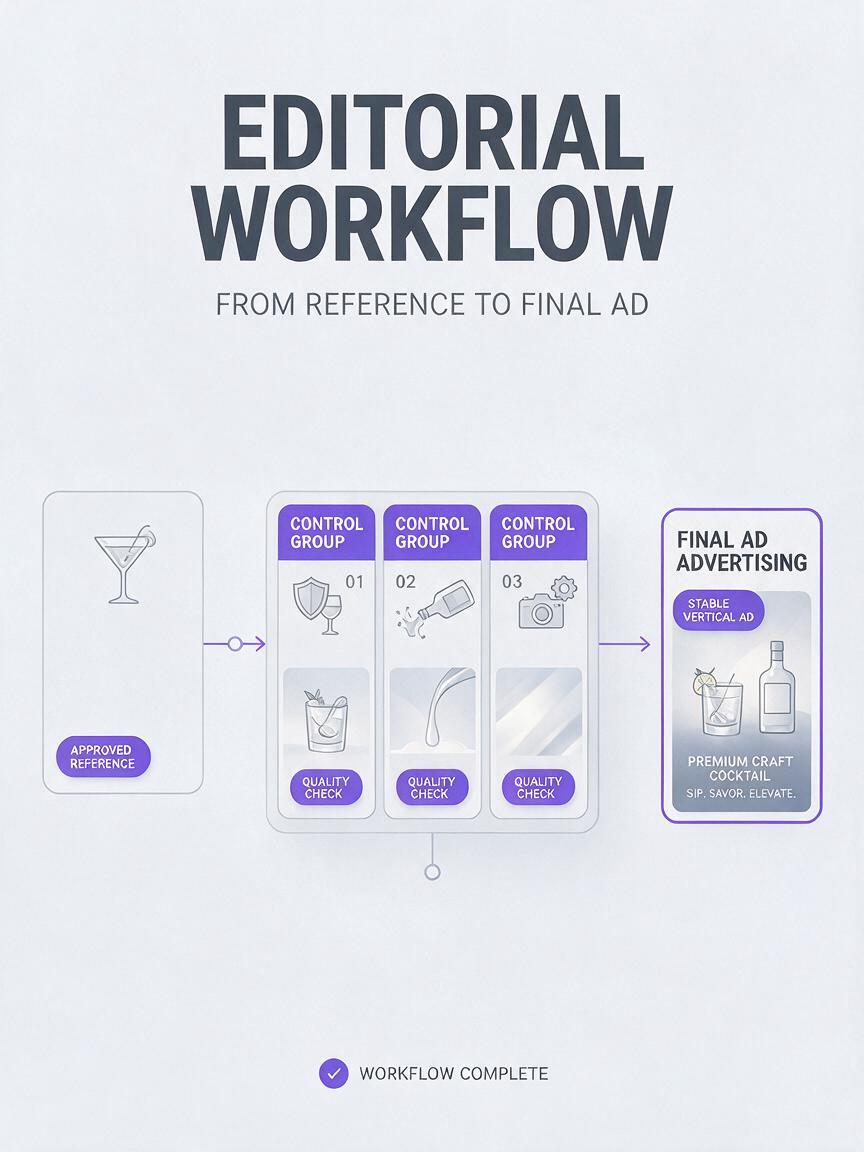
Hailuo can be used for short reference-led motion tests, but the model should not be expected to execute a complete cocktail recipe in a single clip. Generate the pour, garnish placement, stirring, and final hero shot separately when the campaign requires multiple actions. Individual clips are easier to reject, regenerate, and edit without sacrificing an otherwise usable sequence.
Keep the fill level under control
The strongest safeguard against overflow is to limit both the duration and the visible volume of the pour. Describe the stream as brief and thin, specify that the final level stays below the rim, and ask for only a small surface response.
If the reference glass is already nearly full, do not request a substantial pour. Use one of these alternatives instead:
- A tiny finishing pour lasting only a moment
- A bar spoon entering and making one restrained stir
- A subtle garnish adjustment by a bartender's hand
- Condensation moving slowly while the drink remains still
- A controlled light sweep across the glass
These actions preserve the visual satisfaction of a beverage reveal without forcing the model to reconcile an impossible amount of extra liquid.
Troubleshoot one failure at a time
| Problem | Likely cause | Prompt correction |
|---|---|---|
| The drink overflows | The pour is too long or the final level is undefined | Request a brief finishing pour and specify a fixed level below the rim |
| The stream misses the glass | The source or destination is visually ambiguous | Name the visible spout and direct the stream into the center of the glass |
| The garnish changes | Too many moving elements compete for attention | Lock the garnish and remove secondary motion |
| Ice multiplies | The prompt emphasizes splashing and turbulence | Preserve the exact ice count and request one small ripple |
| The glass bends | Camera movement or object overlap destabilizes its outline | Lock the camera and keep the pouring vessel separated from the rim |
| The drink changes color | Lighting or ingredient language implies a transformation | Preserve the original hue, opacity, and illumination |
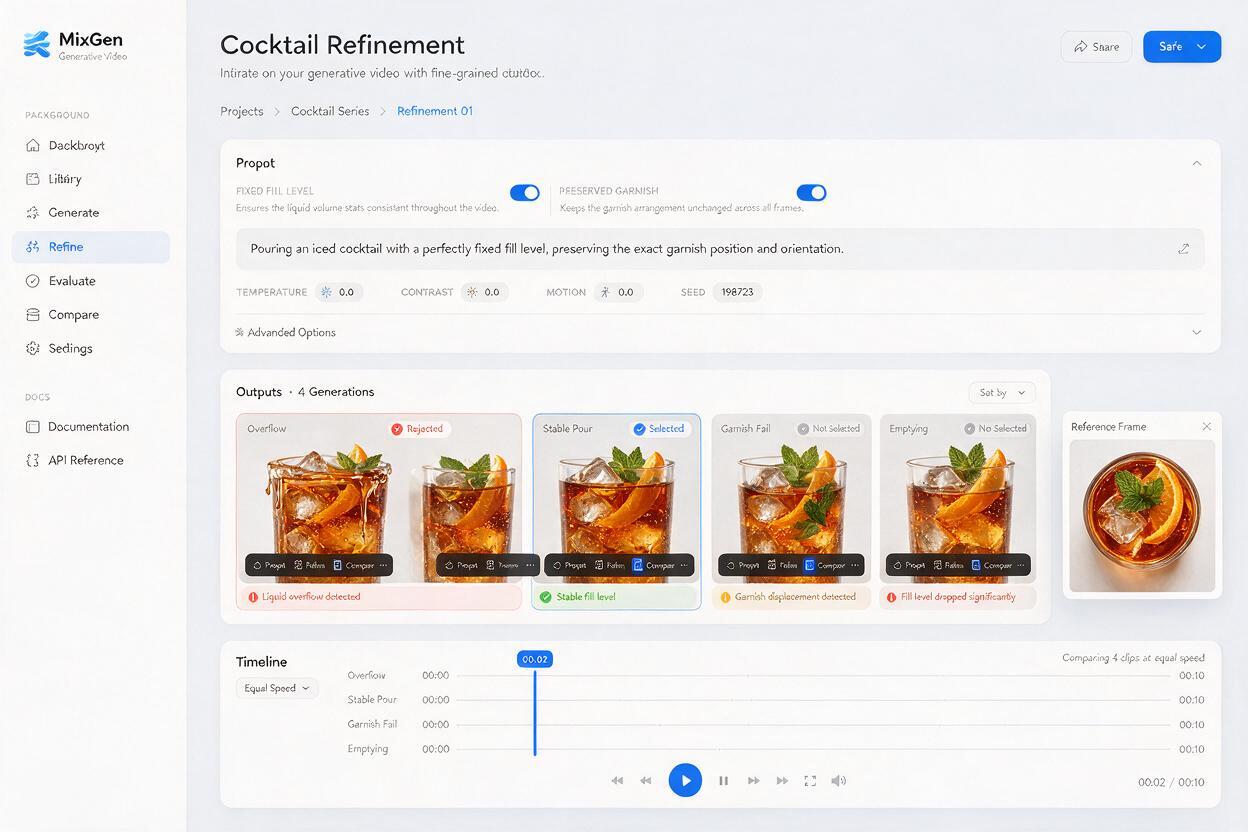
When a result has one clear defect, revise only the instruction related to that defect. Rewriting the entire prompt can alter the parts that were already correct. Save successful outputs and compare them at the same playback speed rather than judging only the most dramatic frame.
Edit the generated pour into a credible beverage ad
A generated shot does not need to carry the complete advertisement. A concise edit can open on the pour, cut to a stable hero frame, and finish with real promotional text added in the editing application. Keep prices, offer terms, logos, and legal copy outside the generated footage so they remain accurate and readable.
Sound also changes how viewers perceive the motion. A quiet liquid pour, one restrained ice sound, and subtle bar ambience often feel more premium than an exaggerated splash effect. For a restaurant feed, the final composition should still read clearly with the audio muted.
Before publishing, compare the clip with the real menu specification. Confirm the vessel, fill line, garnish, color, and visible ingredients. If the video makes the serving look larger or more elaborate than the product customers receive, regenerate or choose a different shot.
Final checklist
- Begin with an approved, sharply focused cocktail reference.
- Preserve the glass, fill line, drink color, ice, and garnish.
- Animate one principal action rather than an entire recipe.
- Use a thin, brief stream directed toward the center of the glass.
- Keep the camera locked while testing the first generations.
- Reject clips with overflow, new ingredients, warped glassware, or garnish drift.
- Add promotional text and branding during editing, not generation.
- Compare the result with the drink customers will actually receive.
Ready to test a controlled cocktail pour? try these models for free with your approved beverage photograph and the preservation-first prompt above.
Keywords
ai cocktail video, cocktail pour video, beverage ad ai, Hailuo video, image to video, restaurant social content, drink advertising