Why AI Comic Fight Animations Bend Limbs—and How to Fix Them
AI-generated fight animation often turns clear comic anatomy into rubbery arms, sliding feet, and unstable contact poses. This guide explains how to prepare illustrated panels for Seedance, constrain each action beat, and repair motion without sacrificing the original drawing.
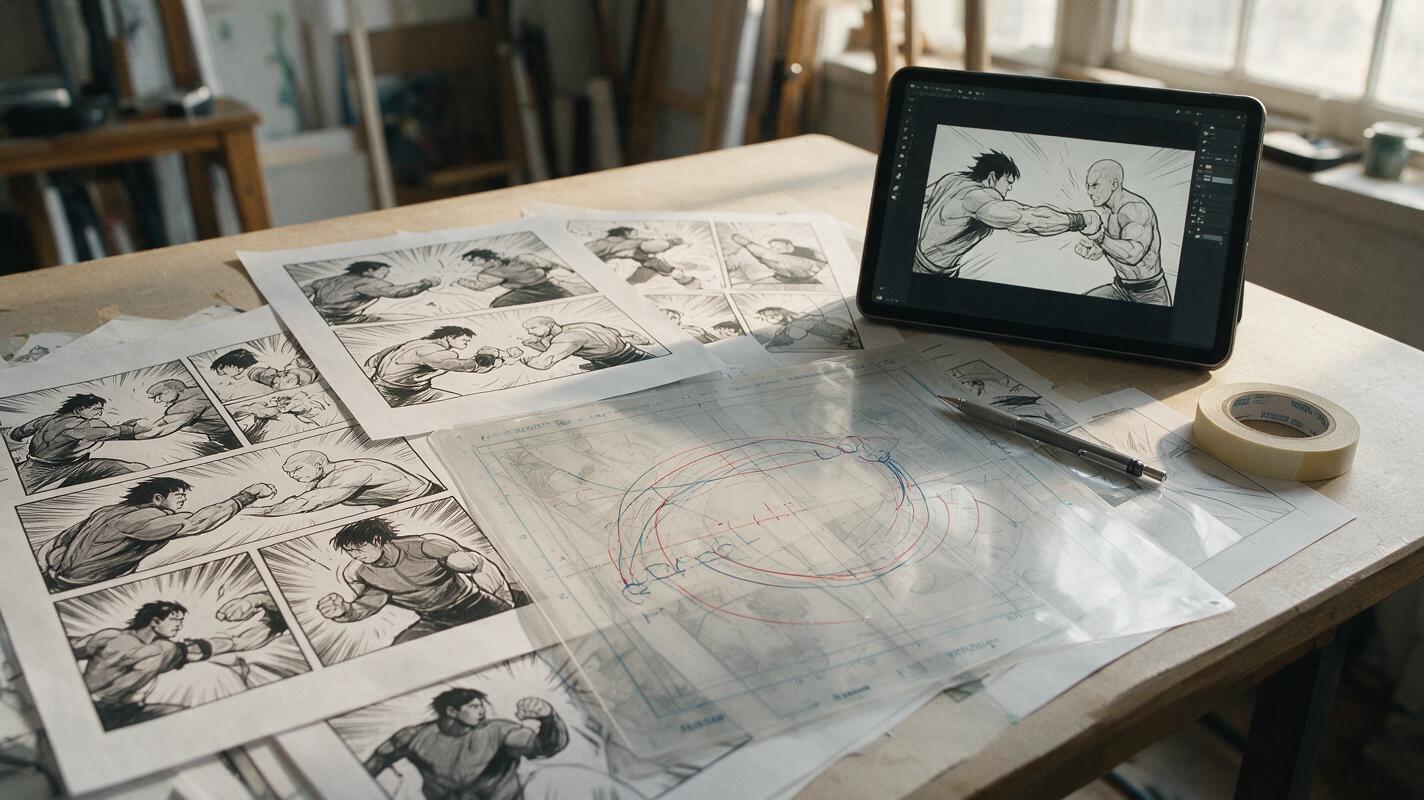
Table of contents
Keep the impact, lose the rubber limbs
A strong fight panel can fall apart as soon as an AI video model invents the movement between poses. Elbows reverse, planted feet slide, weapons change hands, and a clean punch becomes a full-body wobble. The problem is usually not the drawing quality. It is the amount and type of motion the model has been asked to infer from one frozen image.
The safest solution is to treat comic animation as a sequence of controlled action beats rather than one continuous stunt. With Seedance, a prepared source panel, a limited motion budget, and anatomy-aware prompts can produce a convincing burst of action while preserving the artist’s composition.
Why illustrated fight scenes produce unstable anatomy
A comic panel shows the most readable instant of an action, not necessarily a physically neutral pose. Foreshortened limbs, hidden joints, speed lines, impact flashes, and overlapping bodies all make sense to a human reader. A video model must decide what exists behind every overlap and how those forms move over time.
Several common panel features increase that uncertainty:
- Hidden joints: an elbow or knee disappears behind the torso, so its movement path is ambiguous.
- Extreme foreshortening: a fist drawn much larger than the shoulder may be interpreted as a changing limb length.
- Contact between characters: a punch, block, grab, or kick requires two bodies to maintain a precise relationship.
- Graphic effects attached to anatomy: speed lines and impact bursts can be mistaken for moving body parts.
- Too many simultaneous actions: camera movement, cloth motion, facial acting, body rotation, debris, and lighting changes compete for attention.
The model does not need more freedom to make a fight exciting. It needs a clearer hierarchy of what moves, what reacts, and what must remain fixed.
Choose a source panel with recoverable anatomy
Before using image to video, inspect whether the pose can plausibly move without the model reconstructing half the body. The best source is not always the most spectacular finished panel. A slightly less extreme pose with visible shoulders, hips, elbows, and support feet often produces stronger animation.
| Source-panel feature | Animation risk | Safer preparation |
|---|---|---|
| Fist covers the opponent’s face | Faces and fingers merge during motion | Begin just before contact or animate only the impact reaction |
| One leg hidden behind clothing | Knee direction changes between frames | Reveal a small part of the thigh or simplify the lower-body motion |
| Weapon crosses the torso | Grip and weapon length drift | Make both hands and the handle silhouette clearly readable |
| Dense speed lines touch limbs | Lines stretch with the body | Remove effects and restore them during compositing |
| Both fighters twist at once | Body orientation becomes ambiguous | Assign one performer as the mover and one as the reactor |
Keep the original panel as a style reference, but prepare a clean animation plate when necessary. Separate dialogue, captions, speed lines, impact bursts, and foreground debris. These elements are easier to restore after the character motion is approved.
Reduce the fight to one readable action beat
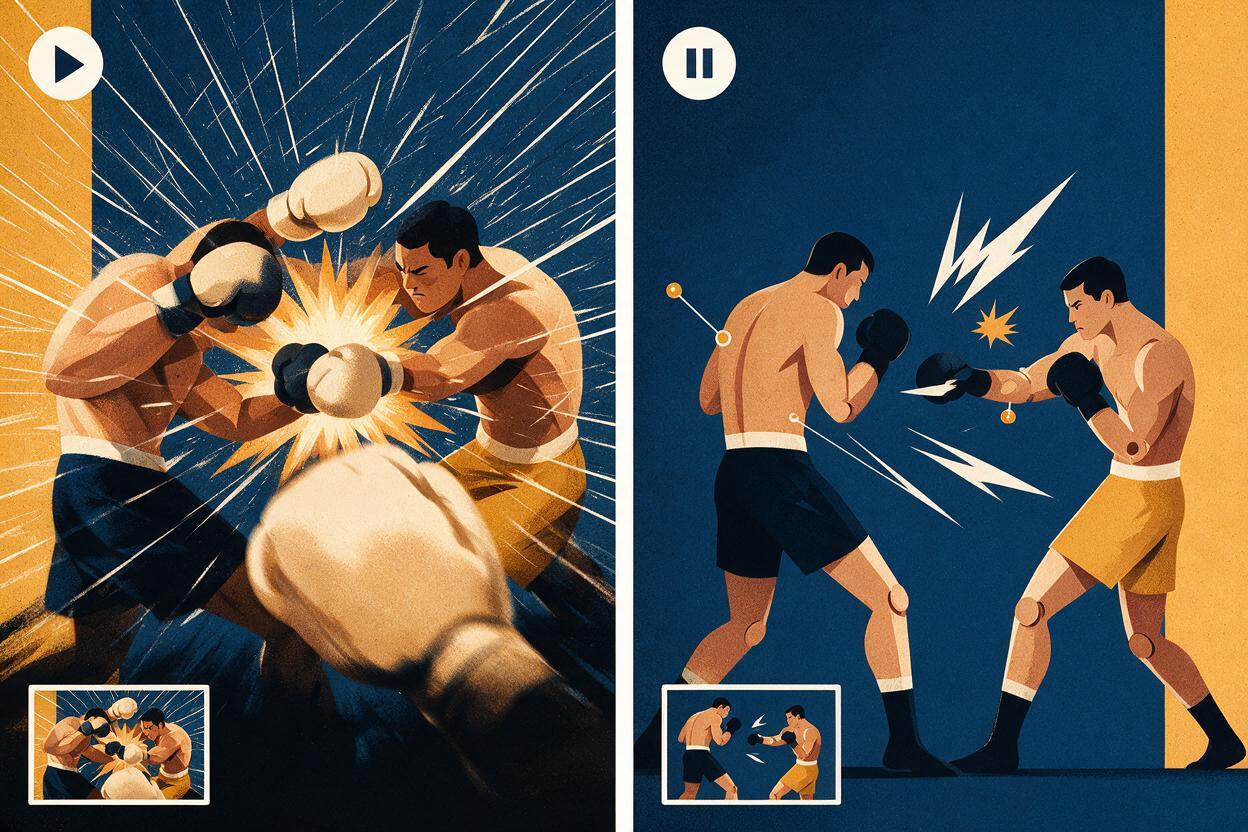
A single clip should communicate one dominant event: a fist advances, a defender recoils, a sword stops against a guard, or a character lands and settles. Avoid asking for an approach, strike, dodge, counterattack, camera orbit, and explosion in the same generation.
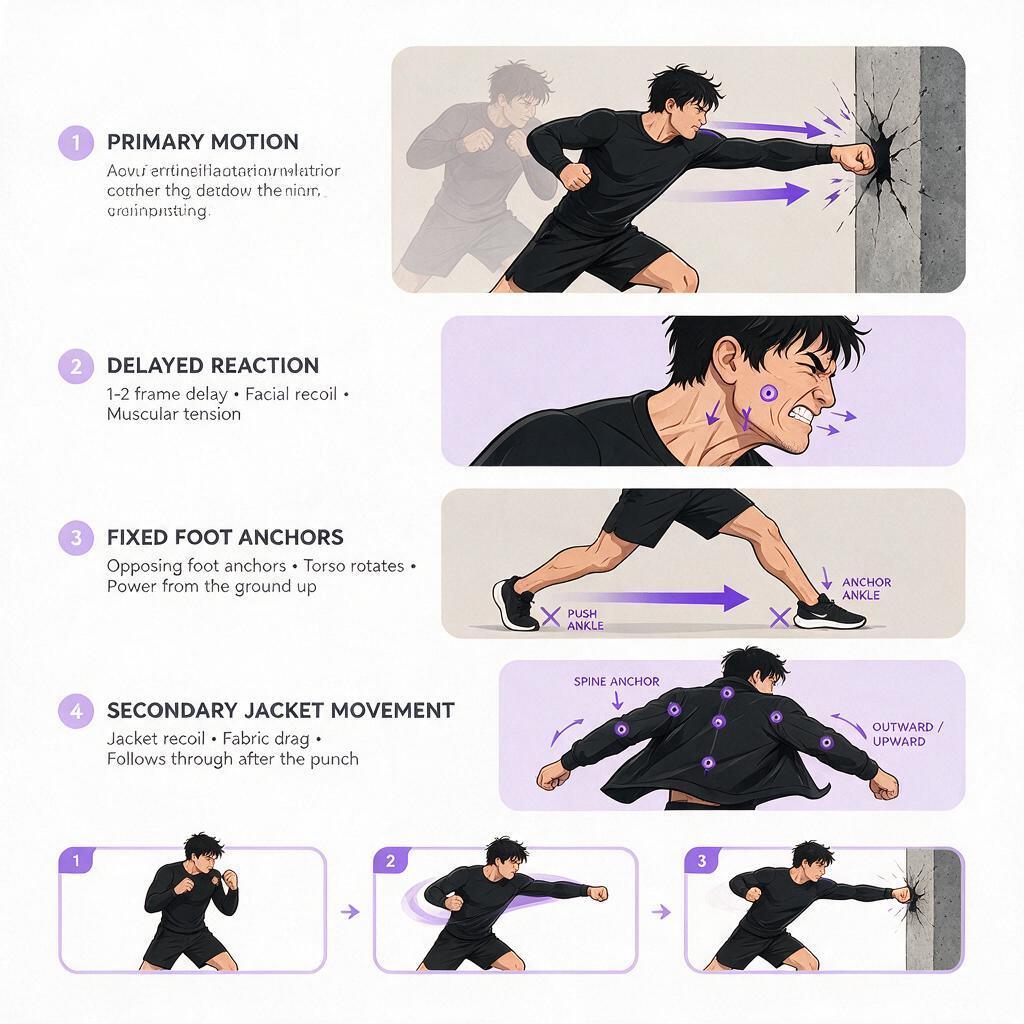
Write the beat as four motion roles:
- Primary motion: the one body part or character driving the shot.
- Reaction: the smaller motion caused by the primary action.
- Anchors: feet, hips, grip points, or contact areas that must not slide.
- Secondary effects: hair, coat tails, dust, sparks, or a restrained camera accent.
For example, a punch panel may look energetic because everything points toward the target. The animation itself can remain narrow: the punching shoulder advances slightly, the fist completes a short path, the defender’s head turns a few degrees, and the jacket reacts after contact. The background and support feet remain fixed.
Build prompts around joints, anchors, and timing
Broad instructions such as “epic anime fight” describe a genre but do not protect anatomy. A stronger Seedance prompt identifies the motion chain, states the fixed points, and limits the duration of the change.
Illustrated comic fight shot. The attacker completes one short straight punch from the shoulder with a stable elbow path. The front fist moves forward only a small distance and keeps the same size and shape. Both feet remain planted. The hips rotate subtly without changing body proportions. The defender reacts with a brief head turn and slight upper-body recoil after contact. Preserve both character designs, faces, costumes, line art, weapon details, and background composition. No extra attacks, no limb stretching, no hand changes, no camera orbit, no mouth movement. Add a restrained impact vibration at the contact moment, then settle.The order of the language matters conceptually even when the interface has no dedicated fields. State the subject and main action first, define anchors next, add the reaction, and finish with preservation constraints. This keeps decorative effects from becoming the dominant instruction.
Prompt for a weapon block
Comic-style close combat shot. The defender holds the sword guard in the existing position while the attacker’s blade presses into it slightly. Both hands maintain their original grips. The blades remain rigid, straight, and in contact at the same crossing point. The defender’s arms compress subtly at the elbows, followed by a small shoulder reaction. Hair and loose fabric move after the impact. Preserve anatomy, costume construction, line weight, facial identity, and frame composition. No weapon bending, no grip changes, no new swing, no camera rotation.Prompt for a landing pose
Illustrated action landing. The character lowers a few centimeters into the existing crouch as the knees absorb the impact. Both feet stay attached to the ground at their original positions. The torso settles without twisting, and both arms keep the drawn silhouette. A small dust puff expands outward from the shoes after contact. Preserve limb lengths, hands, face, clothing design, ink lines, and background. Static camera, no jump replay, no extra movement, no body deformation.Separate contact from follow-through
Contact is the most fragile moment because two objects must meet without passing through each other or changing shape. If a clip repeatedly fails, divide it editorially.
Generate one short clip that approaches or holds the contact pose. Generate another from the impact panel that concentrates on recoil, cloth response, debris, or camera vibration. A cut, white flash, speed-line frame, or one-frame impact card can bridge the two clips. Comic language already accepts compressed time, so the viewer does not need to see every mechanically accurate frame.
This approach is particularly useful for:
- fist-to-face impacts where fingers merge with facial features;
- grapples where four arms overlap in a small area;
- sword clashes where blade crossing points must remain exact;
- kicks with extreme foreshortening;
- throws that would require the model to invent hidden body surfaces.
An ai video generator can then be used for the portions it handles best: short directional motion, reaction, atmosphere, and settling. The edit carries the larger action.
Use camera motion as punctuation, not camouflage
Camera shake can strengthen an impact, but it cannot repair broken anatomy. Excessive shaking may hide errors during preview while making the final shot difficult to read. Keep the camera stable through the approach, apply a brief directional jolt at contact, and return toward the original framing.
Match the camera accent to the force:
- Punch: a short horizontal jolt in the strike direction.
- Landing: a small downward bump followed by a quick settle.
- Sword clash: a restrained sharp vibration rather than a wide pan.
- Energy impact: a slight push outward paired with separately composited light.
If the panel already uses a tilted horizon or dramatic perspective, avoid adding an orbit. The original drawing has already supplied the cinematic angle.
Diagnose failures by the first broken frame
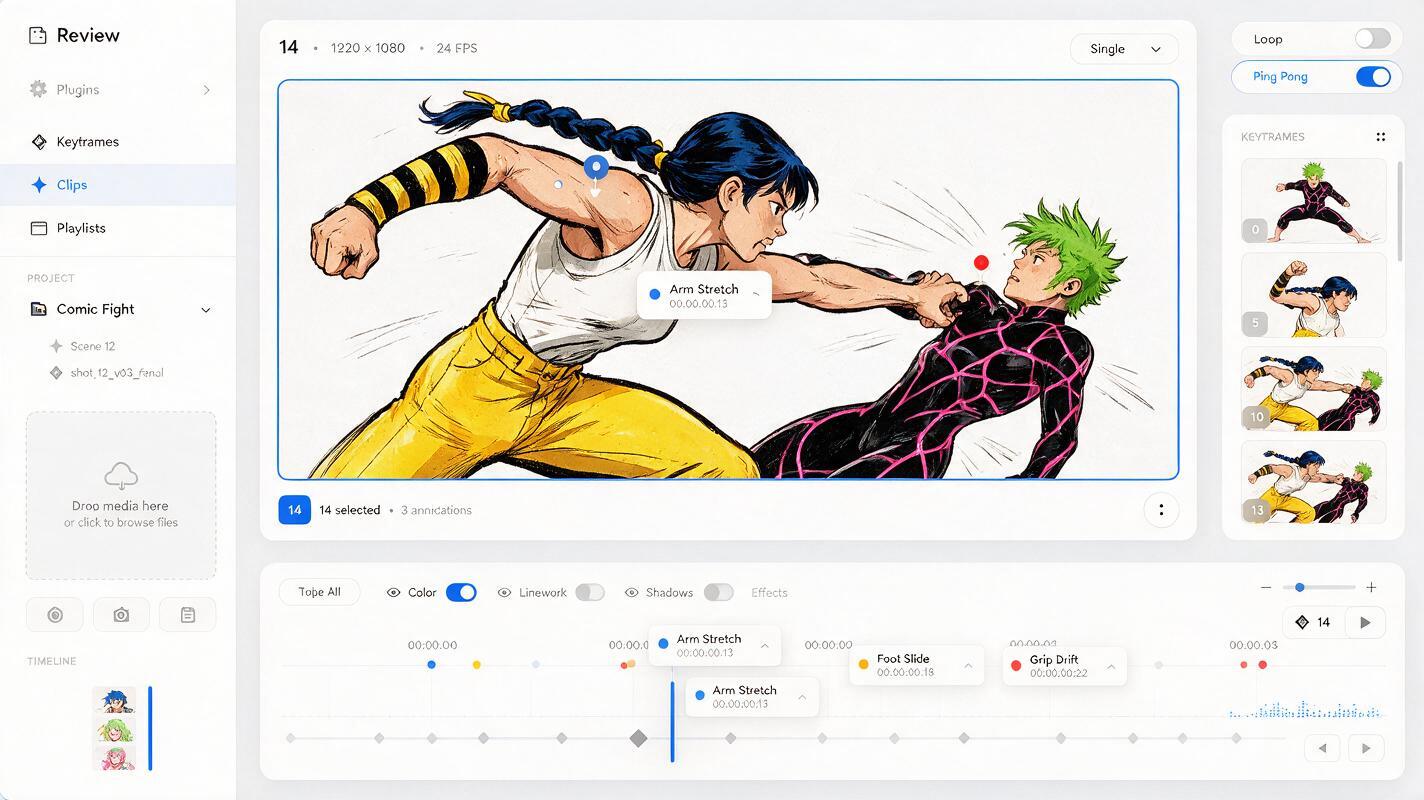
Do not judge only the final frame. Scrub from the beginning and stop where the first structural error appears. That moment usually reveals which instruction was too broad.
| Failure | Likely cause | Prompt or edit correction |
|---|---|---|
| Arm stretches toward camera | Large travel combined with foreshortening | Shorten the path and require constant fist size and limb length |
| Feet slide during a strike | Whole-body motion has no anchors | State that both feet remain planted at their original positions |
| Weapon changes hands | Grip is obscured or both arms move | Clarify left and right hand placement; reduce arm motion |
| Opponent moves before contact | Reaction timing is unspecified | State that recoil begins only after contact |
| Line art pulses | Too much camera or texture motion | Use a static camera and move effects on separate layers |
| Faces become expressive | “Intense fight” invites extra acting | Specify unchanged expression or one restrained reaction |
Change one variable at a time. First reduce body travel. Then lock contact points. Next simplify the reaction. Only after anatomy holds should you add dust, sparks, hair motion, or impact shake.
Finish the shot outside the generation
The cleanest result is often a hybrid. Use the generated clip for subtle body movement, then restore the comic-specific effects in an editor. Reapply speech bubbles as static overlays, rebuild speed lines, add a hand-drawn impact frame, and mask any small area that drifts.
You can also freeze the strongest generated frame for two or three frames at the instant of contact. This creates emphasis while preventing an unstable transition from staying visible. A brief held drawing is not a compromise; it is a familiar animation technique that suits comic art.
When the motion plan is ready, try these models for free with one short action beat before committing an entire fight sequence.
Final checklist
- Choose a panel with visible or inferable joints.
- Remove speech bubbles and effects that touch the characters.
- Animate one dominant action beat per clip.
- Name the primary mover, reaction, anchors, and secondary motion.
- Keep feet, grips, and contact points explicitly fixed.
- Separate difficult contact from follow-through when needed.
- Inspect the first broken frame rather than only the ending.
- Add camera shake and graphic effects after anatomy is stable.
Keywords
AI comic animation, comic fight animation, Seedance prompts, illustration to video, image to video, anatomy consistency, comic panel animation