AI Dance Generator Workflow: Animate a Music Promo From One Portrait
Learn how to turn one full-body character portrait into a short dance promo while controlling identity drift, distorted limbs, camera movement, and beat timing. This practical workflow separates prompt-driven animation from exact motion transfer and shows how to document the result honestly.
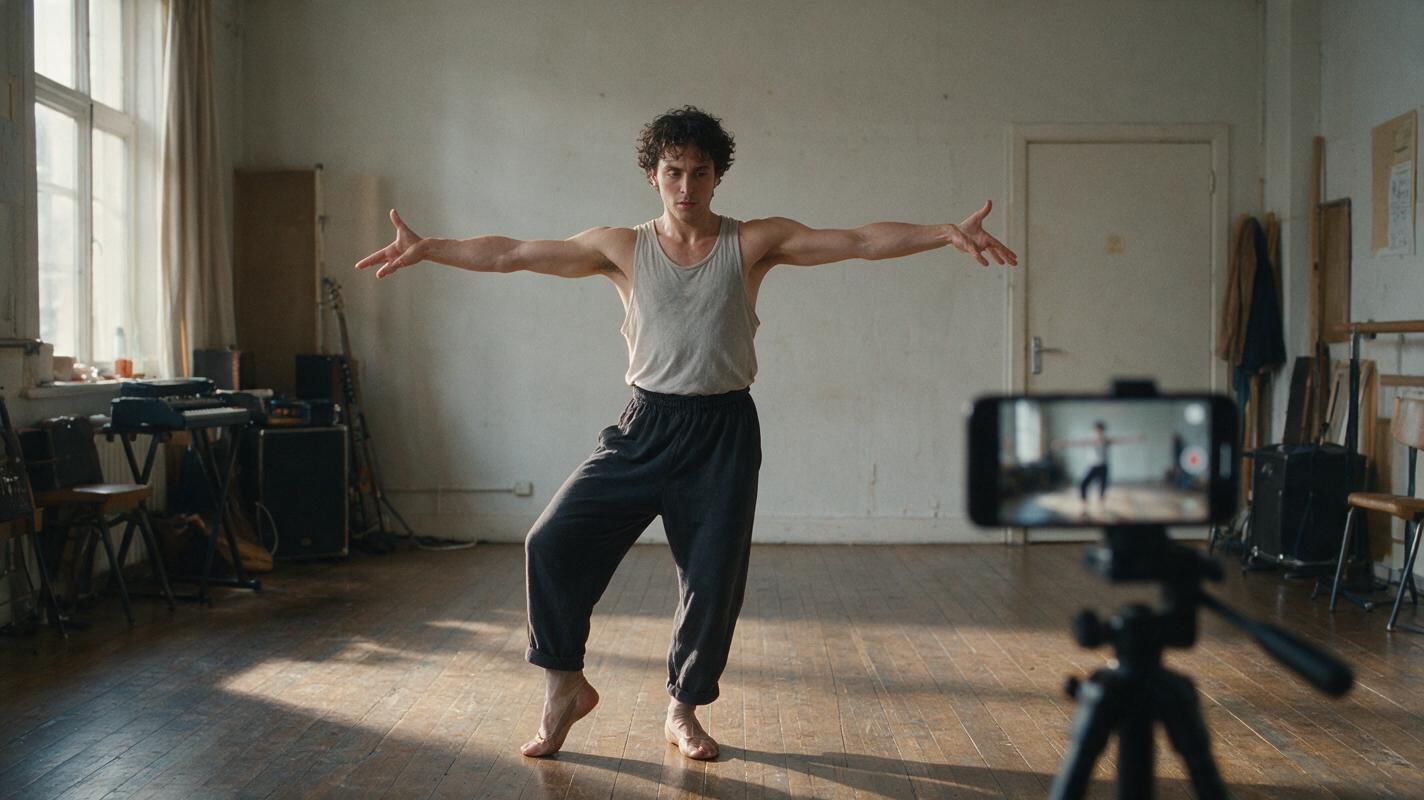
Table of contents
Turn a Character Portrait Into a Short Dance Promo
A convincing AI dance clip starts with a motion-ready portrait, a short movement plan, and realistic expectations about what the selected generation method can control.
Imagine that an independent musician needs an eight-second vertical teaser but has only a full-body character portrait and a section of finished audio. An ai dance generator can create the movement, yet the result may fail if the tool cannot see the feet, must invent hidden clothing, or receives too many choreography instructions at once.
This tutorial covers two practical routes. Prompt-driven animation asks a model to interpret a written movement description. Exact choreography requires a dedicated motion-transfer or motion mimic tool that accepts a reference performance. MagicBoat's image to video capability fits the first route; it should not be treated as a substitute for frame-matched choreography unless the selected model explicitly provides that control.
Use only material you have permission to animate. Do not imitate a real person's face, body, or recognizable performance without authorization.
Step 1 — Choose a Portrait That Can Survive Motion
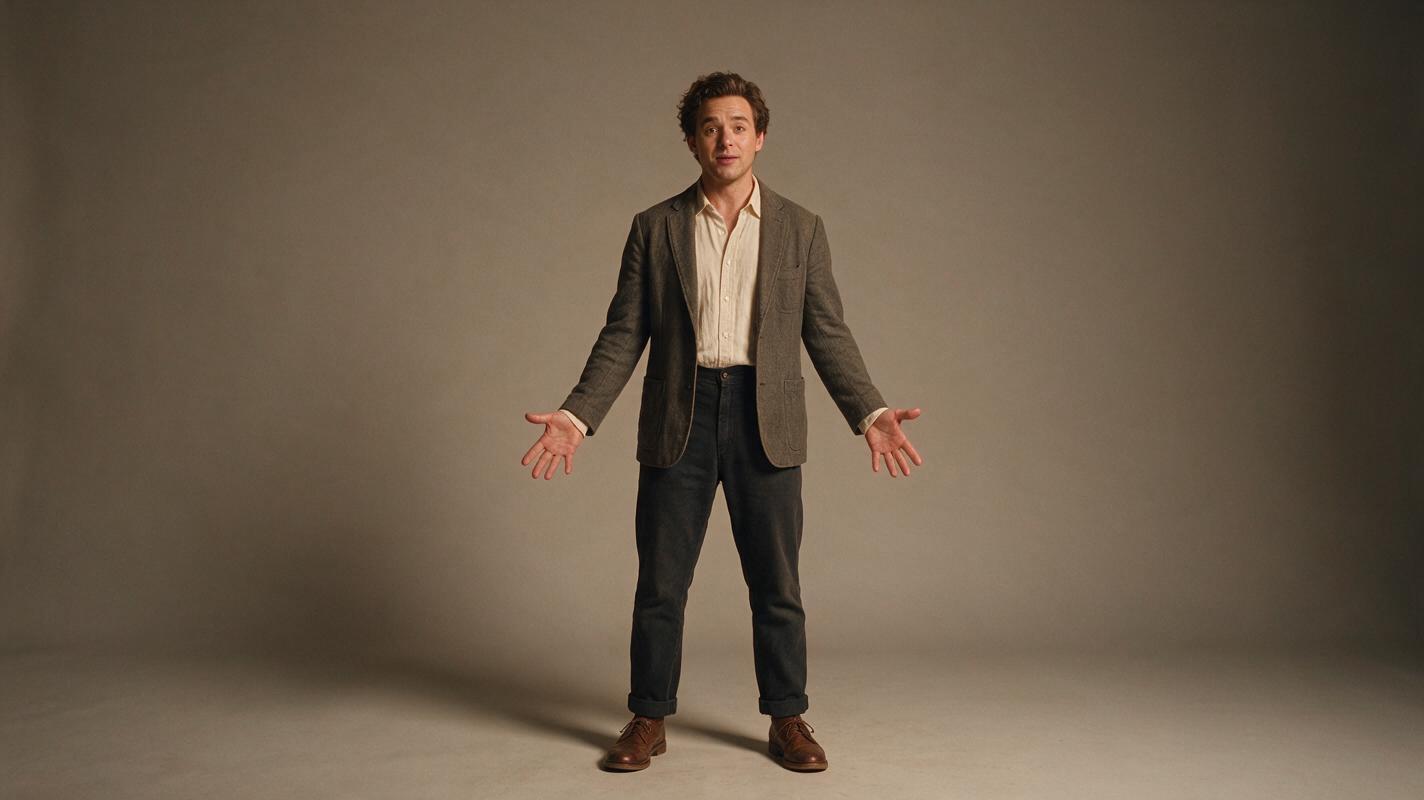
Begin with a clear, upright image containing the entire character from head to shoes. A cropped waist, hidden hand, crossed legs, or oversized foreground prop forces the model to invent information as soon as the body moves.
A suitable dance-animation input usually has:
- A single character with both arms and both legs visible.
- Space around the hands, head, and feet.
- A simple background with strong subject separation.
- Clothing whose silhouette remains readable during movement.
- A neutral or balanced pose rather than crossed limbs.
- Lighting that reveals the face without harsh shadows.
If you are creating the source portrait with an ai avatar video generator or image model, avoid tiny jewelry, dangling cords, translucent fabric, and dense repeating patterns. These details can fluctuate between frames even when the larger body motion looks plausible.
Full-body music performer standing in a relaxed balanced pose, both hands visible, feet separated, facing the camera, simple fitted stage outfit, clean studio background, soft frontal lighting, realistic body proportions, generous empty space around the body, vertical compositionSave the original portrait unchanged. It will become the left side of your before-and-after evidence later.
Step 2 — Decide Between Prompted Dance and Motion Transfer
The correct workflow depends on whether the performer must execute a general dance idea or reproduce specific choreography.
| Requirement | Prompt-driven animation | Motion transfer |
|---|---|---|
| General rhythmic movement | Good starting route | Usually more control than necessary |
| Exact arm and foot sequence | Not dependable enough to assume | Preferred route |
| Only a portrait is available | Can begin from the portrait | Also needs a reference-motion clip |
| Camera control | Can be included in the prompt | Often influenced by the reference clip |
| Beat-specific choreography | Usually aligned during editing | Reference motion can be prepared to the beat |
Choose prompt-driven animation when the brief is broad, such as a gentle two-step, a shoulder bounce, or one turn toward the camera. Choose motion transfer when a particular gesture must land on a particular beat.
For motion transfer, record or license a clean reference clip. Keep the dancer fully visible, use a stable camera, and avoid another person crossing the body. Dedicated tools such as Viggle publicly present character-animation workflows based on a character image and motion reference; review the current controls and usage terms on the official site before production.
Step 3 — Generate a Short Motion Test
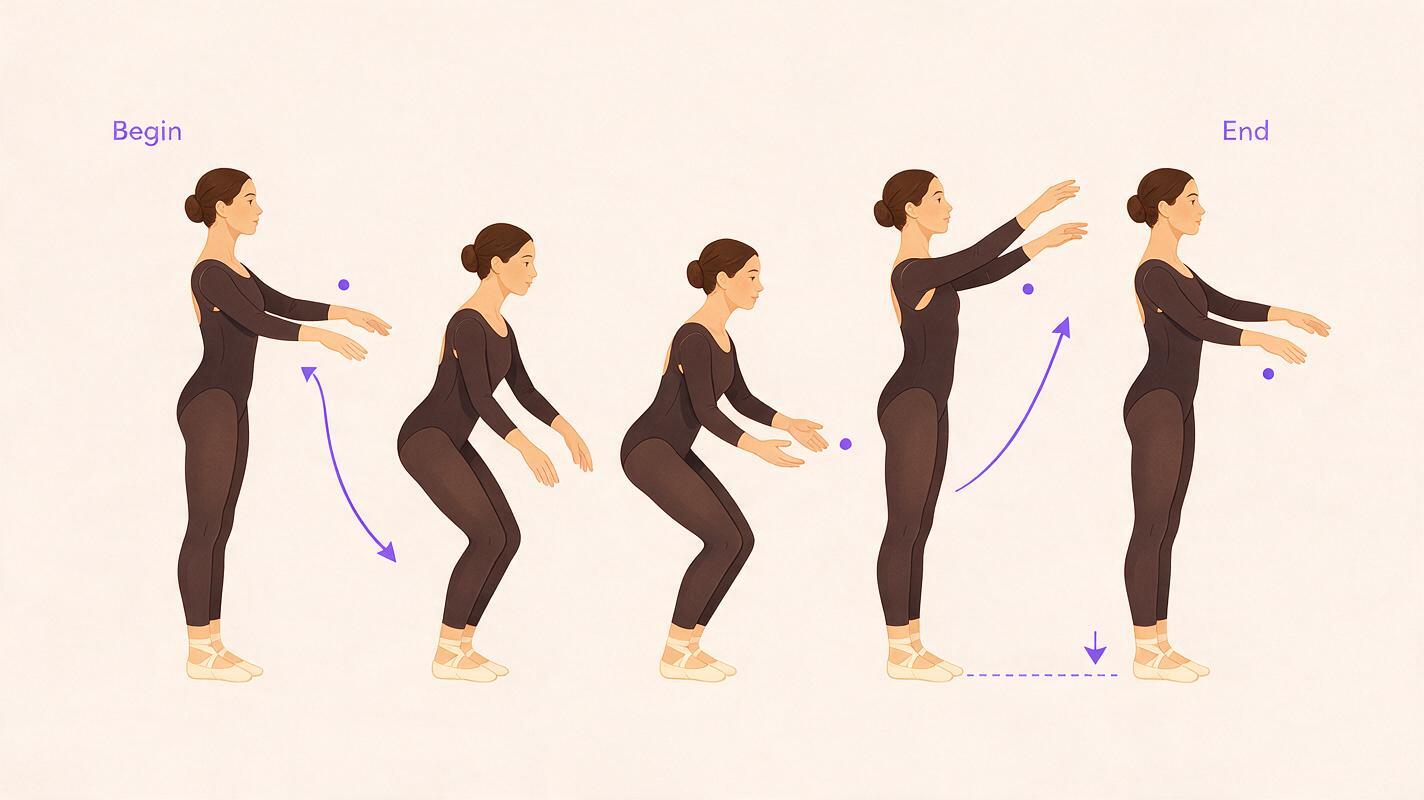
Do not begin with the entire music segment. Generate a short test containing one main action. Short tests make it easier to identify whether a broken hand, sliding foot, or changing face comes from the source image or from an overloaded movement request.
For prompt-driven animation, describe the body action before the camera behavior. Keep left and right directions unambiguous.
A full-body performer does a relaxed two-step dance in place, shifting weight left and right with small coordinated arm swings. The face stays consistent and looks toward the camera. Both feet remain visible and make firm contact with the floor. Clothing design and body proportions remain unchanged. Static camera, natural movement, short vertical music-promo shot.If the model accepts a separate negative prompt, use a short list of visible failure modes rather than vague quality words:
cropped feet, extra fingers, duplicated limbs, sliding shoes, changing outfit, changing face, warped joints, camera shake, sudden zoom, background flickerFor a more energetic variation, change only the movement sentence:
The performer takes one side step, raises both forearms on the beat, returns to center, and finishes in the original balanced pose.Generate several candidates without changing the portrait. Comparing outputs from the same input reveals whether a problem is persistent. If every version loses a hand in the same area, revise the source image instead of adding more prompt language.
Step 4 — Match the Best Clip to the Music
AI movement does not automatically prove that a gesture is synchronized with your soundtrack. Import the chosen clip and audio into an editor, locate a clear beat or accent, and place the strongest visual action there. This may be the moment the arms rise, the body changes direction, or a turn finishes.
Use restrained editing adjustments:
- Trim first: Remove weak setup frames before changing speed.
- Shift the clip: Move the motion against the audio until its visual accent reaches the selected beat.
- Adjust speed gently: Large speed changes can make generated movement feel weightless.
- Cut around defects: A clean six-second clip is more useful than an eight-second clip with a broken final pose.
- Hold only stable frames: Do not freeze a frame containing malformed fingers or motion blur.
If you use a video to video ai workflow with reference choreography, prepare the motion clip around the same music segment before transfer. Matching the reference performance to the beat is generally easier than trying to repair badly timed choreography afterward.
Step 5 — Build Honest Before-and-After Evidence
Before-and-after evidence should let a reader inspect the transformation instead of relying on claims such as “perfect motion” or “one-click quality.” Preserve the actual source and export representative frames from the generated clip.
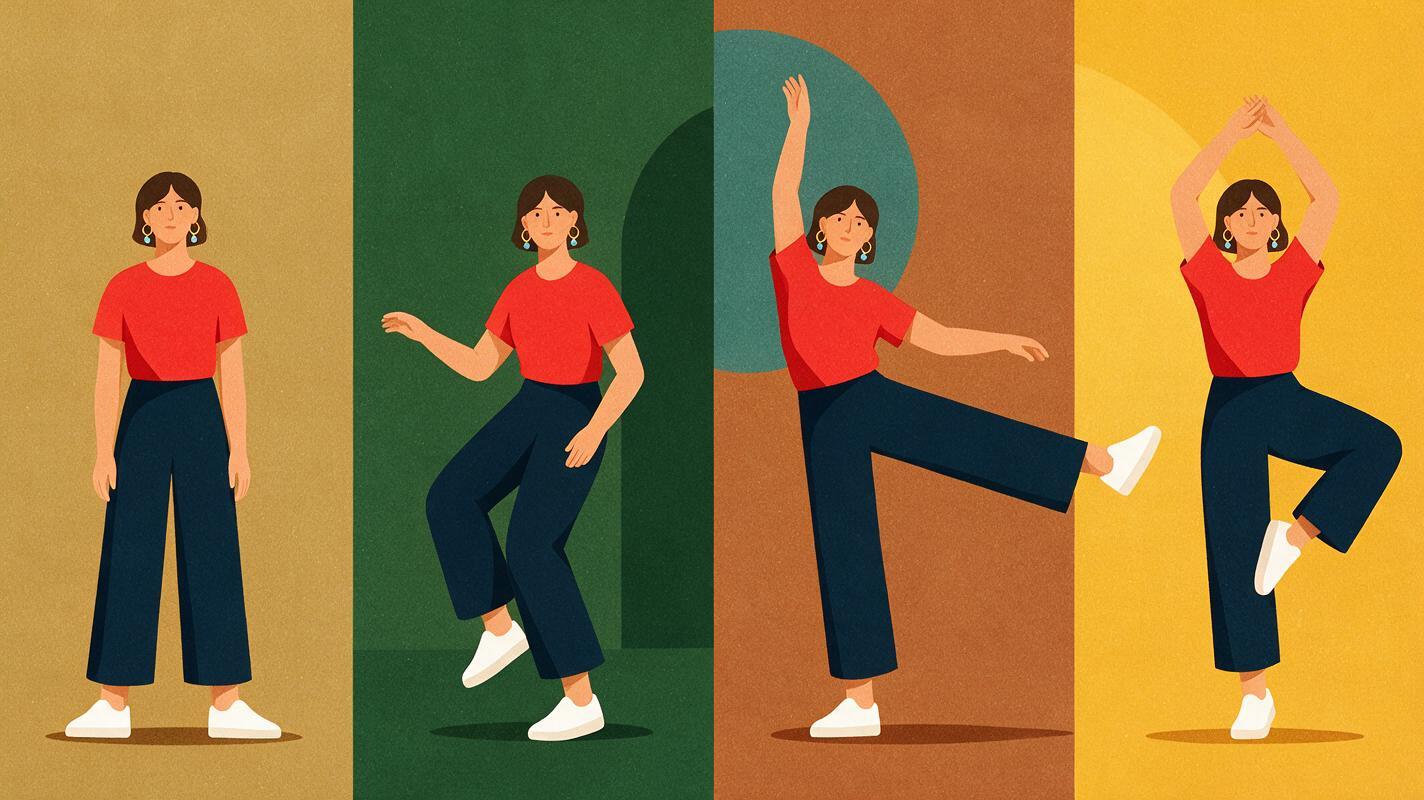
Create an evidence panel containing:
- The untouched source portrait.
- A frame near the start of the generated clip.
- A frame at the widest arm or leg extension.
- A frame from the final pose.
- A caption identifying the generation route and any editing performed.
Inspect the same regions in every frame: face shape, finger count, shoe contact, hemline, background edges, and repeated costume details. Play the clip once at normal speed and once frame by frame. The first pass tests rhythm; the second exposes temporal errors.
| Inspection area | Acceptable evidence | Reason to regenerate or cut |
|---|---|---|
| Identity | Face remains recognizably consistent | Features switch or melt during turns |
| Hands | Brief natural blur during fast motion | Persistent extra fingers or fused hands |
| Feet | Weight shifts with visible floor contact | Shoes slide while the torso stays fixed |
| Clothing | Minor folds change with movement | Colors, sleeves, or garment structure change |
| Background | Small motion-consistent variation | Edges pulse or objects appear and vanish |
Keep failed outputs as private production references. They help distinguish a lucky result from a repeatable setup and prevent the same unsuitable source portrait from entering another production.
Step 6 — Enhance Only After Motion Is Approved
An ai video enhancer can improve presentation, but enhancement should come after identity, anatomy, timing, and framing have passed review. Upscaling a malformed hand only creates a larger malformed hand.
Use conservative finishing in this order:
- Trim defective opening and closing frames.
- Stabilize only if unwanted camera movement is visible.
- Apply light denoising if compression noise distracts from the performer.
- Upscale only when the delivery resolution requires it.
- Add audio and export the final social-media version.
Compare the finished export with the approved generation, not only with the source portrait. Watch for oversharpened facial edges, smeared fabric texture, and motion trails introduced during processing. Different ai video tools expose different controls, so inspect the exported file rather than assuming a preview represents the final result.
Step 7 — Create a Prompt-Driven Version in MagicBoat
Use MagicBoat when the goal is to animate a portrait with a written movement direction. Upload a motion-ready image, keep the first test short, and request one simple dance phrase with a stable camera. Available controls can vary by model, so check the current generation options before committing to a longer sequence.
If the project requires exact replication of a reference dancer, complete that part in a dedicated motion-transfer tool. If a natural two-step or stage gesture is sufficient, you can try this prompt for free and compare several short candidates before editing to the beat.
FAQ
Can an AI dance generator copy exact choreography from text?
A text prompt can describe choreography, but it does not guarantee frame-accurate reproduction. Use a motion-transfer workflow with an authorized reference clip when the precise sequence matters.
Why do feet slide in AI dance videos?
Sliding can occur when the generated body movement lacks consistent floor contact. A full-body source, visible shoes, a static camera, simpler movement, and shorter tests make the problem easier to identify and reduce through selection.
Can I animate a waist-up portrait?
You can create upper-body movement, but a full-body dance requires the model to invent the missing legs and footwear. Use a full-body source when the final framing includes the feet.
Should I upscale the portrait before generating the video?
The portrait should be clear enough to show the face, hands, clothing, and body outline. Excessive sharpening does not recover missing anatomy and may emphasize artifacts. Prioritize complete composition and readable details over aggressive preprocessing.
How long should the first dance test be?
Use the shortest duration that can show one complete action and a stable finish. The purpose is to validate identity and body mechanics before spending time on a longer edit.
Sources
- Viggle AI official website — public information about character animation and motion-based creation.
- Adobe: A beginner's guide to frame rates — background on frame rate and perceived motion in video.
Final Checklist
- Use a licensed, full-body portrait with visible hands and feet.
- Choose prompt-driven animation for general movement and motion transfer for exact choreography.
- Test one short action before generating a longer sequence.
- Align the strongest visual accent to the music during editing.
- Compare the source, peak-action frame, and final pose.
- Reject persistent identity, limb, clothing, or floor-contact errors.
- Apply denoising or upscaling only after approving the motion.
Keywords
ai dance generator, motion mimic, ai avatar video generator, video to video ai, ai video enhancer, ai video tools
Decision: PUBLISH — This tutorial covers a distinct music-promo dance-animation workflow and clearly separates prompt-driven movement from exact motion transfer.