AI Dialogue That Doesn't Break: Voice, Lip Sync & Scene Rhythm for Believable Conversations
Dialogue scenes are where a lot of AI films fall apart. The problem usually is not only lip sync. It is the whole scene rhythm: line length, reaction timing, coverage and how much of the conversation you force into one shot.
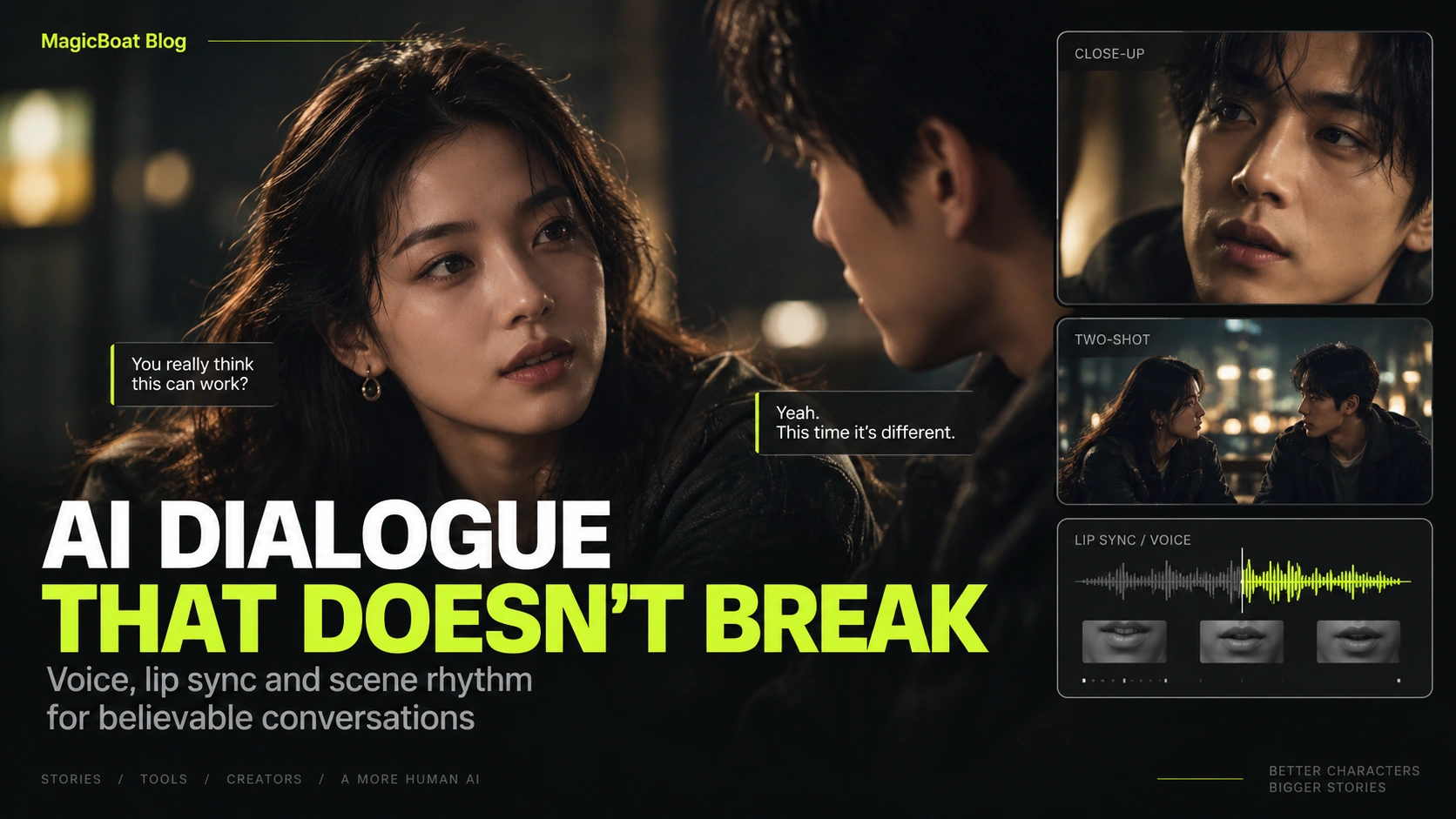
Table of contents
Quick answer
Believable AI dialogue scenes usually work best when you separate them into layers:
- short dialogue writing
- voice timing
- coverage plan
- short speaking clips
- reaction shots
- edit rhythm
The goal is not to have one character speak forever in one take.
The goal is to make the scene feel real.
Why dialogue scenes feel fake
Common issues:
- the lines are too long
- both speakers talk in one locked shot
- lip sync is doing all the heavy lifting
- there are no reaction shots
- the scene has no silence
Keep the lines short
Instead of a long paragraph, split the scene into short emotional beats.
Example:
“You really think this can work?”
“Yeah.”
“This time it’s different.”
Short lines are easier to:
- voice naturally
- lip-sync cleanly
- cut around
- pace like a film scene
Coverage matters more than people think
A conversation does not need visible mouths every second.
Use:
- a two-shot
- a single on speaker A
- a single on speaker B
- a reaction hold
- a detail insert if needed
That immediately gives you more control.
Dialogue workflow
A strong order is:
- finalize the lines
- choose voice tone and timing
- plan coverage
- generate short speaking beats
- create reaction shots
- edit the final rhythm
Prompt formula for a dialogue shot
SPEAKER
Young woman with dark wavy hair, black leather jacket.

LINE INTENTION
A skeptical question with restrained vulnerability.

SHOT
Medium close-up from eye level.

ACTION
She leans slightly in, speaks the line softly, then holds her gaze for one beat.

LIP-SYNC SCOPE
Only 2.5 seconds of speaking, followed by a 1-second reaction hold.

LOCKS
Keep facial identity, jacket and lighting consistent with the scene coverage.

AVOID
over-articulated mouth shapes, robotic blinking, exaggerated head movement.
Let reaction shots do their job
Reaction shots solve multiple problems:
- they hide tricky transitions
- they reduce total sync pressure
- they create emotional realism
- they make the scene feel more cinematic
In other words: the listener is part of the scene too.
Where MagicBoat fits
MagicBoat’s public workflow includes voiceover, lip sync and editing alongside storyboard and visuals, which makes it well-suited to dialogue scenes.
A practical workflow is:
- write the scene
- split the lines
- choose voice behavior
- build the coverage
- generate the short speaking beats
- edit with reactions and silence
Common mistakes
One giant speaking shot
Split it into shorter beats.
No reaction coverage
The scene feels stiff.
Long exposition
AI dialogue works better when lines are tighter.
Lip sync everywhere
Sometimes a face should simply listen.
FAQ
Can AI films have good dialogue?
Yes, if the lines are short and the scene is cut intelligently.
How long should each speaking beat be?
Usually 2–5 seconds is much easier to manage than longer takes.
Do I need visible lip sync in every shot?
No. Reaction shots are essential.
Keywords
how to make an ai film with dialogue, ai dialogue scene, ai lip sync workflow, ai talking character workflow, ai dialogue video