AI Dubbing for Artist Promo Videos Without Robotic Delivery
Learn a practical workflow for translating and dubbing artist promo videos while preserving natural timing, emotion, and vocal identity. The guide covers script adaptation, recording preparation, pronunciation control, lip-sync repair, and quality checks for multilingual release campaigns.
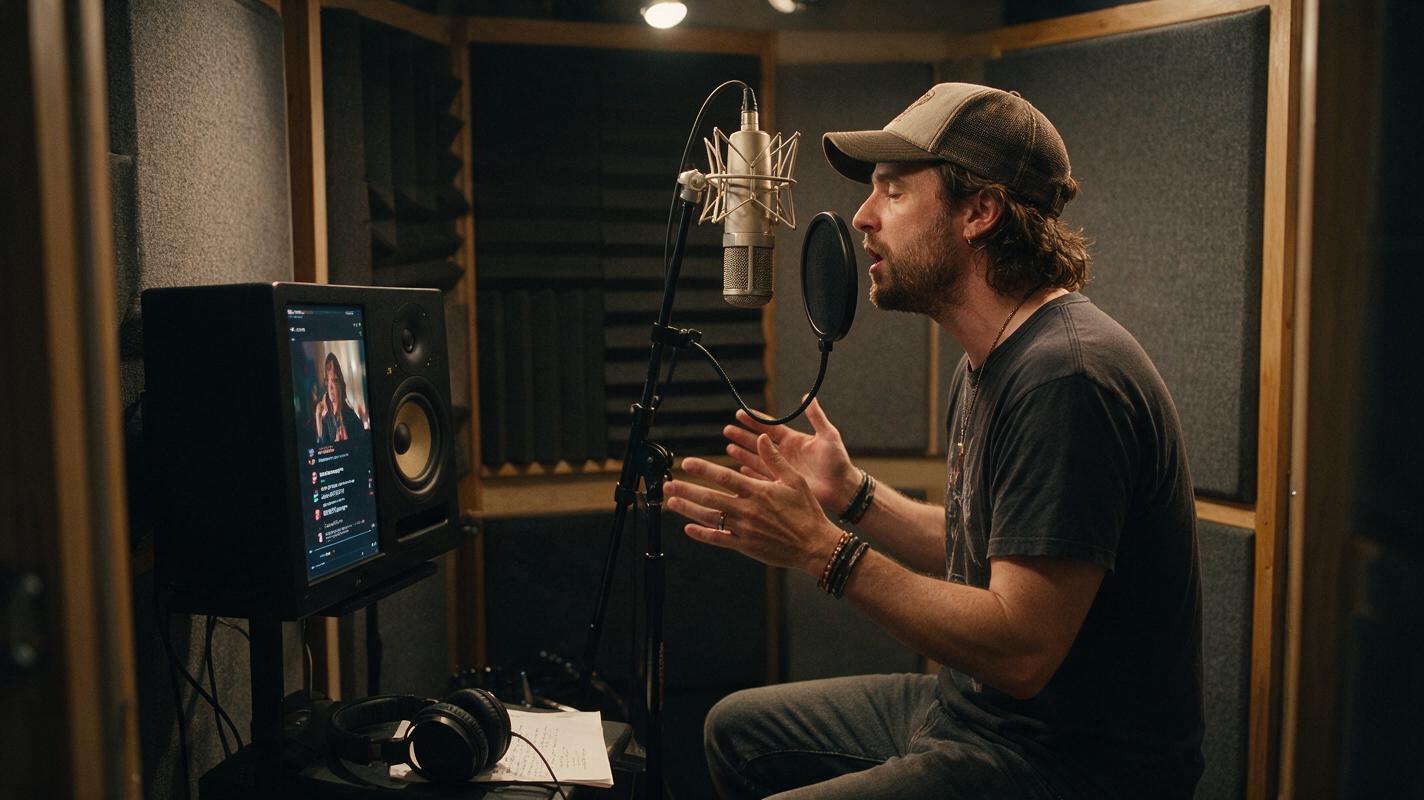
Table of contents
Make translated artist promos sound performed, not processed
A multilingual artist promo can reach new listeners, but a literal translation often produces stiff delivery, rushed phrases, and visibly mismatched mouth movements. The solution is to adapt the message for performance before generating the new voice. This workflow uses ai dubbing for the translated speech, followed by selective timing and lip-sync corrections rather than regenerating the entire video.
It works best for spoken release announcements, tour messages, pre-save clips, behind-the-scenes introductions, and short social ads. It is not intended to translate sung vocals or imitate another performer without permission.
Choose footage that can survive a language change
Dubbing quality begins with the source edit. A close-up with continuous speech exposes every timing difference, while a promo containing cutaways gives the translated line room to breathe.
Use a source clip with:
- Clean dialogue: Export speech without music when possible, or keep the instrumental on a separate track.
- Short sentences: Aim for one clear idea per shot rather than a dense paragraph.
- Visible pauses: Small reaction shots, cover-art inserts, and performance cutaways can hide timing adjustments.
- Stable facial visibility: Avoid hands crossing the mouth, heavy motion blur, or rapid profile changes during important lines.
- Room tone: Save several seconds of the original location ambience so the generated voice does not sound pasted over silence.
Practical rule: If the translated sentence needs to be spoken 20 percent faster than a natural conversational pace, rewrite it instead of forcing it into the original duration.
Rewrite the translation for spoken timing
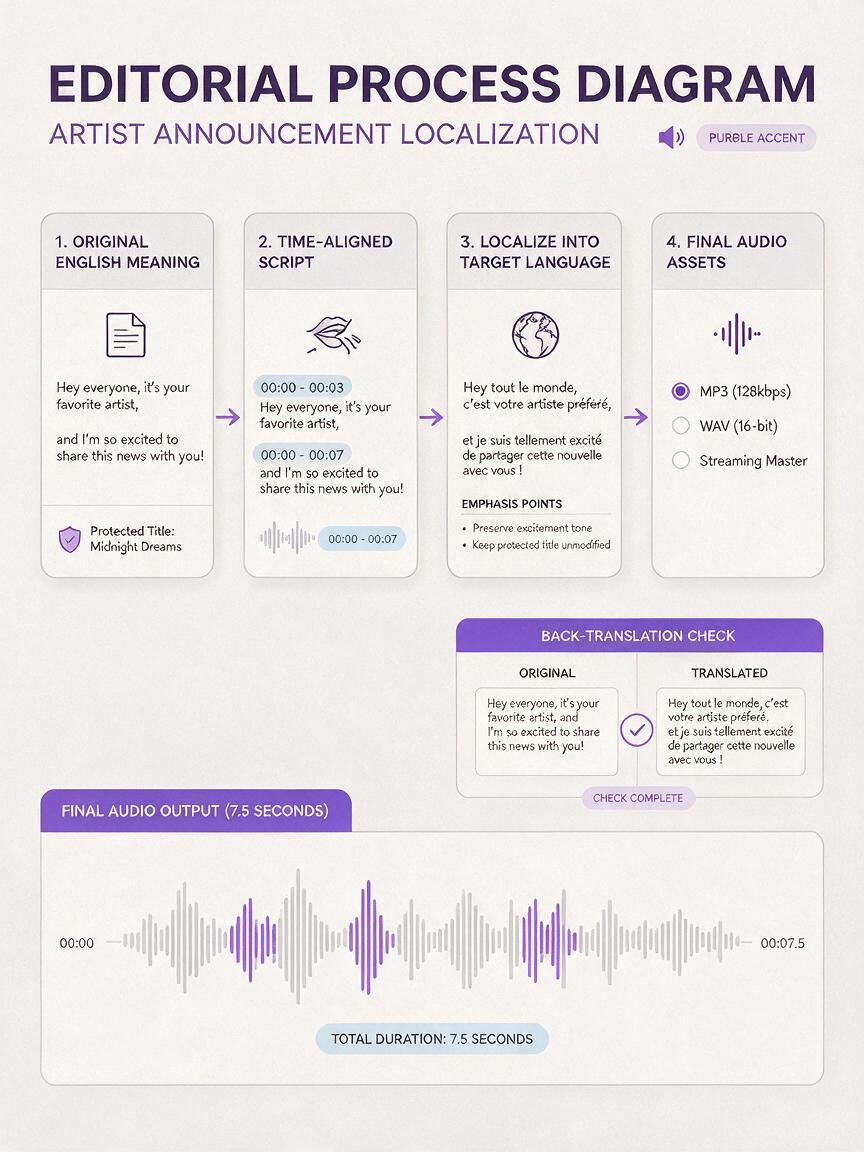
A correct written translation is not automatically a good performance script. Different languages express the same idea with different word counts, rhythms, and emphasis patterns. Start with meaning, then reshape the sentence to fit the available screen time.
For example, an English announcement might read:
My new single, Midnight Static, is out this Friday.
Save it now and tell me which lyric stays with you.
The localization brief should protect the title and intent without demanding a word-for-word translation:
Target language: [language]
Duration: 7.5 seconds
Tone: intimate, confident, slightly excited
Audience: existing fans and first-time listeners
Keep unchanged: “Midnight Static”
Main message: the single arrives Friday; invite the viewer to save it
Delivery: conversational, not announcer-like
Avoid: formal marketing language, extra claims, slang that dates quickly
Return: natural spoken script plus a literal back-translation
Read the adapted line aloud with a timer. Mark the words that must receive emphasis, then remove optional adjectives or repeated calls to action until the delivery feels unhurried.
Build a voice reference with usable emotion
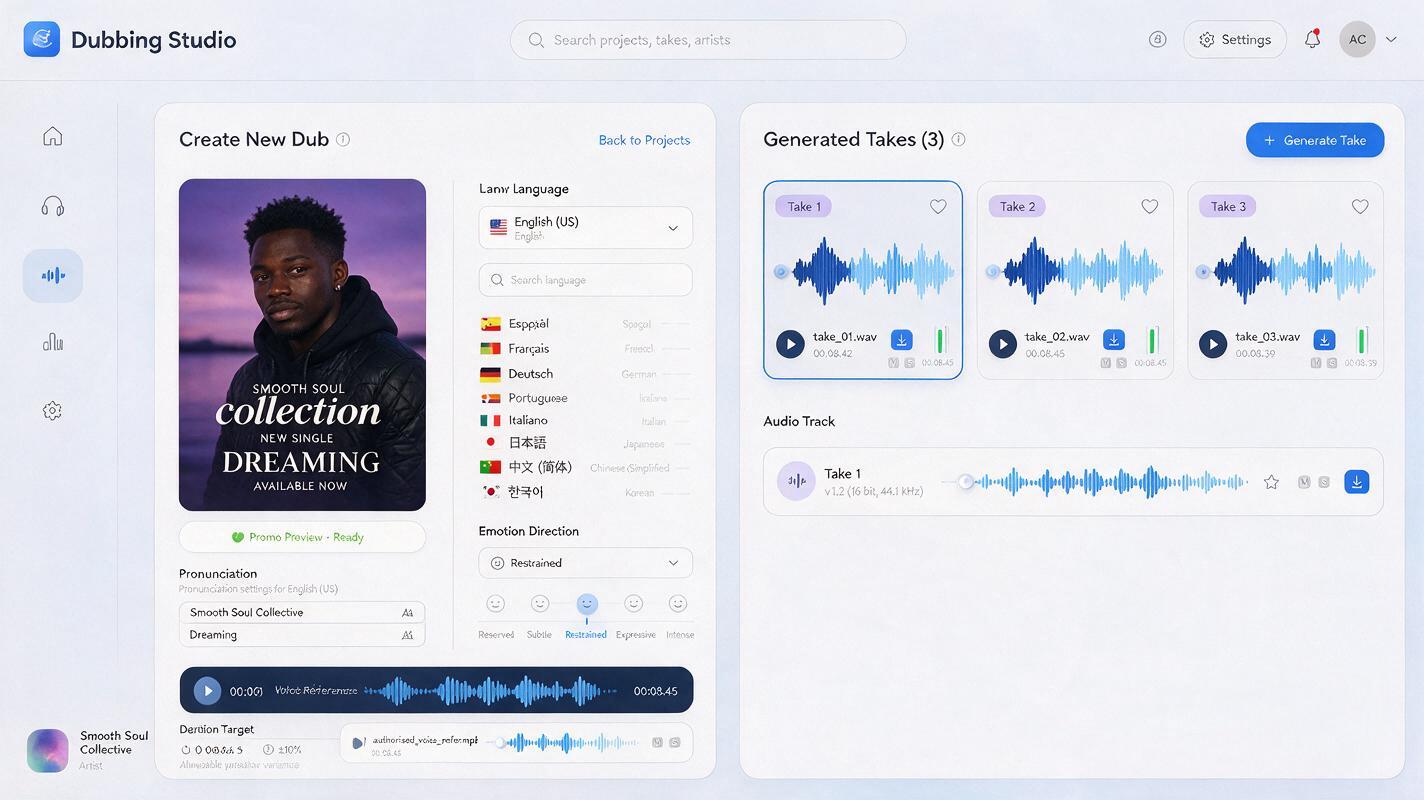
If the tool supports an authorized voice reference, use a recording from the featured artist or speaker. Only clone a voice that you own or have explicit permission to use. A clean reference is more useful than a dramatic clip buried under reverb, crowd noise, or background music.
Prepare 20 to 60 seconds of consistent speech when the interface permits it. The speaker should use the same emotional register needed in the promo: relaxed for a personal release message, energetic for a tour announcement, or restrained for a cinematic teaser.
| Reference issue | Likely result | Better preparation |
|---|---|---|
| Music under the voice | Metallic texture or unstable tone | Use isolated speech or rerecord the line |
| Several emotional styles | Uneven delivery between phrases | Choose one consistent performance register |
| Heavy room echo | Distant or doubled-sounding speech | Record closer to the microphone in a treated space |
| Whispered reference | Weak consonants and poor clarity | Use quiet but fully voiced speech |
| Incorrect name pronunciation | Repeated errors in the final dub | Add phonetic guidance before generation |
Direct the dub like a vocal take
Do not ask only for a language and voice. Give the model performance direction that a session vocalist or voice actor could understand. Keep the instructions short enough that the central emotion remains clear.
Dub this artist announcement in [target language].
Preserve the speaker’s warm, close-mic character.
Begin calmly, add restrained excitement on the song title,
and end with a direct invitation rather than an advertising voice.
Target duration: 7.5 seconds.
Pause briefly after the title.
Pronounce “[artist name]” as: [phonetic spelling].
Pronounce “[song title]” as: [phonetic spelling].
Do not sing, whisper, shout, or add words.
Generate several takes if available. Compare emotional contour, timing, name pronunciation, and sentence endings—not just overall voice similarity. A take with slightly less resemblance may still be the better promo if it sounds natural and communicates the message clearly.
Mix the generated voice into the original scene
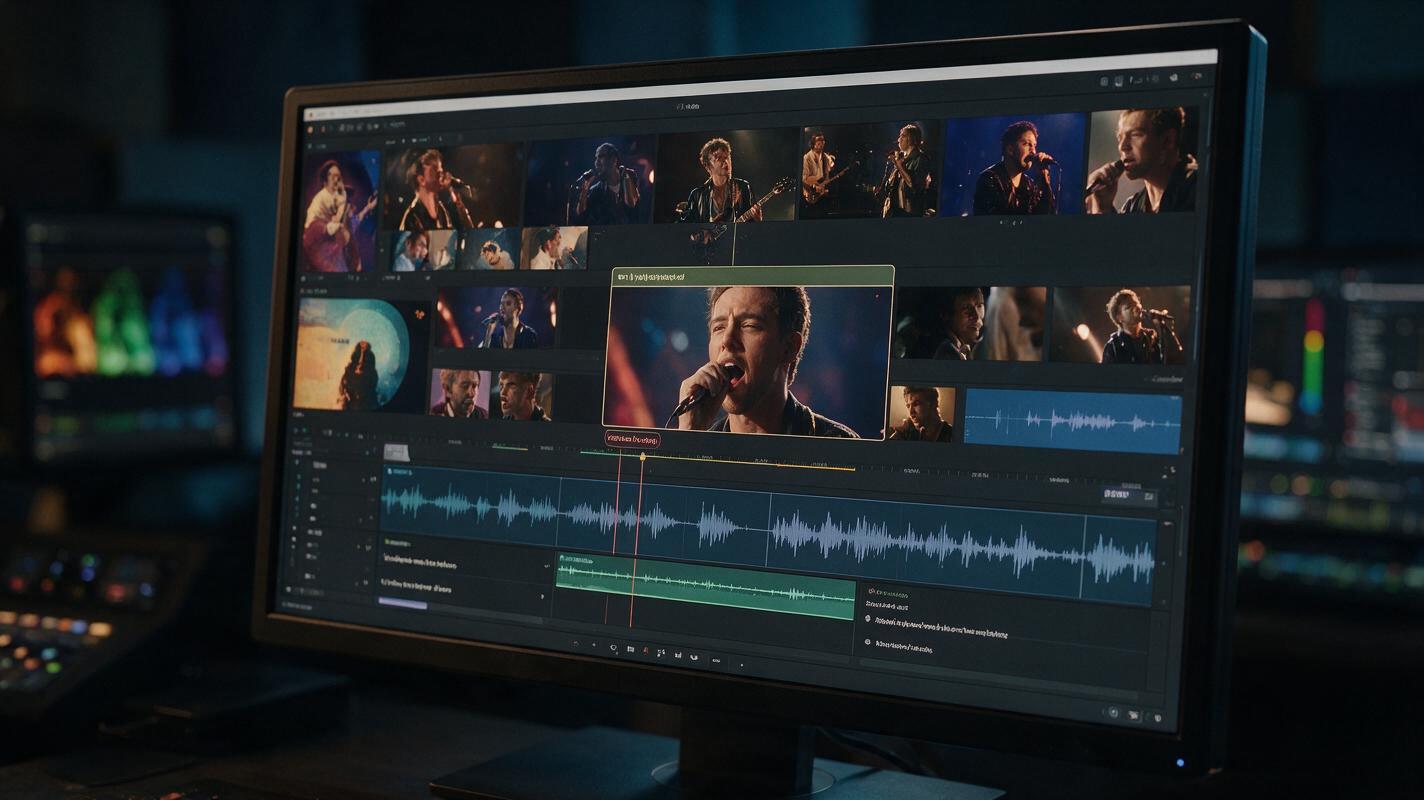
Replace the dialogue without flattening the atmosphere of the video. Keep the original instrumental, room tone, audience noise, or backstage ambience on separate tracks. Lower those elements during speech, but do not remove them completely.
A simple mix order is:
- Place the selected dub against the original picture.
- Move the entire voice clip until the first meaningful syllable matches the speaker’s visible start.
- Use short pauses between phrases to align later mouth closures.
- Add the original ambience underneath the dub.
- Apply light level matching so the voice belongs in the scene.
- Restore the music and check intelligibility on phone speakers.
Avoid aggressive time-stretching across the whole sentence. It can make breaths, consonants, and emotional emphasis sound unnatural. Adjust silence first; stretch only a small phrase when the mismatch cannot be solved through editing.
Repair only the shots that reveal the mismatch
Not every frame requires perfect mouth correspondence. Viewers notice errors most clearly on plosive consonants, closed-mouth sounds, long vowels, and the beginning or end of a sentence. Inspect those moments before processing the entire clip.
For exposed close-ups, use ai lipsync on the approved translated audio. Keep the original frame size, identity, lighting, and head movement. Medium shots, fast cuts, profile angles, and cover-art inserts may need no facial regeneration at all.
If the repair changes the artist’s face, shorten the processed region. Cut into lip-sync processing just before the difficult phrase and return to the original footage immediately afterward. This preserves more of the authentic performance than applying facial generation to every shot.
Editing shortcut: Place a performance cutaway or album detail over the translated phrase with the largest timing difference. Good editorial coverage is often more convincing than stronger facial processing.
Fix common dubbing failures
The voice sounds accurate but emotionally flat
Shorten the direction and specify one emotional transition, such as “begin intimate, become brighter on the release date.” Generate sentence fragments separately if a single take cannot hold the intended arc.
The song title is pronounced incorrectly
Add a phonetic spelling, isolate the title in a short test generation, and keep successful pronunciation guidance for every language version. Do not translate an official artist name or release title unless the campaign has an approved localized form.
The translation overruns the visible speech
Remove repetition, replace formal constructions with conversational language, or move secondary information into on-screen captions. Do not solve a major overrun by accelerating the entire voice.
The dub sounds disconnected from the room
Restore low-level ambience and match the acoustic perspective of the shot. A backstage phone video should not sound like a perfectly dry studio commercial. Subtle room character helps the new voice sit inside the original image.
The lips match but the face drifts
Process a shorter section, use the highest-quality source frame available, and avoid repairing shots with motion blur or facial obstruction. When the mismatch is minor, keep the real face and use a cutaway instead.
Review each language as a separate release asset
Ask a fluent native speaker to review meaning, tone, pronunciation, and cultural fit. A back-translation can reveal lost information, but it cannot confirm whether the line sounds like something an artist would naturally say.
Watch the finished promo three ways: once with sound and picture, once audio-only, and once muted with captions. Then test it on a phone speaker. Confirm that names, dates, venues, release times, links, and calls to action match the campaign.
Keep a small localization sheet containing the approved script, phonetic spellings, voice direction, selected take, subtitle file, and reviewer name. That record makes future tour announcements and release updates faster without forcing every translator to rediscover the artist’s preferred tone.
Final checklist
- The artist or speaker authorized every voice reference.
- The translation was adapted for natural speech rather than copied literally.
- Artist names, song titles, venues, and dates were checked separately.
- The dub fits without extreme speed changes.
- Original ambience remains audible beneath the new voice.
- Lip-sync processing is limited to visibly necessary shots.
- A native speaker approved tone and pronunciation.
- Captions match the final spoken version.
When the script, clean reference, and source clip are ready, test this prompt yourself with one short announcement before localizing the full campaign.
Keywords
ai dubbing, artist promo video, multilingual music marketing, voice cloning, ai lipsync, music video localization, promo video translation