Why AI Food Thumbnails Fail on Delivery Apps (And Fixes That Convert)
Most AI-generated food photos look impressive full-size but fall flat when shrunk to delivery app thumbnail size, leading to low click-through rates on Uber Eats, DoorDash, and similar platforms. This article breaks down the three most common reasons AI food thumbnails fail, shares Nano Banana Pro prompt templates optimized for small-square delivery tiles, and provides a quick test to verify your photos work before uploading. You’ll leave with actionable tweaks to make delivery app food photos that stand out and drive more orders.
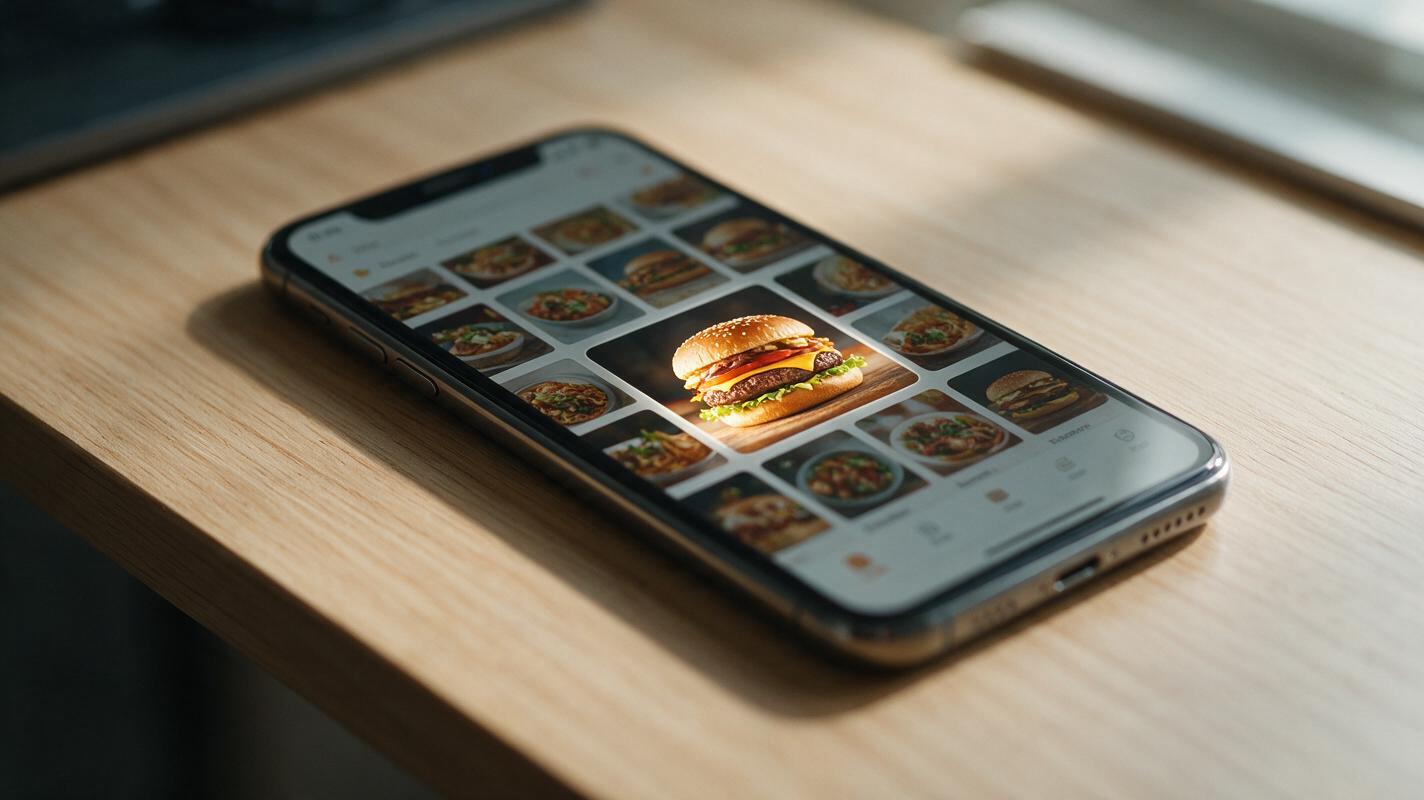
Table of contents
Why your AI food photos get ignored on delivery apps
If you’ve ever uploaded a crisp, detailed AI-generated food photo to your Uber Eats or DoorDash menu only to watch it turn into a muddy, unrecognizable blob in the thumbnail tile, you’re not alone. Delivery apps are the top discovery channel for most independent restaurants, and food photos drive nearly 70% of menu click decisions—yet most AI food generators are optimized for full-screen social media or print menus, not 200x200 pixel delivery tiles.
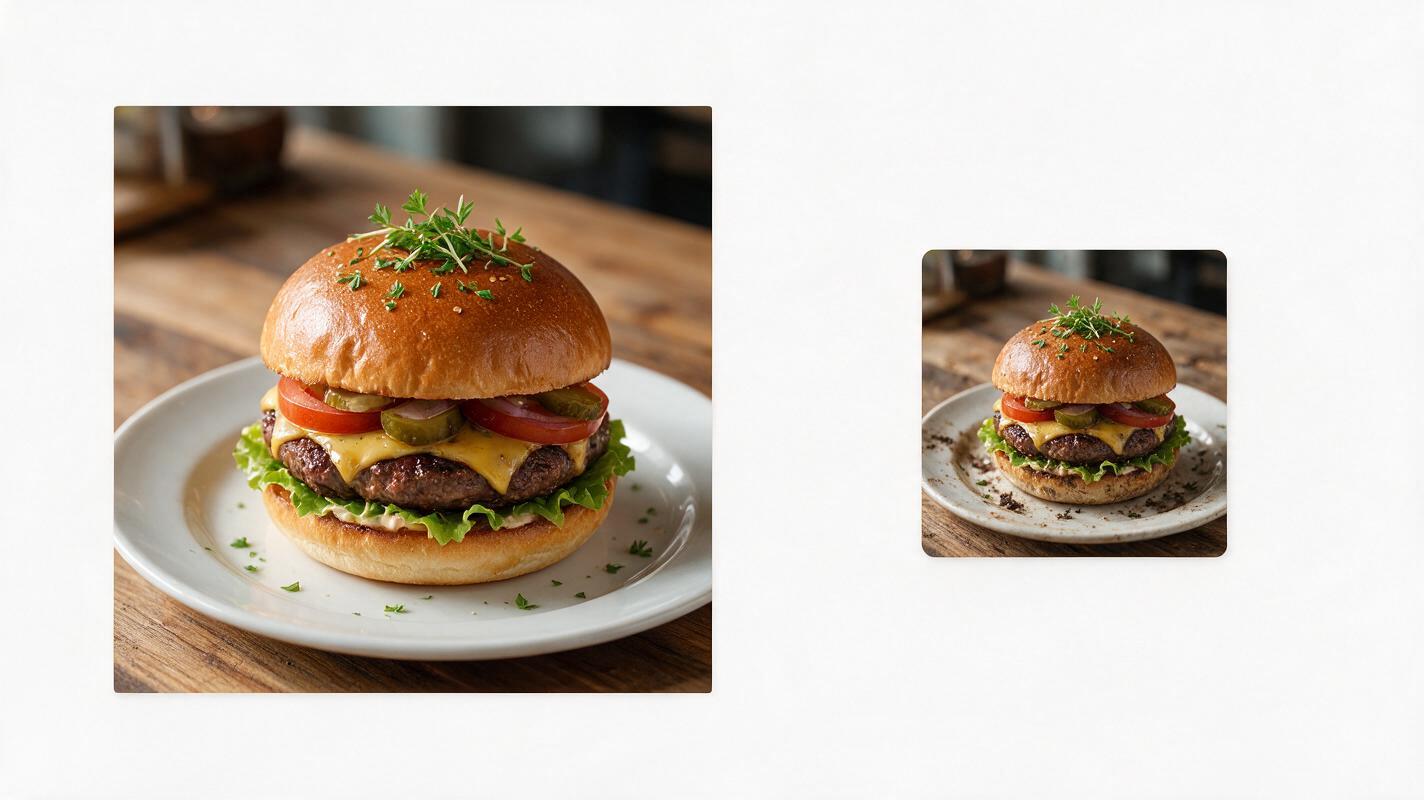
The same details that make food photos look luxurious up close—delicate micro-garnishes, textured marble backgrounds, subtle plating flourishes—vanish entirely when shrunk down. The result? Your dish blends into 50 other menu items, and potential customers scroll right past. The good news is you don’t need an expensive professional photoshoot to fix this; you just need to optimize your AI generation process for small, high-contrast thumbnails that grab attention in a split second.
The 3 biggest reasons AI food thumbnails fail
Most AI food photos fall flat on delivery apps for three predictable, fixable reasons:
- Detail overload: Tiny toppings, crumbs, herb sprigs, and decorative props disappear at 200px, turning a carefully plated dish into a blurry, unidentifiable mess. Diners can’t tell what they’re ordering in the 1 second they spend scanning each tile.
- Low contrast between food and background: Neutral-toned plates on wooden or marble backgrounds blend together at small sizes, so the eye can’t pick out the dish instantly. If the food and background are similar in brightness, the whole thumbnail looks flat.
- Muted, desaturated color palettes: Soft, “natural” color grading looks elegant on full-size menus and Instagram, but it looks dull and unappetizing next to bold, high-saturation competitor photos in crowded delivery feeds.
Composition rules for delivery-friendly AI food photos
The goal of a delivery app thumbnail is simple: the viewer should know exactly what the dish is, and want to order it, in less than a second. Follow these composition rules to set your AI generations up for success:
Stick to a 1:1 square aspect ratio — all major delivery apps crop thumbnails to squares, so generating in 1:1 avoids unexpected cropping that cuts off key parts of the dish. Fill 70-80% of the frame with the main dish, so it’s the clear focal point even at tiny sizes.
Choose a high-contrast background that makes the food pop. If your dish is light (like a creamy pasta or salad), use a dark charcoal or deep wood background. If your dish is dark (like a chocolate dessert or grilled meat), use a clean white or light beige background. Skip textured backgrounds entirely—they add visual noise that muddles the thumbnail.
Stick to a 45-degree or top-down angle, the two most recognizable angles for food at small sizes. Avoid extreme close-ups or dramatic side angles that make dishes unidentifiable when shrunk. Cut out extra props, garnishes, and side dishes—only include what’s core to the menu item.
Nano Banana Pro prompt templates for delivery thumbnails
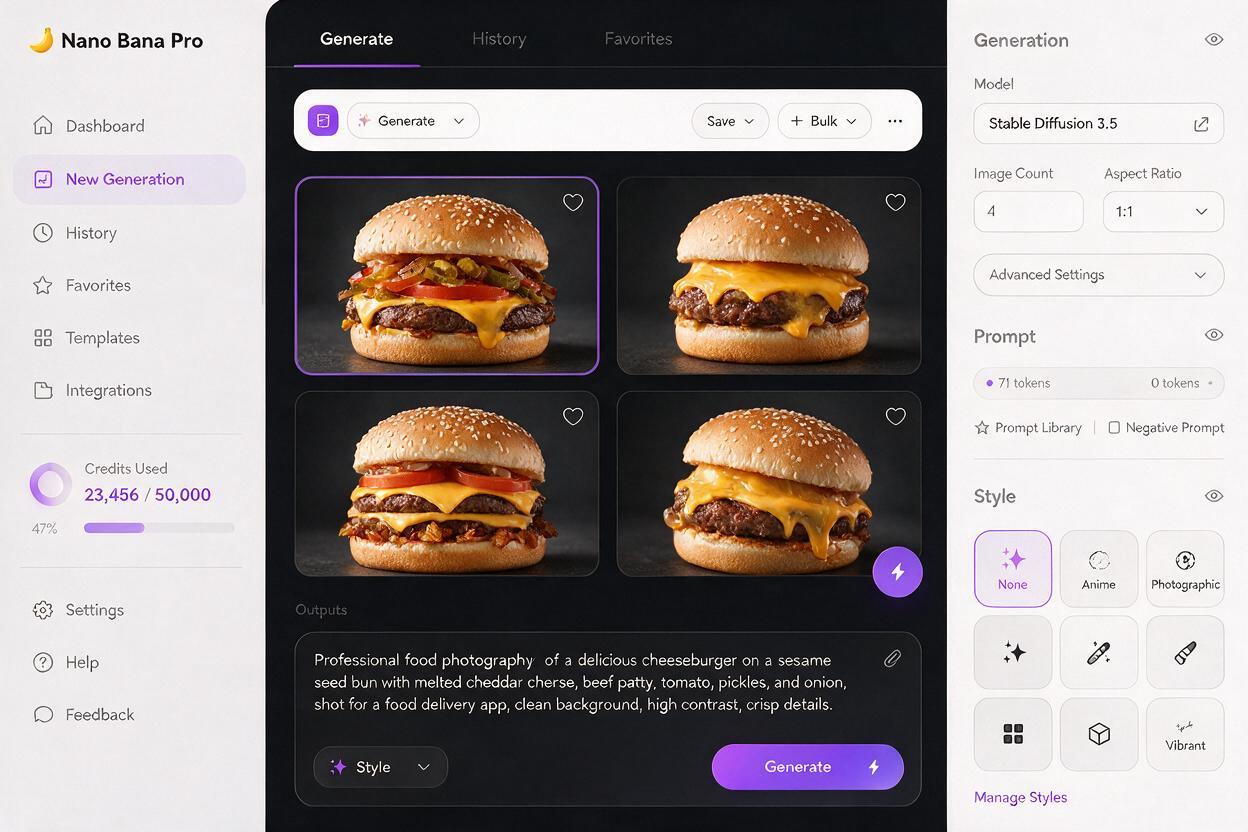
Nano Banana Pro excels at bold, high-contrast food renders with crisp edges that hold up exceptionally well at small sizes, making it ideal for delivery app thumbnail generation. The templates below are pre-tuned to skip unnecessary details and prioritize recognizability and appetite appeal.
You can test this prompt yourself with your own menu items to get thumbnail-ready photos in under a minute.
Base delivery thumbnail prompt:
1:1 square food photo, [dish name], centered in frame, fills 75% of the image, high contrast, bold saturated colors, clean solid [light/dark] background, no extra props, no decorative garnishes, sharp focus on the main dish, professional delivery app menu photo, crisp edges, appetizing, no blur
Ready-to-use variations for common menu items
- Cheeseburger: 1:1 square food photo, classic cheeseburger with melted cheddar, fresh tomato, and crisp lettuce, centered in frame, fills 75% of the image, high contrast, bold saturated colors, clean dark charcoal background, no extra props, no fancy garnishes, sharp focus on the burger, professional delivery app menu photo, crisp edges, juicy appearance, no blur
- Buddha bowl: 1:1 square food photo, vegan buddha bowl with roasted sweet potato, quinoa, avocado slices, and chickpeas, centered in frame, fills 75% of the image, high contrast, bold saturated colors, clean off-white background, no extra props, no tiny micro-garnishes, sharp focus on the bowl, professional delivery app menu photo, crisp edges, fresh appearance, no blur
- Pepperoni pizza slice: 1:1 square food photo, single pepperoni pizza slice with melted mozzarella and crispy crust, centered in frame, fills 75% of the image, high contrast, bold saturated colors, clean light beige background, no extra props, no garnishes, sharp focus on the pizza slice, professional delivery app menu photo, crisp edges, cheesy pull, no blur
- Caesar salad: 1:1 square food photo, classic caesar salad with romaine, parmesan shavings, and croutons, centered in frame, fills 75% of the image, high contrast, bold saturated colors, clean dark slate background, no extra props, no tiny herb garnishes, sharp focus on the salad, professional delivery app menu photo, crisp edges, fresh appearance, no blur
Quick thumbnail test to catch failures before upload
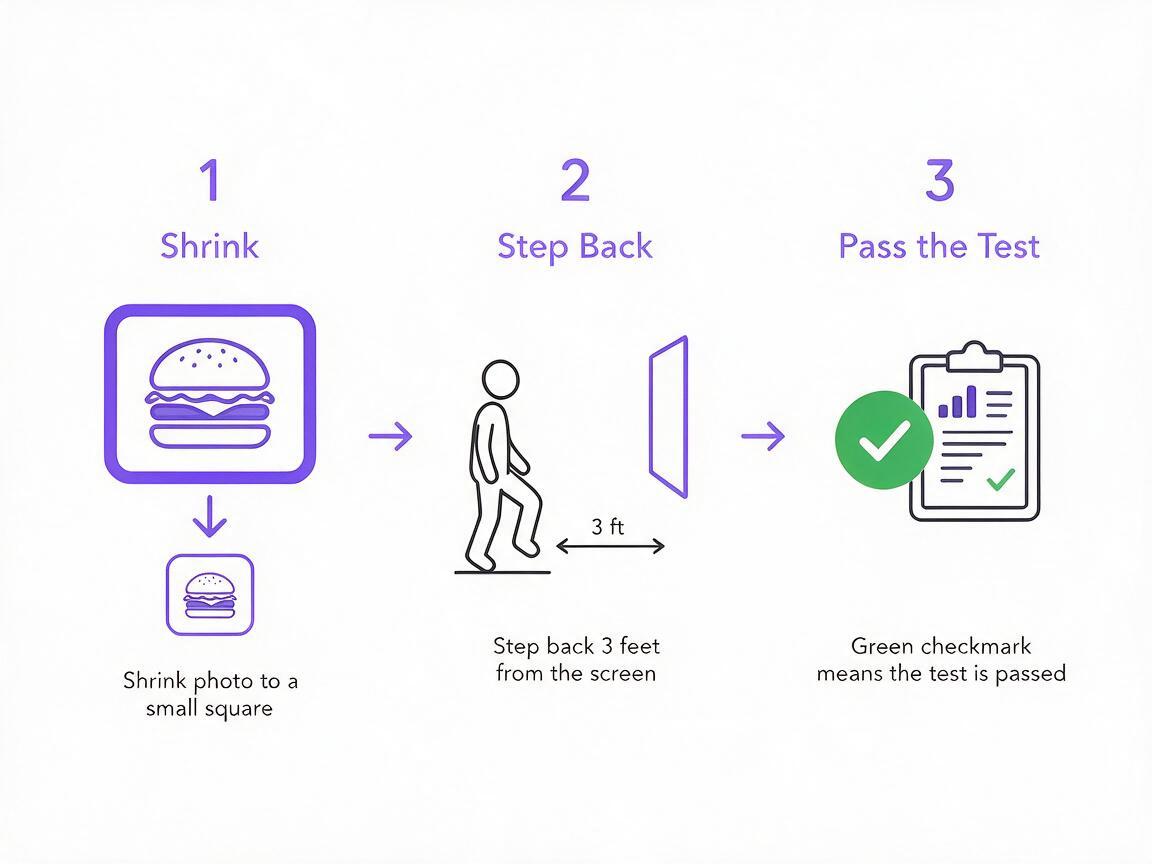
Even with perfect prompts, it’s easy to miss issues that only show up at small sizes. Run this 30-second test before uploading any AI food photo to your delivery menu:
First, shrink the image down to 200x200 pixels (the standard thumbnail size for most delivery apps). Then step back 3 feet from your screen, and ask yourself three questions:
- Can I tell exactly what dish this is in 1 second?
- Does the food stand out clearly from the background?
- Does it look appetizing enough to click on?
If the answer to any of these is no, go back and adjust your prompt. Common fixes include adding more contrast, removing extra garnishes, or switching the background color to create more separation from the food.
For fast batch testing of multiple thumbnail variations, use ai image generator to spin up 4-8 options in under a minute, so you can run a quick A/B test on your menu to find the highest-clicking option.
Final tweaks for maximum click-through
Once you have a thumbnail that passes the 3-foot test, a few small tweaks can boost click-through rates even more:
- Boost saturation by 10-15%: Delivery app feeds are crowded, and slightly bolder colors grab attention faster. Don’t overdo it—you still want the dish to look realistic when customers receive it.
- Touch up muddy spots with inpainting: If a specific part of the dish (like melted cheese or sauce) looks blurry at small sizes, use Seedream 4.5 inpainting to sharpen that area without re-generating the whole photo.
- Avoid text overlays: Text shrinks to unreadable sizes in thumbnails, and most delivery apps ban promotional text on menu photos anyway. Save text for your item name and description.
Final checklist
- Generate 1:1 square images with the main dish filling 70-80% of the frame
- Use a high-contrast solid background to make the food pop instantly
- Remove tiny garnishes, extra props, and side dishes that disappear at small sizes
- Shrink to 200x200px and verify recognizability from 3 feet away
- Boost saturation by 10-15% to stand out in crowded delivery feeds
- Test 2-3 variations to find the highest-clicking thumbnail for your menu
Keywords
ai food photography, delivery app food photos, restaurant marketing ai, food product photography, ai image generator, nano banana pro, menu visuals