Why AI Grilled Food Photos Look Rubbery (And How to Get Charred, Juicy Results)
AI-generated grilled food photos often suffer from rubbery texture, fake uniform grill marks, and a lack of juicy char, making them unappetizing for restaurant menus and marketing campaigns. This troubleshooting guide breaks down the core causes of these flaws, shares a reusable prompt framework for Seedream 4.5 to create charred, realistic grilled food visuals, and provides targeted inpainting fixes and social media video repurposing tips for restaurants and food brands.
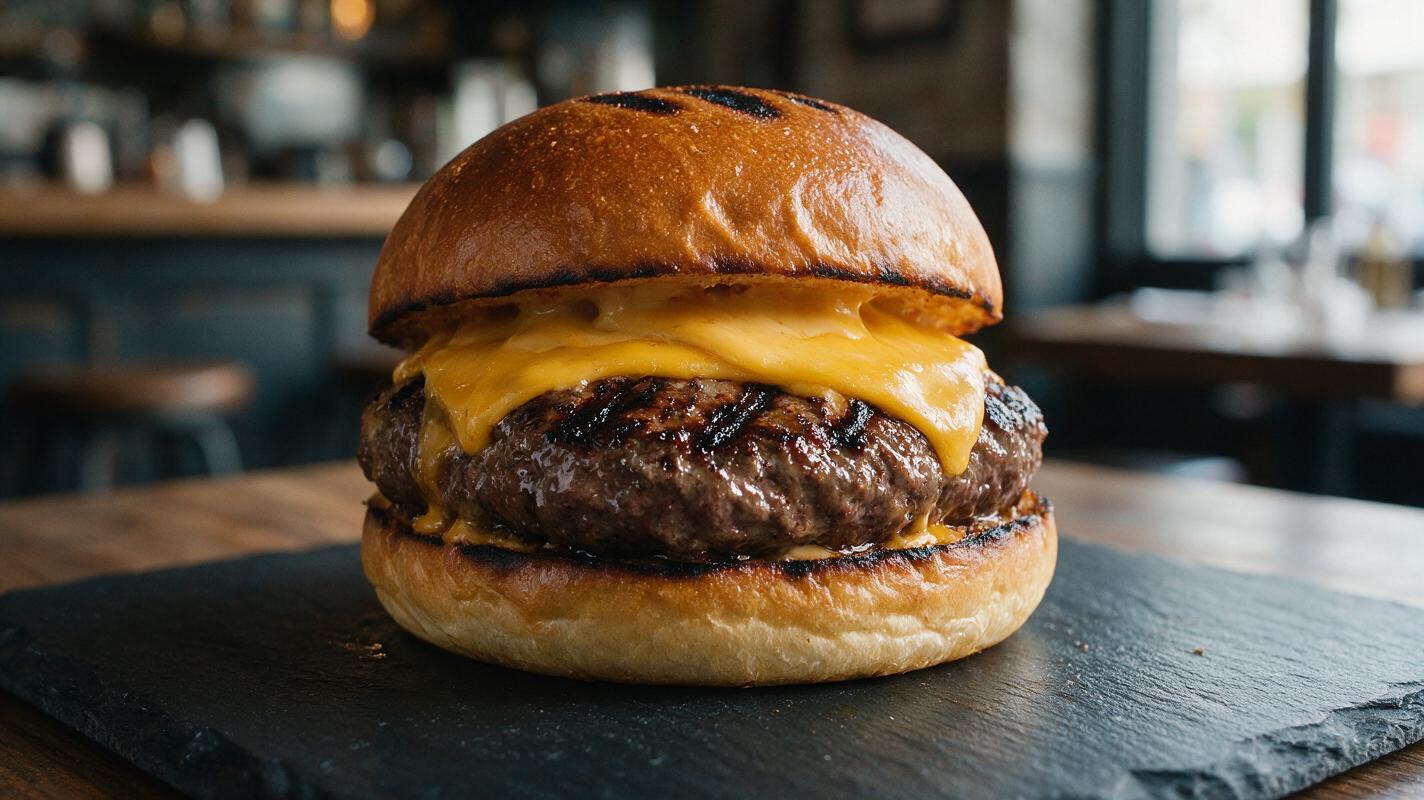
Table of contents
Why AI grilled food turns out rubbery and unappetizing
If you’ve tried generating AI photos of grilled burgers, steaks, or chicken sandwiches for your restaurant menu or social media, you’ve probably run into the same issue: the meat looks rubbery, grill marks are uniformly fake, and there’s no sign of the juicy char that makes grilled food feel craveable. These flaws don’t just look unprofessional — they can make customers assume the food is low-quality, hurting both menu conversions and social engagement.
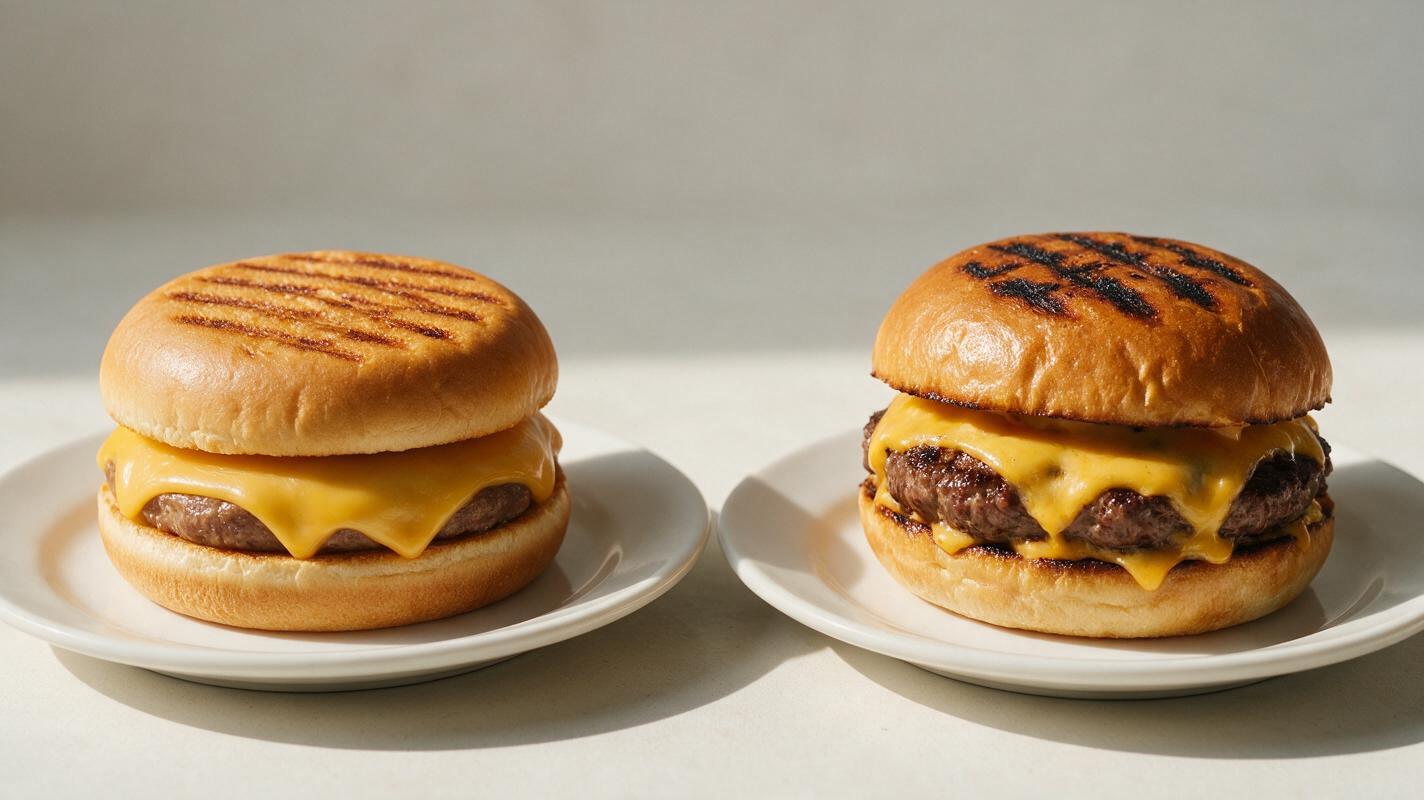
Three core issues cause most AI grilled food failures. First, image models default to smooth, even grill marks because they’re trained on thousands of stylized food photos, not real hand-stamped grill lines that vary in depth and shape. Second, AI struggles to render muscle fiber and fat marbling correctly, turning tender grilled meat into a uniform, rubbery slab. Third, models often dial down glossy, juicy sheens to avoid looking “greasy,” leaving meat looking dry and flat.
Prompt framework for charred, juicy grilled food in Seedream 4.5
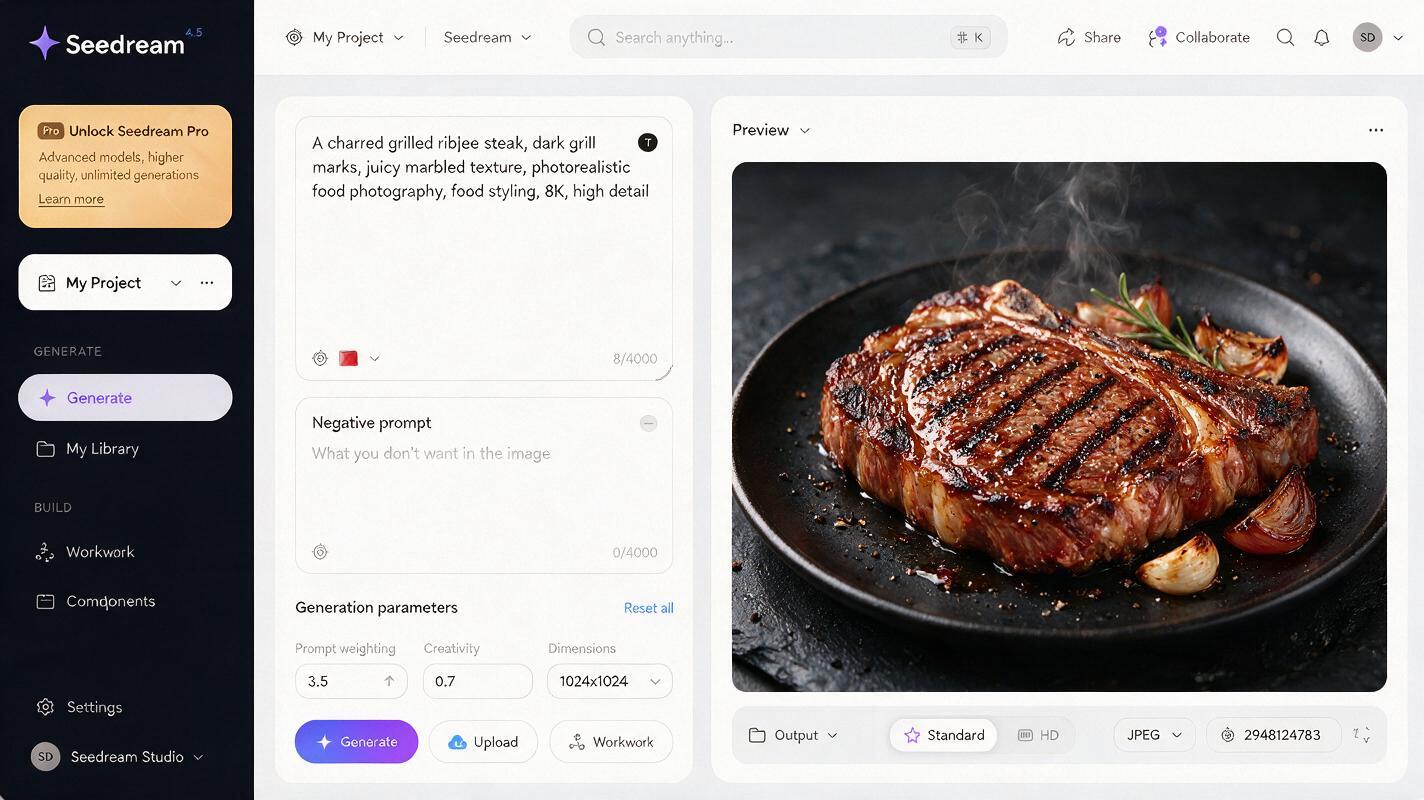
Getting realistic grilled food starts with a prompt that explicitly tells the model what texture, char, and juiciness cues to prioritize. With seedream 4.5, you can lock in consistent, restaurant-quality results by building your prompt around four key layers: char specificity, texture detail, juiciness signals, and lighting context.
Below is a reusable base prompt you can adapt for any grilled menu item, from cheeseburgers to ribeye steaks to grilled chicken sandwiches:
Professional food photography of [grilled menu item], uneven hand-stamped grill marks with dark charred edges, visible muscle grain and rendered fat marbling, juicy glistening sheen on the surface, [topping details], natural side lighting, [background], shallow depth of field, sharp focus on the grilled surface, 4k, photorealistic
--style raw --stylize 300
For example, a prompt for a BBQ grilled chicken sandwich would look like this:
Professional food photography of a BBQ grilled chicken sandwich, uneven hand-stamped grill marks with dark charred edges on the chicken breast, visible muscle grain, juicy glistening sheen on the chicken, melted cheddar cheese, crispy bacon, pickles, and BBQ sauce drizzle on a toasted brioche bun, natural side lighting, reclaimed wood background, shallow depth of field, sharp focus on the chicken edge, 4k, photorealistic
--style raw --stylize 300
The --style raw parameter prevents the model from over-stylizing the food, while --stylize 300 adds just enough polish to feel professional without looking fake. Always name the type of grill marks explicitly (“hand-stamped,” “uneven,” “charred edges”) to avoid the uniform, printed-on look that plagues most AI grilled food.
Targeted inpainting fixes for common grilled food flaws
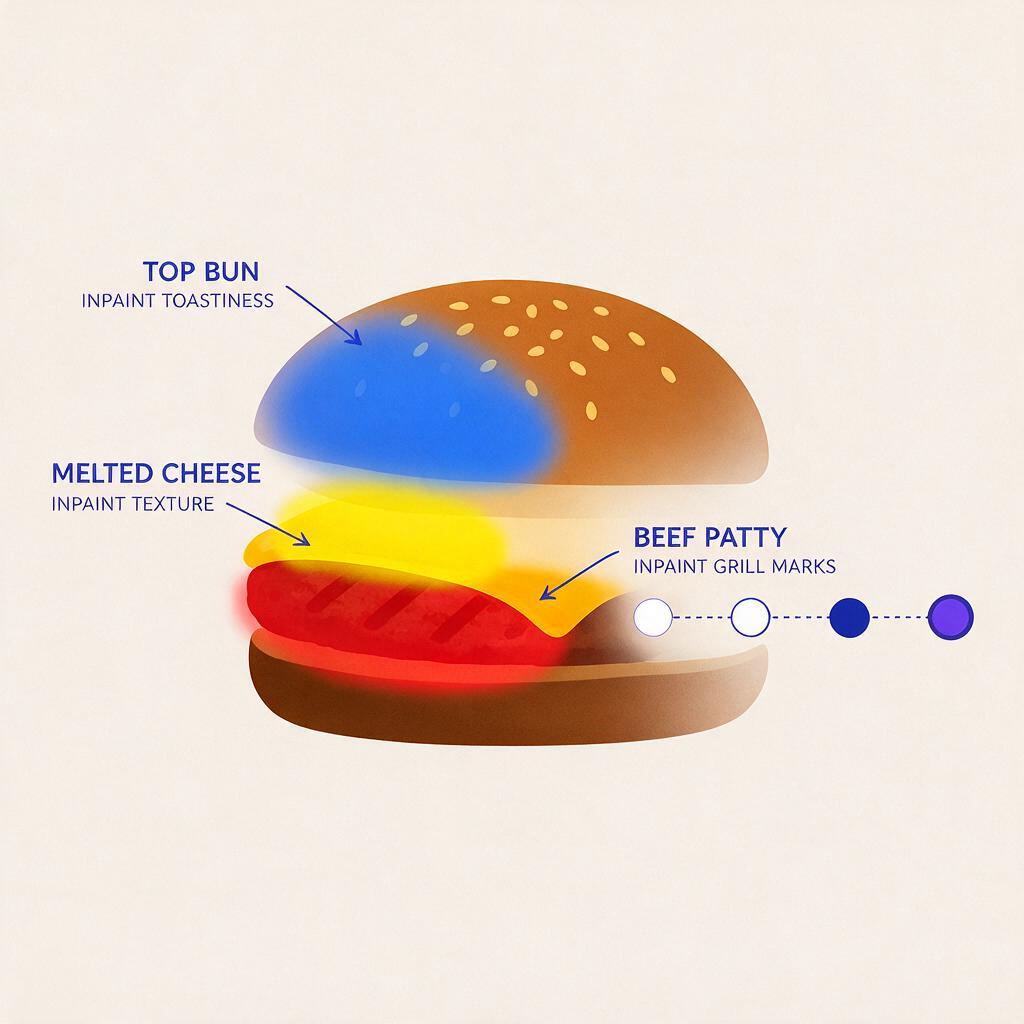
Even with a strong prompt, you may still notice small flaws: fake-looking grill marks, rubbery texture on a section of the patty, or cheese that looks plastic instead of melted. Inpainting lets you fix only the problematic area without regenerating the entire image, so you keep the composition and styling you like.
Here are the most common grilled food flaws and their exact inpainting prompts for Seedream 4.5:
- Fake uniform grill marks: Mask the entire grilled meat surface, then use the prompt: “uneven hand-stamped grill marks, variable depth, dark charred edges, natural variation in mark spacing, juicy meat between marks”
- Rubbery, smooth meat texture: Mask the meat area, then use: “visible muscle fiber grain, rendered fat marbling, slightly rough grilled surface, juicy glistening sheen, no smooth plastic texture”
- Plastic-looking melted cheese: Mask the cheese area, then use: “stretchy melted cheese, slight golden browning on top, oozing over the edges of the patty, small bubbles from grilling, creamy texture”
- Soggy, un-toasted buns: Mask the top and bottom bun surfaces, then use: “toasted brioche bun, crisp golden crust, light uneven grill marks, firm texture, no sogginess”
Pro tip: When inpainting, use a slightly lower stylize value (around 200) to ensure the fixed area matches the rest of the image’s style without standing out.
Repurpose grilled food photos into social clips with Seedance
Once you have a perfect static grilled food photo, you can use image to video to turn it into a short, eye-catching clip for Instagram Reels, TikTok, or restaurant display screens. Subtle motion — like wispy steam rising or a slow zoom — makes grilled food feel fresh and hot, driving higher engagement than static photos.
For best results with Seedance, use your final grilled food photo as the reference frame, and keep the motion minimal to avoid distorting the patty, buns, or toppings. A sample prompt for a 3-second vertical clip:
Slow 3-second zoom in on a grilled cheeseburger, thin wispy steam rising gently from the patty, slight stretch of melted cheese as the camera moves, no distortion of the bun, patty, or toppings, natural side lighting preserved, 9:16 vertical format, cinematic qualityStick to slow, subtle camera moves and avoid fast action — the goal is to make the food feel inviting, not overwhelming. For burger clips, a tiny cheese pull motion (just a few millimeters of stretch) is enough to trigger cravings without looking unrealistic.
Final quality checklist for restaurant use
Before using any AI grilled food photo or video on your menu, delivery app, or social media, run through this quick checklist to make sure it’s ready for customers:
- Grill marks are uneven, with variable depth and charred edges — no uniform, printed-on lines
- Meat has visible texture (muscle grain, fat marbling) and a subtle juicy sheen, not a smooth rubbery surface
- Toppings and buns match your real menu portions and styling (no extra patties, oversized toppings, or wrong bun type)
- Cheese looks melted and creamy, with slight browning or bubbles if grilled, not plastic or stiff
- Lighting matches your existing menu photo style to keep your brand cohesive across all items
- For videos: No warping of the food, plate, or background, and motion is subtle enough to feel natural
Once you’ve confirmed the visuals pass these checks, you can confidently use them for menu boards, delivery app listings, social media posts, and seasonal marketing campaigns.
Ready to create your own realistic grilled food visuals? try these models for free to test your first grilled food photo and video set.
Keywords
ai food photography, grilled food photos, restaurant menu visuals, seedream 4.5, ai image generator, food marketing, grilled burger photos, inpainting tips