AI Ice Cream Videos Without Melting Scoops or Warped Cones
AI ice cream videos often fail when the model treats the dessert as a fluid object, causing scoops, cones, toppings and packaging to mutate between frames. This guide presents a PixVerse image-to-video workflow with restrained motion prompts, short takes and targeted fixes for stable, appetizing frozen-dessert ads.
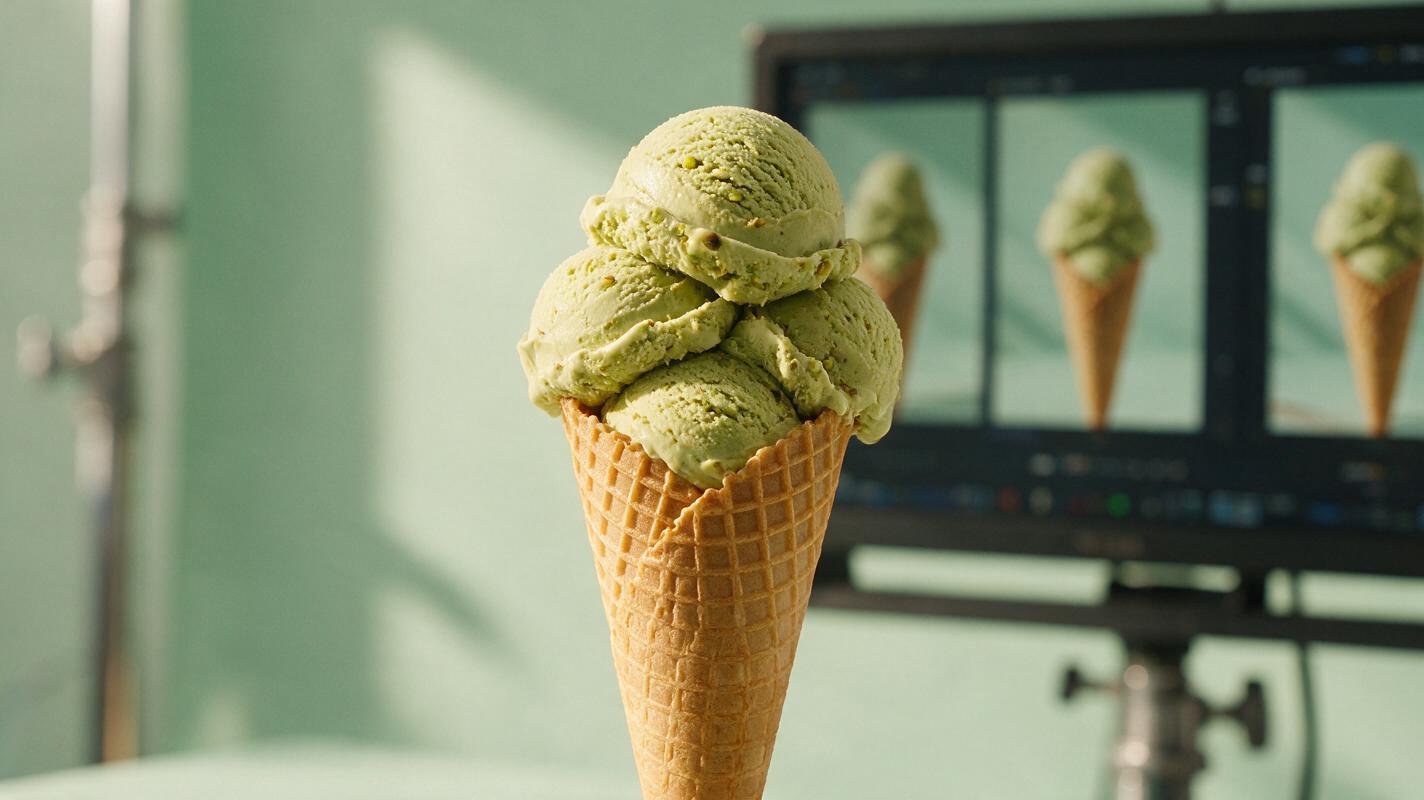
Table of contents
Keep the dessert frozen while the camera moves
AI ice cream videos can turn an attractive hero shot into a melting, morphing mess within seconds. Scoops shrink, cones bend, chocolate drizzle crawls across the frame and toppings appear from nowhere. The reliable solution is to lock the dessert in a strong source image, ask for one restrained movement and let the camera create most of the energy.
For this task, PixVerse is best used as image to video: begin with an approved product photograph or polished hero image instead of asking the model to invent the dessert and animate it simultaneously. This reduces the number of details that must remain consistent across frames.
Why frozen desserts deform in AI video
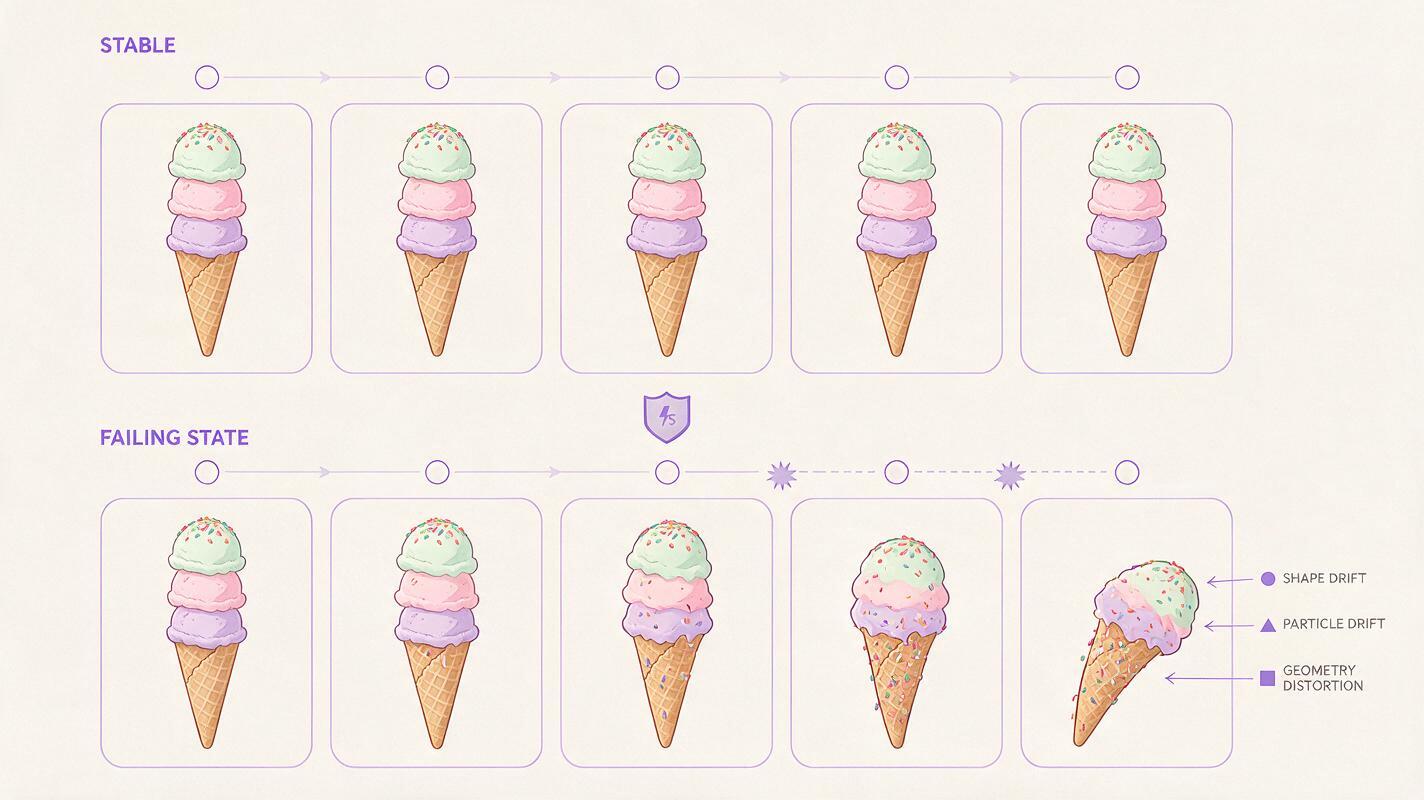
An ice cream composition combines several visually fragile elements: rounded scoops, soft edges, reflective sauces, granular toppings, thin wafers and melting highlights. Motion generation has to estimate how every element changes from frame to frame. A broad instruction such as “make the ice cream come alive” gives it too much freedom.
The most common failures come from four prompt problems:
- Unspecified subject motion: the model invents melting, swelling or rotating scoops.
- Too many simultaneous events: sauce pours, toppings fall, the camera orbits and a hand enters during one short clip.
- Ambiguous materials: glossy highlights are interpreted as liquid movement.
- Long generation windows: small errors accumulate until the final frame no longer matches the product.
For frozen-dessert advertising, visual stability is usually more valuable than dramatic physical action. Let the camera move while the product remains almost still.
Build a stable ice cream hero frame
Start with a source image that already contains the final scoop count, cone shape, serving vessel and topping placement. A three-quarter camera angle is often easier to animate than an extreme overhead shot because it provides visible depth without hiding the base of the dessert.
The frame should include:
- Clearly separated scoop silhouettes with no fused edges
- A cone, cup or bowl with symmetrical geometry
- Controlled highlights rather than wet, mirror-like glare
- Visible space around the dessert for a subtle camera push
- A simple background with no people or utensils crossing the product
If you need to create the hero frame first, use a still-image model such as Seedream 4.5 and describe the dessert as firm, freshly served and structurally intact. Avoid putting advertising copy into the generated image; add prices, flavor names and legal text later in the layout tool.
Commercial ice cream product photograph, three firm rounded scoops of pistachio ice cream in a crisp golden waffle cone, distinct scoop boundaries, finely chopped pistachio topping fixed in place, subtle natural texture, no visible melting, no dripping, clean pale mint studio background, soft side light, realistic food styling, three-quarter view, generous negative space, vertical compositionPrompt motion without redesigning the dessert
A useful PixVerse prompt separates the locked subject from the permitted motion. State what must remain unchanged before describing camera behavior, environmental movement and pacing.
The ice cream cone remains completely unchanged in shape, size, scoop count, color and topping placement. Slow controlled camera push-in with very slight right-to-left parallax. Soft studio highlights move naturally across the cone. A few tiny pistachio crumbs rest motionless on the surface. No melting, no dripping, no morphing, no new toppings, no hands, no text. Premium frozen-dessert commercial, realistic motion, stable final frame.This prompt works because it assigns the action to the camera and light rather than to the ice cream. “Remains completely unchanged” is more precise than “keep it consistent,” while the explicit exclusions address predictable failure modes.
For a cup or tub, preserve the fill line and package geometry as well:
Keep the branded ice cream cup, lid rim, printed label, fill level and two visible scoops identical to the source image throughout the clip. Gentle camera arc of only a few degrees, slow and smooth. Minimal background shadow movement. The ice cream remains firm and frozen. No label distortion, no changing letters, no melting, no added ingredients, no container rotation.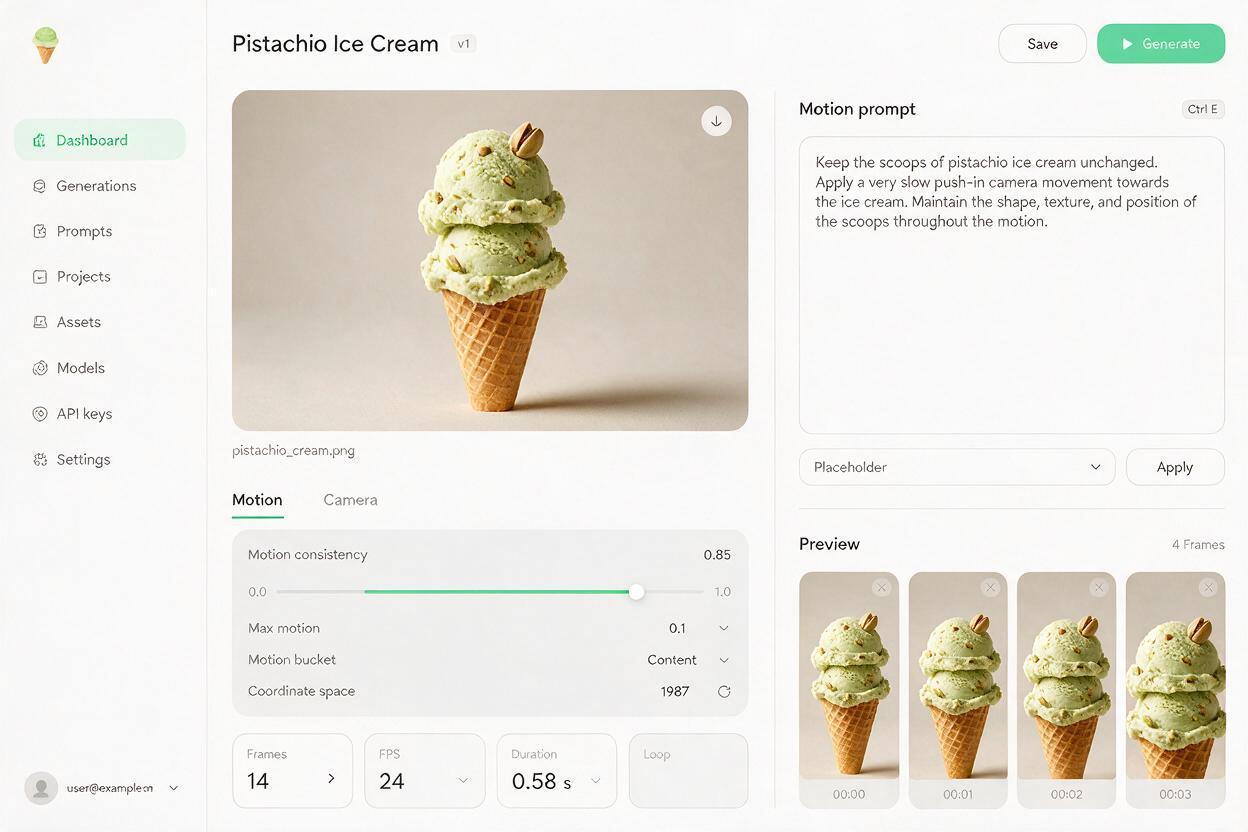
Choose one believable movement per clip
Instead of building a complete commercial in one generation, create several short shots with one visual idea each. A practical starting length is roughly four to six seconds. Shorter takes are easier to inspect, trim and combine before visible drift develops.
| Shot purpose | Recommended motion | Avoid |
|---|---|---|
| Flavor reveal | Slow camera push toward the scoops | Orbiting around the entire cone |
| Texture detail | Gentle macro slide across one stable surface | Changing focus while toppings fall |
| Packaged pint ad | Small lateral parallax with a locked label | Spinning the package |
| Seasonal social post | Subtle background light or shadow movement | Animated snow, confetti and sauce together |
| End card transition | Slow pullback into clean copy space | Generating readable offer text in-video |
Generate multiple candidates from the same source frame, but change only one phrase at a time. This makes it possible to identify whether camera direction, speed or environmental action caused a failure.
Keep sauce and toppings under control
Chocolate shells, caramel ribbons and fruit sauces are especially unstable because their shine suggests active liquid. If the sauce is already present in the source image, call it “set,” “motionless” or “fixed in place.” Do not describe it as silky, flowing or cascading unless a pour is the central purpose of the shot.
Falling crumbs can add motion, but they should appear beside the dessert rather than landing on it. Contact events invite the model to reconstruct the scoop surface. Use a prompt such as:
The sundae remains fixed and unchanged. Three tiny cookie crumbs drift slowly through the empty background beside the glass without touching the dessert. Gentle camera push-in. Preserve the exact whipped cream shape, cherry position, sauce pattern and glass geometry. No melting, no extra crumbs on the sundae, no duplicated cherry, no utensil.If a topping shower is essential, film or generate it as a separate overlay and composite it over the stable product shot. This protects the approved dessert while still delivering energetic social content.
Fix melting, morphing and cone distortion
| Visible problem | Likely cause | Prompt-level fix |
|---|---|---|
| Scoops merge together | Camera movement is too large or boundaries are unclear | Request a slow push-in and specify distinct, unchanged scoop silhouettes |
| Ice cream starts dripping | Glossy texture is being read as fluid | Use firm, frozen, set surface and no melting |
| Cone bends or widens | Subject rotation exposes uncertain geometry | Lock the cone and move the camera only a few degrees |
| Toppings multiply | Particles are treated as animation cues | State exact topping placement fixed in place |
| Package label warps | The container is moving or turning | Keep the package stationary and add motion behind it |
| Final frame changes flavor | Color drift accumulates over time | Shorten the shot and specify unchanged flavor color |
Reject a take when the first structural error appears; do not expect editing to repair major scoop or package deformation. Trim a strong clip before the failure, or regenerate with less motion. The opening frame should also be compared with the final usable frame at full size, not only as a small preview.
Turn stable clips into a complete social ad
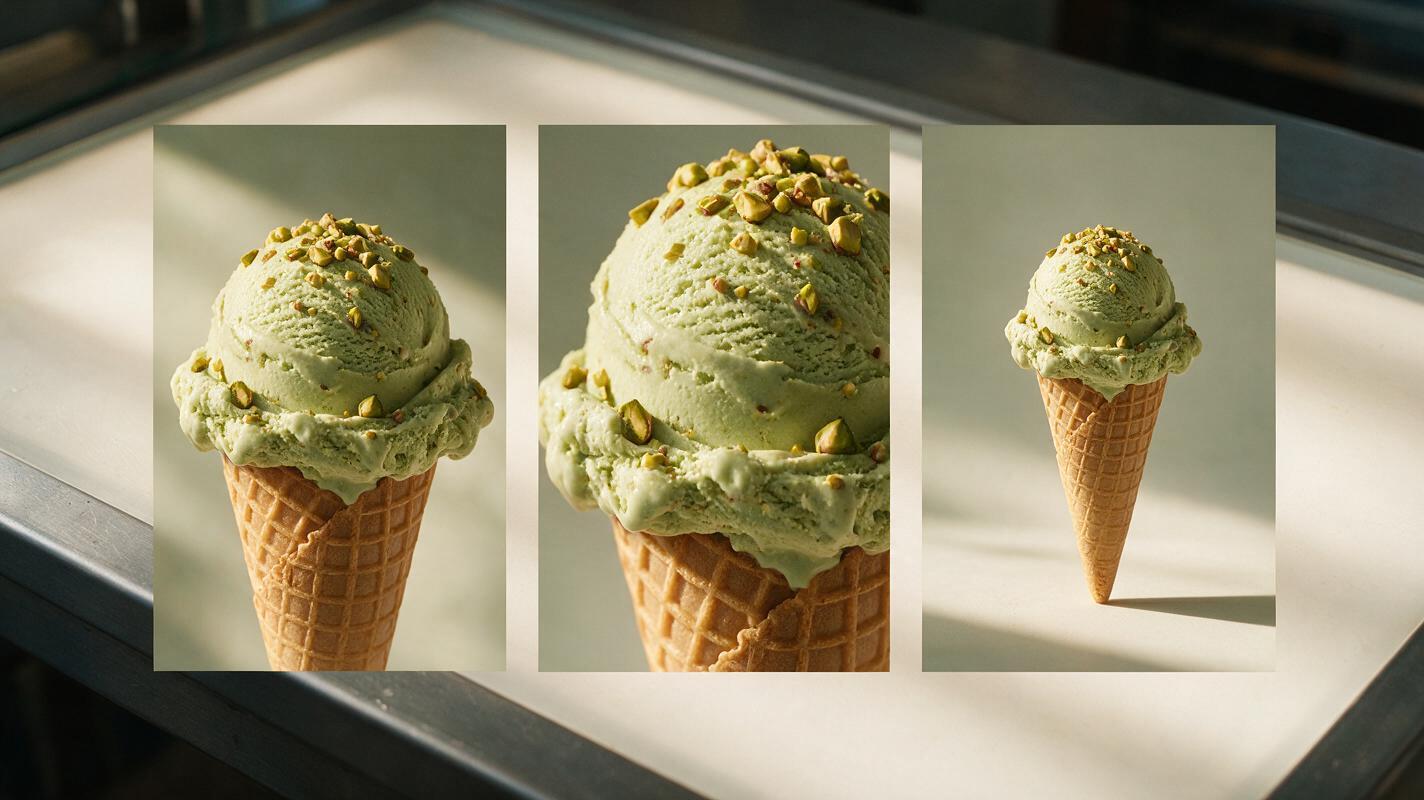
A polished 10–15 second ice cream ad does not require one continuous generation. Combine a stable hero push-in, a tighter texture shot and a clean pullback for the offer. This modular approach gives editors control over pacing and allows a weak shot to be replaced without rebuilding the whole campaign.
- Opening: establish the flavor and recognizable serving format.
- Middle: show one appetizing texture detail without changing the product.
- Closing: reveal negative space for the flavor name, price or limited-time message.
Add logos, offer text and calls to action after generation. Keep typography static long enough to read, and verify that the final advertised item still matches what customers can order. PixVerse can function as an ai video generator for the individual motion shots, while conventional editing handles timing, text, music and final brand controls.
Final checklist
- Use an approved source image with the correct scoop count and serving vessel.
- Describe the dessert as firm, frozen and unchanged.
- Assign most movement to the camera, light or background.
- Limit each generated shot to one primary motion.
- Avoid simultaneous pours, topping falls, hand movement and camera orbits.
- Compare the opening and final usable frames for shape, color and topping drift.
- Add logos, prices and promotional copy during editing rather than generation.
- Trim early when a strong take begins to deform.
When your source frame is ready, test this prompt yourself and begin with the smallest camera movement that makes the dessert feel cinematic.
Keywords
AI ice cream video, ice cream ad prompts, PixVerse food video, image to video, frozen dessert advertising, restaurant social media, food video troubleshooting