Why AI Localized Campaign Posters Drift (and 3 Fixes With Runway)
AI-generated localized campaign posters often suffer from brand drift, including shifted colors, warped logos, and broken layout structure, when adapted for regional markets. This article breaks down three core causes of this drift and shares actionable fixes using Runway’s image-to-image tools, from reference layer locking to hybrid compositing. It includes a reusable prompt template and quality checklist to help brand designers create consistent, authentic regional poster variants at scale.
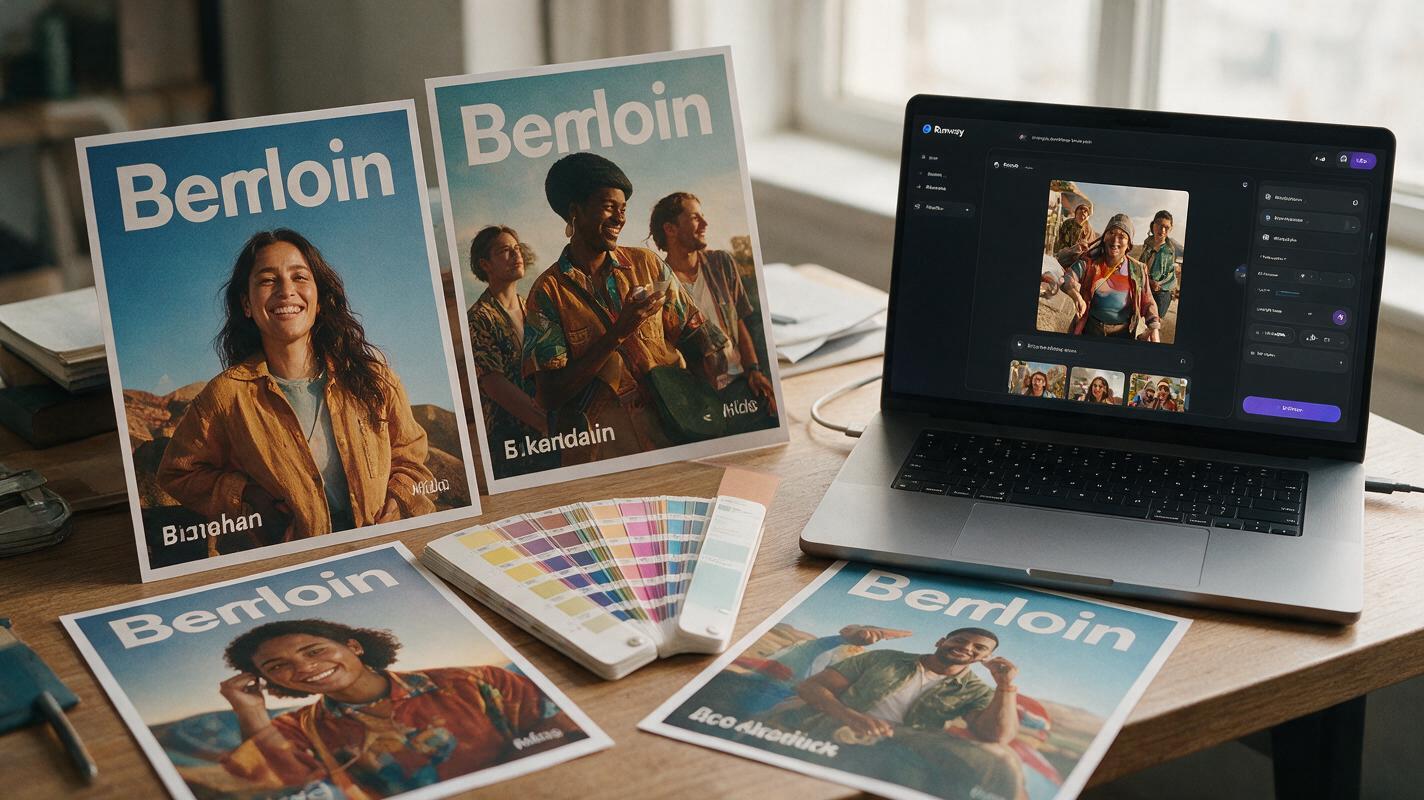
Table of contents
The problem with AI-generated regional campaign posters
If you’ve ever used AI to spin up localized campaign poster variants for different markets, you’ve likely seen it: the logo stretches slightly, the brand blue shifts two shades lighter, the headline typography warps, and the entire layout feels just off enough to fail brand guidelines.
An ai image generator can cut down the time to create 10+ regional variants from weeks to hours, but most designers end up spending more time fixing drift than designing. The core issue is that AI models treat every generation as a new image, not a variant of an existing brand system. Runway’s image-to-image tools, with their robust reference strength controls and inpainting options, solve this when paired with a structured workflow that prioritizes brand guardrails over open-ended generation.
Anchor layout and brand assets with a locked reference layer
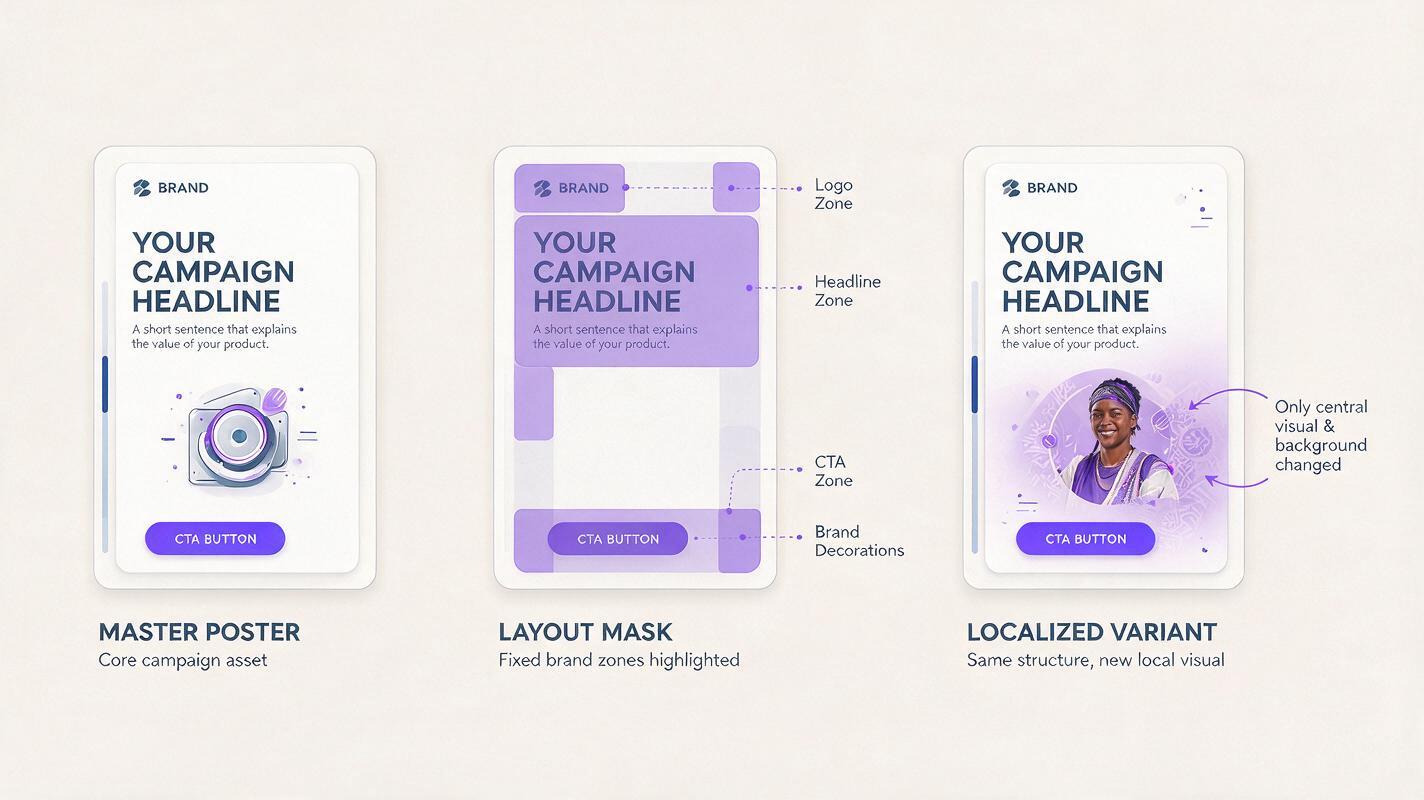
Most layout drift happens when designers upload a master poster and set generation strength too high, letting the AI reimagine the entire composition instead of modifying specific elements. The fix is to treat your master poster as a structural anchor, not just a loose style reference.
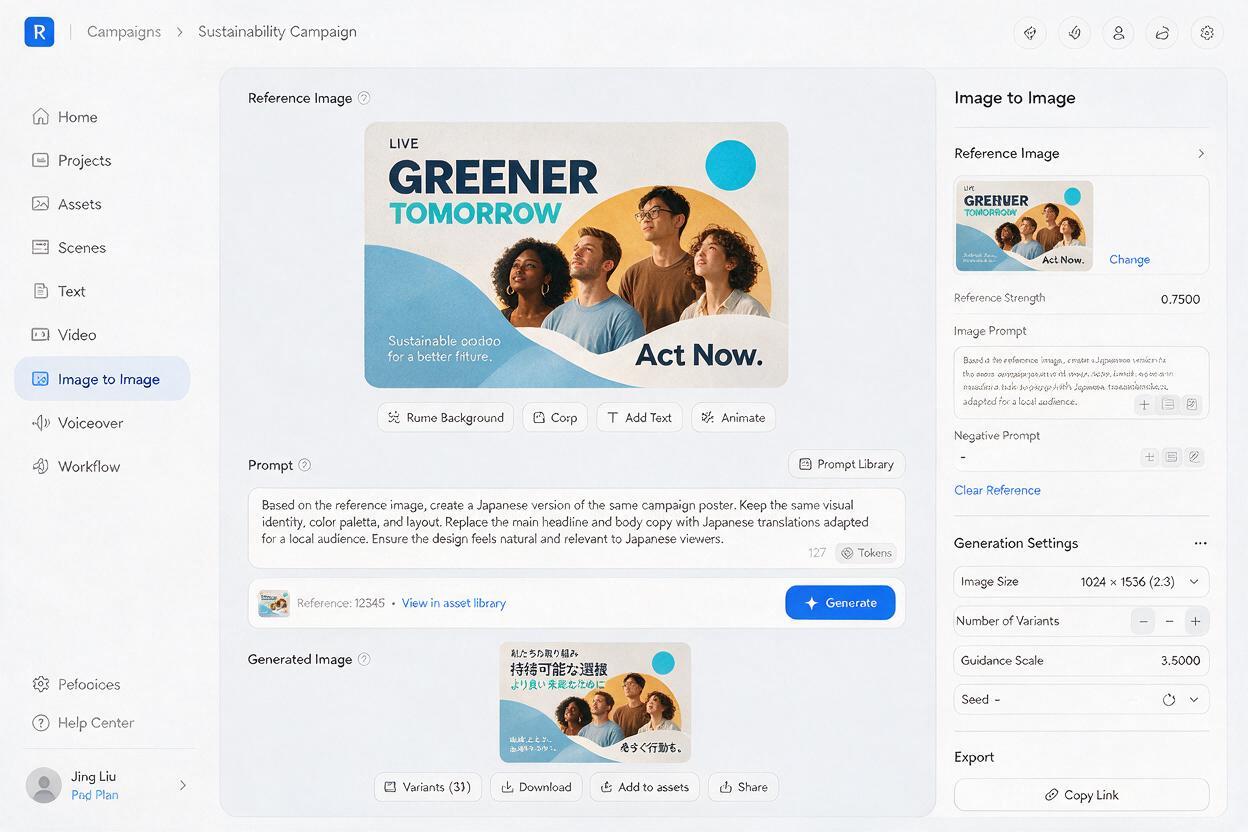
Start with a high-res export of your final master poster, with all brand assets (logo, typography, CTA, product) locked in their final positions. Upload it as the reference image in Runway’s Image to Image tool, then set the reference strength slider between 0.7 and 0.8 — high enough to preserve layout proportions and core structure, low enough to let the AI modify variable elements like talent, background, and cultural details.
For even tighter control, use Runway’s mask tool to paint over fixed brand zones (logo, headline area, CTA button) and exclude them from generation entirely. This ensures those areas stay pixel-perfect to the master, even as the rest of the poster adapts to the regional context.
Pro tip: Create a single master reference file with clearly marked fixed and variable zones to keep consistency across every regional variant you generate.
Prompt for regional changes only, not full redesigns
Brand drift often starts with the prompt itself. Open-ended phrases like “create a Brazilian version of this poster” tell the AI to redesign the entire asset from scratch, not just swap out regional details. The fix is to structure prompts to lead with brand guardrails, then list only the elements that need to change.
Use this reusable prompt template for consistent results:
Preserve exact layout, logo shape/position/color, headline typography style and placement, brand color palette, and CTA button design from the reference image. Only modify the following elements:
- Replace central talent with a [regional demographic, e.g., Black Brazilian woman in her 20s] wearing the same brand hoodie
- Change background to a [regional location, e.g., Rio de Janeiro beachfront at sunrise]
- Add subtle [regional cultural detail, e.g., capoeira roda in the distant background] out of the way of text zones
Negative prompt: distorted logo, warped text, changed layout, shifted colors, altered typography style, missing CTA button, blurry product
Leading with what stays the same ensures the AI prioritizes brand consistency first. Adjust the specificity of regional details based on the market — for example, adding local street food, iconic landmarks, or traditional textiles to make the poster feel authentic without disrupting the brand system.
Composite fixed brand elements separately for perfect accuracy
Even with the strongest reference settings, AI generates pixel-based imagery, so vector assets like logos and crisp typography will never be 100% accurate. For final client deliverables or print-ready assets, this small margin of error can mean failing strict brand compliance checks.
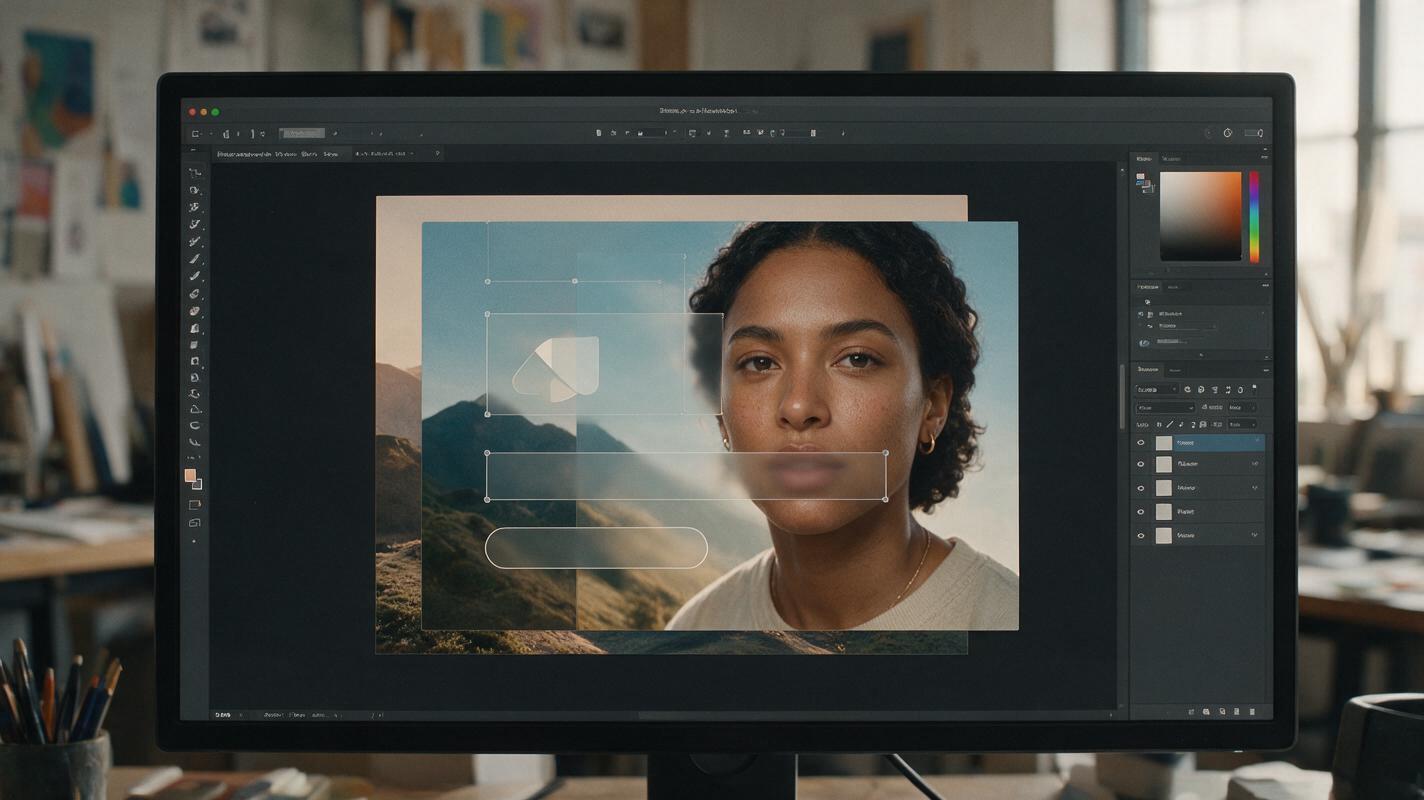
The solution is a hybrid workflow: separate your poster into two distinct layers — variable elements (background, talent, decorative details) and fixed brand assets (logo, headline text, CTA button, product render). Generate only the variable layer in Runway, using the master poster as a reference for composition, lighting, and color balance.
Once you have a variable layer you’re happy with, import it into your design tool (Figma, Photoshop, Illustrator) and place your original vector brand assets on top, aligned to the master layout grid. This guarantees 100% accuracy for critical brand elements while still cutting down design time by 60-70% compared to fully manual variant creation.
Use full AI generation for early concept exploration or internal mood boards, and switch to the compositing method for final client deliverables or print-ready files.
Once you’ve tested these three fixes with a single regional variant, you can scale to 10 or 20 markets in a single workday without sacrificing brand consistency. To experiment with these prompt patterns and reference workflows across multiple AI design tools, try these models for free.
Final quality check for localized poster variants
- Logo shape, color, and placement match the approved vector asset exactly
- Brand primary and secondary colors are within acceptable tolerance (delta E < 2 for print)
- Typography style, size, and placement align with the master poster grid
- Layout proportions and negative space are identical to the master version
- Regional talent and cultural details feel natural, not forced or stereotypical
- No distorted text, warped shapes, or AI artifacts in key brand zones
- CTA and critical information are clearly visible and unobscured
- Overall visual tone and vibe align with the master campaign direction
Keywords
ai campaign posters, localized brand graphics, runway ai, brand consistency, poster variants, ai graphic design, brand drift