How to Build an AI Microdrama Animatic Before Generating Video
A rough vertical animatic can reveal timing, coverage, and continuity problems before an AI video render begins. This tutorial shows how to turn one short-drama scene into timed shot cards, temporary audio, and an approved render plan.
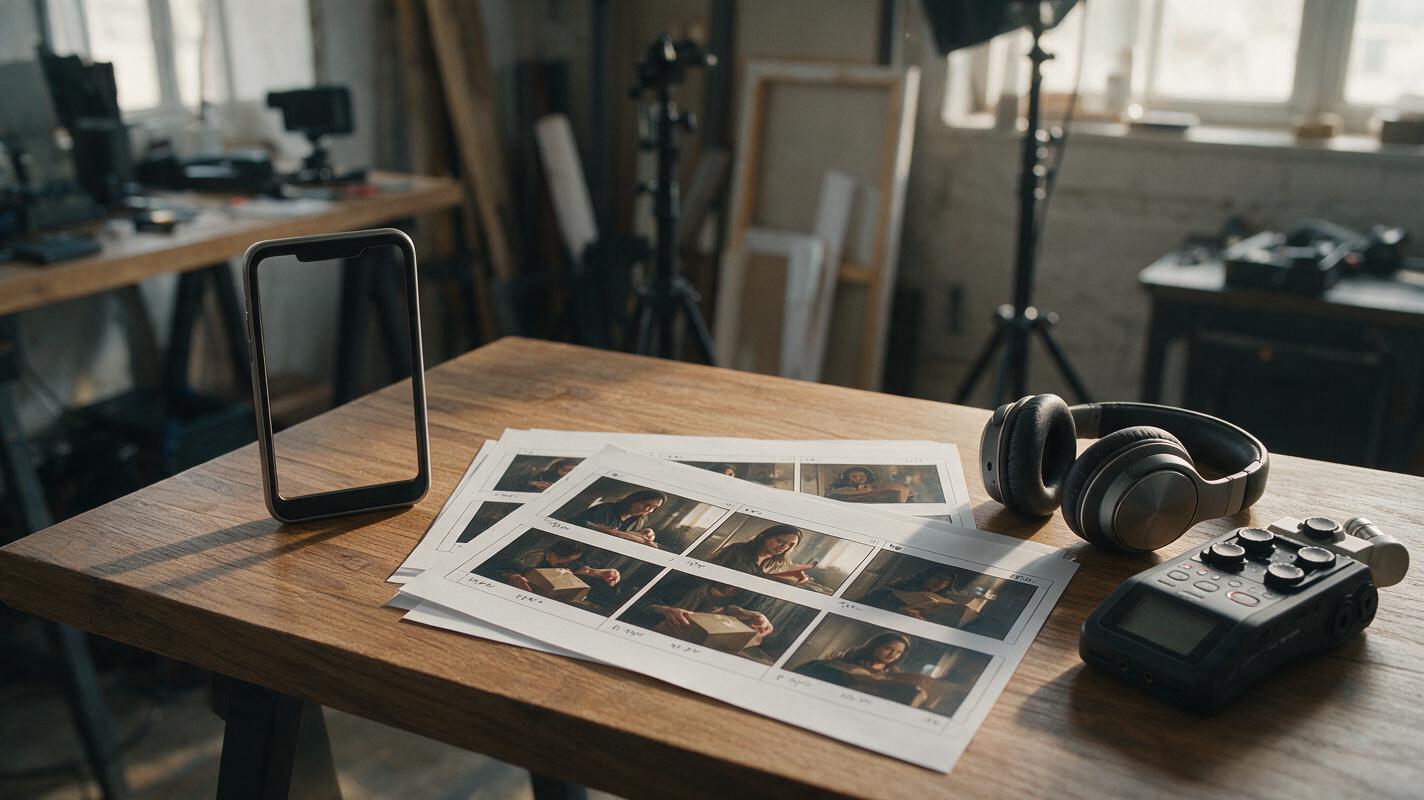
Table of contents
Preview the episode before spending time on final video
The fastest way to find a weak AI microdrama scene is not to generate more polished footage. It is to build a rough animatic: a timed sequence of still frames, temporary dialogue, sound cues, and camera notes that approximates the final episode.
This preview answers practical questions early. Does the opening image explain the situation? Can viewers follow the screen direction? Is there enough time to read the reaction? Does the cliffhanger land before the episode ends?
The rule: approve the dramatic timing with inexpensive placeholders, then use final video generation only for shots that already have a clear purpose.
Step 1 — Isolate one scene and define its change
Start with one scene rather than an entire season. Choose a scene containing a visible change: a discovery, decision, reversal, entrance, escape, or confrontation. A conversation in which nothing changes is difficult to evaluate because the animatic has no dramatic destination.
Write a one-sentence scene contract using this pattern:
At the start, [character] believes or wants [initial state].
By the end, [new information or action] forces [changed state].
For example:
At the start, Mara expects to collect an ordinary package.
By the end, a photograph inside proves that her missing brother is alive.
Next, highlight only what the audience must see or hear. Separate those essentials from decorative details.
| Category | Required information | Optional detail |
|---|---|---|
| Character | Mara recognizes the person in the photograph | Her coat color |
| Prop | Sealed package and revealing photograph | Desk ornaments |
| Action | She opens, sees, freezes, and hides the photograph | How she enters the room |
| Audio | A knock interrupts her reaction | Background street noise |
This distinction prevents an AI drama generator prompt from becoming crowded with details that do not advance the scene.
Step 2 — Convert the scene into shot cards
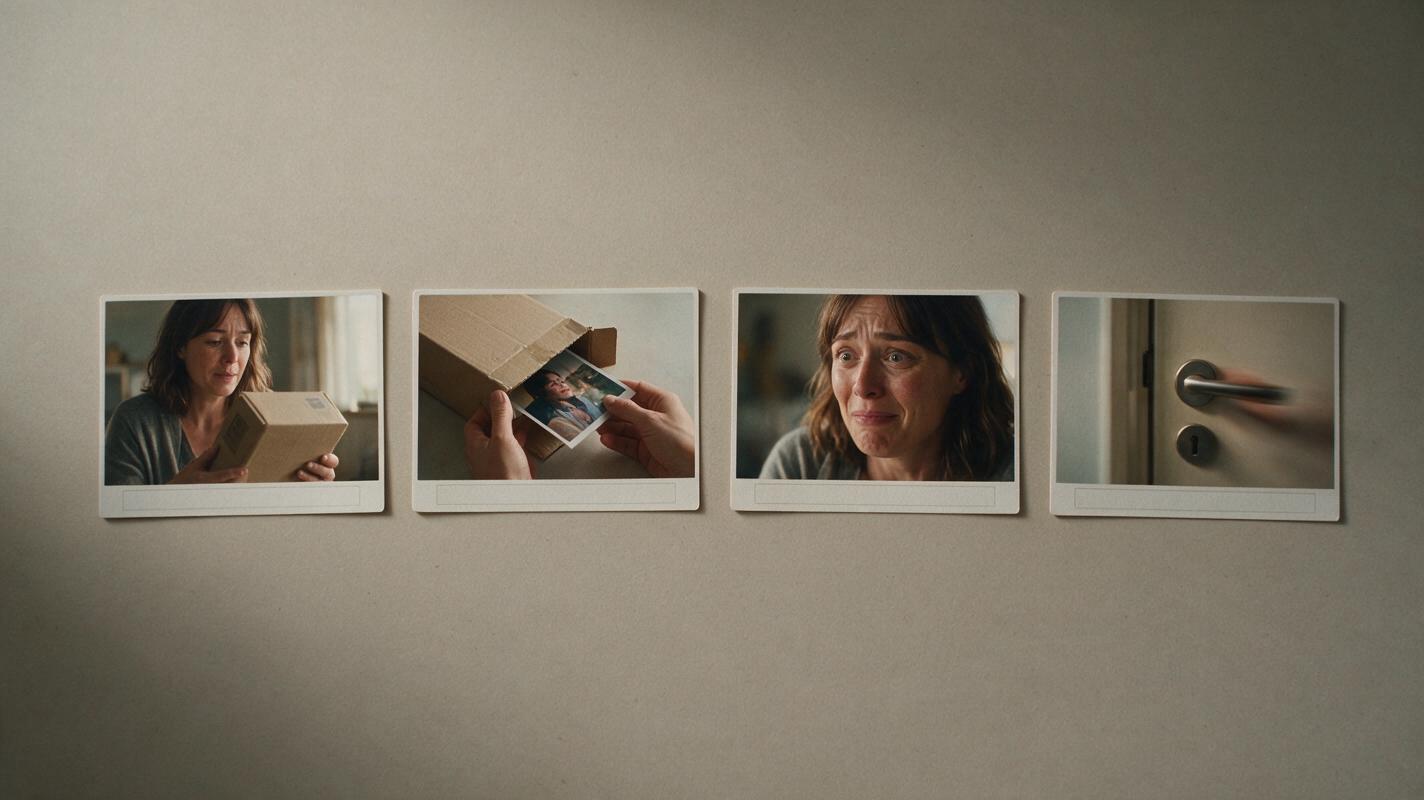
Break the scene into cards based on changes in information, attention, or emotion. Do not create a new shot merely because a sentence ends. A shot earns its place when it reveals something, redirects attention, or captures a reaction the audience needs.
Each card should contain six fields:
- Story job: what the audience learns or feels.
- Framing: wide, medium, close-up, insert, or point of view.
- Visible action: one action that can be recognized without explanation.
- End state: the exact pose, prop position, or gaze at the cut.
- Audio cue: dialogue, silence, impact, room tone, or off-screen sound.
- Estimated duration: a provisional timing value, not a fixed rule.
A compact example might look like this:
| Card | Story job | Image and action | Audio | Sample duration |
|---|---|---|---|---|
| A | Establish caution | Medium shot; Mara turns the sealed package in her hands | Paper movement | 3 seconds |
| B | Reveal evidence | Insert; photograph slides from the package | Music stops | 2 seconds |
| C | Confirm recognition | Close-up; her eyes lock on the image | Whispered name | 3 seconds |
| D | Create danger | Medium shot; she hides the photograph as the door handle moves | Knock, then handle click | 4 seconds |

Step 3 — Create continuity-safe placeholder frames
Generate or sketch one rough frame for each card. These frames are not final art. Their purpose is to test composition, screen direction, prop placement, and whether the planned action is visually legible in a vertical frame.
Use one shared scene description, then change only the shot-specific portion. This makes inconsistencies easier to spot.
Create a rough cinematic storyboard frame for a vertical short drama.

Shared scene:
A narrow apartment entryway at night, warm ceiling light, closed front door,
small wooden console table, sealed brown package, realistic contemporary setting.
Mara is a woman in her early thirties with shoulder-length black hair,
wearing a dark green coat. Keep her appearance and wardrobe unchanged.

Shot purpose:
[INSERT THE STORY JOB]

Framing and action:
[INSERT SHOT SIZE, CAMERA ANGLE, VISIBLE ACTION, AND END POSE]

Continuity constraints:
The front door remains behind Mara.
The console table remains on frame left.
The package stays in her hands unless the shot explicitly changes its position.
Vertical 9:16 composition, clear silhouette, no captions, no interface elements,
no logos, no decorative text.
Judge each frame in the intended vertical crop. A wide horizontal composition may contain the right objects but still fail as a vertical drama video if the face, prop, and threat cannot fit into the same visual hierarchy.
Step 4 — Assemble a silent vertical animatic
Place the placeholder frames on a 9:16 timeline in story order. Begin without dialogue or music. Use only the provisional duration from each shot card.
Watch the silent sequence and ask:
- Can you identify the main character immediately?
- Is the package visible before it becomes important?
- Does the photograph insert appear long enough to register?
- Can you understand why Mara reacts?
- Does the moving door handle redirect attention at the correct moment?
If the scene is confusing without dialogue, adding exposition will usually conceal rather than solve the staging problem. Revise the cards or framing first.
Use cuts as information boundaries. Hold longer when the audience must inspect evidence or interpret an expression. Cut faster when the meaning is already clear and the next image advances the threat.
Step 5 — Add temporary voices and decisive sound cues
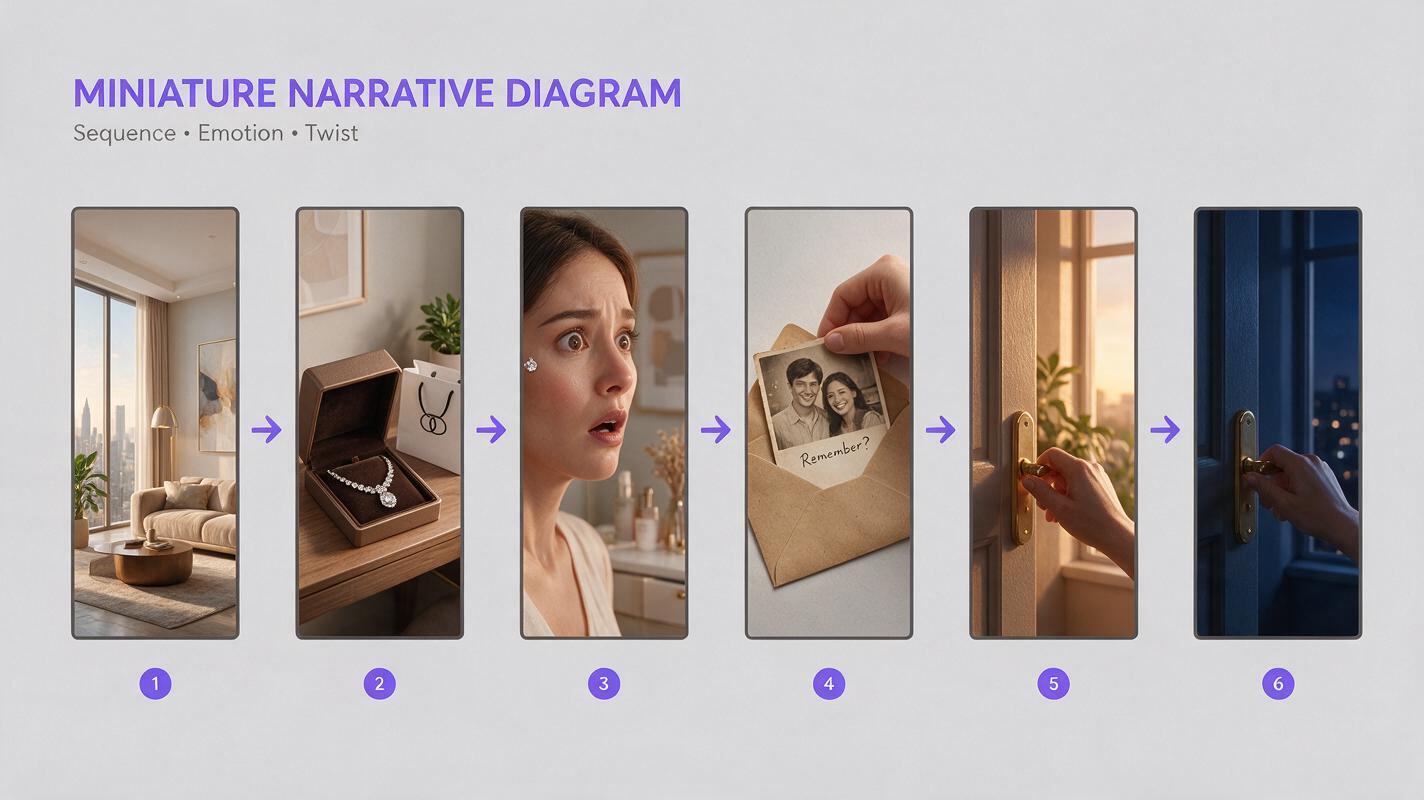
Record simple temporary dialogue with any available voice recorder. Performance quality is not the goal; accurate wording and approximate pace are. Place each line where the character would naturally begin speaking, including pauses needed for recognition or hesitation.
Add only sounds that affect timing, such as a knock, phone vibration, approaching footsteps, dropped object, or door latch. Ambient sound and music can wait unless they create a required transition.
Use this prompt to compress dialogue that overruns the visual action:
Rewrite the dialogue below for a vertical AI microdrama animatic.
Keep the same plot information and emotional intention.
Remove greetings, repeated explanations, and facts already visible on screen.
Use short, speakable lines with natural interruptions.
Do not add new characters, props, backstory, or events.

Scene change:
[PASTE THE ONE-SENTENCE SCENE CONTRACT]

Visible actions:
[PASTE THE SHOT-CARD ACTIONS]

Current dialogue:
[PASTE DIALOGUE]

Return:
1. Compressed dialogue
2. Suggested pause locations
3. Any line that should be replaced by a visual reaction
Once the silent staging and temporary audio agree, test the approved key shots in an AI short film generator. Render one representative close-up, one action shot, and one prop-dependent shot before committing to the complete scene.
Step 6 — Approve, reject, or repair each shot
Review the animatic as a production plan, not as entertainment. Every shot should receive one clear status:
- Approve: its story job, framing, timing, and continuity requirements are clear.
- Repair: the shot is necessary, but its composition, duration, prompt, or transition needs revision.
- Reject: it repeats information, interrupts momentum, or cannot be generated reliably enough to justify its role.
When repairing a card, change one variable at a time. If a reaction feels weak, first adjust the framing or hold duration. Do not simultaneously rewrite the dialogue, replace the location, alter the wardrobe, and introduce camera movement; that makes it impossible to identify what solved the problem.
Use the following final-video prompt only after the corresponding card is approved:
Generate one vertical dramatic video shot based on this approved animatic card.

Narrative purpose:
[STORY JOB]

Starting frame:
[CHARACTER POSE, GAZE, PROP POSITION, CAMERA FRAMING]

Single visible action:
[ONE ACTION]

Ending frame:
[EXACT END STATE REQUIRED FOR THE NEXT CUT]

Continuity:
[FIXED CHARACTER, WARDROBE, LOCATION, LIGHTING, AND SCREEN DIRECTION]

Camera behavior:
[STATIC, SLOW PUSH-IN, PAN, OR CONTROLLED HANDHELD — CHOOSE ONE]

Avoid:
extra characters, new props, wardrobe changes, unreadable hands,
reversed screen direction, captions, logos, interface graphics,
and actions not listed above.
After generation, compare the result with the card's story job and end state. A visually attractive clip still fails if it hides the photograph, changes the character's gaze, or ends in a pose that cannot connect to the following shot.
FAQ
Does an animatic need smooth animation?
No. Still images, hard cuts, temporary audio, and simple timing are enough. The animatic exists to test story clarity and production decisions, not to imitate the finished visual quality.
Should every script line receive its own storyboard frame?
No. Build frames around visual information and emotional changes. Several lines can play over one useful reaction shot, while one silent discovery may require an insert and a close-up.
Can I create an animatic directly from a screenplay?
Yes, but first reduce the screenplay scene to its change, essential actions, props, and sound cues. Generating frames directly from an unedited script often produces redundant coverage and overloaded prompts.
How detailed should placeholder character designs be?
Detailed enough to verify identity, wardrobe, silhouette, and spatial continuity. Fine textures and elaborate background decoration can wait until the composition has been approved.
Sources
- StudioBinder: How to Make a Storyboard
- StudioBinder: What Is a Shot List?
- Adobe: Working with Aspect Ratios in Premiere Pro
Final checklist
- The scene has one explicit dramatic change.
- Every shot card performs a distinct story job.
- Placeholder frames preserve screen direction and prop placement.
- The silent cut communicates the essential action.
- Temporary dialogue fits the visible performance.
- Important sound cues occur at deliberate moments.
- Each approved shot defines both a starting state and an ending state.
- Representative shots are tested before the full scene is generated.
Keywords
AI microdrama, AI short drama, AI short film generator, AI drama generator, short drama from script, vertical drama video, AI series video
Decision: PUBLISH — The tutorial addresses a distinct previsualization problem with an ordered, production-ready animatic workflow.