Why AI Packaging Renders Have Wrong Structure (and 3 Fixes for Production-Ready Concepts)
AI-generated packaging concepts often have structural flaws like misaligned panels, impossible folds, and incorrect label placement that make them unfit for client presentations or production handoff. This article breaks down why AI struggles with packaging geometry and shares three actionable fixes using Nano Banana Pro, from dieline reference locking to targeted inpainting, to create production-ready packaging concepts fast. It also includes a quick quality checklist to verify structural accuracy before sharing work.
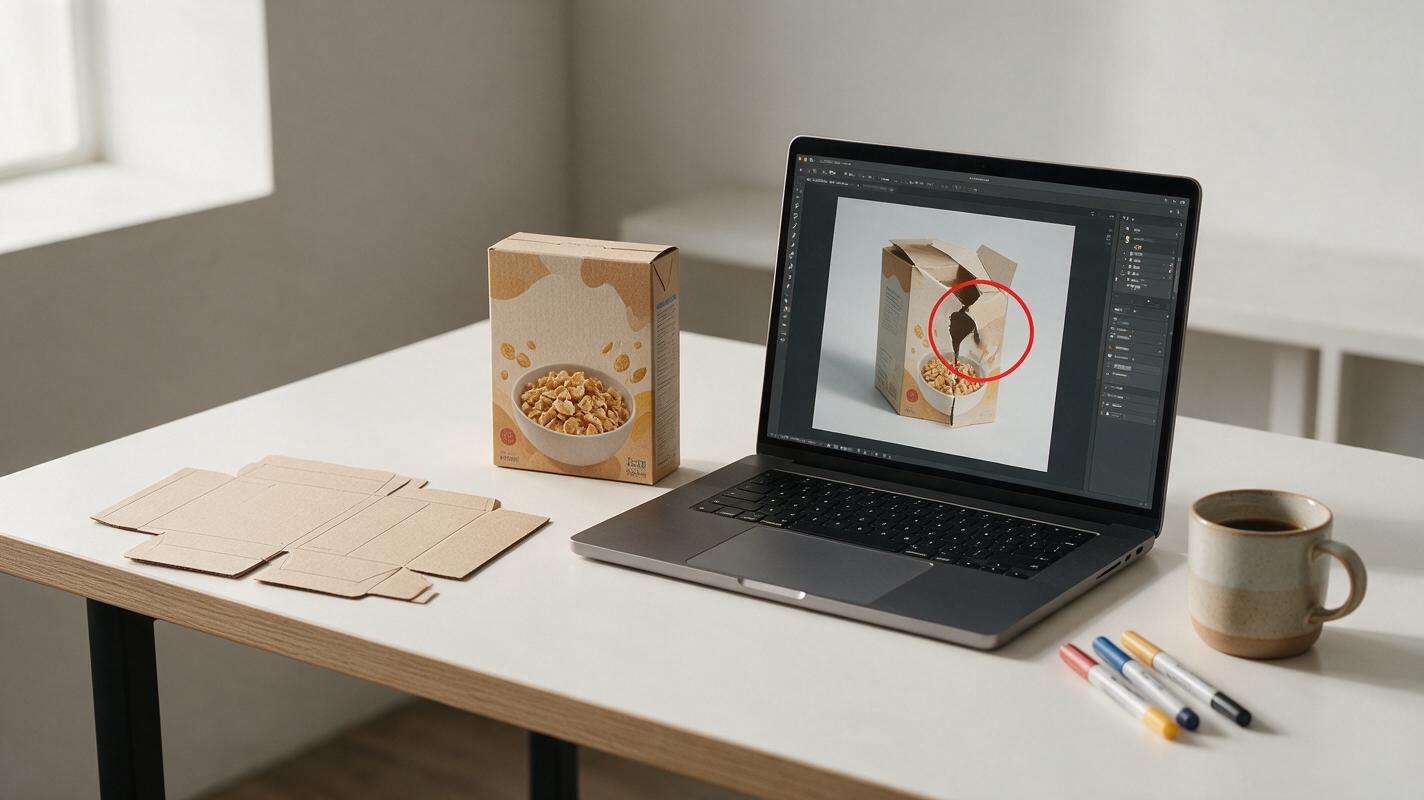
Table of contents
The hidden structural flaw in AI packaging concepts
AI-generated packaging concepts look stunning at first glance—until you notice the impossible folds, misaligned labels, and dielines that would never work on a production line. For brand designers, this means wasting hours retouching renders that look good in a thumbnail but fall apart under client scrutiny, or starting over from scratch when it’s time to hand off concepts to a packaging engineer.
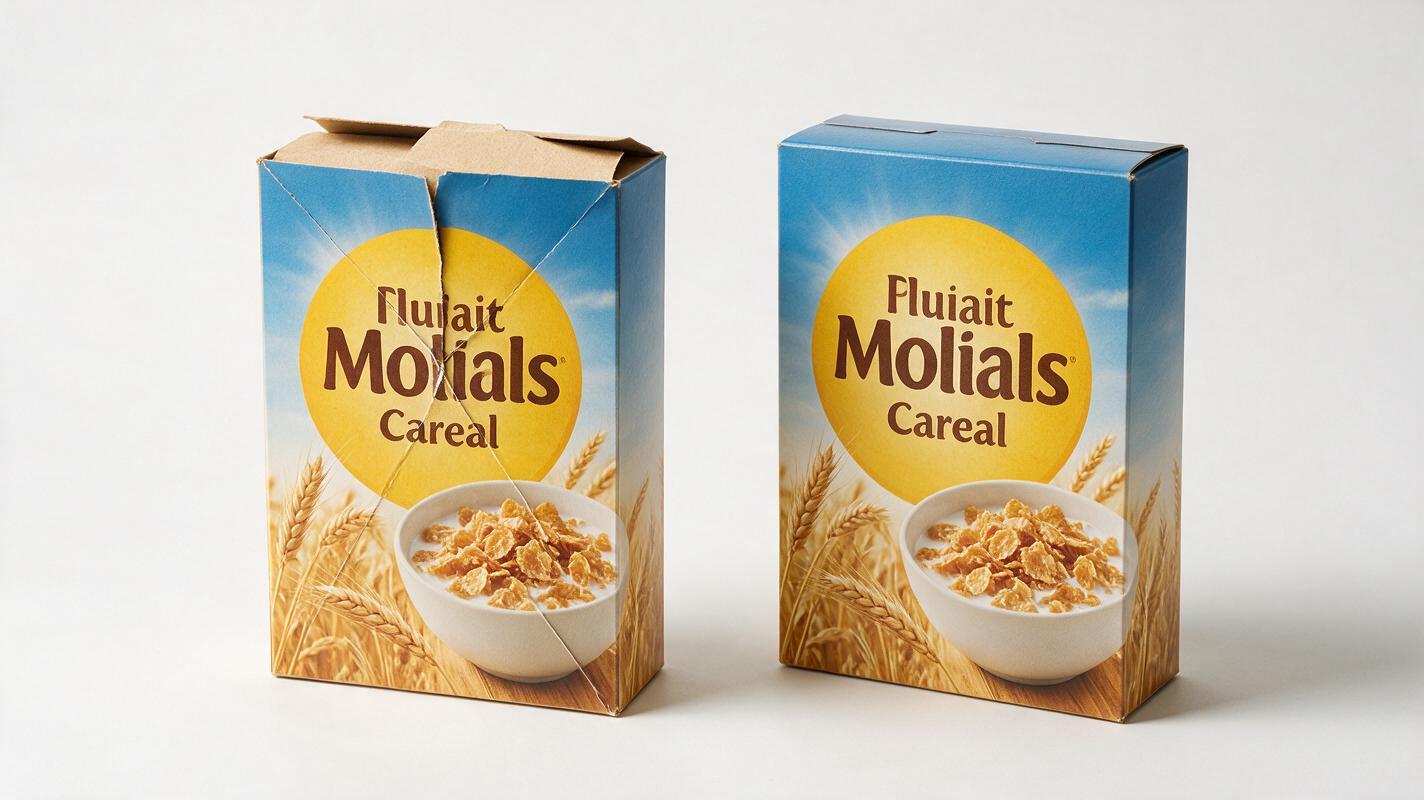
Most ai image generator tools are trained on millions of product photos, not engineering-grade dieline data or 3D packaging models. They prioritize visual appeal over structural logic, leading to common flaws like mismatched panel widths, creases that cut through brand logos, label wrap that doesn’t follow container curvature, and tuck flaps that are too small to actually close.
The good news is you don’t have to choose between AI’s speed and structural accuracy. Using nano banana pro and a few structured workflows, you can generate packaging concepts that look great and follow real-world packaging rules—no manual 3D modeling required.
Why AI messes up packaging structure
AI image models don’t “understand” 3D geometry or how 2D dielines fold into physical packages. Instead, they predict what a packaging render should look like based on patterns in their training data, which leads to predictable structural errors when the model encounters less common packaging types or specific brand requirements.
Common structural flaws in AI-generated packaging include:
- Mismatched panel proportions: Front, side, and back panels have inconsistent widths that would never line up when folded.
- Misplaced fold lines: Creases cut through logos, text, or key design elements instead of running along panel edges.
- Impossible flaps: Tuck flaps, closure tabs, or handles are the wrong size, shape, or position to function.
- Incorrect label wrap: Graphics on curved surfaces (jars, bottles, tubes) stretch or warp unrealistically, or wrap around the wrong axis.
- Perspective drift: Multiple views of the same package have inconsistent dimensions or panel counts.
These errors aren’t just cosmetic—they can make your concepts look unprofessional to clients who work with packaging regularly, and they add hours of retouching time to your workflow.
Use a flat dieline reference to lock panel proportions
The most reliable way to fix panel alignment and fold placement issues is to give the AI a clear structural reference: a flat 2D dieline template of your packaging type. Even a simple, unbranded dieline made in Illustrator or downloaded from a packaging template library gives the model a precise map of panel sizes, fold lines, and flap positions to follow.
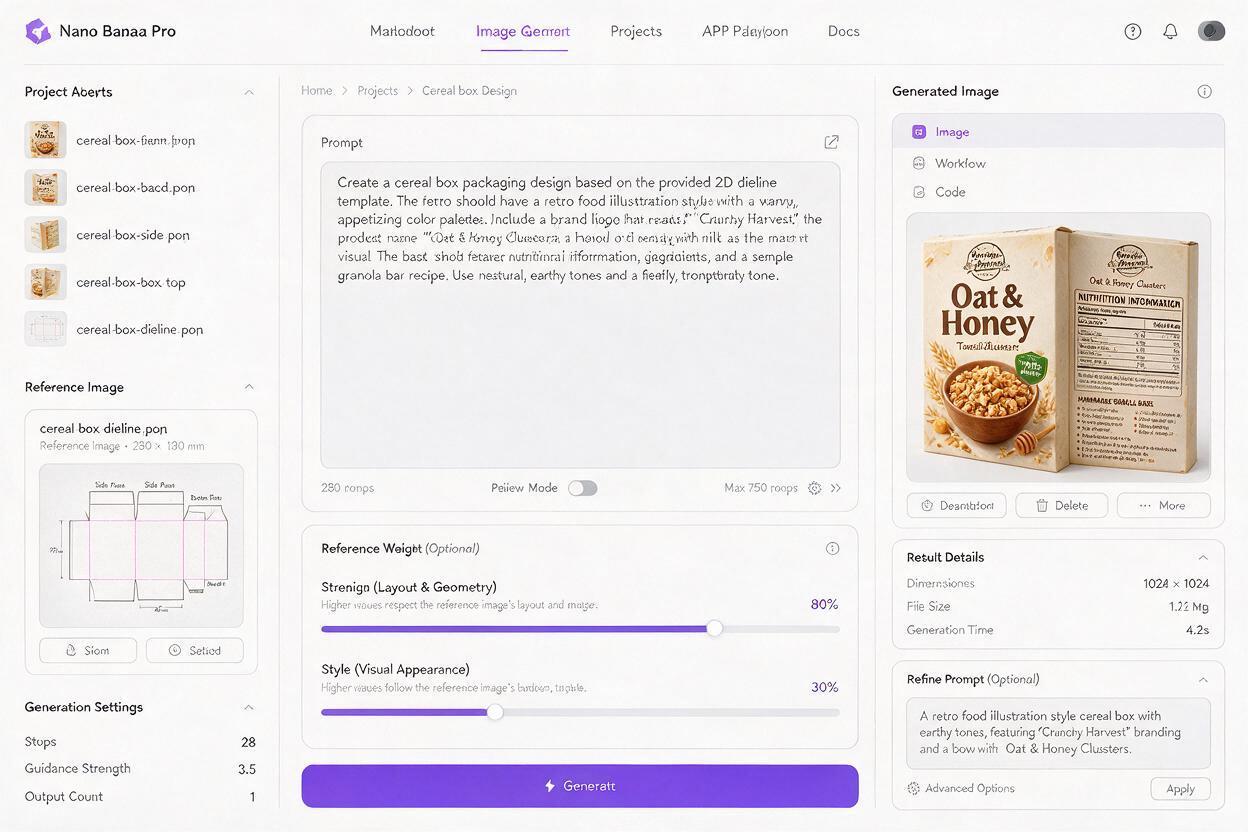
In Nano Banana Pro, upload the dieline as a reference image and set the reference weight to prioritize structure over style. This tells the model to keep the exact panel geometry from the reference, while replacing the blank panels with your brand’s design elements.
Use this prompt template for flat dieline-based concepts:
Flat dieline of a 350g cereal box, front and side panels visible, brand packaging design for an organic granola brand, warm earthy color palette, hand-drawn oat illustrations, bold sans-serif logo on front panel, clean white background, sharp vector lines, no shadows, exact panel proportions match reference dielinetest this prompt yourself to see how reference locking improves structural accuracy compared to text-only prompts.
For best results, use a dieline with clearly marked fold lines (dashed) and panel labels, and set the reference strength to 70-80% for structure and 20-30% for style. This keeps the geometry intact while giving the model room to apply your brand’s design language.
Add a simple 3D block reference for accurate form
When you need 3D rendered packaging concepts (for client presentations, mockups, or social media teasers), a flat dieline isn’t enough to guarantee correct form. Instead, pair your text prompt with a plain, unbranded 3D render of your exact packaging type—think a blank white cereal box, a clear glass jar, or a matte cosmetic tube—as a structural reference.
The 3D reference gives the model a precise map of the package’s shape, curvature, and perspective, so it only swaps in your brand’s graphics instead of reinventing the form. This eliminates most common 3D errors like warped panels, incorrect taper, or misaligned label wrap.
You don’t need advanced 3D skills to make the reference: you can generate a plain 3D packaging model in free tools like Canva 3D or Blender, or even use a high-quality photo of a blank physical package taken at the exact angle you need.
Pro tip: For curved packaging like bottles or jars, use a reference with visible grid lines on the surface to help the AI align graphics evenly around the curve.
Use inpainting to fix localized structural drift
Even with strong reference images, small structural errors can still slip through—like a slightly misaligned flap, a crease that’s off by a few millimeters, or a label edge that doesn’t line up with a panel border. Instead of regenerating the entire render (which can introduce new errors), use targeted inpainting to fix only the flawed area.
To fix a structural error with inpainting:
- Mask the exact area of the flaw (e.g., a misaligned tuck flap) with a tight, precise selection.
- Use a prompt that describes the correct structural detail, e.g., correctly sized tuck flap that fits neatly into the slot, matches reference box structure, same material and color as rest of box.
- Set inpainting strength to 50-60% to preserve the surrounding design while correcting the structure.
This approach is far faster than retouching by hand, and it preserves the rest of your design’s brand consistency.
Quick quality check for production-ready renders
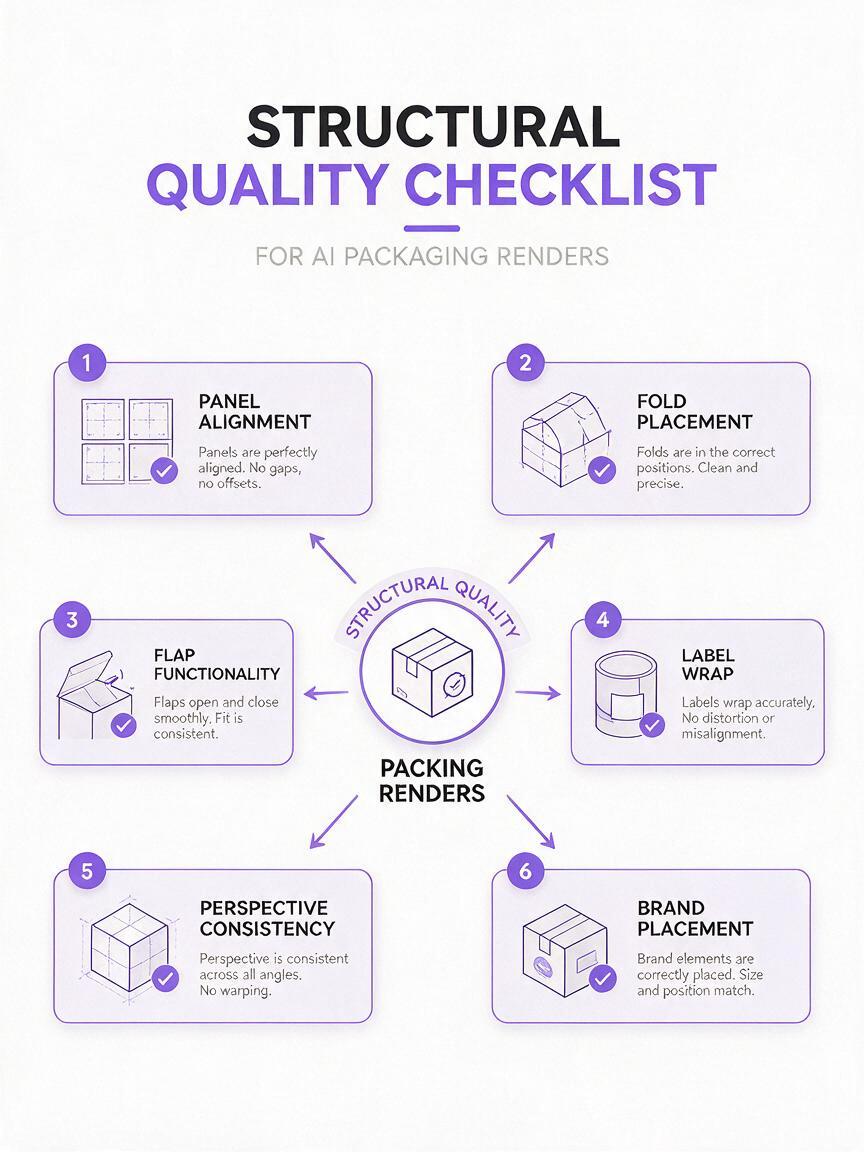
Before sharing any AI-generated packaging concept with a client or handing it off to production, run through this quick checklist to confirm structural accuracy:
- Panel alignment: All panels have consistent widths and heights that match your dieline template.
- Fold placement: Creases run along panel edges, not through logos, text, or key design elements.
- Flap functionality: Closure flaps, tabs, and handles are the right size and shape to work physically.
- Label wrap: Graphics on curved surfaces wrap evenly and follow the container’s curvature.
- Perspective consistency: Multiple views of the same package have matching dimensions and panel counts.
- Brand placement: Logos and key brand elements are positioned on flat, visible panels as intended.
Key takeaways
- AI packaging renders have structural flaws because models learn from product photos, not engineering data, so they don’t understand 3D geometry or dieline rules.
- Using a flat dieline reference locks in panel proportions and fold placement, eliminating most 2D structural errors.
- A plain 3D block reference ensures accurate form and perspective for 3D rendered concepts.
- Targeted inpainting fixes small localized flaws without redoing the entire render.
- Always run a structural quality check before sharing concepts with clients or production teams.
Keywords
ai packaging design, packaging render fixes, nano banana pro, structural packaging accuracy, ai packaging concepts, dieline reference, brand packaging design