Why AI Pastry Photos Look Plastic (And How to Get Flaky, Golden Results)
AI-generated pastry photos often have a plastic-like sheen, missing flaky layers, and uniform color that makes them look unappetizing for bakery and café marketing. This guide breaks down the root causes of unrealistic AI pastry texture, provides reusable Seedream 4.5 prompt templates for croissants, cookies, and sourdough, and shares inpainting fixes and video repurposing tips for social media and menu assets.
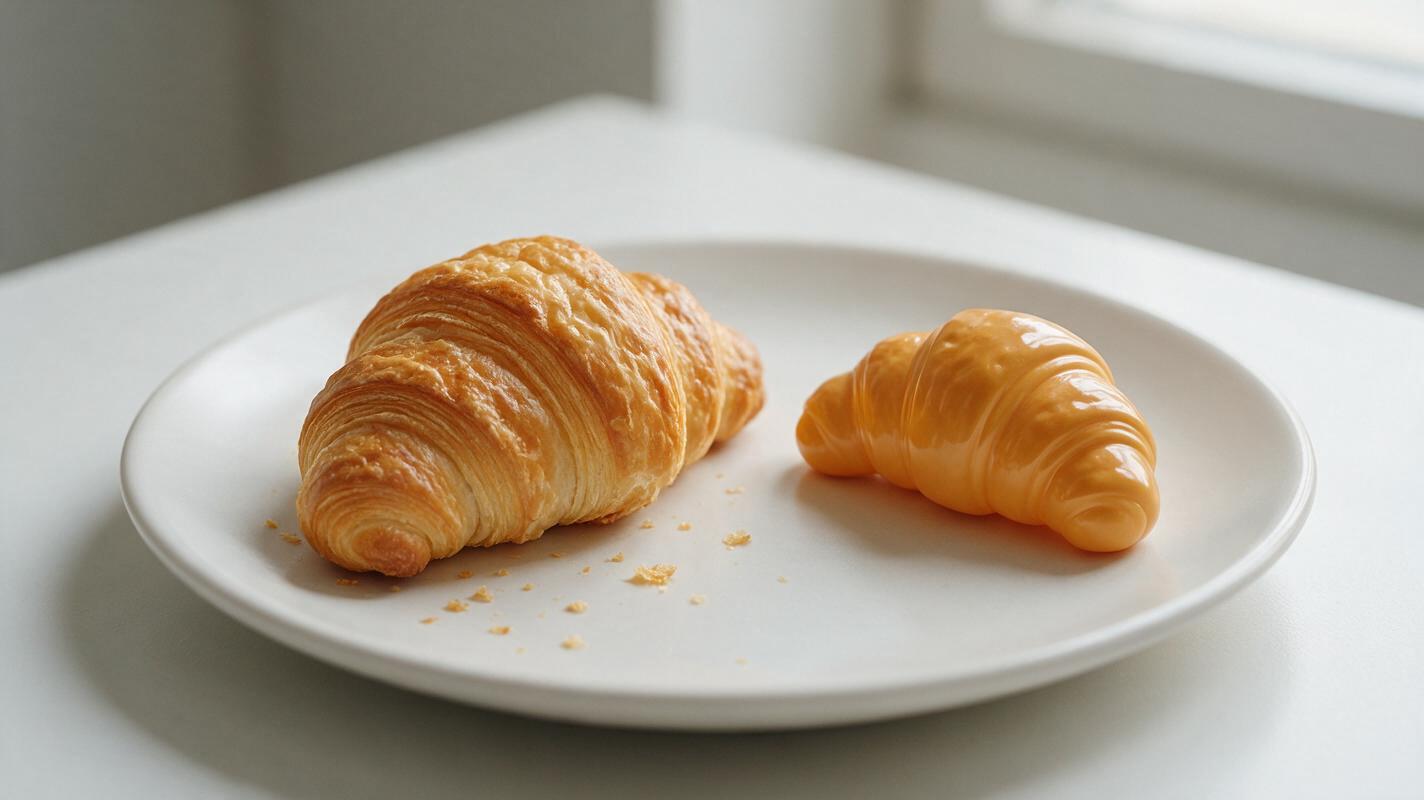
Table of contents
The plastic pastry problem in AI food photography
If you’ve ever used AI to generate photos of croissants, cookies, or sourdough loaves for your bakery’s menu or social media, you’ve probably seen it: pastries that look like glossy plastic props, with no flaky layers, no crumbly edges, and a uniform golden-brown color that feels nothing like the real thing. For cafés and pastry brands, these fake-looking photos don’t just look unprofessional — they hurt conversion, because pastries sell on texture: the crunch of a buttery croissant, the soft crumble of a chocolate chip cookie, the crackled crust of a fresh loaf.
Many bakers and food marketers assume AI can’t produce realistic pastry photos, but the issue usually comes down to vague prompts, misconfigured settings, and a lack of targeted fixes for common texture flaws. With the right workflow, you can generate flaky, golden, appetizing pastry photos that match the quality of professional food shoots — for a fraction of the cost and time.
Why AI struggles to render realistic pastry texture
Most AI image models are trained on millions of food photos, but they still struggle with the unique, delicate structure of baked pastries. Four main issues cause that “plastic” look:
- Delicate layered structures: Most AI models can’t consistently capture the thin, overlapping flake layers that define croissants and danishes, often rendering them as smooth, solid shapes with no texture variation.
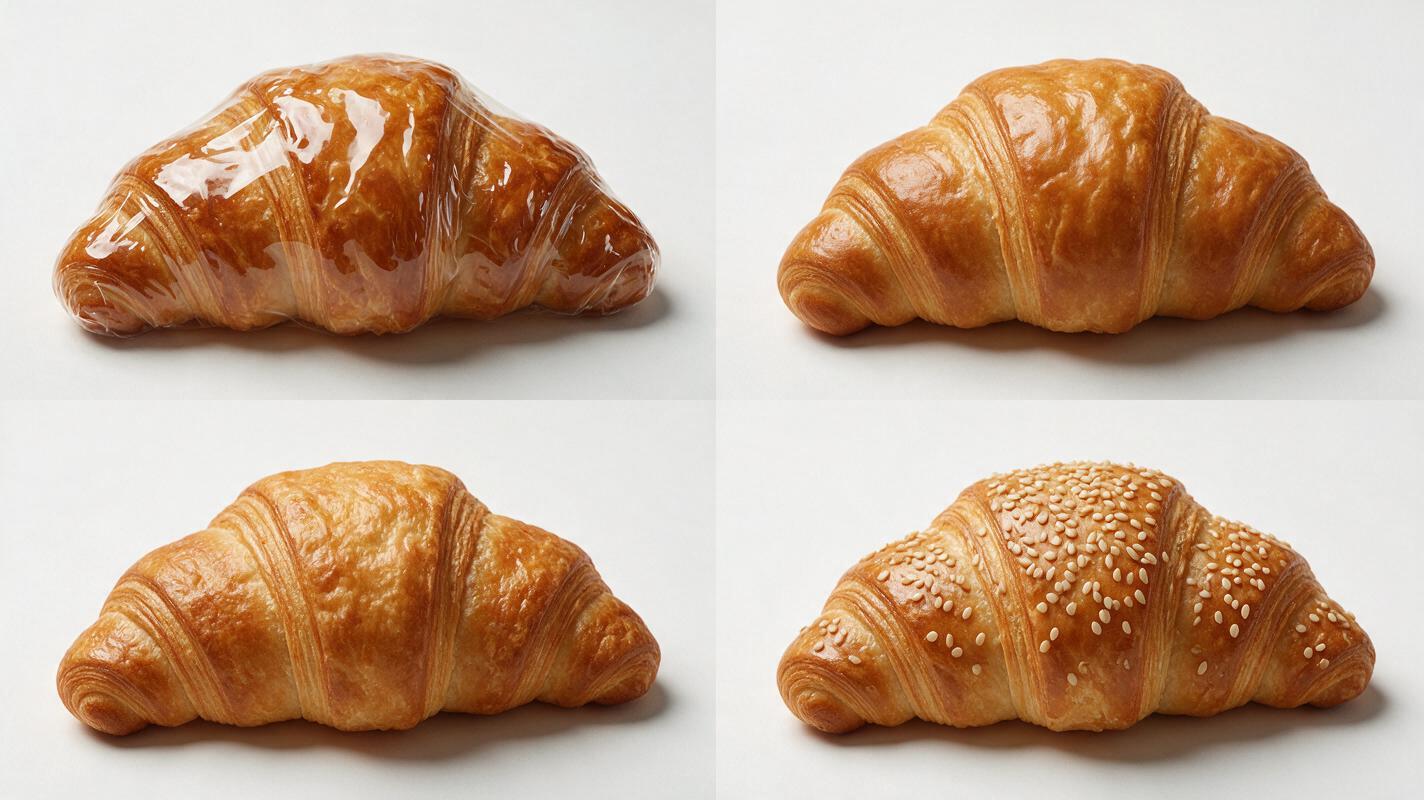
- Sheen confusion: AI frequently misinterprets subtle egg wash or butter shine as a thick, plastic-like gloss, missing the matte, crumbly dry spots that make baked goods feel hand-made and real.
- Uniform color: Instead of the natural gradient of deep caramelized edges, golden mid-tones, and pale flaky interiors, AI often produces a flat, one-note golden brown across the entire pastry surface.
- Unnatural toppings: Sugar crystals, sesame seeds, chocolate chips, and sprinkles are either missing, distributed in a perfect geometric pattern, or look like they’ve been pasted on top instead of baked into the crust.
Prompt templates for flaky, golden pastry photos
Most bad AI pastry photos come from vague prompts that only name the item, like “croissant on a plate”. To get realistic texture, you need to explicitly describe flake structure, sheen level, color variation, and small crumb details. You can test these prompts with ai image generator tools built for food photography, like Seedream 4.5, which excels at fine texture rendering.
Below are reusable prompt templates for three common bakery items, optimized for menu and social media use:
Butter croissant (close-up for menus)
Close-up food photography of a single butter croissant on a matte white ceramic plate, flaky layers visible on the torn edge, small crumbs scattered around the base, golden brown caramelized crust with subtle egg wash shine (no glossy plastic texture), natural color variation from dark baked edges to pale flaky interiors, soft natural window light, shallow depth of field, 4:5 aspect ratio, professional food styling, no artificial filtersChocolate chip cookie (social media square)
Top-down food photography of a single warm chocolate chip cookie on a wooden cutting board, slightly crinkled golden brown edges, soft chewy center with melted chocolate pools, rough sugar crystal texture on the surface, small crumbs around the cookie, warm natural side lighting, 1:1 aspect ratio, cozy bakery aesthetic, no glossy plastic sheenSourdough loaf (hero shot for website banners)
Wide food photography of a whole crusty sourdough loaf on a linen napkin, deep golden brown crackled crust with uneven flour dusting, visible score marks that opened while baking, matte crust texture (no glossy finish), soft natural overcast light, rustic bakery background, 16:9 aspect ratio, professional editorial food photographyPro tip: Add “no plastic texture, no glossy finish, smooth solid shape” as a negative prompt to block the most common unrealistic results right from the start.
Adjust generation settings for sharper texture detail
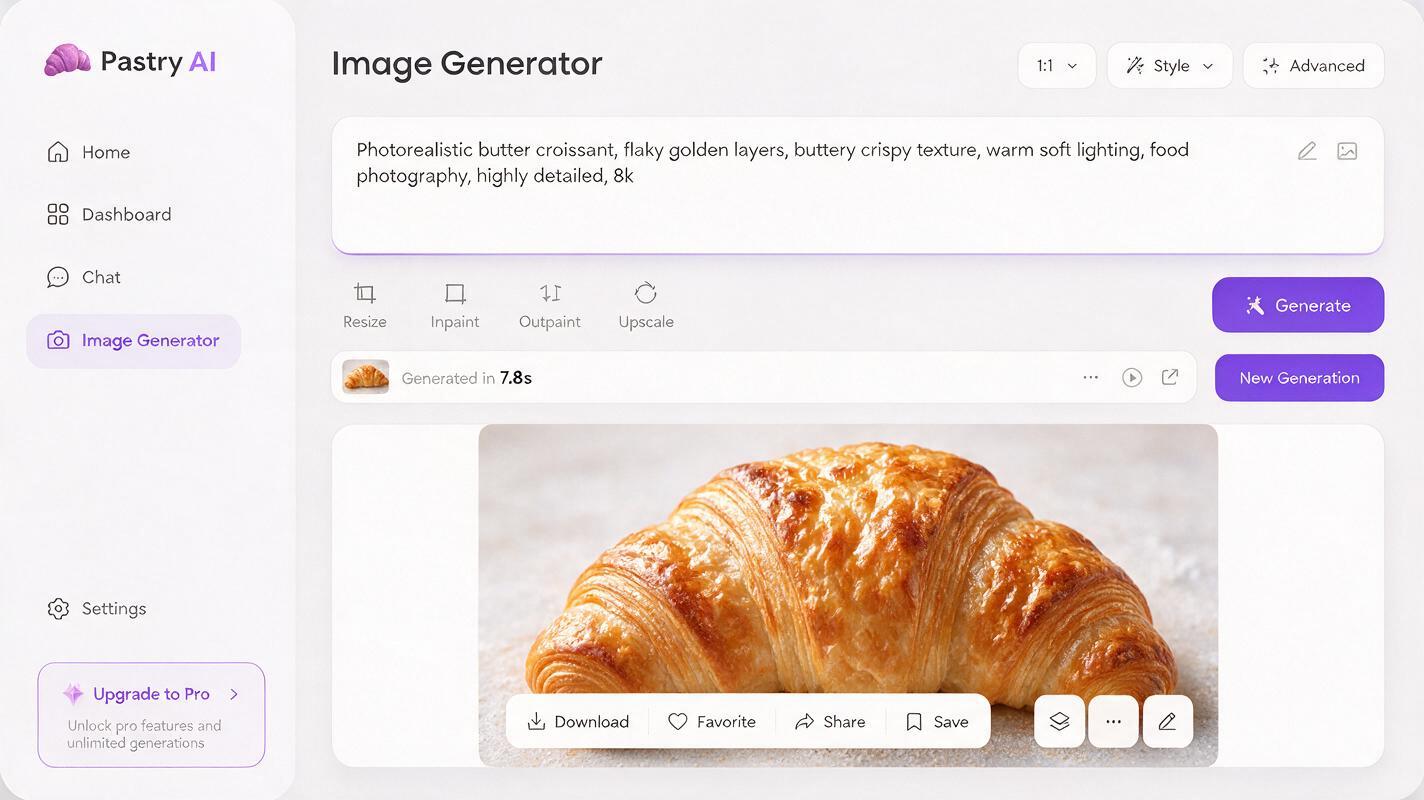
Even with a great prompt, default generation settings can smooth out fine pastry texture. For Seedream 4.5, tweak these settings to bring out flaky layers and crumb detail:
- Style strength: Set to 0.7–0.8 instead of the default 1.0. Lower style strength preserves fine texture details without over-stylizing the pastry into a cartoonish or overly perfect version.
- High detail mode: Enable this for close-up shots of croissants or cookies. It renders small details like sugar crystals and flake edges much more sharply, with minimal extra generation time.
- Reference image lock: If you have a real photo of your bakery’s pastry that you want to match, use it as a style reference with 0.6–0.7 reference strength. This keeps the shape and portion size accurate to your actual product, while improving lighting and background.
- Aspect ratio: Match the output to your use case: 4:5 for Instagram posts, 1:1 for delivery app thumbnails, 16:9 for website banners, and 3:4 for menu photos.
Fix common pastry flaws with targeted inpainting
Even with optimized prompts and settings, you may notice small flaws like a glossy spot on the crust or missing flake layers. Use targeted inpainting in Seedream 4.5 to fix only the problematic area, so you keep the rest of the photo intact.
Common fixes and their inpainting prompts:
- Plastic glossy sheen: Mask the glossy area of the crust and use: matte buttery pastry crust, subtle egg wash shine, flaky texture, no glossy plastic finish
- Missing flake layers: Mask the torn edge or side of the croissant and use: close-up of croissant edge, thin overlapping flaky layers, small crumbs falling, golden brown color variation
- Uniform flat color: Mask the crust surface and use: caramelized golden brown pastry crust, darker baked edges, lighter flaky areas, natural uneven color
- Fake-looking toppings: Mask the area with sprinkles, sugar, or seeds and use: rough granulated sugar crystals unevenly scattered on pastry crust, natural sparkle, baked into the surface
Work in small, focused masks instead of selecting the entire pastry — this gives you more precise results and preserves the parts of the photo that already look good.
Repurpose pastry photos into short social clips
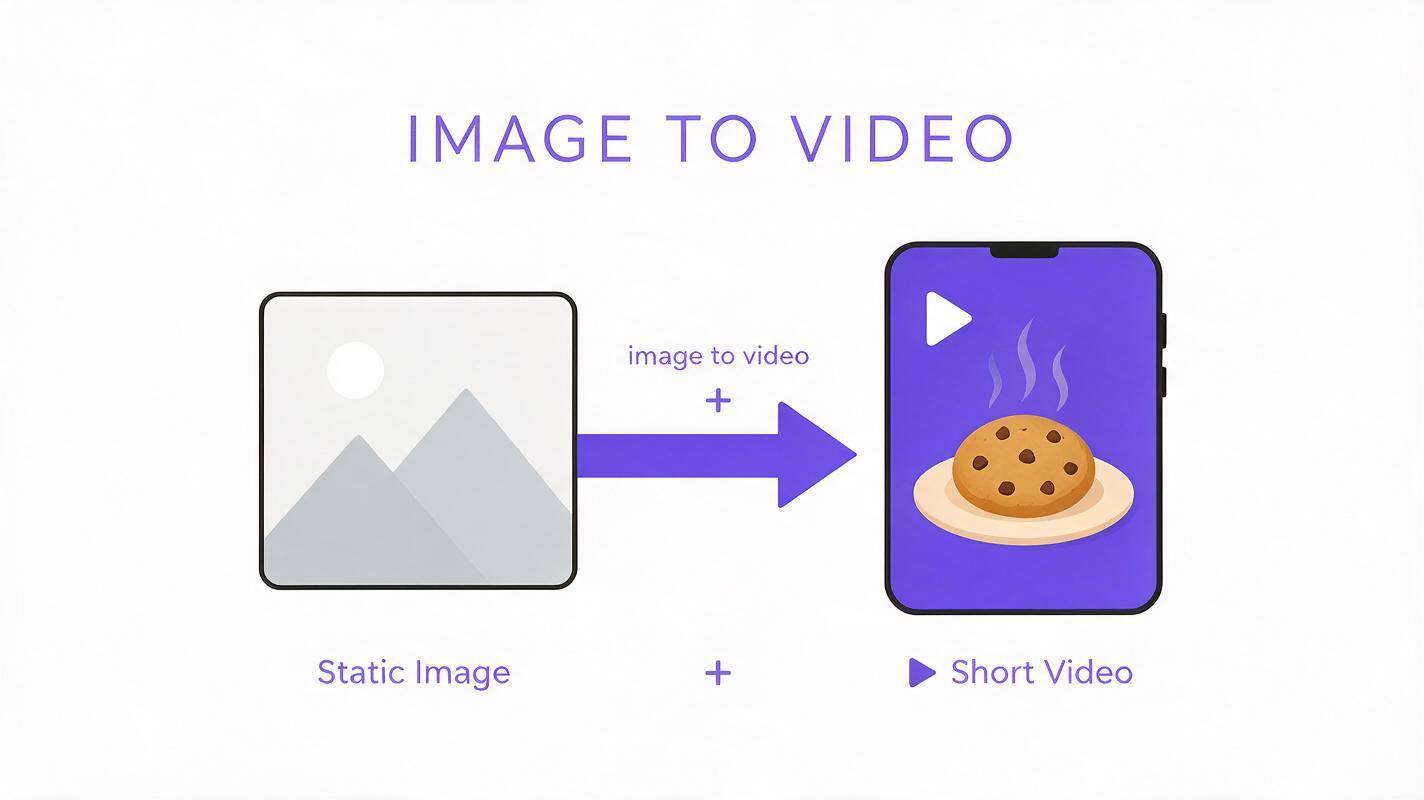
Once you have a perfect static pastry photo, turn it into a high-performing social media clip in minutes with image to video tools. Short, subtle animations — like a slow pan over the croissant, a tiny crumb falling, or soft steam rising from a warm cookie — get 2–3x more engagement than static photos on Instagram and TikTok.
For best results with Seedance, use these settings:
- Upload your final pastry photo as the start frame
- Use a simple motion prompt: “slow gentle pan from left to right over the croissant, subtle steam rising from the top, small crumb falls off the edge, smooth cinematic motion, no distortion”
- Set motion strength to low (0.3–0.4) to keep the pastry shape and texture stable — high motion strength can warp layers or make the crust look wobbly
- Export in 9:16 vertical format for Reels and Shorts
This lets you turn one approved menu photo into dozens of social media clips for different pastry items, without a full video shoot.
Final quality checklist for pastry marketing assets
Before you use any AI-generated pastry photo or clip in your menu, social media, or marketing campaigns, run through this quick checklist to make sure it looks realistic and on-brand:
- Flaky layers are visible on torn edges or sides of laminated pastries like croissants
- No thick, plastic-like glossy sheen on the crust — only subtle, natural egg wash or butter shine
- Crust color has natural variation, from darker caramelized edges to lighter flaky interiors
- Toppings (sugar, seeds, chocolate chips, sprinkles) are unevenly distributed and look baked into the pastry, not pasted on
- Portion size and shape match the actual pastries you serve in your bakery or café
- Background and styling match your existing brand aesthetic (e.g., rustic wood for a farm-to-table bakery, minimalist white for a modern patisserie)
- For videos: No warping, distortion, or sudden changes to the pastry shape or texture during the clip
If you’re ready to test these prompts and settings for your bakery or café, try these models for free to generate flaky, realistic pastry photos and clips in minutes.
Keywords
ai pastry photos, bakery marketing ai, food image generator, pastry texture fix, menu photo generator, restaurant social media content, ai food photography