AI Product Family Renders That Look Related Without Looking Identical
A product family needs recognizable design DNA, but an AI-generated lineup can easily turn distinct devices into near-clones. This guide uses a desk speaker, clock, and task lamp to show how to define shared cues, protect each product’s function, and assemble a credible family presentation.
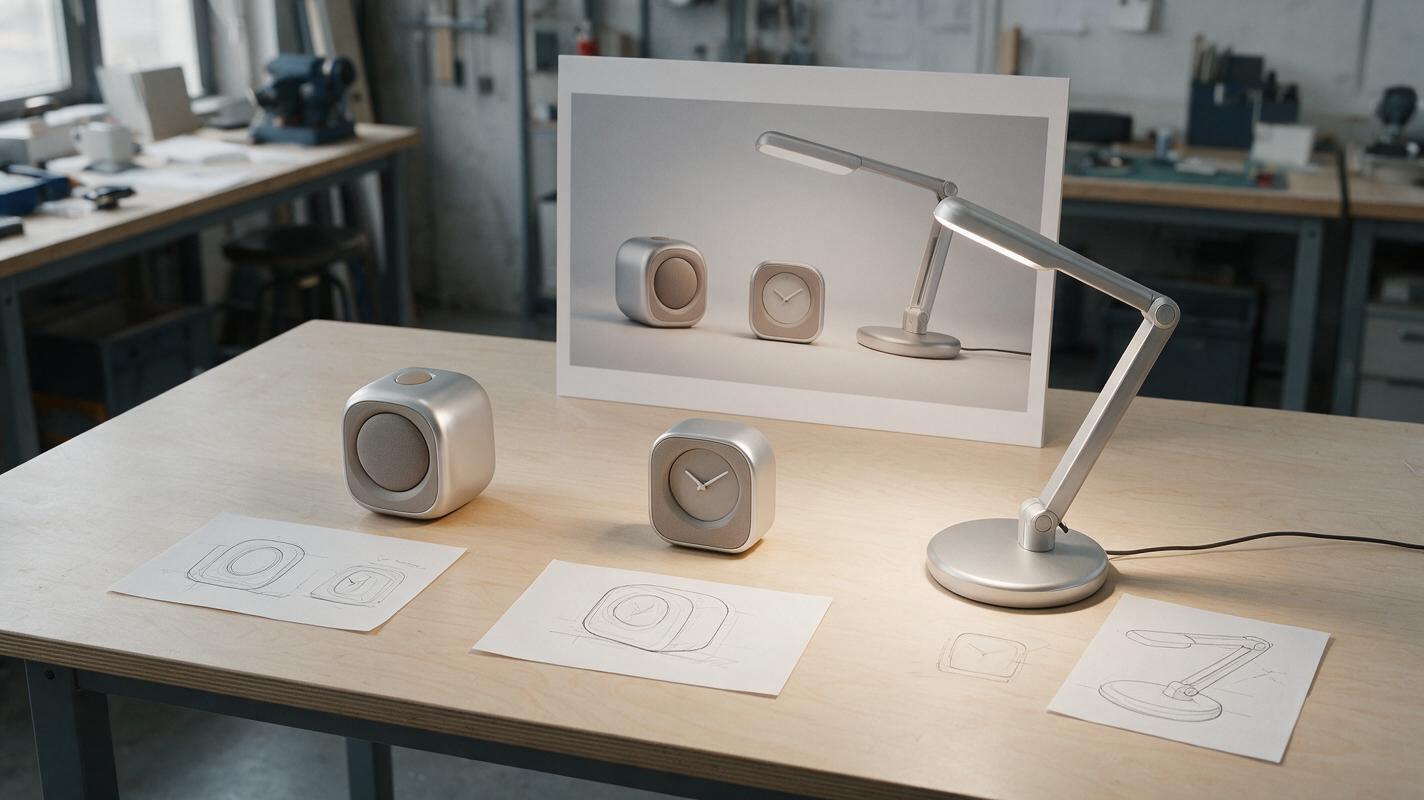
Table of contents
Make the family resemblance intentional
A speaker, clock, and task lamp should look as though one team designed them—not as though an image model stretched the same object into three shapes. The practical fix is to specify which visual cues repeat, which features belong to only one product, and how the final images will be compared. That gives you a lineup suitable for discussing design direction without presenting generated details as engineered decisions.
This example uses three desktop concepts: a compact speaker, a small clock, and an adjustable task lamp. Nano Banana Pro is one option for exploring their presentation renders with an ai image generator. The method matters more than the model: define each object separately, generate candidates, and assemble the approved results into one board.
Define design DNA without copying a silhouette
Start with a short family brief. Describe qualities that can appear on different product types, such as edge treatment, material contrast, and the visual weight of controls. Then give each device an unmistakable functional identity. A lamp still needs a recognizable head and support; a speaker needs an intentional acoustic face; a clock needs a legible time-display area.
| Design decision | Shared across the family | Different by product |
|---|---|---|
| Form language | Softened rectangular volumes and restrained edge radii | Speaker body, clock face, and lamp head have distinct proportions |
| CMF direction | Satin silver outer surfaces with warm-gray inset areas | Material boundaries follow each product’s approved sketch |
| Detail density | Quiet surfaces with one clear focal area | Speaker grille, clock display, and lamp light opening serve different roles |
| Presentation | Consistent camera height, backdrop, and soft studio lighting | Each view reveals the feature needed to understand that product |
Do not make a decorative mark mandatory on every item just to signal a family. If a control, vent, light, or seam has no reason to exist on one device, leave it out. Family resemblance should survive that omission.
Give each product its own reference and constraints
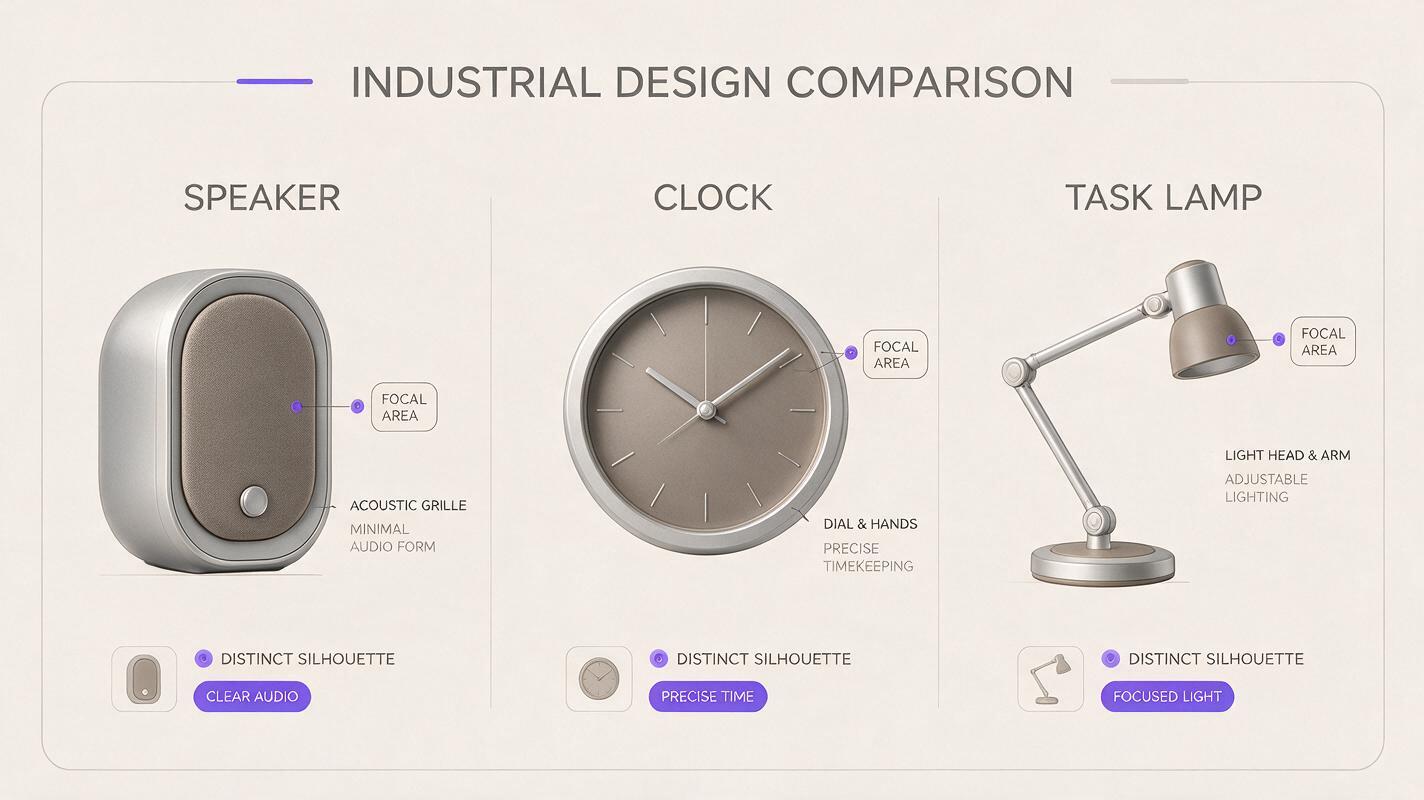
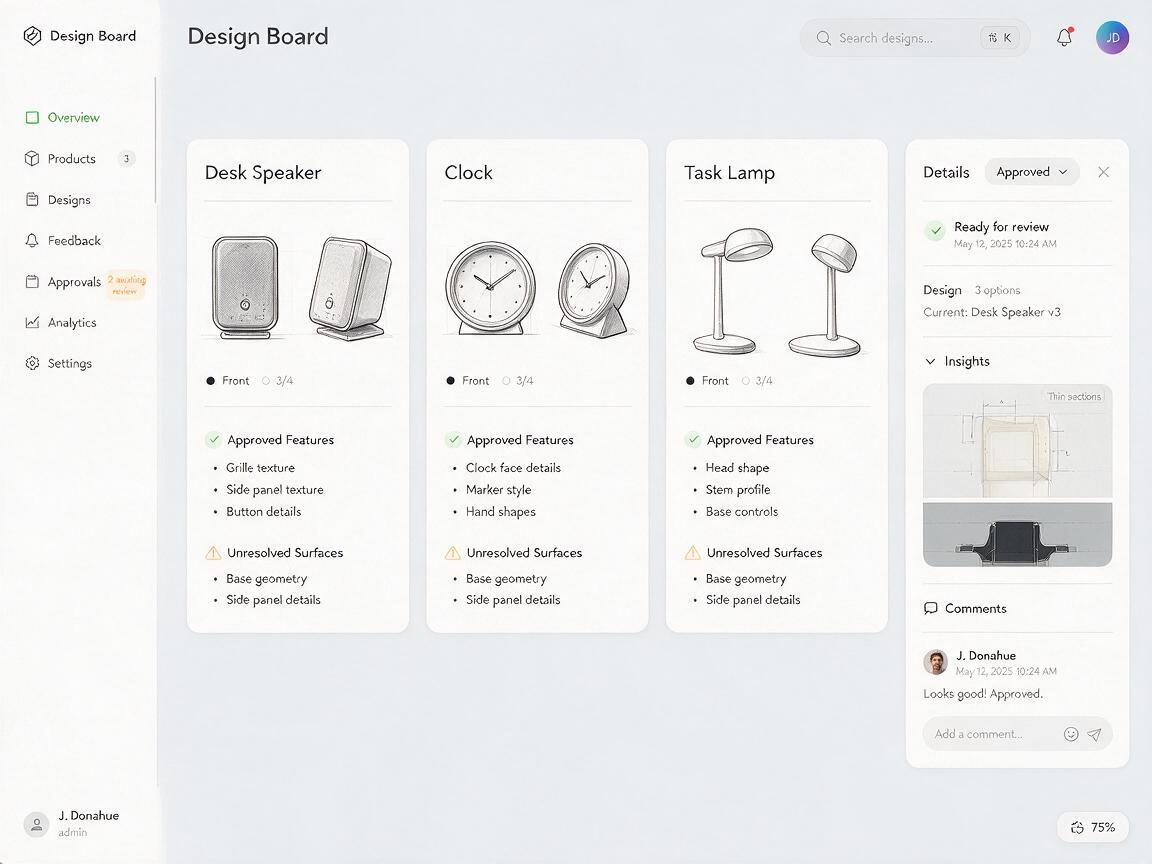
A single moodboard is not enough to protect three different concepts. Prepare a small reference sheet for each product: an approved sketch or rough model view, the intended silhouette, visible feature locations, and a note identifying unresolved areas. Add the family brief beside—not over—the product-specific information.
For the desk trio, the reference sheets might specify:
- Speaker: a low, wide body with a defined front grille boundary; no display or extra controls unless shown.
- Clock: an upright face with a reserved display area; add the actual digits later if readability matters.
- Task lamp: a narrow head, visible support, and base; do not let the model invent joints or cable routes outside the approved concept.
Mark unspecified surfaces as unspecified. If you only have a front and three-quarter sketch, keep the generated camera near those views rather than requesting a dramatic rear angle. A polished image can make an invented feature look decided.
Prompt for shared cues and distinct functions
Use the same family-language paragraph for each render, then append a product-specific paragraph. This makes it easier to diagnose whether a mismatch came from the shared brief or the individual request. If your chosen interface accepts reference images, attach the relevant product sheet to its request; otherwise, describe only the details you can substantiate.
Family direction: A coherent desktop product family with softened rectangular forms, satin silver exterior surfaces, warm-gray inset areas, quiet detailing, and restrained soft-studio lighting. Preserve the supplied product's silhouette and visible feature locations. This is a presentation concept, not an engineering drawing.

Product: Compact desk speaker. Low, wide proportions. Keep the approved front grille boundary and control placement. No clock display, lamp components, extra ports, or invented rear details.

View: Three-quarter front view near the supplied reference angle. Neutral pale background, natural contact shadow, product fully visible. No logos or text.
Replace only the product paragraph for the clock and lamp. For the clock, reserve a clean display area rather than trusting generated numerals. For the lamp, specify the approved head, support, and base relationship. Do not reuse the speaker’s proportions just because its render was the most attractive.
Useful review question: If the material and lighting were removed, would the three silhouettes still read as a speaker, clock, and lamp? If not, the family language is overpowering their functions.
Compare candidates as a family, not as isolated hero shots
Generate candidates for each product, but do not choose the most dramatic image independently from each batch. Place promising renders on one neutral board at comparable visual prominence. A successful single-product hero shot may have a camera angle, crop, or finish that makes it a poor lineup member.
Inspect the board for two opposing failures:
- Too similar: the clock inherits the speaker’s grille, or the lamp head becomes a miniature speaker body. Reinforce each product’s functional features and proportions.
- Too different: one device becomes glossy black while the others remain satin silver. Restore the shared material brief and align lighting before changing the underlying designs.
Also check for migrating seams, controls, and openings. An attractive line on one image should not become a family feature by accident. If a model repeatedly invents it, revise that product’s reference or mask and edit the affected region rather than adding more adjectives to every prompt.
Build the final lineup without asking AI to redesign it
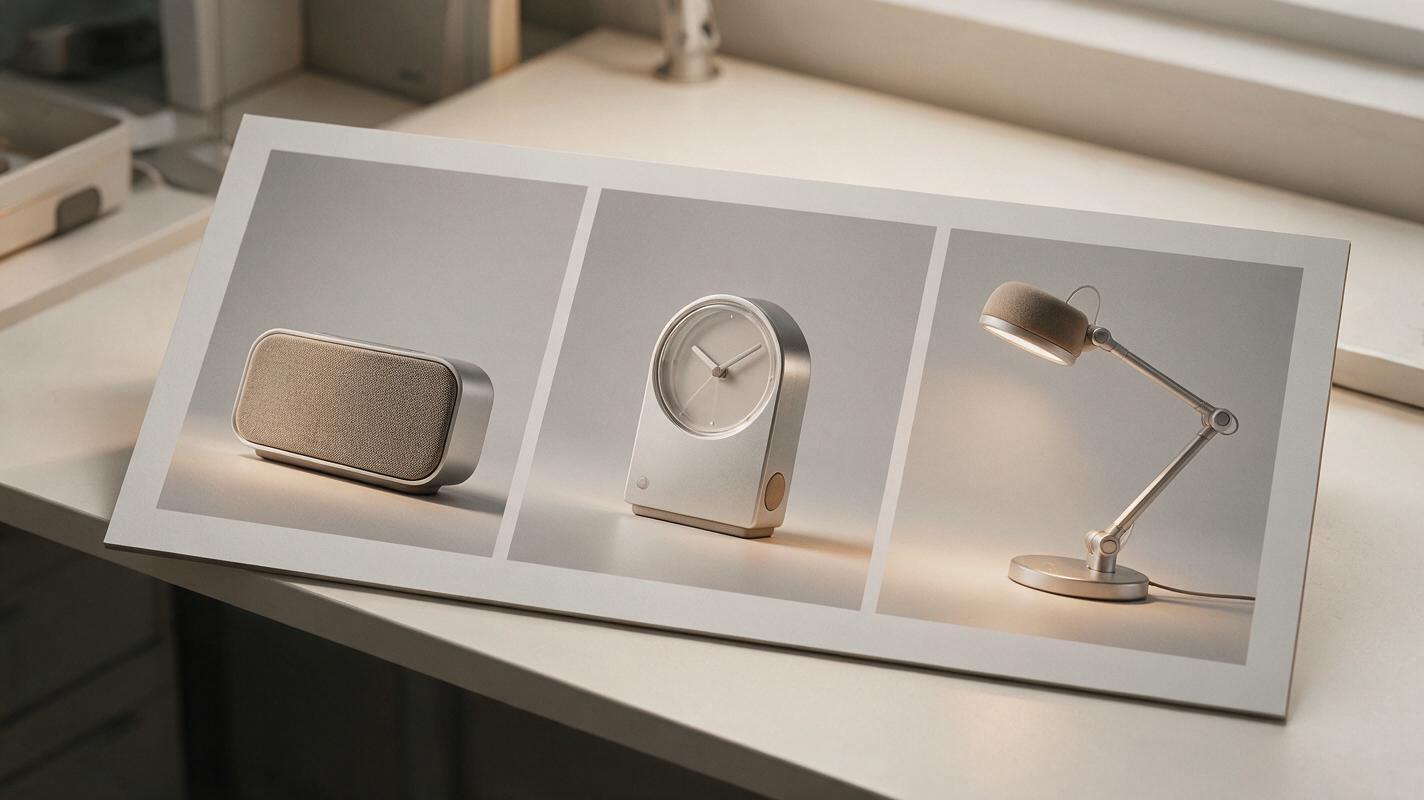
Once you have approved one view of each product, assemble the three images in a layout tool. Keep their product pixels separate so you can adjust position, crop, and background without regenerating their geometry. Match backdrop tone and lighting direction, then add each product’s name outside the render.
A lineup does not require identical on-page height: a task lamp may naturally occupy more vertical space than a clock. Use the board to communicate a family relationship, not a measured size comparison. If relative dimensions matter to the review, derive them from known measurements and label the view accordingly.
Before presenting, separate design intent from AI interpretation. Approved silhouettes, feature locations, and material directions can be discussed as intentional. Generated joints, precise surface finishes, optical effects, and assembly details remain visualization proposals until checked against the design and engineering work.
Final checklist
- Each product has its own sketch or reference and a distinct functional silhouette.
- Shared cues are limited to deliberate form, CMF, detail, and presentation decisions.
- No controls, openings, joints, or rear features appeared merely to make the family match.
- The final board uses compatible views and lighting without implying measured scale.
- Unverified details are identified as concept visualization, not product specifications.
Ready to test the family brief against your own three concepts? create your own version, then judge the images together before committing to a direction.
Keywords
ai product family, product family design, industrial design ai, product rendering ai, design language, product visualization, nano banana pro