How to Make AI Promo Music That Matches Your Album Cover Vibe
Independent music artists often struggle to find or create promo audio that matches their album’s established visual identity, especially on tight budgets and timelines. This guide teaches how to translate album cover art visual cues into effective ai music generator prompts for social teasers, visualizer beds, and pre-save trailers. It includes a reusable prompt template, genre-specific examples, and platform-specific refinement tips to avoid generic, off-brand results.
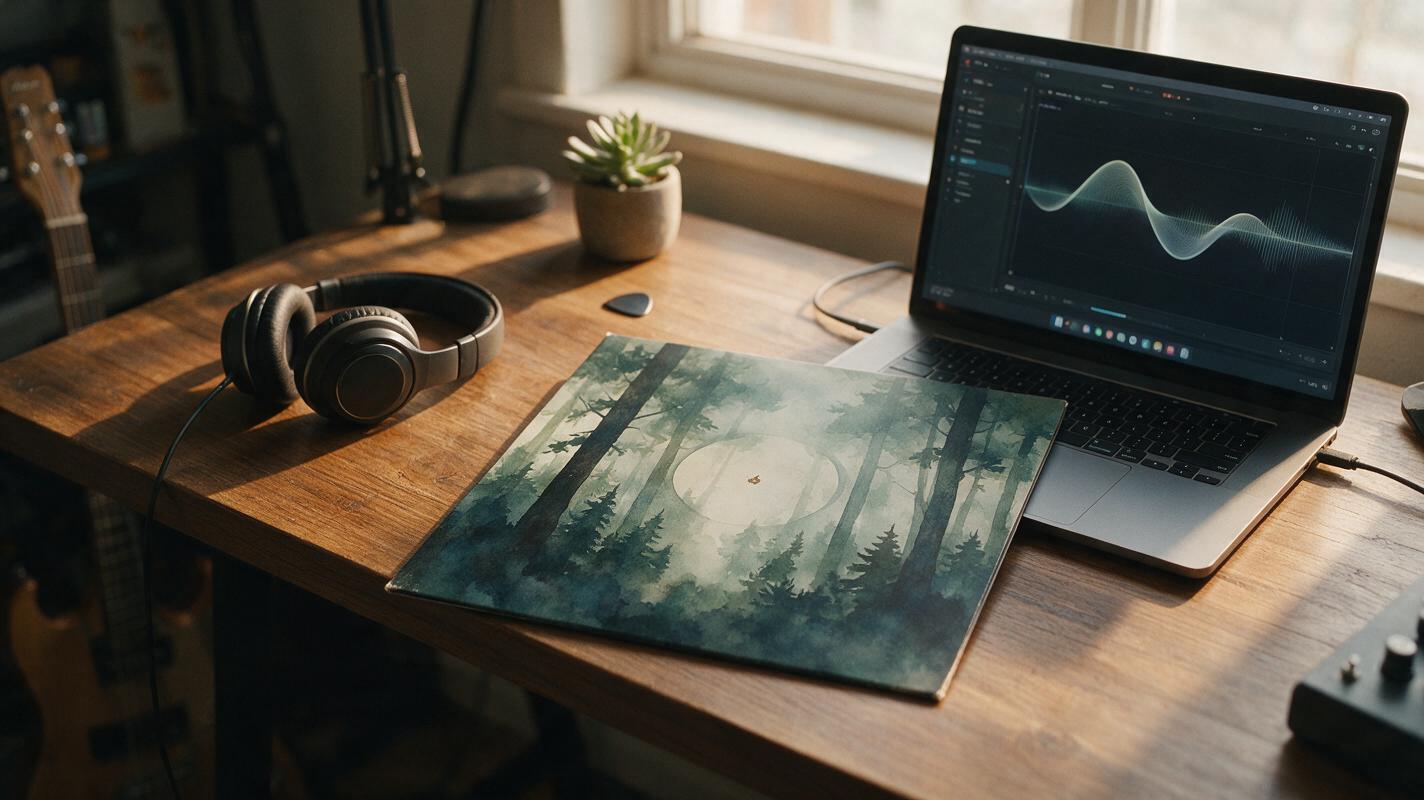
Table of contents
Match your promo sound to your cover’s visual identity
You’ve spent weeks perfecting your album cover: the color palette, the imagery, the typography all tie directly to your music’s mood and genre. But when it comes time to make 15-second TikTok teasers, Spotify Canvas loops, or pre-save trailer audio, the stock tracks you find feel generic, and hiring a producer for short snippets blows your promo budget.
With ai music generator, you can build tracks directly from your album cover’s visual cues, tying every sonic choice to your existing brand. No more mismatched energy or off-brand tone — every synth, drum beat, and texture reflects the world you’ve already built on your cover art.
Pull sonic cues from your album cover art
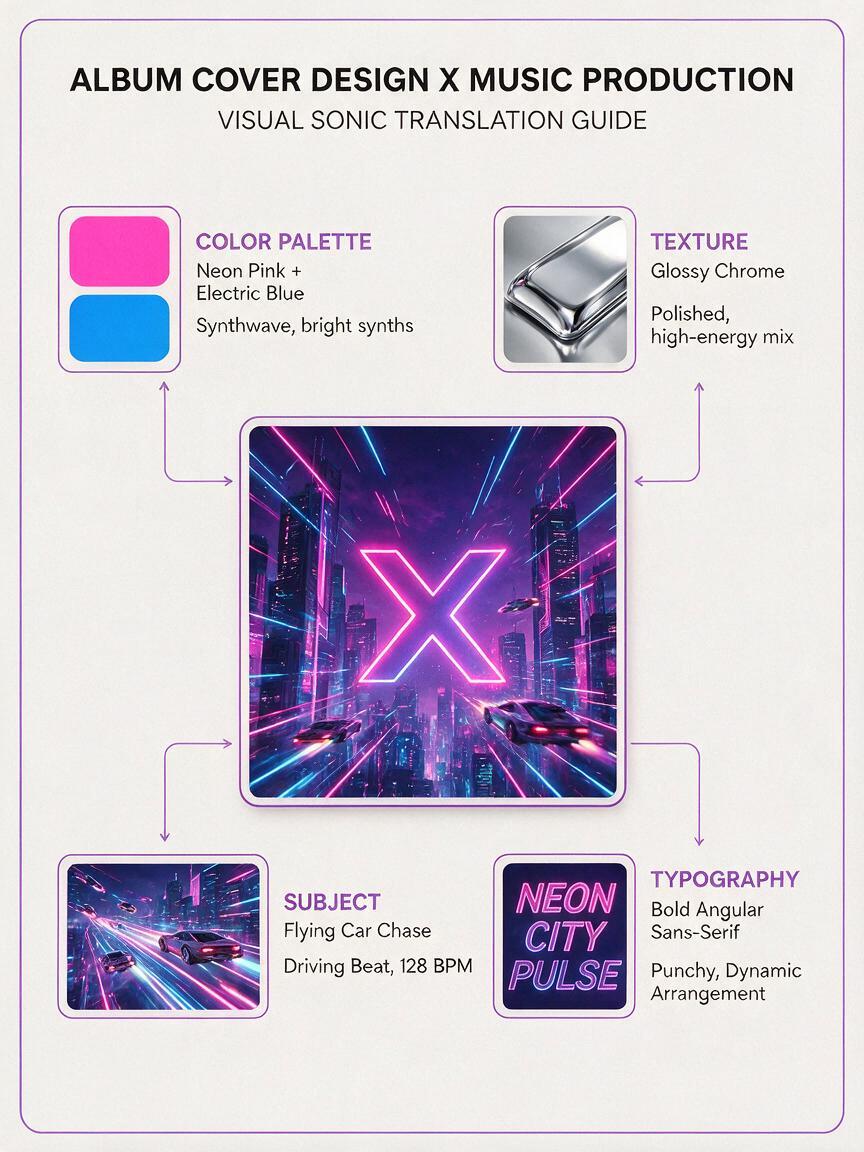
Start by breaking your cover into four core visual categories, each of which translates directly to a musical choice. You don’t need a music theory background — just use your intuition about what each visual element feels like.
- Color palette: Cool blues, greens, and grays lean toward ambient, folk, or introspective electronic music. Warm reds, oranges, and neons fit high-energy pop, hip-hop, or rock. Muted, desaturated tones pair with lo-fi, vintage, or acoustic sounds, while bright, saturated colors match bold, polished production.
- Texture: Grainy film, watercolor, or paper textures call for warm, organic sounds with tape hiss or soft reverb. Glossy 3D, chrome, or digital textures fit clean, synthetic production with crisp highs and tight low ends.
- Subject matter: Solitary figures, quiet landscapes, or intimate scenes work with slow, sparse arrangements. Crowded cities, action shots, or bold abstract shapes pair with fast, dense, high-energy tracks.
- Typography: Serif fonts or handwritten text lean toward classical, folk, or indie sounds. Bold sans-serif, graffiti, or angular fonts fit punk, hip-hop, hyperpop, or electronic music.
For example, a cover featuring a foggy mountain landscape with delicate serif text would translate to slow, expansive post-rock with swelling strings and wide reverb. A cover with neon graffiti and a bold angular logo would call for punchy hip-hop with a hard drum beat and gritty samples.
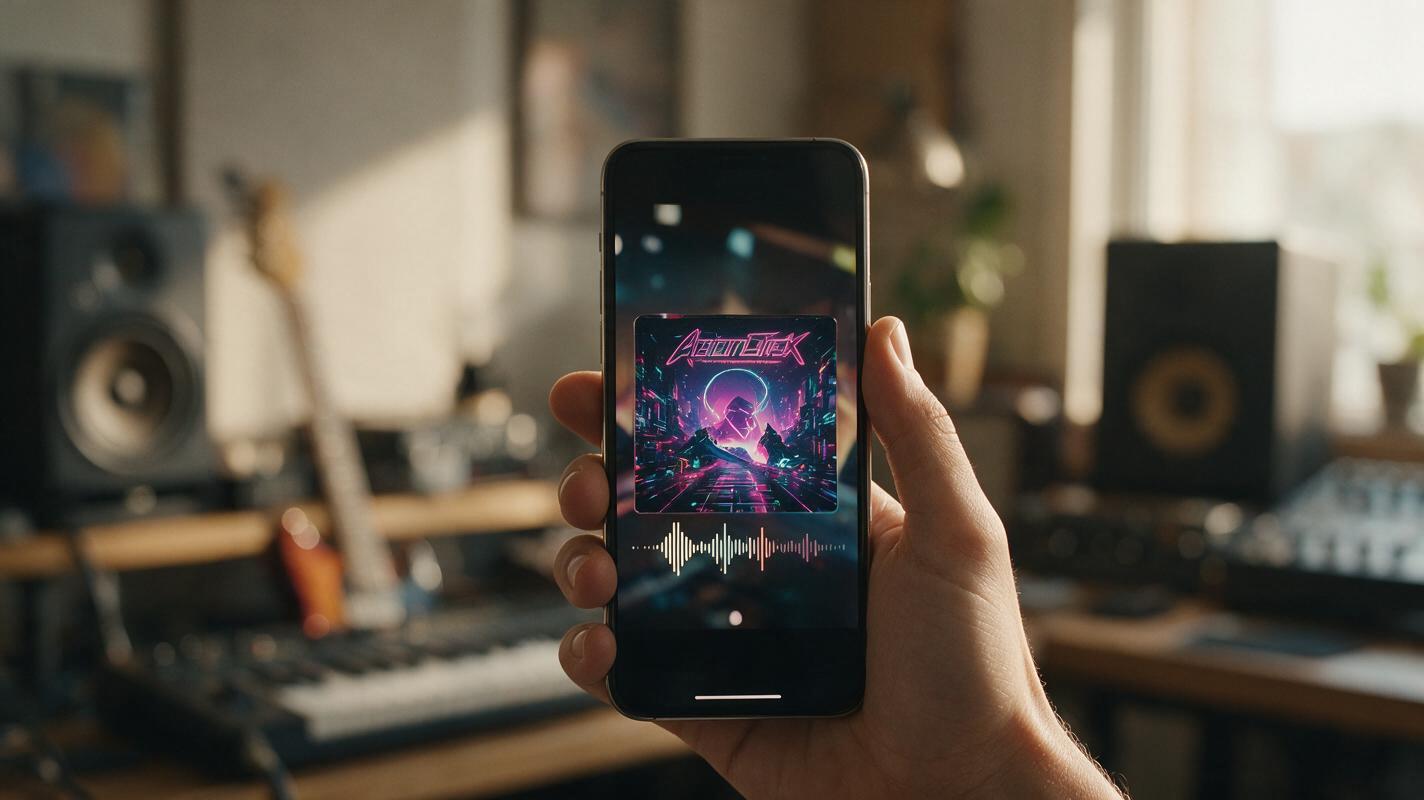
Write prompts that tie visual details to sound
Generic prompts like “chill music” produce generic results. The best prompts tie every musical choice to a specific visual detail from your cover, so the output feels intentionally matched to your brand, not random.
Use this template to structure your prompt:
[Genre], [core instrumentation], [mood 1] and [mood 2], [tempo BPM range], [textural detail from cover], [use case + length], no vocals, loopable (if needed), [mix style]Here are genre-specific examples tied to common cover art styles:
Indie folk cover (watercolor forest, handwritten text, muted greens)
indie folk, acoustic guitar and soft piano, melancholic and warm, 75-80 BPM, soft tape hiss and gentle reverb like watercolor texture, 15-second social promo, no vocals, loopable, warm mixHyperpop cover (glossy 3D chrome, neon pink, sharp geometric text)
hyperpop, glitchy synths and pitched 808s, energetic and chaotic, 140-145 BPM, glossy metallic texture and bright neon punch, 15-second TikTok promo, no vocals, loopable, loud mixLo-fi hip-hop cover (grainy film city block, bold graffiti text, warm oranges)
lo-fi hip-hop, dusty drum break and warm rhodes, laid-back and confident, 90-95 BPM, vinyl crackle and grainy texture like old film, 30-second visualizer bed, no vocals, loopable, warm mixCinematic post-rock cover (epic mountain landscape, minimal sans-serif text, cool blues)
cinematic post-rock, delayed guitar and swelling strings, expansive and hopeful, 100-105 BPM, wide reverb and atmospheric texture like mountain air, 60-second pre-save trailer, no vocals, building dynamic, clean mixOnce you’ve drafted your prompt using the template above, try these models for free to generate your first matched promo track in under a minute.
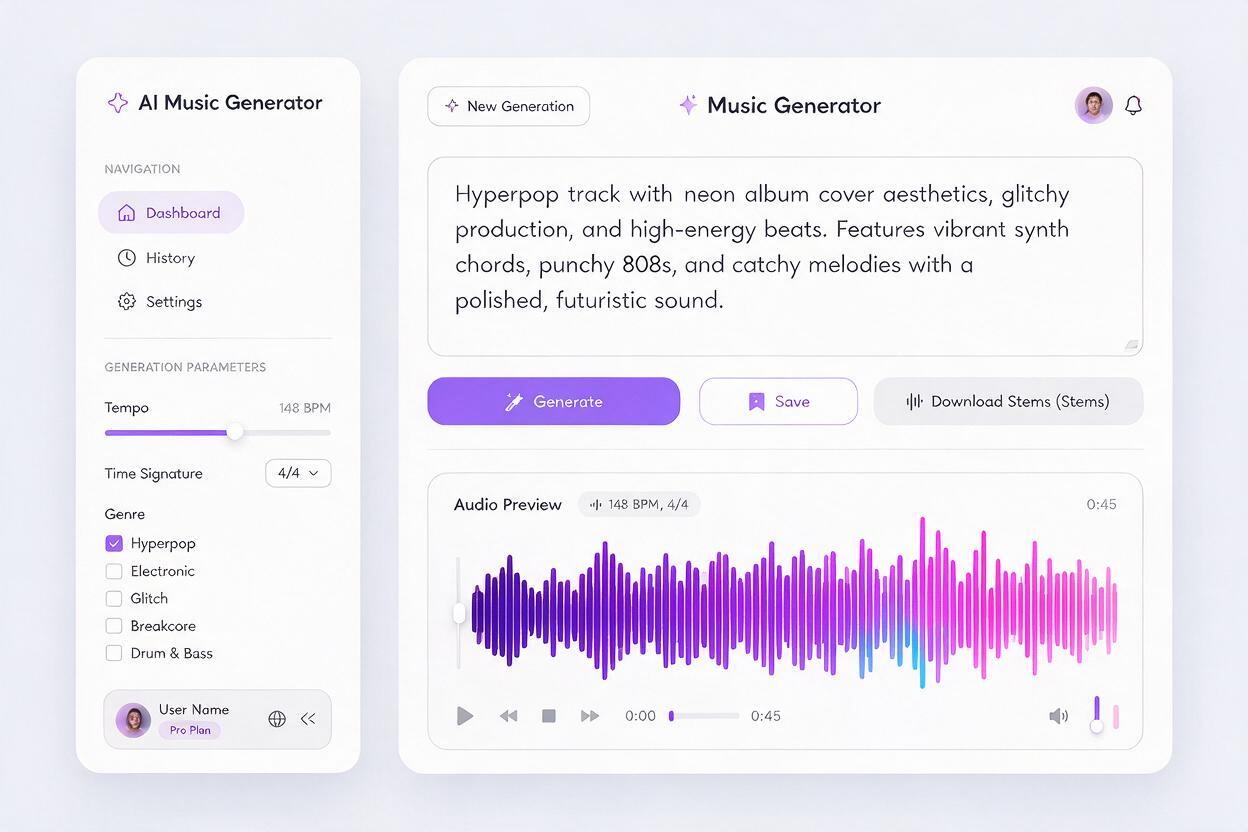
Refine tracks to fit your release timeline
Your first generation will be a strong starting point, but small tweaks to your prompt will make the track fit your promo needs perfectly. Focus on adjustments tied to your platform and release goals.
For 15-second TikTok or Reel teasers, add “hook hits at 3 seconds” to your prompt to make sure the most energetic part of the track lines up with the first frame of your video — critical for stopping scrollers. For 30-second Spotify Canvas loops, add “seamless loop, no sudden volume changes” to avoid jarring jumps when the track repeats. For 60-second pre-save trailers, use “slow build to climax at 45 seconds” to create tension that encourages viewers to click through.
If your track feels too generic, add more specific visual details from your cover. Instead of “forest texture,” try “mossy pine forest floor with dewdrop texture” — the more specific your visual reference, the more unique and on-brand the output will be. If the track is too busy, add “minimal arrangement, lots of negative space” to match a minimalist cover design.
Pair the track with your cover for instant promo assets
Once you have your matched track, you’re already halfway to a ready-to-post promo asset. You can pair it with an animated version of your cover using image to video to make a TikTok, Reel, or Spotify Canvas in minutes — no extra footage or editing required.
When pairing audio and visual, match the motion of the animation to the track’s tempo: slow, drifting pans for folk or ambient tracks, fast zooms and glitch effects for hyperpop or EDM, steady subtle movement for lo-fi hip-hop. This sync between sound and motion makes your promo feel intentional and professional, even if you’re making it in 10 minutes.
For longer campaigns, generate 3-4 variations of the track with slightly different tempos or textures to use across different platforms. Use a slower, softer version for Instagram Stories teasers, a louder, punchier version for TikTok, and a full 60-second version for YouTube pre-roll ads.
Final checklist
- Break your album cover into 3-4 visual cues (color, texture, subject, typography) to translate to musical choices
- Structure your prompt with genre, instrumentation, mood, tempo, cover-derived texture, and specific use case
- Add specific visual details to your prompt to avoid generic, off-brand AI tracks
- Adjust track dynamics and timing to fit your promo platform (TikTok hook at 3s, Spotify Canvas seamless loop)
- Pair the final track with an animated cover for a ready-to-post promo asset
Keywords
ai music generator, album cover art, promo music, ai music prompts, album visuals, music marketing, independent musicians