How to Make AI Recipe Reels That Match Your Restaurant’s Menu Photo Style
Short-form recipe reels drive high restaurant social media engagement, but filming them is costly and time-consuming for small teams. This guide shares a reference-first workflow using Veo to create 15–30 second vertical AI recipe reels that exactly match the plating, ingredients, and style of existing menu photos, with reusable prompts and troubleshooting fixes. You’ll also learn how to prep reference images and adapt reels for every social platform.
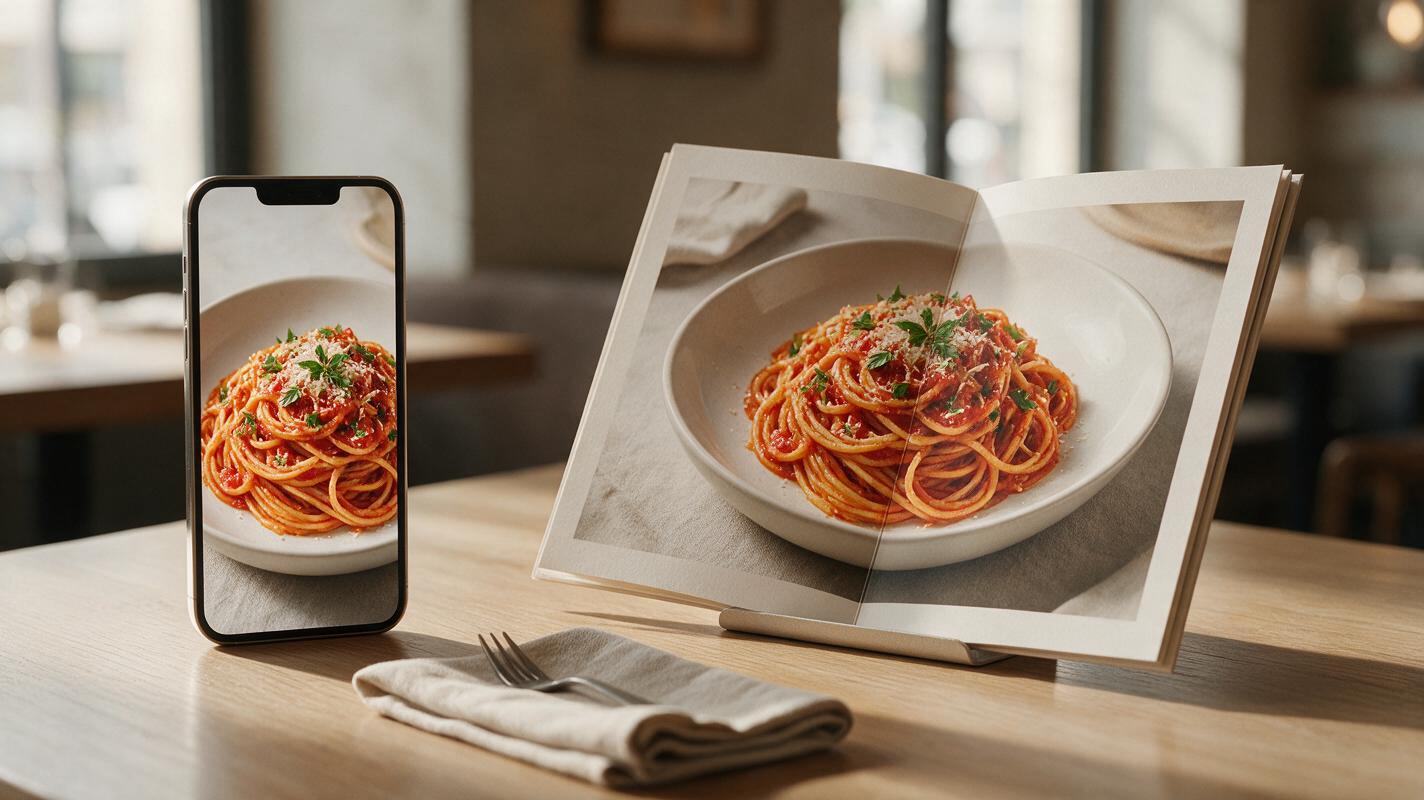
Table of contents
Why matching recipe reels to your menu style matters
Short-form recipe reels are one of the highest-performing content types for restaurant social media, driving 2x more engagement than static food photos on Instagram and TikTok, per food marketing benchmarks. But filming a single 15-second recipe reel requires a videographer, food stylist, studio space, and hours of setup — costs that add up quickly for small restaurants and independent food brands.
AI video generation promises a faster, cheaper alternative, but generic AI recipe reels often miss the mark for restaurants. They might show the wrong cheese on your signature burger, use a different bowl than your menu photo, or present a portion size that’s twice as large as what you actually serve. When customers order a dish based on a reel and get something different, it erodes trust and leads to negative reviews.
This guide walks through a reference-first workflow using Veo to create 15–30 second vertical recipe reels that exactly match the plating, ingredients, portion size, and visual style of your existing menu photos. You’ll get reusable prompt templates, troubleshooting fixes for common rendering flaws, and a checklist to make sure every reel feels on-brand and accurate to your menu.
Prep your reference menu photo first
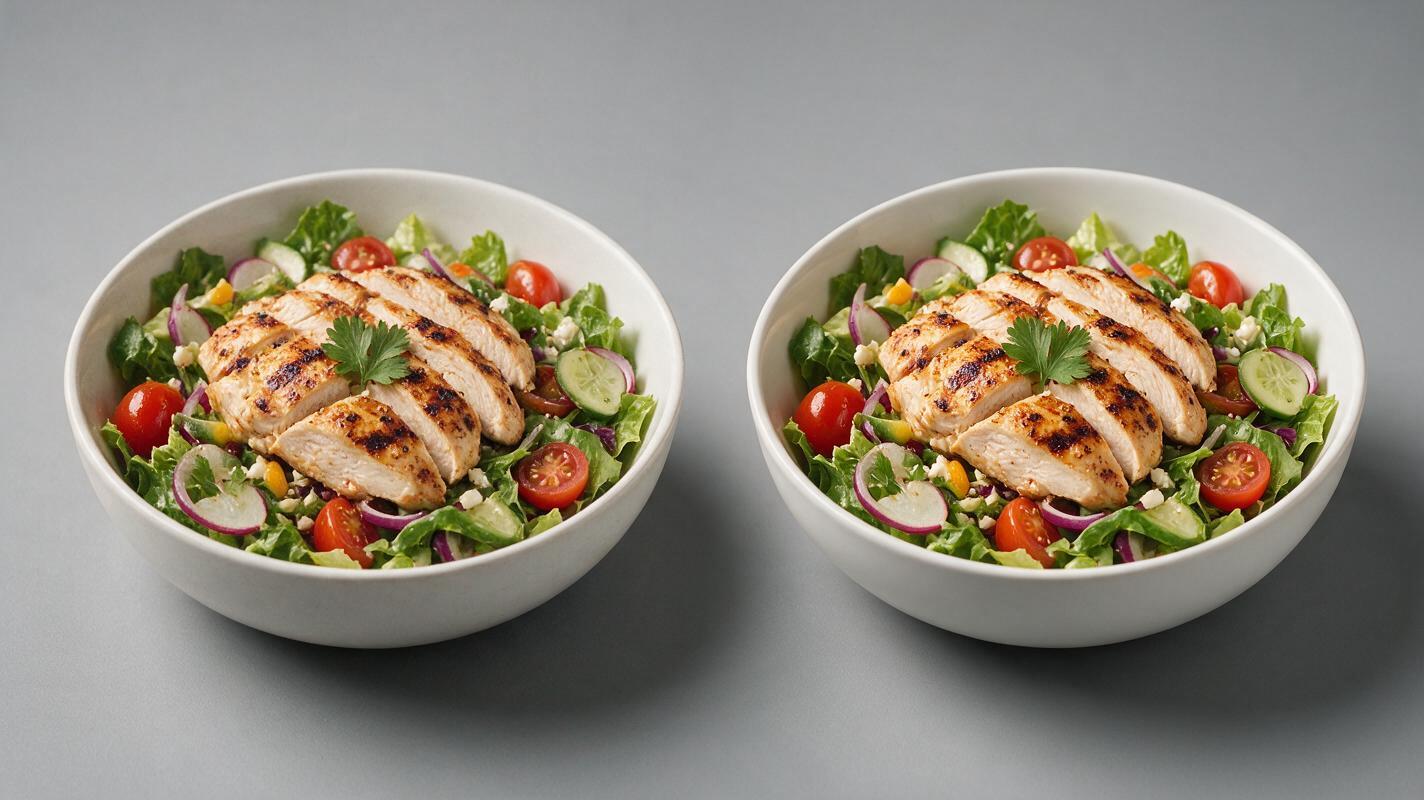
The most important part of a consistent recipe reel is a high-quality reference image of your final plated dish. This image acts as the "north star" for the AI, ensuring the final shot of the reel matches exactly what customers will see when their order arrives.
Start with your highest-resolution professional menu photo of the dish. Make sure it shows the full plate or bowl, clear garnish, correct vessel (bowl, plate, basket, etc.), and accurate portion size. Avoid cropped photos, blurry shots, or images with heavy filters that alter the true color of the food.
If you don’t have a high-resolution professional photo of the dish, use an ai image generator to create a style-matched base image first. Seedream 4.5 works well for this because it can replicate exact portion sizes and plating details when you provide a rough reference or detailed description. Aim for a 1024x1024 or larger image with soft, even lighting that matches your brand’s existing menu aesthetic.
Pro tip: Save all your reference photos in a shared folder labeled by menu category (appetizers, mains, desserts, drinks) so you can quickly pull them for future reels. Consistent lighting across all reference photos will make your entire reel library feel cohesive.
Build your Veo prompt for consistent recipe flow
Veo’s text-to-video and image-to-video capabilities excel at multi-scene short clips, making it a strong fit for recipe reels that show a dish coming together in 2–3 quick cuts before revealing the final plated product. The key to a consistent, accurate reel is structuring your prompt to prioritize the reference image and outline each scene clearly.
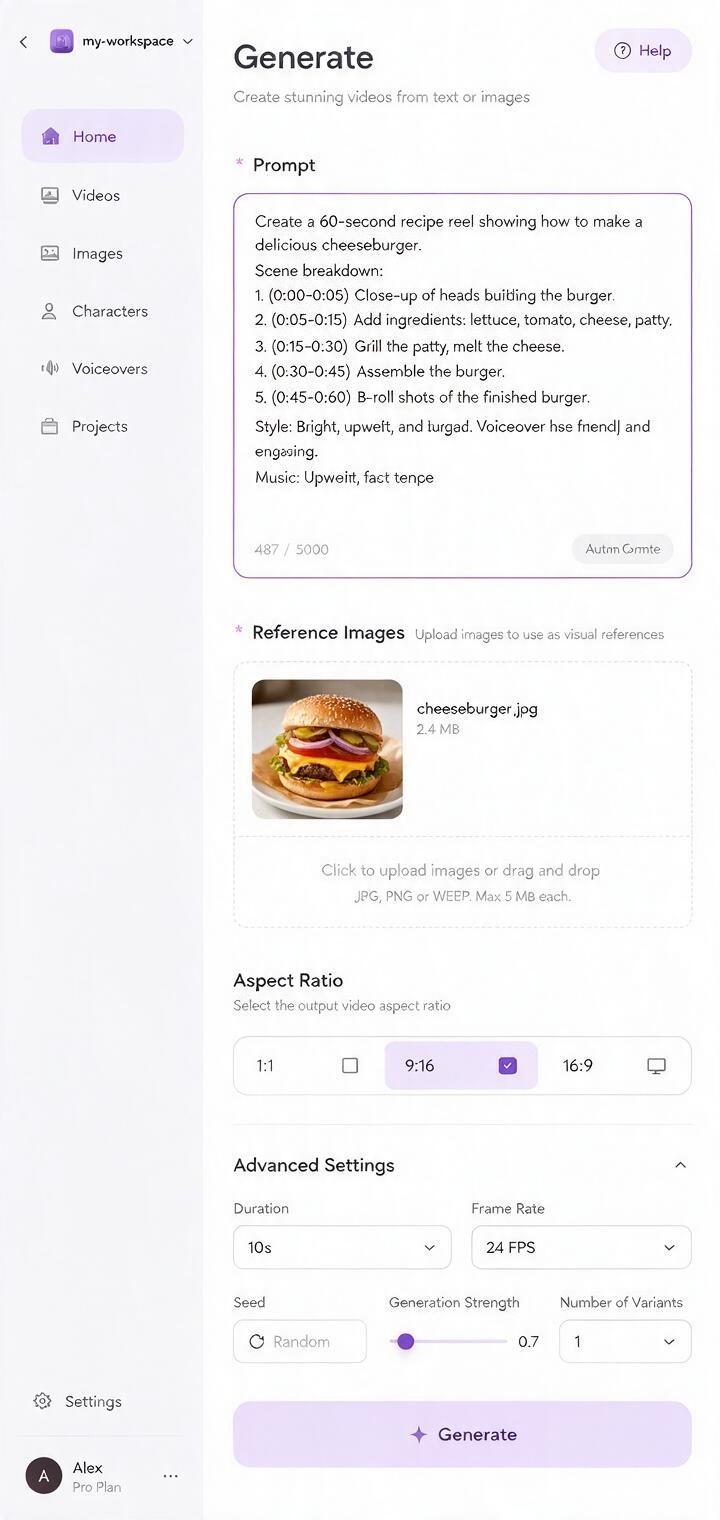
Start by selecting image to video mode in Veo, and upload your reference menu photo as the end frame reference. This tells the AI that the final shot of the reel must match the reference image exactly, which cuts down on plating and ingredient mismatches drastically.
Then structure your prompt in three parts: core style rules, scene breakdown, and technical specs. Here’s a reusable template you can adapt for any menu item:
Vertical 9:16 recipe reel, 15 seconds total, cinematic food videography, soft natural window light, warm neutral tones, shallow depth of field, no text overlays.
Scene 1 (0-5s): Close-up of a hand sprinkling fresh parmesan over a bowl of tomato pasta, slow motion.
Scene 2 (5-10s): Close-up of a fork twirling a bite of pasta, sauce dripping slightly.
Scene 3 (10-15s): Slow zoom out to reveal the full plated pasta dish, exactly matching the reference image: same white ceramic bowl, same basil garnish, same portion size, same sauce coverage.
All ingredients match the reference photo exactly. No extra ingredients, no changed plating. Smooth, steady camera motion, no jitter.
When writing your own prompt, be as specific as possible about ingredients, vessels, and portion sizes. Avoid vague terms like "delicious pasta" — instead, name every key element that appears on your menu. Mention the reference image explicitly in the final scene to reinforce consistency.
Ready to test your first recipe reel? try these models for free to generate a style-matched clip in minutes.
Fix common recipe reel rendering flaws
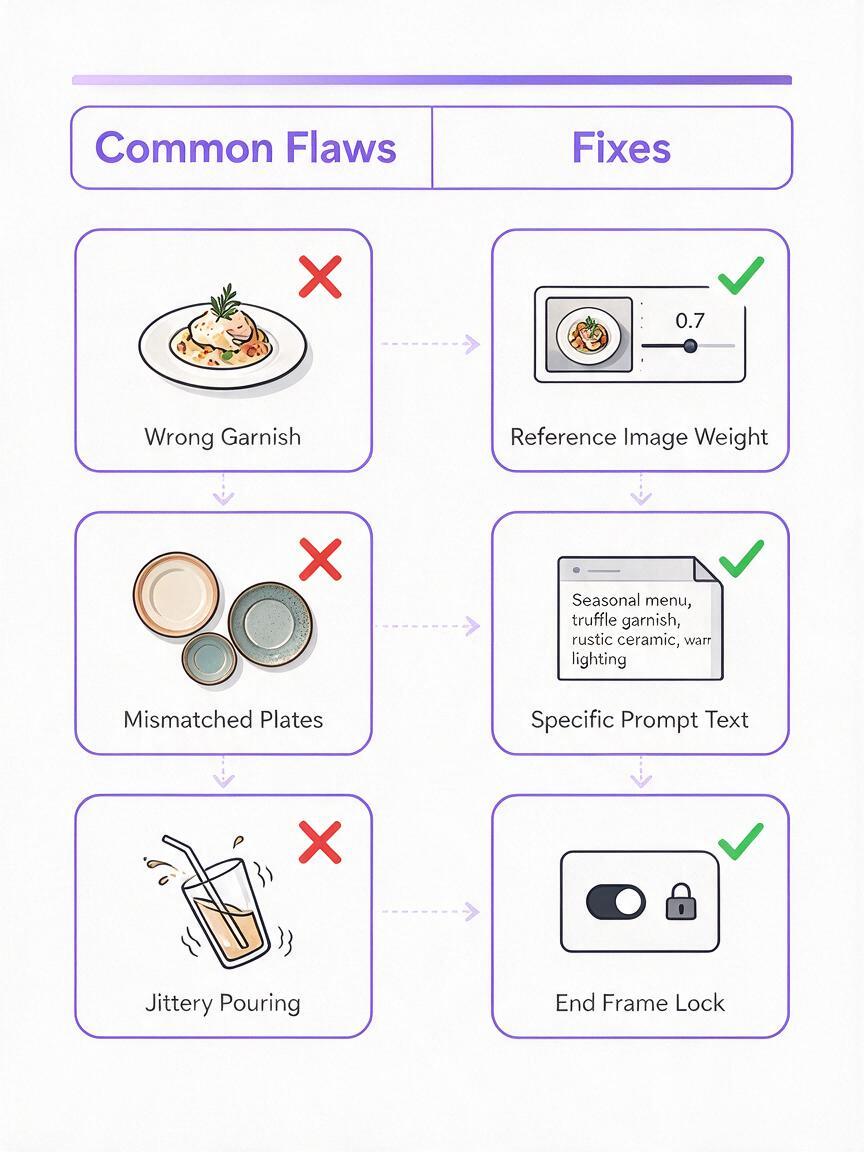
Even with a strong reference image and detailed prompt, AI recipe reels can have small flaws that make them feel off-brand or inaccurate. Here are the most common issues and how to fix them quickly:
| Common Flaw | Root Cause | Quick Fix |
|---|---|---|
| Final dish doesn’t match reference photo | AI prioritizes motion over reference accuracy | Increase reference image weight to 0.8 or higher in Veo settings; add "exact match to reference image" to the final scene prompt |
| Wrong ingredients in prep scenes | Vague prompt language about ingredient details | Name every ingredient explicitly in each scene (e.g., "fresh basil leaves" instead of "herbs"); add a global rule: "all ingredients match the reference photo" |
| Jittery or unnatural motion | AI struggles with smooth hand movements | Add "smooth steady camera motion, no jitter, slow gentle movements" to the prompt; avoid complex hand actions like chopping if they keep rendering poorly |
| Mismatched plate or bowl | Reference image is cropped or vessel details are unclear | Use a full-frame reference photo that shows the entire vessel; describe the vessel explicitly in the prompt (e.g., "12-inch white ceramic dinner plate") |
For small, localized flaws (like a wrong garnish on the final dish), you can extract the final frame, touch it up with inpainting in Seedream 4.5, and then re-insert it into the reel. This is faster than regenerating the entire clip for a single small issue.
Adapt reels for every social format
Once you have a core recipe reel that matches your menu style, you can repurpose it for every social platform without re-filming or regenerating the entire clip. Most platforms have different aspect ratio requirements, and Veo can generate multiple versions quickly by adjusting the prompt and cropping settings.
For Instagram Reels and TikTok: Stick with the 9:16 vertical format you used for the core reel. Leave 10% of the top and bottom of the frame empty for captions and UI elements, so text doesn’t cover the food.
For Instagram Feed and Facebook: Generate a 1:1 square crop by adjusting the frame to focus on the most dynamic part of the reel (like the sauce drizzle or final plating reveal). Add a short text overlay with the dish name if needed.
For YouTube Shorts: Use the same 9:16 vertical format, but extend the reel to 30 seconds by adding a slow-motion shot of the final dish at the end.
Pro tip: Batch-generate reels for 3–5 menu items at once using the same style rules in your prompt. This ensures all your recipe content has a consistent look, which strengthens your brand identity on social media.
Final quality checklist
- Ingredient match: All ingredients shown in the reel match the actual menu item (no extra toppings, no missing components)
- Portion accuracy: The final dish portion size matches your reference photo and what you serve in-store
- Plating consistency: The final shot matches your menu photo exactly, including garnish placement and vessel type
- Motion quality: Camera movement is smooth, no jitter or warping, and actions look natural
- Brand alignment: Lighting, color tone, and style match your existing menu and social media content
- Format fit: Aspect ratio matches the platform you’re posting to, with no important food details cut off
- No misleading details: The reel doesn’t show ingredients or portions that aren’t included in the actual menu item
Keywords
ai recipe reels, restaurant social media content, ai food video, veo video generation, menu photo matching, food marketing ai, short recipe videos