Why AI Salad Photos Look Wilted (And How to Get Crisp, Vibrant Results)
AI-generated salad photos often turn out wilted, soggy, or unnaturally uniform, making them unappealing for healthy restaurant menus, salad brand marketing, and delivery app listings. This troubleshooting guide breaks down the common causes of limp AI salad visuals and shares a tested Nano Banana Pro prompt framework, Seedream 4.5 inpainting fixes, and style tips to produce crisp, vibrant, realistic salad photos that drive clicks and orders. It also includes quick repurposing tips for turning static salad photos into short social videos with Seedance.
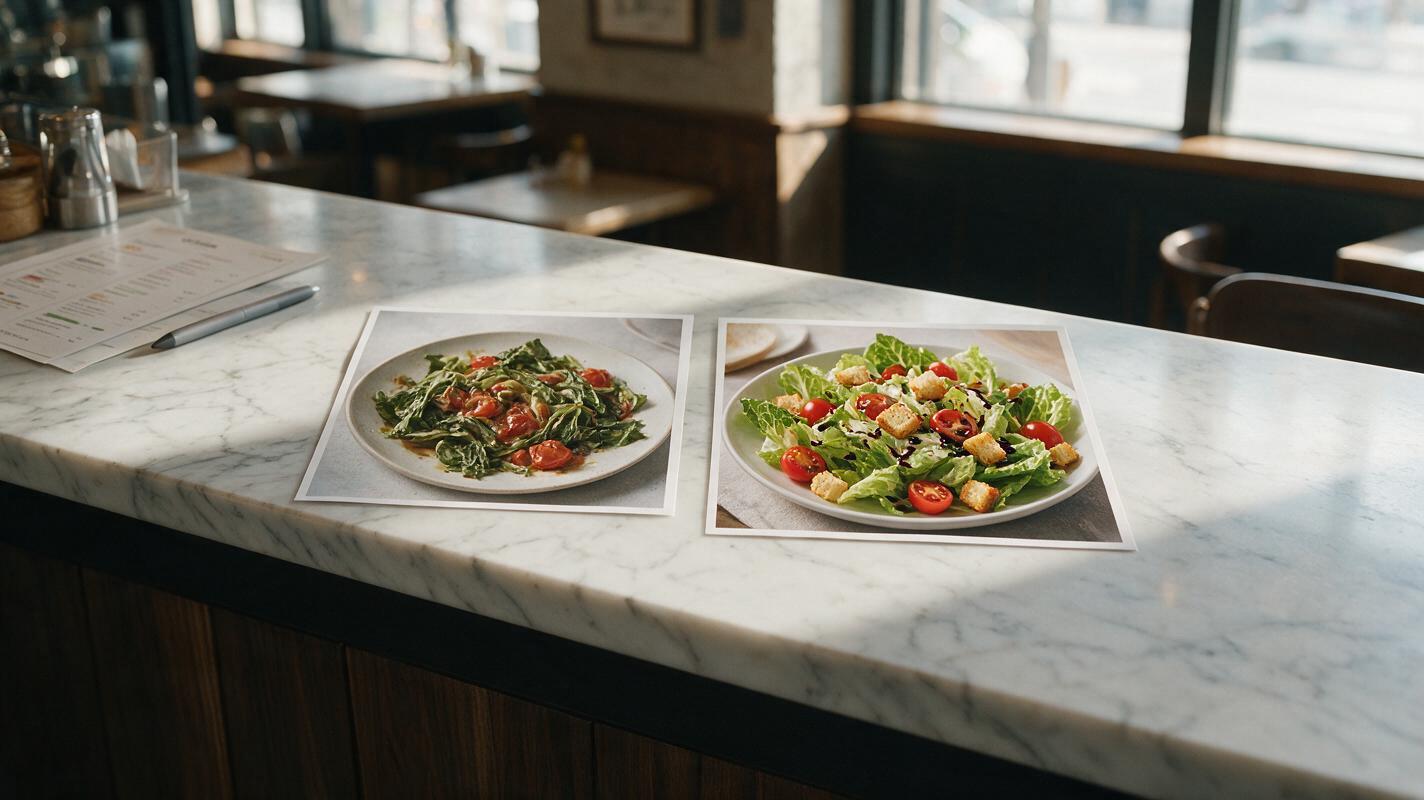
Table of contents
Why AI salad photos turn out limp and dull
If you’ve ever tried generating salad photos with AI for a healthy café menu, salad brand campaign, or delivery app listing, you’ve probably seen it: limp lettuce leaves, mushy cherry tomatoes, dull-looking greens, and dressing that looks more like slime than vinaigrette. Wilted AI salad photos don’t just look unappetizing — they can make fresh, high-quality ingredients seem low-quality, hurting click-through rates on delivery apps and in-store menu sales.
AI struggles with salad photography for four key reasons. First, training data is full of stock salad photos shot with soft, moody lighting that can make greens look limp, or salads that have sat out during long shoots and lost their crispness. Second, thin, delicate leafy greens are hard for models to classify correctly, often resulting in soft, wilted edges instead of crisp, ruffled texture. Third, many image models apply over-smoothing that erases the tiny veins, subtle color variations, and sharp edges that signal freshness. Finally, AI often renders salad dressing as a thick, uniform coating rather than light, uneven drizzles that sit on top of leaves without wilting them.
Common AI salad rendering flaws to watch for
Before tweaking your prompts, learn to spot the most frequent flaws that make AI salad photos look unappetizing:
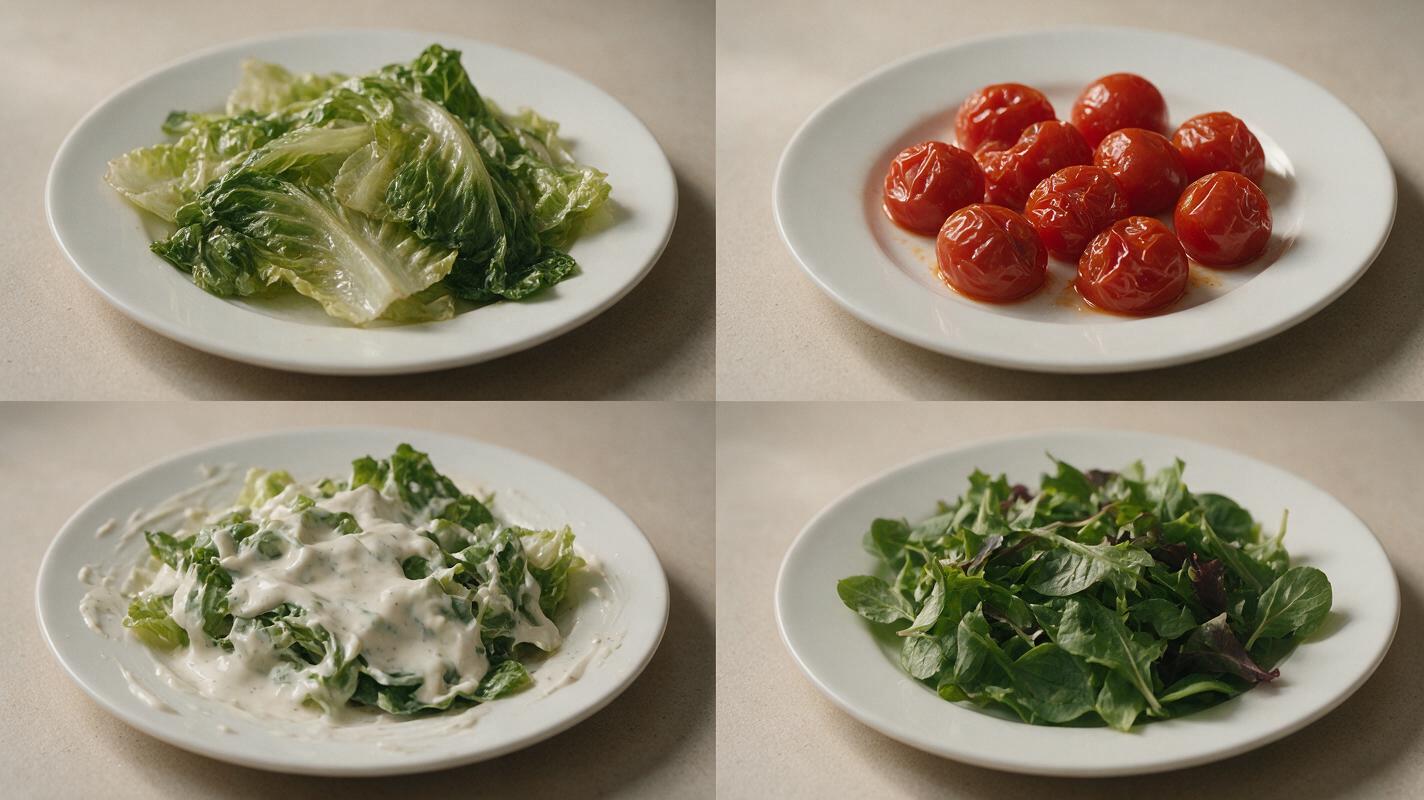
- Limp, translucent leaves — Lettuce, spinach, and arugula look like they’ve been sitting out for hours, with soft edges and no crisp structure.
- Mushy produce — Cherry tomatoes are wrinkled, cucumbers are soft, and peppers lack the firm, glossy skin of fresh vegetables.
- Uniform dull green color — All greens blend into one flat shade, with no variation between romaine, arugula, butter lettuce, or other varieties.
- Thick, smeared dressing — Vinaigrette or ranch looks like a sticky, gloopy coating spread across the entire salad instead of light, separate drizzles.
- Distorted toppings — Croutons look like bread blobs, cheese melts into the greens, and nuts have no distinct texture or shape.
- Clumped ingredients — All toppings pile in one spot instead of being evenly distributed across the salad, like real plated portions.
Prompt framework for crisp, vibrant salad photos
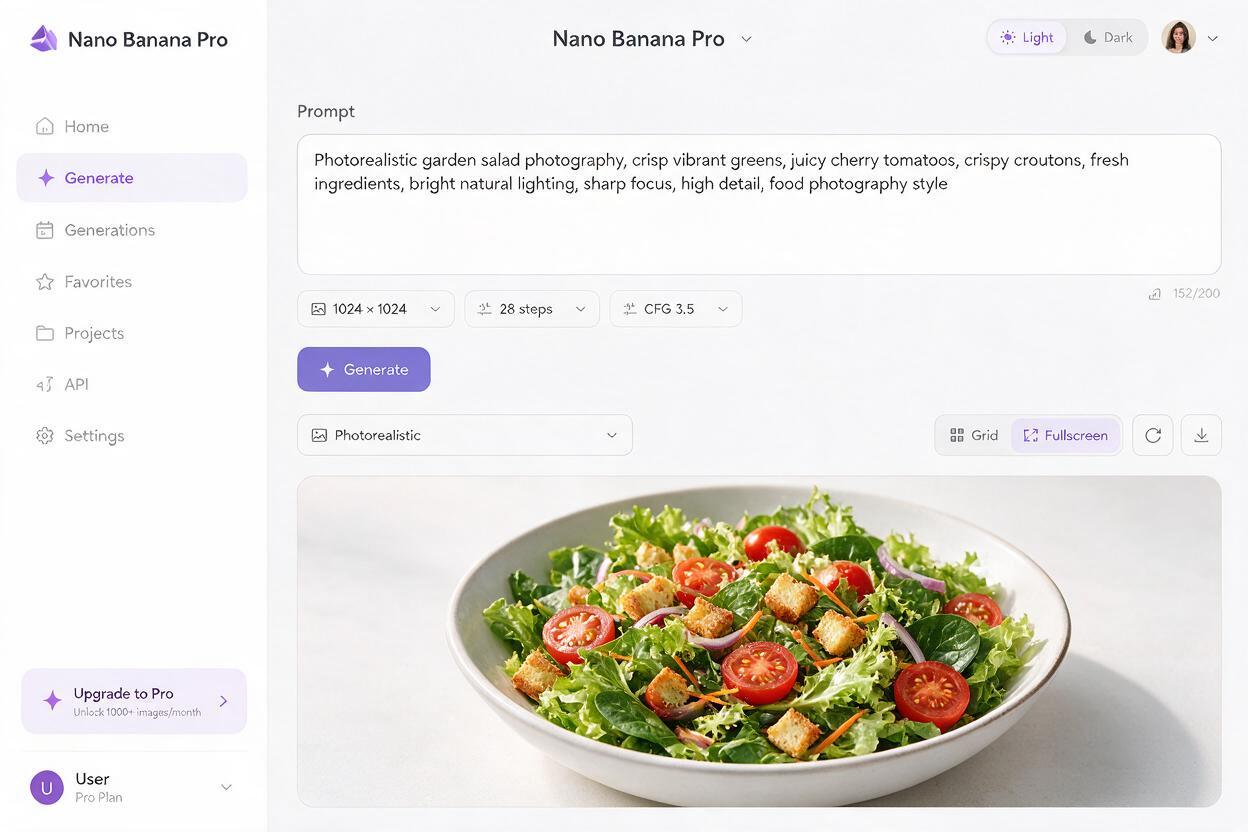
For the most consistent crisp salad results, use an ai image generator like Nano Banana Pro, which excels at fine food texture and realistic lighting. The key is to be extremely specific about texture, freshness cues, and dressing details — don’t leave any of those details to the AI’s default assumptions.
Use this reusable prompt template, swapping in your restaurant’s exact ingredients and serving style:
Crisp fresh [salad name] in [vessel type], [list 2-3 specific greens with texture cues], [list 3-4 toppings with firmness/texture details], [dressing type] drizzled unevenly over the top, tiny droplets of dressing on leaf surfaces, natural soft window light from [direction], shallow depth of field, professional food photography, 4k, sharp focus on front ingredients, subtle shadows under toppings, fresh dewy appearance, no wiltingFor example, a classic garden salad prompt would look like this:
Crisp fresh garden salad in a wide white ceramic bowl, bright green romaine lettuce with crisp ruffled edges, dark red arugula leaves, firm cherry tomatoes with glossy skin, thin cucumber slices, toasted garlic croutons with golden crust, shaved parmesan flakes, light balsamic vinaigrette drizzled unevenly over the top, tiny droplets of dressing on leaf surfaces, natural soft window light from the left, shallow depth of field, professional food photography, 4k, sharp focus on front leaves, subtle shadows under croutons, fresh dewy appearance, no wiltingPair it with this negative prompt to eliminate common flaws:
wilted lettuce, mushy tomatoes, soggy croutons, thick dressing, smeared dressing, uniform green color, soft focus, blurry edges, overexposed, underexposed, plastic texture, fake ingredients, messy plating, clumped ingredientsPro tip: Always specify the exact type of greens and toppings you use in your restaurant’s actual salads. This not only keeps the photo accurate to your menu but also helps the AI generate more distinct, realistic textures instead of generic "mixed greens."
Test this prompt yourself to see how much crisper and more vibrant your AI salad photos can turn out with targeted texture details.
Targeted inpainting fixes for specific salad flaws
Even with a strong prompt, you may end up with one or two small flaws — a single wilted leaf, a mushy tomato, or a smudge of dressing. Instead of regenerating the entire image (which can introduce new flaws), use Seedream 4.5’s inpainting tool to fix only the problem area.
Here are targeted fixes for the most common issues:
- Wilted individual leaves: Mask the limp leaf, then use the prompt: crisp fresh [green type] leaf with ruffled edges, matches surrounding salad lighting and color palette, blends naturally with nearby leaves.
- Mushy or wrinkled tomatoes: Mask the tomato, then use: firm bright red cherry tomato, glossy smooth skin, tiny water droplet on surface, matches salad size and perspective.
- Smeared dressing: Mask the smeared area, then use: light [dressing type] drizzle, thin uneven lines, tiny droplets on lettuce leaves, no smearing, matches existing dressing color.
- Blobby croutons or toppings: Mask the distorted topping, then use: toasted garlic crouton, golden brown crust, crisp texture, sits on top of salad leaves, matches surrounding crouton size.
Keep the masked area as small as possible to preserve the rest of the image’s composition and lighting.
Repurposing salad photos into short social videos
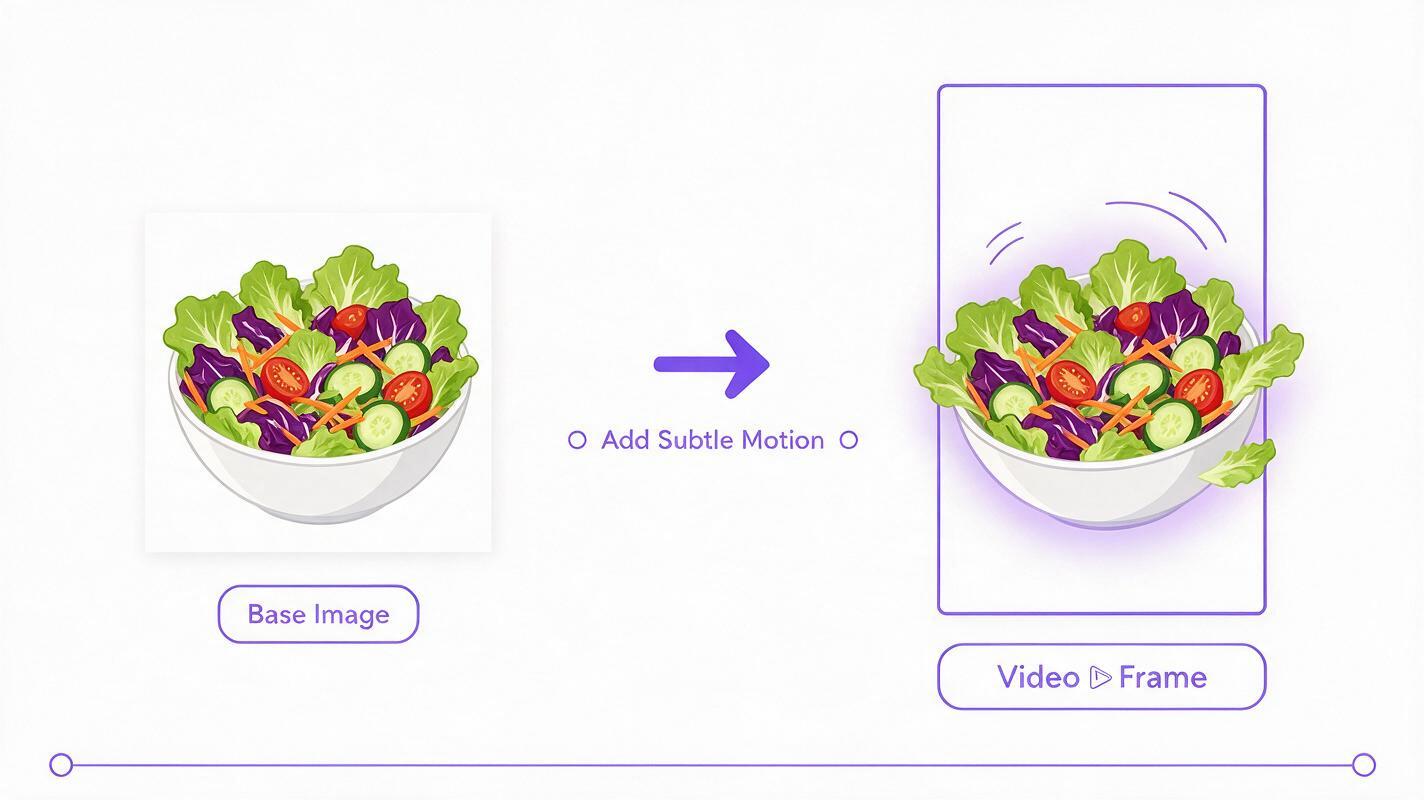
Once you have a perfect static salad photo, you can turn it into a 10–15 second social clip using image to video tools like Seedance, which adds subtle, realistic motion without distorting the ingredients. These short clips perform exceptionally well on Instagram Reels, TikTok, and in-store digital menu boards, where motion catches viewers’ eyes faster than static photos.
Stick to gentle, realistic motion to avoid wilting or warping the salad:
- Slow, subtle zoom in on the front of the salad to highlight crisp leaves and dressing droplets
- Soft breeze effect that gently rustles the top layer of leaves (no strong wind that would flatten greens)
- Single drop of dressing falling onto the top of the salad, creating a tiny splash
- Slow pan across the salad to show all toppings and texture variety
Avoid fast motion, fork picks, or heavy pours — these often cause the AI to distort ingredients, melt toppings, or wilt greens.
Final quality checklist for restaurant-ready salad photos
- All leafy greens have crisp, defined edges with no limp, translucent, or mushy patches
- Fresh produce (tomatoes, cucumbers, peppers) has firm, glossy skin with no wrinkles or soft spots
- Dressing is unevenly distributed with visible droplets or thin drizzles, not a thick, uniform coating
- Toppings (croutons, cheese, nuts, seeds) have distinct texture and sit on top of greens, not blended or melted in
- Color variation is present across different greens and ingredients, with no flat, uniform green tone
- Lighting highlights texture and freshness without washing out natural ingredient colors
- Portion sizes, plating style, and ingredients match your restaurant’s actual menu offerings
Keywords
ai salad photos, food image generator, restaurant marketing ai, menu photo generator, food product photography, ai food photography, salad marketing visuals