AI Script Writing: Generate Video-Ready Short Film Scripts in 4 Steps
Generic AI-generated short film scripts often fail when fed to AI video tools, thanks to too many locations, vague action, and unfilmable camera moves. This guide breaks down a 4-step AI script writing workflow to create video-optimized short film scripts that translate seamlessly to storyboarding and production. You’ll get copyable prompts, constraint checklists, and a validation step to avoid wasted generation time.
Table of contents
Why AI Script Writing for AI Video Needs Different Rules
Most AI-generated short film scripts look tight and compelling on the page — but fall apart the second you feed them to a script to video tool. You end up with inconsistent characters, unrenderable action, and half a dozen location changes that kill continuity before you even start editing.
Generic AI script writers are trained on human film scripts, which assume a full crew, stunt teams, location scouts, and unlimited set changes. AI video tools work best with tight constraints: fewer characters, fewer locations, specific visual action, and controlled camera movement. The good news is you can use AI script writing to generate scripts that fit those constraints perfectly — you just have to set the right guardrails upfront.
Step 1 — Define Your AI Video Production Constraints First
Before you type a single script generation prompt, list out the hard limits of your AI video workflow. These constraints aren’t limitations — they’re guardrails that help the AI write a script you can actually turn into a finished film without hours of fixes.
The four most critical constraints to define are:
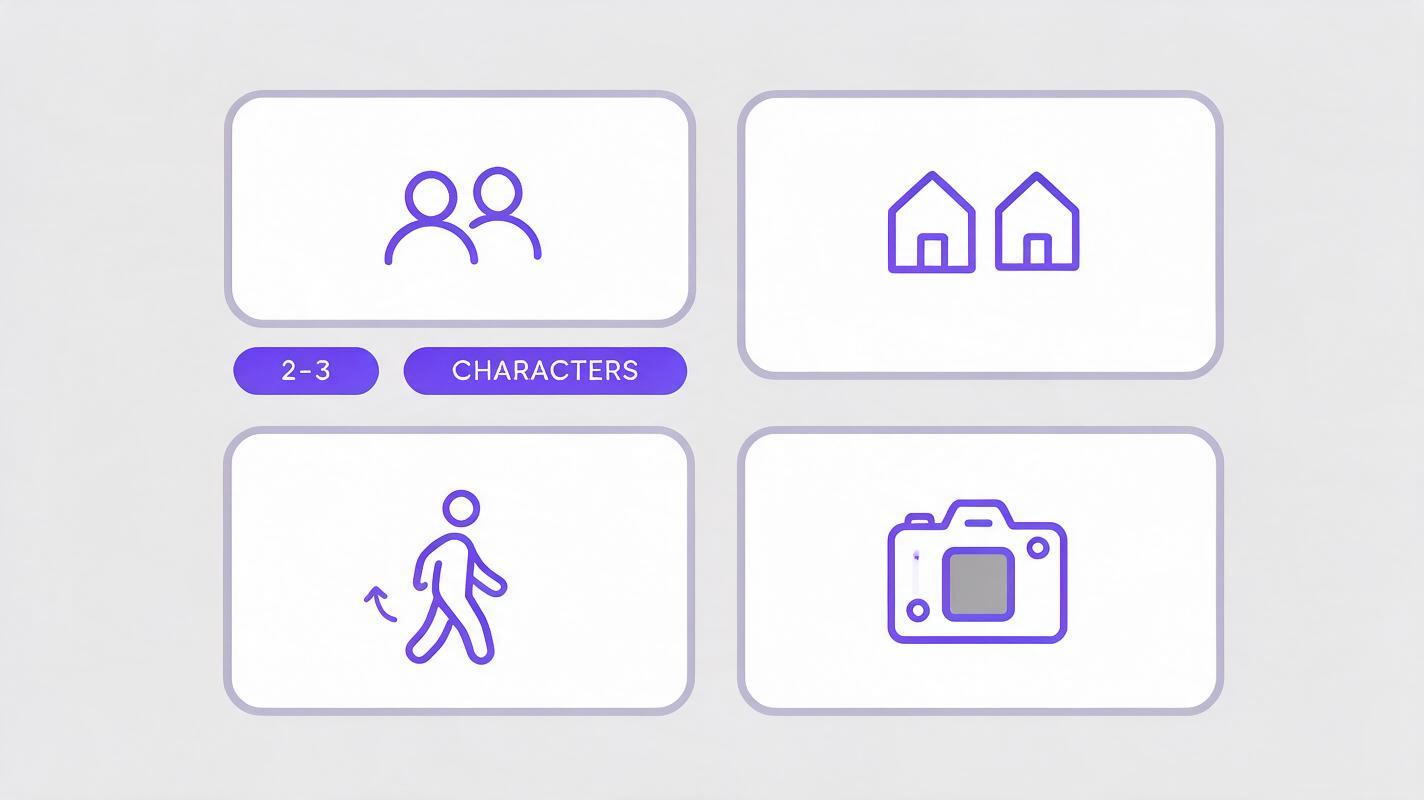
- Character count: Stick to 2–3 main characters maximum. More characters mean more consistency work and higher risk of facial drift across scenes.
- Location count: Cap locations at 2–3 for a 1–2 minute short film. Every new location requires a new reference set and increases the chance of style mismatch.
- Action type: Prioritize slow, natural movement (walking, talking, picking up objects) over complex stunts, fast cuts, or large group action. AI video tools render subtle, deliberate motion most reliably.
- Camera movement: Stick to static shots, slow pans, and gentle push-ins. Avoid impossible camera moves like flying through walls or rapid whip pans that break spatial continuity.
Pro tip: Write your constraints down as a bullet list and paste them into every generation prompt. This ensures the AI doesn’t default to unfilmable creative choices.
Step 2 — Write a Targeted AI Script Generation Prompt
Generic prompts like “write a 2-minute sci-fi short film script” produce generic, unfilmable results. Your prompt needs to bundle your constraints, genre, core premise, and a visual storytelling requirement all in one.
Include these elements in every prompt:
- Runtime (in minutes or number of scenes)
- Genre and tone
- Exact number of main characters
- Exact number of locations
- Action constraints (no stunts, slow natural movement only)
- A requirement for visual storytelling (minimal dialogue, show emotion through action and props)
- Standard screenplay format with sluglines, action, and dialogue
Here’s a copyable prompt you can adapt for your own projects:
Write a 90-second drama short film script in standard screenplay format.
- 2 main characters total
- 1 location only (a small, sunlit laundromat at dusk)
- No stunts or fast action; all movement is slow and natural
- Minimal dialogue (max 4 lines total)
- Tell the story through visual action and props: a lost sock, a crumpled grocery list, a half-empty coffee cup
- End with a quiet, hopeful beat
- Use specific, concrete visual descriptions in action lines
When you run this prompt through an ai script generator, you’ll get a script that’s already aligned with what AI video tools can render — no major rewrites required.
Step 3 — Refine the Generated Script for AI Storyboard and Video Compatibility
Even with great constraints, you’ll need to do a quick pass to tighten the script for ai storyboard and video generation. The goal here is to remove ambiguity and make every visual beat as specific as possible.
Focus on these adjustments:
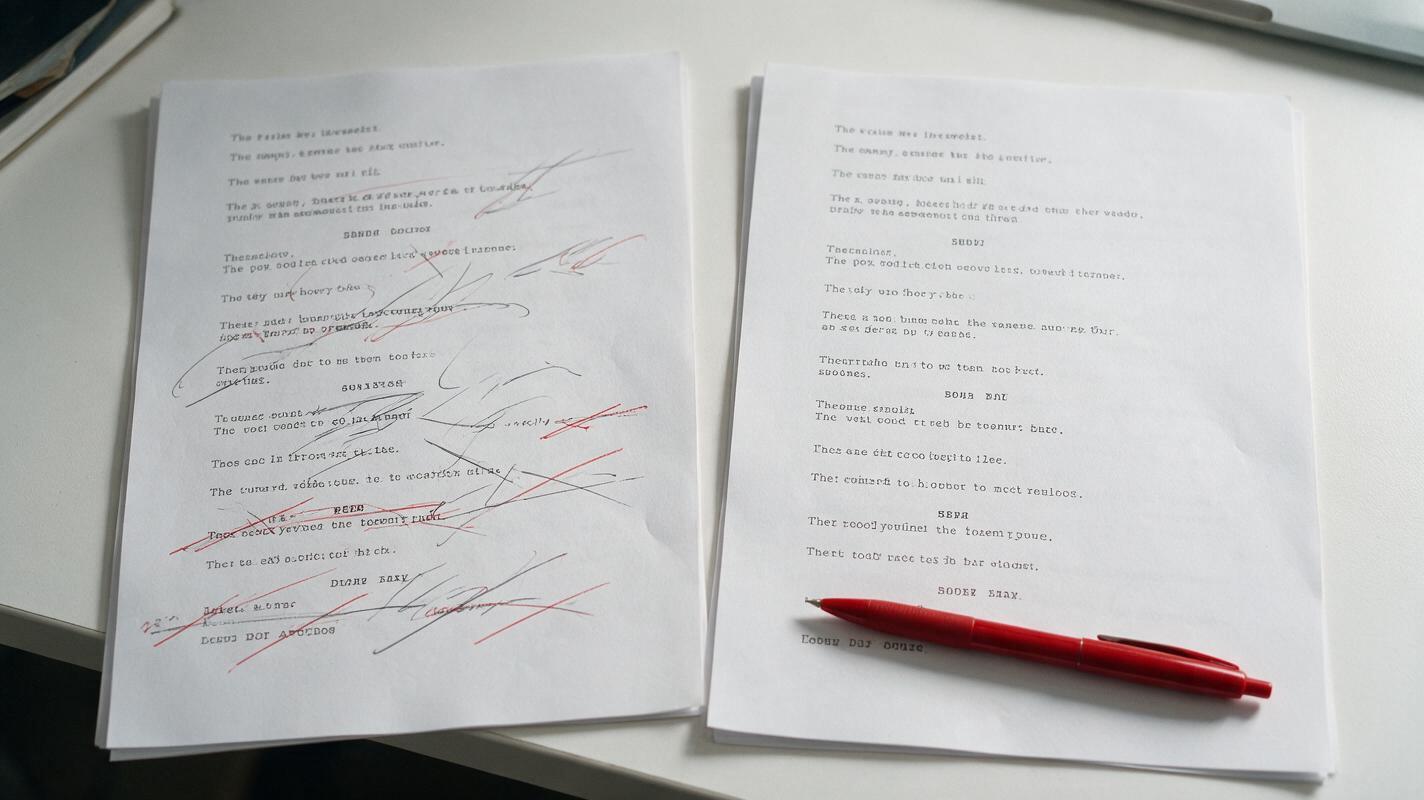
- Replace vague action with concrete visuals: Swap lines like “she is sad” for “she runs her thumb along the frayed edge of the sock, shoulders hunched forward.” AI tools render specific, tangible actions far better than emotional descriptions.
- Cut any extra characters or locations: If the AI added a random side character or a quick cut to a new location, remove it. Every extra element adds consistency work later.
- Standardize sluglines: Make sure location names are identical every time they appear (e.g., “LAUNDROMAT - DUSK” not “laundromat at night” in one scene and “Laundromat Interior” in another). This helps storyboard tools recognize recurring locations.
- Add subtle shot type hints: Add parenthetical notes like (close up on the sock) or (wide shot of the empty laundromat) to guide the storyboard generator — but keep them minimal to avoid restricting creativity.
You don’t need to rewrite the whole script. A 5–10 minute polish is usually enough to get it 100% video-ready.
Step 4 — Validate the Script With a Quick AI Storyboard Test
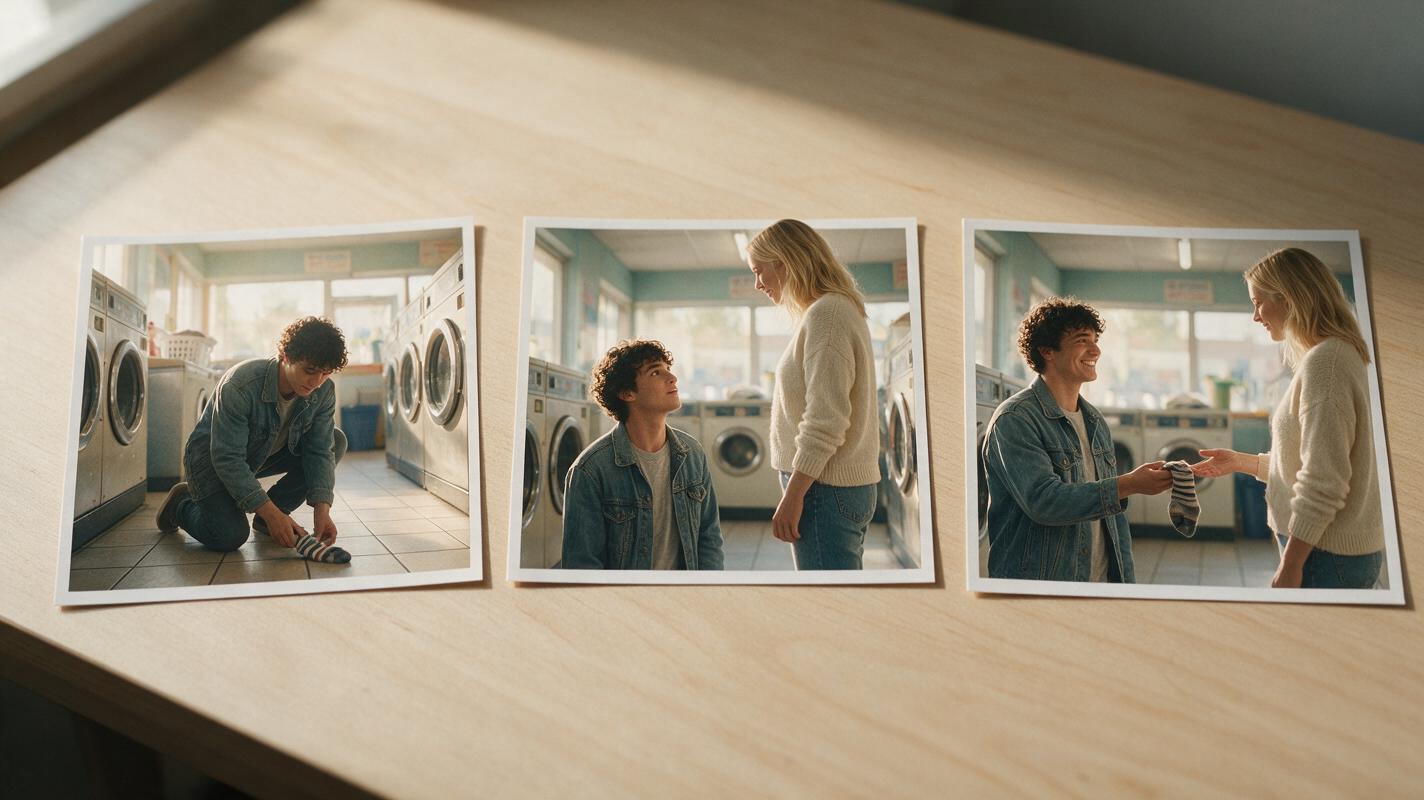
Before you spend time generating full video clips, run a fast validation test using the same storyboard tool you plan to use for production. Pick the trickiest scene in your script (the one with the most action or character interaction) and generate 3 key frames: the opening beat, the midpoint beat, and the closing beat.
What to check for in the test frames:
- Characters look consistent across all three frames
- The location matches your vision and has enough detail
- The action is clear and renderable (no distorted hands or impossible poses)
- The overall tone and style match what you want for the full film
If the test frames look off, adjust your script’s action descriptions and try again. It’s much faster to fix a few lines of script than to re-render 10 video clips later.
Once your test storyboard looks good, your script is fully ready to move into script to video production. try these models for free to turn your polished script into a finished short film in minutes.
Final Checklist for Video-Ready AI Scripts
- 2–3 main characters maximum, with consistent names and descriptions
- 2–3 locations maximum, with identical sluglines every time
- All action is slow, natural, and visually specific (no vague emotional descriptions)
- Minimal dialogue, with story told through props and action where possible
- Camera movement is limited to static shots, slow pans, and gentle push-ins
- You’ve validated the trickiest scene with a 3-frame storyboard test
Keywords
ai script writing, script to video, ai storyboard, ai movie maker, create ai video, ai short film, ai script generator