AI Short Drama Audio Workflow for Consistent Voices and Sound
Build an AI short drama around a stable audio track instead of trying to repair mismatched voices after generating the visuals. This tutorial covers voice rules, performance markup, dialogue editing, ambience, sound effects, music, captions, and phone-speaker quality control.
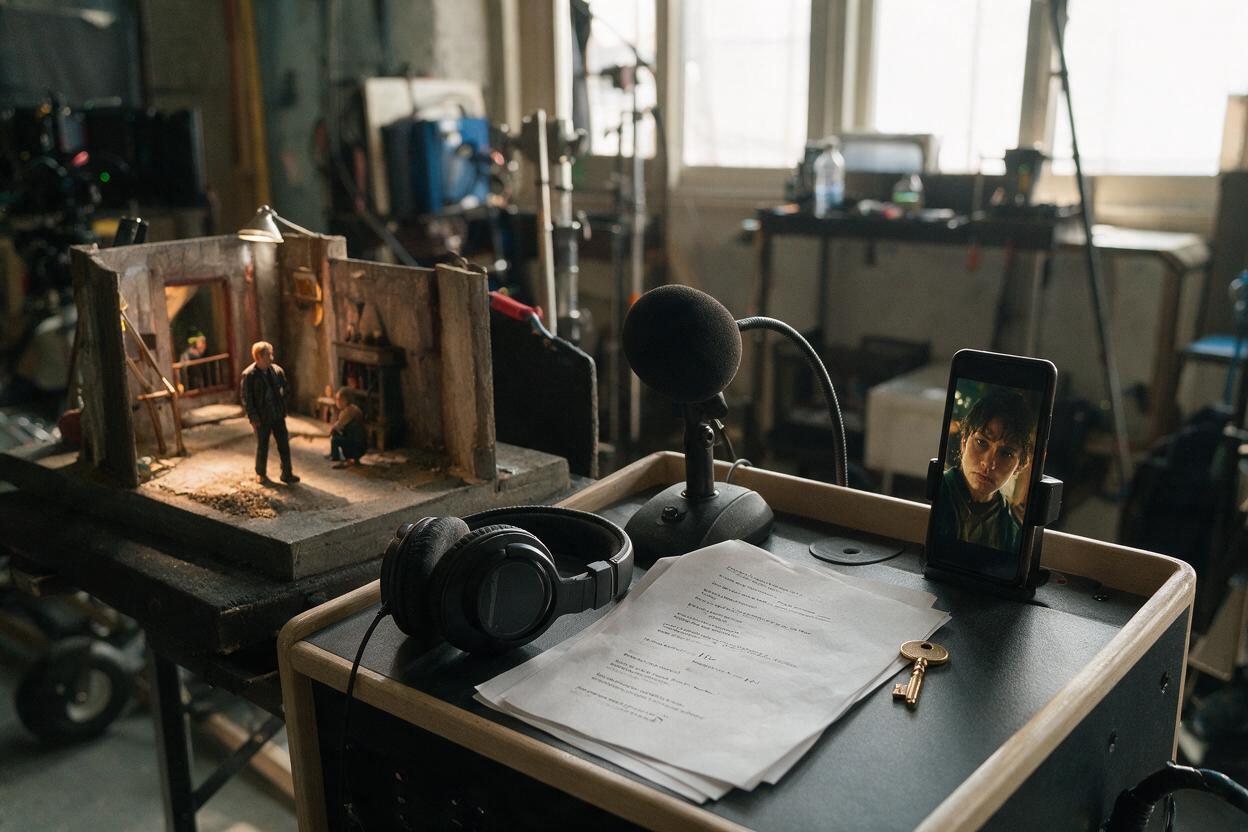
Table of contents
Fix the soundtrack before you generate the final shots
An AI short drama can survive an imperfect background, but it rarely survives dialogue that changes tone, distance, pace, or identity between cuts. The practical solution is to make audio the timing backbone of the episode: establish each voice, assemble the dialogue, place essential sound cues, and then generate or edit visuals against that track.
This workflow is designed for a dialogue-led AI microdrama with recurring characters. It also works when you combine synthetic speech, recorded performances, generated effects, stock ambience, and music in one vertical drama video.
Core rule: do not ask each shot-generation prompt to reinvent the performance. Build one approved audio sequence, then treat every visual shot as coverage for that sequence.
Step 1 — Lock the Voice Rules Before Generating Video
Create a compact voice sheet for every speaking character. Describe qualities that can be heard and directed, not vague personality labels such as “interesting” or “cinematic.”
| Voice rule | Useful specification | Continuity risk |
|---|---|---|
| Register | Low, restrained, rarely rises at sentence endings | The character suddenly sounds younger or more excited |
| Pace | Deliberate delivery with short pauses before accusations | Later lines are rushed to fit the edit |
| Emotional ceiling | Anger appears as clipped words, not shouting | Intensity is expressed differently in every scene |
| Pronunciation | Fixed pronunciation for names, places, and invented terms | Recurring words change across episodes |
| Recording space | Dry close-mic sound before environmental processing | Some lines contain room sound that cannot be matched |
Keep the initial voice generation or recording dry whenever possible. Add room character later so that a voice can move between a kitchen, corridor, car, and rooftop without requiring a completely new performance.
If a voice is based on a real person, obtain the necessary permission before cloning or imitating it. For recurring fictional characters, retain the authorized voice source, pronunciation notes, and approved reference lines with the episode assets.
CHARACTER VOICE SPECIFICATION
Role: Mara, investigative reporter
Apparent age range: early thirties
Register: medium-low and controlled
Pace: measured; brief pause before revealing evidence
Emotional rule: fear tightens her breathing but does not raise her pitch
Sentence endings: decisive, usually falling
Pronunciation locks: “Aster House” and “Dr. Vale” must remain unchanged
Forbidden drift: cheerful delivery, theatrical whispering, exaggerated shouting
Reference line: “You knew the room was empty before I opened the door.”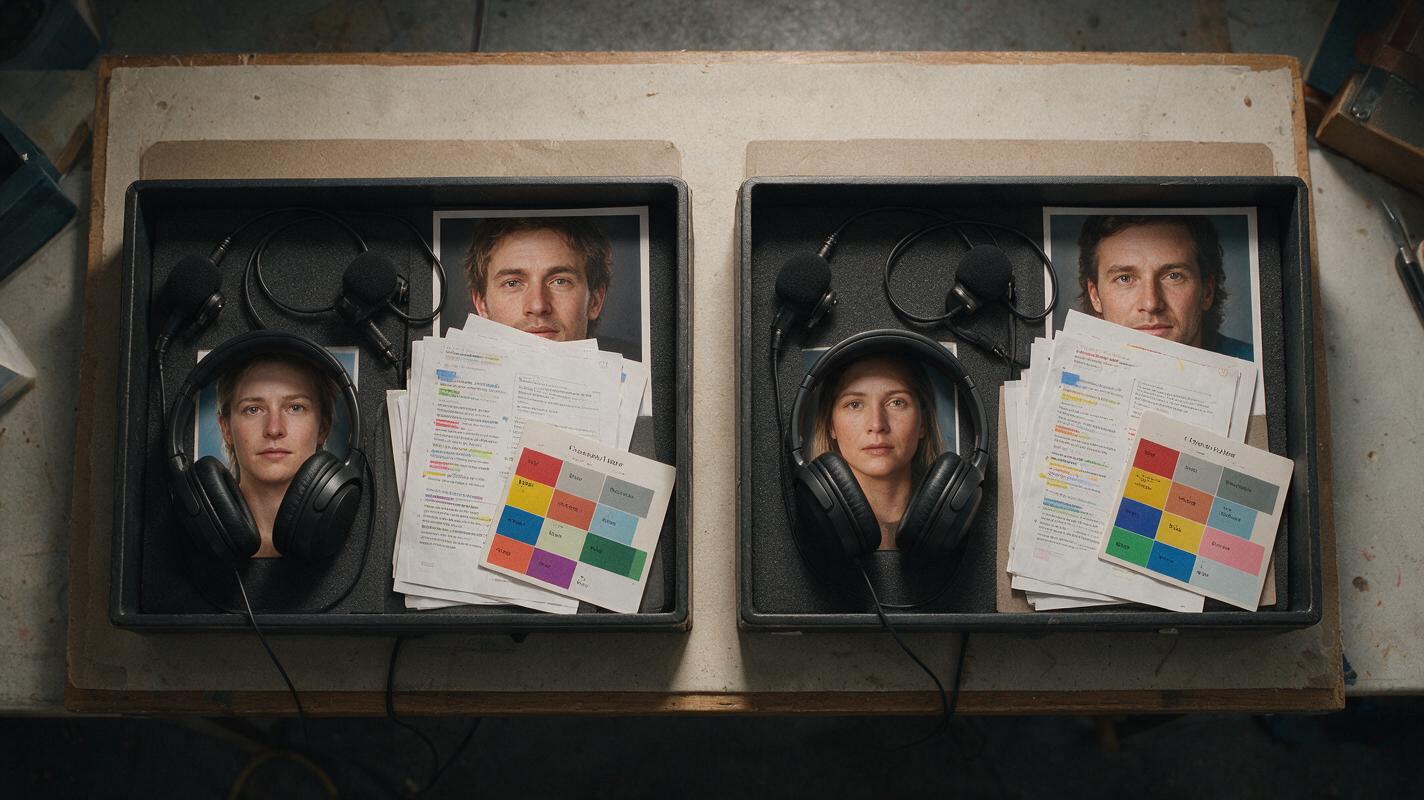
Step 2 — Mark the Script for Performance, Not Just Meaning
A screenplay line tells you what is said. An audio script must also indicate how the line occupies time. Add pauses, interruptions, breaths, off-screen words, and deliberate overlaps before generating speech.
Use restrained notation. Too many acting instructions can produce an unstable or exaggerated delivery. Mark only the changes that affect the cut:
- [beat] for a short reaction gap that needs visual coverage.
- [interrupts] when the next speaker enters before the current line finishes.
- [off-screen] when the voice should begin before the speaker appears.
- [under breath] for a quieter intention rather than a separate whispering style.
- [sound cue] when an audible event changes the story.
MARA: The lock was replaced this morning. [beat]
ELIAS: How could you know that?
[metal key placed on table]
MARA: [under breath] Because I still have the original.
ELIAS: [interrupts] Then why did the door open?
Generate or record alternate readings only for pivotal lines. Label each alternative by intention—such as restrained, suspicious, or cornered—rather than with ambiguous filenames. Select one performance before building the shot sequence.
Step 3 — Build an Audio-First Scene Map
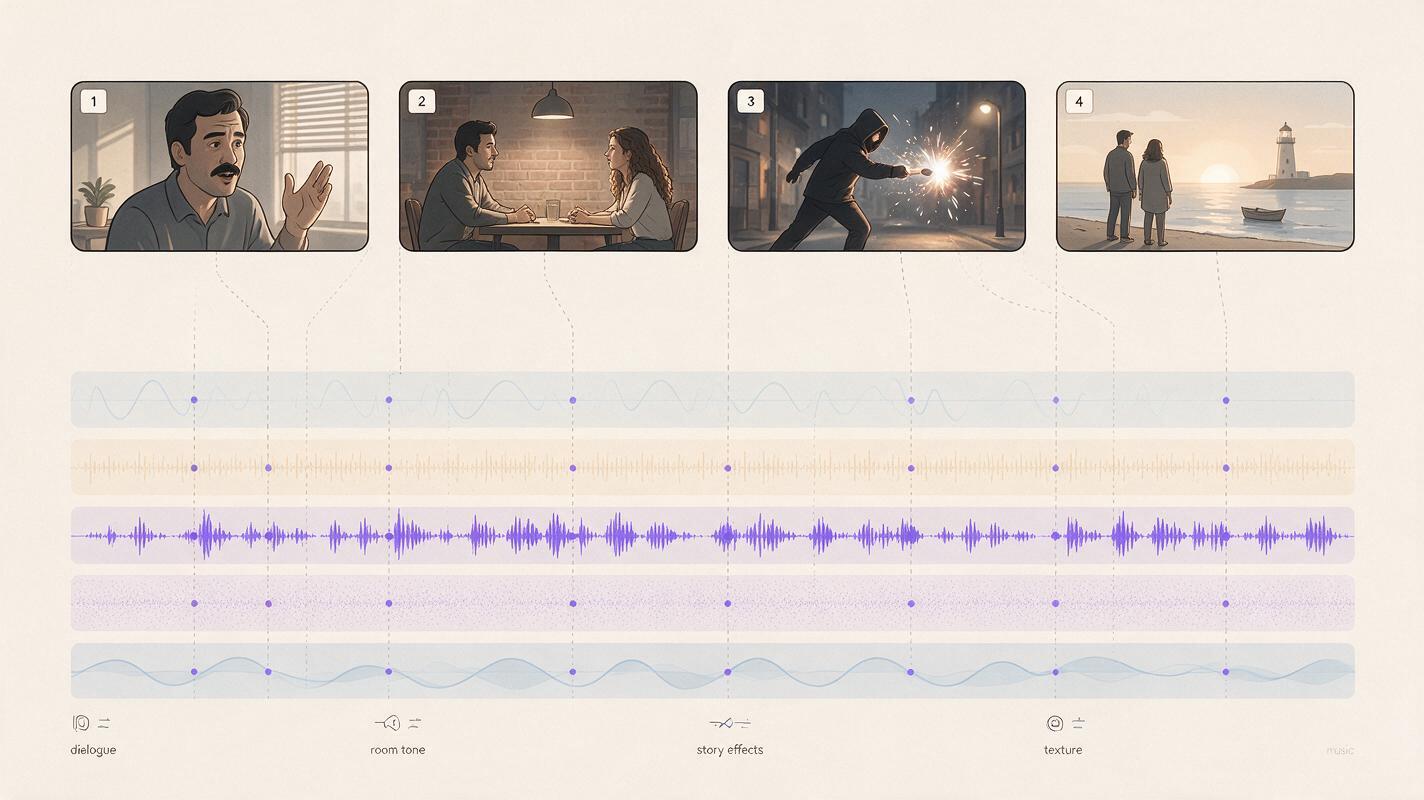
Place the selected dialogue in story order and listen without visuals. The exchange should remain understandable through voice, silence, and essential sound cues alone. If the scene becomes confusing, another close-up will not fix it; revise the line, pause, or cue.
Divide the soundtrack into five functional layers:
- Dialogue: the approved performances that carry plot and emotion.
- Room tone: a quiet, continuous environmental bed that prevents empty gaps.
- Story effects: sounds the audience must notice, such as a key, message alert, latch, or approaching footsteps.
- Texture: subtle environmental details that establish place without demanding attention.
- Music: a controlled dramatic layer that supports the turn rather than explaining every emotion.
Use audio transitions to connect shots. A voice can begin over the previous character’s reaction, while an environmental sound can continue across a cut to make separately generated images feel like one location. Preserve useful silence around a reveal instead of filling every gap with music.
| Story moment | Audio event | Visual coverage to generate |
|---|---|---|
| Mara states the lock was changed | Dialogue over restrained room tone | Medium shot, then Elias reaction |
| The evidence appears | Metal key contacts the table | Insert of hand and key |
| Elias understands the threat | Short silence before his interruption | Tight reaction with minimal movement |
| The scene turns | Latch moves outside the room | Both characters look toward the door |
Every prominent sound should either clarify the location, reveal an action, direct attention, or change the dramatic pressure. Remove effects that perform none of those jobs.
Step 4 — Generate Shots Against the Approved Timing
Once the dialogue edit is stable, convert each audio event into a visual requirement. Do not prompt an entire conversation as one continuous performance. Generate short coverage units built around one visible action or reaction.
A useful shot prompt identifies the exact story beat, the character’s physical response, the composition, and what must remain still:
Vertical 9:16 dramatic medium close-up of Mara at a small kitchen table at night. She finishes the line with controlled suspicion, then lowers her eyes toward a brass key on the table. Restrained facial movement, natural breathing, fixed seated position, warm practical light from camera left, dark hallway behind her. No camera orbit, no extra gestures, no visible speaking after she looks down.For a silent reaction, explicitly remove speech-like motion:
Vertical 9:16 close-up of Elias listening across the table. His expression changes from disbelief to recognition during a brief silence. Lips remain closed, shoulders still, eyes shift once toward the key and return to Mara. Locked camera, consistent warm side light, shallow depth of field, no dialogue, no head turn.Match the generated shot to the approved audio rather than stretching a line to fit an attractive clip. When the audio map and shot prompts are ready, generate the short-drama sequence from the prepared script, then return to the editor for timing and sound integration.
If lip movement is unreliable, cut to the listener, the evidence insert, a hand action, or a location detail while the line continues. These are motivated story images, not random concealment shots.
Step 5 — Mix for the Phone Speaker
Begin with dialogue, then add the other layers around it. Music and effects should not force the audience to work to understand a crucial line. Reduce competing frequencies or lower the surrounding layers during dense speech instead of simply making everything louder.
Maintain perspective across the scene. A close-up can support a more intimate voice presence, while an off-screen speaker may sound slightly farther away. Keep that change subtle and preserve the same underlying vocal identity.
- Remove obvious clicks, abrupt cutoffs, and mismatched silence between dialogue files.
- Use continuous room tone to bridge edits, but do not bury the scene under loud ambience.
- Check whether every story effect is audible without overpowering the next line.
- Listen once at a low phone volume and once through headphones.
- Compare adjacent episodes so recurring voices and locations do not change unexpectedly.
Avoid processing every dialogue file separately after the scene has been assembled. Correct the shared dialogue bus or replace the problematic line so that tone and loudness remain coherent.

Step 6 — Add Captions From the Final Dialogue Edit
Create captions only after the spoken wording and timing are locked. Early captions become inaccurate when lines are shortened, reordered, or replaced.
For a vertical drama video, break captions according to spoken phrases rather than screenplay sentences. Keep the active caption away from faces, evidence inserts, and platform controls. Include meaningful non-speech information when it changes the audience’s understanding, such as [door latch clicks] or [footsteps stop outside].
Review captions as part of the composition. A subtitle may be technically readable yet still cover the key, letter, expression, or phone screen that makes the scene understandable.
Step 7 — Run an Audio Continuity Pass
Watch the finished episode once without stopping, then inspect only the transitions that pulled attention away from the story. A focused repair pass is more reliable than repeatedly remixing the entire soundtrack.
| Problem | Likely cause | Targeted repair |
|---|---|---|
| A character sounds different after a cut | Changed voice source, delivery, or processing | Regenerate the line from the locked voice specification |
| The room seems to change between angles | Inconsistent ambience or embedded reverb | Use one room-tone bed and reduce conflicting source ambience |
| A reveal has no impact | Music or texture masks the story cue | Create space before the cue and simplify the surrounding layers |
| The dialogue feels synthetic and rushed | No reaction gaps or breath points | Restore selected pauses and cover them with reactions |
| Captions feel late | They were timed to shots instead of speech | Realign them to the final dialogue waveform |
FAQ
Should dialogue be generated before or after the video?
For a dialogue-led AI short drama, approve the dialogue before final shot generation. This gives each shot a defined duration and emotional purpose. Silent establishing shots can be created earlier, but speaking and reaction coverage should follow the audio map.
Can one music track run under the whole episode?
It can, but constant music may weaken reveals and obscure dialogue. Shape the track around the scene’s turns, and allow silence or reduced instrumentation where a line or sound effect needs focus.
How do I hide imperfect lip synchronization?
Use motivated reaction shots, inserts, over-the-shoulder framing, off-screen dialogue, and actions that belong to the scene. Avoid unrelated cutaways that interrupt geography or emotional continuity.
What should stay consistent across an AI series video?
Retain each character’s voice specification, pronunciation list, approved reference lines, processing approach, and recurring location ambience. Update these records only when the story intentionally changes the character or setting.
Do captions need to include sound effects?
Include non-speech sounds when they communicate plot, danger, identity, or an off-screen action the audience needs to understand. Decorative background sounds usually do not require captions.
Sources
- W3C Web Accessibility Initiative: Captions and subtitles
- Adobe Podcast: Enhance Speech
- Blackmagic Design: DaVinci Resolve
- ElevenLabs: AI sound effects
Final checklist
- Every recurring character has an approved voice specification.
- Pronunciations, pauses, interruptions, and off-screen lines are marked.
- The dialogue sequence works before visuals are added.
- Each important audio cue has motivated visual coverage.
- Room tone remains consistent across generated angles.
- Music and effects leave space for essential dialogue.
- The episode has been checked on a phone speaker and headphones.
- Captions match the final spoken edit and avoid key visual information.
Keywords
AI short drama, AI microdrama, short drama from script, AI drama generator, AI series video, vertical drama video, AI short film generator
Decision: PUBLISH — The article addresses a distinct production problem with an ordered, reusable audio-first workflow that does not duplicate the previously published structure, batch, vertical-adaptation, or eyeline tutorials.