How to Make Phone Messages Readable in an AI Short Drama
Unreadable phone screens can break an otherwise convincing vertical drama scene. This tutorial shows how to separate message design from video generation, build a clean phone plate, composite reliable text, and connect every message to a visible character reaction.
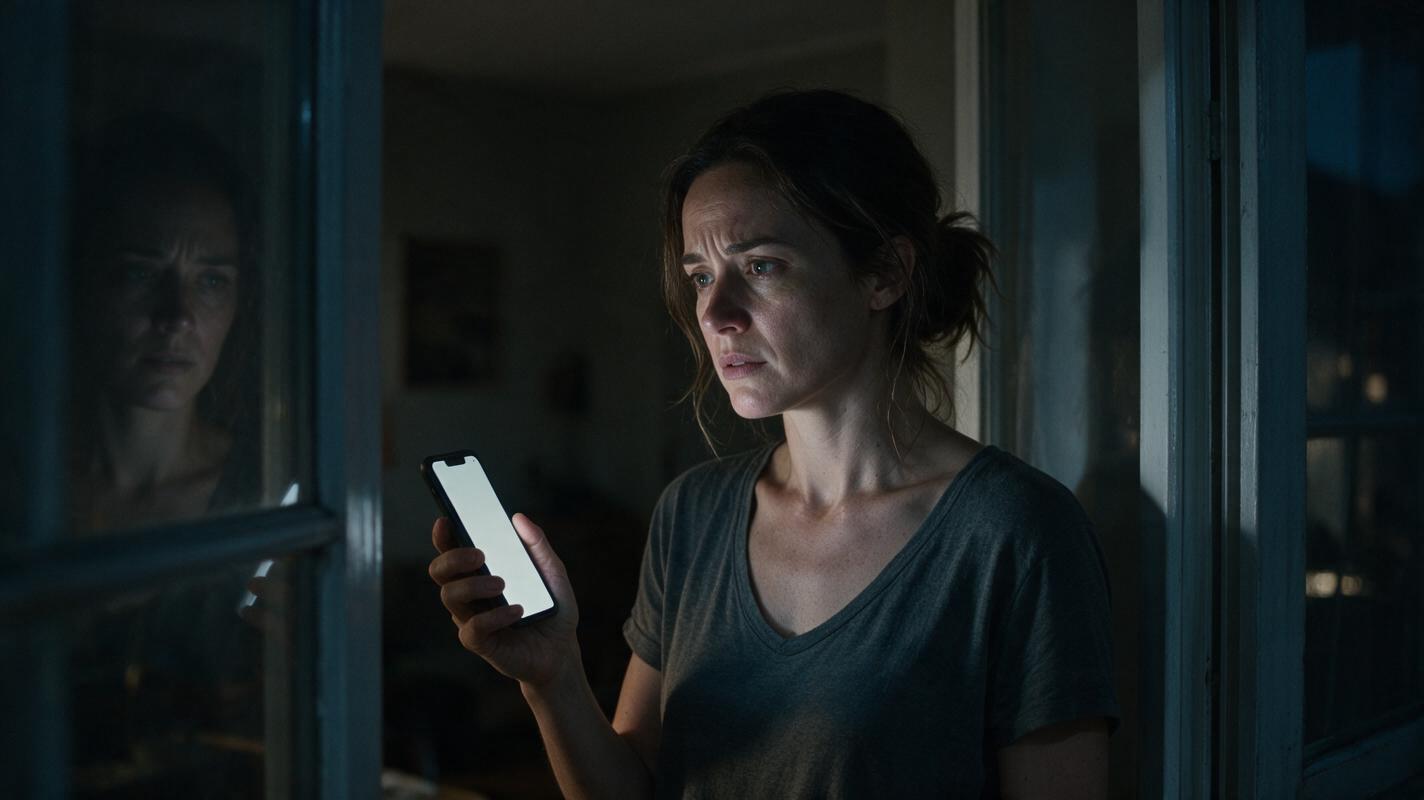
Table of contents
Make the message in post, not inside the generated shot
The reliable way to show a phone message in an ai short drama is to generate a clean phone plate first, add the exact message during editing, and cut immediately to the character’s reaction. Do not ask one video prompt to produce the actor, hand movement, phone interface, and perfectly spelled text at the same time.
This separation gives you control over wording, timing, typography, localization, and revisions. It also turns the message into a dramatic beat rather than a piece of background decoration.
Core rule: generate the performance and physical phone, but typeset the readable message separately.
Step 1 — Rewrite the message as a dramatic beat
Before creating any image or video, identify what changes when the message arrives. A message insert should reveal information, force a decision, or overturn the character’s current belief. If it does none of these, it probably does not deserve its own shot.
Reduce the message to the shortest wording that preserves its dramatic function. Viewers should understand it without pausing or rereading.
| Script version | Screen version | Dramatic function |
|---|---|---|
| I saw Daniel leaving the hotel with your sister last night. | I saw Daniel with your sister. | Creates suspicion |
| Please remember that the final payment is due before midnight. | Payment due tonight. | Creates urgency |
| The person in the photograph is not your biological mother. | She is not your mother. | Reverses a belief |
Use this prompt to extract screen-ready messages from a scene:
You are adapting a script for a vertical short drama.

For each phone message in the scene, return:
- sender
- dramatic purpose
- shortest clear message
- information the audience must notice
- character reaction immediately after reading
- physical action caused by the message

Keep each on-screen message natural, specific, and readable at a glance.
Do not add new plot information.

SCENE:
[PASTE SCENE HERE]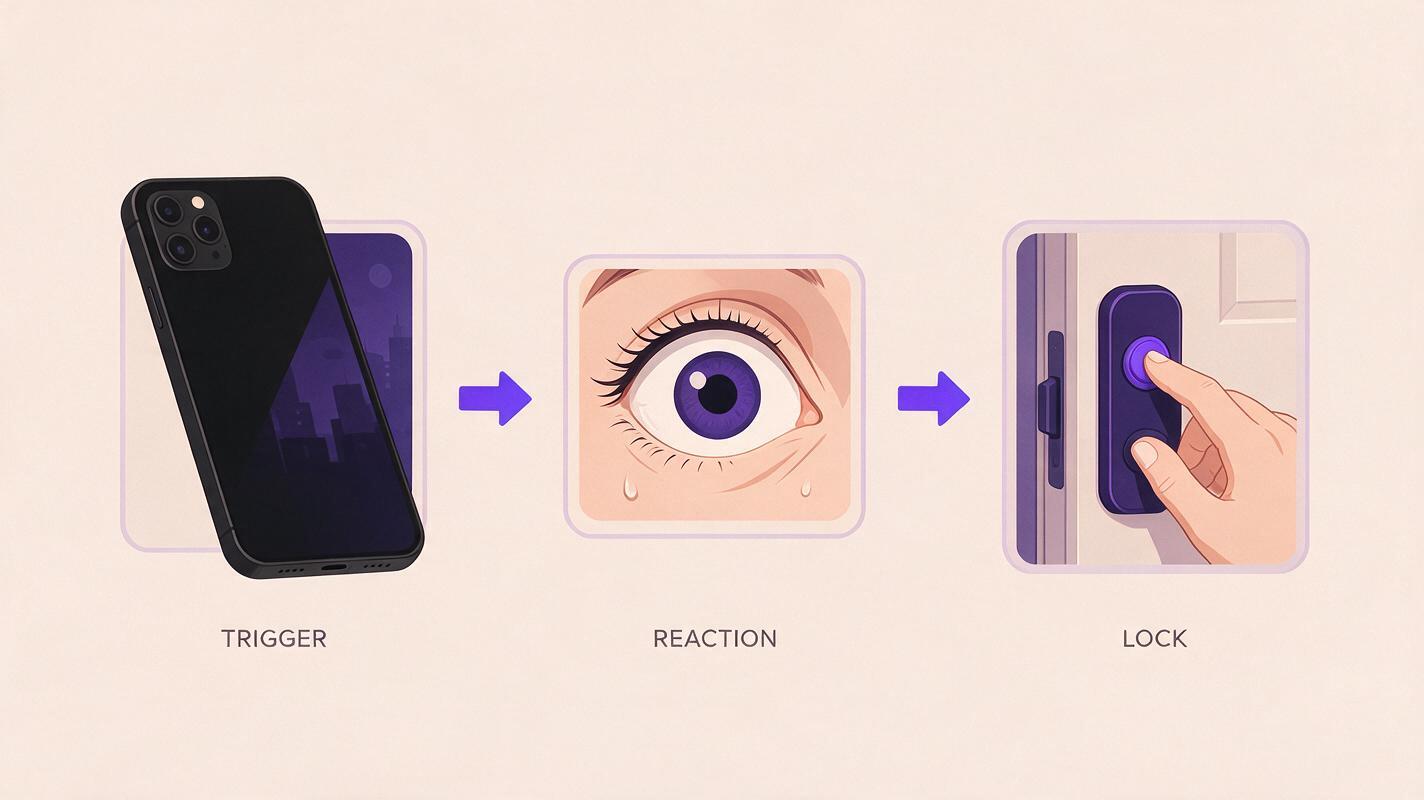
Step 2 — Choose how the audience receives the message
A phone insert is not always the best option. Choose the presentation according to the scene’s pacing and the information’s importance.
- Full phone insert: best when the sender, wording, and timing all matter.
- Message bubble beside the actor: useful when the reaction must remain visible, but it should be treated as an editorial graphic rather than generated scenery.
- Voice playback: appropriate when tone or identity matters more than spelling.
- Reaction-first reveal: show the character reacting before revealing the message to create suspense.
- Spoken paraphrase: let another character summarize a long message instead of holding on a dense screen.
For a vertical drama video, keep critical information away from the extreme edges of the frame. Preview the finished shot in the intended publishing layout because captions and platform controls may compete with the message.
Step 3 — Generate a clean phone plate
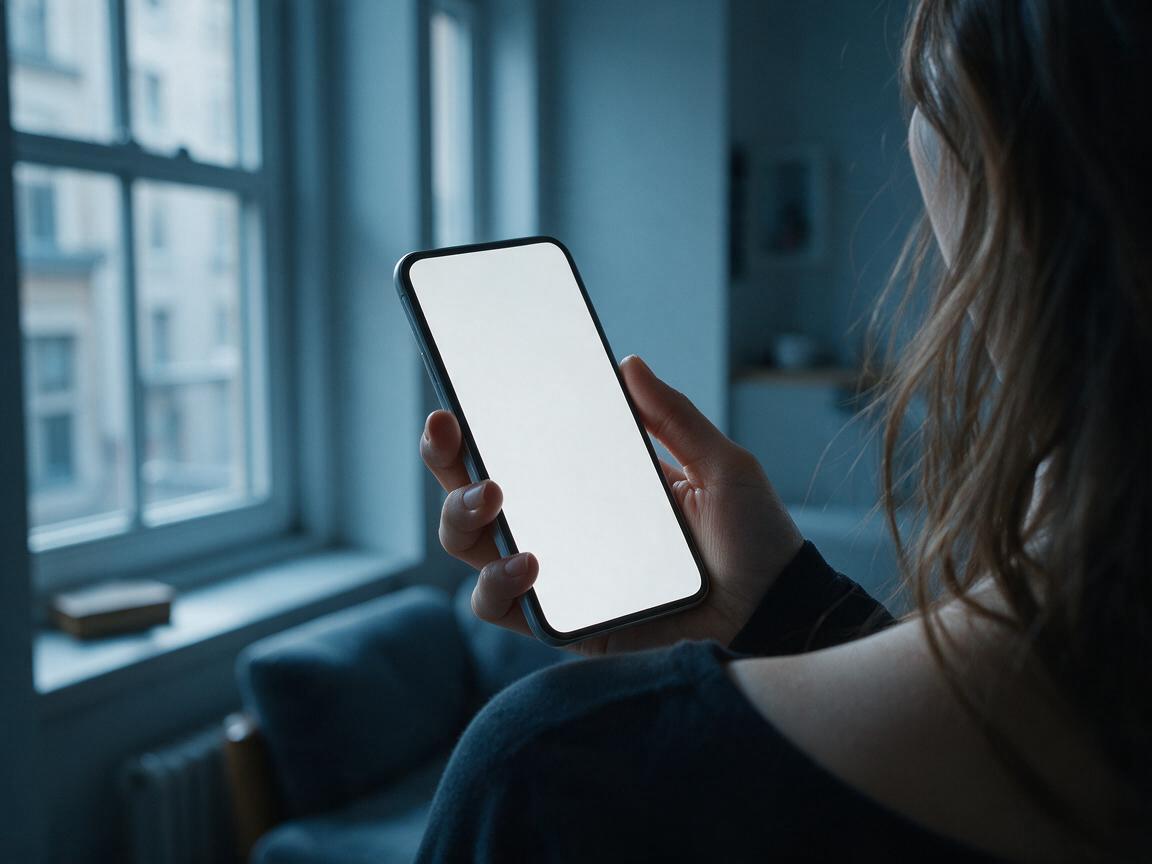
Create a dedicated insert rather than cropping the phone from a wider performance shot. The plate should contain a stable device, simple lighting, limited hand movement, and a blank or visually plain screen that can be replaced cleanly.
Generate the plate only after deciding who holds the phone, which hand is visible, the viewing angle, and the direction of the incoming light. Those details must agree with the surrounding shots.
Vertical cinematic close-up of a modern unbranded smartphone held
in a woman's left hand, viewed slightly over her right shoulder,
quiet apartment at night, cool window light from frame left,
subtle natural hand movement, stable camera, shallow depth of field,
plain evenly lit phone screen with no readable text, no logos,
no interface icons, realistic fingers, restrained suspense
If the shot belongs to a larger sequence, include the character’s sleeve, nail color, room lighting, and hand orientation in the prompt. These visible anchors help the insert connect to the master shot.
Once the plate and adjacent reaction shot are defined, an ai short film generator can be used to create the visual units separately. At this high-intent stage, you can try this prompt for free before committing to the complete scene.
Step 4 — Composite the text for readability
Place the approved wording over the phone plate in an editor. Match the overlay to the screen’s perspective, scale, brightness, and motion instead of pasting flat text over the frame.
A practical composite contains four layers:
- The generated phone plate.
- A clean screen surface or subtle color field.
- The message typography and essential sender information.
- Reflections, glare, grain, and foreground fingers restored above the text.
Use familiar visual hierarchy without copying a branded messaging interface. The message itself should be dominant; timestamps, icons, and decorative details should remain secondary or be omitted.
If a detail does not affect the plot, it should not compete with the sentence that does.
Track the replacement surface to the device rather than to the entire frame. If the hand movement is too irregular for a clean track, shorten the insert or use a near-static moment before the thumb moves.
Step 5 — Build the reaction-consequence pair
The message is only half the beat. The next shot must prove that the character understood it. Generate the reaction as a separate performance unit so you can control its timing without extending the phone insert.
Describe an observable emotional transition rather than an abstract feeling:
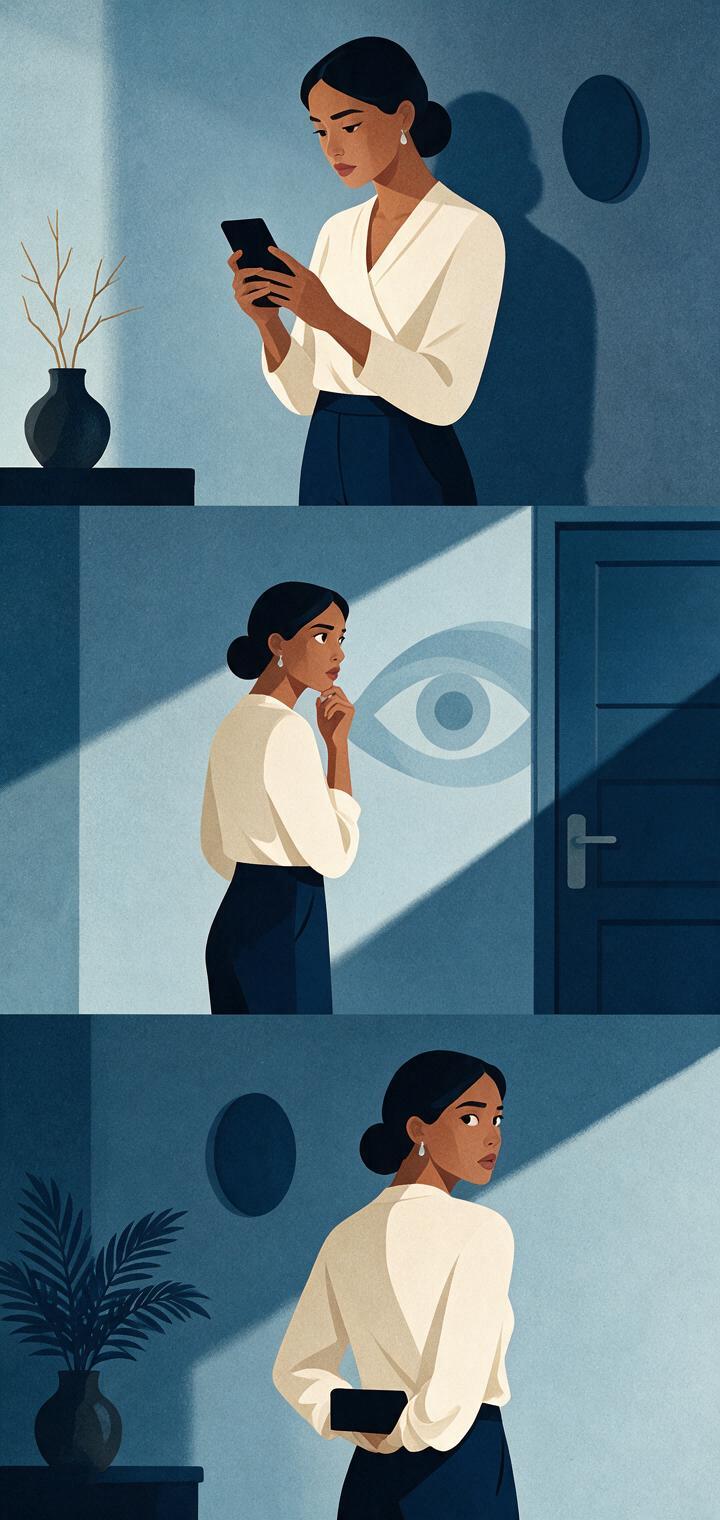
Continue the same vertical drama scene with the same woman,
wardrobe, room, and cool light direction. Medium close-up.
She reads something below frame, stops breathing for a moment,
her eyes move once toward the locked bedroom door, then she lowers
her phone and hides it behind her back. Restrained performance,
no dialogue, stable camera, realistic pacing.
This prompt contains three editable states: reading, recognizing danger, and concealing the phone. The physical action communicates the consequence even if the scene is watched without sound.
| Message function | Useful reaction | Immediate consequence |
|---|---|---|
| Warning | Eyes shift toward a threat | Character locks a door |
| Betrayal | Expression becomes controlled | Character hides the evidence |
| Deadline | Character checks the room | Character leaves abruptly |
| Identity reveal | Character compares two clues | Character confronts someone |
Step 6 — Edit the message as a three-shot unit
Assemble the beat in this order: anticipation, readable evidence, visible consequence. The anticipation may be a vibration, a glance downward, or a hand reaching into a pocket. The evidence is the message insert. The consequence is the reaction or action that moves the plot.
Trim the phone insert according to reading time, not according to the generated clip’s full duration. Test the sequence at normal playback speed on a phone-sized display. If the sentence cannot be understood comfortably, simplify the text before extending the shot.
For an AI microdrama with recurring messages, preserve a small continuity packet containing:
- the device shape and color;
- the owner’s hand and sleeve details;
- the visual treatment for each sender;
- approved names and spellings;
- message chronology;
- which characters have read each message.
This prevents a later episode from changing the sender, device, wording, or knowledge state established earlier.
Final checklist
- The message changes the story rather than repeating dialogue.
- The wording is short enough to understand at normal playback speed.
- The phone plate contains no generated text, logos, or branded interface.
- The hand, sleeve, light direction, and device match adjacent shots.
- The overlay follows the phone’s perspective and movement.
- The next shot shows a specific emotional or physical consequence.
- The finished insert has been previewed in a vertical publishing layout.
FAQ
Should I generate the phone message directly inside the video?
Usually, no. Generate a clean screen and add the exact message during editing. This makes spelling, timing, design, and translation easier to control.
How long should a phone message remain visible?
There is no universal duration. Preview the scene at normal speed and keep the insert visible long enough for the intended sentence to be understood without pausing. Shorten the wording before adding unnecessary screen time.
What if the character must scroll through a long conversation?
Extract only the lines that change the scene. Show one decisive message, use a brief scroll transition if necessary, and move the remaining context into dialogue or reaction.
Can I use floating message bubbles instead of showing the phone?
Yes, especially when the actor’s reaction must stay on screen. Treat bubbles as editorial overlays, keep their position stable, and avoid covering the character’s eyes, hands, or important action.
How do I localize the same scene?
Keep the clean phone plate and reaction footage unchanged. Replace the text layer for each language, then check line length, reading time, and typography separately.
Keywords
ai short drama, ai microdrama, ai short film generator, ai drama generator, short drama from script, vertical drama video
Decision: PUBLISH — the article addresses a distinct production failure with an ordered, reusable text-compositing workflow.