How to Fix Prop Interactions in an AI Short Drama
AI-generated hands often fail when characters pass, open, pick up, or reveal story-critical objects. This tutorial shows how to divide a prop interaction into controllable visual states, hide unstable contact, and assemble the resulting shots into a convincing AI short drama scene.
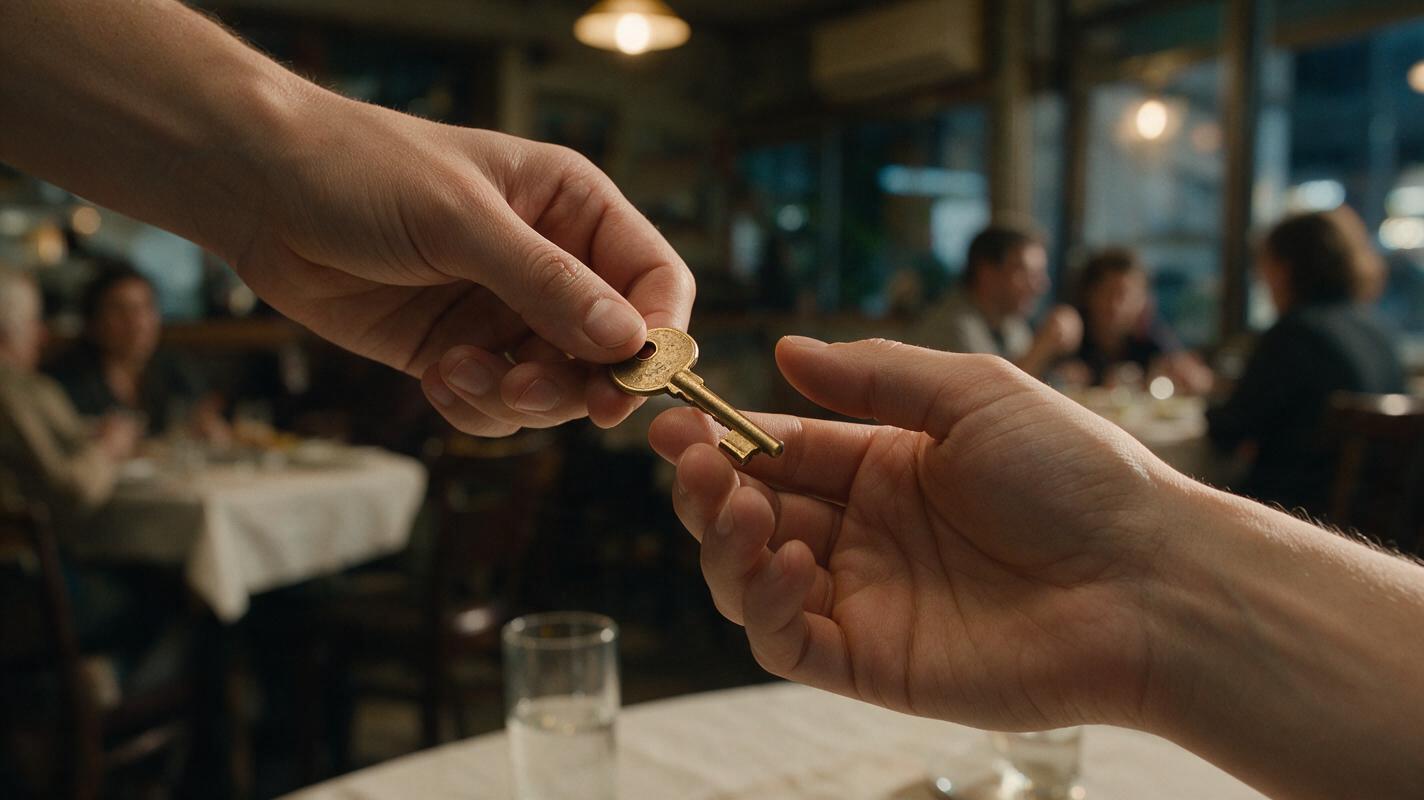
Table of contents
Build the edit around the prop, not the continuous motion
The most reliable way to create a difficult prop interaction in an AI short drama is not to generate the entire action in one shot. Divide it into stable states—before contact, hidden contact, and confirmed result—then let the edit complete the movement.
This method works for exchanging a key, opening a letter, taking a phone, revealing a ring, pouring a drink, or placing evidence on a table. It reduces the amount of precise hand-object contact that any single generation must resolve.
Core rule: show the audience what changes, but do not require the generator to depict every mechanical detail of that change.
Step 1 — Rewrite the interaction as visible states
Begin with the smallest story fact the audience must understand. If a character secretly passes a key, the important information is not the complete finger choreography. The important information is that Character A had the key, contact occurred, and Character B now has it.
Convert the action into a state sequence:
| State | What the frame proves | Generation difficulty |
|---|---|---|
| Possession | The key is clearly in Character A’s hand | Low |
| Approach | The characters move close enough for a transfer | Medium |
| Hidden contact | The actual handoff is blocked or outside the frame | Low |
| New possession | The key is clearly in Character B’s hand | Low |
| Reaction | Character B understands the key’s significance | Low |
This state-based rewrite is especially useful when adapting a short drama from script. A sentence such as “Mara slips him the key” describes continuous action, but a generation plan needs separate, verifiable images.
STORY ACTION: Mara secretly passes Eli a brass key under the table.

VISIBLE STATES:
A. Mara conceals a small brass key in her right palm.
B. Her right hand moves below the table edge.
C. Contact is hidden by the table and their sleeves.
D. Eli withdraws his left hand with the same brass key.
E. Eli looks down, recognizes it, and closes his fist.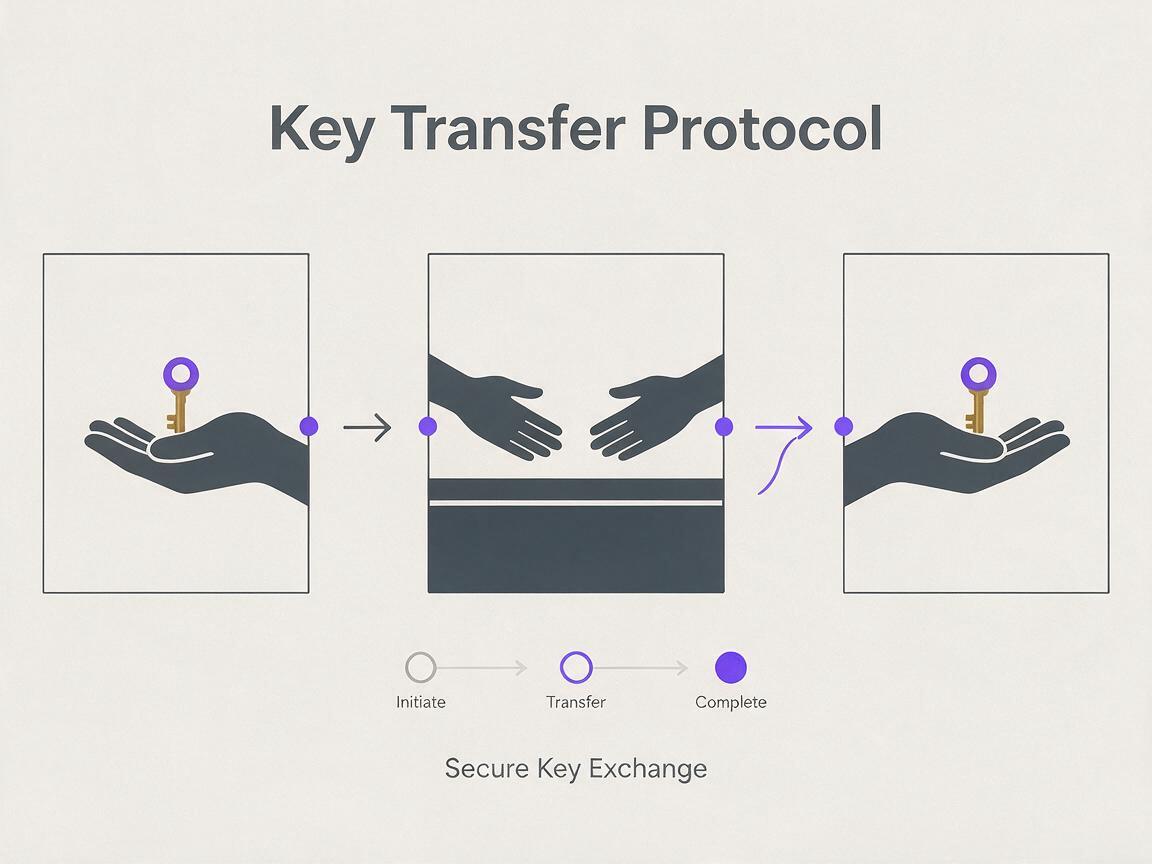
Step 2 — Choose where to hide physical contact
Direct hand-to-hand contact combines several difficult elements: articulated fingers, object geometry, two moving bodies, and exact timing. Remove that burden by selecting a natural visual obstruction.
- Frame edge: Let the active hands leave the bottom or side of the vertical frame.
- Foreground object: Hide contact behind a chair, bag, doorframe, or another character.
- Body occlusion: Let a shoulder, sleeve, or torso briefly cover the exchange.
- Cut on motion: End one shot as a hand moves toward the object and begin the next as the receiving hand moves away.
- Reaction cutaway: Cut to a face, sound cue, or environmental detail during the mechanically difficult moment.
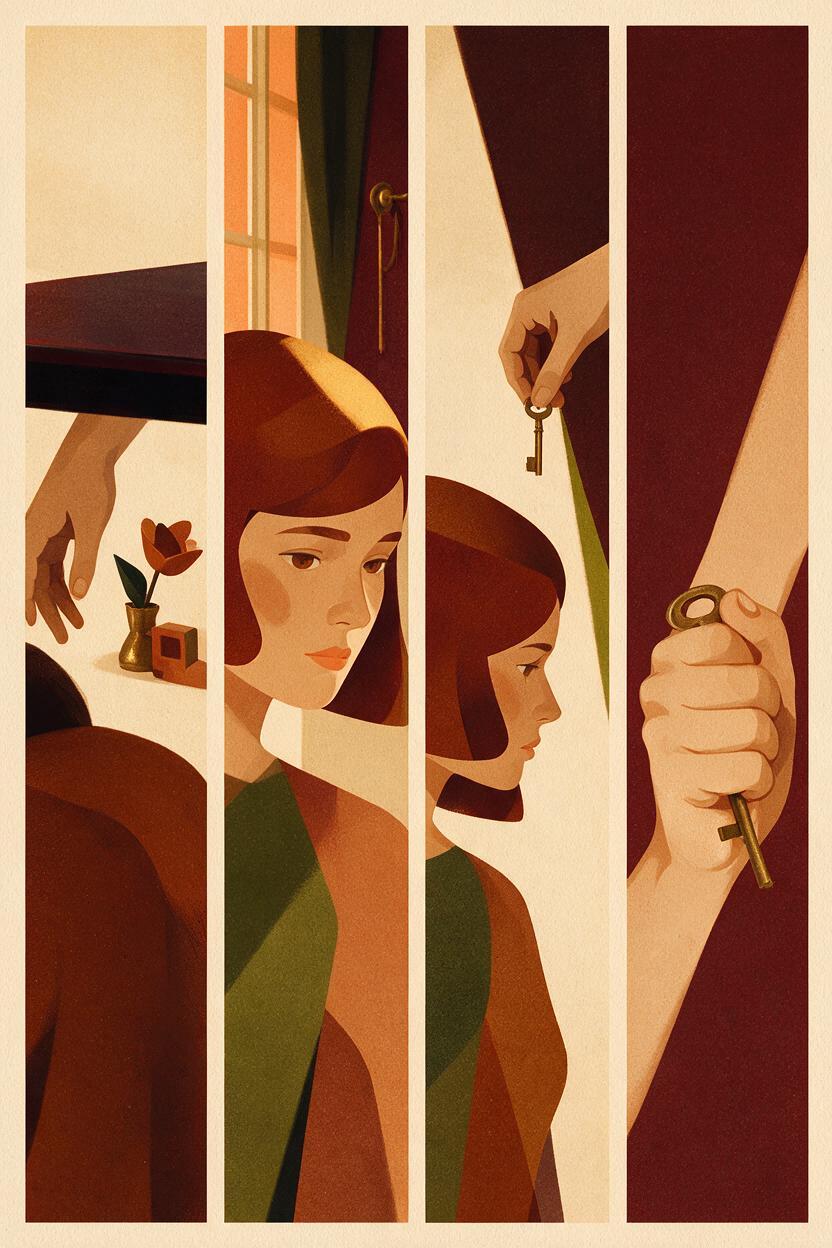
For a vertical drama video, the lower edge of the frame is particularly useful. A waist-up composition can preserve faces and emotional performance while letting the transfer happen just outside the visible area.
Step 3 — Lock the prop’s identity before generating movement
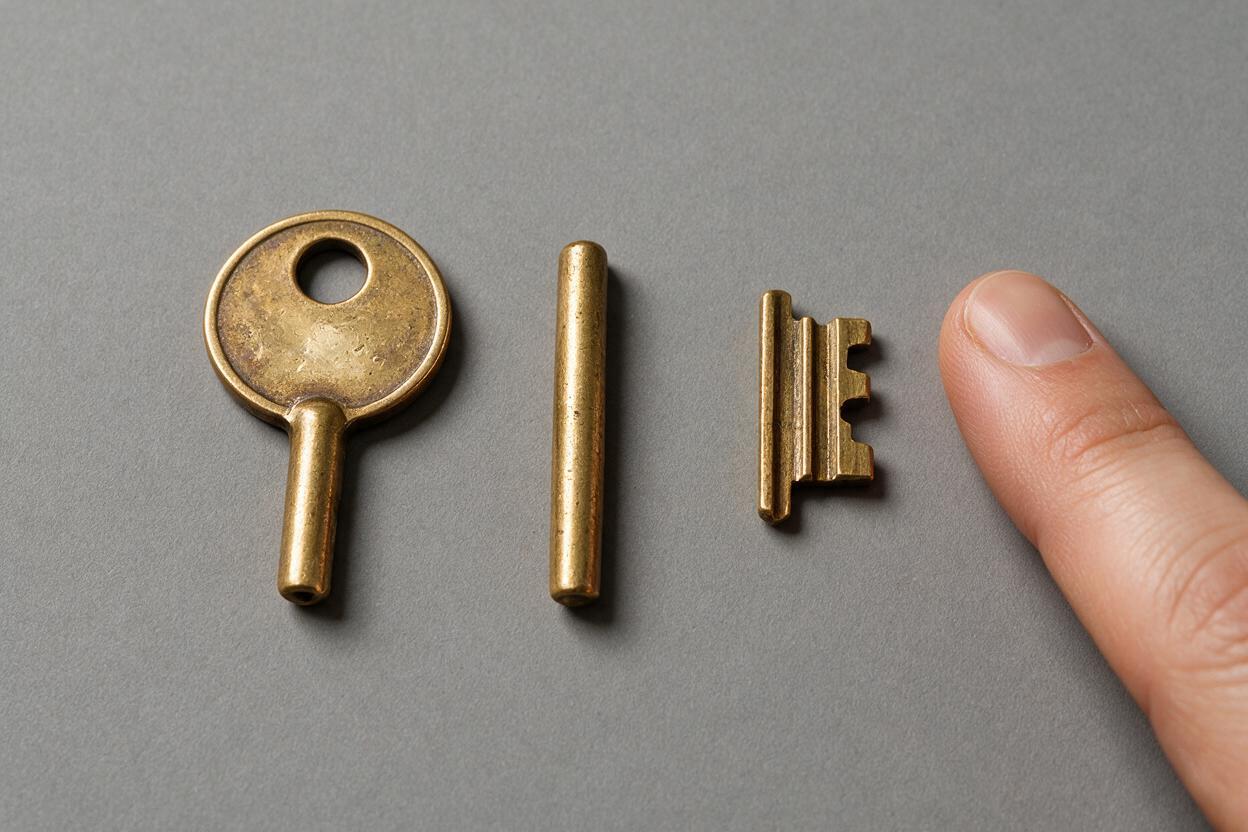
A story prop needs a simple, repeatable description. Avoid decorative complexity unless it matters to the plot. Define the prop’s material, dominant color, shape, scale, and one identifying feature.
PROP LOCK
Object: old brass house key
Scale: shorter than the character's index finger
Shape: round bow, narrow shaft, three visible teeth
Surface: worn matte brass, no keychain
Story condition: dry and undamaged
Continuity rule: never becomes silver, oversized, ornate, or attached to a ring
Use the same wording in every shot prompt. Do not alternate between “antique key,” “gold key,” “door key,” and “small key.” Those phrases invite unnecessary reinterpretation.
Also specify the prop state independently from the action. A sealed envelope can become open; a glass can become empty; a phone can rotate from screen-down to screen-up. Record that change explicitly rather than expecting the model to infer it.
| Shot | Owner | Position | State |
|---|---|---|---|
| Before transfer | Mara | Right palm | Fully visible |
| Contact cut | Unclear by design | Below table | Occluded |
| After transfer | Eli | Left hand | Partly visible |
| Reaction | Eli | Closed left fist | Concealed |
Step 4 — Generate the proof shots before the transition
Create the before-and-after shots first. These are the images that prove the story event. Once they work independently, generate the approach or withdrawal motion that connects them.
A proof-shot prompt should favor readable composition over elaborate action:
Vertical cinematic close-up beneath a restaurant table. Mara's right hand rests beside her knee, holding one small worn brass house key with a round bow and three teeth. Her fingers are relaxed and anatomically natural. The key is clearly readable. Warm practical light, shallow depth of field, restrained suspense, no keychain, no extra objects, no text.The matching result shot should preserve the prop description while changing only its owner and position:
Vertical cinematic close-up beneath the same restaurant table. Eli's left hand withdraws toward his coat while holding the same small worn brass house key with a round bow and three teeth. His hand is anatomically natural and the key is partly visible between his fingers. Warm practical light, restrained suspense, no keychain, no extra objects, no text.When both proof shots are approved, you can test the complete interaction as a short generated sequence and judge whether the cut communicates ownership without showing literal contact.
Step 5 — Prompt motion as one controlled change
Each motion shot should contain one dominant action. Do not ask two characters to exchange an object, change expressions, turn their bodies, and walk away in the same clip.
For the approach shot, focus on the giver:
Mara keeps her upper body still and slowly lowers her right hand beneath the table edge. Her hand contains a small worn brass house key. The hand and key disappear naturally below the bottom of the vertical frame. Subtle realistic movement, locked camera, no visible exchange, no new objects.For the withdrawal shot, focus on the receiver:
Eli's left hand rises from below the table edge holding a small worn brass house key. He draws the hand toward his coat and closes his fingers around the key. One controlled action, locked camera, realistic hand motion, no transformation, no extra fingers, no keychain.If a single motion remains unstable, shorten what the shot must accomplish. Generate only the hand entering the occluded area, then cut directly to the result.
Step 6 — Sell the missing contact with sound and reaction
The audience does not need to see contact if the surrounding cues make the event unmistakable. Add one restrained sound at the cut: a key touching a ring, paper sliding, a glass meeting a tabletop, or a latch clicking.
Follow the result with a reaction that confirms meaning. A quick glance downward, a tightened fist, or a pause before speaking can communicate that the object was received and recognized.
A compact edit might run like this:
- Close-up: the key in Mara’s palm.
- Medium shot: Mara lowers her hand out of frame.
- Reaction cutaway: Eli notices the movement.
- Close-up: Eli’s hand returns with the key.
- Face shot: Eli recognizes it and hides his reaction.
This is continuity editing rather than a visual-effects fix. The cut preserves the event’s logic even though the complete transfer never appears in one uninterrupted view.
Step 7 — Repair only the frame that breaks the story
Review the sequence at normal speed before inspecting individual frames. A strange fingertip that disappears during a fast occluded cut may not matter. A key that changes color after the transfer does matter because it breaks the plot.
Prioritize repairs in this order:
- The wrong character appears to own the object.
- The object changes identity, size, color, or condition.
- The screen direction implies that the hands moved apart instead of together.
- The timing makes the object appear before contact could occur.
- A visible hand defect attracts attention during the proof shot.
For an AI series video, save the approved prop description and final possession state with the episode materials. The next scene should begin from the state established here, not from the original script sentence.
Final checklist
- Define the single story fact the interaction must communicate.
- Divide the action into possession, hidden contact, and result states.
- Use one fixed description for the prop in every prompt.
- Generate the before-and-after proof shots before motion.
- Hide difficult contact behind framing, bodies, or a cutaway.
- Give each motion shot only one dominant physical change.
- Use sound and reaction to confirm the unseen interaction.
- Repair continuity errors before cosmetic hand defects.
FAQ
Can an AI short film generator create a complete prop handoff in one shot?
It may produce a usable result, but a continuous handoff asks the generation to preserve two hands, one object, exact contact, and changing ownership simultaneously. Separate proof shots give you more control and make local repairs easier.
What if the prop must remain visible throughout the scene?
Use a larger, simpler object and reduce the number of moving hands. You can also stage the exchange on a stable surface: one character puts the object down, the camera cuts, and the other character picks it up.
How do I handle opening a box, letter, or door?
Treat the closed and open versions as separate states. Show the approach, hide the exact mechanical transition with a close-up or reaction, and reveal the completed state in a new shot.
Should I use negative prompts for hand errors?
Negative instructions can clarify unwanted outcomes, but they cannot replace simple staging. First reduce the number of simultaneous actions, obscure contact, and lock the prop description. Then add concise exclusions such as “no extra fingers” or “no duplicate object.”
Does this workflow also apply to an AI microdrama?
Yes. It is especially useful in short scenes because every shot must deliver clear information quickly. A possession shot, an occluded transfer, and a reaction can establish the entire event without lengthy coverage.
Sources
- Encyclopaedia Britannica: Editing in Motion Pictures
- Adobe: Continuity Editing
- Blackmagic Design: DaVinci Resolve Training
Keywords
ai short drama, ai microdrama, ai short film generator, ai drama generator, ai series video, short drama from script, vertical drama video
Decision: PUBLISH — the article addresses a distinct production problem with an ordered, practical workflow for controlling difficult object interactions.