How to Generate Edit-Ready Coverage with an AI Short Film Generator
An AI-generated shot can look polished and still be impossible to edit. This tutorial shows how to create cut-ready coverage, clean edit handles, modular performances, and repair shots for a vertical AI microdrama.
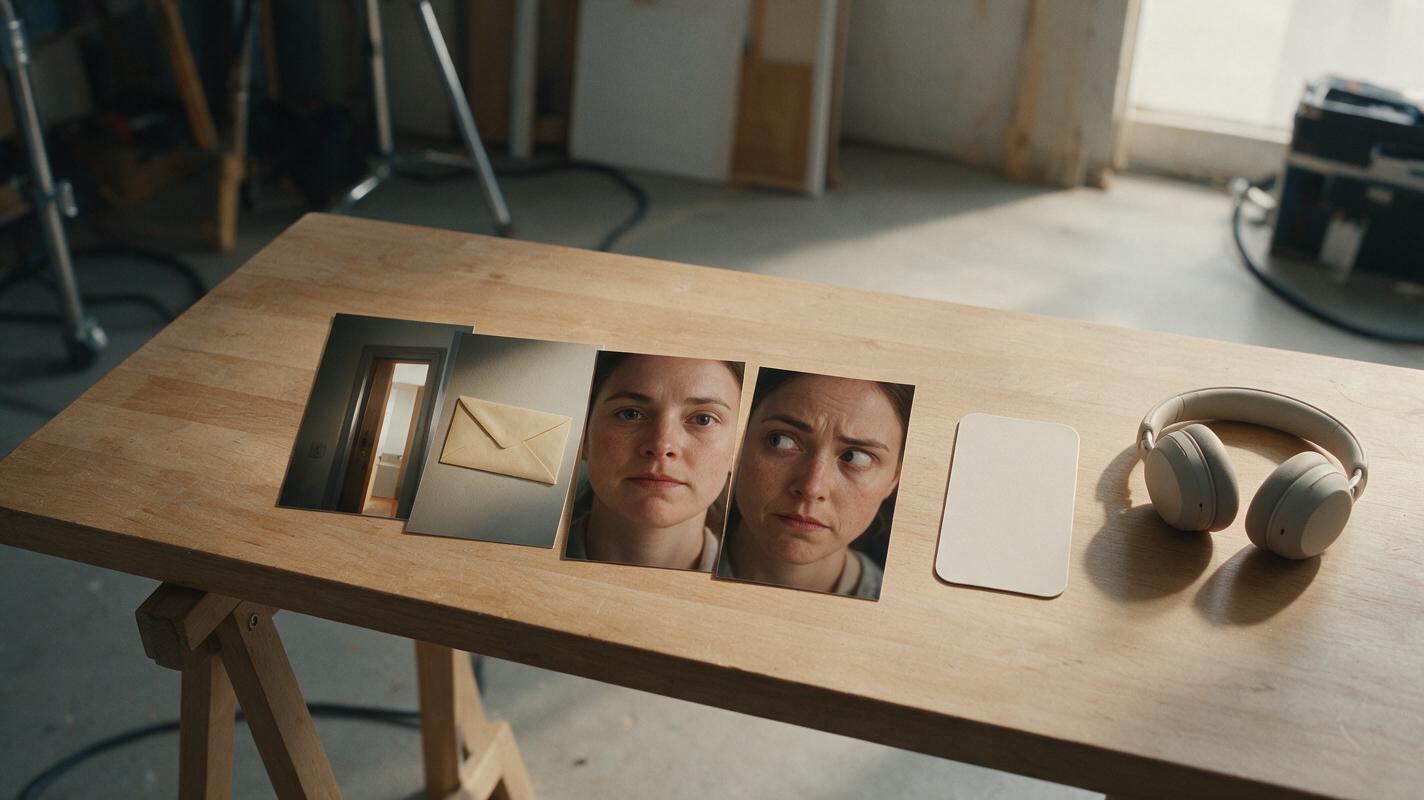
Table of contents
Editability starts before you generate the first shot
An AI short film generator works best when you request shots designed for an edit, not isolated clips designed only to look impressive. Each generated clip needs a clear story function, stable action, and a few usable frames before and after its main event.
This tutorial builds one compact scene: a courier enters an apartment, places a sealed envelope on a table, and realizes the recipient already knows what is inside. The workflow applies equally to an AI microdrama, a recurring AI series video, or a standalone vertical scene.
The practical rule is simple: generate the entrance, evidence, reaction, and exit as separate editorial units. Do not ask one clip to perform the entire scene.
Step 1 — Define the cut before describing the image
Begin with the dramatic information that must cross each cut. In the example scene, the audience needs to understand four things:
- The courier has entered unfamiliar territory.
- The sealed envelope is important.
- The recipient recognizes it.
- The courier notices that recognition.
Convert those information changes into a coverage plan. This is more useful than beginning with camera vocabulary because it tells every shot what it must reveal.
| Coverage unit | Story function | Required visible action | Possible cut point |
|---|---|---|---|
| Entry wide | Establish the room and distance | Courier stops inside the doorway | After the courier becomes still |
| Envelope insert | Identify the evidence | Hand places envelope on table | At first contact with the tabletop |
| Recipient close-up | Reveal recognition | Eyes shift from courier to envelope | Immediately after the eye movement |
| Courier reaction | Complete the reversal | Confidence changes to suspicion | After the expression settles |
Every row should make sense without the others. That independence gives the editor alternatives when a hand, face, or transition fails.
Step 2 — Build a coverage triangle
A dependable dramatic scene can be covered with three complementary shot types: context, evidence, and consequence.
- Context shows where the characters are and how they relate spatially.
- Evidence isolates the object, gesture, message, or detail that changes the scene.
- Consequence shows a character processing that change.
This triangle is especially useful for a vertical drama video. A wide vertical composition can establish depth, while inserts and close-ups keep important information large enough to read on a phone.
Avoid generating three versions of the same medium shot. The scene may have more footage, but it will not have more coverage. Each angle should carry different information.
SCENE COVERAGE REQUEST
Format: vertical dramatic scene
Context shot: courier framed near the apartment doorway, recipient deeper in the room
Evidence shot: sealed cream envelope placed on a dark wooden table
Consequence shot: recipient recognizes the envelope but tries to hide the reaction
Editorial goal: each shot must work as an independent clip with a stable opening and ending
Step 3 — Add clean handles to every prompt
An edit handle is a short stretch of usable material surrounding the main action. Without handles, a clip may begin halfway through a gesture or end before an expression becomes readable.
Describe the shot in three states: hold, action, hold. The opening hold establishes a clean visual state, the action delivers the story event, and the closing hold gives the editor somewhere to leave the shot.
VERTICAL INSERT SHOT
Opening state: a steady close view of an empty dark wooden tabletop; no hands visible
Action: a right hand enters from the upper-right edge and places one sealed cream envelope flat at the center
Closing state: the hand leaves the frame; the envelope remains motionless on the table
Camera: locked camera, no zoom, no reframing
Continuity: one envelope only, unbroken red seal, soft afternoon window light
Edit requirement: clean stillness before the hand enters and after it exits
Use observable language. Phrases such as “make it cinematic” do not define an editable event. Phrases such as “the hand exits and the envelope remains motionless” do.
Once the shot cards and handle requirements are locked, you can generate the shots as separate clips rather than committing the entire scene to one continuous result.

Step 4 — Generate modular performances
Emotional change is easier to edit when it is broken into controlled phases. For the recipient's close-up, generate recognition as a small progression rather than requesting several emotions at once.
- Begin with a neutral listening expression.
- Move the eyes toward the envelope.
- Pause briefly as recognition registers.
- Return the gaze to the courier while suppressing concern.
This order matters because the editor needs to see the cause before the consequence. If the character looks alarmed before seeing the envelope, the visual logic collapses.
REACTION CLOSE-UP
Character begins calm, looking slightly above the lens toward the courier.
The eyes move downward toward an envelope outside the bottom of frame.
Recognition appears as a restrained pause and slight tension around the eyes.
The character looks back toward the courier and conceals the reaction.
Keep the head mostly still. No speaking. No camera movement.
End on a controlled neutral expression suitable for a cut.
For an episodic AI short drama, save successful neutral, suspicious, relieved, and shocked reaction patterns as reusable performance specifications. Keep identity details in a separate reference description so emotional instructions do not overwrite appearance.
Step 5 — Assemble the scene around information changes
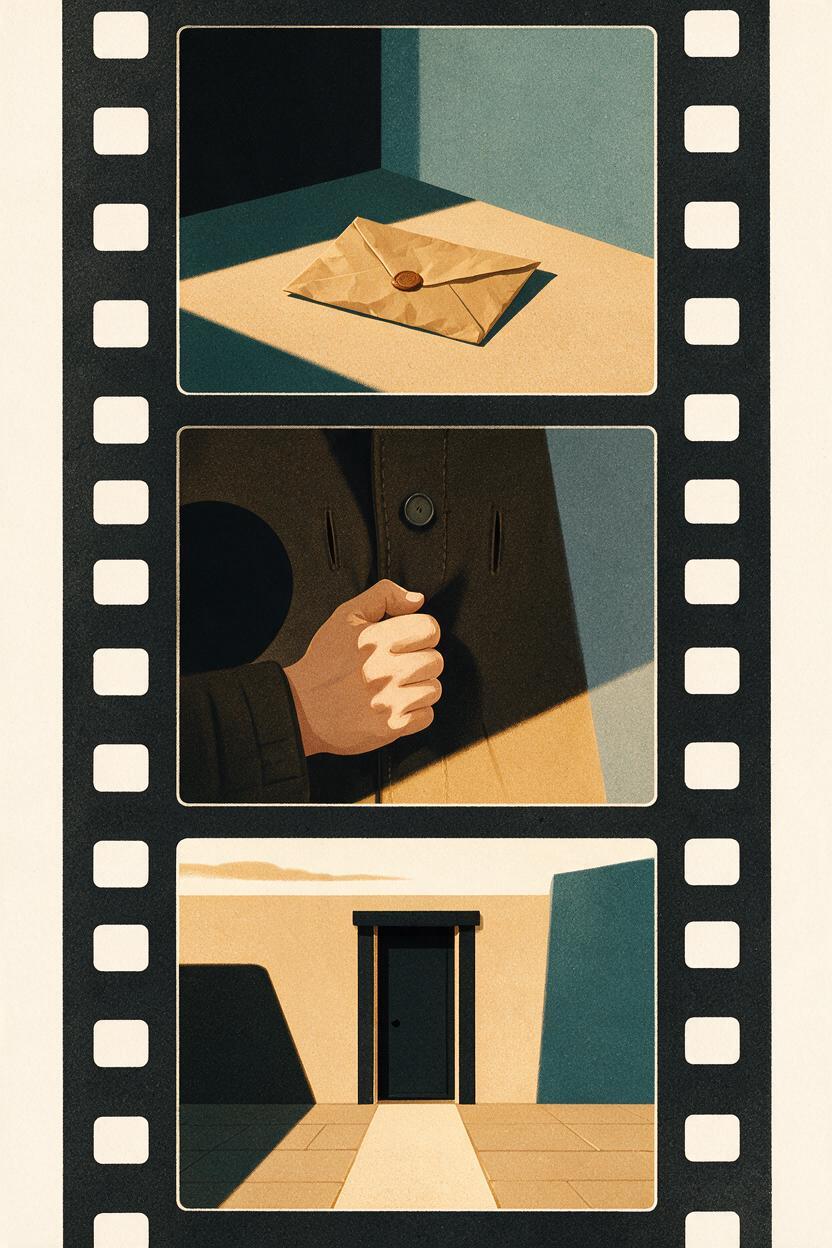
Place the clips on the timeline according to the moment each new fact becomes visible. Do not keep a shot merely because its full generated duration is available.
- Enter on the context shot and leave after the courier settles.
- Cut to the envelope insert just before the hand reaches the table.
- Cut to the recipient when the envelope becomes still.
- Hold only long enough to read recognition.
- Cut back to the courier when suspicion replaces confidence.
Sound can bridge these cuts. The envelope touching the table can begin at the end of the context shot and complete over the insert. Likewise, the recipient's first line can begin over the courier's reaction if the scene benefits from an audio-led transition. Adobe's explanation of J-cuts and L-cuts provides a useful overview of this editing principle.
Judge a cut by whether the next shot answers a visual question: What entered the room? What matters? Who noticed? What changed?
Step 6 — Repair the cut, not the entire scene
When an assembly fails, identify the smallest missing editorial unit. Regenerating every shot can introduce new continuity problems into material that already works.
| Editing problem | Likely cause | Smallest repair |
|---|---|---|
| The prop placement feels abrupt | No approach frames before contact | Generate a short insert beginning with an empty table |
| The reaction feels premature | Emotion appears before the eye shift | Generate a silent neutral-to-recognition close-up |
| The scene feels spatially confusing | No stable context after the entrance | Generate a locked wide shot with both characters still |
| The cut feels visually repetitive | Adjacent shots use similar scale | Add a detail insert or tighter consequence shot |
| The ending feels clipped | No closing hold | Extend with a motionless reaction or room detail |
Repair shots do not need to be spectacular. A still envelope, a tightening hand, an unanswered phone, or a character listening off-screen can cover a difficult transition while strengthening the drama.
Step 7 — Check the vertical crop and silent read
Before final export, watch the scene without sound. The viewer should still understand the envelope's arrival, the recipient's recognition, and the courier's suspicion. If the story becomes unclear, the problem is usually missing evidence or reaction coverage rather than missing dialogue.
Then check the vertical composition shot by shot:
- Keep the active hand and important prop inside the central readable area.
- Avoid placing a critical expression at the extreme top or bottom edge.
- Confirm that close-ups preserve the intended look direction.
- Check that captions will not cover evidence shots or hand actions.
- Remove accidental camera motion that competes with the performance.
If you are creating a short drama from script with an AI drama generator, perform this check before generating later episodes. A repeatable coverage grammar makes future scenes easier to assemble and repair.
FAQ
How many shots does a short AI drama scene need?
Use the fewest shots that clearly deliver context, evidence, and consequence. A simple exchange may work with four shots, while a scene involving several reveals may need additional inserts and reactions. The number matters less than giving each shot a distinct editorial function.
Should every generated clip include an opening and closing hold?
Include them whenever the shot contains a discrete action or emotional transition. A deliberately energetic transition may not need stillness, but clean handles provide safer choices during the first assembly.
Can one long generated shot replace coverage?
It can work when uninterrupted movement is the creative point. For dialogue, reveals, props, and reversals, separate coverage is generally easier to control because individual failures can be replaced without rebuilding the full scene.
What should I regenerate when a cut does not work?
First identify whether the missing element is context, evidence, consequence, or a clean handle. Generate only that unit. A neutral reaction, prop insert, or stable room view often solves the edit with less continuity risk.
Sources
- Adobe — Using J-cuts and L-cuts in video editing
- Blackmagic Design — DaVinci Resolve official training
Final checklist
- Assign every shot one clear story function.
- Cover context, evidence, and consequence.
- Prompt an opening hold, one controlled event, and a closing hold.
- Keep emotional performances modular and observable.
- Cut when information changes, not when a clip ends.
- Repair the smallest missing editorial unit.
- Review the vertical crop with sound muted.
Keywords
ai short film generator, ai microdrama, ai short drama, ai drama generator, ai series video, short drama from script, vertical drama video
Decision: PUBLISH — the article addresses the distinct production problem of generating editable coverage and clean handles without repeating earlier continuity, structure, audio, or batch-workflow topics.