Why AI Soup Photos Look Murky (And How to Get Clear, Hearty Results)
AI-generated soup photos often look murky, watery, or unappetizing due to unclear broth texture, misaligned floating ingredients, and flat garnishes, making them unsuitable for restaurant menus and marketing. This troubleshooting guide breaks down common AI soup generation failures, provides reusable prompt templates, model-specific settings for Luma and Seedream 4.5, and targeted inpainting fixes to create realistic, hearty soup visuals. The guide also includes a quality checklist to ensure final assets are restaurant-ready.
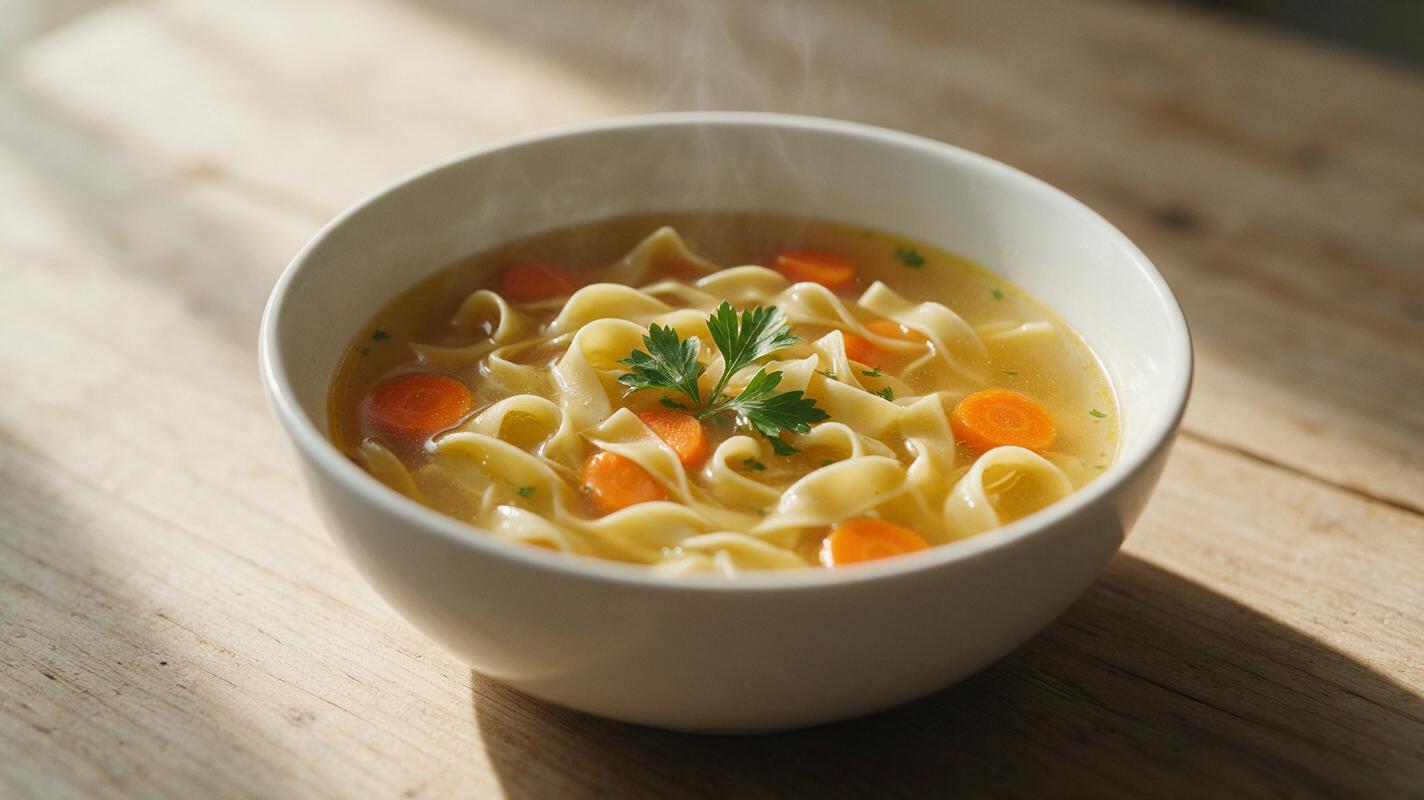
Table of contents
The murky soup problem in AI food photography
If you’ve ever tried generating soup photos with AI for a restaurant menu or seasonal social campaign, you’ve probably seen it: a murky, grayish bowl of goop with vegetables that look like they’re glued to the surface, herbs that look wilted, and broth that has none of the clear, golden richness or creamy velvety texture of real soup. These unappetizing results don’t just look fake—they can actually reduce customer interest in your soup offerings, especially during fall and winter when soup is a top menu driver.
Soup is uniquely challenging for AI food generators because it combines translucent liquid layers, partially submerged solid ingredients, and delicate garnishes that most models struggle to render realistically. The good news is that you don’t need a professional food photographer or a studio to get mouthwatering soup visuals. With targeted prompts, model-specific settings, and quick inpainting touch-ups, you can create restaurant-quality soup photos that drive orders and match your brand aesthetic.
Common AI soup generation failures (and why they happen)
Most bad AI soup photos stem from the same four core issues, all tied to how models interpret liquid texture and ingredient placement:
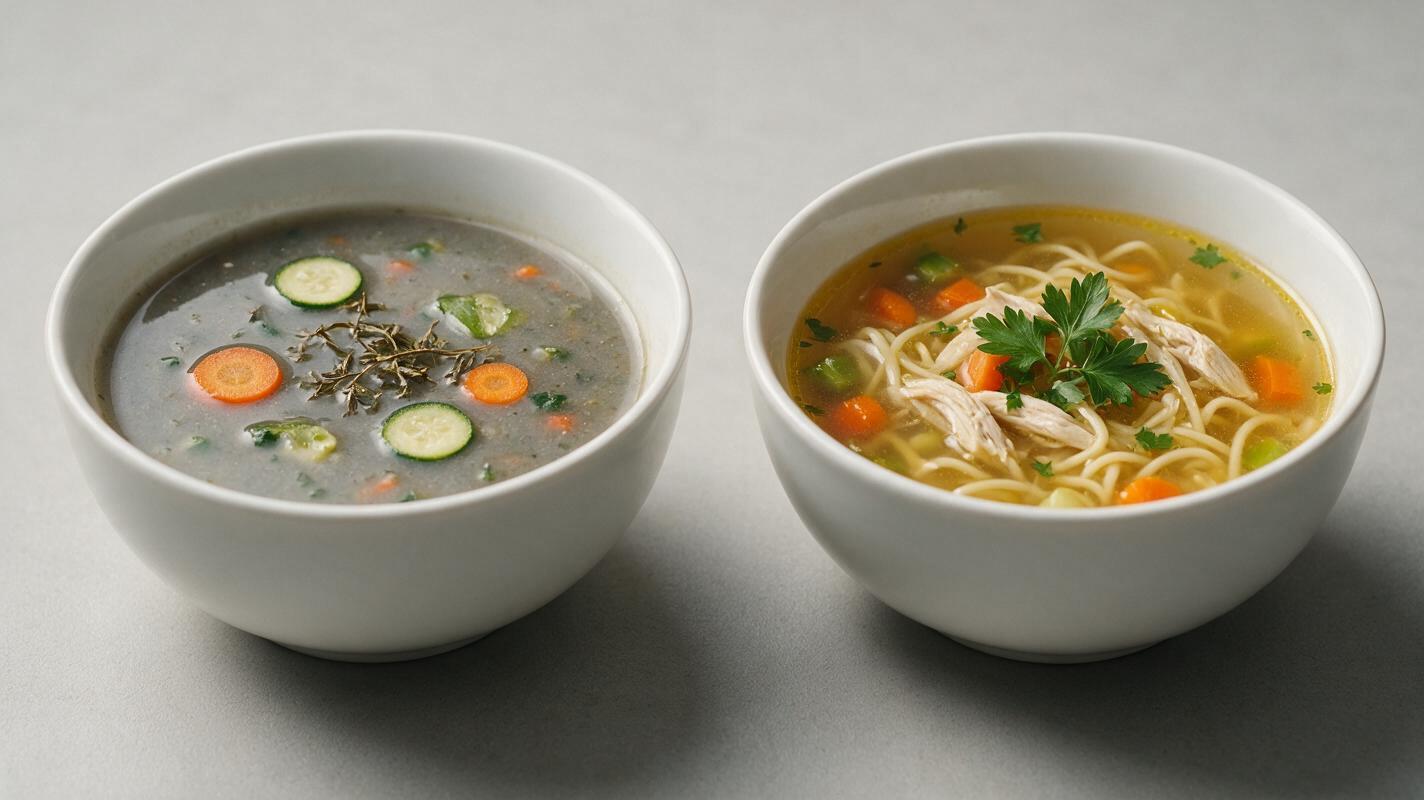
- Murky, cloudy broth: Most AI models default to “soup” as a thick, homogeneous mixture, especially if your prompt doesn’t specify clarity. They mix up tiny ingredient particles with broth opacity, resulting in a muddy, gray look instead of clear consommé or smooth bisque.
- Floating ingredients with no depth: AI doesn’t naturally understand submersion or liquid refraction. Ingredients like noodles, carrots, or meat often sit flat on top of the broth like stickers, with no half-submerged edges or ripples around them.
- Wilted, discolored garnishes: Fresh herbs, croutons, cream drizzles, or grated cheese are often rendered as limp, brown, or blended into the broth. Models struggle to keep delicate garnishes distinct and fresh-looking on top of liquid surfaces.
- Creamy soup texture issues: Cream-based soups (like tomato bisque or butternut squash soup) often come out either too thick and paste-like, or too thin and watery, with none of the rich, velvety sheen that makes them look indulgent.
Prompt templates for consistent, appetizing soup photos
The key to realistic soup photos is hyper-specificity: you need to tell the model exactly what the broth should look like, how ingredients should sit in it, and how garnishes should appear. Below are reusable prompt templates for the three most common soup types, each paired with a negative prompt to eliminate common flaws.
Clear broth soups (chicken noodle, consommé, miso)
Professional food photography of a steaming bowl of clear golden chicken noodle soup, perfectly translucent broth with visible half-submerged wide egg noodles, sliced carrots, and tender chicken pieces, fresh parsley leaves garnish on top, small ripples on broth surface, white ceramic bowl, rustic wooden table, soft natural window light, shallow depth of field, sharp focus on broth clarity, appetizing, warm tones
Negative prompt: murky, cloudy, gray broth, wilted herbs, floating stickers, flat surface, blurry, distorted ingredients
Creamy soups (tomato bisque, butternut squash, mushroom)
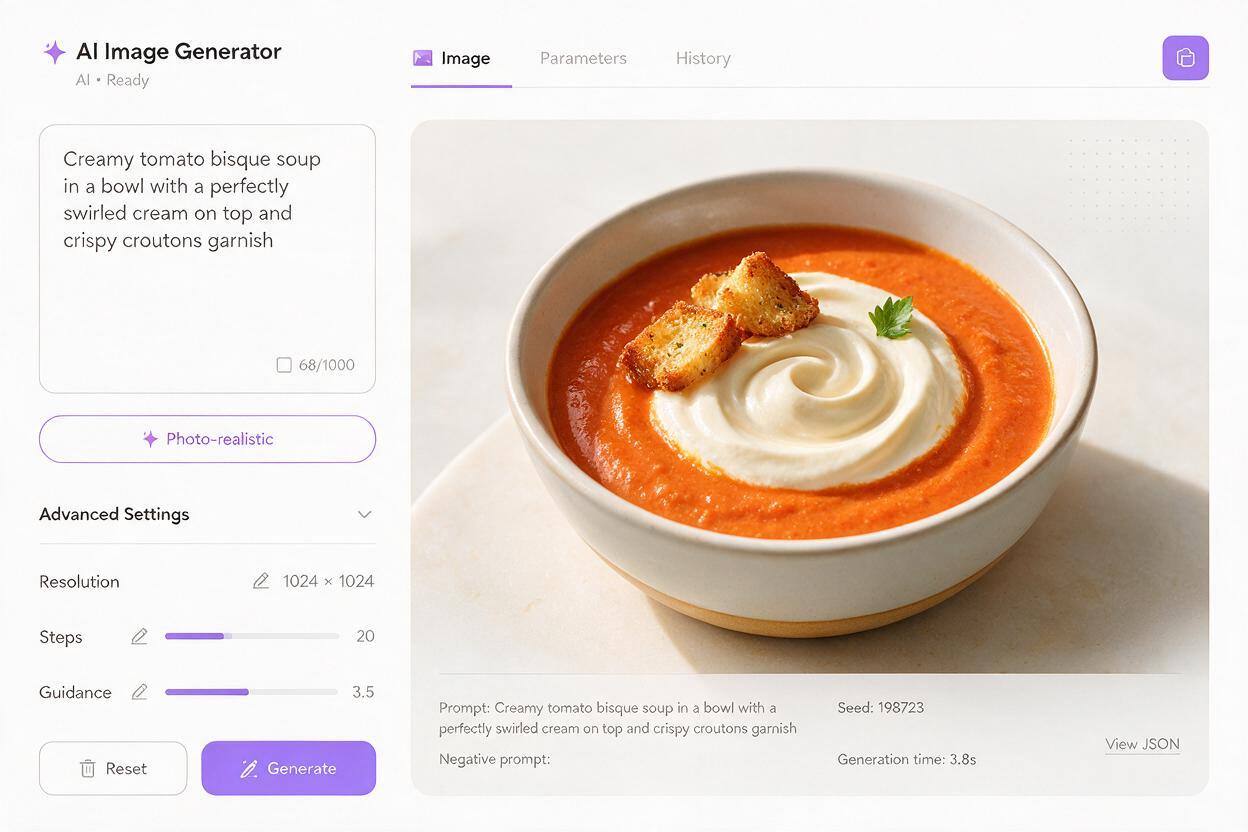
Professional food photography of a steaming bowl of creamy tomato bisque, velvety smooth rich red-orange broth, delicate swirl of heavy cream on top, crispy croutons and fresh basil leaves garnish, slight sheen on broth surface, white ceramic bowl, marble countertop, soft side lighting, shallow depth of field, sharp focus on cream swirl texture, indulgent, warm tones
Negative prompt: lumpy, watery, paste-like, murky, blended garnishes, wilted basil, flat surface
Chunky soups (minestrone, chili, lentil)
Professional food photography of a steaming bowl of hearty minestrone soup, thick tomato-based broth with visible chunky vegetables, beans, and pasta, half-submerged ingredients with clear edges, fresh parmesan shavings on top, crusty bread slice on the side of the bowl, rustic wooden table, warm natural light, shallow depth of field, sharp focus on chunky ingredient texture, satisfying, cozy
Negative prompt: murky, mushy vegetables, blended ingredients, floating stickers, wilted herbs, gray tones
For best results, test these prompts in a high-quality ai image generator that handles translucent textures well, like Luma or Seedream 4.5.
Model-specific settings for sharp, realistic soup
Prompt structure is only half the battle. The right model settings can drastically improve broth clarity, ingredient depth, and garnish freshness. Below is a side-by-side comparison of ideal settings for two top models for soup photography:
| Setting | Luma AI Image Generation | Seedream 4.5 |
|---|---|---|
| Style strength | 7/10 (balance of realism and prompt adherence) | 6.5/10 (prioritize photorealism over stylization) |
| Detail level | High (boosts broth texture and ingredient edges) | 8/10 (enhances garnish crispness) |
| Negative prompt weight | 0.7 (reduce murkiness and wilted garnishes) | 0.65 (avoid over-correcting and making broth look artificial) |
| Aspect ratio | 4:5 (ideal for social media and menu tiles) | 4:5 / 1:1 (flexible for different use cases) |
| Best for | Clear broth soups, delicate garnishes | Creamy soups, chunky heartier varieties |
Luma tends to handle translucent liquids and light refraction better for clear, broth-heavy soups, while Seedream 4.5 excels at rendering rich, textured creamy and chunky soups. Seedream 4.5 also includes built-in inpainting tools that make quick touch-ups far faster than switching between platforms.
Targeted inpainting fixes for common soup flaws
Even with perfect prompts and settings, you may notice small flaws—like a slightly murky spot in the broth or a wilted herb—that keep the photo from looking professional. Inpainting lets you fix only the flawed area without regenerating the entire image, saving time and preserving the parts of the photo that already work.
Use these targeted fixes with Seedream 4.5’s inpainting tool:
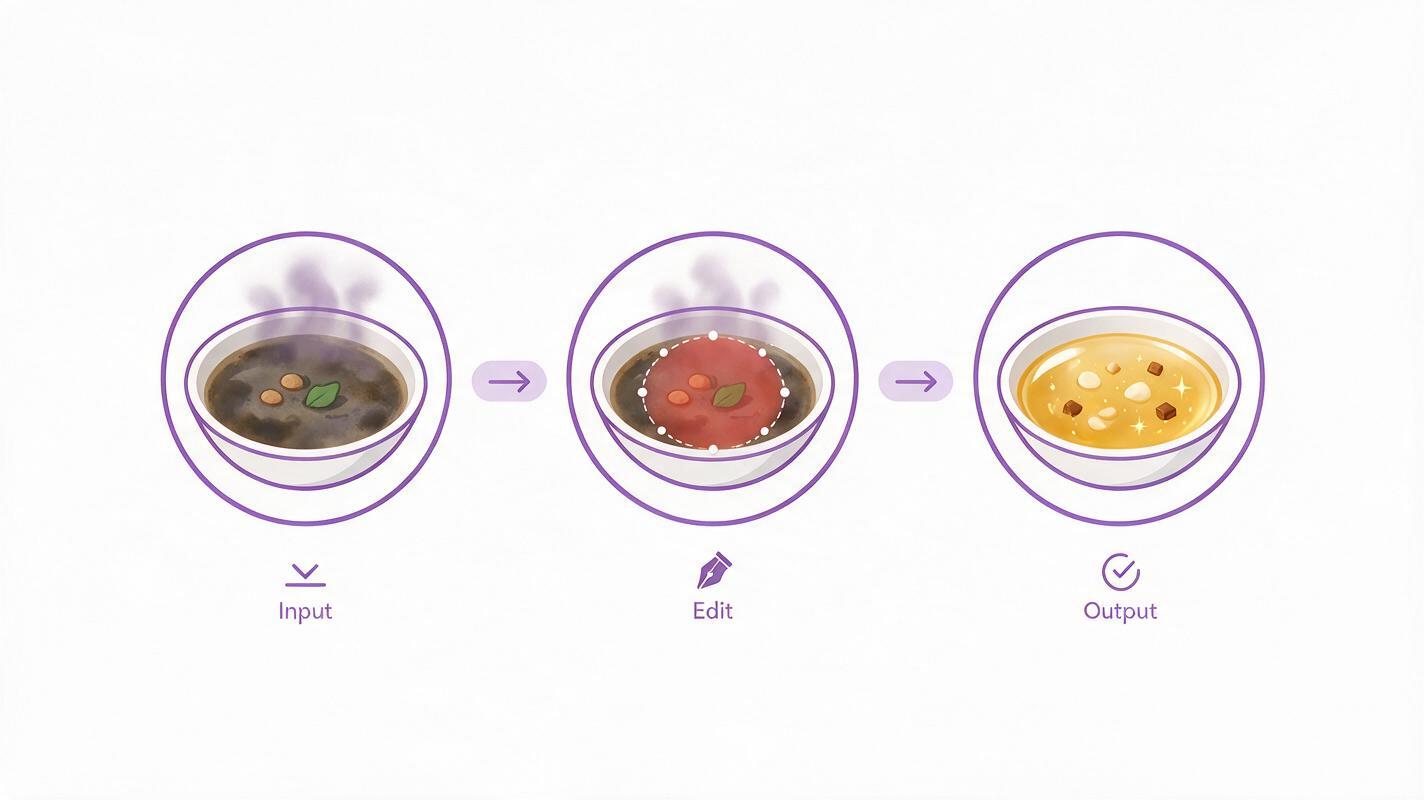
- Fix murky broth patches: Use the inpainting brush to select only the cloudy broth area (avoid solid ingredients and garnishes), then enter a prompt like “clear golden chicken broth, translucent, smooth surface, small ripples, natural light” and set denoising strength to 0.4–0.5 to keep surrounding elements consistent.
- Fix floating “sticker” ingredients: Select the edge of the ingredient that should be submerged, then prompt for “half-submerged carrot slice in clear broth, soft refraction, slight ripple around the edge, realistic” with denoising strength 0.3–0.4 to blend it naturally into the liquid.
- Fix wilted garnishes: Select the limp herb or soggy crouton, then prompt for “fresh parsley leaf on top of soup, bright green, crisp edges, slight sheen from broth” with denoising strength 0.5–0.6 to replace it entirely while matching the scene’s lighting and color palette.
Test this prompt yourself with Seedream 4.5’s inpainting tool to fix small soup photo flaws in seconds.
Final quality checklist for restaurant-ready soup photos
Before using an AI-generated soup photo for your menu, social media, or marketing campaign, run through this quick checklist to ensure it looks professional and appetizing:
- Broth clarity matches the soup type (clear for consommé, velvety smooth for bisque, thick for chunky chili)
- 30–50% of each solid ingredient is submerged in the broth, with soft, natural edges where they meet the liquid
- Garnishes look fresh and distinct (bright herbs, crispy croutons, defined cream swirls)
- Steam looks subtle and natural, not cartoonish or overwhelming
- Lighting is warm and even, with a slight sheen on the broth surface to indicate richness
- No weird artifacts, distorted utensils, or mismatched bowl edges
Keywords
ai soup photography, soup photo generator, ai food photography, restaurant menu photos, food image generator, soup marketing visuals, ai food images