Why AI Stop-Motion Packaging Animations Warp Branding (3 Fixes With Hailuo)
AI-generated stop-motion packaging animations are a fast way to create engaging social media product content, but they often warp logos, blur text, and break packaging structural integrity. This article breaks down three common causes of branding drift in AI stop-motion packaging clips and shares actionable fixes using Hailuo, plus reusable prompt templates and a quality checklist for brand and packaging designers.
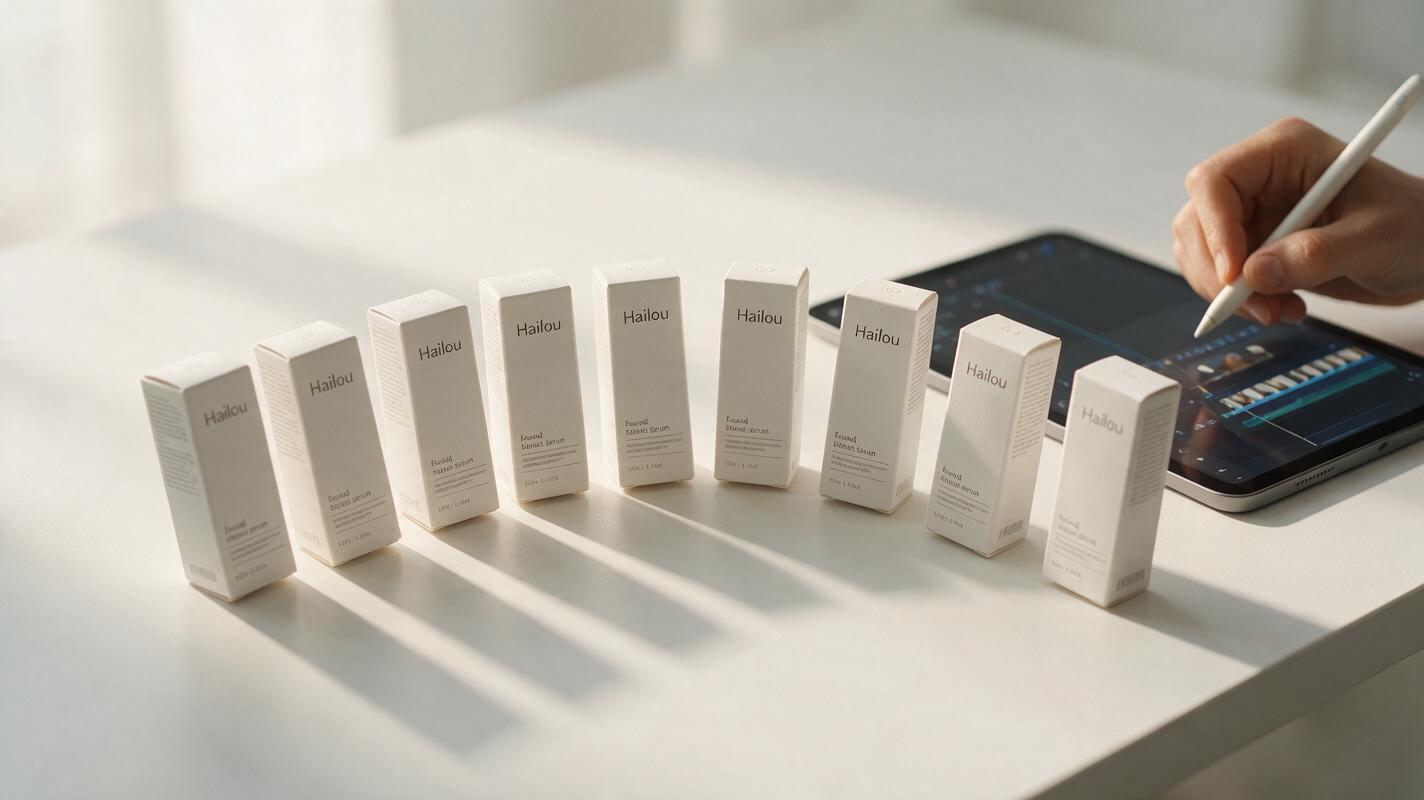
Table of contents
Why AI stop-motion packaging animations fail brand consistency
Stop-motion packaging clips are a staple of product launch social feeds: the choppy, tactile feel makes unboxings, product reveals, and flavor variant showcases feel approachable and handcrafted. But generating them with AI often leads to the same headaches: logos stretch between frames, fine print blurs into illegibility, and box edges warp mid-animation — rendering the clips useless for brand-approved content.
Hailuo’s image-to-video and frame control features make it well-suited for stop-motion style packaging animations, but it still drifts if you don’t set up your inputs correctly. The fixes below address the root causes of branding drift: unconstrained motion, missing reference context, and uncorrected frame-to-frame inconsistencies.
Start with a locked branding reference frame
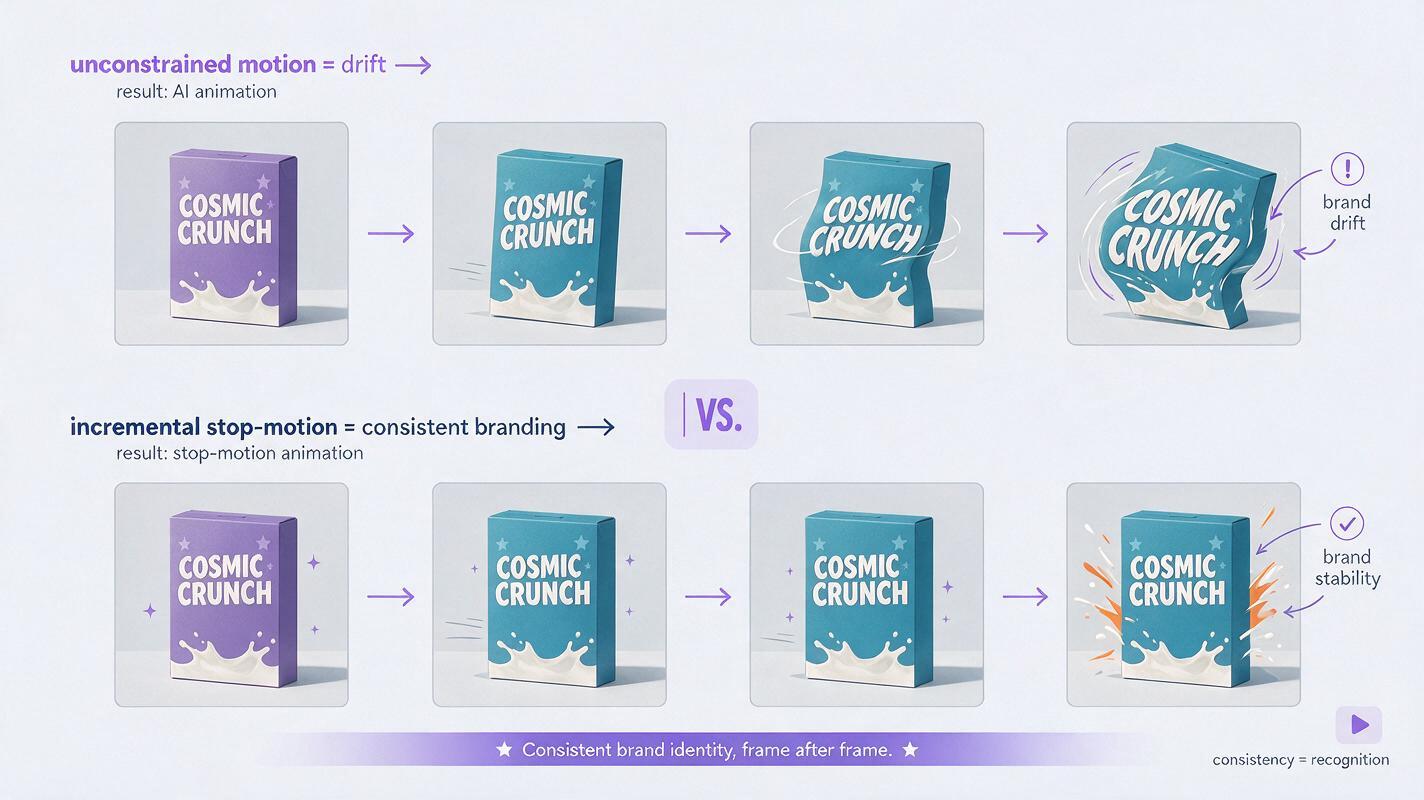
The biggest cause of branding warp in AI stop-motion is starting from a text prompt alone. Text-to-video models invent packaging details on the fly, so logos, color values, and structural lines shift constantly as the animation progresses. Starting with a single, perfect reference frame eliminates 60% of this drift by giving the model a fixed baseline for every brand element.
Prep your reference frame as a high-resolution PNG of your packaging design — flat or lightly staged, with all logos, barcodes, and product text rendered as sharp vector elements. Avoid adding shadows or texture overlays that might confuse the model about the packaging’s actual shape.
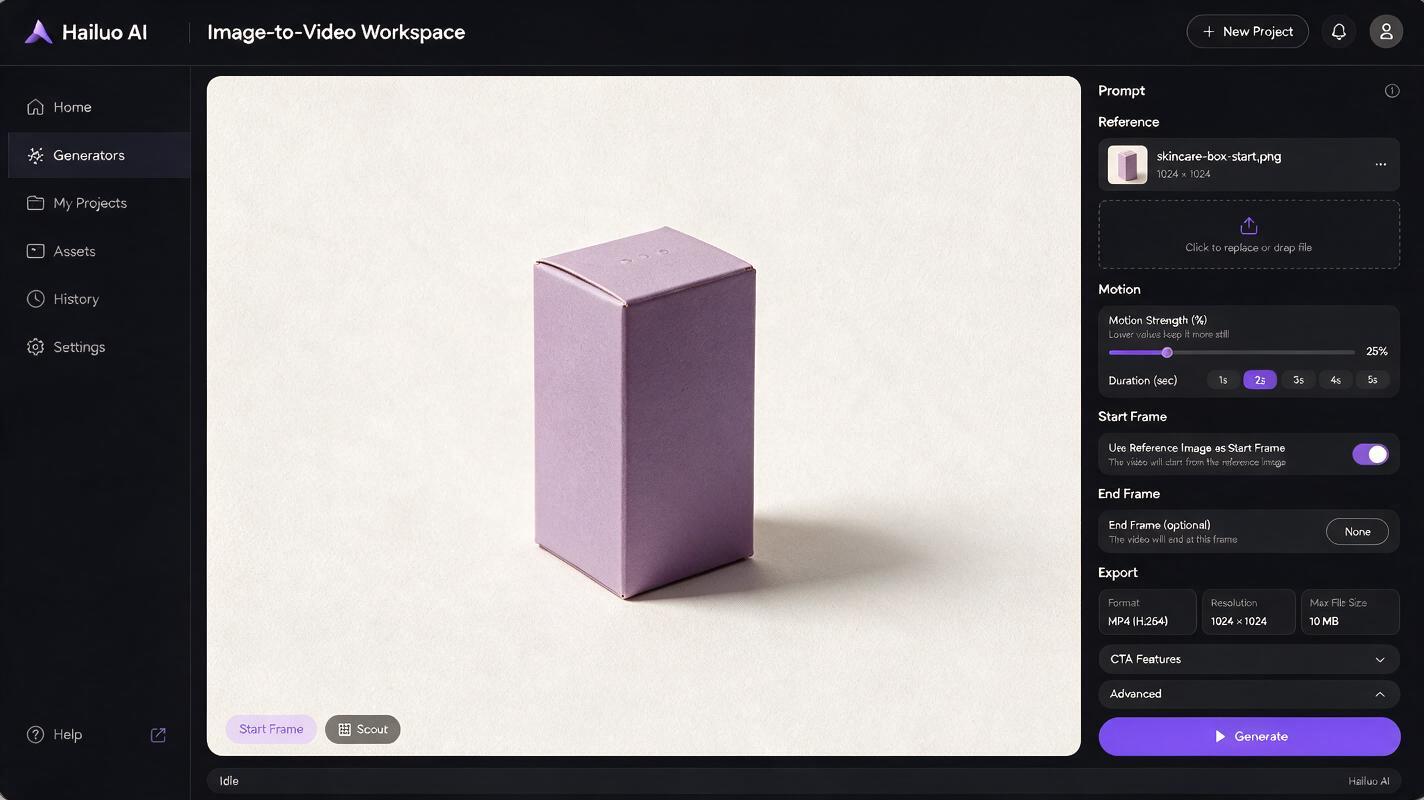
Use Hailuo’s image to video mode, upload your reference frame as the start frame, and set the animation duration to match your stop-motion needs (2-3 seconds works best for short social clips). Keep the initial motion strength low to prevent the model from reinterpreting the packaging design.
Here’s a base prompt to pair with your reference frame:
stop-motion animation of [product type, e.g., matte white skincare serum box], choppy 12fps movement, product rotates 15 degrees total over 8 frames, soft studio lighting, plain neutral background, no camera movement, crisp edges, sharp printed text and logo on packagingtest this prompt yourself to see how a locked reference frame reduces drift compared to text-only generation.
Constrain motion to incremental stop-motion shifts
Stop-motion works because each frame moves only a tiny amount — usually less than an inch for small products. AI models default to smooth, continuous motion, which stretches and warps branding elements as the object moves. For stop-motion that stays on-brand, you need to explicitly limit movement to small, discrete shifts.
In Hailuo, set the motion strength slider to 20-30% — this keeps the model from making large, unplanned changes between frames. Avoid prompts that mention "cinematic camera movement", "360 spin", or "smooth pan"; instead, specify exactly how the product moves, frame by frame if possible.
For example, if you’re creating a stop-motion clip of a snack bar standing up from a flat position, your prompt should specify the incremental movement:
stop-motion animation of a [salted caramel] granola bar, 10fps choppy movement, bar gradually stands upright from flat to vertical over 6 frames, each frame moves 1/6 of the total distance, soft top lighting, white seamless background, logo on front of bar remains sharp and centered, no distortionPro tip: For multi-product stop-motion (e.g., three skincare bottles lining up), add "products move one at a time, each frame only one object shifts position" to your prompt to prevent overlapping motion that causes warping.
Patch branding drift with targeted frame inpainting
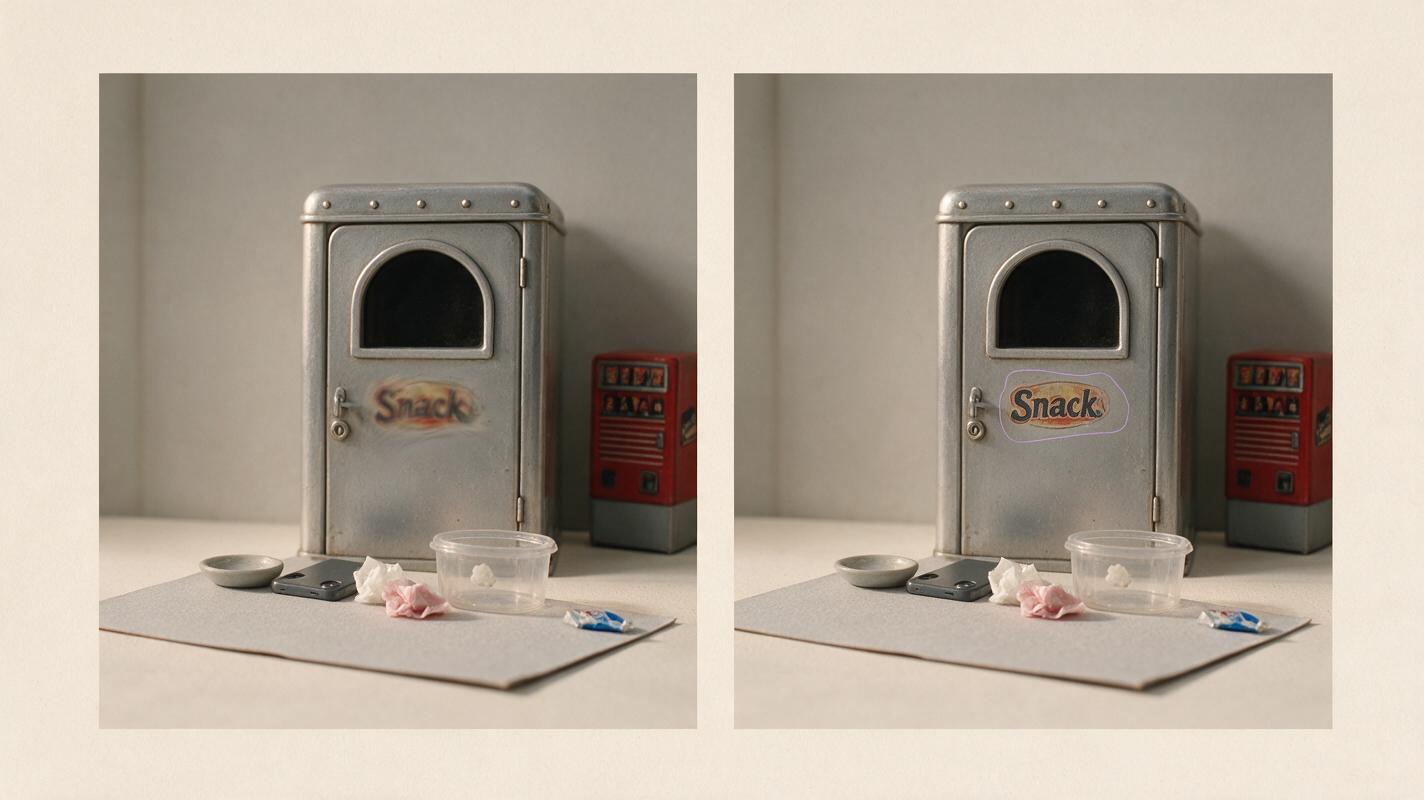
Even with a locked reference frame and constrained motion, you’ll likely see small branding drift in 1-2 frames per 10-second clip — usually a slightly stretched logo or blurry product name on a frame where the product tilts at an angle. Instead of regenerating the entire clip, fix only the affected areas with targeted inpainting.
Hailuo’s built-in inpainting tool lets you mask the specific area of drift (e.g., the logo on the side of a box) and repaint it using your original packaging design as a reference. Export the frame with drift, upload it to the inpainting tool, mask the warped branding area, and use a prompt that references your approved design:
exact match to reference logo, crisp black text on matte white packaging, no distortion, matches the rest of the box design, same color values as original packagingFor longer clips, prioritize fixing key frames (the first frame, the frame where the product is most visible, and the last frame) — minor drift in transition frames is usually unnoticeable in stop-motion’s choppy pace.
Final quality checklist for on-brand stop-motion packaging animations
- Reference frame includes all approved branding elements (logos, text, colors) at full resolution
- Motion strength is set to 20-30% with no unplanned camera movement
- Prompt explicitly mentions stop-motion frame rate (10-12fps) and incremental movement
- All key frames have sharp, undistorted branding
- Color values match approved brand guidelines across all frames
- Packaging structure stays consistent (no warped edges or changing dimensions)
Keywords
stop motion packaging animation, ai packaging animation, hailu ai, brand consistency, packaging social media, ai animation tips, packaging design ai