AI Talking Baby Podcast Generator: Make a Safe Fictional Short
Learn how to turn an original baby-like character into a short fictional podcast video using portrait generation, lip sync, restrained motion, and careful editing. This workflow prioritizes clear speech, stable facial animation, honest labeling, and evidence-based quality checks.
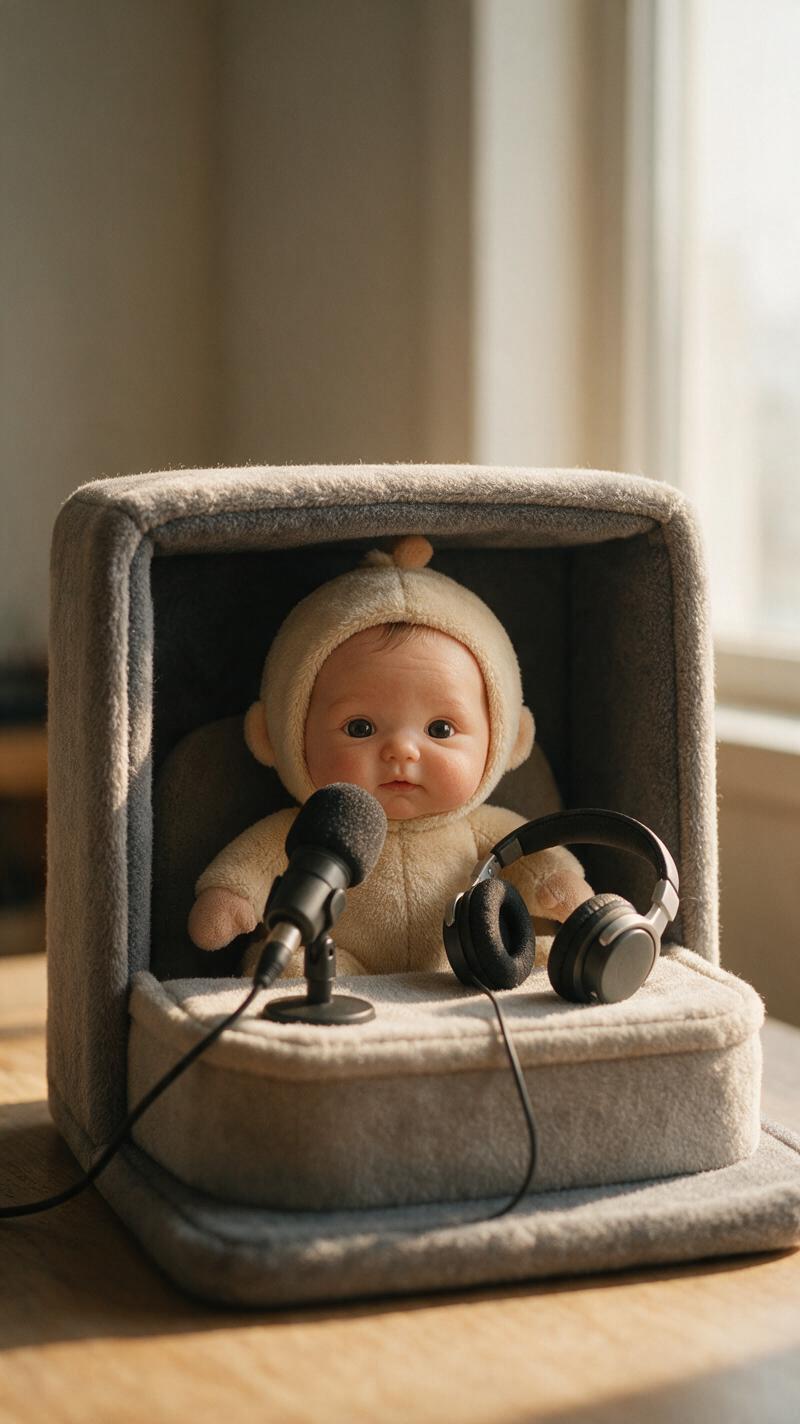
Table of contents
Create the character, voice, and performance separately
An AI talking baby podcast generator can turn a single character portrait into a playful short-form interview, reaction clip, or fictional monologue. The most reliable workflow does not ask one model to invent the character, dialogue, voice, lip sync, camera movement, and finished edit simultaneously.
Instead, build the result in controlled passes: write a short script, create an obviously fictional baby-like host, record or generate permitted audio, animate the portrait, and inspect the exported clip. This tutorial uses an original character rather than footage of a real child, which avoids unnecessary privacy and identity concerns.
Target result: a 10–20 second vertical podcast clip featuring a fictional baby-like character, synchronized speech, subtle gestures, a stable microphone, and enough empty space for captions.
Step 1 — Define a fictional podcast moment
Begin with one joke, opinion, or reaction that can be delivered in two or three sentences. Long scripts increase the chance of lip-sync drift and make visual repetition more obvious.
A safe concept should be unmistakably fictional. Avoid putting sensitive, political, medical, financial, or humiliating statements into the likeness of a real child. Give the character a made-up appearance and a clearly invented show premise.
Concept: A fictional baby-like space explorer hosts a tiny podcast.
Topic: Why bedtime should happen after one more story.
Length: 15 seconds.
Tone: Curious, witty, family-friendly.
Framing: Vertical medium close-up, microphone visible, caption space above.
Keep the spoken copy conversational. Short clauses and visible pauses are easier to synchronize than tongue twisters or rapid lists.
Everybody says bedtime is important. I agree.
But first, we need one more story for scientific research.
Maybe two, if the research gets exciting.
Step 2 — Build a stable character portrait
Create one front-facing or slightly three-quarter portrait with visible lips, balanced lighting, and no objects crossing the lower face. MagicBoat’s ai image generator can be used for the original character image before animation.
Use visual language such as “stylized fictional character” rather than requesting the likeness of a real infant. A microphone may appear in the frame, but it should sit below the mouth so the animation model can read the full lip area.
Original fictional baby-like podcast host, expressive round face,
large curious eyes, seated behind a small studio microphone,
warm home recording corner, soft window light, medium close-up,
front-facing head with a slight three-quarter angle, lips fully visible,
vertical composition, clean space above the head for captions,
family-friendly stylized realism, no text, no logo
Reject portraits with asymmetrical teeth, a hand touching the face, heavily shadowed lips, duplicated microphone parts, or a head cropped too tightly. Those defects often become more distracting once the still image moves.
Step 3 — Prepare speech that supports clean lip sync
Record the dialogue in a quiet room or use a voice for which you have appropriate rights and consent. Do not clone an identifiable person’s voice without permission. For a fictional character, a clearly synthetic or performed voice also helps the audience understand that the scene is invented.
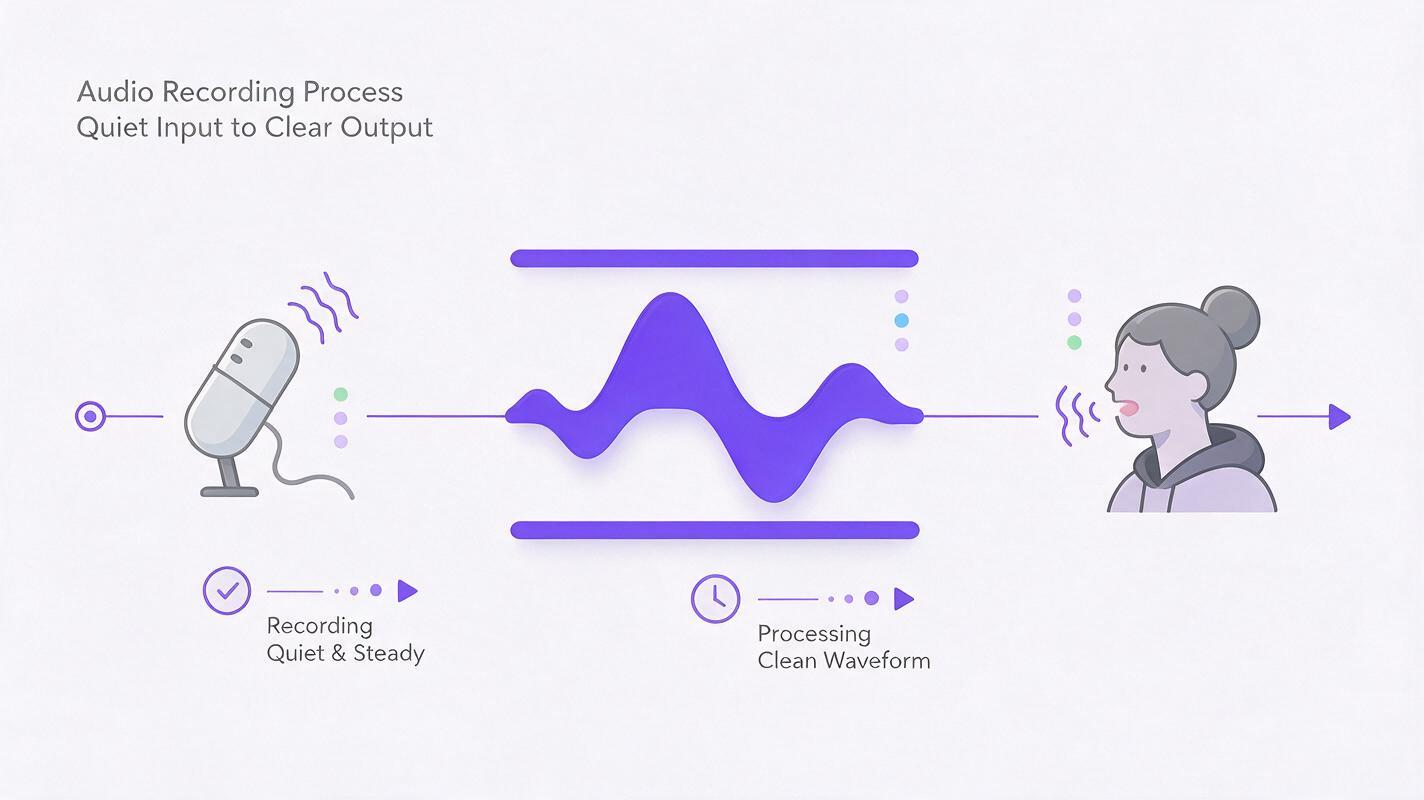
Leave a brief natural pause between sentences. Remove loud breaths, clipping, music, and background noise before animation because lip-sync systems depend on the speech track. If cleanup is necessary, use restrained noise reduction and compare the processed audio with the original so consonants remain clear.
| Audio issue | Likely visual consequence | Practical correction |
|---|---|---|
| Music covering consonants | Loose or delayed mouth movement | Animate with dry dialogue; add music later |
| Very fast delivery | Overactive or skipped mouth shapes | Slow the read and add short pauses |
| Heavy denoising | Unclear syllable boundaries | Reduce processing and preserve articulation |
| Clipped peaks | Harsh speech with unreliable timing | Re-record or lower input gain |
Step 4 — Animate the portrait with restrained motion
Import the approved portrait and clean dialogue into a lip-sync or avatar workflow. MagicBoat’s talking photo ai is the closest direct capability for converting the still character and speech into a talking portrait.
Prioritize lip synchronization before adding dramatic motion. If the selected model accepts a motion instruction, request occasional blinks, tiny nods, and a fixed camera. Large head turns can deform the cheeks or hide the mouth, while aggressive motion mimic may conflict with audio-driven facial animation.
Maintain the exact character identity, clothing, microphone, and background.
Natural speech-driven mouth movement, occasional soft blink,
one small nod after the first sentence, subtle breathing,
steady shoulders, fixed camera, no zoom, no head turn,
no new objects, no text, no background movement.
If a negative prompt field is available, use a short list focused on visible failure modes:
warped mouth, extra teeth, duplicated microphone, drifting eyes,
large head rotation, camera shake, changing clothes, moving background
Generate several short takes rather than one long performance. Select the take with the cleanest mouth timing and most stable identity—not necessarily the one with the most movement.
Step 5 — Add podcast energy in the edit
A talking portrait becomes more engaging through editing rather than excessive generation. Place the selected clip on a 9:16 timeline, trim dead air, add readable captions, and use one or two modest punch-ins at sentence boundaries.
- Keep captions away from the mouth: use the upper or lower safe area without covering facial motion.
- Add music after lip sync: keep it low enough that every word remains understandable.
- Use cuts to hide weak moments: a brief crop change can cover an awkward blink or mouth transition.
- Preserve the microphone: avoid animated overlays that appear to pass behind or through it.
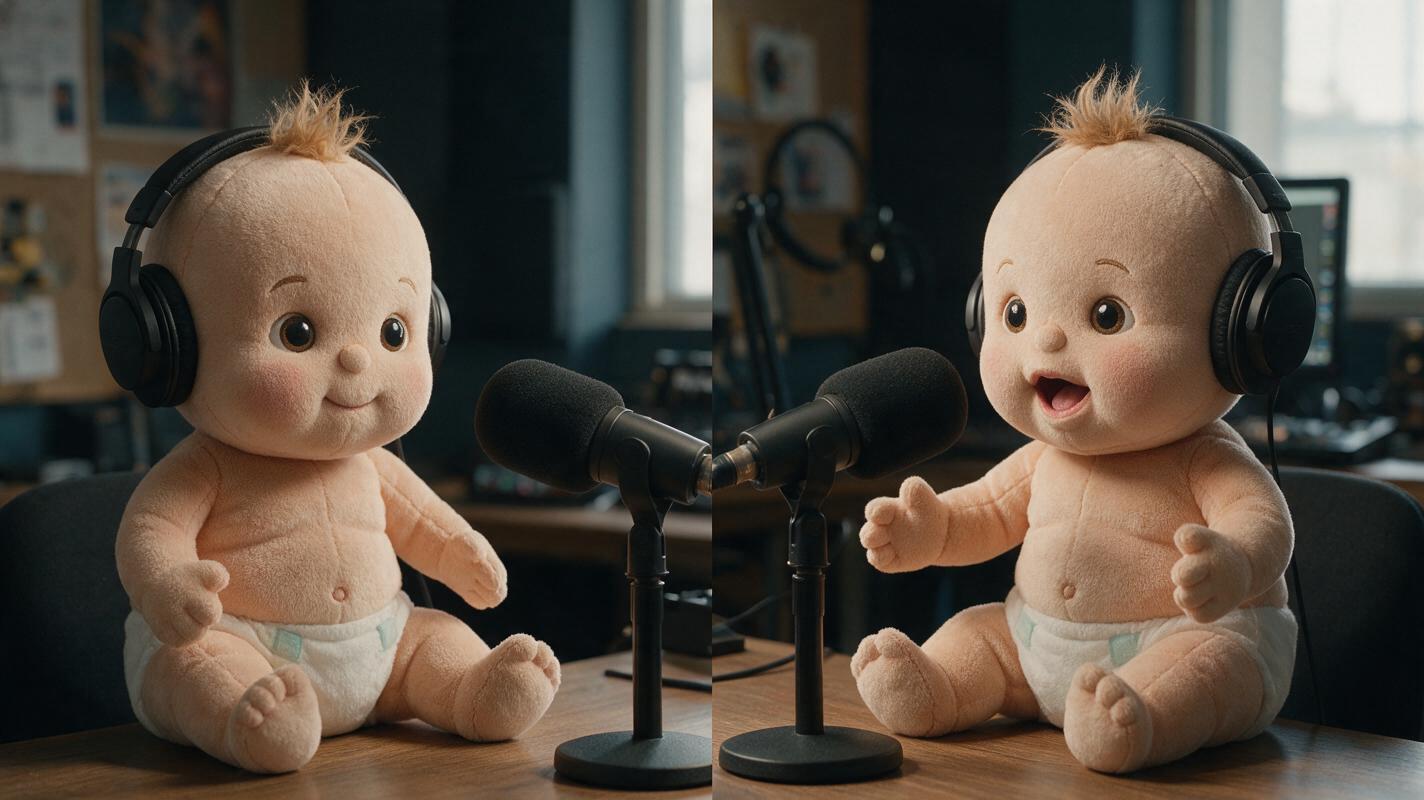
For a two-character exchange, animate each speaker separately. Alternate between clips in the editor instead of asking one image to manage two independently speaking faces.
Step 6 — Enhance only defects the audience can see
An ai video enhancer is not a substitute for a clean source portrait. Enhancement is useful when the final export has mild softness, compression around the lips, or visible noise in a dark background, but aggressive processing may sharpen teeth unnaturally or flatten skin texture.
When you enhance videos with ai, test a five-second section containing speech, a blink, and the microphone edge. Compare the original and processed versions at the final delivery size. Keep the enhanced version only if it improves a named defect without introducing halos, frozen texture, or facial flicker.
Editing rule: fix timing with a new animation take, fix framing in the editor, and use enhancement only for resolution, noise, or compression problems.
Step 7 — Record before-and-after evidence
Do not judge the result from a paused beauty frame. Save the source portrait, the first raw animation, and the final edited export. Review all three so changes can be attributed to the correct stage.
| Checkpoint | Before | After | Pass condition |
|---|---|---|---|
| Lip timing | Raw animation | Selected or retried take | Sentence starts and stops match the audio |
| Identity | Source portrait | Final moving frame | Eyes, face shape, clothing, and microphone remain recognizable |
| Motion | First generation | Restrained-motion version | No distracting head turn, camera shake, or background drift |
| Clarity | Unprocessed export | Final encoded export | Lips and microphone edges remain clean at viewing size |
Inspect the opening frame, the fastest phrase, every blink, and the final frame. Also listen once without watching and watch once with the sound muted. The first check reveals audio problems; the second exposes repeated motion and facial instability.
Step 8 — Label and publish the fictional clip responsibly
Use a caption or description that identifies the character as AI-generated or fictional when the synthetic nature may not be obvious. Platforms can have separate disclosure requirements for realistic altered or synthetic media, so check the current policy of the service where the clip will be published.
Do not imply that a real child made the statements, and do not upload personal images or recordings of minors without appropriate authorization. For channel branding, keep the fictional character’s name and appearance consistent across episodes while varying scripts, reaction timing, and framing.
Once the portrait and permitted audio are ready, try this prompt for free and generate a short test before committing to a full series.
FAQ
Can I use a real baby photo?
A fictional generated character is the safer default. If you use a real child’s image or voice, obtain authorization from the parent or legal guardian, avoid sensitive scenarios, and follow applicable privacy and platform rules.
Why does the mouth look distorted?
Common causes include an obscured mouth, extreme head angle, noisy speech, fast delivery, or excessive motion. Return to a front-facing portrait, clean the dialogue, and generate a shorter take with restrained movement.
Should I animate the microphone and background?
Usually not. A stable microphone and static background make facial errors easier to detect and reduce the number of elements the model must preserve.
Can motion mimic make the character more expressive?
It can provide body rhythm when the tool supports a motion reference, but exaggerated reference movement may fight the lip-sync pass. Use a performance with small nods and steady shoulders, then verify that the mouth remains synchronized.
How long should the first test be?
Use one complete thought of roughly 10–20 seconds. That is long enough to include multiple mouth shapes and a pause while remaining easy to regenerate if an error appears.
Sources
- YouTube Help: Disclosing use of altered or synthetic content
- U.S. Federal Trade Commission: Children’s Online Privacy Protection Rule
- Adobe Podcast: Enhance Speech
Final checklist
- The host is an original, clearly fictional baby-like character.
- The lips are unobstructed in the source portrait.
- The dialogue is short, clean, and authorized for use.
- Facial motion is subtle and the camera remains stable.
- Music and captions are added after the animation pass.
- Before-and-after exports are compared at delivery size.
- The post includes appropriate synthetic-media disclosure.
Keywords
ai talking baby podcast generator, ai avatar video generator, animate image to video, motion mimic, ai video enhancer, enhance videos with ai, ai video tools
Decision: PUBLISH — the article covers a distinct fictional-character podcast workflow with practical safety, synchronization, and verification guidance.