AI Unboxing Video Prompts That Don’t Invent Box Contents
AI can make an unboxing ad look polished while quietly adding accessories, changing packaging, or showing a product that does not match the listing. These Seedance prompts use generated footage for atmosphere and real footage for the reveal, so shoppers see what they will actually receive.
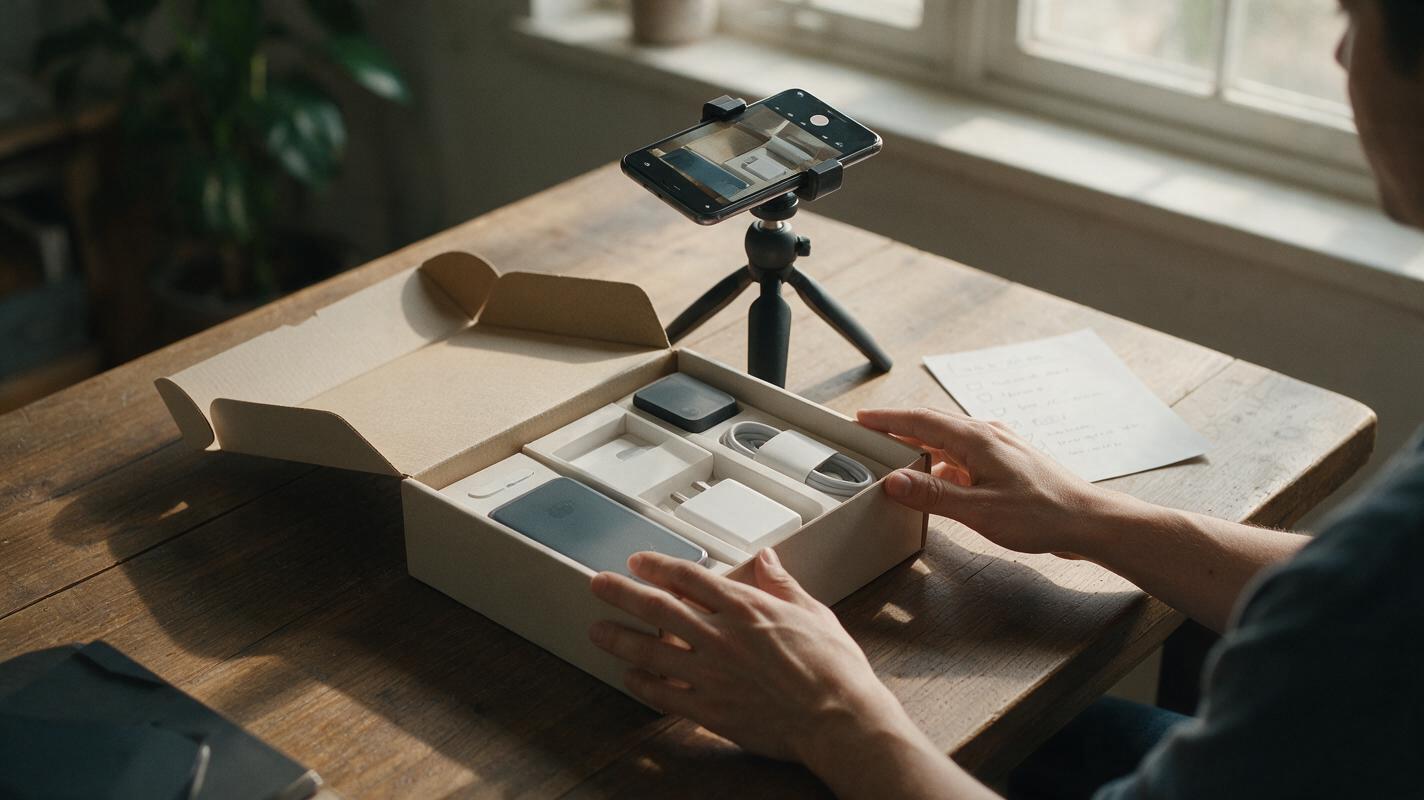
Table of contents
An unboxing ad should show only what ships
An AI-generated unboxing can look convincing even when the box contains an extra charger, a different color, or packaging your customer will never receive. For Shopify, TikTok Shop, and marketplace sellers, that is not a small visual mistake: the reveal is the evidence viewers use to understand the offer.
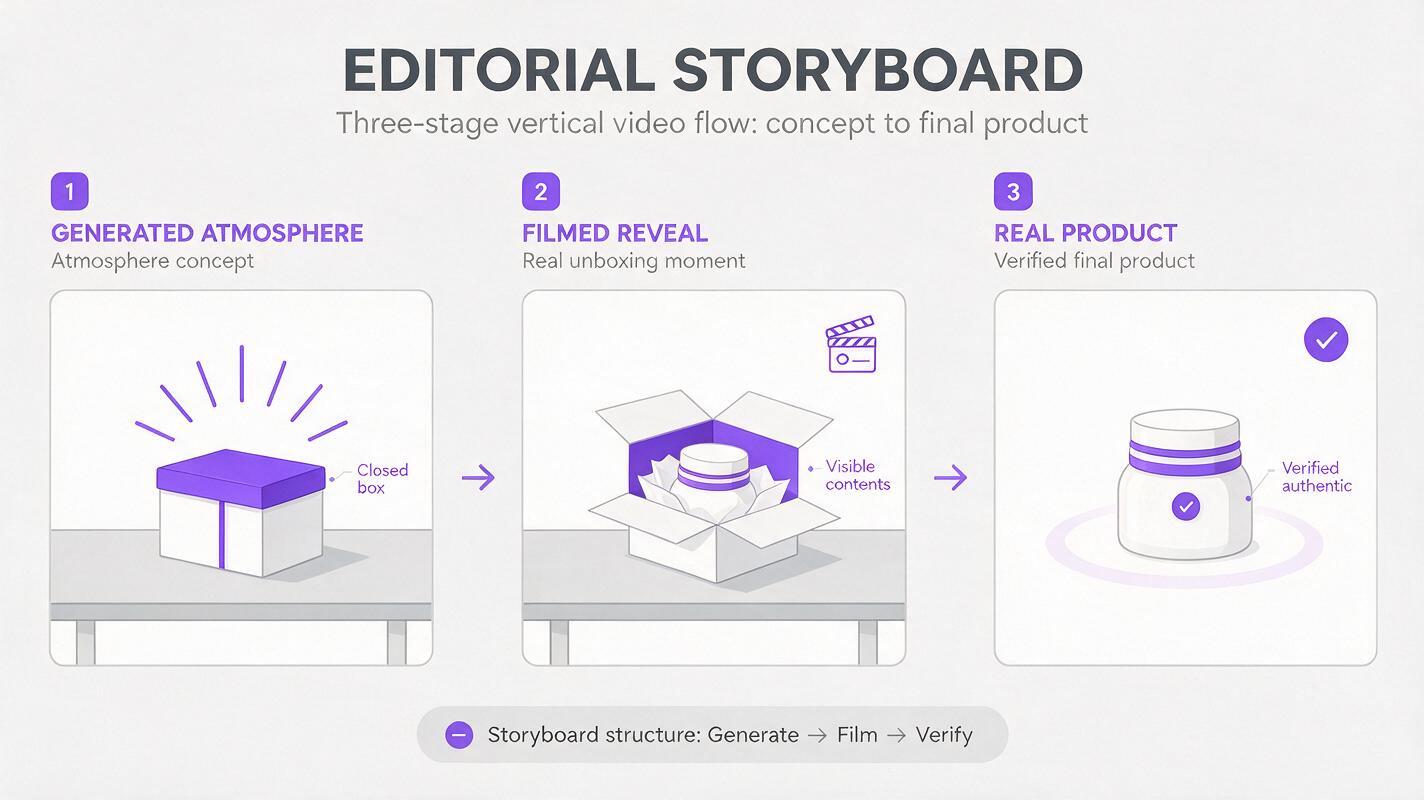
The safer approach is to use Seedance for short, controlled shots around the unboxing, then use actual product footage for the moment the box opens and its contents appear. The prompts below are designed for that division of labor. They create an ad you can edit together without asking a model to guess your inventory.
Decide what the camera can truthfully show
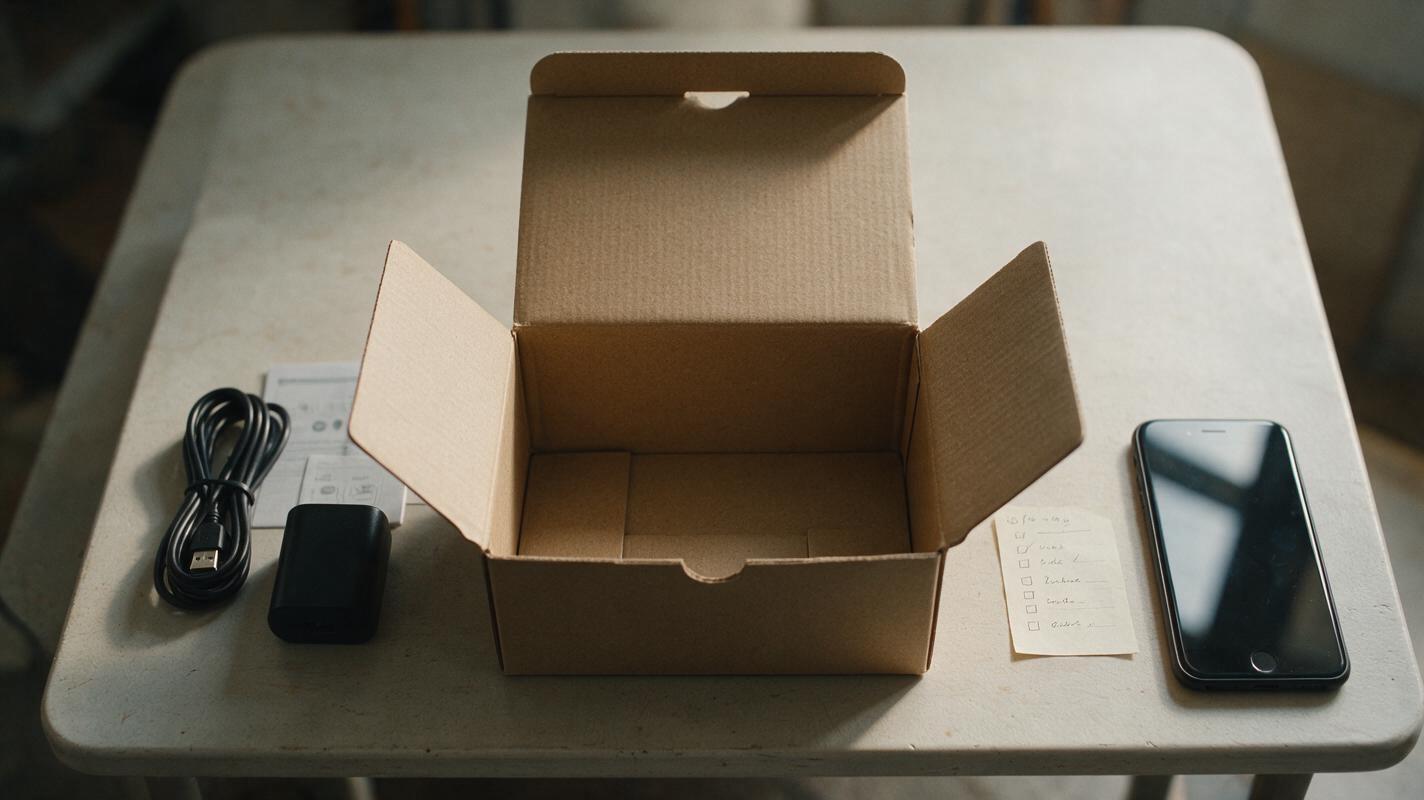
Before generating anything, lay out one retail-ready unit exactly as a buyer receives it. Photograph the closed package, the open package, and every included item. Keep a written list of what is included and what is merely a prop. If packaging differs by market or batch, use the version sold through the listing you are advertising.
Sort your planned shots by what they must prove:
- Atmosphere: Lighting, tabletop setting, anticipation, and simple camera movement can be generated.
- Identity: Brand marks, package printing, product color, and surface details should come from your real photos or footage.
- Contents: The seal breaking, lid lifting, and items being removed should be filmed from a real unit.
- Claims: What is included, how it works, and what it can do must match the product and listing.
This boundary matters most when the ad moves quickly. Viewers may not pause to inspect a frame, but they will remember an accessory appearing in the box.
Prompt a sealed-box opening shot
A sealed-box shot can build anticipation without making a claim about the contents. Film or photograph your actual closed package for the final edit. If your available Seedance workflow supports a suitable reference image, use it to guide the shot; otherwise, generate an unbranded environmental clip and cut to your real package before its identifying details become visible.
Create a five-second vertical product-ad shot on a warm, neutral tabletop. Show a closed, plain shipping box in soft daylight. Use a slow, steady camera push-in. Keep the box closed for the entire clip. No hands, no opening action, no visible product, no readable labels, no logos, no extra packages, and no added accessories. Leave clear space in the upper third for text added later in editing.Best use: An opening beat before a cut to your actual packaging. If the generated box has a different shape or closure, do not present it as your retail package; use a real closed-box shot instead.
Make the real reveal the center of the ad
For the reveal, a phone and a stable surface are more reliable than an elaborate prompt. Record the actual box from above as you open it. Take a second close-up of the contents before touching them, then a shot of each included item being lifted out. Keep these clips long enough to identify what is present, even if the finished ad uses only a second or two from each.
If reflections or small printing are important, move the light rather than asking AI to reconstruct the surface. A generated charging port, fabric weave, or printed instruction card can look plausible while being wrong.
Editing rule: If a frame tells the shopper what they will receive, build that frame from the real product. Use generated footage to support the story, not to establish the contents.
For a bundle, record every component together in one continuous overhead clip as well as separate close-ups. That gives you a visible cross-check against the bundle listing.
Prompt a transition that does not add products
After the real reveal, a brief transition can lead into a product close-up. This is a useful place for an image to video treatment of a verified product photo: the source image establishes the item, while the requested movement stays modest. If the generated result changes the product, keep the original photo as a still instead.
Animate this supplied product photo into a three-second vertical ad transition. Preserve the exact product, color, silhouette, visible components, and printed details from the source image. Use only a subtle camera push-in and a gentle shift of natural light. Do not rotate the product to reveal unseen sides. Do not add hands, attachments, text, packaging, or objects. No opening, assembly, or functional demonstration.Review the first and last frames side by side with the source photo. Pay particular attention to buttons, seams, connectors, labels, and the number of pieces. A smooth clip is not usable if one of those changes.
Prompt an end card with room for verified copy
Models are not the place to typeset a price, quantity, offer, or package claim you need to keep exact. Generate a clean background if it helps the ad, then place your approved product photo and copy in your editor.
Create a four-second vertical closing background for a simple ecommerce product ad. Soft daylight falls across a clean tabletop in neutral brand-friendly colors. Add a very slow camera move. Keep the center clear for a real product image and leave uncluttered space above and below for text added during editing. No products, boxes, logos, readable writing, badges, prices, people, or hands.On the finished card, use only statements supported by the listing and the unit you filmed. For example, if a cable is sold separately, do not place one beside the product or imply it is included. Once the real footage and product image are ready, you can test this prompt yourself with your preferred end-card colors.
Where generated unboxing clips usually go wrong
| What you notice | Why it matters | Safer edit |
|---|---|---|
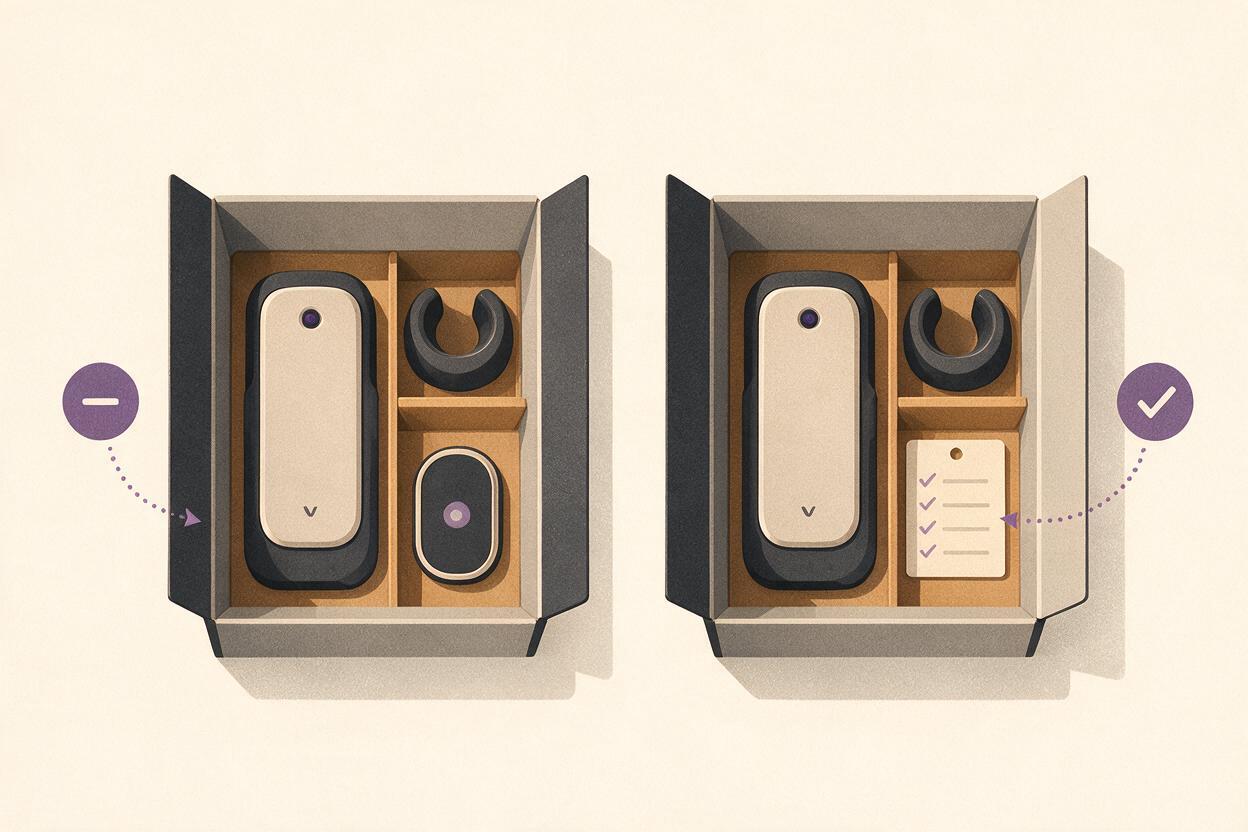
| An extra item appears inside the box | It implies the item is included. | Replace the reveal with footage of the actual open package. |
| Packaging text changes between shots | The ad may show a different product or offer. | Use real package footage and add approved on-screen copy separately. |
| A hand demonstrates an unseen feature | The motion may invent a mechanism or use. | Film that action with the real product, or omit the demonstration. |
| The product changes shape during a camera move | The closing frame may no longer match the listing. | Shorten the clip, request less movement, or use the still image. |
Keep generated shots short and assign each one a narrow job. An ai video generator is useful for pace and presentation here, but the real footage should answer the shopper’s practical question: “What will I get?”
Final checklist
- The package and included items shown in the reveal match the advertised SKU or bundle.
- Generated clips do not open a box, reveal contents, or demonstrate an unverified feature.
- Every product close-up matches a real reference photo, including color and small details.
- Prices, quantities, logos, and claims are added and checked in the editor.
- The finished video still makes sense with the sound off and gives viewers enough time to see the real contents.
Keywords
ai unboxing video, product unboxing ad, Seedance prompts, ecommerce video, product demo video, Shopify video ads, TikTok Shop video