What AI Video Tools Are Suitable for Creative Agencies?
The right agency AI video stack depends on approval controls, licensing, repeatable character assets, revision speed, and batch capacity—not one impressive demo. This buying guide compares suitable tool categories and provides a practical stress test for episodic, vertical, and client-facing short-drama production.
Table of contents
Short answer: buy for repeatability, not the best-looking demo
Creative agencies should prioritize AI video tools that can preserve approved assets, support controlled revisions, clarify commercial usage rights, and fit an accountable team workflow. Runway, Adobe Firefly, Google Veo on Vertex AI, Luma Dream Machine, and HeyGen address different parts of that requirement; an integrated ai short drama workspace can also reduce handoffs during pilot production.
No single platform is automatically the best agency purchase. A tool that produces a striking isolated clip may still fail when a client requests a new expression, a corrected product color, three localized versions, and six additional episodes using the same cast.
The useful buying question is: Can the team reproduce, revise, approve, and legally deliver the work under real client pressure?
Match the tool to the agency assignment
Start by identifying the production role being purchased. Agencies often need a stack rather than one universal generator.
| Tool or platform | Suitable agency role | What to test before buying |
|---|---|---|
| Runway | Concept films, reference-guided shots, campaign variations, and video generation workflows | Reference adherence, revision control, workspace permissions, API availability, storage, and commercial terms |
| Adobe Firefly | Brand-conscious teams already working across Adobe applications | Video availability, eligible enterprise protections, asset provenance, review flow, and integration with the existing post-production stack |
| Google Veo on Vertex AI | Managed generation for agencies with cloud engineering and governance requirements | Regional access, quotas, identity controls, logging, model availability, and output terms |
| Luma Dream Machine | Rapid visual development and API-based image-to-video production | Queue behavior, concurrency, reference control, reproducibility, API limits, and licensing |
| HeyGen | Presenter-led campaigns, talking characters, dubbing, and localized dialogue versions | Avatar consent rules, voice permissions, pronunciation control, localization review, and export options |
| Integrated multi-model workspace | Script planning, storyboards, recurring assets, pilot episodes, and model comparison in one production path | Project portability, asset reuse, available models, revision granularity, exports, and team handoff requirements |
For an AI microdrama or AI series video, the integrated path is often valuable during development because script breakdown, character references, an ai storyboard, and generated shots can remain connected. Specialist platforms may then be added where the assignment needs stronger enterprise governance, API automation, presenter localization, or a particular visual treatment.
Build a client approval test, not a beauty reel
Evaluate every candidate with the same small assignment. Use one recurring character, one product or story-critical prop, two locations, dialogue, and a vertical deliverable. Generate an initial scene, then request the revisions a real client would make:
- Change the character’s expression without changing identity or wardrobe.
- Replace one prop while preserving composition and lighting.
- Produce a 9:16 version without cutting off the dramatic action.
- Create a second episode using the approved character and location.
- Hand the project to another team member and confirm that the asset logic remains understandable.
Record how much must be regenerated after each request. The strongest agency tool is usually the one that isolates changes instead of forcing the team to rebuild an entire sequence.
Reusable visual prompt:
Create a photorealistic side-by-side film-frame comparison of the same female bicycle courier standing in the same lived-in apartment hallway. Left frame: neutral expression, sealed red parcel held at waist height. Right frame: worried expression, parcel replaced by a small brown envelope, while face identity, dark green raincoat, hairstyle, hallway geometry, lighting, and camera position remain unchanged. MANDATORY LAYOUT: two equal 9:16 frames placed side by side inside one landscape 16:9 canvas. MANDATORY CAMERA: chest-height medium shot, 50mm lens appearance, locked frontal three-quarter angle. Cinematic editorial realism, natural window light, believable skin texture, no text, no logos, no interface elements.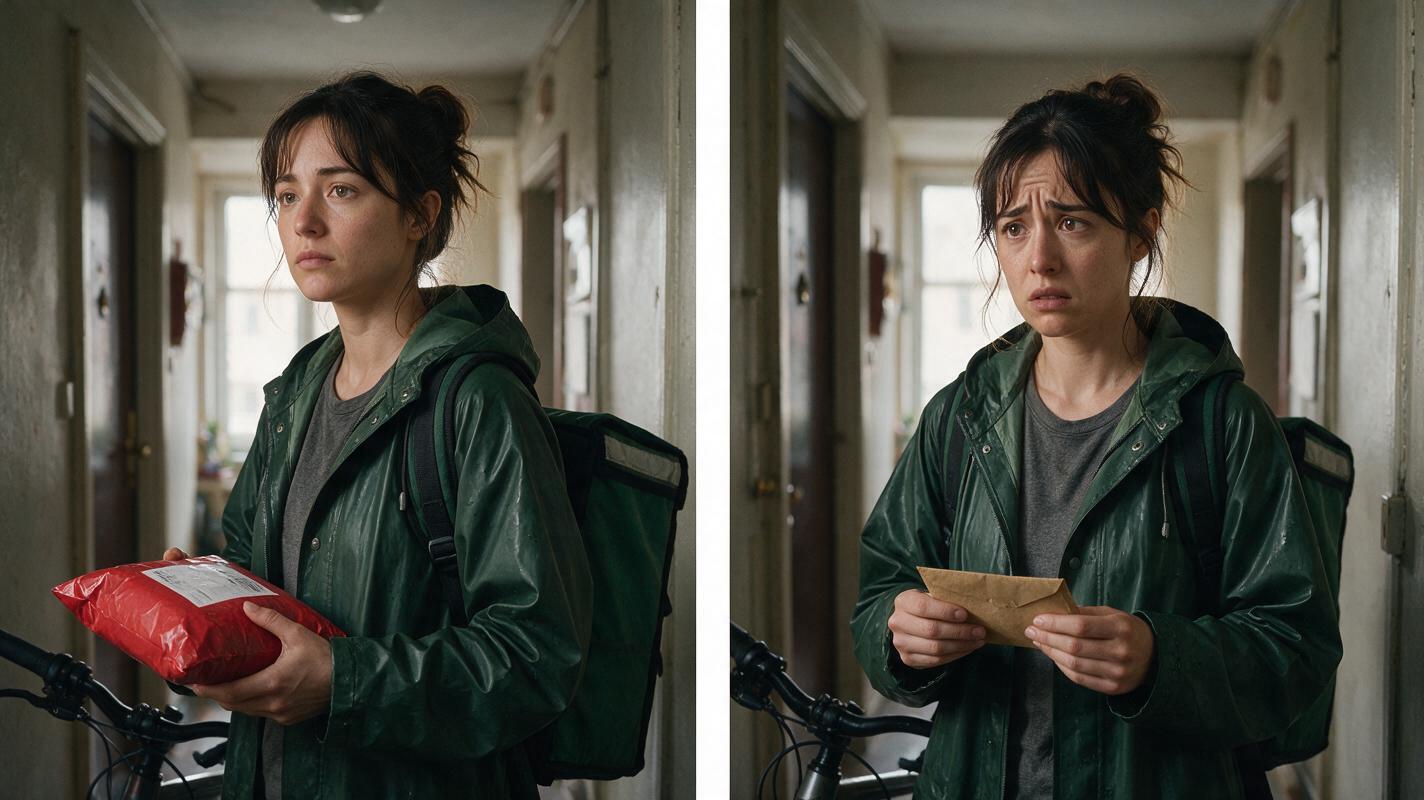
Lock the agency’s reusable production assets
Agency-safe repeatability begins before video generation. Approve a compact asset pack containing character sheets, wardrobe states, prop references, location plates, color boundaries, framing rules, and pronunciation notes. These assets become the source of truth for every operator and vendor.
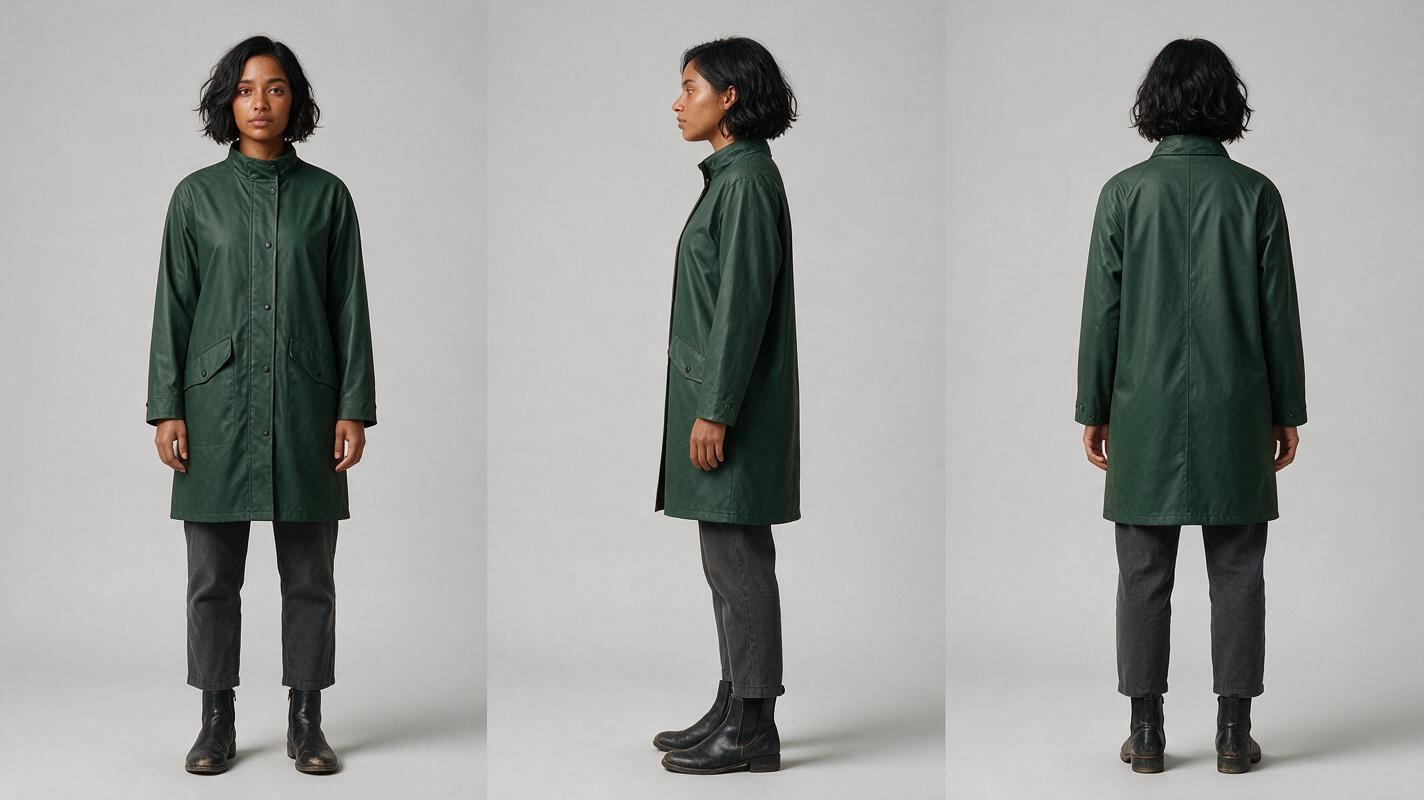
For a recurring character, create a front, side, and back reference before animating any scene. Record immutable details such as facial proportions, hair silhouette, coat length, footwear, and signature accessories. Keep temporary story states—mud, injuries, wet clothing, or damaged props—in separate references so they do not overwrite the base identity.
Reusable visual prompt:
Photorealistic three-panel character reference sheet showing the exact same 29-year-old female bicycle courier in front view, true side profile, and back view. She has an oval face, medium-brown skin, dark brown eyes, a short black wavy bob tucked behind the right ear, and a small silver stud earring. Identical dark green knee-length raincoat, charcoal trousers, and worn black ankle boots in all panels. MANDATORY LAYOUT: three evenly spaced full-body panels in one landscape 16:9 image, front on left, side in center, back on right. MANDATORY CAMERA: eye-level orthographic reference appearance with minimal perspective distortion. Neutral pose, arms relaxed, soft shadow, light-gray seamless studio background, even diffused lighting, editorial realism, no text, no logo, no props, no UI.When comparing tools, upload the same approved sheet wherever reference input is supported. Score the outputs on recognizable identity, wardrobe landmarks, body proportions, and recovery after a camera-angle change. Do not approve a platform based only on close-up portraits; episodic work also needs profiles, full-body blocking, and reverse angles.
Test the batch pipeline under revision pressure
Batch short drama production exposes problems that a single clip hides. Run a miniature pipeline containing three episodes with shared cast and locations. Each episode should include one new shot, one reused setup, one corrected shot, and one alternate vertical version.
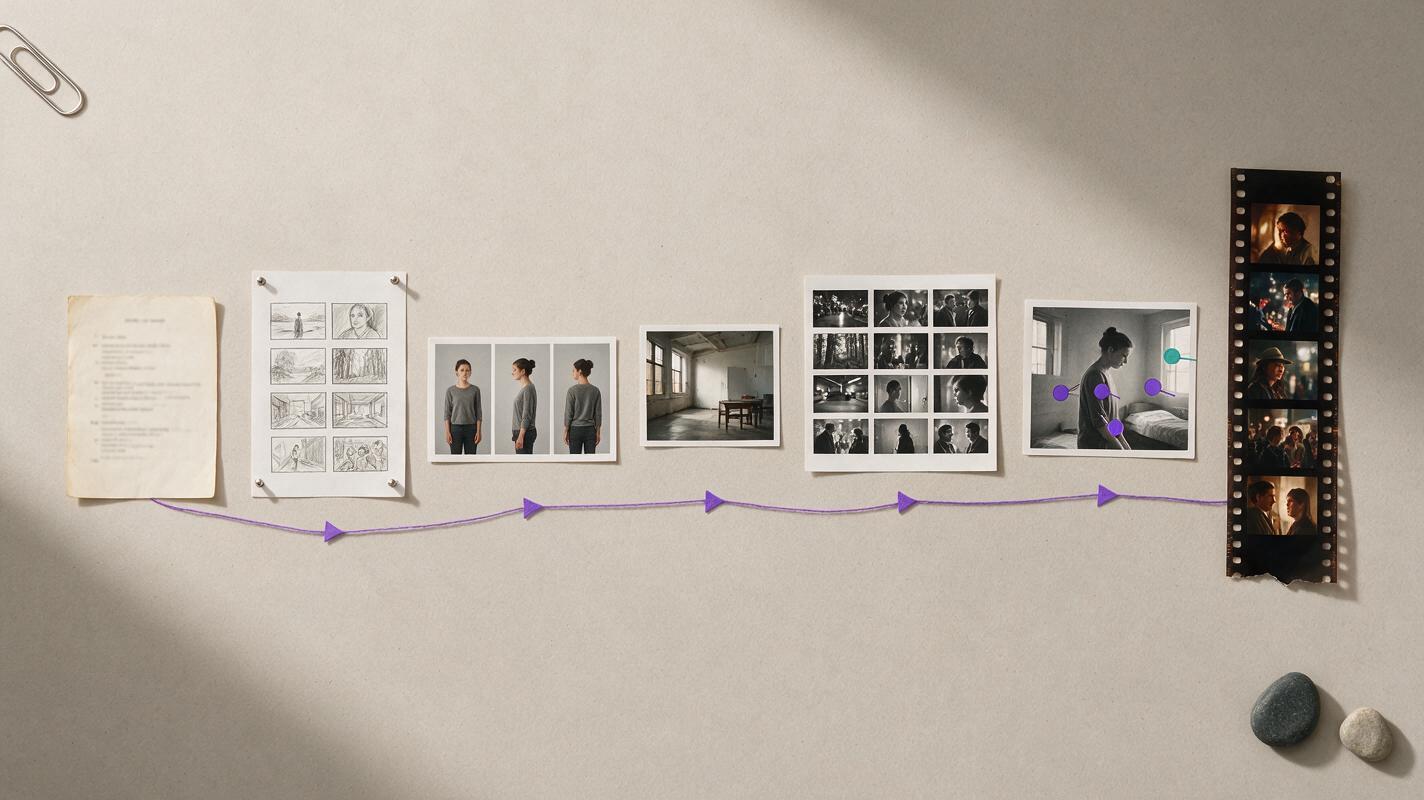
The team should be able to move through a clear chain: approved script beat, shot specification, reference package, generation, review, repair, edit, and archive. Assign ownership at every handoff. For example, a producer approves story information, an art lead approves references, an editor checks continuity, and an account lead confirms the client-facing version.
Reusable visual prompt:
Create a clean text-free production pipeline diagram as a cinematic tabletop arrangement photographed from directly overhead. Show seven distinct physical artifacts progressing from left to right: a typed script page with all writing blurred and unreadable, hand-drawn shot thumbnails without labels, a three-view character photo card, a location photograph, several cinematic video-frame prints, a marked revision print with simple colored circles only, and a final vertical film-frame strip. Connect the stages with thin purple thread and small neutral arrow shapes. MANDATORY CAMERA: exact 90-degree overhead view. MANDATORY LAYOUT: wide landscape 16:9, evenly spaced stages, no people, no screens, no software interface, no readable text, no brand marks or logos. Photorealistic paper textures, soft daylight, restrained editorial color palette.During this test, measure operational facts rather than subjective excitement:
- How many approved assets survive into the next episode?
- Can a shot be repaired without changing unrelated details?
- Can another operator reproduce the look from the saved references?
- Can the pipeline generate vertical drama video natively or with a controlled reframe?
- Can files, prompts, references, and approvals be archived outside one person’s account?
If the agency wants to compare several generation paths before committing to a vendor, try these models for free using the same pilot packet and revision brief.
Review volume pricing without relying on headline credits
Do not compare plans by subscription price alone. Ask each vendor how generation units are consumed by video length, resolution, model choice, failed attempts, upscaling, extensions, and concurrent jobs. Pricing structures change, so confirm current terms directly with the vendor instead of building a client quote from an old comparison page.
For agency procurement, request written answers covering:
- Shared versus individual usage pools
- Concurrency and queue priority
- API charges and rate limits
- Storage, retention, and deletion controls
- Overage handling and spending limits
- Enterprise support and service commitments
- Whether unused capacity expires or carries forward
Estimate the cost of an approved deliverable, not the cost of one generation. An inexpensive clip can become costly when identity drift forces repeated full-shot regeneration.
Treat licensing and brand safety as workflow requirements
No generation tool makes every output automatically safe for every campaign. Brand safety combines vendor terms, source-asset permissions, consent records, prompt rules, human review, and client approval.
Before commercial delivery, confirm who owns or may use the output, whether inputs are retained or used for training, what indemnification applies to the selected plan, and which restricted-use policies govern faces, voices, trademarks, public figures, and sensitive content. Enterprise protections can be plan-specific, so procurement teams should read the applicable agreement rather than infer rights from a general product page.
Maintain a project rights folder containing model releases, voice consent, music licenses, client-supplied asset permissions, vendor terms captured at purchase, and the final approval record. For regulated or reputation-sensitive clients, require legal review before publication.
Choose the stack by production pattern
- Fast campaign concepts: prioritize rapid iteration, references, and easy exports.
- Branded episodic fiction: prioritize reusable character assets, storyboard continuity, controlled image-to-video generation, and shot-level repairs.
- Localized presenter campaigns: prioritize consent management, voice quality, pronunciation control, and language review.
- High-volume API production: prioritize quotas, concurrency, observability, access controls, and predictable failure handling.
- Enterprise brand work: prioritize contractual clarity, provenance features, data governance, permissions, and auditable approvals.
An AI short film generator may be excellent for ideation while remaining unsuitable as the sole delivery system. Agencies should preserve editable masters, reference assets, audio stems, captions, and conventional project files so the campaign is not trapped inside a generation interface.
FAQ
Which AI video tool is best for a creative agency?
There is no universal winner. Runway and Luma suit visual generation workflows; Adobe Firefly can fit Adobe-centered teams; Vertex AI suits managed cloud deployments; HeyGen addresses avatar-led and localized dialogue work. Integrated workspaces are useful when an AI drama generator must connect scripts, references, storyboards, and episode production.
Should an agency use one platform or several?
A small approved stack is usually more resilient than either extreme. One workspace can hold the production logic, while selected specialist tools handle cinematic generation, localization, or enterprise automation. Keep the source assets and approval records portable.
How should agencies test character consistency?
Use the same character sheet across a close-up, profile, full-body shot, reverse angle, and second location. Then request one expression change and one wardrobe-state change. Compare facial landmarks, silhouette, costume details, and body proportions rather than judging general resemblance.
What is the biggest procurement mistake?
Buying from a polished demo without testing revisions. Client work depends on change isolation, repeatability, rights documentation, team access, and reliable handoffs.
Final checklist
- Define the exact production role before comparing vendors.
- Run the same episodic pilot and revision brief in every candidate tool.
- Test recurring characters in profiles, wide shots, and new locations.
- Confirm current licensing, privacy, retention, and consent terms.
- Compare the cost of approved footage rather than raw generations.
- Check permissions, shared assets, exports, APIs, and archive portability.
- Keep human review for continuity, brand rules, rights, and final delivery.
Sources
- Runway Enterprise
- Adobe Firefly for Enterprise
- Google Cloud Vertex AI video generation documentation
- Luma Dream Machine API
- HeyGen Enterprise
Keywords
ai short drama, ai microdrama, ai short film generator, ai drama generator, ai series video, batch short drama production, vertical drama video