AI Voiceover for Product Demo Videos That Stays True to the Product
A clear voiceover can make a silent product demonstration easier to understand, but narration should never claim more than the footage or product specifications support. This guide shows ecommerce sellers how to write, generate, and check AI narration against a real demonstration.
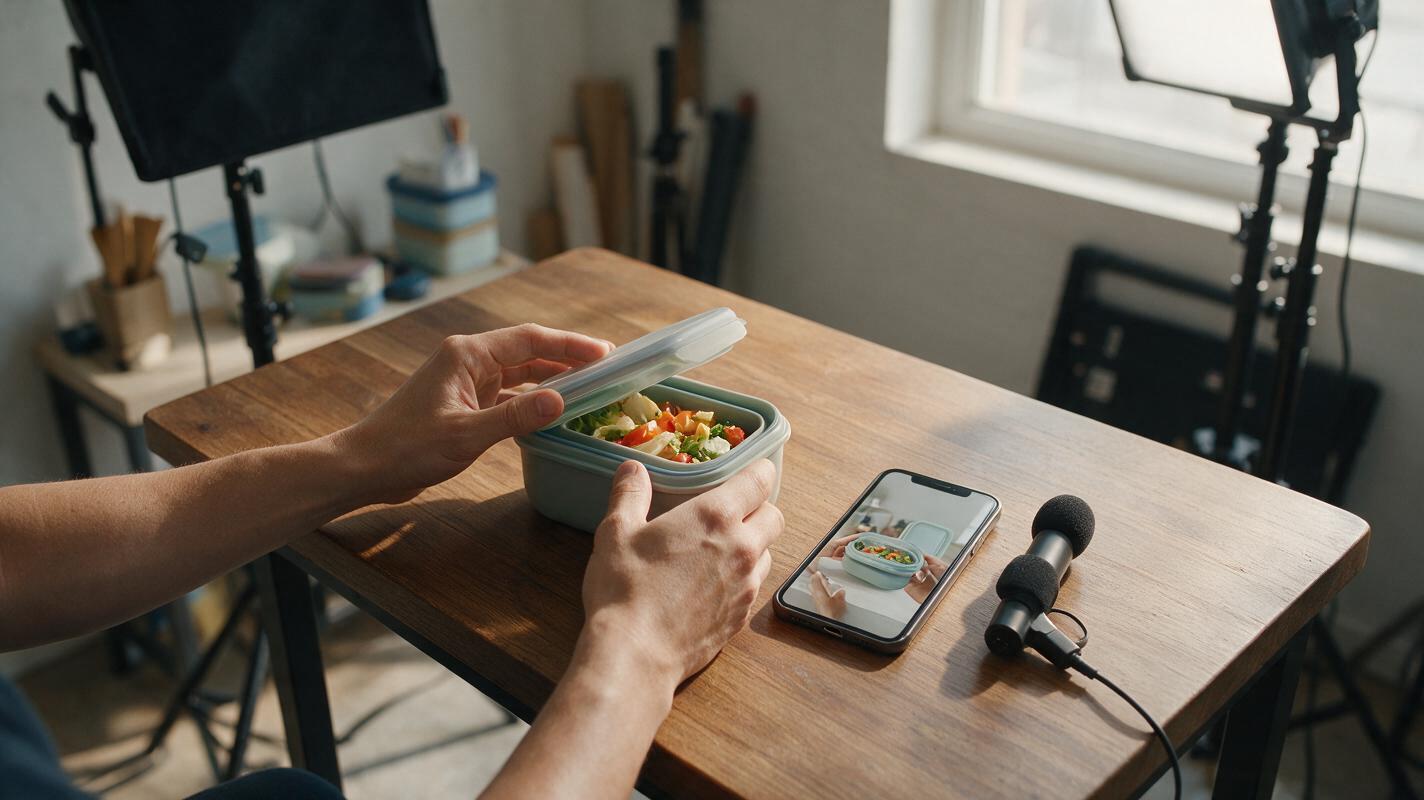
Table of contents
Make a silent product demo understandable without overstating it
A product demo often has the right footage but the wrong audio: room noise, awkward pauses, or no explanation of what the viewer is seeing. An AI voiceover can solve that problem without a reshoot. The important constraint is that every spoken claim must match the product you sell and, where it describes an action, the action visible on screen.
This approach works for a Shopify product-page video, a TikTok Shop creative, or a short marketplace demonstration. Start with real footage of the actual item. Use generated narration to explain it—not to imply a test, result, or customer experience that never happened.
Choose footage the narration can honestly describe
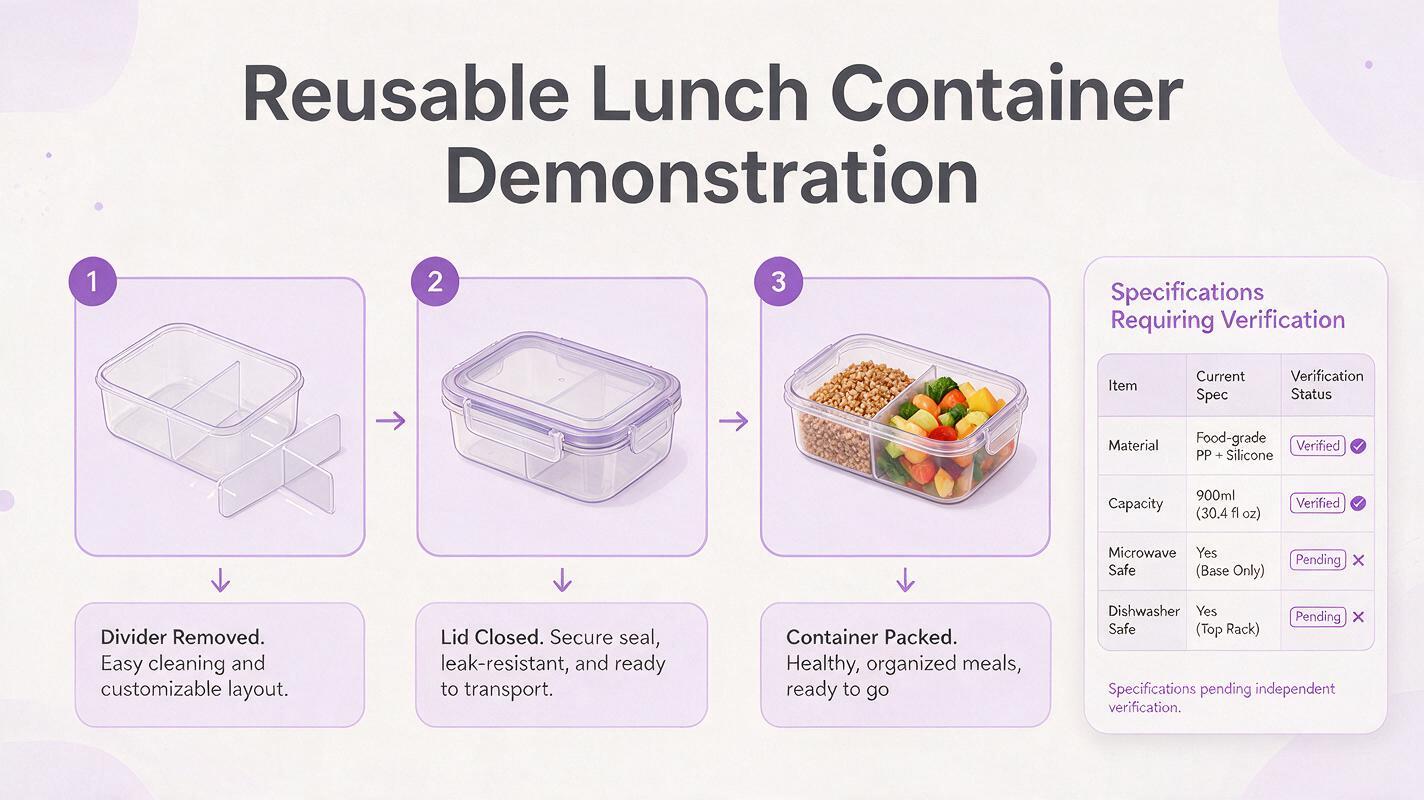
Pick a short clip with one clear purpose. For example, show a reusable lunch container being opened, its divider being removed, and the lid being closed. Those actions give the voiceover something specific to say. A slow pan across a closed container does not prove how its divider works.
Before writing, make a simple shot log. Note what appears, when it appears, and which details you have verified separately.
| Footage | Safe narration | Needs separate verification |
|---|---|---|
| Hand removes the divider | “The divider lifts out.” | Whether every sold variant includes a divider |
| Hand closes the lid | “Press the lid into place.” | Leakproof or airtight claims |
| Container sits beside a backpack | “Pack it for the day.” | Whether it fits a particular bag size |
If a clip is missing the action behind your main selling point, film that action rather than asking narration to cover the gap. Keep an approved product-specification sheet and the exact SKU beside the edit; a convincing voice does not make an unverified claim true.
Write for the action, not for a sales pitch
A useful demo script tells viewers what they are looking at and why that visible detail matters. Keep sentences short enough to land during their corresponding shots. For a roughly 15-second video, a few well-spaced lines usually serve the demonstration better than continuous speech.
Example: “Open the lid. Lift out the divider when you want one open compartment. Press the lid closed before packing.”
That script describes visible actions. It does not call the container leakproof, claim it keeps food fresh for a particular duration, or invent a customer's reaction. If a verified specification matters, state it precisely and show the applicable variant or a clearly labeled product card.
A reusable drafting prompt can help trim a longer script:
Rewrite this product-demo narration for a short ecommerce video.
Use only the verified facts and visible actions below.
Do not add performance claims, testimonials, certifications, or included accessories.
Write one short spoken line per shot, in plain conversational English.

Product and SKU: [exact item and variant]
Verified facts: [approved specifications]
Shot log with approximate timing: [what each clip visibly shows]
Draft narration: [your draft]

Flag any line that the footage or verified facts do not support.
Treat the result as an edit, not a fact check. Compare each line with your source materials yourself.
Generate a voice that sounds natural at the video’s pace
Use ai voiceover to record the approved script, then listen with the picture. Choose a delivery that suits the product rather than a dramatic announcer voice. A calm, unhurried read often leaves more room for viewers to inspect a latch, texture, or assembly action.
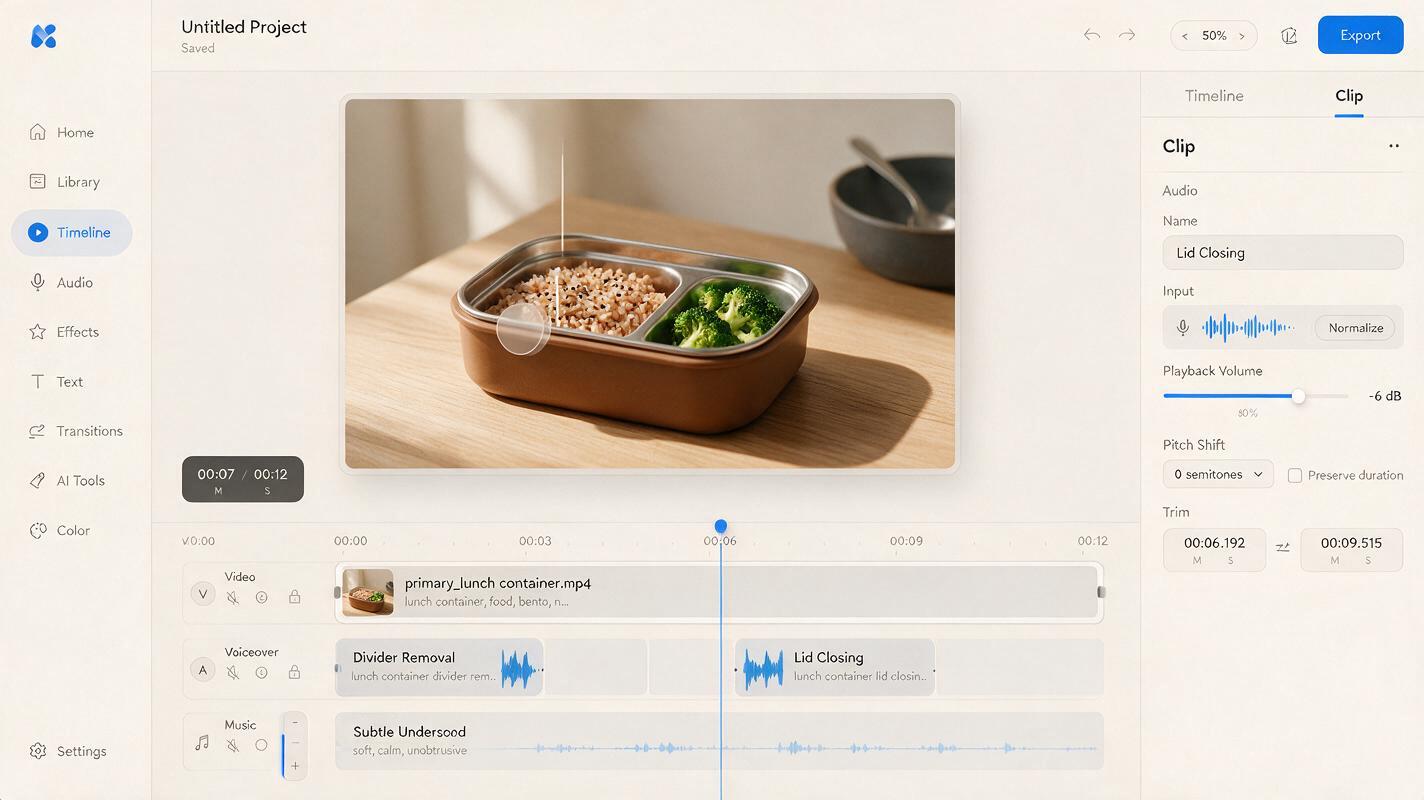
Generate short lines separately when you expect to revise timing. This lets you move a sentence without regenerating the whole narration. Leave a small pause after a visible action—such as the moment the divider comes free—so the words do not race ahead of the demonstration.
- Pronunciation: Listen closely to product names, materials, sizes, and units. Rewrite unfamiliar terms phonetically if the tool needs help.
- Pacing: Cut words before speeding up the voice. Viewers need time to see what a line describes.
- Audio balance: Lower music and original room sound enough that the narration remains intelligible on a phone speaker.
- Rights and identity: Use a voice you are permitted to use. Do not imitate a real creator, customer, or employee without authorization.
If your footage already has useful sounds—a click when the lid closes, for instance—consider leaving a brief gap in the narration so that sound can be heard. It may communicate the action more clearly than another adjective.
Align every sentence with its matching shot
Place the narration on the timeline first, then adjust the footage around the approved words. The viewer should see the divider being lifted while hearing the line about the divider—not several seconds later. Trim dead time, but do not cut an action so tightly that it appears to work differently from the real product.
Add captions from the final approved script and check them manually. Automatic transcription can turn a product name, measurement, or qualifying word into a different claim. Keep captions clear of the item and any controls or labels the viewer needs to inspect.
For an optional transition between real demo clips, you could test PixVerse for a generic tabletop or room-atmosphere shot. Keep the product itself out of generated footage unless you can verify its appearance and behavior frame by frame. A generated cutaway is not evidence that an item performs as narrated.
Adapt the narration without changing the promise
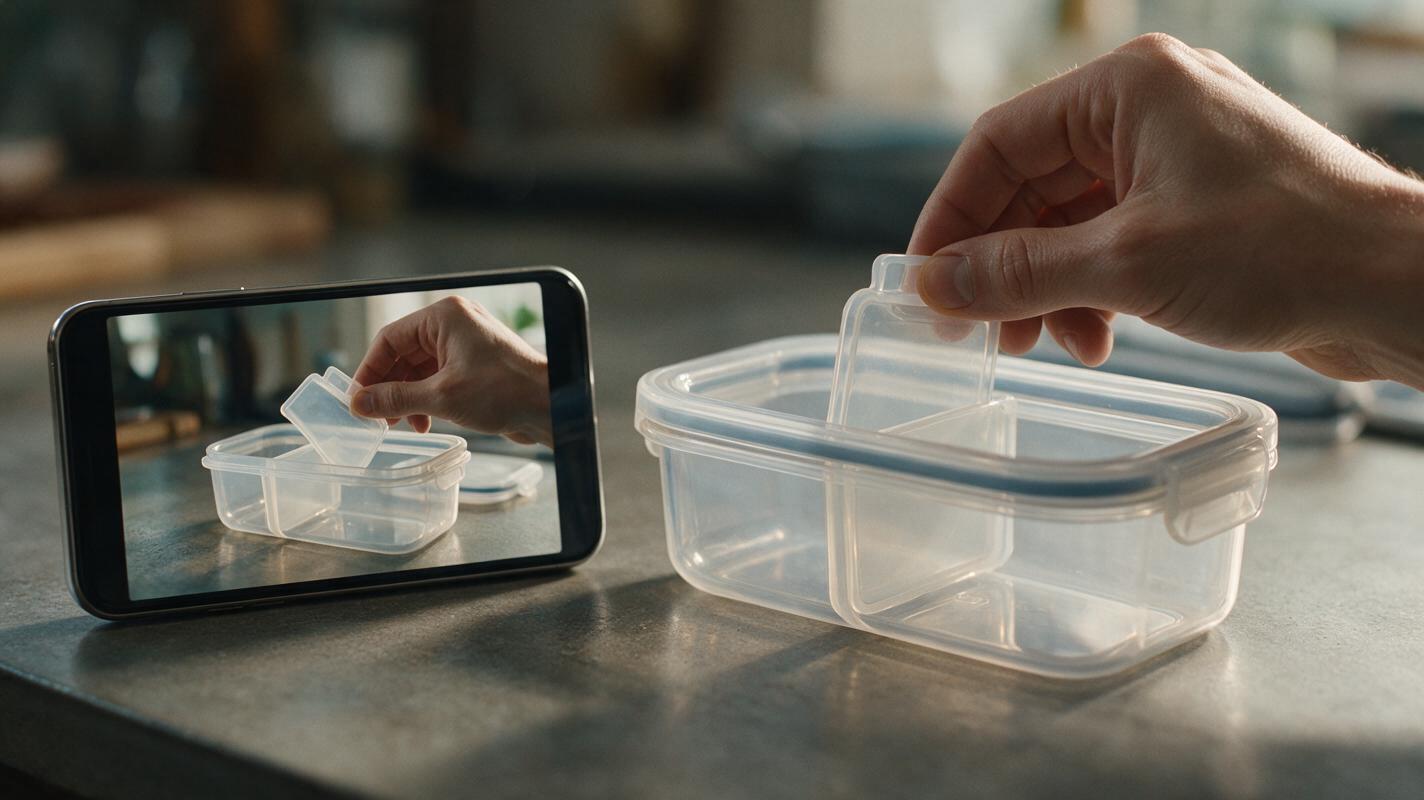
A single demonstration may need a different opening for a product page and a short social ad. You can change the hook or shorten pauses, but keep the verified product facts consistent. For a localized version, ai dubbing may help create another spoken-language track; have a fluent reviewer check the translated claims, variant names, units, and captions before publishing.
Watch the finished video once with sound and once muted. With sound, check that the voice is clear and each line matches its shot. Muted, check that the actions and captions still make sense. Then compare the finished video with the current listing: the color, included parts, and demonstrated configuration should match the SKU a buyer can order.
Final checklist
- Real footage shows the actual product and the actions described.
- Every spoken specification matches approved product information for the shown SKU.
- No narration implies an unfilmed test, unsupported result, or fabricated endorsement.
- Voice, natural sound, music, and captions remain clear on a phone.
- Translated versions preserve the same claims and units.
When your footage and verified script are ready, try these models for free and test the narration against a short edit before producing additional versions.
Keywords
ai product voiceover, product demo video, ai voiceover, shopify product video, tiktok shop video, product video script, ecommerce video