AI Voiceover for Silent Product Demos That Matches the Footage
A silent product demo can become a useful Shopify or TikTok Shop video with AI voiceover, but only if the narration describes actions and features the footage actually supports. This guide shows sellers how to map a short script to visible moments, generate a natural voice track, and catch misleading claims before publishing.
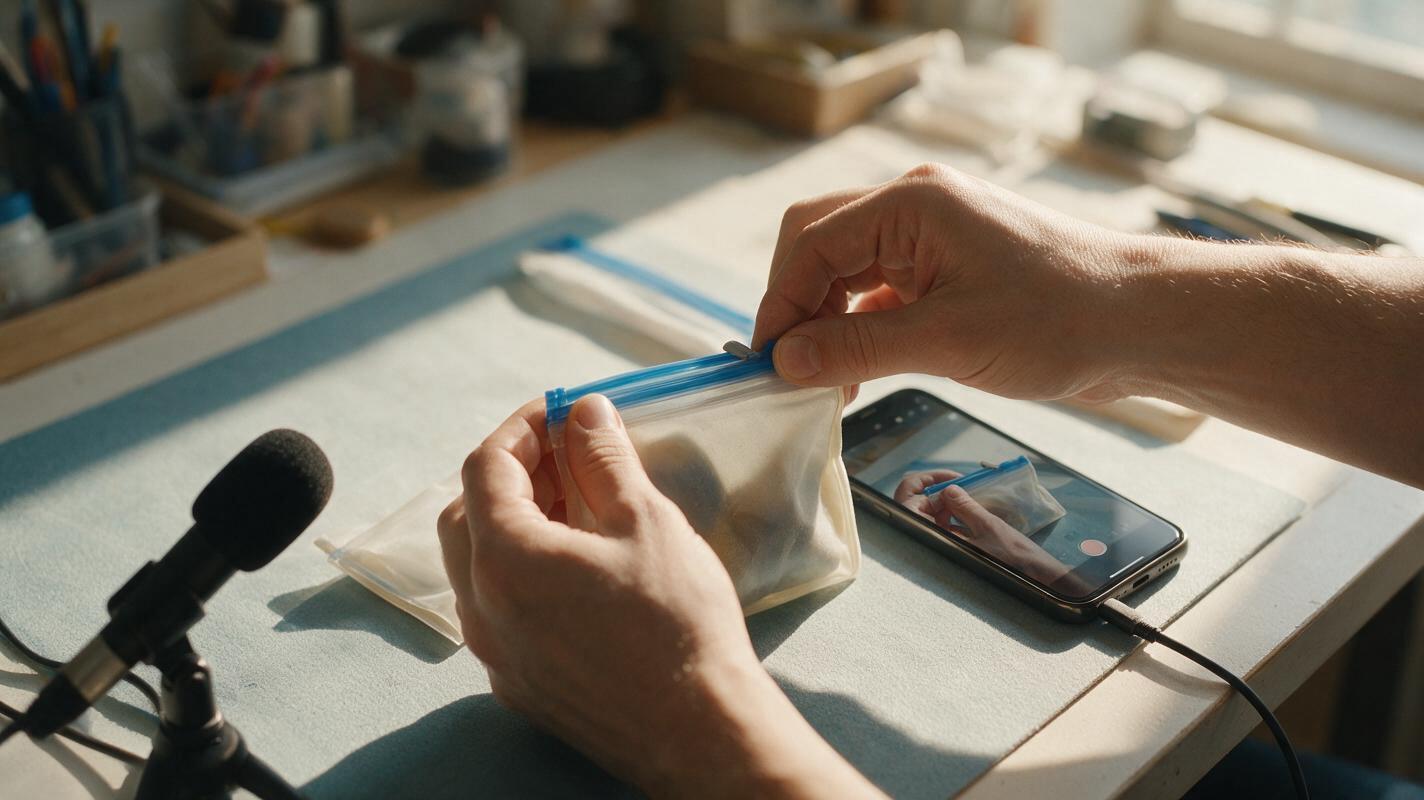
Table of contents
Give the footage a voice, not a new story
A silent product demo already has its most important asset: footage of the real item doing something a buyer wants to inspect. The voiceover should make that action easier to understand—not add a performance claim, accessory, or result the camera never shows.
For a Shopify product page or TikTok Shop post, the practical approach is to write against the existing footage, then generate the voice track. If the script comes first, it can quietly turn an ordinary opening-and-closing shot into an unsupported claim about durability, capacity, or ease of use.
Choose footage that can carry a spoken explanation
Start with an unedited viewing of the clip. Identify the moments where a shopper can clearly see the product, a hand interacting with it, and the result of that interaction. A close-up of a zipper being pulled supports “close the zipper.” It does not, by itself, support “keeps liquids from leaking.”
For a short demo, look for three useful visual beats:
- Identification: The viewer can recognize the item and the version being sold.
- Action: The camera shows a real person operating, opening, assembling, or positioning it.
- Result: The finished state remains on screen long enough to inspect.
If a beat is missing, film it rather than asking narration or generated footage to stand in for proof. You can trim pauses and improve sound without changing the order of a mechanism or implying an action happened faster than it did.
Map each line to something visible
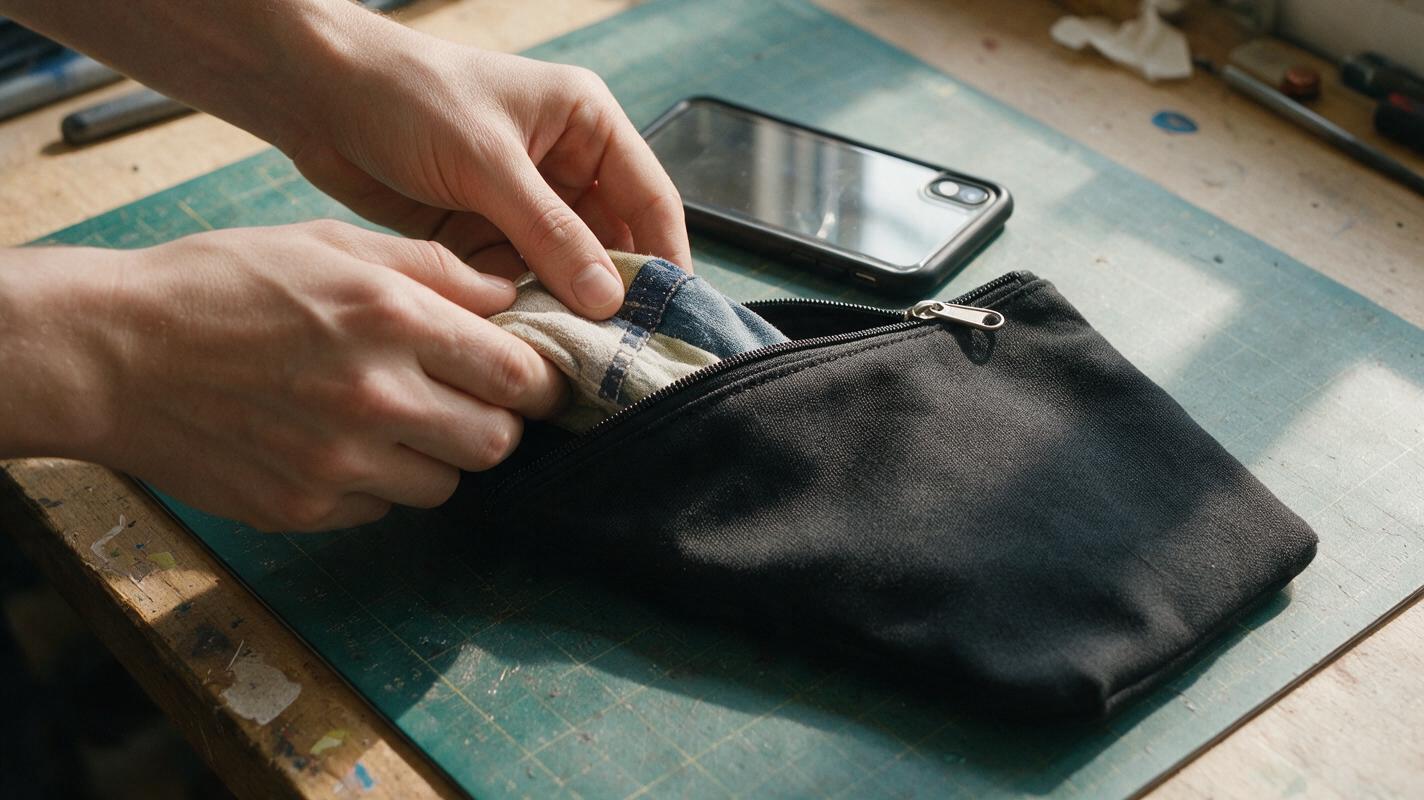
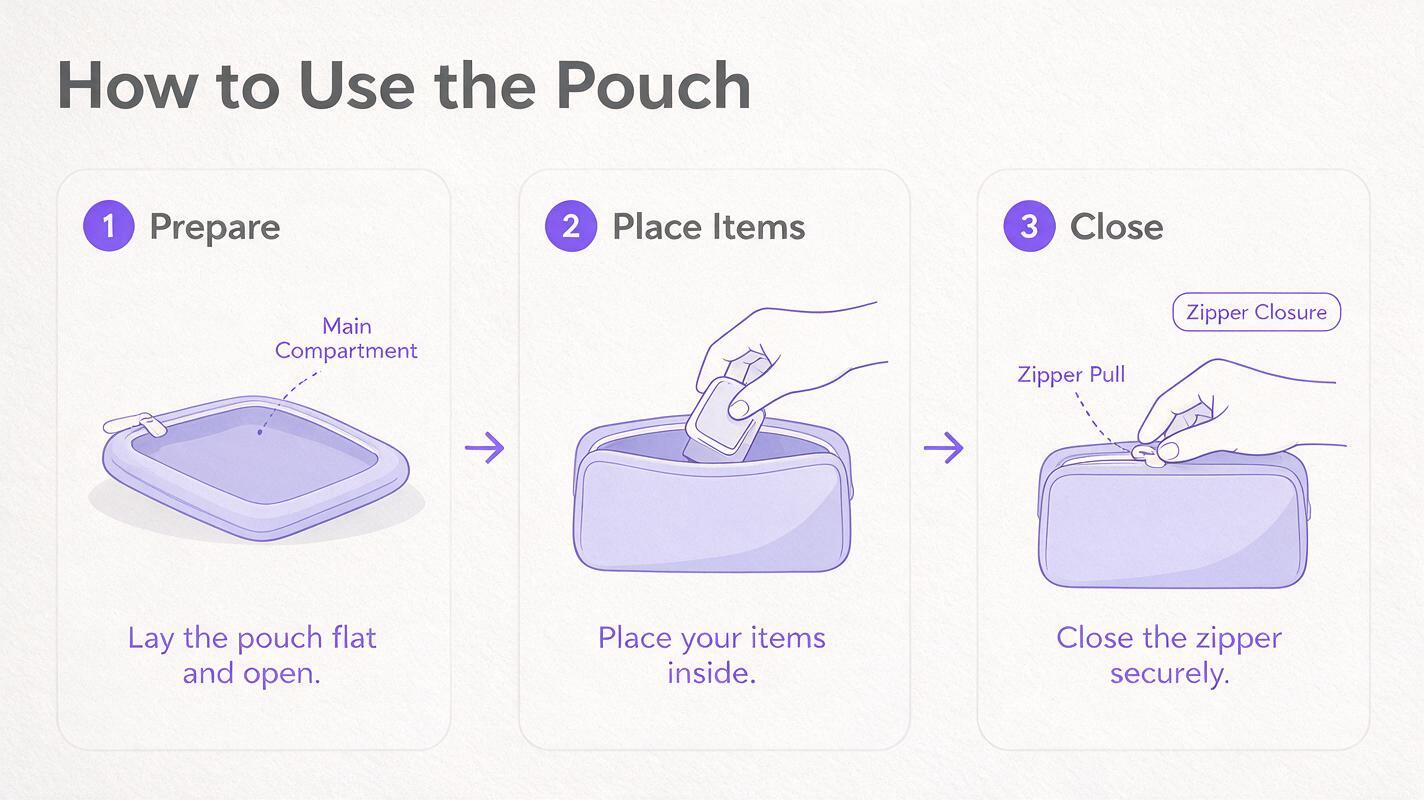
Write a two-column script before generating audio. The left column records what happens on screen; the right column contains only words that the shot or verified product information can support. Here is an illustrative plan for a reusable zip pouch. It does not assume any particular pouch is waterproof, food-safe, or sold in a set.
| Visible moment | Possible narration | Avoid unless separately verified and relevant |
|---|---|---|
| The actual pouch is shown flat. | “Here’s the pouch laid out before use.” | “It holds everything you need for a trip.” |
| A hand places a small, visible item inside. | “Slide your item into the opening.” | “It fits any phone.” |
| The hand closes the zipper; the closed pouch remains in frame. | “Pull the zipper across to close it.” | “It creates a leakproof seal.” |
The spoken line does not have to describe every movement. Use it where a buyer benefits from clarification, such as identifying a removable part or explaining which side faces outward. Leave a little space for natural product sounds when they help the demonstration.
Quick test: Pause the video on the line being spoken. Could a shopper tell why those words are true from the frame or from product details you have verified? If not, revise the line or add genuine footage.
Write for the length of the clip, not the length of the listing
A voice track that rushes through specifications is hard to follow on a small screen. Draft one short sentence per meaningful action, then read it aloud while watching the video at normal speed. If the action finishes before the sentence does, shorten the sentence. If the speaker refers to a feature that has already disappeared, move the line or change the edit.
Use an ai voiceover tool after the wording and shot order are stable. A useful voice-generation brief might be:
Read this product-demo script in a clear, conversational voice. Keep a steady pace and leave a short pause between sentences. Do not add words, endorsements, sound effects, or claims. Script: “Here’s the pouch laid out before use. Slide your item into the opening. Pull the zipper across to close it.”Listen to the generated track on its own before syncing it. Check pronunciation of the product name, material, measurements, and any brand-specific terms. Regenerate or edit a mispronounced line; do not assume an otherwise natural-sounding take is accurate.
Sync the narration without concealing the demonstration
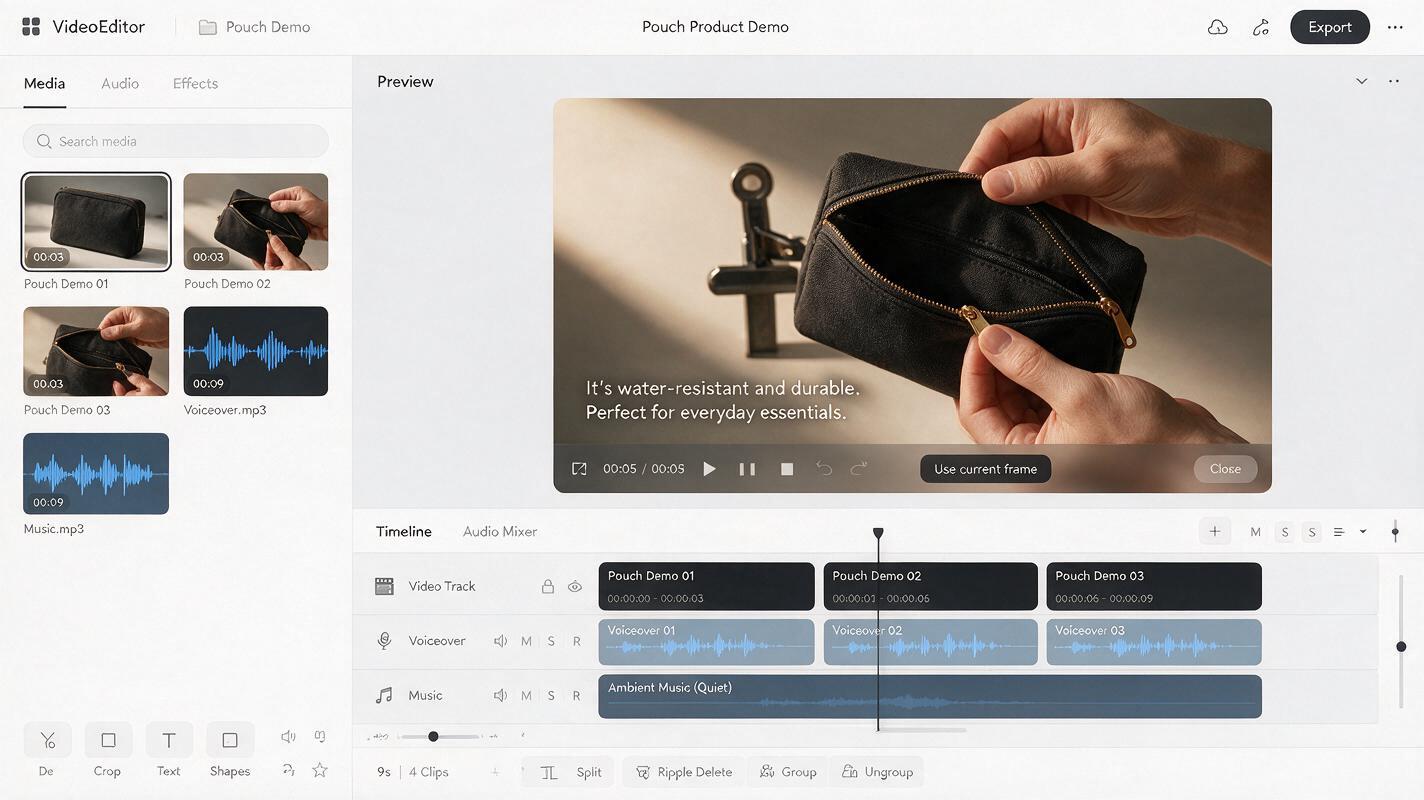
Place each sentence over the action it describes. Keep the product visible when a feature is named, and allow the result shot to breathe after the final action. If the clip is too short for a truthful line, use fewer words rather than speeding the voice until it sounds unnatural.
Music should sit below speech, not compete with it. Preserve useful real sounds—such as a click or snap—when they accurately represent the item. Watch the export both with sound and muted: captions can help viewers follow the narration, but they must use the same verified wording and should not cover the part being demonstrated.
Need an opening shot that the filmed demo lacks? You may use Seedance to explore a brief, clearly non-demonstrative atmosphere shot, such as light moving across an empty countertop. Keep the real product and its operation in the filmed footage. A generated hand opening the item would not be evidence of how the sold product works.
Check claims, permissions, and platform fit
Before publishing, compare the finished video with the product listing. Confirm that the color, size, included parts, and any spoken specifications correspond to the exact variant linked to the video. Remove language such as “guaranteed,” “safe for everyone,” or “lasts all day” unless you have a sound basis for that claim and it is appropriate for the product.
Use a voice you have the right to use. Do not imitate a customer, creator, or public figure without permission, and do not frame a synthetic narration as a real customer testimonial. Check the destination platform’s current requirements for synthetic media, music, captions, and advertising claims before posting; those requirements can change.
Finally, review the export on a phone. Read the captions, listen through the phone speaker, and watch whether the action remains understandable with sound off. If the narration fixes confusion without changing what the footage proves, it is doing its job.
Final checklist
- The video shows the actual product and the action described.
- Every spoken feature or specification matches verified listing information.
- Voice lines land while the relevant action is visible.
- Captions match the approved script and do not hide the product.
- The voice and any music are used with appropriate rights.
- The finished video works on a phone with sound on and off.
Have a genuine demo clip ready? test this prompt yourself with a short, footage-matched script, then review the result against the item you actually sell.
Keywords
ai voiceover, silent product demo, product demo video, shopify product video, tiktok shop video, ecommerce video script, product video editing