How to Turn Album Cover Art Into Live Stage Backdrops With Midjourney
Independent musicians can use their existing album cover art as a style reference in Midjourney to generate custom, cohesive live stage backdrop concepts for shows and virtual performances. This guide covers reference prep, parameter settings, reusable prompt templates for different setlist moments, and tips for optimizing visuals for LED screens.
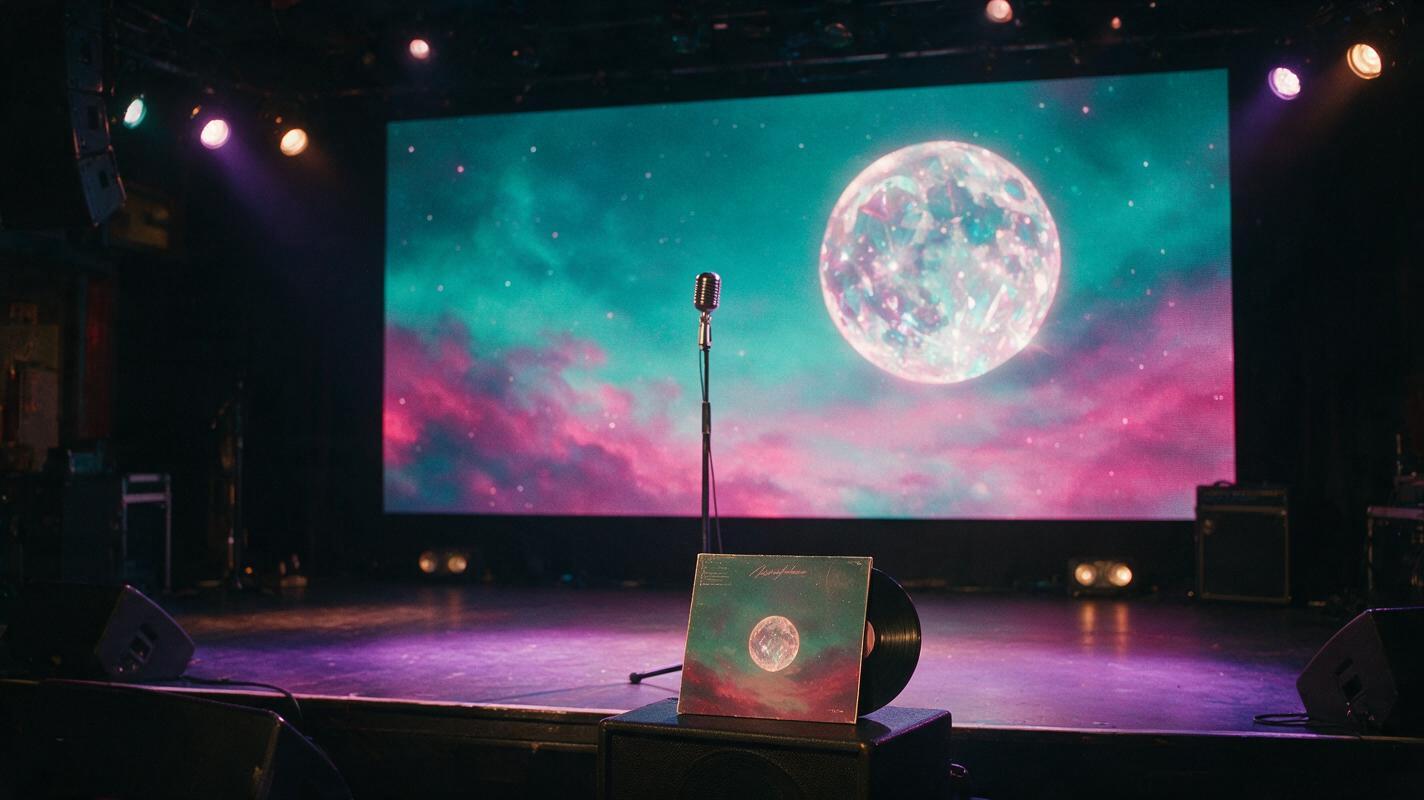
Table of contents
Why your stage backdrops should match your album cover
If you’re an independent musician playing your first local show, small tour date, or virtual performance, you’ve probably spent hours perfecting your setlist, merch, and sound check — but overlooked your stage visuals. Generic stock loops or blank LED walls miss a key opportunity to tie your live show to your album’s identity, turning casual listeners into fans who recognize your aesthetic across streaming, social media, and in person.
The good news is you don’t need a VJ or graphic designer to build custom stage visuals. You already have the perfect style reference: your album cover art. Using Midjourney, a widely used ai image generator, you can turn your existing cover into a full set of stage backdrop concepts that match your album’s color palette, core iconography, and vibe — no advanced design skills required.
Prep your album cover for reference use
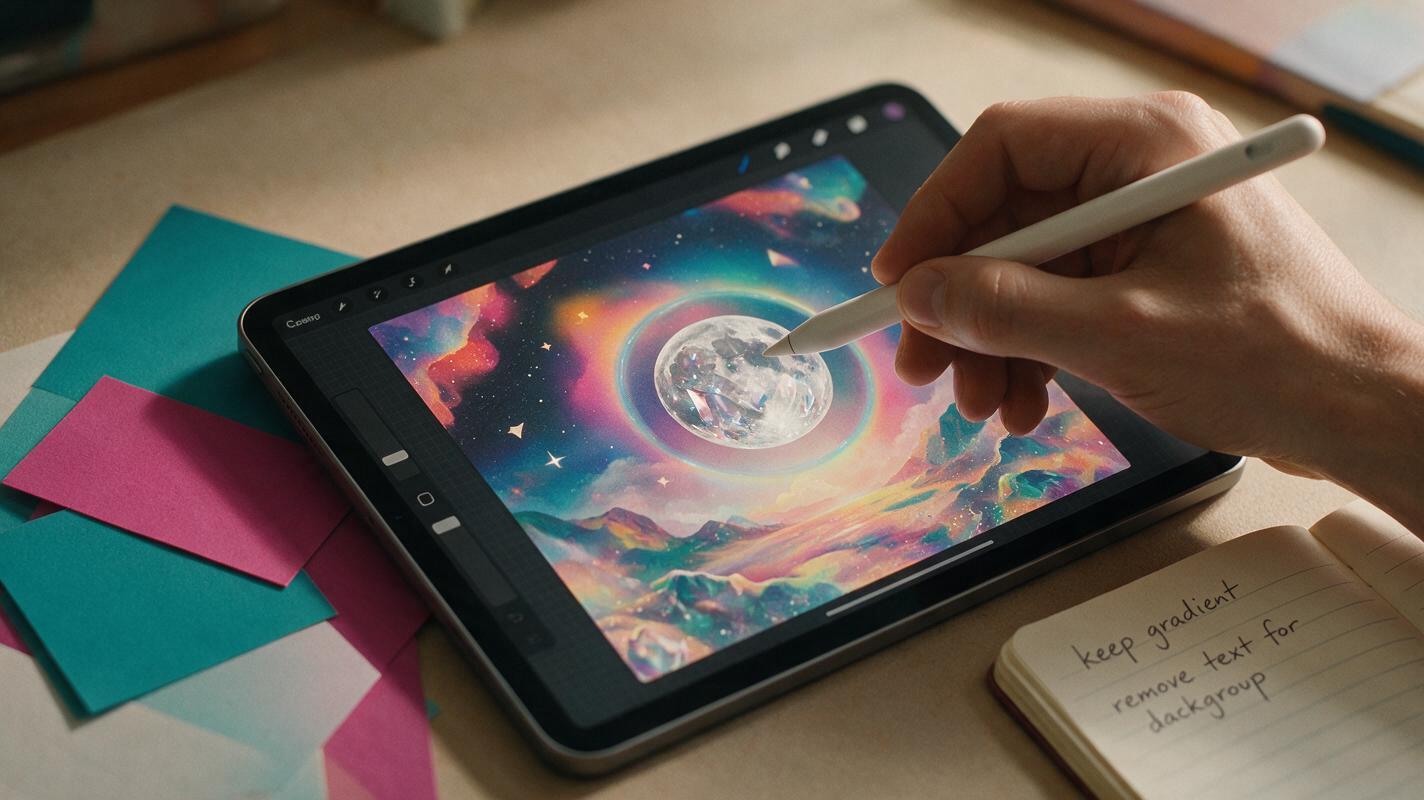
Before you generate any backdrops, take 5 minutes to prep your cover art so Midjourney picks up the right style cues. Start with the highest-resolution version of your cover you have — 3000x3000px or higher is ideal, as it gives the model more detail to reference.
Decide which elements of your cover are non-negotiable for your stage visuals. For most artists, these are:
- Core iconography (the central object, character, or symbol from your cover)
- Color palette (the 2-3 dominant colors that define your album’s aesthetic)
- Overall art style (e.g., hand-drawn illustration, 3D render, film photo, neon cyberpunk)
If your cover has prominent text (your artist name, album title, tracklist), decide whether you want that text on your backdrops. For most set moments, text-free backdrops work better so they don’t compete with your performance — but bold text works great for an encore or opening reveal. If you want text-free references, you can use a simple inpainting tool to remove text before uploading, or note it in your prompt.
Pro tip: Save a copy of your cover with text removed and a copy with text intact, so you can swap references depending on the backdrop you’re generating.
Set Midjourney reference parameters for style consistency
Midjourney’s style reference (--sref) parameter lets you use an existing image as a style guide, so your backdrops match your cover’s look without copying the exact composition. This is key for stage visuals, which need to feel like part of the same album era but work as wide, immersive backgrounds.
To use it, upload your prepped cover art to Midjourney’s Discord server (or the Midjourney web app) and copy the image link. Add --sref [your image link] to the end of your prompt, followed by --sw [style weight] to control how closely the output matches your cover’s style.
Style weight ranges from 0 to 1000. Here’s what works best for album cover references:
--sw 750–900: Strong style match, great for backdrops that need to feel immediately recognizable as part of your album (e.g., encore visuals, opening backdrops)--sw 400–600: Balanced match, lets the model add new dynamic elements while keeping the core color palette and art style (e.g., upbeat song backdrops)--sw 100–300: Loose interpretation, works for subtle ambient backdrops where you only want a hint of your cover’s vibe (e.g., interludes, ballads)
Always add --ar 16:9 to your prompts, as standard LED stage backdrops use a 16:9 widescreen aspect ratio. This ensures your visuals will fit venue screens without awkward cropping.
Prompt templates for different setlist moments
These reusable templates are tailored to common moments in a live set, so you can build a full library of backdrops in one session. Replace the bracketed text with your own album details, and add your --sref link and style weight at the end.
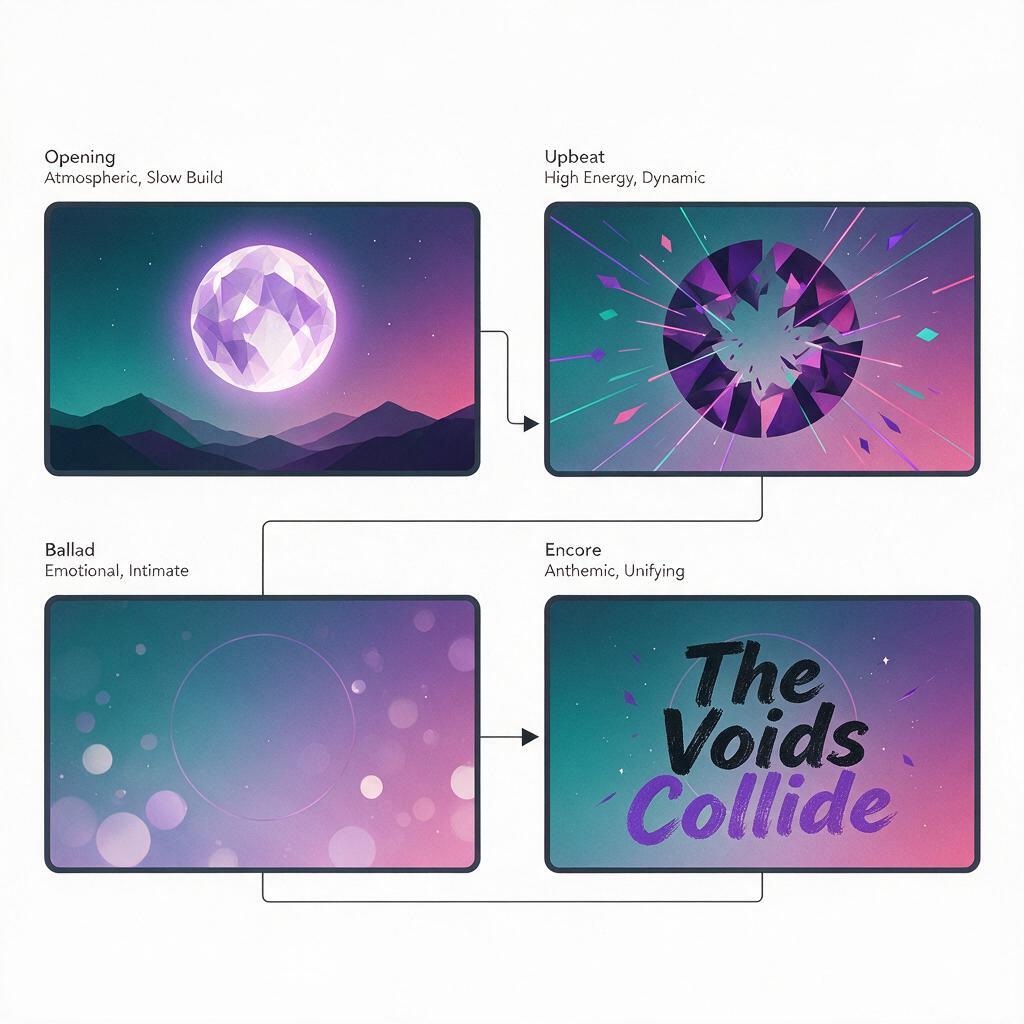
Opening reveal backdrop
Use this for the first 30 seconds of your set, as the lights go down and you walk on stage. It’s bold, recognizable, and immediately ties the show to your album.
16:9 widescreen stage backdrop, [core cover element, e.g., glowing crystal moon] floating center frame, [dominant color palette, e.g., deep teal and magenta] gradient background, soft atmospheric haze, subtle light rays, [art style, e.g., 3D render, dreamlike], high contrast for LED screens, no text --sref [your cover image link] --sw 850 --ar 16:9Upbeat dance track backdrop
For high-energy songs, you want dynamic, movement-friendly visuals that still match your album’s style. These work well with subtle animation later.
16:9 widescreen stage backdrop, fragmented [core cover element] shapes scattered across the frame, [color palette] neon accents, fast-paced geometric motion blur effect, [art style], vibrant, high energy, no text --sref [your cover image link] --sw 500 --ar 16:9Acoustic ballad backdrop
Soft, low-contrast visuals that don’t distract from quiet performances, but still feel cohesive with your album aesthetic.
16:9 widescreen stage backdrop, faint out-of-focus [core cover element] in the background, soft [color palette] bokeh particles floating slowly, muted tones, gentle glow, [art style], calm, intimate, no text --sref [your cover image link] --sw 250 --ar 16:9Encore finale backdrop
Bold, iconic visuals for your final song, with your artist name and album title for fans who want to take photos and post about the show.
16:9 widescreen stage backdrop, large [core cover element] behind bold [your artist name] and [album title] text in [cover font style], [color palette] gradient background, bright glowing edges, [art style], high contrast, eye-catching for photos --sref [your cover with text image link] --sw 900 --ar 16:9test this prompt yourself with your own album cover to see how closely the style matches, then adjust the --sw value up or down until you get the right balance of familiarity and novelty.
Refine backdrops for LED screen specs
Once you have a set of concepts you like, take a few extra steps to make sure they look great on venue LED walls, which have different display properties than phone or computer screens.
First, upscale your favorite generations using Midjourney’s upscale feature. Aim for a minimum resolution of 1920x1080px for small to medium venues, and 4K (3840x2160px) if you’re playing larger spaces with high-resolution LED walls.
Avoid fine, tiny details like small text or thin lines — these can get lost or look pixelated on large LED screens, especially for viewers standing far from the stage. Stick to bold shapes, high-contrast elements, and large blocks of color that read clearly from a distance.
Test your backdrops on a large screen if you can, or zoom out on your computer to 25% size to simulate how they’ll look from the back of a venue. If a backdrop feels muddy or unrecognizable when zoomed out, simplify the composition and boost the contrast.
If you want to turn your static backdrop concepts into slow, looping animations for your set, you can use an image to video tool to add subtle movement like floating particles, slow zoom, or gentle color shifts — just keep the motion slow so it doesn’t distract from your performance.
Final checklist
- Prep high-res cover art copies (with and without text) for style reference
- Use
--srefwith your cover link and adjust--swbased on how close you want the style match - Add
--ar 16:9to all prompts to fit standard LED stage screens - Build backdrops for key set moments: opening, upbeat tracks, ballads, and encore
- Upscale final designs and test them at a distance to ensure readability
- Add subtle looping motion with an image to video tool for more dynamic visuals
Keywords
album cover art, live stage backdrops, midjourney, performance visuals, ai image generator, music promo, stage design