Amazon Listing Image Order: What to Show After the Main Photo
A strong Amazon image gallery answers buying questions in the order shoppers are likely to ask them. This guide shows sellers how to plan secondary images, use AI for scene concepts without altering the product, and check whether each image earns its place.
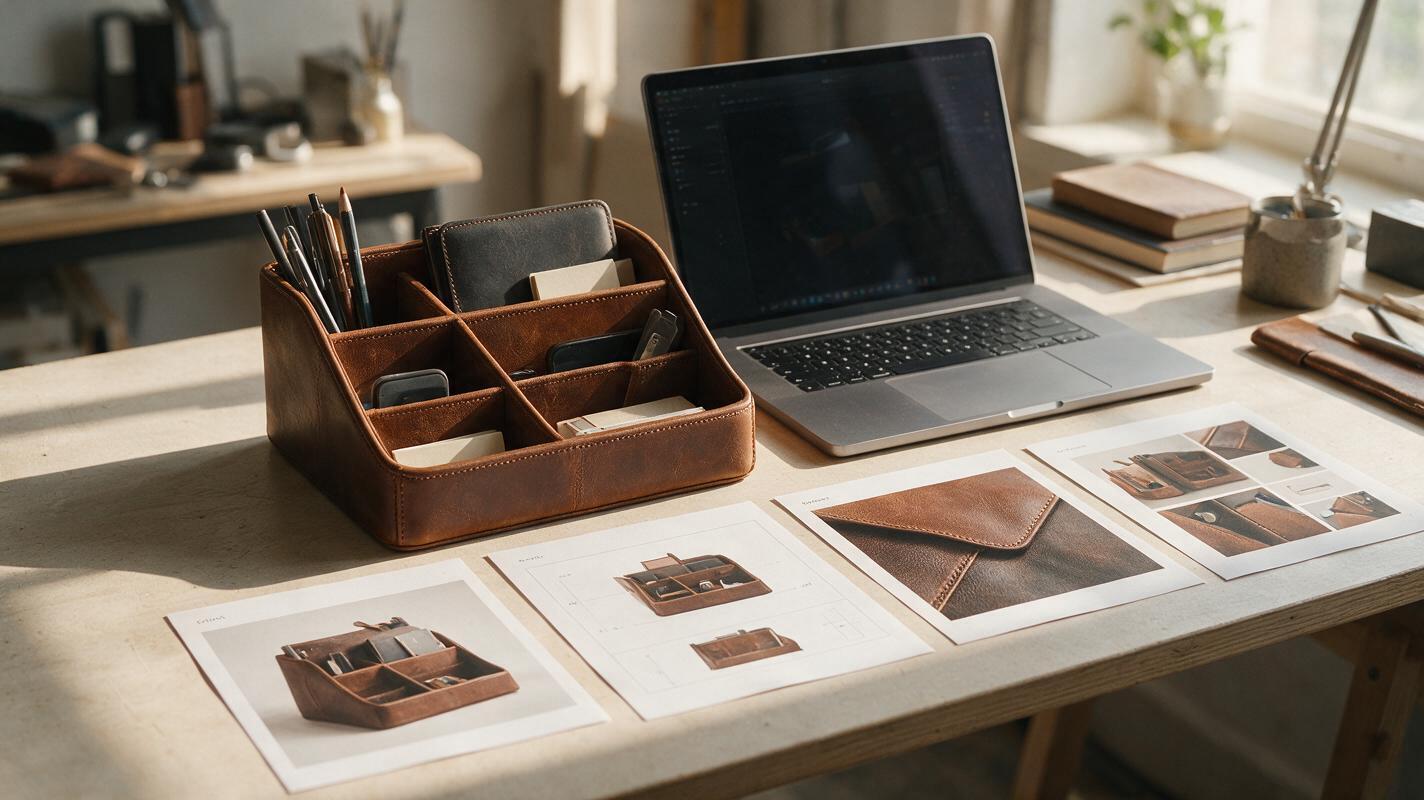
Table of contents
Make the next image answer the next question
Your main Amazon product photo shows shoppers what the item is. The images after it should help them decide whether it is the right item to buy. If the gallery jumps from a polished lifestyle scene to another nearly identical scene, it may leave basic questions unanswered: What comes in the box? How big does it look in use? Which detail makes it suitable for this task?
There is no universal image order that works for every product. A useful sequence follows the shopper’s likely objections, using real product evidence where accuracy matters and AI-assisted scenes where presentation helps. Here is a practical way to plan that sequence without filling every available slot with decorative images.
Choose the order from the questions your product raises
Before making new creatives, look at the listing as someone who has never handled the product. Write down the questions that a photograph could answer faster than a paragraph. Customer messages, returns, reviews, and support tickets can help you identify the questions that actually recur.
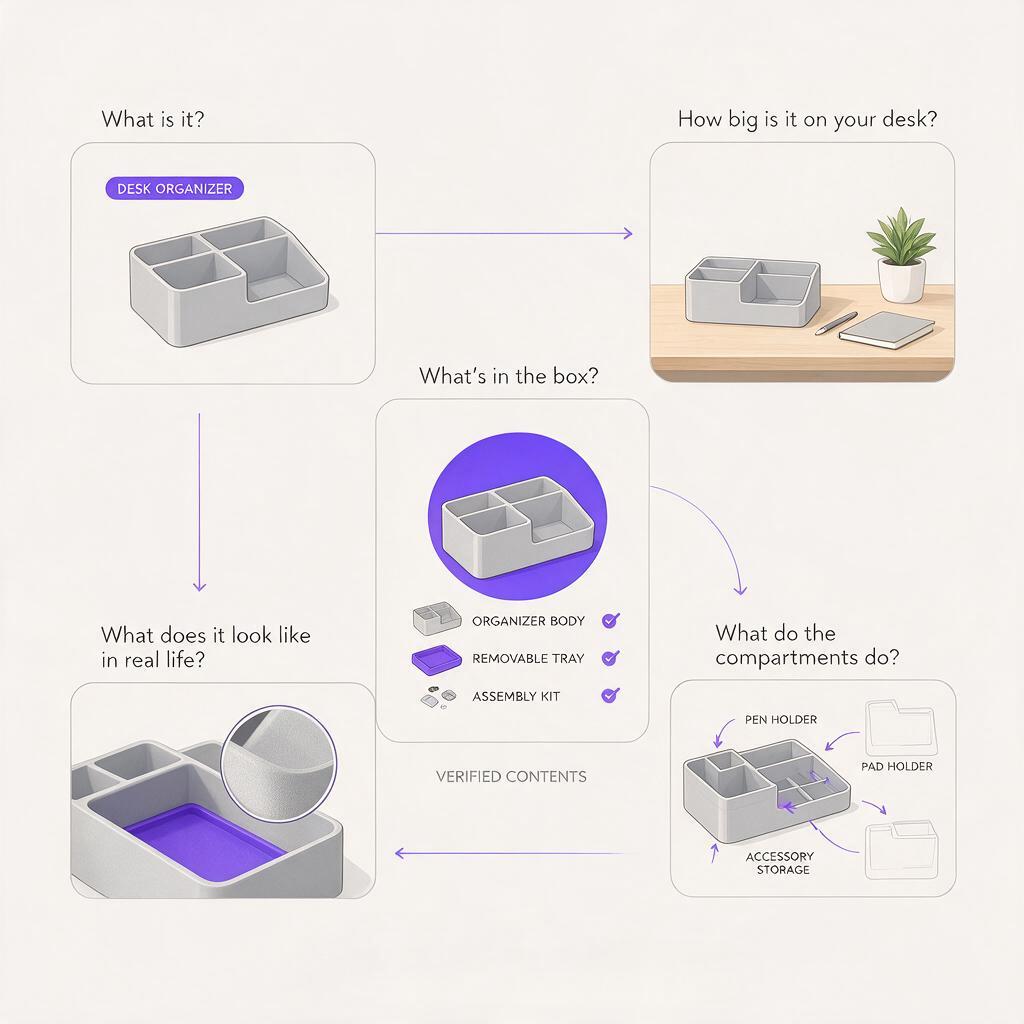
For a desk organizer, a shopper might want to know whether it fits their workspace, what each compartment holds, whether the finish looks smooth up close, and whether accessories shown in a scene are included. Those questions suggest a gallery, but not a rigid template:
- Recognition: a clear main photo of the exact sellable item.
- Fit: the organizer on a desk beside familiar objects, with scale grounded in a real photograph or verified dimensions.
- Function: a view that makes the compartments and access points easy to understand.
- Detail: a real close-up of the finish, seams, or material.
- Contents: a clearly labeled image showing only what ships with the order.
A different product may need a different second image. If buyers often misunderstand what is included, show package contents early. If compatibility is the main obstacle, lead with a verified compatibility explanation. Put the most consequential unanswered question before the prettiest scene.
Map each gallery slot to a single job
Give every proposed image a question, a source of truth, and a reason to appear where it does. This keeps an attractive but redundant image from displacing a useful one.
| Image job | Question it answers | Best source material |
|---|---|---|
| Product identification | What exactly am I buying? | Approved photograph of the sellable item |
| Scale in context | Will it fit my space or routine? | Real product photo with a credible scale reference |
| Use or configuration | How does it work? | Real demonstration or photographed arrangement |
| Material detail | What does the surface actually look like? | Real close-up under appropriate lighting |
| Included items | What arrives in the package? | Verified contents photographed together |
Use the table as a decision aid, not a prescribed five-image gallery. A simple product may need fewer explanations; a configurable product may need more. Check the current requirements for your category and marketplace before publishing, especially for the main image and any graphics or text overlays.
Use AI for a scene concept, not product evidence
AI can help you explore a setting for a secondary lifestyle image before committing to a shoot or composite. For example, use Nano Banana Pro to develop a tidy home-office backdrop with room for an organizer. An ai image generator is useful here for testing the composition and mood; it is not a reliable source for the organizer’s exact dimensions, finish, compartments, or included accessories.
Keep your approved product photograph as the source of truth. If you make a composite, place that photograph into a suitable empty scene and adjust perspective, lighting, and shadows carefully. If the result cannot look credible without redrawing the product, plan a real lifestyle shoot instead.
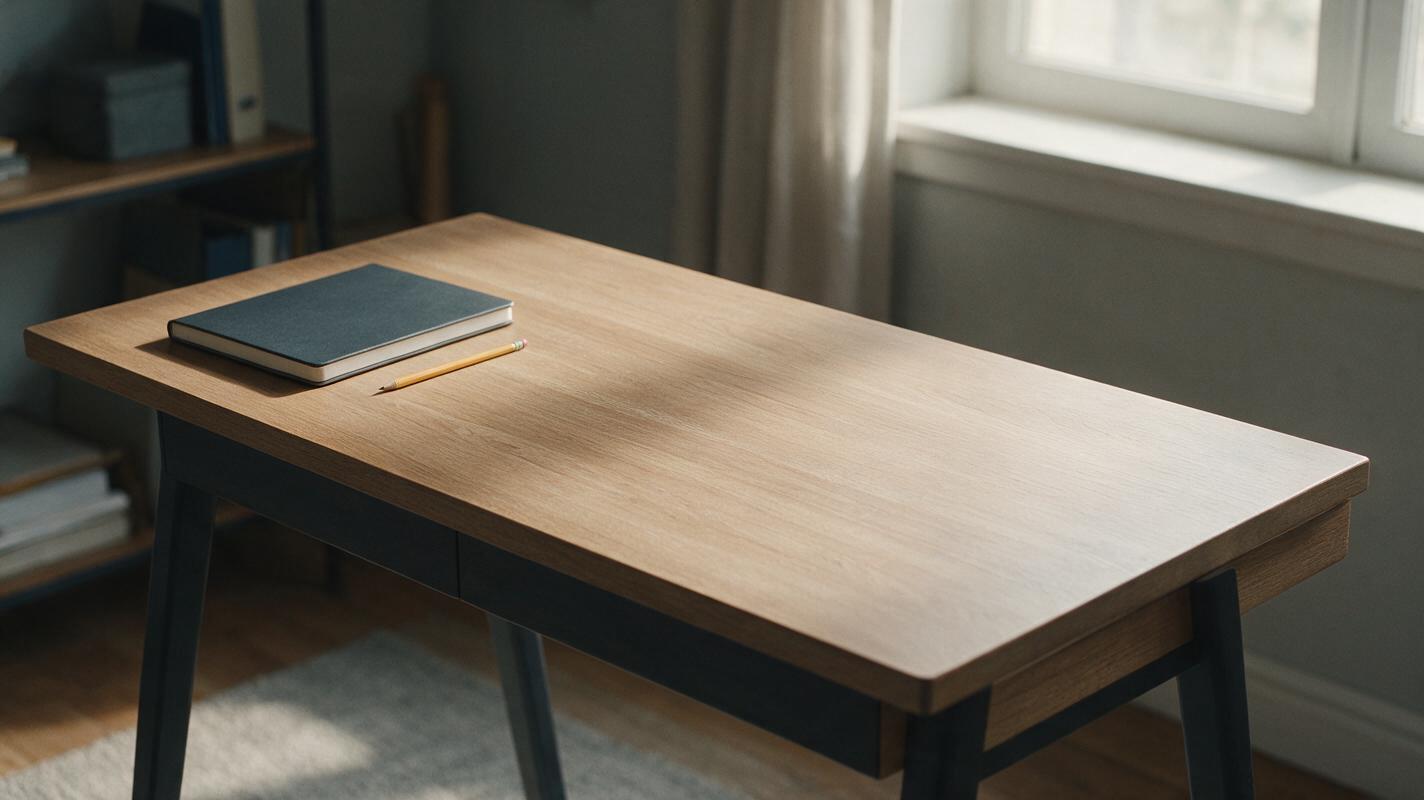
This prompt deliberately asks for a setting without the product:
Create a photorealistic, uncluttered home-office desk scene in soft morning window light. Leave a clear, empty area on the right side of the desk for a separately photographed desk organizer to be composited later. Show a neutral wall, natural desk surface, closed notebook, and one pencil. Keep all objects away from the empty placement area. No organizer, packaging, logos, labels, text, or measurement marks. Match a three-quarter camera angle at desk height.The empty placement area gives you flexibility to use the actual SKU photograph. It also avoids a common gallery mistake: an AI scene that quietly changes the product while making it look more appealing.
Make scale and contents unambiguous
Context images are useful only when shoppers can interpret them correctly. A tiny product placed beside oversized props may appear larger than it is; a crowded scene may make unrelated accessories look included. Ground scale in measured dimensions and photographed references. If a lifestyle composition is only illustrative, do not rely on it to communicate precise size.
For a package-contents image, photograph the actual items together and label them in a separate design layer if labels are helpful and permitted. Avoid asking a model to invent a flat lay from a written list: it may change counts, add attachments, or omit small components. If a prop appears in another image, distinguish it from the included product where confusion is likely.
Gallery test: If a shopper saw only this image, could they form an incorrect belief about the product, its size, or what ships? If so, revise the image or its placement.
Check the sequence at thumbnail size
Most gallery planning happens on a large editing canvas, but shoppers may first encounter images as small thumbnails. Export a draft sequence and view it at roughly the size it will appear on a phone. The main subject should be identifiable, and adjacent images should look meaningfully different.
Watch for repeated wide shots, tiny feature labels, low-contrast text, and detail photos whose subject is impossible to recognize without a caption. Then open each image at full size to inspect edges, materials, text, and any compositing artifacts. A clean thumbnail does not excuse an inaccurate close-up.
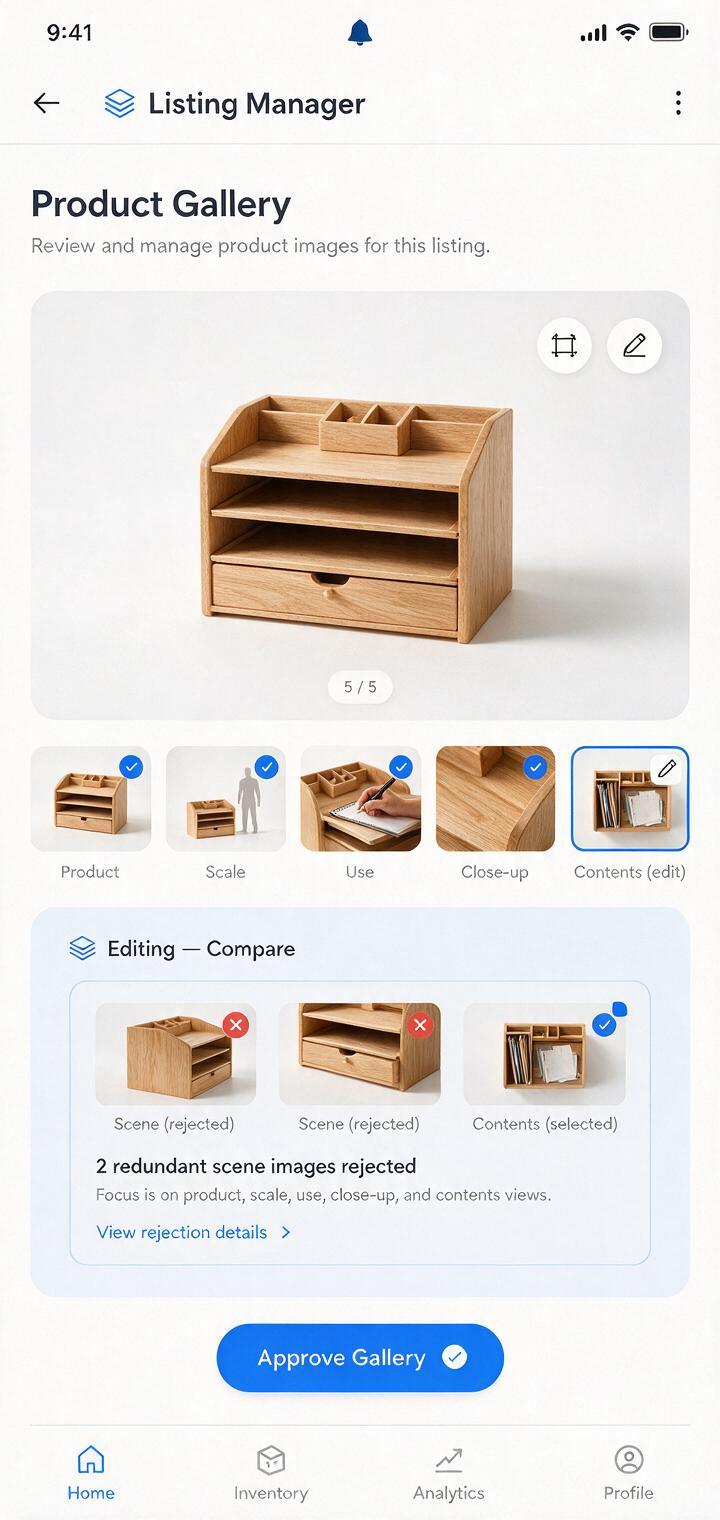
If two images answer the same question, keep the clearer one. If an important question remains unanswered, replace the weaker image rather than simply adding another. The goal is a gallery that progresses from recognition to confidence, not one that merely fills slots.
Test a gallery plan before producing every asset
Write a one-line brief for each proposed image: “Show the exact organizer holding pens and a notebook on a desk,” or “Show the real wood-grain finish close enough to judge texture.” Gather the photographs needed to support those briefs, then prototype only the scenes that benefit from visual exploration. You can test this prompt yourself with an empty setting, compare it against your product photo, and decide whether the composite is worth completing.
When the draft gallery is ready, ask someone unfamiliar with the product to view it without reading the listing description. Ask what they believe is included, how the item is used, and which question remains. Their misunderstandings are more valuable than a preference for one color palette over another.
Final checklist
- The main image identifies the exact sellable item and follows current marketplace requirements.
- Each secondary image answers a distinct buying question.
- Product details, scale, claims, and package contents come from verified sources.
- AI-generated settings do not substitute for evidence about the item.
- The gallery makes sense at both thumbnail and full size.
- A fresh viewer can explain what the product is, how it fits their needs, and what they receive.
Keywords
amazon listing image order, amazon product images, product listing images, ai product photography, product lifestyle image, listing image gallery