Nano Banana Pro Prompts for Consistent Anime Character Height Charts
AI-generated cast lineups often change character heights, head sizes, and body proportions between images. This guide provides Nano Banana Pro prompts and a scale-first reference workflow for building consistent anime character height charts that remain useful across storyboards, illustrations, and animation.
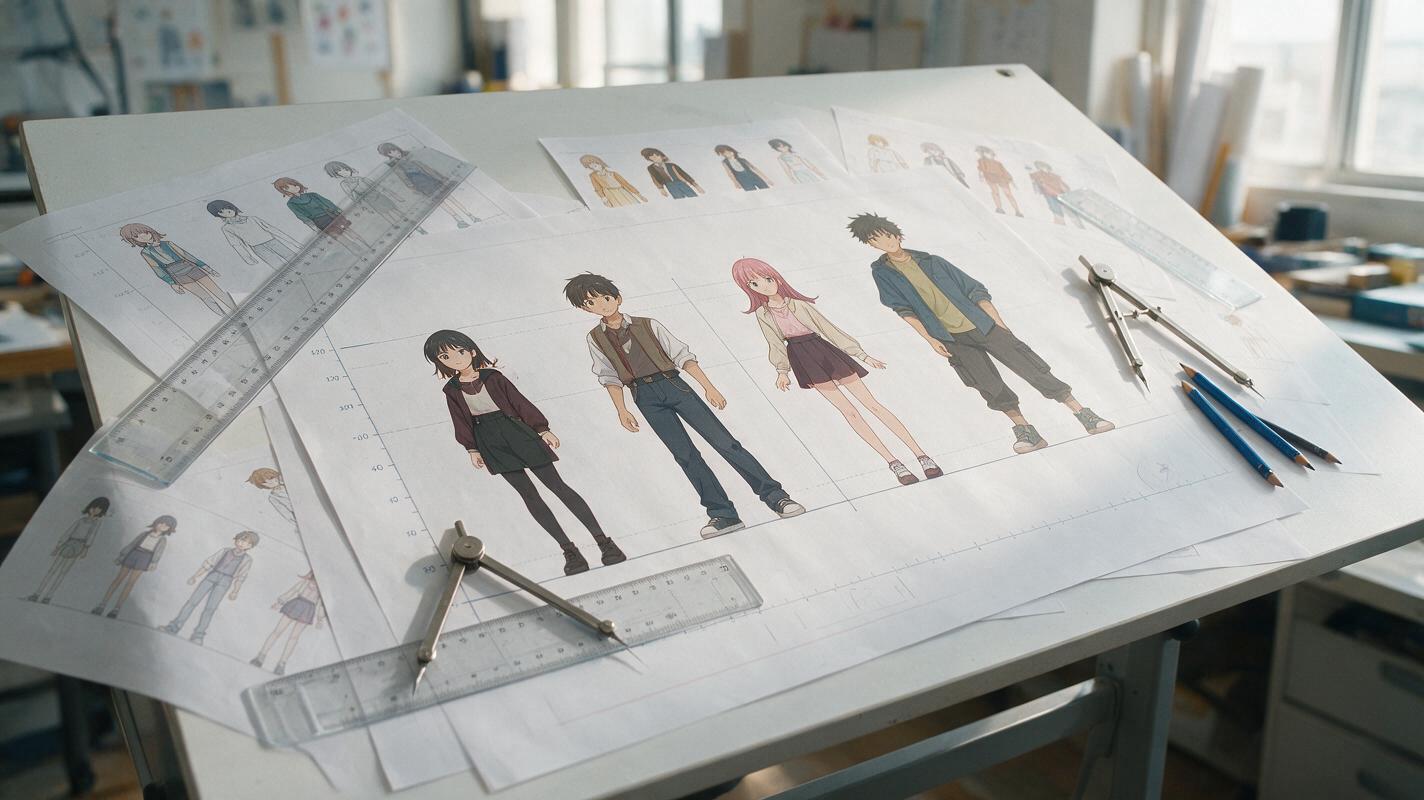
Table of contents
Keep the Entire Anime Cast at the Correct Scale
Your tall rival should not shrink beside the protagonist, and the child character should not gain adult proportions whenever the outfit changes. To prevent that drift, build a measurable cast lineup before generating dramatic poses or scenes. The key is to define height ratios, head counts, shared floor contact, and fixed visual landmarks instead of relying on vague labels such as “tall” or “short.”
This prompt-based workflow uses nano banana pro to establish a neutral scale reference, inspect proportional errors, and derive production-ready character sheets without redesigning the cast.
Why Anime Character Heights Drift Between Images
An image model usually interprets each composition as a new visual problem. If one character is described as “a tall swordsman,” the result may look tall in a solo portrait but average-sized in a group shot. Camera perspective, hairstyle volume, footwear, pose, and framing can all create additional ambiguity.
The most common sources of inconsistency are:
- Independent character generation: every character is created on a different canvas without a shared measurement system.
- Vague comparative language: words such as petite, towering, young, or athletic do not define exact ratios.
- Unequal floor contact: characters appear to stand at different depths, making direct comparison unreliable.
- Pose compression: bent knees, contrapposto, or leaning poses hide the intended standing height.
- Hair and accessories: large hairstyles, hats, horns, and heels are mistakenly counted as body height.
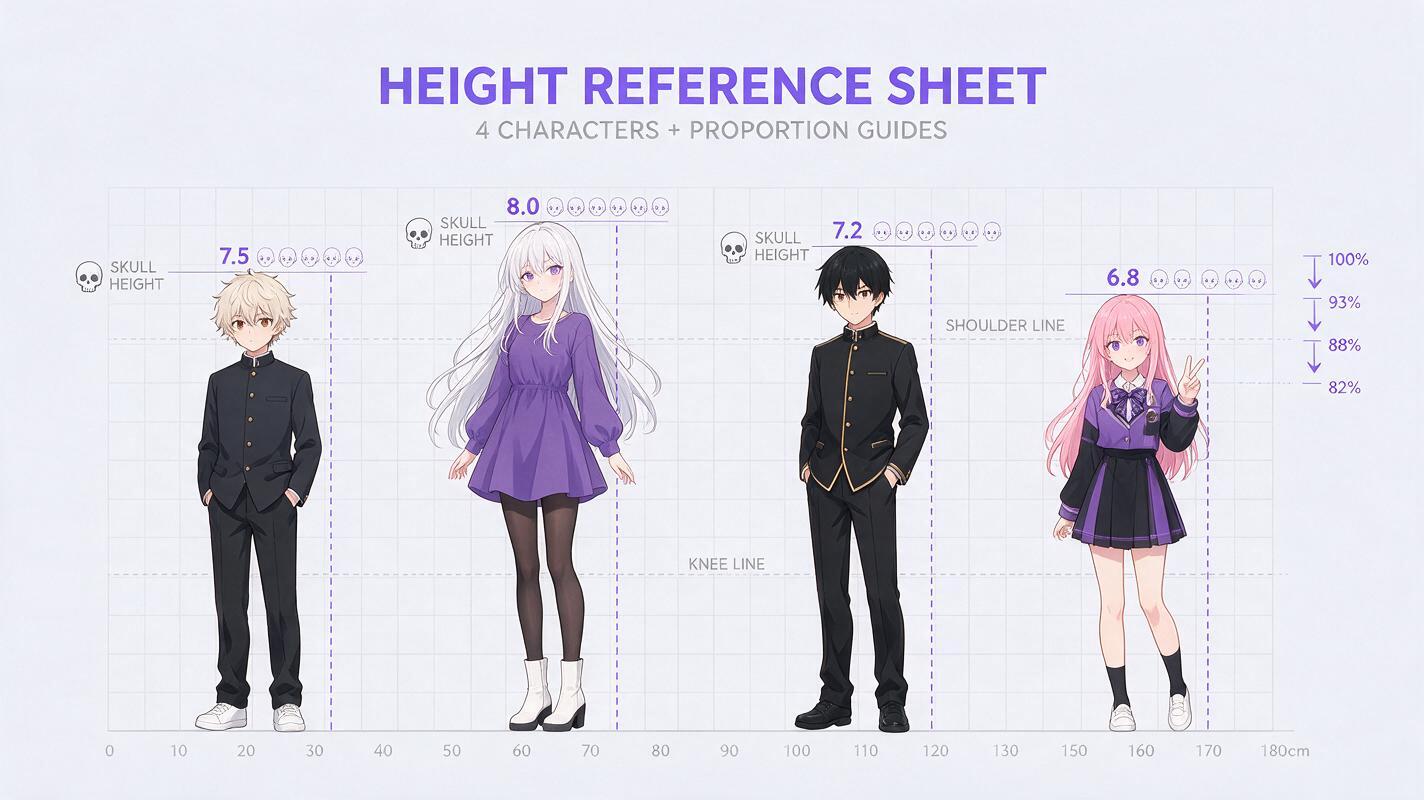
- Changing head proportions: a character shifts from six heads tall to seven and a half heads tall even when the face remains recognizable.
A consistent face is not enough. Production-level character consistency also requires stable height, shoulder width, limb length, head-to-body ratio, and costume scale.
Build a Scale Bible Before Generating the Cast
Choose one character as the measurement anchor. This is usually the protagonist because that character appears most often. Assign the anchor a clear standing height and a head-count proportion, then describe every other cast member relative to that baseline.
A compact scale bible might look like this:
| Character | Standing height | Head count | Scale relationship |
|---|---|---|---|
| Mina, protagonist | 160 cm | 6.8 heads | Baseline |
| Ren, rival | 178 cm | 7.4 heads | About 11% taller than Mina |
| Yui, younger sister | 142 cm | 6.2 heads | About 11% shorter than Mina |
| Captain Sora | 188 cm | 7.8 heads | Tallest human character |
Separate anatomical height from silhouette height. If Captain Sora has spiked hair, specify that 188 cm is measured from the floor to the top of the skull, excluding hair. Record heels, platforms, hats, and horns separately. These distinctions stop costume details from silently changing the scale system.
Use a Prompt That Defines Ratios, Not Vague Heights
Generate the first reference as a flat, neutral lineup. Ask for a straight-on orthographic presentation, full bodies, identical ground contact, minimal perspective, and a visible measurement grid. Avoid cinematic lenses, action poses, overlapping figures, or dramatic camera angles.
Create a clean anime character height chart containing four full-body characters.

Layout:
- straight front view
- neutral standing poses with knees straight
- all characters placed on the same horizontal floor line
- equal camera distance and no perspective distortion
- no overlapping bodies
- pale measurement grid behind the cast
- character names and heights below each figure

Scale anchor:
Mina is 160 cm tall and 6.8 heads tall.

Relative proportions:
Ren is 178 cm tall, approximately 11% taller than Mina, with longer legs and a 7.4-head body proportion.
Yui is 142 cm tall, approximately 11% shorter than Mina, with a 6.2-head youthful proportion.
Captain Sora is 188 cm tall and 7.8 heads tall, with broad shoulders and the longest limbs.

Measure every height from the floor to the top of the skull. Exclude hair, hats, and footwear from anatomical height. Preserve each character's established face, hairstyle, costume colors, body build, and age. Clean anime model-sheet presentation, plain light background, crisp line art.
If you already have character artwork, supply the clearest references together rather than rebuilding each person from text. An ai image generator works more predictably here when the references show unobstructed faces, complete costumes, and readable footwear.
Add Exclusions That Protect the Measurement
A short exclusion block helps prevent attractive but unusable presentation choices:
Avoid: perspective depth, low-angle view, foreshortening, bent knees, crouching, floating feet, platform mismatch, oversized heads, changed ages, costume redesign, hidden shoes, cropped legs, decorative borders covering the grid.Do not overload the first prompt with personalities, magical effects, props, or story context. Its purpose is calibration. Expressive artwork comes after the scale relationships are stable.
Generate a Neutral Calibration Lineup
Inspect the first result as a production artifact rather than a finished illustration. Draw horizontal guides through the top of each skull, the chin, shoulders, hips, knees, and soles. The characters do not need identical anatomy, but their proportions must agree with the scale bible.
Check these questions before accepting the lineup:
- Do all soles touch exactly the same floor line?
- Is the stated height measured to the skull rather than the hairstyle?
- Does the shorter character have intentionally different proportions, or was the entire figure merely scaled down?
- Are shoulder width and hand size believable for each character's age and build?
- Did heels or thick boots accidentally increase anatomical height?
- Does every character retain the correct costume and facial identity?
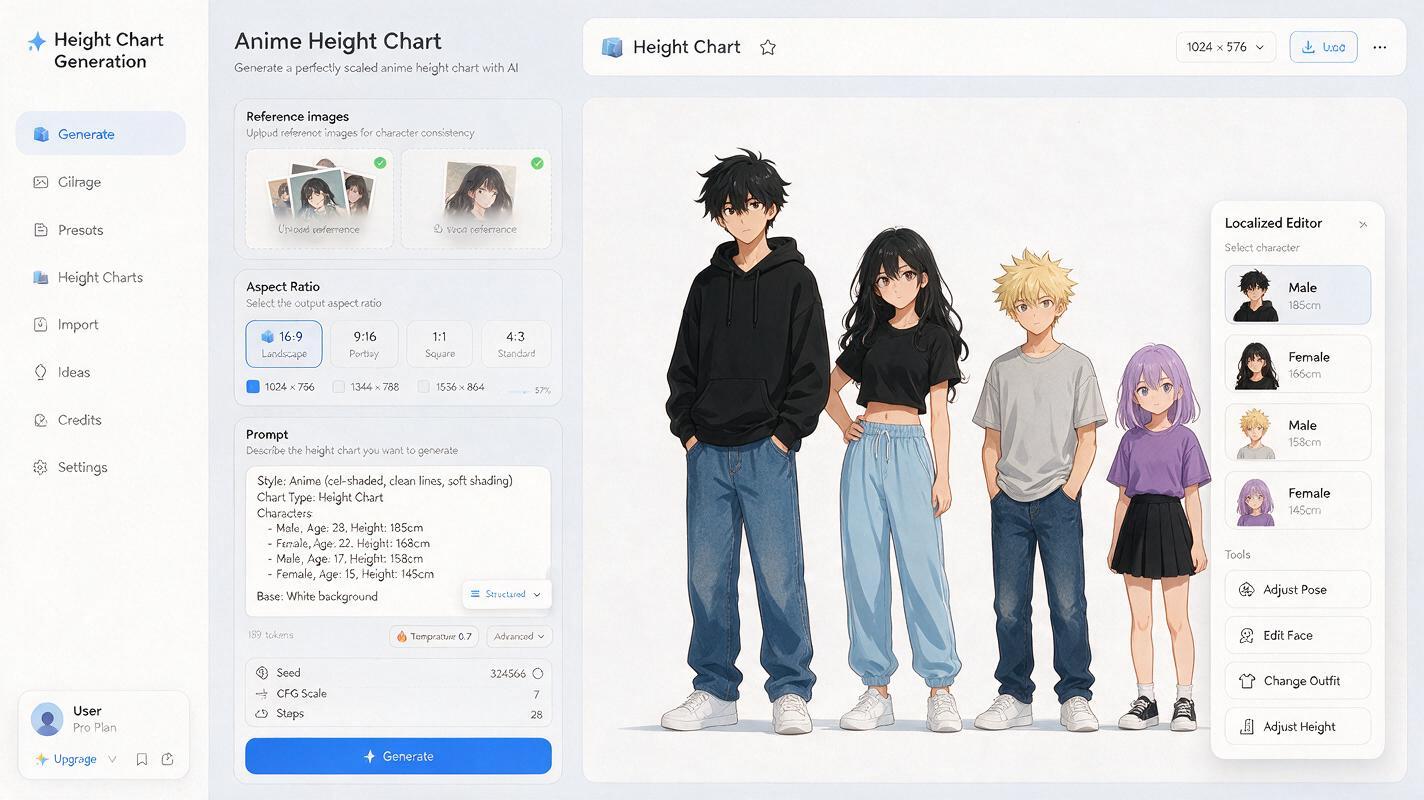
If only one figure is wrong, request a localized correction instead of regenerating the complete lineup. A full reroll may fix height while changing faces, clothing, or spacing.
Edit only Ren's body scale. Keep his face, hair, costume, colors, pose, floor position, and line style unchanged. Increase his anatomical standing height so the top of his skull aligns with the 178 cm guide. Preserve a 7.4-head proportion by lengthening the legs and torso naturally. Do not enlarge the head. Do not move or modify the other characters.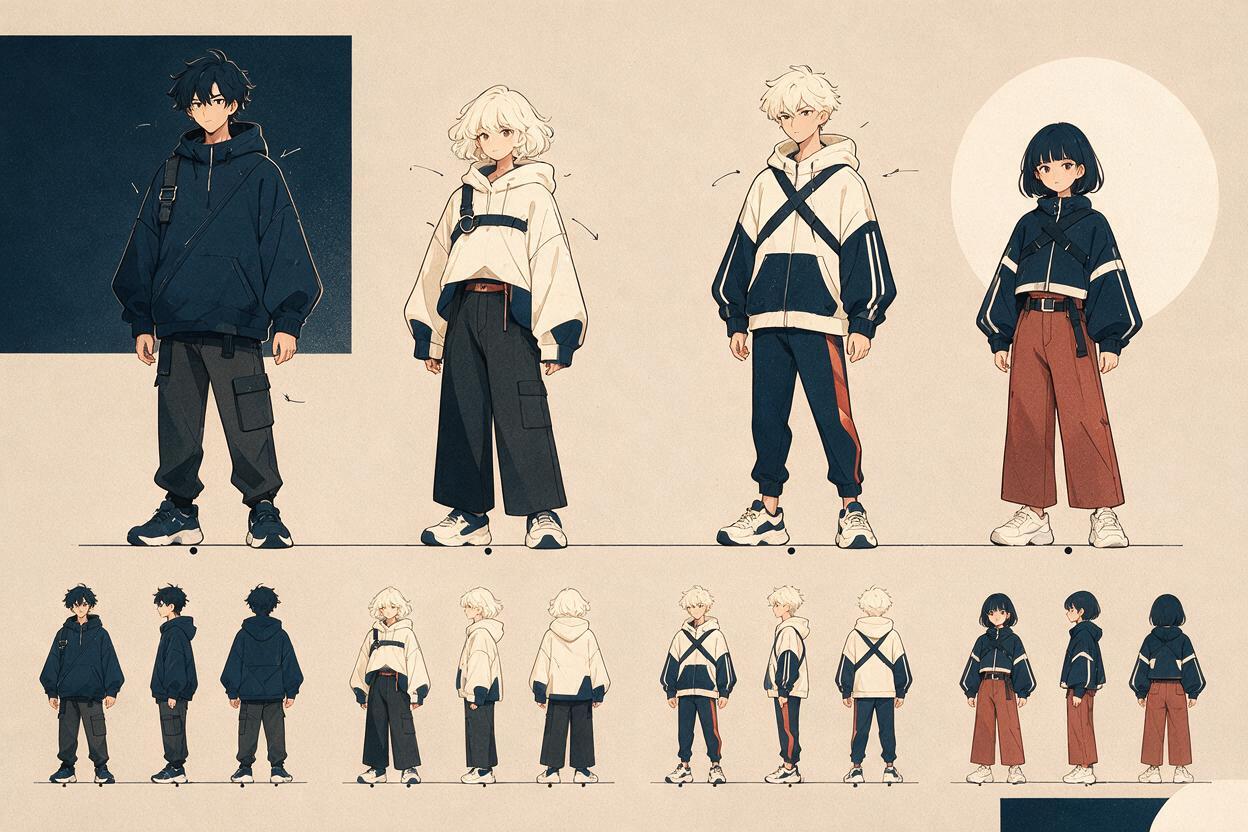
Turn the Calibration Lineup Into Production References
Once the front lineup is correct, use it as the cast's scale master. Derive side views, back views, costume variants, and storyboard poses from this approved reference instead of starting from separate text prompts.
For individual sheets, preserve the character's scale metadata even when no other cast member is visible:
Using the approved cast height chart as the scale reference, create a front, side, and back turnaround for Mina. Preserve her 160 cm standing height, 6.8-head body proportion, shoulder width, leg-to-torso ratio, head size, hairstyle volume, costume construction, and footwear. Use neutral posture, consistent orthographic views, identical floor contact, clean anime model-sheet line art, and no perspective distortion.For two-character storyboards, state the known relationship again. For example: “Ren remains approximately 11% taller than Mina when both stand upright on the same depth plane.” Repeating the relationship is more useful than repeating isolated height numbers that may not be visually compared.
Keep Scale Stable in Poses and Storyboards
A character height chart is only useful if its measurements survive posing. Before generating a finished scene, create a simple blocking image with both characters on a visible ground plane. Specify who is closer to the camera and distinguish apparent screen size from actual body height.
When characters occupy different depths, include a staging instruction such as:
Mina stands two meters closer to the camera than Ren, so her screen silhouette appears larger even though Ren is anatomically taller. Preserve their canonical body proportions and use the floor perspective grid to show the depth difference clearly.For seated, kneeling, or crouching characters, compare stable anatomical landmarks rather than the top of the head. Shoulder width, forearm length, hand size, and the distance from hip to knee can reveal scale drift even when standing height is hidden.
Fix Common Height-Chart Failures
| Visible problem | Likely cause | Correction |
|---|---|---|
| The tall character only has a larger head | The whole figure was enlarged uniformly | Restore canonical head size and lengthen torso and legs according to the head count |
| A child looks like a miniature adult | Only total height was specified | Define age-appropriate head ratio, shoulder width, limbs, hands, and facial proportions |
| Boots change the character's height | Anatomical and footwear height were combined | Measure skull-to-floor body height separately from sole thickness |
| The lineup looks accurate but scenes do not | Perspective and depth were left undefined | Add a ground grid, camera height, and explicit depth positions |
| One repair changes the whole cast | The edit request is too broad | Name the single target, protected traits, fixed neighbors, and exact alignment guide |
Use the Chart as a Constraint, Not Decoration
Keep the approved chart beside your storyboard, pose sheet, and animation references. When a generated frame feels wrong, compare measurable landmarks before rewriting the art style prompt. A mismatched head count or floor plane often explains the problem more clearly than a general instruction to “make the characters consistent.”
Save both the clean lineup and a marked validation copy containing height lines, head-count divisions, and notes about footwear. The clean version is suitable for visual reference; the marked version is better for diagnosing future outputs.
Ready to calibrate your own cast? test this prompt yourself, approve one neutral lineup, and reuse it as the scale master for every later image.
Final Checklist
- Choose one protagonist as the shared height and proportion anchor.
- Record exact standing heights, head counts, and relative percentages.
- Measure to the skull and document hair, hats, horns, and footwear separately.
- Generate a front-facing lineup with one floor line and minimal perspective.
- Validate shoulders, hips, knees, hands, and soles instead of checking faces alone.
- Repair incorrect figures locally rather than regenerating the entire cast.
- Carry the approved scale relationships into turnarounds, poses, and storyboards.
- Clarify camera depth whenever screen size differs from anatomical height.
Keywords
anime character height chart, consistent anime character, Nano Banana Pro prompts, anime cast lineup, character consistency, anime reference sheet, AI anime generator