Flat Brand Illustration to 3D Parallax Ad With Luma
Turn a flat campaign illustration into a dimensional parallax ad with Luma while keeping the original art direction intact. This practical workflow covers depth planning, motion prompts, typography protection, compositing, and fixes for drifting or rubbery results.
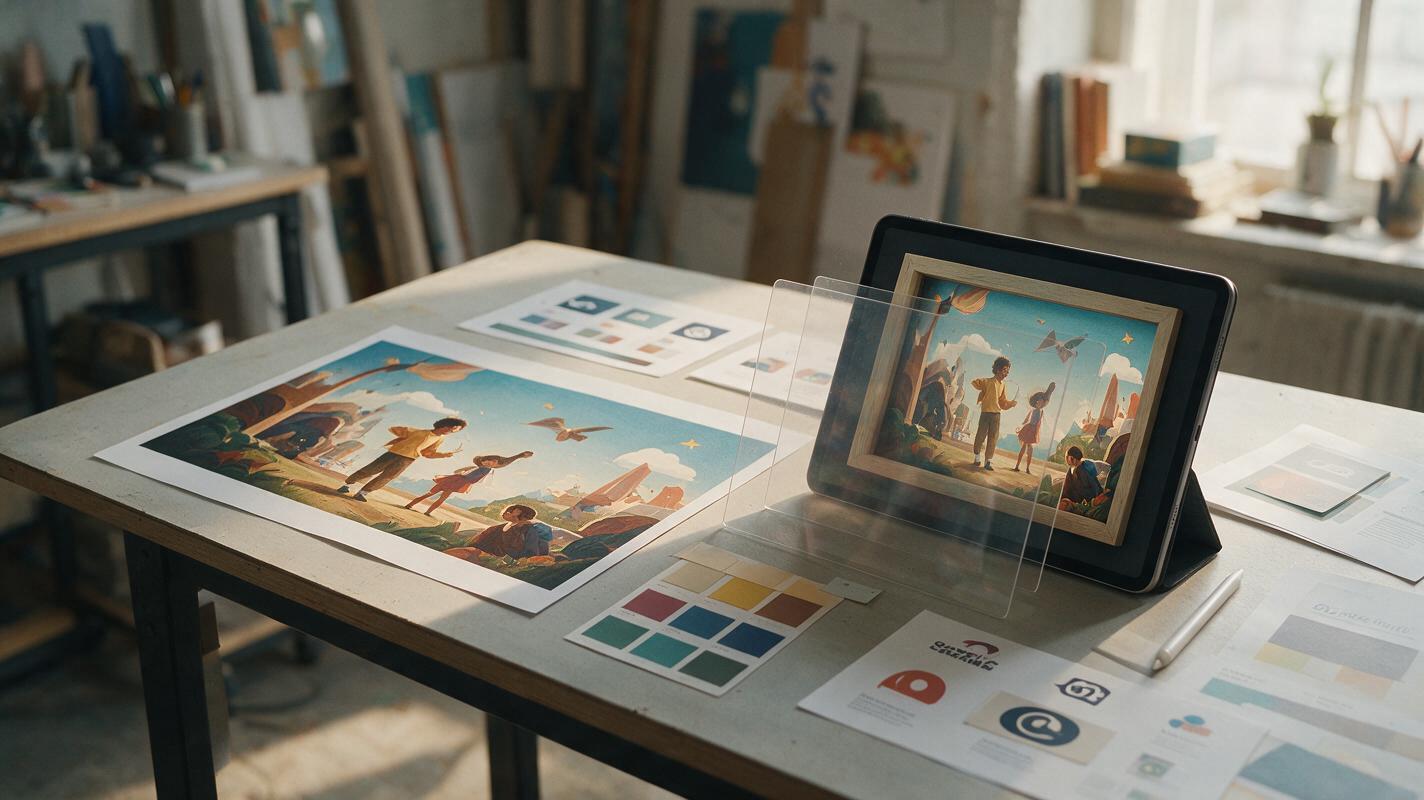
Table of contents
Turn flat artwork into controlled depth
A convincing parallax ad should make a flat brand illustration feel spatial without redesigning its characters, products, typography, or composition. The challenge is not generating more movement. It is telling Luma which elements belong at different depths, how the virtual camera should move, and what must remain visually locked.
The most reliable image to video workflow begins before generation. Prepare a motion-safe source frame, describe restrained camera movement, and reserve approved logos and campaign copy for compositing. This gives brand designers dimensional motion without surrendering the identity system to generative drift.
Best use case: illustrated campaign key visuals, editorial brand scenes, social launch graphics, event posters, product worlds, and presentation frames that need a short sense of depth.
Build a motion-safe source frame
Parallax depends on visible separation between foreground, middle ground, and background. If every object overlaps at the same scale and contrast, the model has little evidence from which to infer depth.
Start with the approved illustration, but remove elements that should never be regenerated:
- Export the logo and campaign copy separately. Keep them as vector or high-resolution transparent assets.
- Create a clean visual base. Fill the areas behind removed type so camera motion does not reveal empty rectangles.
- Preserve the hero silhouette. Avoid cutting through faces, packages, hands, mascots, or recognizable brand devices.
- Add breathing room around the edges. Camera movement can expose areas beyond the original crop.
- Keep important objects away from the extreme frame boundary. Edge objects are more likely to stretch or disappear.
A useful source frame has one unmistakable hero, several overlapping depth cues, and enough environmental detail to support gentle movement. It does not need to look three-dimensional already.
Map the illustration into depth bands
| Depth band | Typical content | Recommended motion |
|---|---|---|
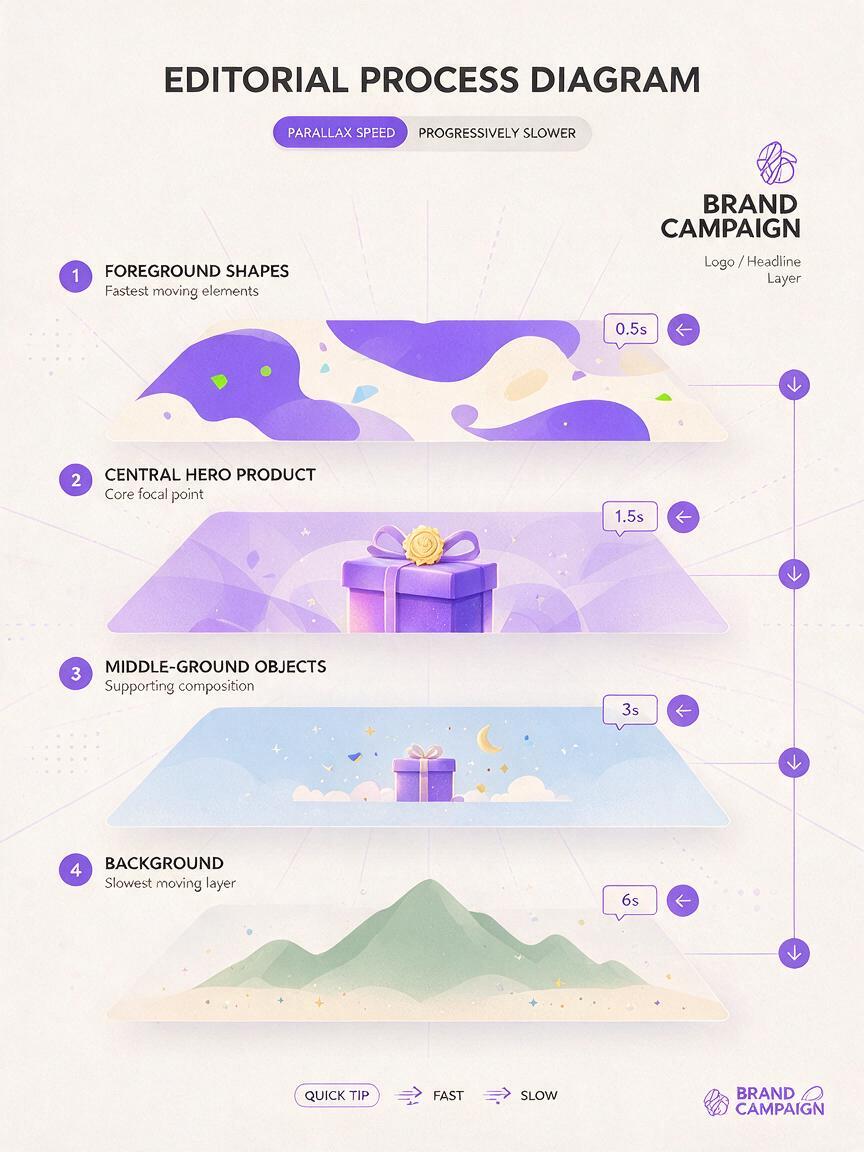
| Foreground | Leaves, frames, abstract shapes, cropped props | Moves fastest against the camera direction |
| Hero plane | Product, mascot, person, central graphic device | Mostly stable with minimal dimensional response |
| Middle ground | Secondary objects, furniture, clouds, architecture | Moderate lateral shift |
| Background | Sky, wall, gradient, landscape, large pattern | Very slow movement or near-static behavior |
This map is also a diagnostic tool. If you cannot assign an element to a depth band, the prompt will probably describe it ambiguously.
Write a parallax prompt Luma can follow
Do not ask for a “dynamic cinematic animation” unless dramatic reinterpretation is acceptable. For brand work, define the camera, depth behavior, hero lock, environmental movement, and exclusions separately.
Animate this flat editorial brand illustration as a restrained 3D parallax scene. Slow camera dolly from left to right with a subtle forward push. Foreground graphic shapes move slightly faster than the camera, middle-ground objects shift gently, and the background remains nearly stable. Keep the central product illustration, character design, color palette, line quality, proportions, and composition unchanged. Add only minimal atmospheric depth. No object morphing, no new elements, no text, no logo, no sudden zoom, no camera shake.The prompt works because each phrase has a specific job:
- “Slow camera dolly” defines one coherent camera action.
- “Foreground moves slightly faster” states the relative motion that creates parallax.
- “Central product remains unchanged” identifies the protected focal plane.
- “Minimal atmospheric depth” adds dimensionality without requesting a new visual style.
- Explicit exclusions discourage common failures such as morphing, surprise objects, and unstable framing.
Generate a restrained take first. Motion can be amplified in editing, but a distorted hero object is difficult to repair.
Prompt for a graphic cut-paper look
Transform the supplied brand illustration into a subtle layered paper-diorama animation while preserving the original flat graphic style. Use a slow vertical camera rise. Separate the foreground frame, central illustrated subject, secondary objects, and background into shallow depth planes. Maintain crisp edges, exact colors, stable anatomy, and the original composition. Gentle cast shadows only. No realistic textures, no redesign, no text generation, no bending shapes.Prompt for an illustrated product world
Create a controlled parallax reveal from this illustrated campaign key visual. The virtual camera moves slowly forward through foreground decorative elements toward the central package. Keep the package silhouette, label area, illustration style, palette, and surrounding objects consistent with the source. Background movement is minimal. Preserve clean graphic edges. No package rotation, no label mutation, no additional products, no floating objects, no dramatic lens effects.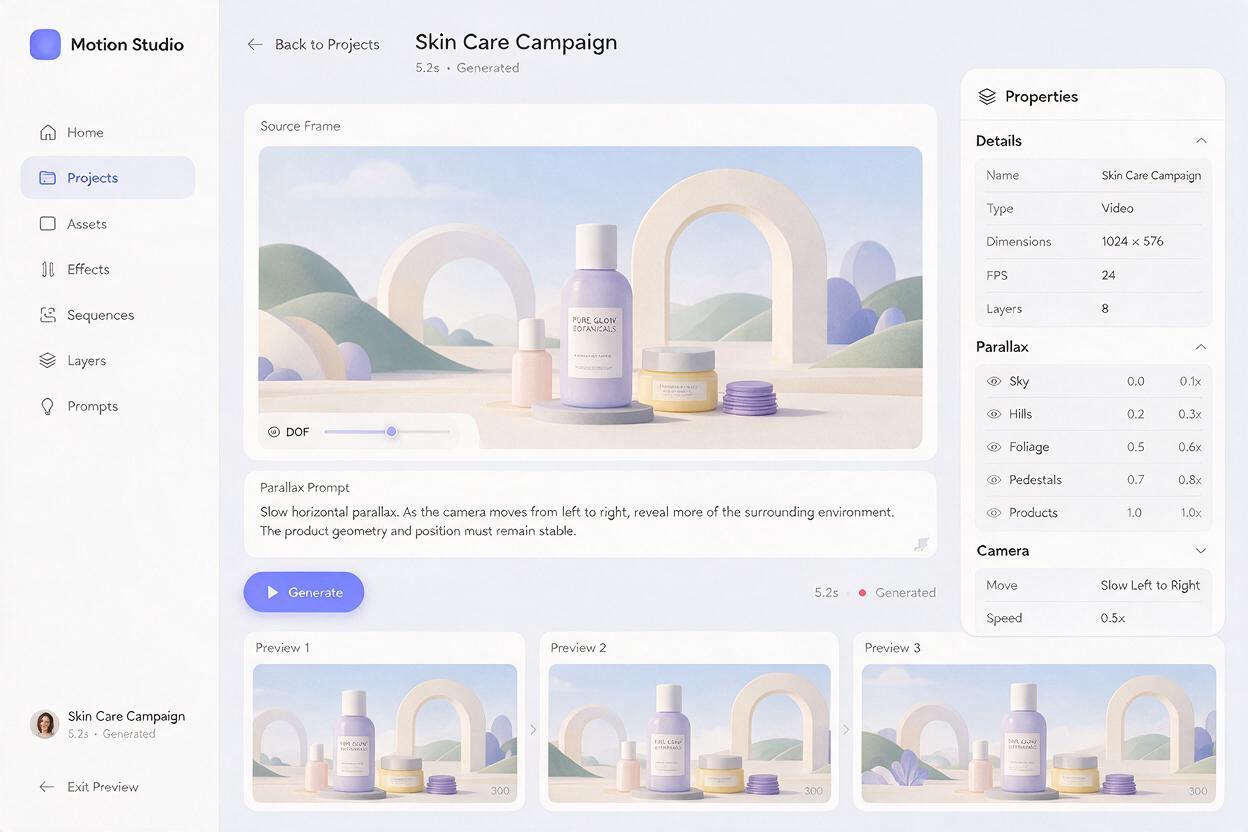
Protect logos, type, and product geometry
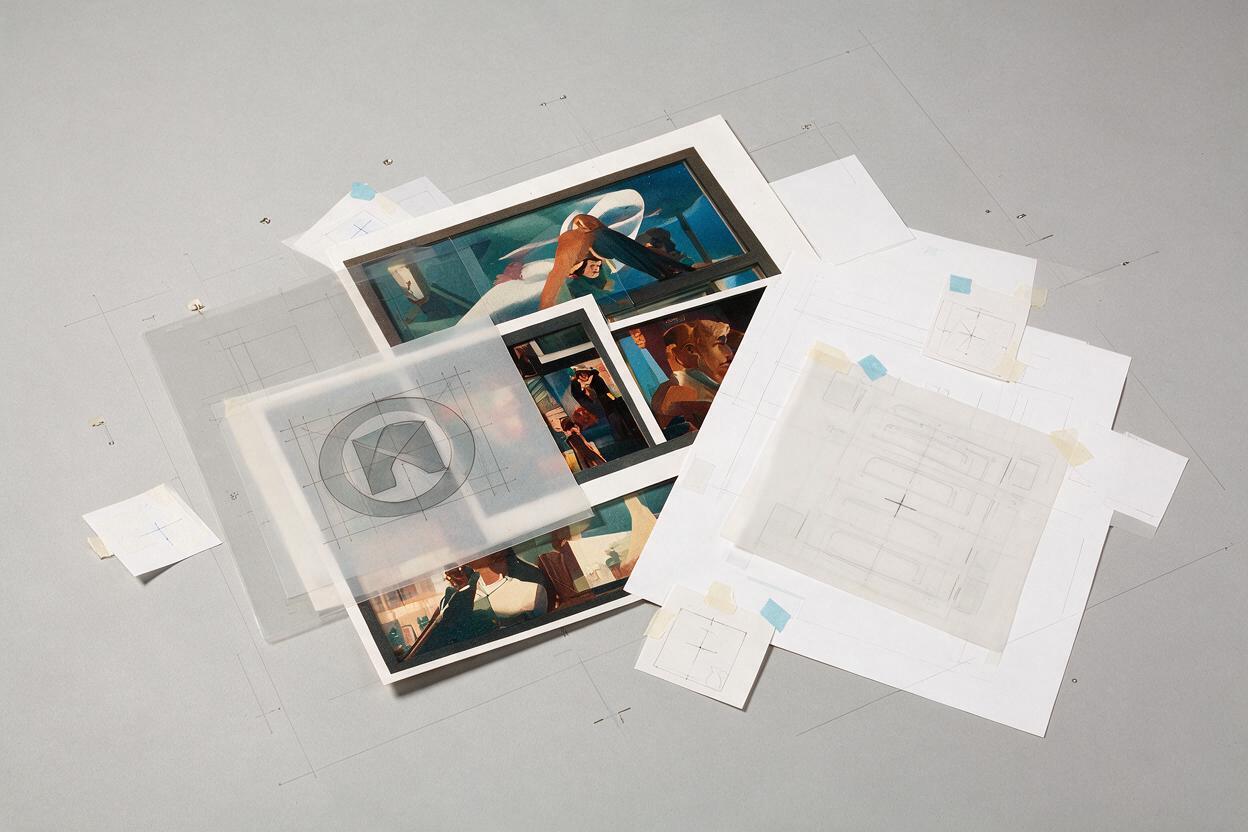
Even when a generation looks polished, it should not be trusted to preserve approved lettering or logo construction. Treat those elements as production assets rather than scenery.
Use the generated clip as a moving background plate. Then restore controlled brand elements in a compositor:
- Place the original logo above the video rather than leaving a generated logo in the frame.
- Rebuild headlines and legal copy with the approved typeface, tracking, hierarchy, and safe margins.
- Mask the original product face over the moving clip if its label or structural edges have changed.
- Use subtle position or scale animation on overlaid graphics only when it supports the camera move.
- Match any added shadows or blur to the generated depth instead of applying one effect to every layer.
For illustrated packaging, preserve the front panel as a rigid plane. If the AI clip bends the box, bottle, or pouch, a tracked overlay of the approved product art is usually more efficient than repeated regeneration.
Production rule: Let generative motion create atmosphere and spatial transition. Let the design file control identity, typography, and exact geometry.
Troubleshoot flat, rubbery, or drifting motion
| Problem | Likely cause | Practical correction |
|---|---|---|
| The result still looks flat | No clear relative movement between depth bands | Name foreground, middle ground, and background behavior explicitly |
| The hero bends or breathes | The prompt requests motion from the subject instead of the camera | Lock the hero and ask for one slow camera move |
| New objects appear | The environment description is too open-ended | State that no new elements should be introduced |
| Edges stretch during the move | The source frame has insufficient crop allowance | Extend the artwork before generation or reduce camera travel |
| The style becomes photorealistic | Depth language is overpowering the visual-style instruction | Repeat that line quality, flat shading, and graphic edges must remain unchanged |
| The composition drifts | Several camera actions compete in one prompt | Use one movement: dolly, push, rise, or arc—not all of them |
If drift continues, simplify the shot. A two-second-feeling lateral move with four clear depth bands is often more effective than a complex orbit through a flat illustration.
Adapt one motion system across campaign formats
Do not crop one finished animation blindly into every placement. Return to the source illustration and prepare a motion-safe frame for each important ratio.
- Wide display: emphasize lateral travel and preserve negative space for copy.
- Vertical story: use a gentle rise or forward push, with the hero inside the central safe area.
- Square social post: reduce camera distance and favor large, readable depth layers.
- Presentation mockup: generate the clean motion plate first, then place it inside the device or environmental mockup.
Keep the same motion principle across the set: identical depth hierarchy, similar speed, one protected hero plane, and restrained environmental response. The campaign will feel related even when each ratio requires a different composition.
Choose generation when it adds real value
Luma is useful when the artwork contains organic overlaps, atmospheric detail, or illustrated environments that would take significant time to rebuild as separate layers. Traditional 2.5D compositing remains preferable when every edge must be exact, the movement must follow a precise path, or the source contains complex typography throughout the frame.
A hybrid result is often strongest: use generation for spatial texture and subtle environmental motion, then restore controlled brand assets in the finishing pass. If your source illustration is ready, try these models for free and compare several restrained motion directions before committing to the final campaign system.
Final checklist
- The source frame has visible foreground, hero, middle-ground, and background planes.
- Approved logos, headlines, and legal copy have been removed for later compositing.
- The prompt requests one slow camera movement rather than multiple competing actions.
- The central product, mascot, or graphic device is explicitly locked.
- The prompt preserves palette, line quality, proportions, and composition.
- The frame includes enough edge allowance for camera travel.
- The final edit restores exact typography, logos, and product artwork.
- Every campaign ratio has been checked independently for safe zones and drift.
Keywords
luma prompts, 3d parallax ad, brand illustration animation, ai graphic design, campaign key visual, image to video, motion design