Change Campaign Backgrounds Without Altering Clothes in Nano Banana Pro
Learn a reference-led Nano Banana Pro workflow for moving a fashion campaign into new locations without redesigning the clothes. The guide includes image-preparation advice, reusable prompts, consistency checks, and practical fixes for altered prints, seams, accessories, and proportions.
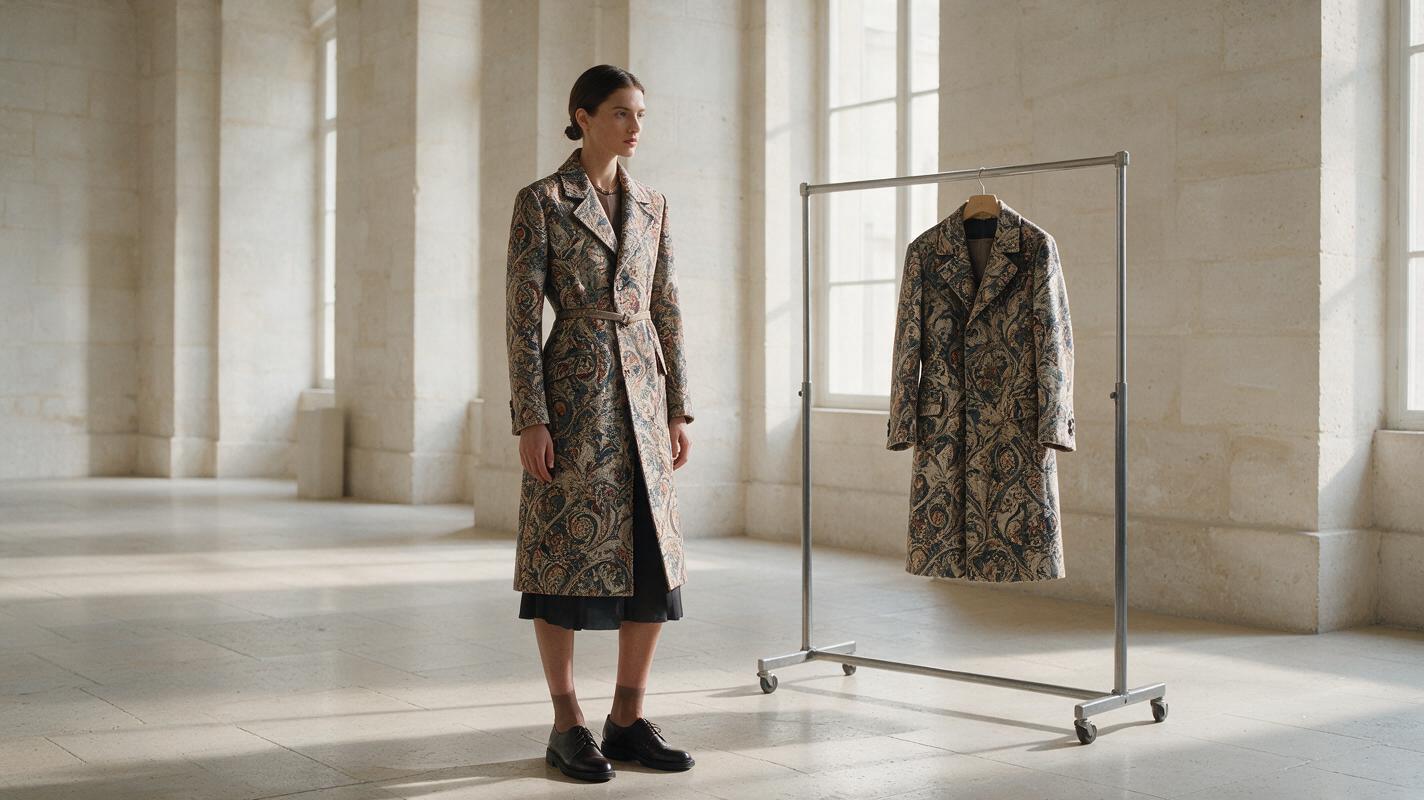
Table of contents
Keep the outfit fixed while the location changes
A new campaign background should not produce a new garment. Yet image edits often shift the neckline, simplify a print, remove a pocket, recolor accessories, or change the model’s proportions. The safest approach in Nano Banana Pro is to treat the source photograph as a locked product reference and describe only the environment that should change.
This tutorial shows fashion designers and stylists how to relocate one approved campaign image into a studio, city, coastal, or architectural setting while preserving the outfit’s construction. It works best when the original photograph already has clear garment detail and a usable pose.
The central rule: write the prompt as an edit request, not as a request to reinvent the entire photograph.
Choose a source image that can survive the edit
Start with the strongest available campaign frame rather than trying to repair several problems at once. Nano Banana Pro needs visible evidence of the details you expect it to retain. If a jacket cuff is hidden behind a bag, the model cannot reliably reconstruct its exact buttons in a new scene.
A suitable source image should have:
- Clear garment boundaries against the current background.
- Readable fabric texture without severe compression or motion blur.
- Accurate color under reasonably neutral lighting.
- Visible construction details such as seams, fastenings, pleats, pockets, and hems.
- A pose compatible with the destination, including believable foot placement.
- Enough resolution to inspect prints, jewelry, and edge details after generation.
Avoid beginning with a frame that has crossed limbs covering the garment, clipped shoes, blown highlights on white fabric, or hair merging into a similarly colored coat. These ambiguities create opportunities for unwanted redesign.
If the image contains a distinctive print, prepare a second close crop of that textile as an inspection reference. The main photograph remains the editing input; the crop helps you judge whether the generated result is faithful.
Separate locked details from editable details
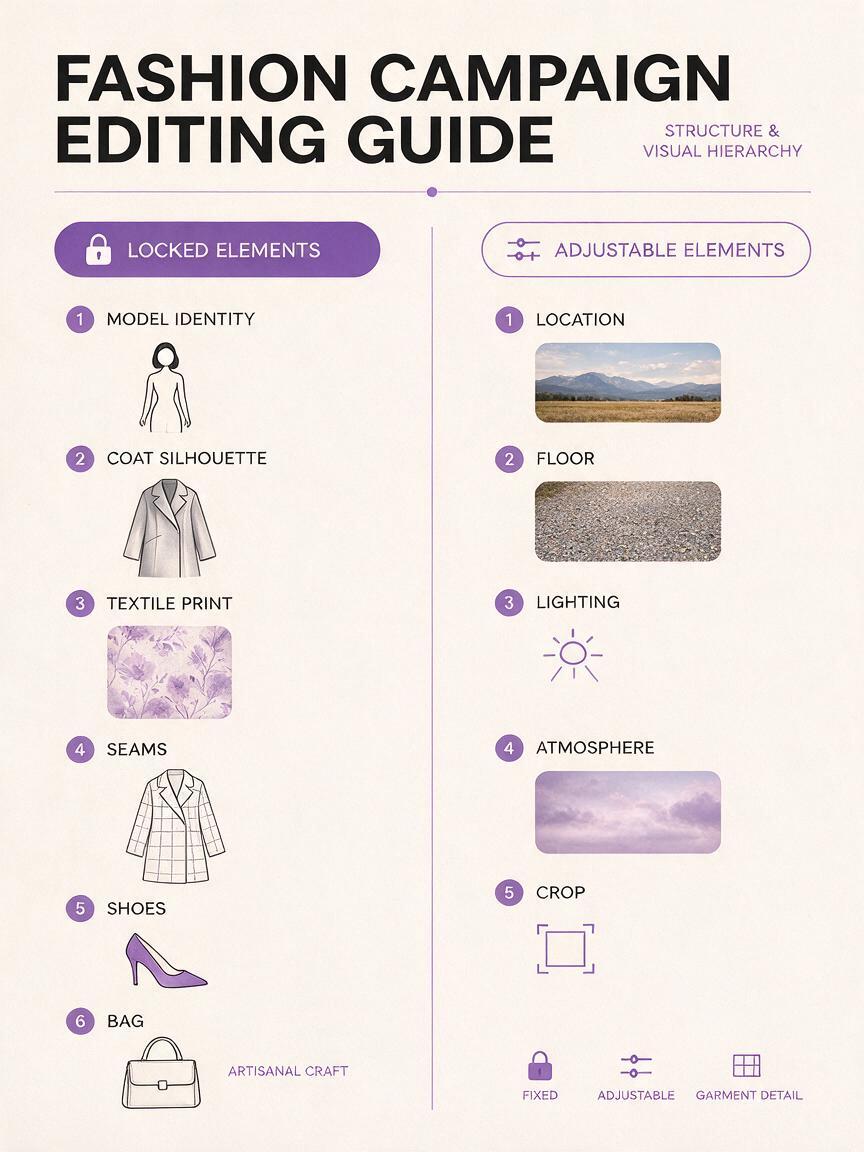
Before writing a prompt, divide the photograph into two lists. The first list contains elements that must remain unchanged. The second contains elements the model may replace.
| Lock from the source | Allow to change |
|---|---|
| Garment silhouette and fit | Background location |
| Fabric color, print, and texture | Environmental lighting |
| Seams, pockets, buttons, and closures | Floor and surrounding props |
| Shoes, jewelry, bag, and styling | Depth of field and atmosphere |
| Model identity, pose, and body proportions | Camera crop, only when requested |
Do not use broad instructions such as “make this more fashionable” or “turn this into a luxury editorial.” Those phrases invite changes throughout the image. Define luxury through controllable visual features instead: limestone walls, restrained styling, directional afternoon light, muted color contrast, and a clean magazine composition.
Write a preservation-first edit prompt
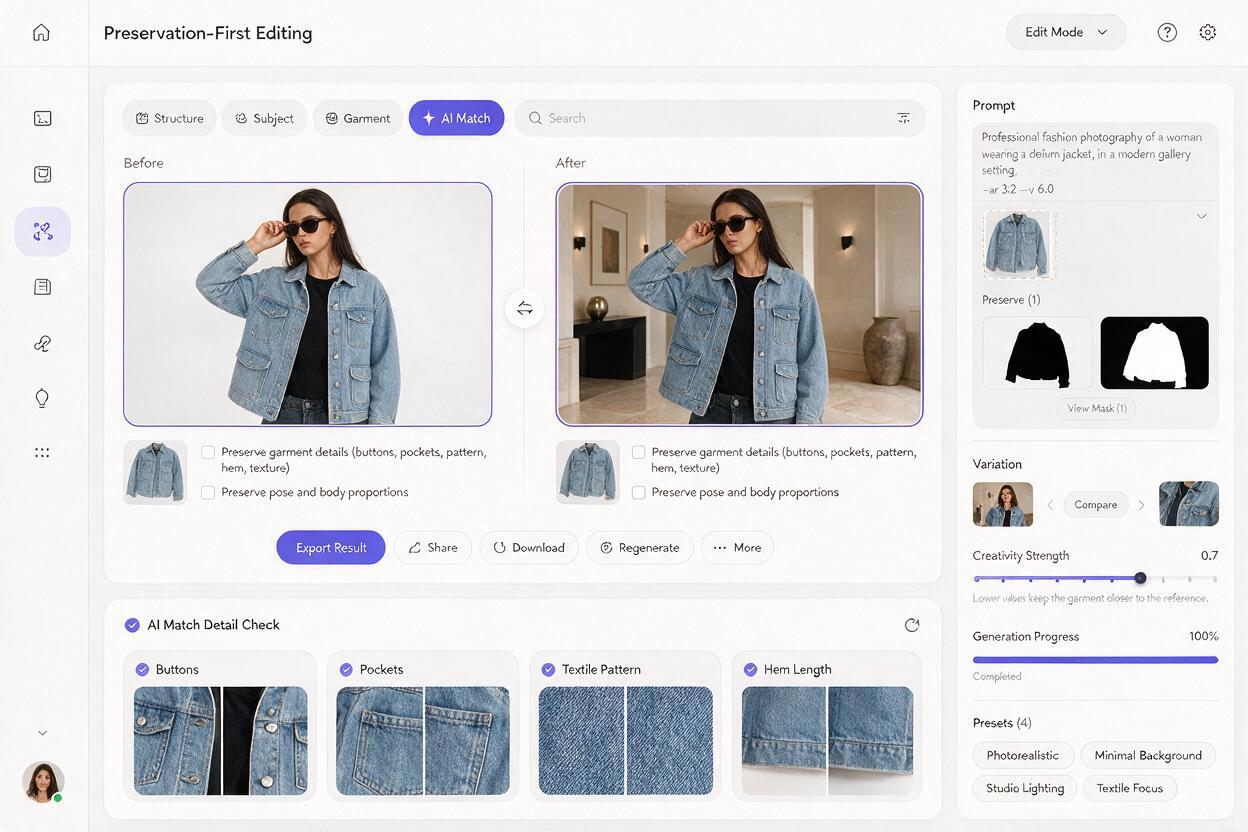
Build the prompt in four compact parts: the editing action, the locked subject, the new environment, and the realism constraints. Mention the background change first so the task is unambiguous.
Edit the supplied fashion photograph by replacing only the background.

Preserve the same model, facial identity, hairstyle, pose, body proportions, outfit, garment fit, fabric color, textile pattern, seams, pockets, buttons, hem length, shoes, jewelry, and bag exactly as shown in the source image.

Place the model in a quiet contemporary gallery with pale limestone walls, a matte concrete floor, soft side light from tall windows, subtle natural shadows, and restrained editorial color grading.

Keep realistic contact shadows beneath the shoes. Match the new light to the existing direction on the model. Do not add, remove, restyle, recolor, or redesign any clothing or accessory.
This is an editing task rather than an open-ended ai image generator prompt. Avoid adding a second outfit description unless the source garment is difficult to read. Re-describing the clothing in creative language can cause the model to reconcile two competing designs.
If you must identify a garment, use literal terms such as “the source black double-breasted coat.” Do not expand it into “an avant-garde sculptural black coat with futuristic tailoring” unless those properties are already visible.
Match the destination to the original pose
A convincing composite depends on physical compatibility. A walking pose needs a surface and framing that support forward movement. A seated model requires a visible seat aligned with the hips. A low-angle source is difficult to place in a destination photographed from eye level.
Use these environment prompts as adaptable modules after the preservation instructions.
Minimal studio campaign
Replace only the environment with a warm gray cyclorama studio, broad diffused key light from camera left, soft floor shadow, subtle tonal falloff, no props, premium fashion campaign finish.Modern city exterior
Replace only the background with a quiet modern city arcade at early morning, pale stone columns, slightly damp pavement, long soft shadows, minimal pedestrians in distant blur, realistic editorial photography.Coastal resort campaign
Replace only the background with a restrained coastal terrace overlooking calm water, cream stone floor, soft overcast daylight, light atmospheric haze, no wind affecting the outfit or hair, sophisticated resort campaign mood.Night retail concept
Replace only the environment with a refined glass storefront after dark, controlled reflections, muted violet and neutral white practical lights, clean pavement, realistic contact shadow, no signage or readable logos.The coastal prompt explicitly prevents wind because fabric and hair movement would conflict with a still source pose. Likewise, distant people are safer than sharply rendered foreground figures because they preserve attention on the outfit.
Generate controlled variations instead of changing everything
Keep the preservation block identical while testing one environmental variable at a time. First compare locations using similar lighting. Then choose a location and compare light direction, contrast, or time of day. Finally, adjust the crop if needed.
A useful variation sequence might be:
- Gallery with soft window light.
- Gallery with harder late-afternoon light.
- Gallery with a wider crop and more negative space.
- Gallery with a vertical magazine-cover composition.
This controlled method makes failures easier to diagnose. If the pocket disappears only after requesting a wider crop, the expansion—not the location concept—is probably responsible.
When you are ready to test the same locked-outfit structure with your own campaign frame, create your own version using one location module at a time.
Inspect the garment before judging the mood
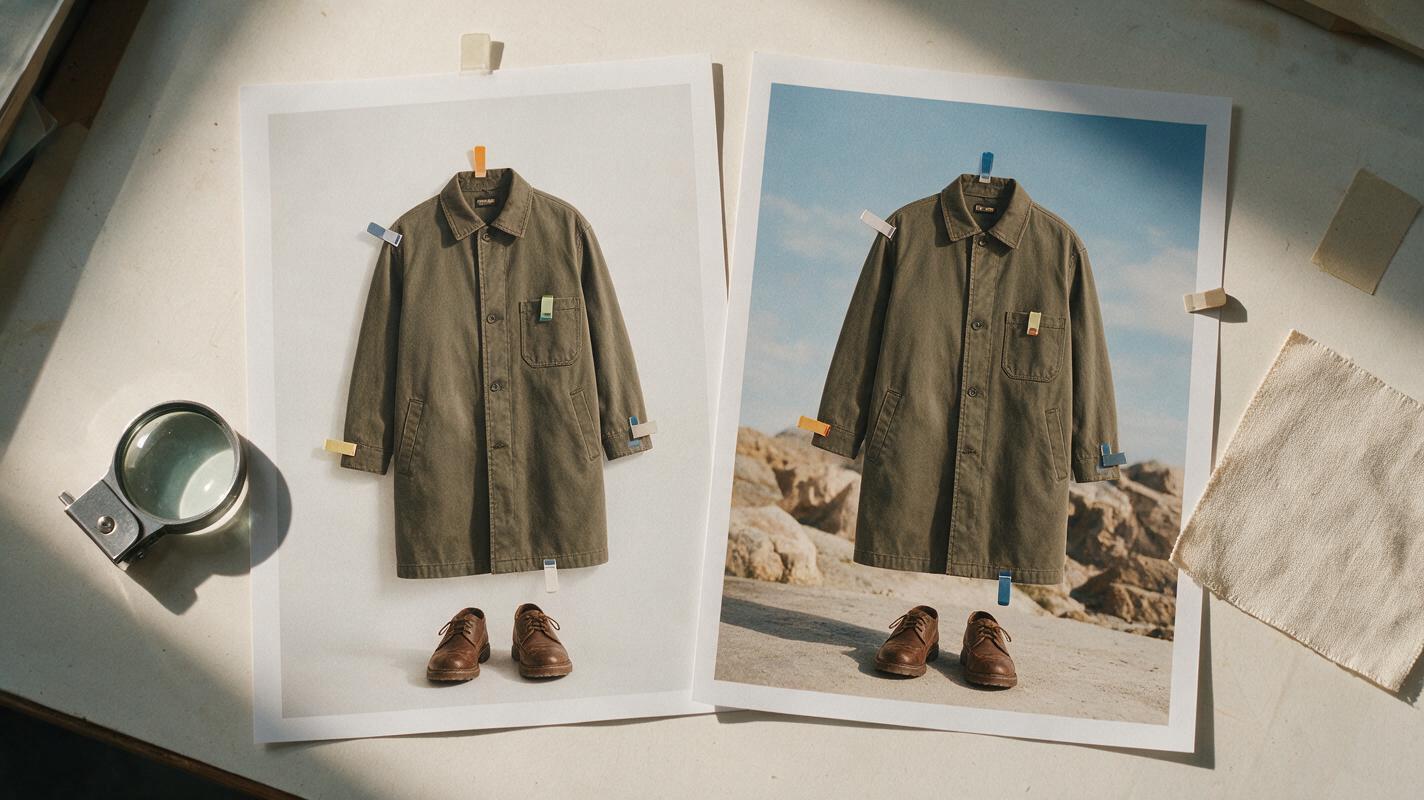
Do not approve an image merely because the new setting looks polished. Compare the source and result at matching scale, moving from the top of the outfit to the shoes. Fashion campaign continuity depends on small details that may be invisible in a thumbnail.
| Inspection area | What to compare | Common failure |
|---|---|---|
| Neckline and shoulders | Shape, lapels, straps, closures | Changed collar or uneven shoulder |
| Torso | Print placement, seams, buttons | Simplified pattern or missing button |
| Sleeves and hands | Cuff length, fingers, jewelry | Fused cuff or altered ring |
| Lower garment | Pleats, hem, drape, leg openings | New fold structure or changed length |
| Accessories | Bag hardware, shoe shape, straps | Logo-like marks or missing hardware |
| Ground contact | Foot position and shadow direction | Floating shoes or double shadows |
View the image in grayscale as an additional lighting check. The model and environment should share a believable contrast range. A softly lit subject placed into a harsh midday street may remain technically clean but still look composited.
Fix garment drift with targeted correction prompts
When an output is close, do not restart with a more elaborate creative prompt. Identify the smallest incorrect region and request a restrained correction while preserving the approved environment.
The print has changed
Correct only the garment print so its motif, scale, spacing, orientation, and color placement match the supplied source photograph exactly. Preserve the current model, pose, garment silhouette, background, lighting, and crop.A seam, pocket, or closure is missing
Restore the original construction details from the source image: the same seam path, pocket placement, button count, closure position, and hem shape. Make no other changes.The outfit color has shifted
Match the garment color to the source photograph under neutral viewing conditions. Preserve fabric texture and realistic environmental light, but remove the unintended color cast from the clothing only.The model appears to float
Keep the subject and outfit unchanged. Correct only the physical integration by adding subtle contact shadows directly beneath the shoes, matching the scene's light direction and floor perspective.If repeated corrections continue to redesign the same area, return to the original source and simplify the destination. Complex reflections, strong colored lights, heavy fog, and overlapping props all increase the number of visual relationships the edit must solve.
Correct one failure at a time. A prompt that asks for a repaired print, new lighting, a wider crop, and stronger atmosphere can undo details that were already accurate.
Build a coherent campaign set from approved frames
For a multi-image campaign, lock an environment recipe after the first successful result. Reuse the same materials, light direction, color palette, lens character, and atmosphere across every source photograph.
Create a compact continuity note such as:
Campaign continuity:
Pale limestone gallery; matte light-gray floor; windows on camera left; soft afternoon illumination; neutral shadows; restrained warm-gray grade; shallow but realistic depth of field; no visible signage; no decorative props.
Apply this note to separately approved source frames rather than asking the model to derive an entire lookbook from one generated image. Review every output for outfit continuity, then assemble the strongest frames in a layout application where typography, spacing, and final crops can be controlled precisely.
Keep the unedited originals, generated versions, prompt text, and approval notes together. This makes it easier to regenerate a frame when a campaign format changes from landscape web banners to vertical social placements.
Final checklist
- Use a sharp source image with visible garment construction.
- Define what must remain locked before describing the new location.
- Request a background replacement rather than a complete re-creation.
- Choose an environment compatible with the model’s pose and camera angle.
- Change one location, lighting, or crop variable at a time.
- Compare prints, seams, closures, hems, shoes, and accessories at full size.
- Repair isolated errors with targeted correction prompts.
- Reuse one approved environment recipe across the campaign set.
- Complete typography and precision layout outside the generated image.
Keywords
fashion campaign backgrounds, Nano Banana Pro, garment consistency, fashion image editing, editorial fashion, campaign image prompts, outfit preservation