Keep a Character Consistent Across AI Video Action Cuts
A character can look right in every AI video shot and still appear to jump or change position at the cut. This tutorial shows how to use a character sheet, boundary-frame references, and a cut-point check to preserve one character’s action across a multi-shot sequence.
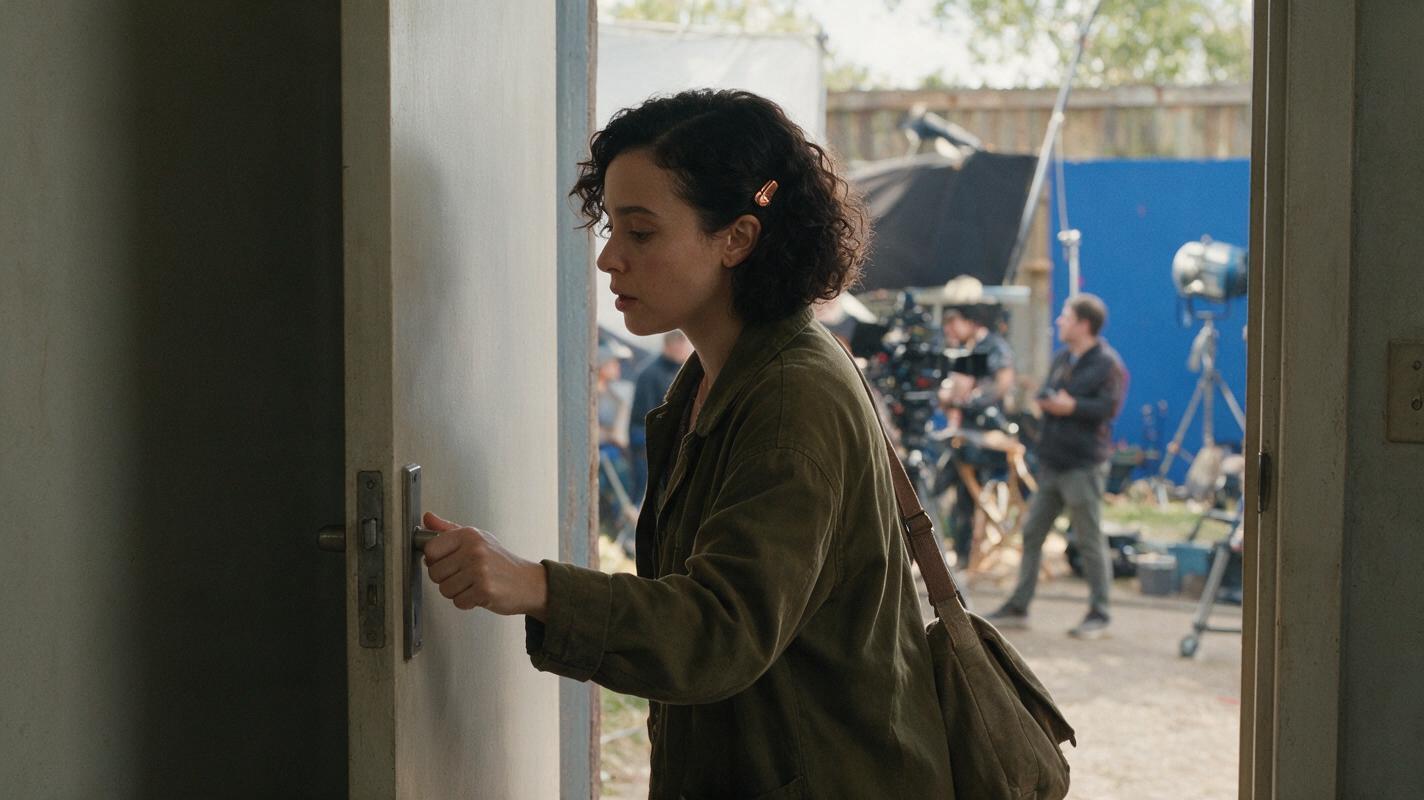
Table of contents
Make the action continuous, not just the character
A matching face will not save a cut if the character reaches for a door with one hand and opens it with the other. For a convincing multi-shot action, lock the character’s identity and the exact physical state on either side of each cut: which hand is active, where it rests, which way the body travels, and how far the action has progressed.
This tutorial follows one fictional character through a short sequence: she approaches a door, presses its latch, opens it, and enters a hallway. The same method works for picking up an object, sitting down, or turning toward someone offscreen. It addresses action continuity rather than redesigning outfits, preserving facial details across camera angles, or distinguishing multiple characters.
Step 1 — Make a character sheet that includes movement
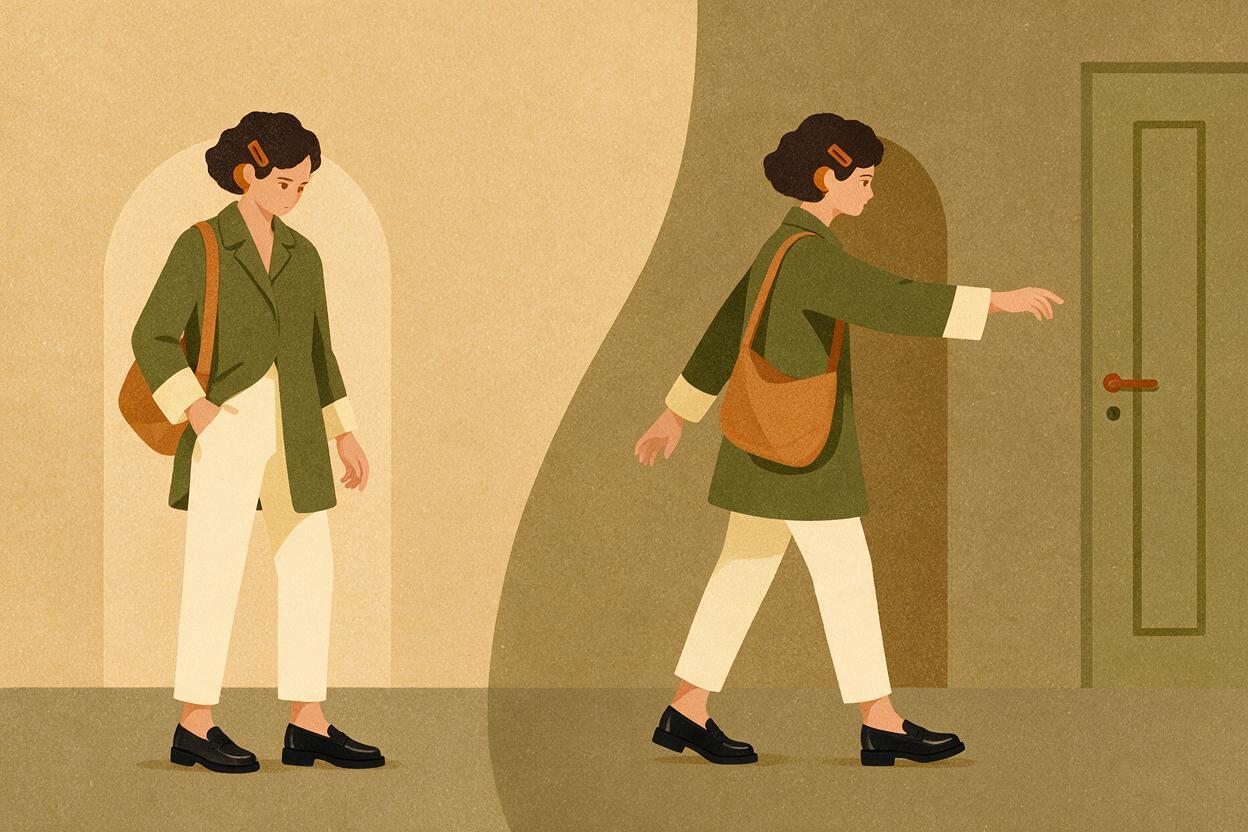
Start with a compact identity sheet, then add the physical choices the action will require. The sheet should describe what must persist without forcing every frame to have the same pose. Keep it beside the storyboard reference so an editor can check both identity and movement against the same source.
CHARACTER SHEET — copy and fill in
Name or ID: Mara
Stable identifiers: short dark curls; small copper hair clip above left ear;
  olive field jacket with pale cuffs; canvas shoulder bag
Body and movement: upright posture; deliberate walking pace
Active hand for this sequence: right hand
Action anchor: right hand presses the door latch and stays near it
Travel direction before and after the cut: toward screen right
Permitted changes: arm position, facial expression, camera distance,
  lighting, and jacket folds
Do not change: hair clip side, jacket color, bag shoulder,
  active hand, or action order
For a different sequence, replace the example details rather than piling on more descriptors. A useful sheet identifies a character quickly and records only the movement facts that could break the cut. Here, the active hand matters more than an elaborate description of her shoes.
Step 2 — Plan the cut around an observable action state
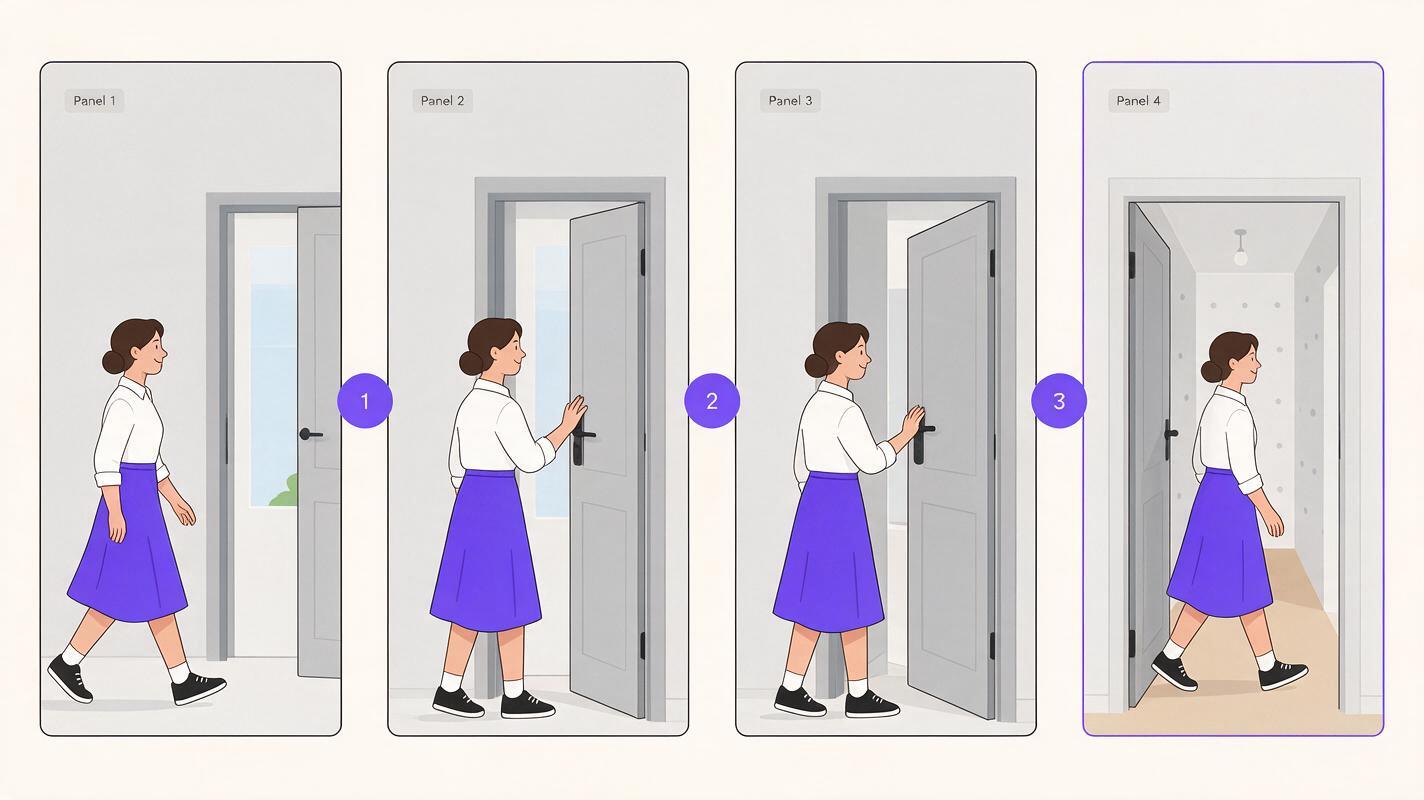
Write the shots as a continuous chain of states, not four independent scene descriptions. In the example below, the first cut moves closer as Mara reaches the door. The critical cut occurs after her right thumb presses the latch but before the door swings open.
| Shot | Visible action | State carried into the next shot |
|---|---|---|
| Approach | Mara walks toward the door at screen right. | Right arm begins to rise; bag remains on the same shoulder. |
| Latch | Her right hand reaches the handle and presses the latch. | Right hand stays at the handle; latch is pressed. |
| Opening | The door begins to swing inward as Mara pushes it. | Right hand remains at the handle; body continues toward screen right. |
| Entry | Mara crosses into the hallway. | The door is open; her movement continues rather than restarting. |
Cut-point rule: The last visible state of one shot must be compatible with the first visible state of the next. The new shot can advance the action, but it should not undo it.
Choose camera positions that make the action readable. If you move the camera to the opposite side of the doorway, screen direction may reverse even when the character’s real-world path does not. Either maintain the established direction or show enough doorway and hallway geography that the reversal is understandable.
Step 3 — Carry a boundary frame into the next shot
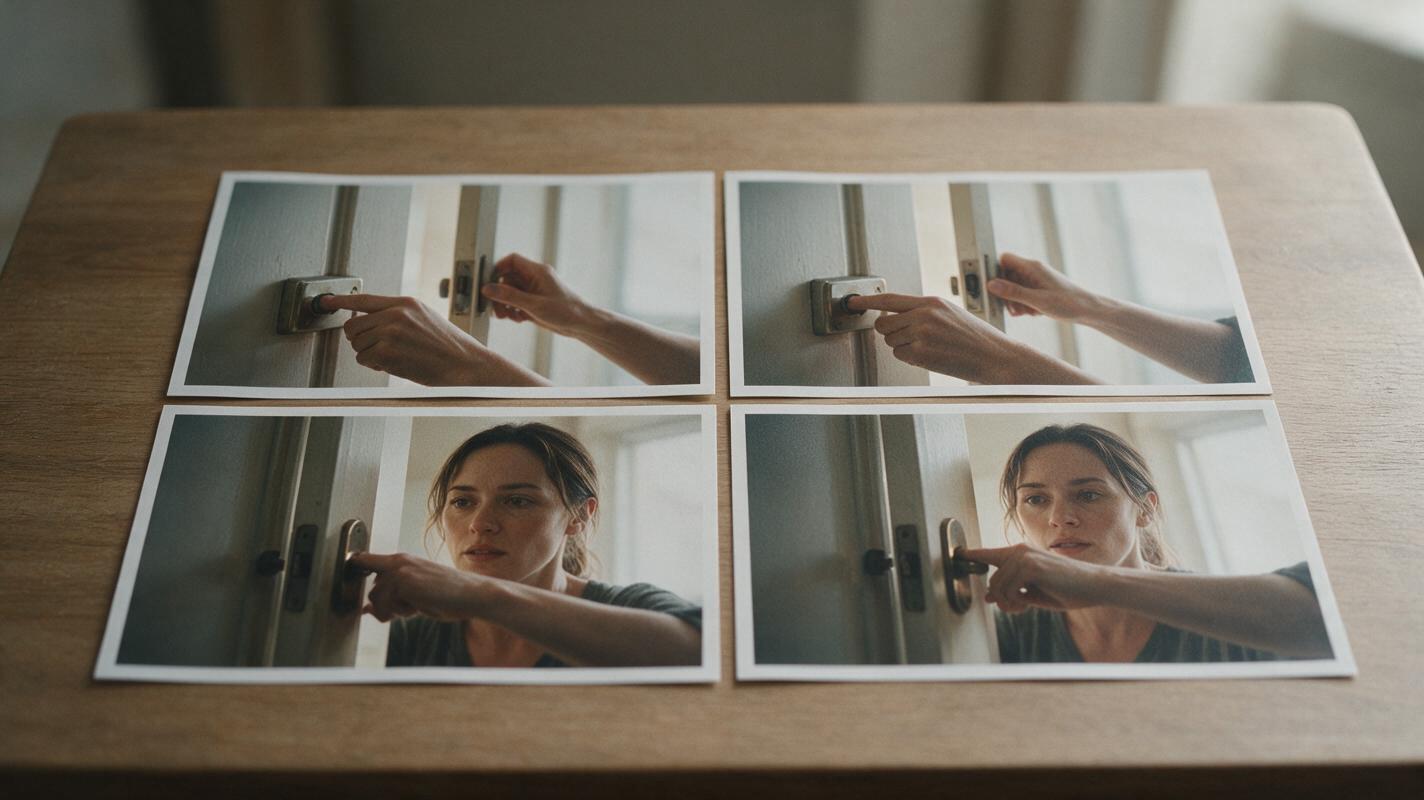
A reference image should answer a specific question. Use the character sheet for stable identity, a storyboard image for composition, and a boundary frame for the action state at the cut. Those are different jobs; a flattering portrait cannot show whether Mara’s right thumb has already pressed the latch.
Generate or shoot the approach and latch shots first. Inspect their final frames and choose one in which the right hand, handle, and pressed latch are legible. That frame becomes the visual starting reference for the opening shot. If your workflow accepts image references, supply it alongside the character sheet. If it does not, describe the boundary frame explicitly in the next prompt and compare the results manually.
SHOT: Opening, immediately after the latch shot.
Use the approved character reference for Mara's stable appearance.
Starting action state: her RIGHT hand is already on the handle,
her right thumb has just pressed the latch, and the door has not
opened yet. Continue forward in time: the door begins swinging
inward as she pushes it. Mara keeps moving toward screen right;
her canvas bag stays on the same shoulder. Show the doorway clearly.
Do not restart the reach, swap hands, or place her beyond the door
at the start of this shot.
Keep the action language separate from optional style language such as lens choice or lighting. If a result changes Mara’s hand or skips to the hallway, revise the action state first; adding more adjectives about her appearance will not fix the cut.
Step 4 — Review each cut in both directions
Place the last few frames of one shot beside the first few frames of the next. First compare the exact boundary: hand, prop, body position, travel direction, and door state. Then play through the cut at normal speed. A still-frame match can look correct yet produce a visible pause or repeated movement in motion.
| What fails | What to change |
|---|---|
| The right hand presses the latch, but the left hand opens the door. | Use a boundary frame where the right hand is visible; repeat “right hand stays at the handle” in the opening-shot prompt. |
| The character reaches twice across the cut. | Start the second shot after the reach, with the hand already on the handle. |
| The door is closed, then suddenly fully open. | Add an intermediate opening beat or begin the next shot with the door only starting to move. |
| The character appears to walk backward after the cut. | Check camera placement and screen direction; revise the storyboard reference or make the change in viewpoint readable. |
| Identity drifts while the action matches. | Return to the approved character sheet and reference image; correct stable identifiers without changing the action state. |
If the first shot ends at an unusable moment, do not force the next shot to compensate. Select an earlier cut, regenerate the ending, or add a brief bridging shot. Fix the earliest point where continuity breaks, then review the sequence again.
Ready to assemble a short test sequence? Create a multi-shot video draft, then compare its cut boundaries against your character sheet and action states.
FAQ
Is a character reference image enough for action continuity?
No. It helps define appearance, but it may not capture the hand position, prop state, or direction of movement at a particular cut. Pair it with a boundary frame and a written action state.
Should every shot repeat the full character description?
Keep the stable identifiers available in every shot’s working brief, but give the most space to what changes at that boundary. Repeating an inconsistent or overly detailed description can make revisions harder to track.
What if the next camera angle makes screen direction reverse?
A reversal can work when the geography is clear. Show a recognizable door, hallway, or intermediate view so the viewer understands the new camera position; otherwise, choose a viewpoint that preserves the established direction.
Sources
None — practical guide based on the workflow described.
Final checklist
- Identity: Stable features match the approved character sheet.
- Boundary: The outgoing and incoming frames describe compatible action states.
- Hands and props: The same hand continues the action; objects do not jump.
- Direction: Screen movement and doorway geography remain understandable.
- Playback: The cut works in motion, not only in still frames.
Keywords
character consistency, consistent character video, multi-shot continuity, character reference, storyboard reference, action continuity, consistent character across scenes
Decision: PUBLISH — a focused, tool-agnostic tutorial on action continuity at cuts, distinct from facial, wardrobe, and multi-character continuity guides.