Why Clear Product Bottles Look Fake on AI Backgrounds
A clear bottle can look convincing on a white product photo but turn cloudy or oddly tinted when placed in an AI-generated scene. This guide helps ecommerce sellers diagnose the problem, choose a safer image-making method, and check whether the finished lifestyle image still represents the product they ship.
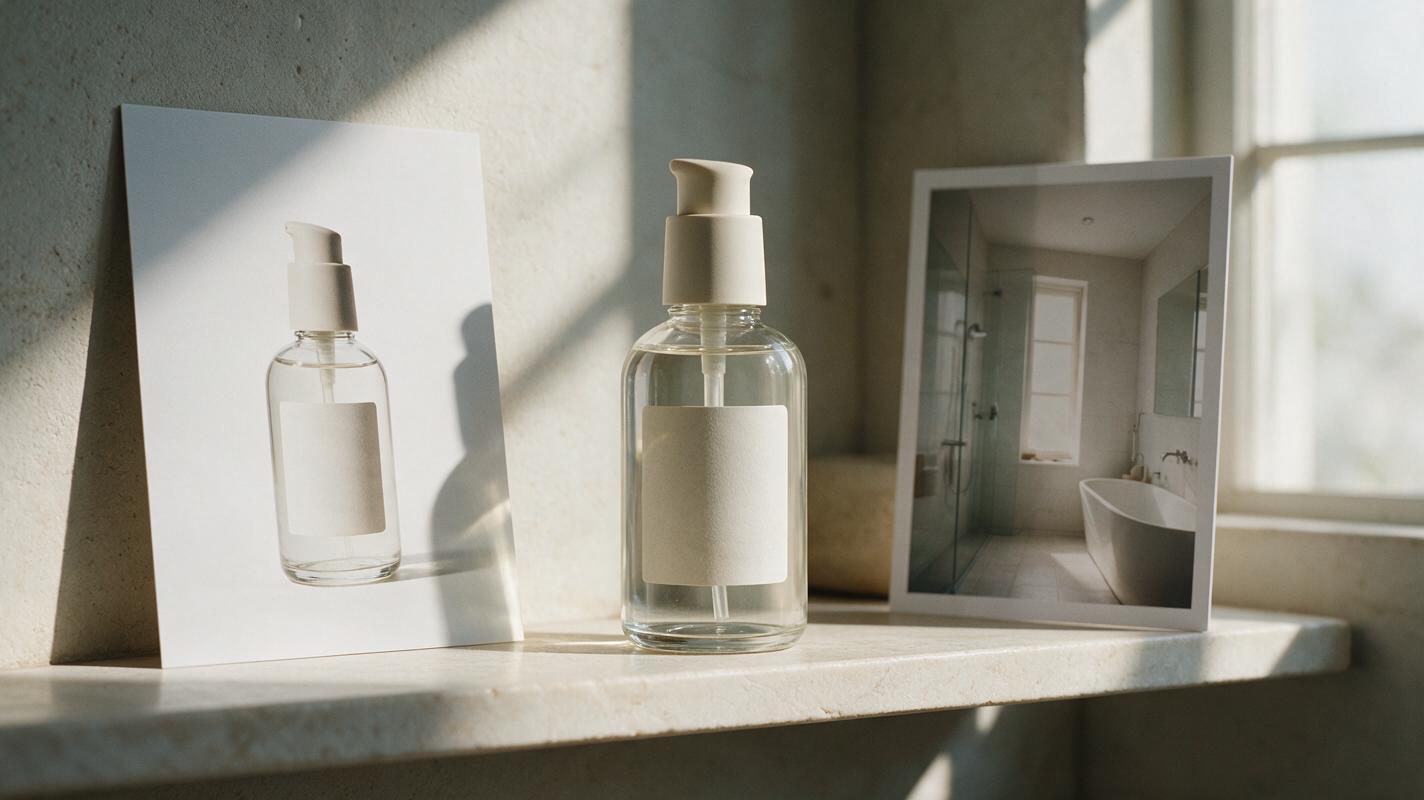
Table of contents
When the background shows through the bottle incorrectly
A clear serum bottle photographed against white may look gray, cloudy, or cut out when you move it into a warm bathroom scene. The problem is not always the AI background. Transparent glass and plastic carry information from the original photograph: reflections, transmitted background color, shadows, and highlights. A cutout cannot automatically replace all of that with light from a new room.
For Shopify or marketplace lifestyle images, the practical goal is not a perfect simulation of glass. It is an attractive setting that preserves the actual bottle, liquid color, label, fill level, and packaging details. The right approach depends on what your original photograph captured.
Why a clean cutout can still look wrong
Opaque products mostly hide whatever is behind them. Clear packaging does the opposite. Look closely at a bottle photographed on white: its edges may be bright, its clear areas may appear almost white, and the background visible through the glass may already be baked into the pixels.
Removing the white around the bottle does not necessarily remove the white inside its silhouette. When that image sits on a dark shelf, the bottle can appear filled with pale fog. Trying to erase those light areas may be worse: you can lose real glass highlights, change the liquid color, or make the bottle nearly invisible.
Three visible clues help identify the cause:
- White stays inside the bottle: the original backdrop is visible through transparent areas.
- Edges have a pale outline: bright pixels from the original backdrop cling to the silhouette.
- Highlights contradict the room: the bottle reflects a large white light source while the new scene suggests dim, directional light.
The first and third problems cannot reliably be fixed with a tighter edge mask. They require a more compatible setting, a better source photograph, or a reshoot.
Choose a setting the original photo can plausibly inhabit
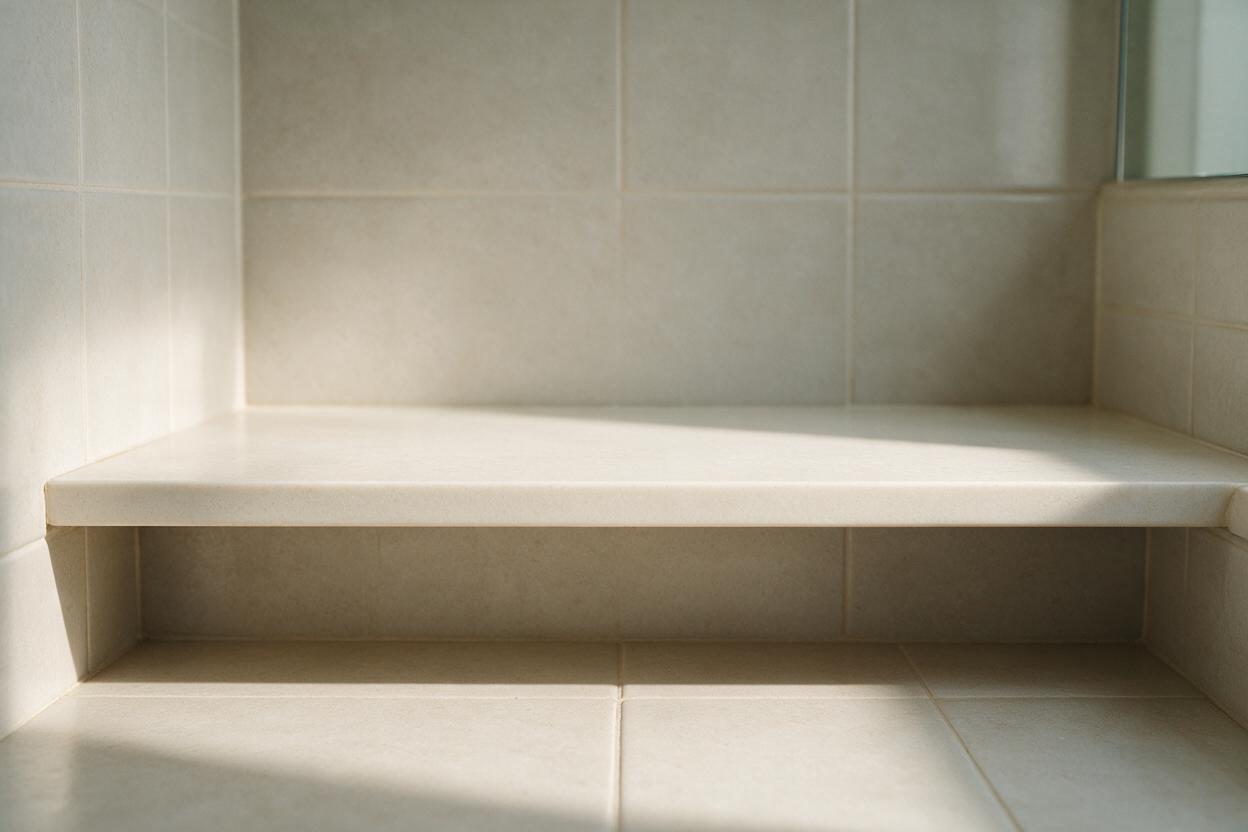
Start by matching the new scene to the light that is already visible on the bottle. If the product was shot with broad, soft light against white, choose a bright shelf, pale tile, or softly lit vanity rather than a dark, candlelit bathroom. Light backgrounds make any remaining white transmission less conspicuous without pretending it has been corrected.
Seedream 4.5 can be used to generate an empty setting. Describe the camera angle, surface, background, and light, but ask for no bottle, packaging, label, or product-shaped prop. Using an ai image generator for the surroundings gives you room to place the verified product photograph afterward, instead of asking a model to redraw its branding.
Create an empty, photorealistic bathroom vanity background for a product lifestyle image. Pale warm-gray tile, a matte off-white stone shelf, soft broad daylight from camera left, subtle natural shadows, eye-level camera angle, uncluttered composition. Leave clear open space in the center for a small upright bottle to be added later. No bottle, container, packaging, printed text, logo, or product silhouette.Compare the generated shelf with your source photo before compositing. Does the camera look level with the bottle or down on it? Is the strongest light coming from the same side? Does the shelf provide enough space for a believable base shadow? Regenerate the empty background if those answers are no; do not distort the product to fit it.
Use the source photo to decide whether to composite or reshoot
Not every clear bottle photograph is a good compositing source. Inspect the full-resolution image, particularly the unlabelled glass and the line where the bottle meets the surface.
| Source photograph | Best use | What to watch |
|---|---|---|
| Clear bottle on a bright neutral backdrop, with visible but gentle reflections | A similarly bright, softly lit lifestyle scene | Check for remaining white inside the glass and around the base. |
| Bottle with a strong white strip light reflected down one side | A scene with a plausible bright window or broad light source | Do not place it in a dim setting where the reflection makes no sense. |
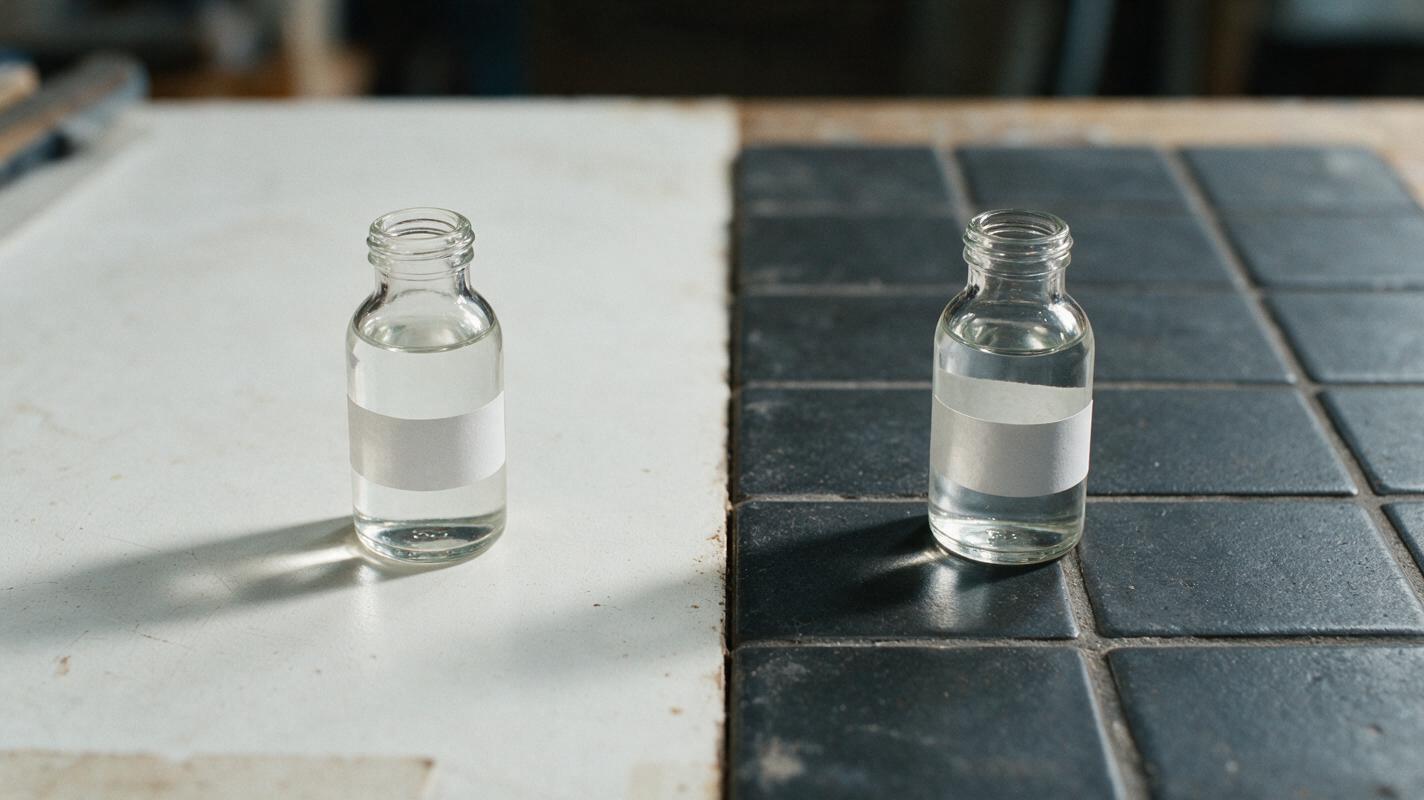
| Transparent bottle with a dark or colorful backdrop visible through it | The original backdrop or a closely matched scene | A different background may remain visible inside the bottle. |
| Bottle photographed on the intended shelf, including its real shadow | The strongest starting point for that lifestyle image | Retouch distractions without replacing the evidence of its lighting. |
If the original backdrop is strongly visible through the packaging, photograph the real bottle on a surface and backdrop close to your intended scene. A sheet of tile, stone, or colored card may be enough for a small product. Capture the base shadow and a few different lighting positions. This is often faster than trying to reconstruct believable transmission through the glass.
Composite conservatively around the glass
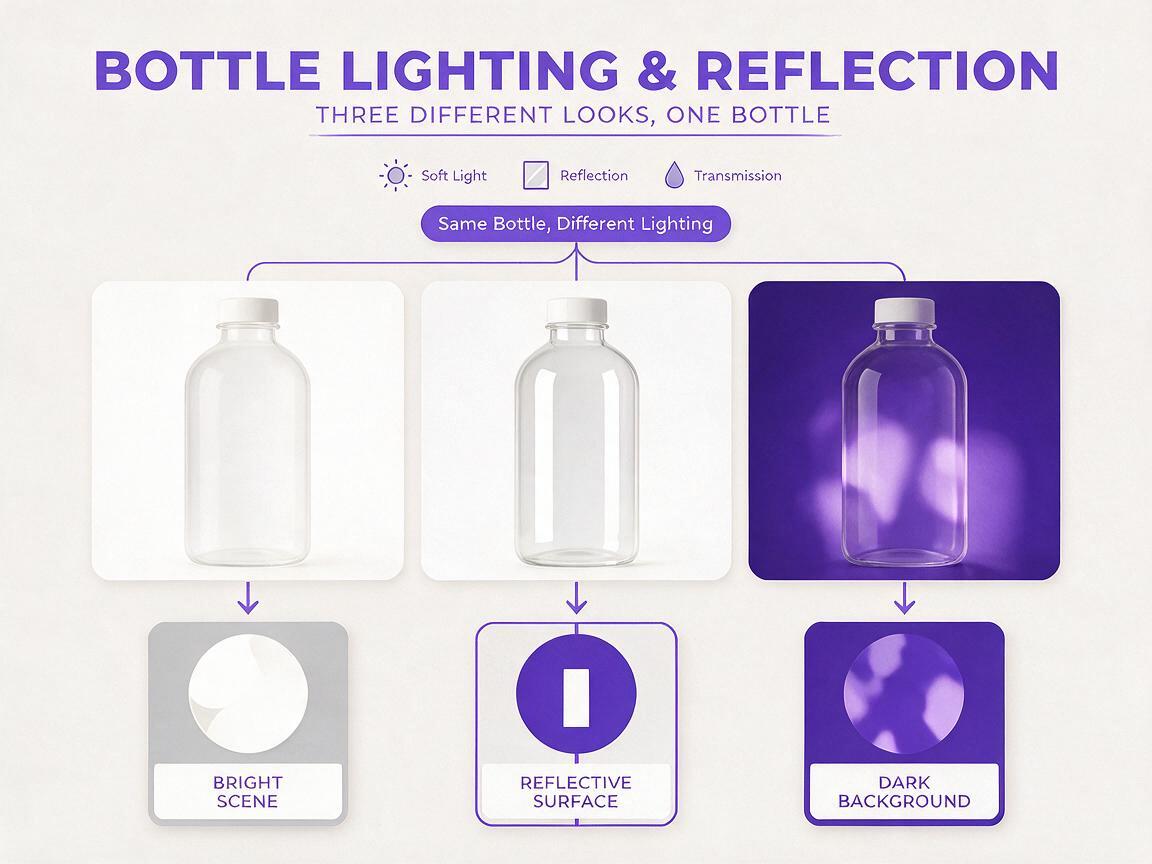
For a suitable source image, keep an untouched copy of the bottle photograph. Place the generated scene behind it and work on a separate mask. Preserve the photographed label, cap, liquid, and major highlights; adjust the surrounding silhouette only where the original backdrop is clearly visible.
Zoom out regularly. A mask that looks neat at 400% may make the bottle too dark or too sharply outlined at the size shoppers actually see. If pale edging remains, try a slightly brighter background behind that side of the bottle before aggressively erasing pixels. Where the product meets the shelf, favor the real contact shadow if it is usable. Otherwise, add a restrained shadow that follows the bottle’s actual base rather than a broad, floating oval.
If the background visible through the bottle still looks like the old room, do not describe the result as a realistic new-location photograph. Use a different source photo or keep the original setting.
Leave product-specific facts outside the generated scene. Do not let decorative props imply that an accessory ships with the item. Avoid digitally changing the fill level, liquid shade, label text, or glass color just to harmonize the picture.
Check the image as a shopper would
View the finished image at full size and at mobile listing size. At full size, inspect the bottle interior for leftover white or an obvious rectangle of the old backdrop. At mobile size, ask whether the outline, label, and liquid remain easy to understand. A technically intricate composite that makes the product harder to identify has missed the point.
Compare the lifestyle image directly with your unedited product photograph. The bottle’s shape, cap, label placement, and contents should agree. If you sell multiple sizes or scents, repeat this check for each actual SKU rather than reusing one bottle image as a stand-in for another.
Keep a straightforward photograph of the real item among the listing images so shoppers can inspect what they are buying. Before publishing on a marketplace, check that platform’s current image requirements for the specific image placement; a styled secondary image and a main listing image may have different requirements.
Final checklist
- Does the generated setting contain no AI-made version of the product?
- Do the scene’s angle and lighting suit the source photograph?
- Is the old backdrop visibly trapped inside the clear packaging?
- Are the bottle, label, fill level, and liquid color faithful to the real SKU?
- Does the product look credible at mobile listing size?
If your source bottle suits a bright setting, test this prompt yourself with an empty background and compare the result with the real photograph before you publish.
Keywords
ai product photography, clear bottle product photos, product photo background, transparent product compositing, skincare lifestyle images, shopify product images