How to Build a Consistent Multi-Outfit Lookbook With Seedream 4.5
Tired of AI lookbook images where the model’s face, body, and vibe shift with every outfit? This guide shows you how to use Seedream 4.5’s character reference features to create a cohesive multi-outfit editorial lookbook with a fully consistent model. You’ll get reusable prompt templates, reference weight settings, and troubleshooting fixes for common drift and distortion issues.
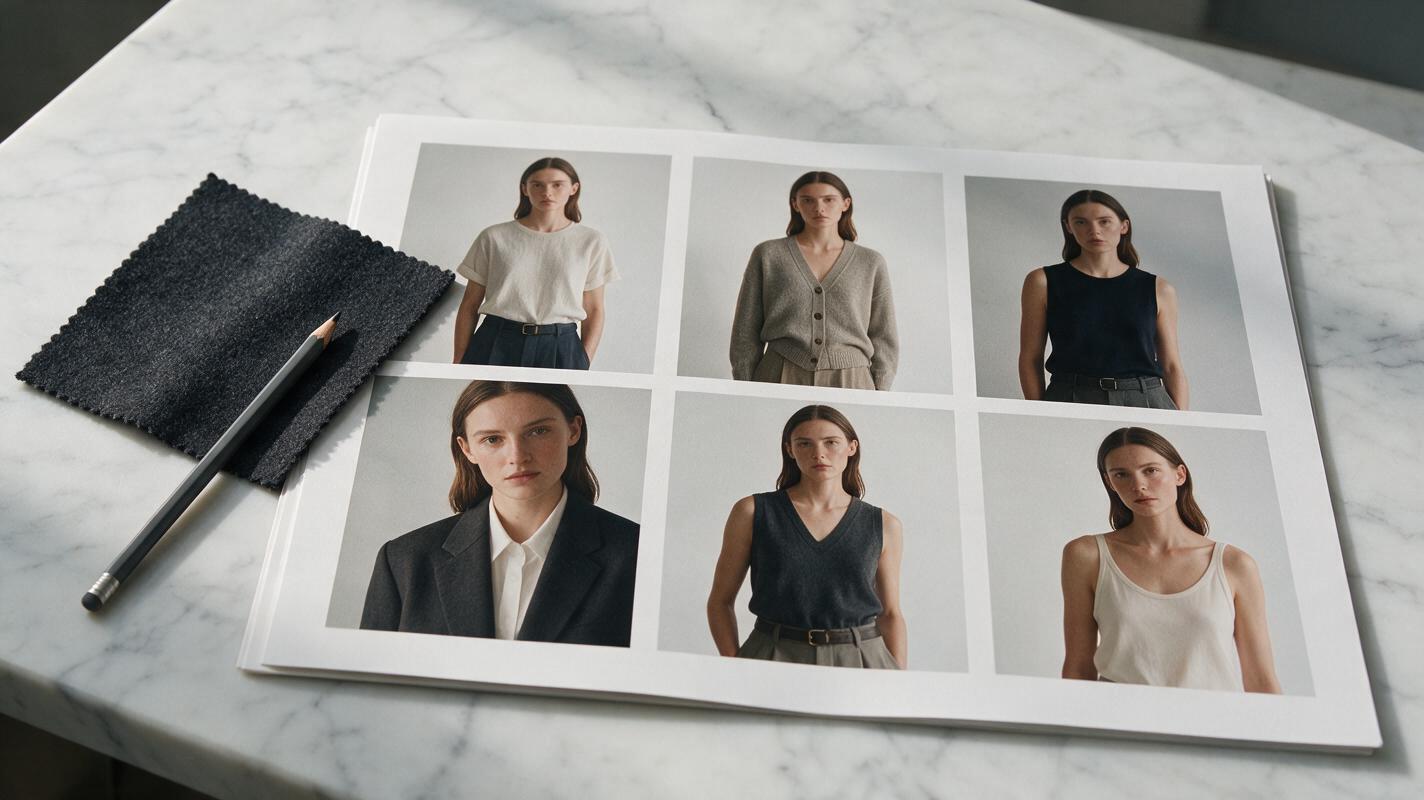
Table of contents
The problem with AI-generated lookbook consistency
You’ve spent months refining your 8-piece collection, sketching every silhouette, and perfecting fabric drapes—only to generate AI lookbook images where the model’s face changes every shot, their body type shifts between looks, and the cohesive brand vibe you planned falls apart. For fashion designers and stylists, this drift doesn’t just look unprofessional; it undermines brand identity and makes your campaign feel disjointed.
Seedream 4.5’s granular character reference controls solve this by letting you lock in a model’s facial features, body proportions, and even core styling cues across every outfit image you generate. Unlike generic AI tools that prioritize novelty over consistency, Seedream 4.5 is tuned for creative workflows where brand alignment matters—making it ideal for editorial lookbooks, campaign grids, and e-commerce look sets.
Choose a base model reference that stays stable
Your lookbook’s consistency starts with the reference image you use to define your model. A bad reference—blurry, heavily filtered, or shot in harsh, shadowy light—will cause drift even with the highest reference weight settings.
For best results, pick or generate a reference image that meets these criteria:
- Full-body or three-quarter shot, with clear, unobscured facial features
- Soft, even lighting (no harsh overhead shadows or colored gels that alter skin tone)
- Neutral, form-fitting base clothing (so the model’s body shape is visible, not hidden by oversized garments)
- Natural makeup and simple hair, so facial structure isn’t obscured by bold looks
If you don’t have a reference photo you have rights to, you can generate your base model directly with a text to image workflow. Start with a detailed prompt that defines the model’s features, build, and skin tone, then refine until you have a base image you’re happy to use across the entire lookbook.
Example base model prompt:
Full-body editorial portrait of a 28-year-old non-binary model, warm medium brown skin, short curly black hair, soft jawline, 5’9” slim athletic build, wearing a white cotton tank top and black tailored trousers, standing in a minimalist white studio, soft north-facing window light, sharp focus on face and body, 50mm lens, f/2.8, high resolutionTest this prompt yourself to generate a base model that fits your brand’s aesthetic before moving on to outfit variations.
Set character reference weights for face and body lock
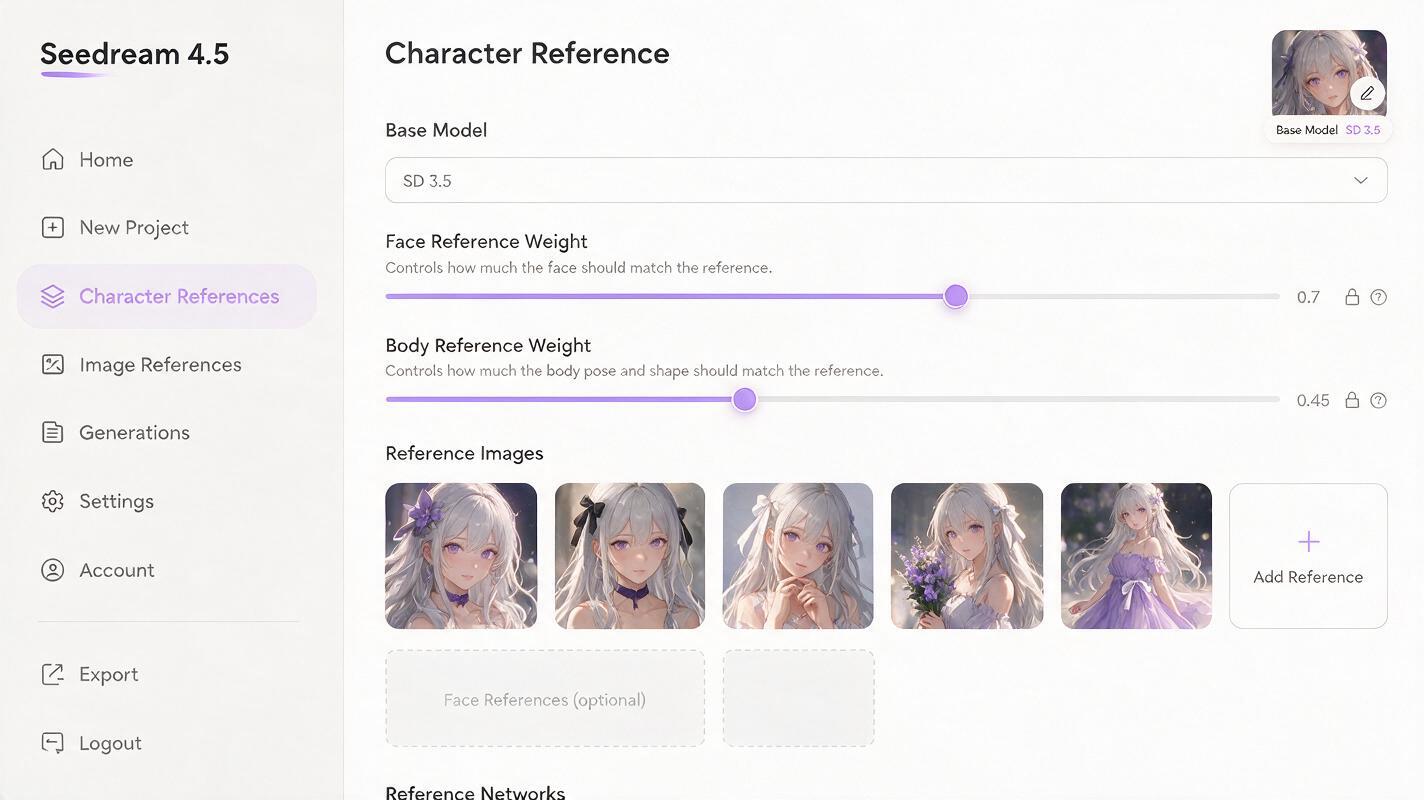
Seedream 4.5 lets you adjust separate face and body reference weights, which is a game-changer for fashion lookbooks. You want the model’s face and core body shape to stay identical, but you don’t want the reference’s original clothing to bleed through into your new outfit designs.
For most editorial lookbook use cases, these weight ranges work best:
| Reference Type | Weight Range | Use Case |
|---|---|---|
| Face Reference | 0.65 – 0.75 | Lock in facial features, skin tone, and hair across all looks |
| Body Reference | 0.4 – 0.5 | Preserve height, build, and proportions without overriding new garments |
| Full Image Reference | 0.2 – 0.3 | Match lighting and pose only (for advanced users) |
Pro tip: If you’re using a garment reference image alongside your character reference, lower the body reference weight by 0.1 to give the garment design more room to render accurately without losing the model’s shape.
Write outfit prompts that preserve garment construction
Consistency doesn’t stop at the model—your garments need to render exactly as designed, with correct draping, stitch details, and fabric texture. Vague prompts will lead to generic, distorted clothing that doesn’t match your collection.
Structure every outfit prompt with three core parts: 1) a reminder to retain the reference character’s face and body, 2) specific garment details (silhouette, fabric, color, details), and 3) consistent setting, lighting, and composition cues.
Reusable outfit prompt template:
Full-body shot of [reference character: face and body exactly matching reference image], wearing [garment 1: silhouette, fabric, color, details] paired with [garment 2: details], [shoes/accessories], standing in [consistent setting], [consistent lighting], sharp focus on garment construction and fabric drape, editorial fashion photography, 50mm lens, f/2.8, high resolution

Negative prompt: distorted face, mismatched facial features, altered body proportions, warped fabric, melted seams, blurry details, distorted hands, extra limbs
Example prompt for a wool blazer look:
Full-body shot of reference character (face and body exactly matching reference image), wearing an oversized charcoal gray double-breasted wool blazer with peak lapels, paired with high-waisted black tailored trousers and black leather loafers, standing in a minimalist concrete studio with soft north-facing window light, sharp focus on blazer tailoring and fabric drape, editorial fashion photography, 50mm lens, f/2.8, high resolution

Negative prompt: distorted face, mismatched features, altered body shape, warped blazer seams, melted fabric, blurry lapels, extra buttons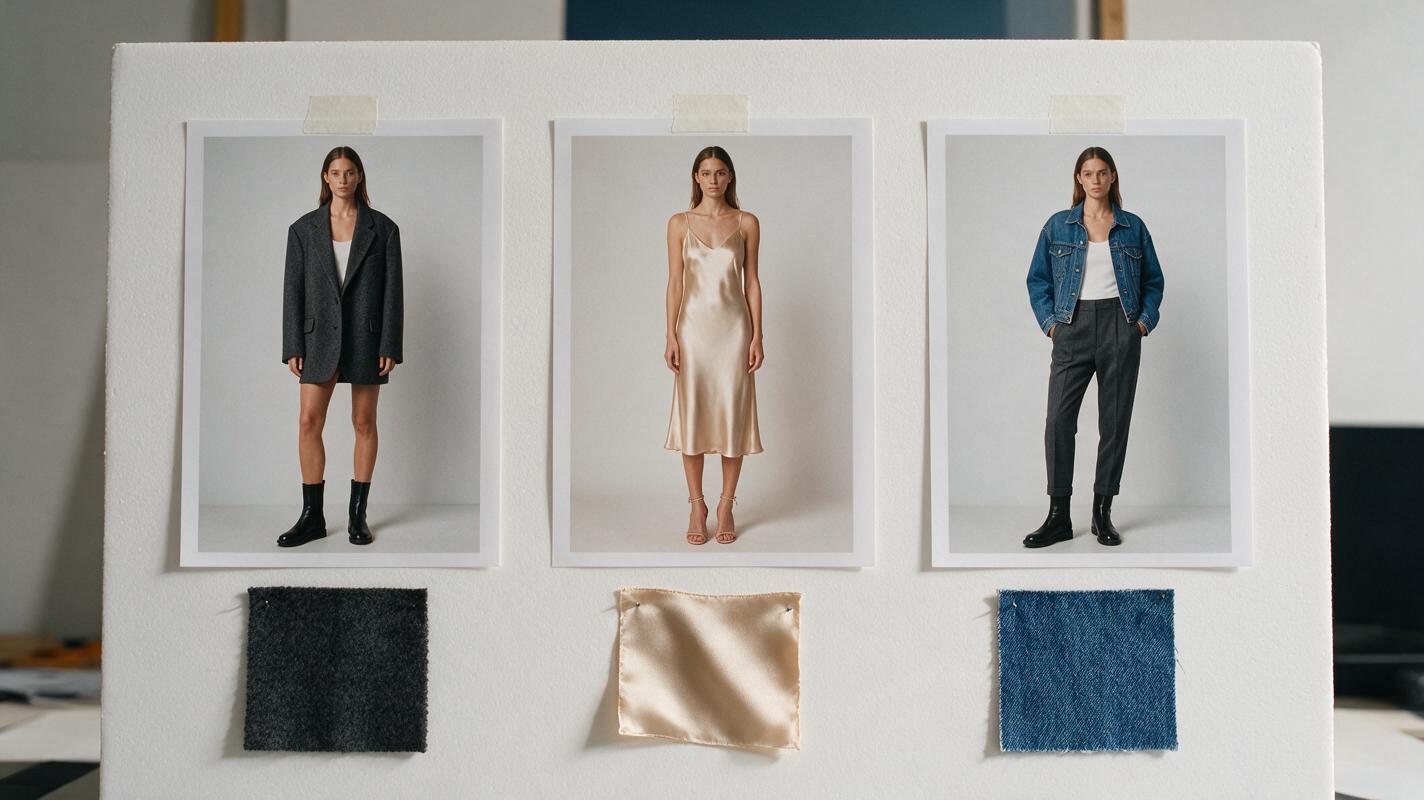
Match lighting and composition across all looks
A consistent model won’t feel cohesive if every look has different lighting, camera angles, or backgrounds. Even small shifts—like a warm golden light in one shot and cool fluorescent in another—can make your lookbook feel disjointed.
Keep these elements identical across every prompt to maintain editorial cohesion:
- Setting: Use the exact same location description (e.g., “minimalist concrete studio, neutral gray backdrop, small potted fiddle leaf fig in corner”) for every look.
- Lighting: Stick to one lighting style (e.g., “soft north-facing window light, diffused, no harsh shadows”) and don’t change it between outfits.
- Camera: Use the same lens, angle, and shot type (e.g., “full-body shot, eye level, 50mm lens, f/2.8”) for all core lookbook images. You can vary this for detail shots later, but keep the main set consistent.
- Pose vibe: Define a general pose energy (e.g., “relaxed standing pose, weight on one hip”) so the model doesn’t shift from stiff to overly dynamic across shots.
If you want to add variety with close-ups or detail shots, keep the same lighting and setting, and use the same character reference weight—just change the shot type in the prompt.
Troubleshoot common lookbook consistency issues
Even with the right settings, you might run into small issues. Here’s how to fix the most common problems:
Face drift between shots
If the model’s face changes slightly between looks, increase the face reference weight by 0.05–0.1, and double-check that your base reference image has clear, well-lit facial features. Avoid references with hair covering the eyes or forehead, as this makes it harder for the model to lock in facial structure.
Garment details get lost or distorted
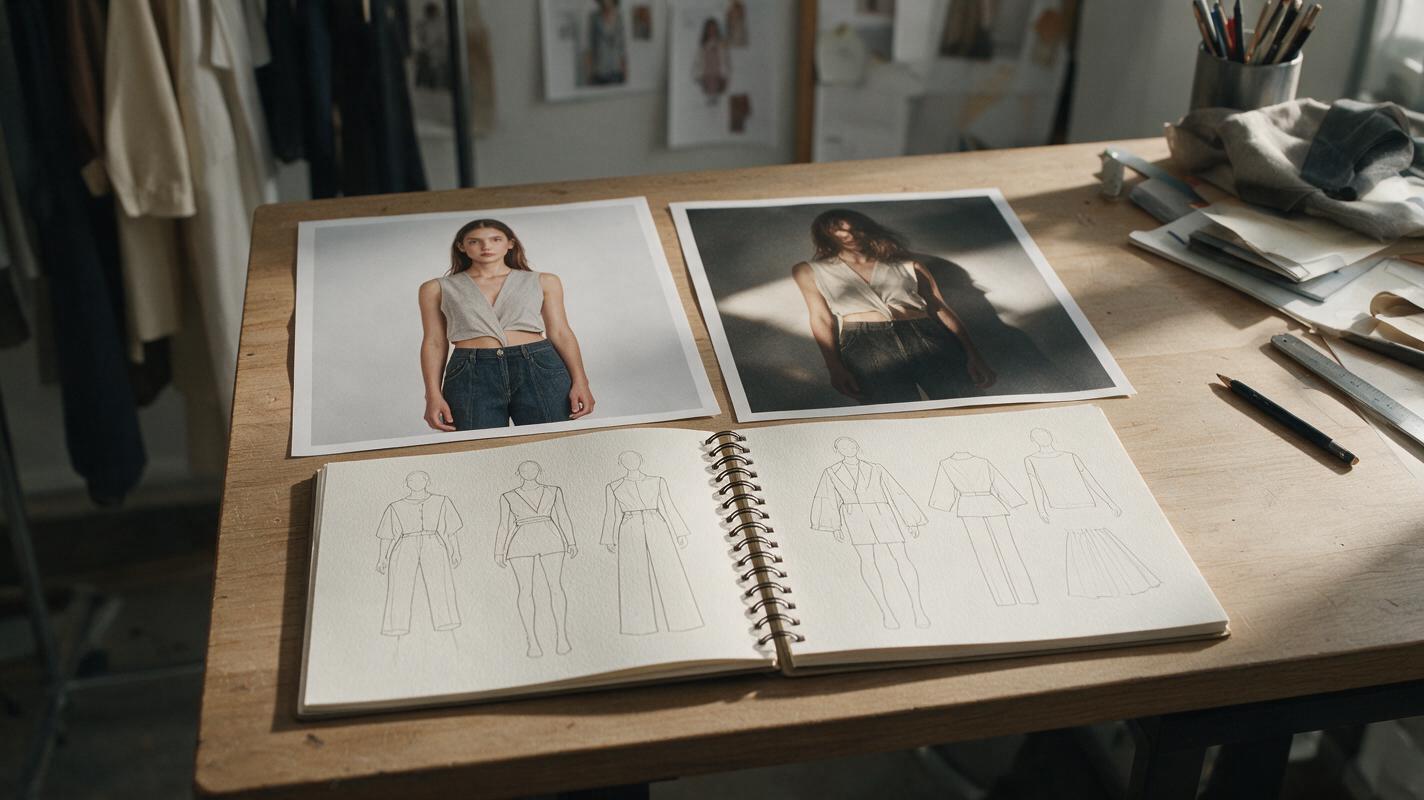
If your garment’s seams, prints, or silhouette aren’t rendering correctly, lower the body reference weight by 0.1, and add more specific garment descriptors to your prompt. You can also add a garment reference image (a flat photo or sketch of the piece) alongside your character reference for more accurate rendering.
Body proportions shift
If the model’s height or build changes between looks, make sure your base reference is a full-body shot (not cropped at the waist), and increase the body reference weight by 0.05–0.1. Avoid prompts that include words like “curvy,” “slim,” or “muscular” unless you’re intentionally changing the body type.
Key takeaways
- Start with a high-quality, well-lit full-body reference image to lock in your model’s face and body.
- Use Seedream 4.5’s separate face (0.65–0.75) and body (0.4–0.5) reference weights to balance consistency and garment accuracy.
- Structure every outfit prompt with character retention, specific garment details, and consistent setting/lighting cues.
- Keep lighting, camera settings, and setting identical across all looks for a cohesive editorial feel.
- Adjust reference weights incrementally to fix face drift, garment distortion, or proportion shifts.
Keywords
seedream 4.5, fashion lookbook, consistent ai model, editorial fashion, garment rendering, ai image generation, lookbook consistency