Seedream 4.5 Prompts for a Consistent Product Concept Storyboard
A product concept storyboard can show why a prototype matters without redesigning it from frame to frame or implying that untested features work. These Seedream 4.5 prompts use an approved product reference, a fixed design description, and four distinct scenes to build a presentation-ready narrative.
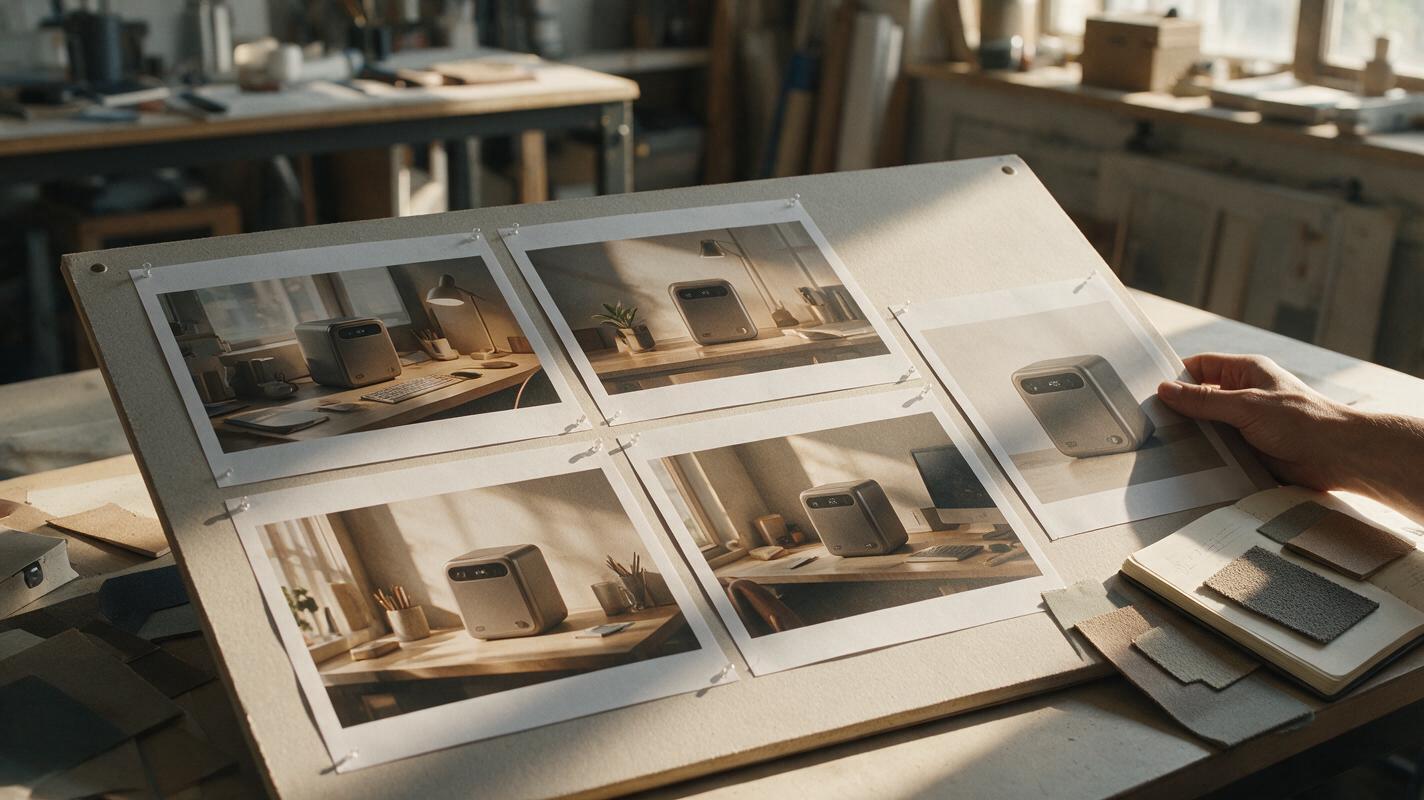
Table of contents
A product storyboard should tell a story—not redesign the product
A concept can look convincing in one render and become a different object across a four-frame storyboard. Buttons move, proportions change, and a final scene appears to prove a performance claim nobody has tested. For a useful product concept storyboard, keep the approved design fixed while changing the situation around it.
The prompts below use a compact desktop air-purifier concept as an example. Replace it with your own product and reference image. The narrative shows a workspace need, product placement, a plausible interaction, and the resulting scene. It does not depict invisible airflow or claim measured air-quality improvement.
Choose the reference that every frame must obey
Start with a clear three-quarter image of the approved concept. A neutral background helps distinguish the product’s actual edges from shadows or nearby objects. If one view hides a defining feature, provide an additional approved view rather than asking the model to invent the missing side.
Write a short design lock before generating any scenes. For the example, it might read: “Compact upright desktop enclosure; softly rounded rectangular body; dark circular top opening; one small control on the upper front; matte warm-gray finish.” Describe only features visible in the reference. If your concept has no front control, remove that clause.
Use Seedream 4.5 with the approved image as a visual reference for each frame. If the available workflow does not accept a reference image, an ai image generator can explore scene compositions, but do not treat its product details as faithful to an approved design. Keep the same reference and design lock in every prompt; vary the scene instructions instead.
Presentation boundary: An AI-generated frame illustrates a proposed experience. It is not evidence that a prototype has passed usability, safety, or performance testing.
Give each frame a different narrative job
An ai storyboard becomes easier to read when each image answers a different question. “Where does this fit?” calls for a wider scene. “What does someone do?” calls for a closer view with a visible point of contact. Four attractive hero angles may look polished, but they do not explain an experience.
| Frame | Question it answers | What should change | What must stay fixed |
|---|---|---|---|
| Context | What is the setting? | Room and workspace details | Approved product design |
| Placement | Where does the product go? | Camera distance and product position | Scale cues and geometry |
| Interaction | What action is proposed? | Hand position and camera angle | Control location and contact point |
| After-use scene | How does the space feel? | Composition and atmosphere | Product identity; no invented performance proof |
Prompt for the workspace context
Keep the product visible but let the environment establish the situation. This is not the place for a floating packshot or an exaggerated demonstration of what the device supposedly does.
Use the attached approved product reference as the design authority. Create the opening frame of a four-image industrial-design concept storyboard: a compact desktop air-purifier concept in a lived-in home workspace. Show a wide, eye-level view of the desk, chair, papers, and daylight from a window. The product is present on a side shelf but is not the visual focal point yet. Design lock: compact upright enclosure, softly rounded rectangular body, dark circular top opening, one small control on the upper front, matte warm-gray finish. Preserve those features and proportions. Photorealistic editorial product visualization. No readable text, added indicators, visible airflow, medical claims, or extra controls.A successful context frame still lets a reviewer identify the product. If it disappears into the background, move it closer to a contrasting surface rather than enlarging it beyond plausible desk scale.
Prompt for a believable placement
The next frame should clarify footprint and location. Familiar desk objects provide scale more reliably than a prompt that merely says “small.” Do not assume the model has converted your intended dimensions into accurate measurements; compare the result with a measured reference before presenting it.
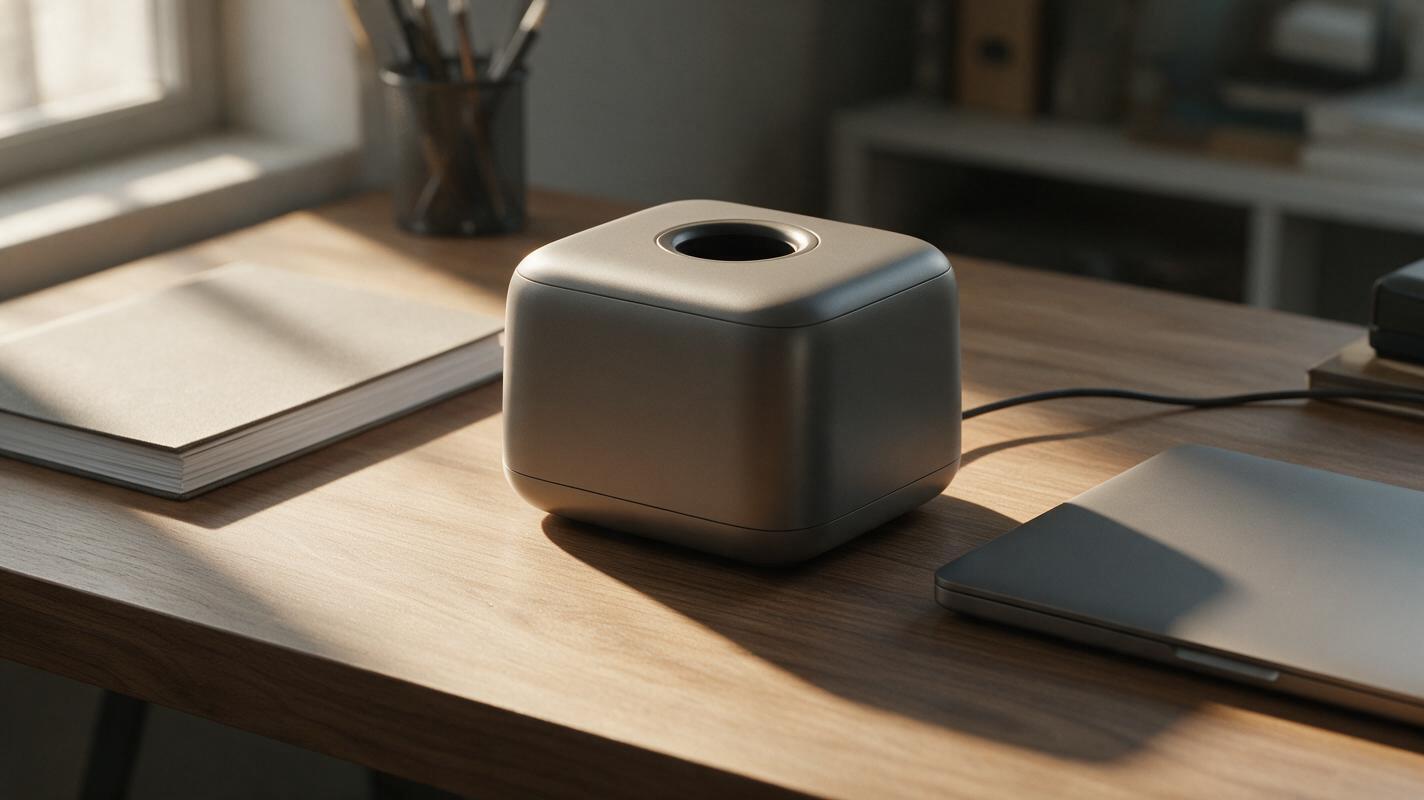
Using the same approved product reference and design lock, create the placement frame of the same home-workspace storyboard. Show the concept resting on a clear portion of the desk beside a standard notebook and closed laptop, with the entire product visible. Use a medium three-quarter camera view and natural window light. Keep the enclosure silhouette, top opening, front-control location, finish, and relative proportions unchanged from the reference. Maintain plausible scale against the notebook and laptop. Do not add vents, branding, cords, buttons, or a display that are not visible in the reference.If the concept requires a cord or clearance that the reference does not establish, leave those details unresolved. The storyboard should expose open design questions, not answer them by accident.
Prompt for interaction without inventing controls
An interaction frame often causes the most drift: a hand covers the product, a control moves to a more convenient location, or an unfamiliar gesture becomes an implied operating instruction. Specify the contact point only if it exists in the approved reference. For a concept without a defined control, show a hand positioning the product instead.
Using the same approved product reference and design lock, create the interaction frame at the same desk. Show one adult hand gently touching the existing small control on the upper front of the product. Use a closer three-quarter view that keeps the hand, contact point, top opening, and overall enclosure legible. Preserve the exact control location and product proportions from the reference. The gesture illustrates a proposed interaction, not confirmed functionality. No new screen, illuminated status symbol, extra dial, dramatic airflow, or altered product shape.Inspect the point where the finger meets the control. If that area is obscured or anatomically implausible, try a wider framing or a simpler gesture. Do not accept a cleaner-looking frame if it quietly relocates the control.
Prompt for an outcome scene that stays honest
The closing frame can communicate the intended experience through composition rather than a fabricated effect. A calm, usable desk is a visual aspiration; particles vanishing from the air would imply a demonstrated result.
Using the same approved product reference and design lock, create the closing frame of the home-workspace concept storyboard. Show the product in its established desk position within a calm, organized workspace in soft afternoon light. Frame it at medium distance with enough surrounding environment to recall the opening scene. Preserve its silhouette, top opening, front control, warm-gray finish, and plausible scale. Suggest a comfortable setting through lighting and composition only. Do not show particles disappearing, airflow trails, health outcomes, numerical readings, or other evidence of untested performance.Review the sequence as a design document
Generate the frames separately, then arrange them in a single left-to-right sheet outside the generator. Independent images are easier to replace than one generated grid whose weakest cell requires rebuilding everything. Use simple captions such as “Workspace,” “Placement,” “Proposed interaction,” and “Intended setting”; avoid claims like “Cleaner air in seconds.”
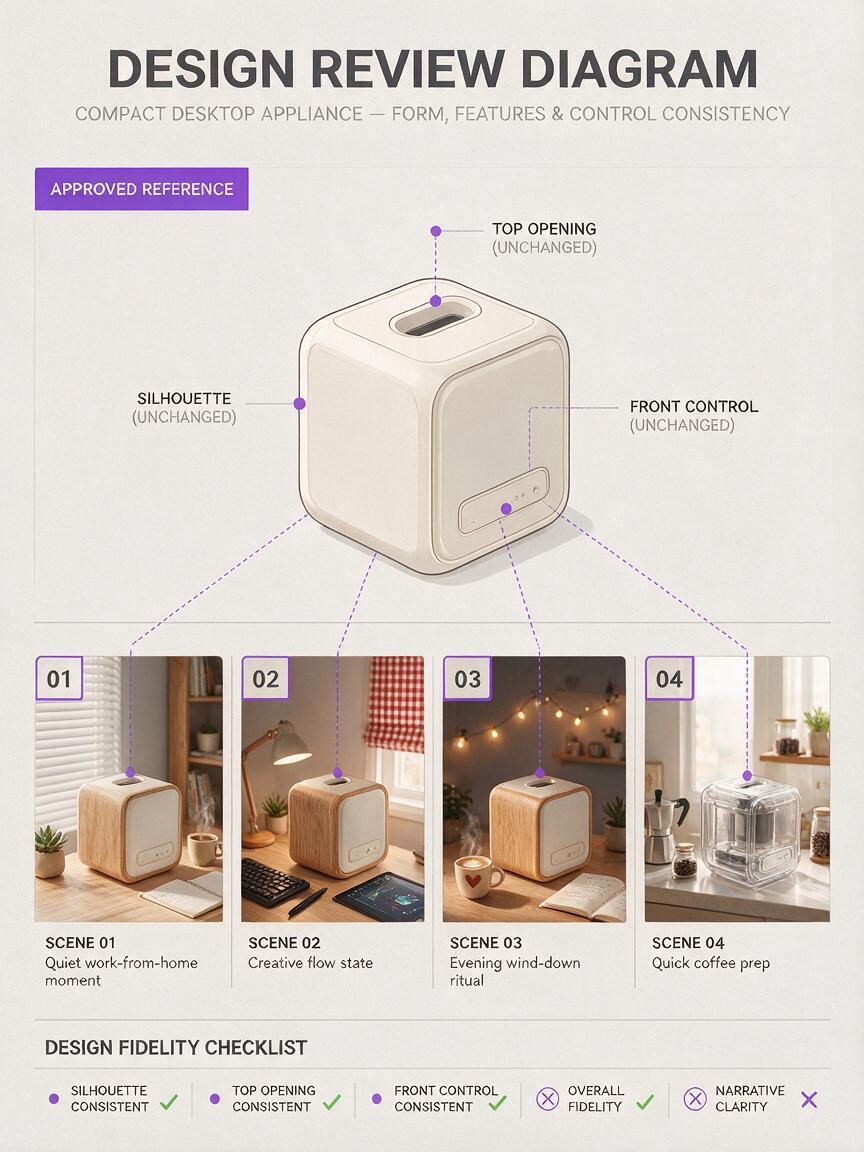
Compare every cell against the approved reference at the same viewing size. Check the silhouette, opening, control position, finish, and approximate scale. Then read the sequence without its captions. Can a design reviewer tell what changed between frames? If two images perform the same narrative job, replace one with a more informative angle rather than adding another decorative render.
When a frame meets both tests—design fidelity and narrative clarity—it is ready for a concept review. If you already have an approved reference, test this prompt yourself with its real features substituted into the design lock.
Final checklist
- Every frame uses the same approved product reference and design lock.
- Each image answers a distinct question about context, placement, interaction, or intended experience.
- Hands touch only controls or surfaces established by the reference.
- Props suggest plausible scale; dimensions are checked separately.
- No generated effect is presented as proof of prototype performance.
Keywords
product concept storyboard, Seedream 4.5 prompts, AI product design, product visualization, prototype storytelling, industrial design AI, consistent product renders