How to Debug Text-to-Video Prompts Without Starting Over
Fix unreliable text-to-video generations by reducing your prompt to one testable shot, then adding character, environment, camera, and timing constraints one layer at a time. This tutorial uses a rainy night-market scene to show how to compare Seedance and Kling prompts without changing every variable at once.
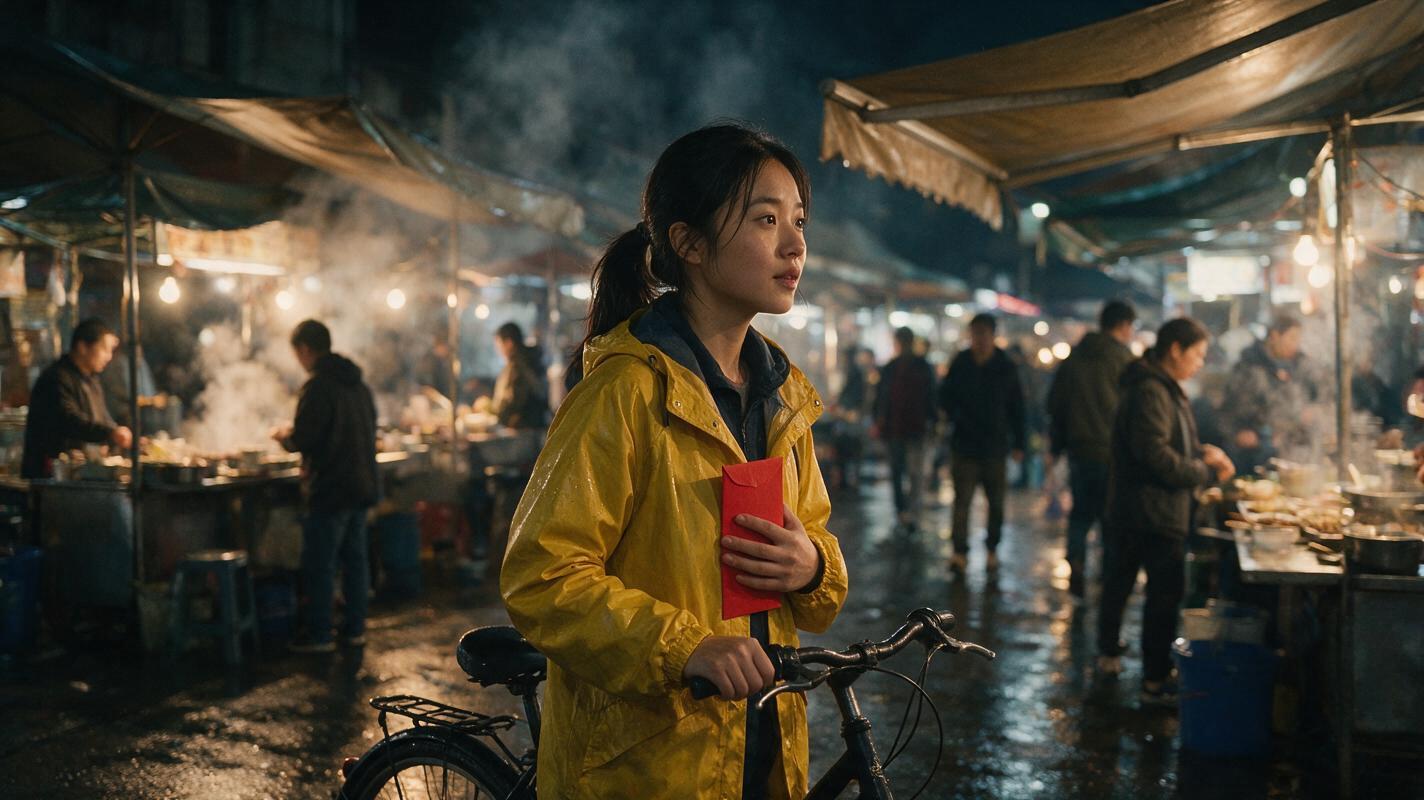
Table of contents
TL;DR: debug the prompt one constraint at a time
When a text to video prompt produces the wrong action, camera, or scene, do not rewrite the entire prompt. Reduce it to a minimum viable shot, test one new constraint per generation, and preserve the first version that gets the physical action right.
The fastest workflow is: define one visible event, generate a neutral baseline, add constraints in a fixed order, compare the same prompt in Seedance and Kling, and move to image-to-video only when composition needs tighter control.
Why text-to-video prompts fail in predictable ways
A long prompt can describe a beautiful idea while giving the model several incompatible instructions. A courier may need to walk, protect an envelope, look over her shoulder, avoid pedestrians, and remain centered while the camera circles her. Each instruction is understandable by itself, but their combination creates competing motion priorities.
Typical symptoms reveal which part of the prompt is overloaded:
- The subject barely moves: visual styling and environmental detail are overpowering the action.
- The action changes halfway through: the prompt contains several verbs without a clear sequence.
- The camera ignores the instruction: camera movement conflicts with subject movement or scene geography.
- Props disappear or change hands: the prompt asks the model to maintain a small object through complex motion.
- The result looks polished but tells the wrong story: mood words are stronger than the shot's actual event.
The solution is not necessarily a more detailed prompt. It is a prompt whose constraints can be tested independently.
Debugging rule: if a generation fails, change only one meaningful variable before testing again. Otherwise, you cannot tell which edit improved or damaged the result.
Visual recreation prompt:
Create a landscape 16:9 editorial comparison divided into three equal cinematic frames. Frame one: a young bicycle courier in a yellow rain jacket is duplicated in a crowded night market. Frame two: the same courier has an extra arm and the red envelope has changed hands. Frame three: a corrected result with one courier holding one red envelope securely against her chest. Wet pavement, believable food stalls, warm practical lights, realistic rain, natural human anatomy. MANDATORY LAYOUT: left-to-right failure, failure, corrected result; identical character wardrobe and location in all three frames; no interface, no labels, no logos, no abstract technology graphics.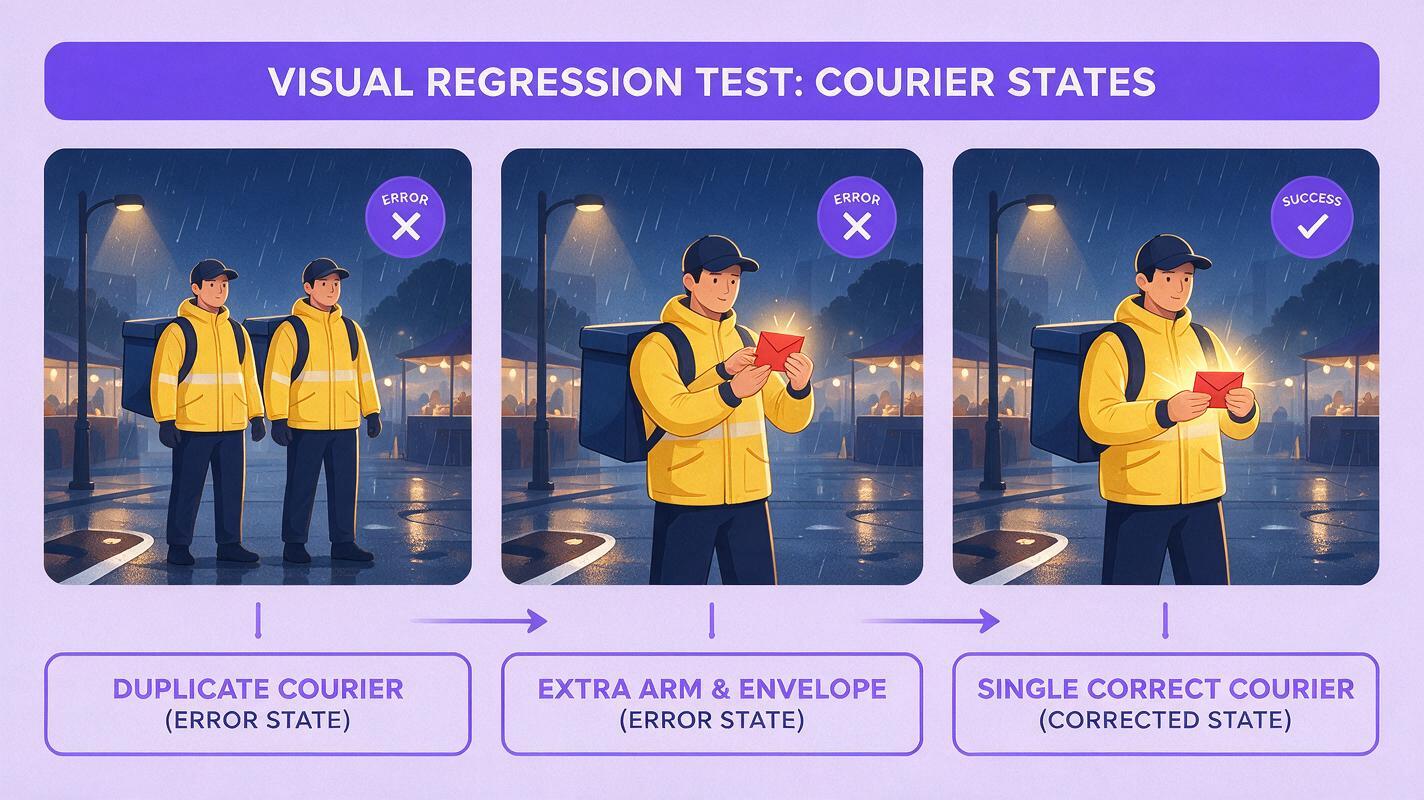
Three ways to debug an AI video prompt
- Use a constraint ladder. Begin with subject and action, then add setting, framing, camera motion, timing, and visual treatment.
- Run a controlled model comparison. Give Seedance and Kling the same semantic requirements instead of writing unrelated prompts for each model.
- Replace uncertain text with a reference frame. When composition matters more than discovery, create a still image and animate it instead of repeatedly describing the layout.
This tutorial combines all three methods. The test scene is deliberately demanding but measurable: a bicycle courier crosses a rainy night market while protecting a red envelope.
How MagicBoat handles multi-model prompt testing
MagicBoat provides a practical ai video workflow because one account can be used to try multiple integrated generation models. You can test a prompt in Seedance, compare its interpretation in Kling, and use image models such as Seedream, Flux, or GPT Image when a locked starting composition is more useful than another text-only attempt.
This matters because prompt debugging and model selection are separate decisions. A valid prompt can still be a poor fit for a particular model's motion behavior. Keep the story requirements constant while allowing small changes in prompt structure, then judge the outputs by visible evidence rather than by which prompt sounds more cinematic.
| Workflow | Use it when | What stays fixed |
|---|---|---|
| Text to video | You want visual discovery and flexible staging | Subject, action, setting, shot size |
| Image to video | Composition, wardrobe, or prop placement must be established first | The complete starting frame |
| Motion transfer | A specific body performance is more important than spontaneous movement | Source motion and character design |
| Face swap | The shot works but facial identity drifts | Timing, camera, body motion, and edit |
Step 1 — Write a one-sentence shot contract
Before writing a generation prompt, define what must be visible by the end of the clip. A shot contract is not poetic description. It is a compact acceptance test.
One continuous medium-wide shot: a bicycle courier in a yellow rain jacket walks from left to right through a rainy night market while holding one red envelope against her chest.This sentence establishes five measurable facts: one shot, one character, left-to-right travel, one location, and one persistent prop. Details such as lens character, color grade, steam, reflections, and emotional backstory are intentionally absent.
Expected result: you should be able to watch a generation once and answer yes or no for every required fact. If the contract itself contains words such as beautiful, epic, dynamic, or cinematic, replace them with visible behavior or framing.
Step 2 — Build a minimum viable prompt
Turn the shot contract into the shortest prompt that can test the action. Keep the character visually distinct, but avoid decorative details that do not affect the event.
A young bicycle courier wearing a yellow waterproof jacket walks steadily from left to right through a rainy night market. She holds one red envelope securely against her chest with both hands. Medium-wide shot, eye-level camera, one continuous take. Natural walking pace. No running, no bicycle riding, no camera orbit.Use a landscape frame if the left-to-right movement needs room. Keep the initial duration modest: the goal is to test one clear action, not complete a long narrative scene.
Expected result: one courier should cross the frame while the envelope remains visible. Ignore color grading and background richness for now. If the core walk or prop continuity fails, adding atmosphere will not repair it.
Visual recreation prompt:
Photorealistic cinematic editorial still of a young East Asian bicycle courier wearing a practical yellow waterproof jacket and dark trousers, holding one unmarked red paper envelope securely against her chest with both hands as she walks through a lived-in rainy night market. Food stalls, metal awnings, rising steam, wet pavement, warm tungsten practical lights, realistic pedestrians kept in the middle distance, restrained film grain, natural skin texture. MANDATORY CAMERA: medium-wide eye-level view from the courier's front-right three-quarter angle, camera approximately six meters away, subject moving left to right with open walking space ahead. MANDATORY LAYOUT: landscape 16:9, one courier only, both hands visible, one envelope only, no bicycle in frame, no text, no logo.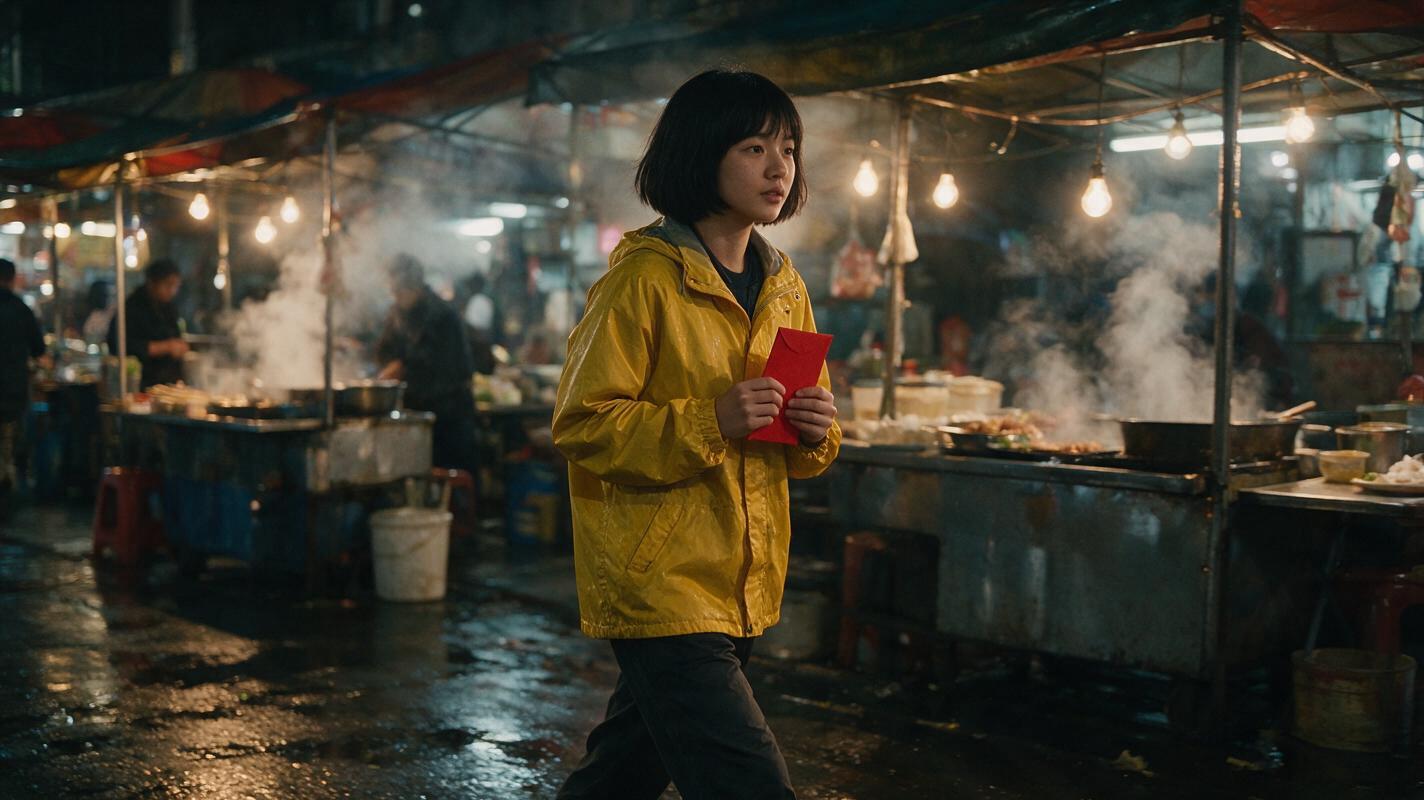
Step 3 — Add constraints in a fixed order
Once the minimum prompt produces the correct event, add one layer at a time. A reliable order is identity, environment, camera, timing, then style. Generate after each meaningful addition.
Identity pass
The courier has a short black bob, a narrow face, and a small silver reflective strip across the shoulders of her yellow jacket. Preserve the same face, hairstyle, jacket, and body proportions throughout.Environment pass
The market is narrow and lived-in, with canvas awnings, steaming food carts, wet pavement, warm practical bulbs, and a few pedestrians remaining behind her path.Camera pass
The camera tracks parallel to her movement at walking speed. Maintain a medium-wide eye-level profile composition. No orbit, no push-in, no angle change.Timing pass
She takes four steady steps, briefly glances over her left shoulder after the second step, then faces forward without stopping. The envelope stays pressed to her chest throughout.Expected result: the first failing pass identifies the overloaded layer. If the baseline works but the timing pass breaks the hands, simplify the glance or reduce the number of steps. Do not alter the market, wardrobe, lens, and action simultaneously.
Step 4 — Separate positive instructions from exclusions
A prompt is easier to diagnose when its main paragraph describes the desired shot and its final line removes only the most likely competing outcomes. Long negative lists can introduce objects and actions that were not previously relevant.
POSITIVE SHOT:
A young courier in a yellow waterproof jacket walks left to right through a rainy night market, holding one red envelope against her chest with both hands. The camera tracks parallel at walking speed in a stable medium-wide eye-level profile shot. She takes four steps, glances over her left shoulder once, and faces forward again. One continuous take, realistic body mechanics, wet pavement and warm food-stall lighting.

EXCLUDE:
No running, no bicycle riding, no extra envelope, no duplicated person, no hand change, no camera orbit, no cut.
Every exclusion should protect a known failure mode. For example, mentioning that she is a bicycle courier may cause some outputs to introduce a bicycle. The exclusion prevents that alternate interpretation without deleting the useful character detail.
Expected result: the model has one primary action and a short boundary around it. If an unwanted feature has never appeared, leave it out of the exclusion list.
Step 5 — Compare Seedance and Kling with a test matrix
Run the same shot requirements in Seedance and Kling before deciding that the prompt is fundamentally broken. Preserve the nouns, action order, screen direction, framing, and exclusions. Only restructure the wording if a model responds better to a different emphasis.
| Test | Seedance prompt emphasis | Kling prompt emphasis | Pass condition |
|---|---|---|---|
| A | Action first | Action first | Correct walking direction |
| B | Action plus prop continuity | Action plus prop continuity | One visible envelope |
| C | Camera after action | Shot structure before atmosphere | Stable parallel tracking |
| D | Full timing sequence | Full timing sequence | One glance without stopping |
Use a simple scorecard rather than choosing the most attractive frame. Score subject count, action, prop continuity, camera, anatomy, and overall usefulness as pass or fail.
Expected result: you will learn whether the failure follows the prompt or the model. If both models fail at the same added constraint, simplify that constraint. If only one fails, keep the prompt logic and use the stronger output or adapt the wording for that model.
Visual recreation prompt:
Create a clean editorial process illustration showing two parallel AI video test lanes labeled Seedance and Kling. Each lane contains four landscape film-frame thumbnails: baseline walk, envelope continuity, parallel camera tracking, and timed shoulder glance. Use the same yellow-jacket courier and rainy night market in every thumbnail. Place a compact pass-or-fail checklist beneath each lane for subject count, action, prop, camera, and anatomy. MANDATORY LAYOUT: landscape 16:9, symmetrical two-column comparison, readable hierarchy, off-white background, charcoal text, restrained purple accents, no software dashboard, no brand logos, no glowing interface, no decorative robots.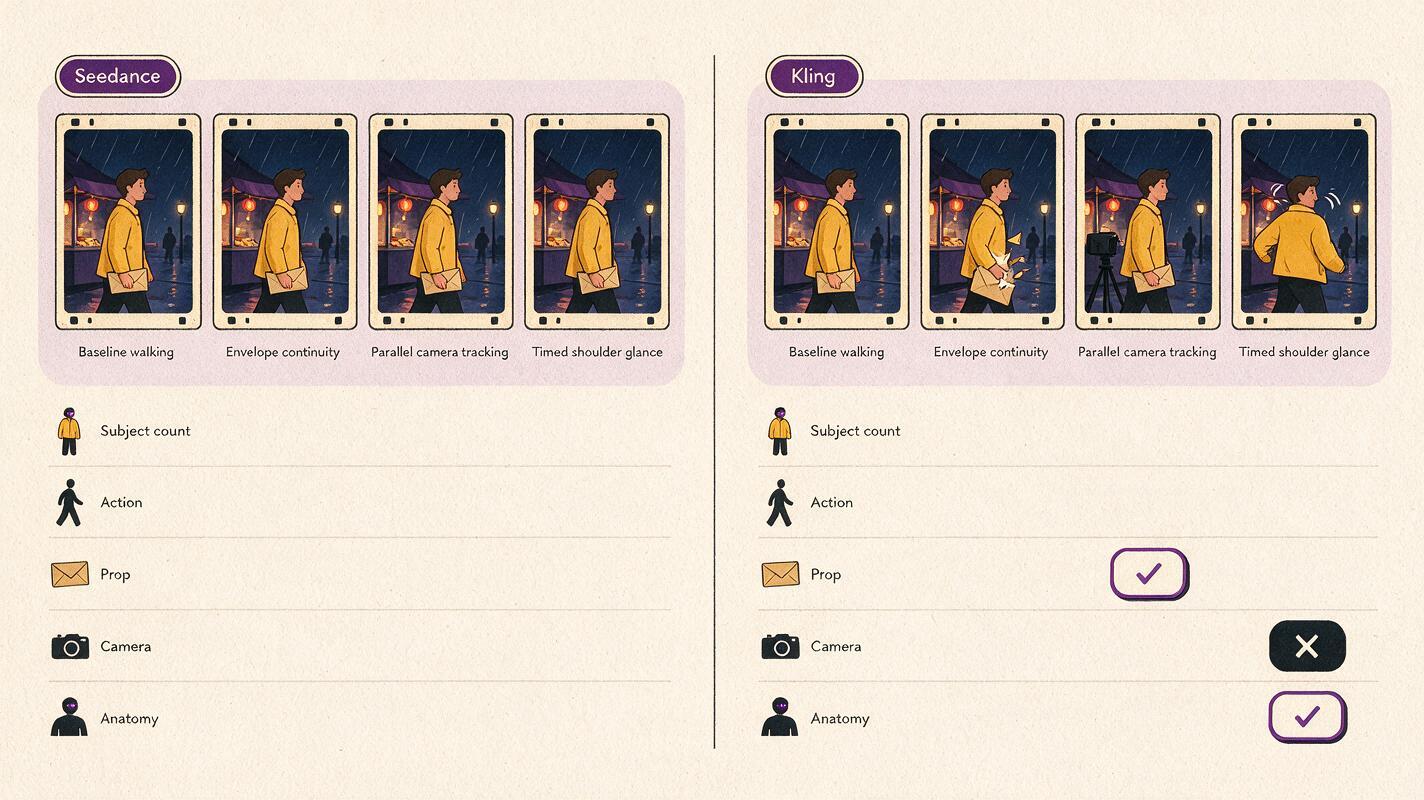
Step 6 — Lock the frame when words stop helping
If repeated text generations place the courier incorrectly, create the intended starting frame with an image model. This changes the problem from inventing composition and motion simultaneously to animating an established composition.
Use the full scene prompt from Step 2 to generate a 16:9 image. Select a frame with one clearly visible subject, separated limbs, open space in the travel direction, and an unobstructed envelope. Then animate it with an image-to-video prompt focused almost entirely on movement:
The courier walks steadily toward screen right while keeping the red envelope pressed against her chest. The camera tracks parallel at the same speed. Her jacket and the market awnings react subtly to the rain and breeze. Background pedestrians remain behind her path. Preserve her face, clothing, body proportions, envelope, and market layout. No orbit, no cut, no new objects.Expected result: wardrobe, location, and initial prop placement should become more stable. Motion can still drift, but you are no longer asking the model to design the scene and animate it in one pass.
Step 7 — Keep the earliest successful generation
Prompt debugging often fails because creators overwrite a usable version while chasing a perfect one. Save the earliest clip that passes the shot contract, even if its style is plain. It is your control sample.
Compare later generations against that control using this order:
- Does the required event still happen?
- Does the prop remain continuous?
- Does the camera support rather than obscure the action?
- Is the character structurally stable?
- Only then: is the atmosphere attractive?
Expected result: creative improvements can no longer hide a broken story beat. A richly lit clip that loses the envelope ranks below a plain clip that completes the required action.
Advanced alternatives for stubborn shots
Keep the same prompt grammar across projects
Store prompts as reusable blocks: subject, action, continuity object, environment, camera, timing, and exclusions. Replace the content inside each block without changing the diagnostic order. This makes failures easier to compare across scenes.
Alternative: use motion transfer for exact choreography
If the shoulder glance, walking rhythm, or hand position must follow a specific performance, record or prepare a clean source clip and use motion transfer. Choose a source with visible limbs, limited occlusion, and camera framing similar to the intended result.
Alternative: repair identity with face swap
Use face swap only when the selected video already has acceptable action, hands, framing, and timing. It can address facial identity drift, but it cannot correct a missing envelope, wrong walking direction, or unstable camera.
Alternative: divide one overloaded shot into two
If the courier must walk, glance, open the envelope, read it, react, and run away, split the sequence. End the first shot with her stopping, then begin a closer second shot with the envelope already open. Editing is often more reliable than forcing several state changes into one generation.
Where this workflow falls short
- Small props remain difficult. Thin envelopes, jewelry, utensils, and phones may deform or disappear during occlusion.
- Prompt testing does not guarantee repeatability. Generative variation means identical instructions can produce different motion and anatomy.
- Complex crowds add identity risk. Background people can merge with the subject or enter the intended path.
- Long action chains still benefit from editing. A prompt can clarify priorities, but it cannot remove the difficulty of maintaining many sequential states.
- Model behavior can differ. A prompt structure that works well in Seedance may need reordered emphasis in Kling, even when the shot contract stays unchanged.
FAQ
Should I make my text-to-video prompt longer?
Only when the current generation has already passed its simpler test. Add details because they solve a visible omission, not because a longer prompt sounds more professional.
How many variables should I change per test?
One meaningful variable is ideal. You can correct a typo or remove redundant wording at the same time, but do not change the action, camera, setting, and style together.
Should camera instructions come before the action?
Start with the action because it defines the shot's purpose. If a model repeatedly ignores framing, try placing the shot size and camera relationship immediately after the subject-action sentence while keeping the requirements unchanged.
When should I switch from text to video to image to video?
Switch when composition, costume, location geography, or prop placement keeps changing despite a simple prompt. A reference image locks those visual decisions before animation begins.
Can negative prompts fix distorted hands?
They can discourage obvious defects, but action design matters more. Keep hands visible, reduce handoffs, avoid deep occlusion, and maintain one stable grip whenever possible.
Which output should I keep if every version has a flaw?
Keep the clip that gets the action, continuity object, and camera relationship right. Minor identity or facial issues may be repairable; incorrect physical events usually require regeneration.
Final checklist
- Write one sentence describing the visible event.
- Test subject and action before adding atmosphere.
- Add identity, environment, camera, timing, and style in that order.
- Change only one meaningful variable per generation.
- Compare Seedance and Kling using the same pass conditions.
- Use a reference frame when composition will not stabilize.
- Preserve the earliest clip that passes the shot contract.
- Repair identity only after motion and structure work.
Ready to test the constraint ladder? Create your first AI video free on MagicBoat and compare the prompt across available models.
Keywords
text to video, prompt engineering, Seedance prompts, Kling prompts, AI video tutorial, prompt debugging, AI video workflow