Etsy Wall Art Mockups That Show the Download Buyers Actually Get
Room mockups help Etsy shoppers picture digital wall art at home, but a generated frame can distort the artwork or make a download look like a physical product. This guide shows sellers how to build room scenes around their exact export file, check proportions, and make the deliverable unmistakable.
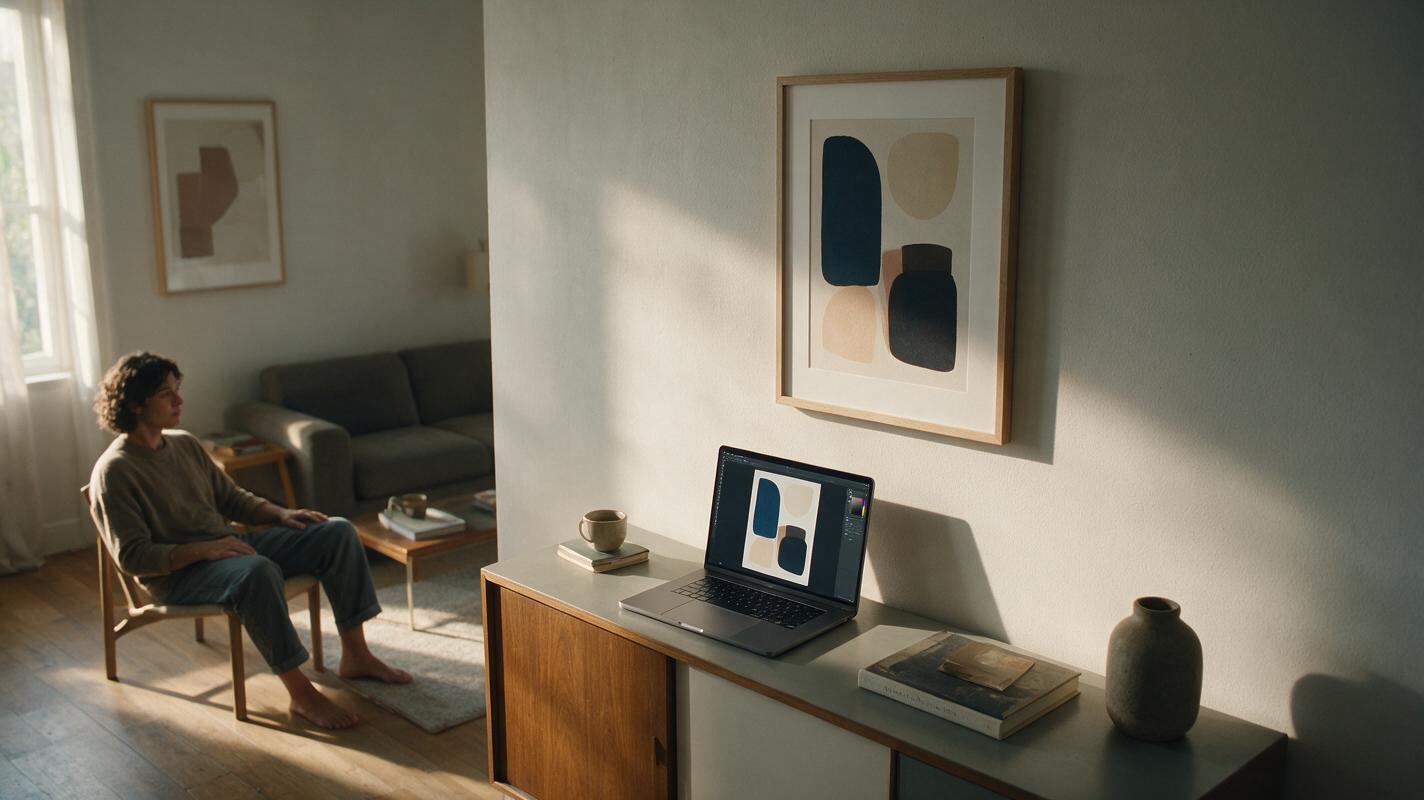
Table of contents
Make the room aspirational—and the artwork exact
A wall art mockup can help an Etsy shopper imagine your print in a living room. It can also create two costly misunderstandings: the art looks different from the download, or the buyer thinks a framed print will arrive. For digital products, generate the room and frame as a setting, then place your actual artwork file into it. The listing images should answer both questions at a glance: What does the art look like, and what will I receive?
Start with the file you actually sell
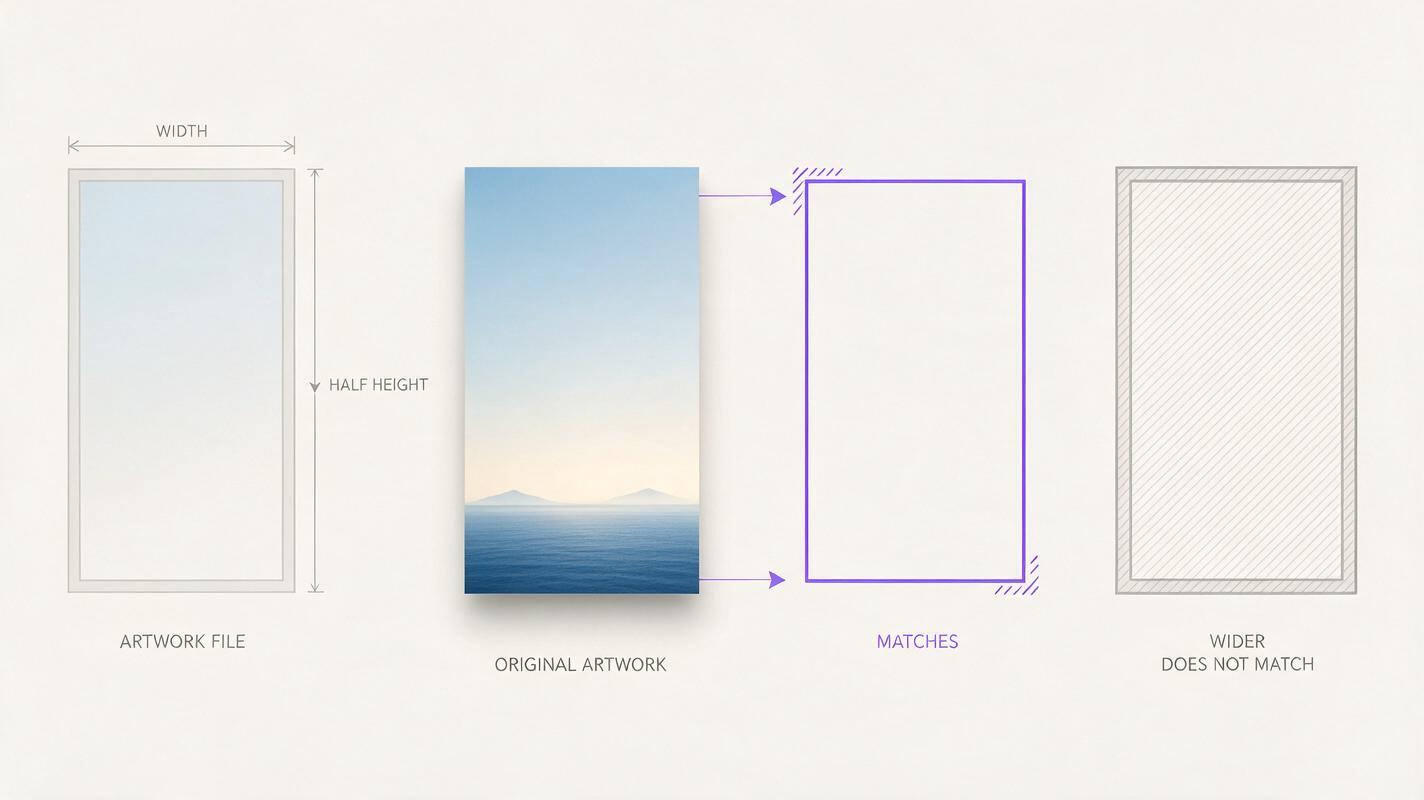
Before building a scene, choose an export that represents one of the downloadable files in the listing. Keep its colors, lettering, borders, signature, and composition intact. If you offer several aspect ratios, label the ratio used in each mockup; do not stretch one file to fit every frame.
Record the basics beside the image while you work:
- Artwork version: the exact design and colorway shown.
- File ratio: for example, 2:3 or 4:5, based on the file you provide.
- Included files: only the formats and sizes actually delivered.
- Physical items: whether a frame or printed poster is included. For a download-only listing, neither is.
A room mockup is a preview of the artwork in a possible setting, not evidence that the frame, furniture, or printed object is included.
Generate an empty room with a usable frame opening
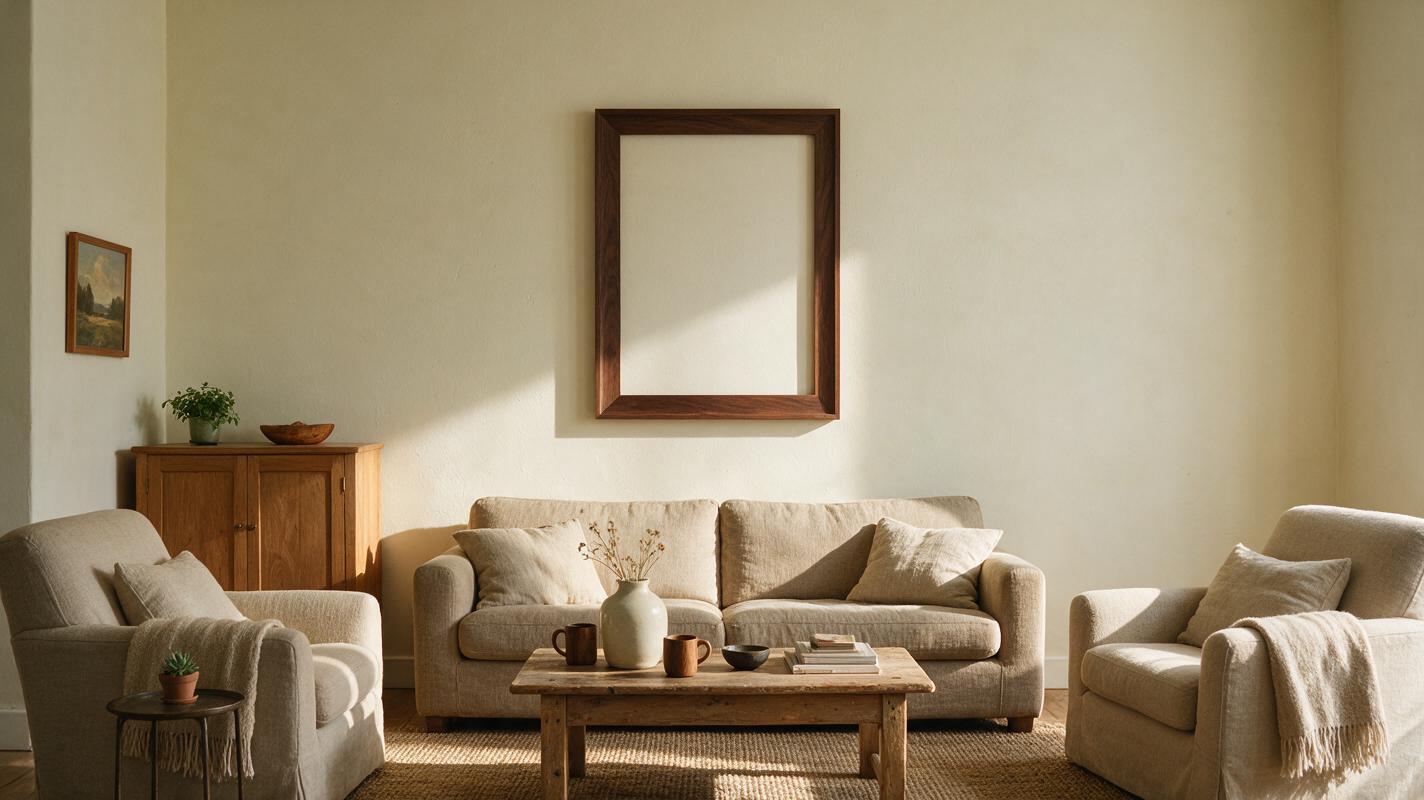
Use Seedream 4.5 to explore room settings, but ask for an empty frame or blank print area. This keeps the model from reinterpreting your design. If you use an ai image generator, review the result as a background asset, not as the finished product image.
A restrained interior usually makes the art easier to judge than a heavily styled scene. Ask for a front-facing frame, even lighting, and enough resolution around its opening to place your file cleanly.
Photorealistic editorial photograph of a quiet living room in soft morning daylight. One empty, front-facing portrait frame on a pale plaster wall above a simple console. The frame opening is fully visible, rectangular, and unobstructed, with no artwork, lettering, people, or decorative objects overlapping it. Neutral furnishings, realistic shadows, camera nearly perpendicular to the wall. Leave the frame interior blank for artwork to be added later.If the generated opening is noticeably skewed, partly hidden, or the wrong shape, choose another scene. A convincing room is not useful if fitting the artwork requires a severe crop.
Fit the artwork without redesigning it
Place your original file inside the frame opening in an image editor. Match the opening to the file’s aspect ratio where possible. If they differ, add a deliberate mat or choose another frame; do not stretch the artwork or crop away important details to make it fit.
For a frame photographed at a slight angle, apply a modest perspective transform to the whole artwork layer. Check that lettering remains legible and circles do not appear elongated. The edge of the print may sit beneath the frame lip, but the design itself should remain faithful to the download.
| What you notice | Likely cause | Better fix |
|---|---|---|
| Artwork looks too wide or tall | File stretched to fill the opening | Use a matching ratio or add a mat |
| Text or border disappears | Crop hidden under the frame | Reduce the artwork within the opening |
| Print looks pasted on | Edges and lighting do not meet the frame | Align corners carefully and add only a subtle, consistent shadow |
| Colors differ from the file | Scene lighting or filters altered the artwork layer | Keep an unfiltered artwork layer and compare it with the source |
Show the download outside the room, too
A styled room answers “How might it look at home?” It cannot, by itself, answer “What file am I buying?” Include at least one clean listing image showing the artwork straight-on, without a frame or perspective effect. If multiple designs or colorways are sold separately, do not show them together in a way that suggests they are all included.
A useful gallery distinguishes the jobs of its images:
- Room view: one realistic setting with the exact artwork inserted.
- Artwork view: a flat, unobstructed preview of the design.
- Delivery view: clear, editable text stating that this is a digital download, plus the file formats and ratios you actually provide.
Add the delivery information in your editor rather than asking the image model to render it. Check the wording in the listing description as well. If your mockup shows a frame, say plainly that the frame and printed item are not included.
Review the mockup at listing size
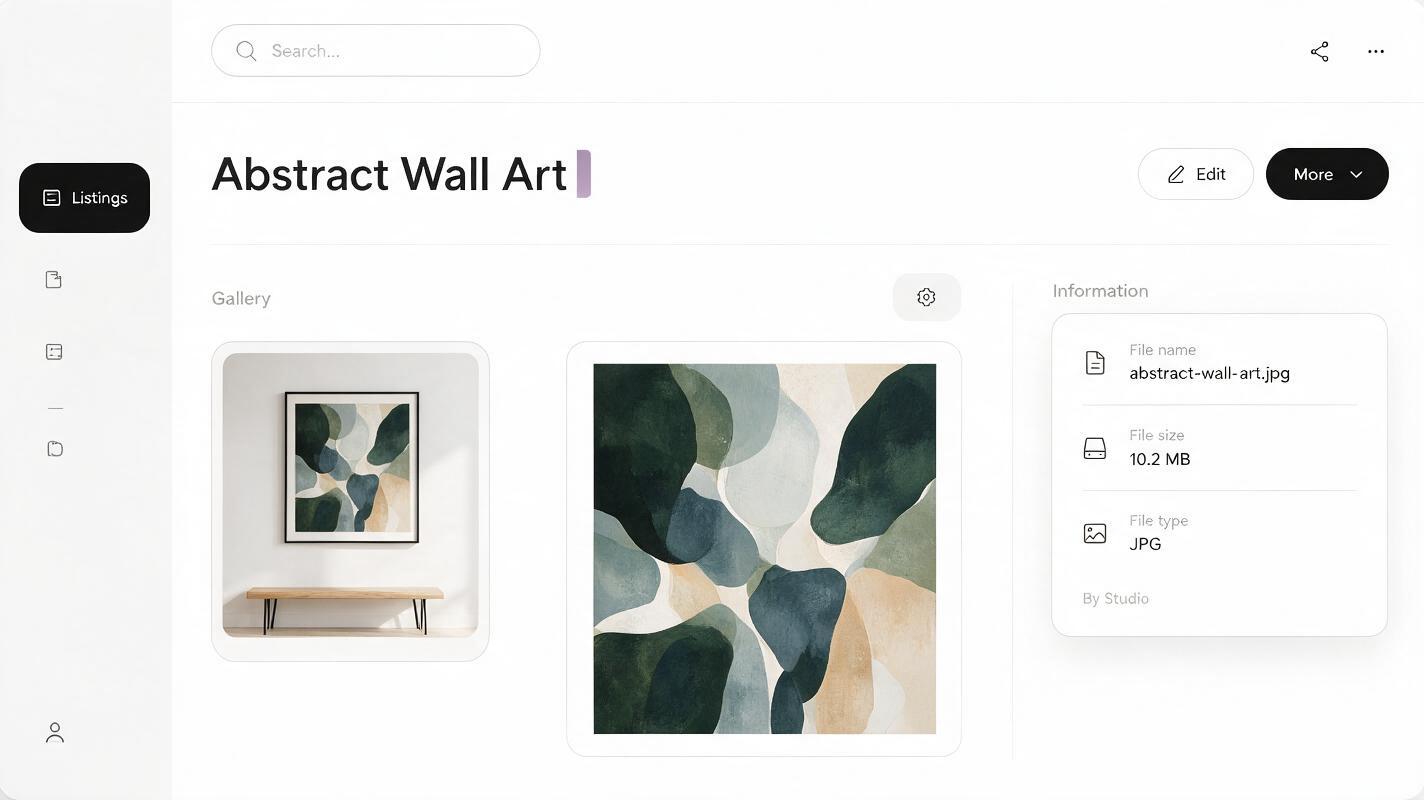
Compare the completed mockup with the source file side by side. Look for changed words, missing borders, shifted colors, and unintended crops. Then shrink the image to the size of an Etsy search thumbnail. The artwork should still be recognizable; decorative furniture should not dominate it.
Finally, view the gallery in its intended order on a phone. If a shopper could reasonably mistake the first image for a framed physical product, bring the download message forward. For your next design, reuse the scene only if its frame ratio suits the new file—consistency should not come at the cost of accuracy.
Ready to build an empty setting around your own artwork? test this prompt yourself, then insert the exact file you sell and review the result before publishing.
Final checklist
- The artwork in the mockup matches an included download file.
- Its ratio is preserved; no design details are stretched or accidentally cropped.
- A straight-on artwork preview appears elsewhere in the gallery.
- The listing clearly says when the purchase is digital-only.
- File formats, ratios, and any included versions match what buyers receive.
- The first image remains clear and unambiguous at thumbnail size.
Keywords
etsy wall art mockups, digital download mockups, etsy digital art listing, ai room mockup, printable wall art, seedream 4.5