Etsy Fabric Texture Photos That Show the Actual Weave
A beautiful lifestyle photo cannot answer a buyer’s most practical fabric question: what does the material actually look like up close? This guide shows Etsy sellers how to photograph real weave and surface detail, then use AI for supporting scenes without inventing texture.
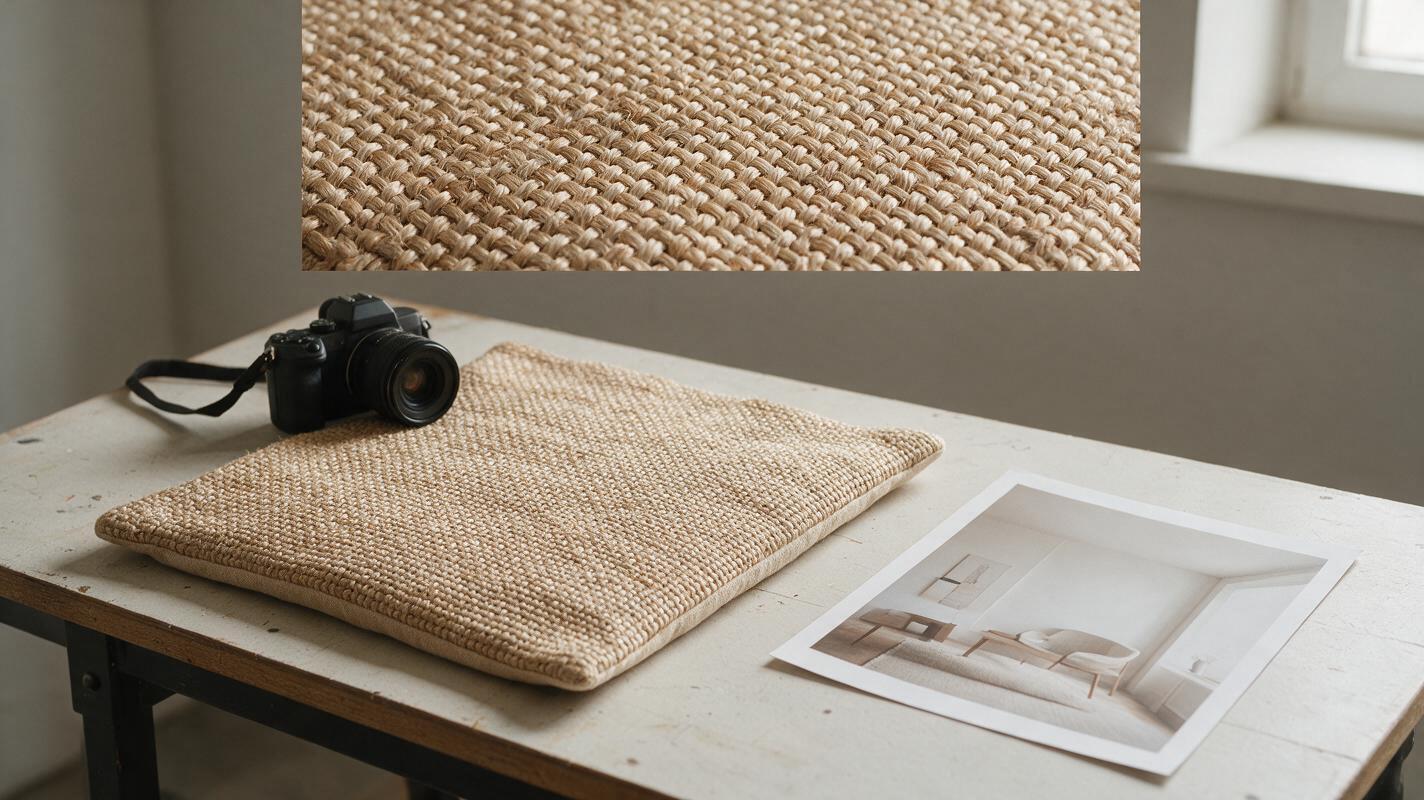
Table of contents
Show the fabric buyers will receive
A buyer can love the color of a cushion cover or linen napkin and still hesitate because the listing never shows its weave. An AI-generated close-up may look convincing, but it can invent a smoother finish, thicker yarn, or different surface than the item you ship. For fabric products, the useful texture image is a photograph of the actual material. Use AI to build the setting around that evidence—not to manufacture the evidence itself.
This approach works for sewn accessories, textile home goods, fabric by the yard, and other Etsy listings where surface detail affects the purchase decision. It gives shoppers both an appealing overall view and a close inspection they can trust.
Why a lifestyle image cannot replace a texture close-up
Room scenes answer questions about styling and color coordination. They rarely show whether a fabric has a loose weave, visible slubs, raised embroidery, a brushed surface, or a printed pattern sitting on top of a plain weave. At small listing-gallery sizes, lighting and image compression can hide those differences further.
Give each image a distinct job:
- Full-product photograph: shows the shape, construction, and overall pattern of the item for sale.
- Real texture close-up: shows the surface buyers will touch, photographed from the actual product or its verified fabric.
- Context photograph: shows drape, thickness, or scale using a real sample when those qualities matter.
- Optional lifestyle image: helps buyers imagine the item in a setting without serving as proof of its material properties.
If a generated scene makes a coarse textile look silky or turns a flat print into apparent embroidery, it is working against the listing—even if the image is attractive.
Photograph the weave before designing the scene
Start with the finished item whenever possible. A separate swatch is useful only if it truly matches the fabric, finish, and production version being sold. Clean away loose lint, but do not digitally erase characteristic slubs, knots, or variations that a buyer will find on the product.
Place the textile near a window with soft, indirect light. Angle it so shallow shadows reveal the yarn structure without creating a dramatic ridge that is not there. Make one image with the fabric lying flat and, if relevant, another showing its natural fold or drape. Keep the camera square to the surface for the primary texture view; a steep angle can make threads appear denser than they are.
Check focus on the weave itself, not on a seam or prop beside it. A phone can be sufficient: move back until it focuses reliably, then crop moderately rather than forcing an extreme close-up. If the photographed area is tiny, include a second view that locates that detail on the full product. Keep color adjustments consistent across the gallery so the close-up does not suggest a different variant.
Useful test: Could a buyer use this image to distinguish your fabric from a smoother, rougher, or differently constructed alternative? If not, change the light, distance, or angle before adding graphics.
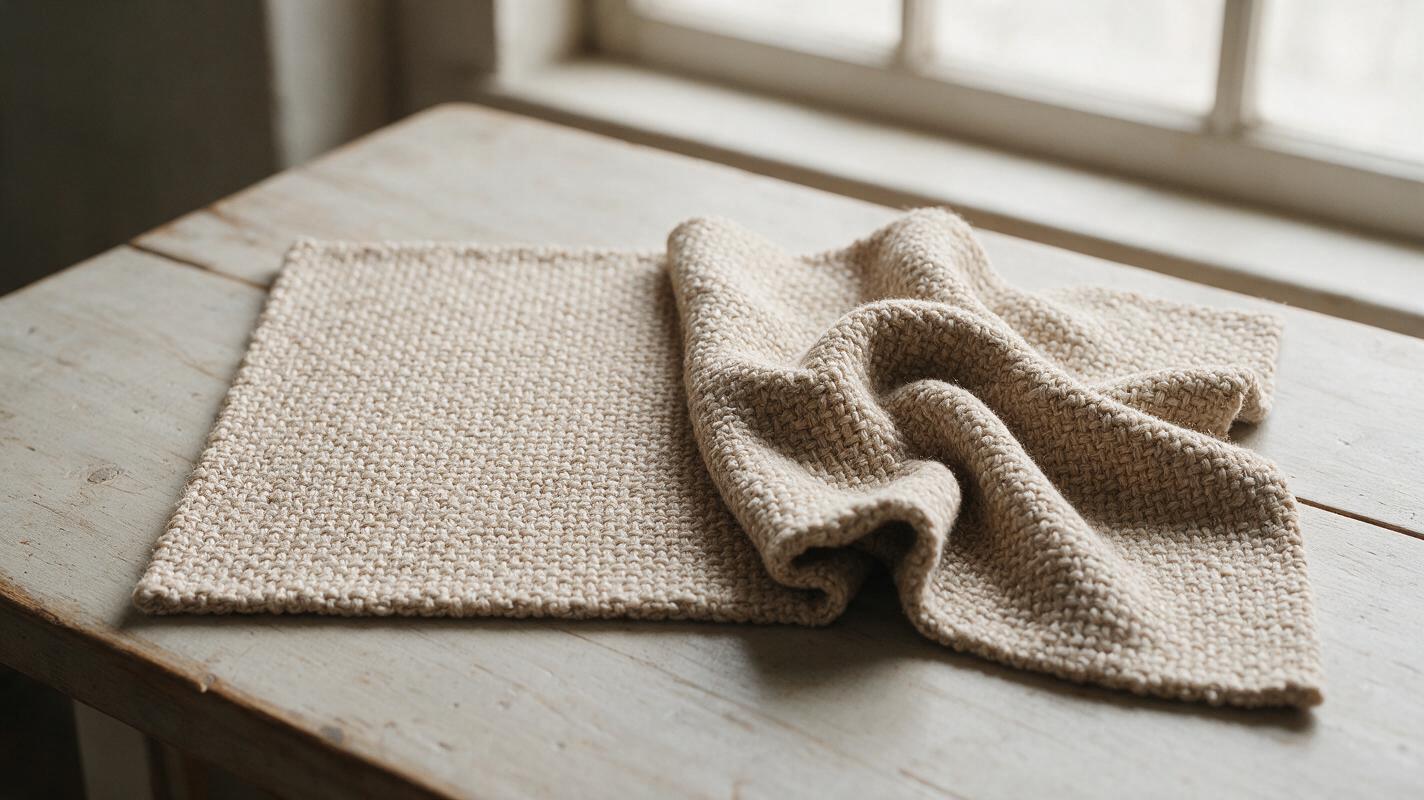
Use AI for an empty setting, not a new textile
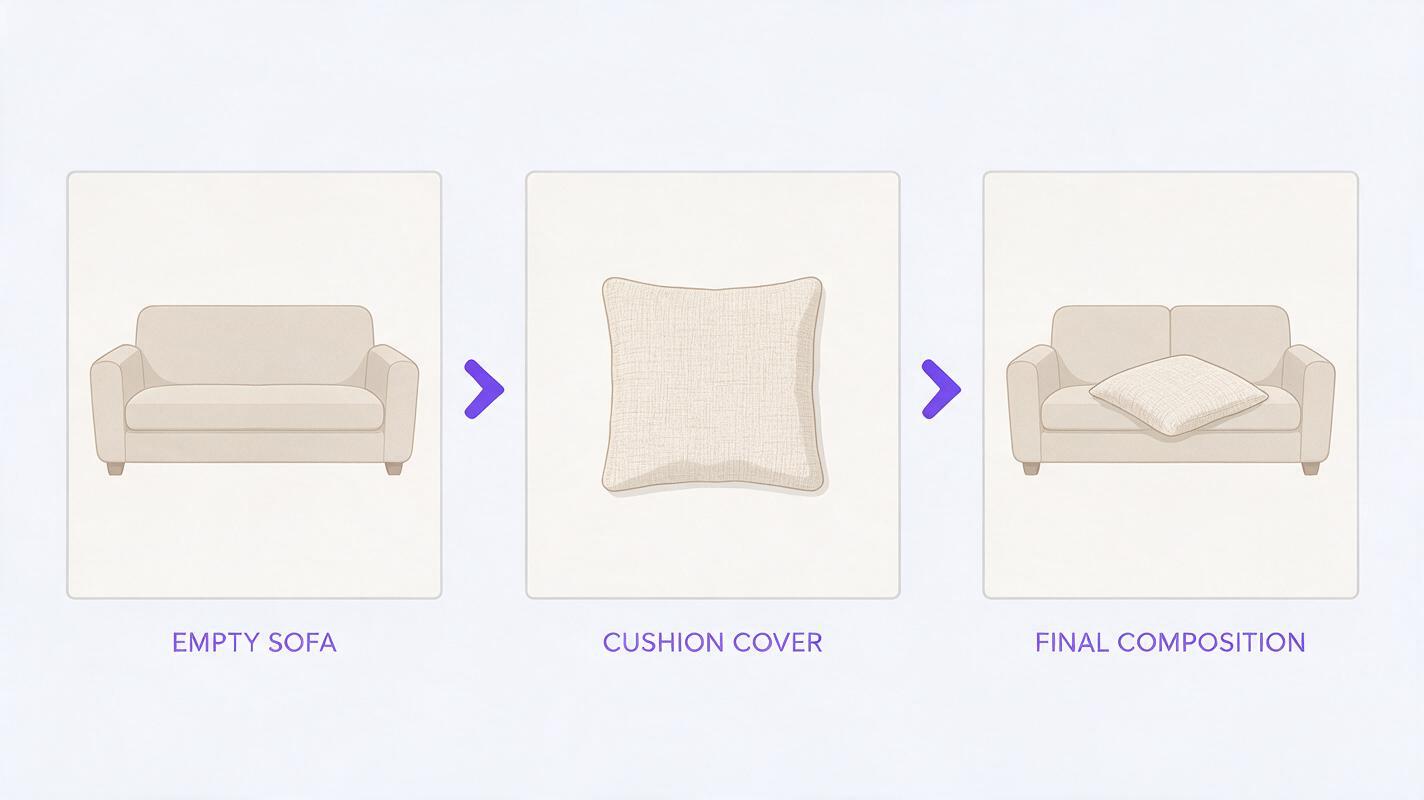
For a styled supporting image, photograph the real product first. Then use an ai image generator such as Seedream 4.5 to explore a background with space for that photograph. Generate the setting without asking the model to recreate the fabric item; composite the verified product into the selected scene afterward.
This prompt is intended for a cushion-cover listing. Change the furniture and composition to fit your product, but keep the instruction to leave the product area empty:
Photorealistic editorial interior background for an Etsy cushion-cover listing. Soft indirect daylight enters from the left. A neutral sofa has a clear, empty area on its right side where a separately photographed cushion will be placed later. Natural room proportions, restrained decor, realistic shadows, no cushions on the sofa, no patterned textiles, no writing, no logos. Compose for a square product listing image.The generated room is a backdrop, not a claim that the item has been photographed in that room. Match the composite’s scale, light direction, and contact shadow to the scene. If the product edge or textile surface changes during editing, return to the original photograph rather than accepting a prettier but inaccurate result.
Choose images that answer different buyer questions
A compact gallery can show more than several near-identical room scenes. The order below is a useful starting point, not a rule for every listing:
| Image | Question it answers | What to show |
|---|---|---|
| Overall product view | What am I buying? | The actual item, including its shape and visible construction. |
| Texture close-up | What does the surface look like? | A sharp photograph of the real weave, print, pile, or stitching. |
| Detail in context | Where is that texture on the item? | A wider photograph connecting the close-up to the product. |
| Scale or drape view | How substantial or flexible is it? | A real fold, edge, or in-hand view where relevant. |
| Styled view | How might I use it? | The verified product in a photographed or carefully composited setting. |
For a patterned fabric, show both the repeat at a useful distance and the underlying surface up close. For a reversible item, photograph each side. For made-to-order pieces, confirm that any sample photo represents the material and finish currently offered, and state when the pattern placement varies.
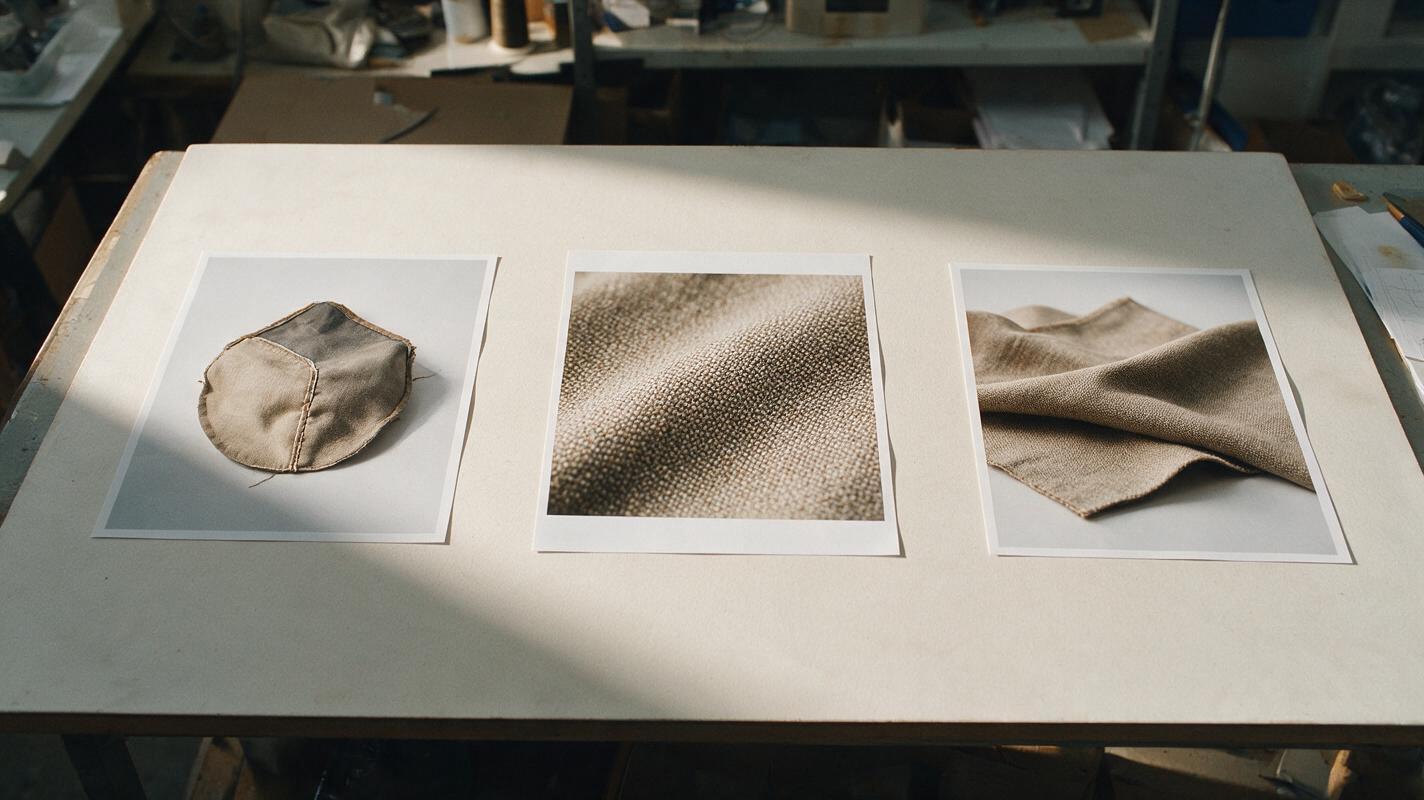
Watch for texture changes during editing
Background replacement is not the only way an image can become misleading. Sharpening can exaggerate fibers; aggressive noise reduction can smooth them away. Color correction can make a warm natural yarn appear bright white, while high-contrast lighting can make shallow texture look deeply embossed.
Before publishing, compare the edited image with the original file and the product under neutral light. Inspect the center, edges, seams, and any area touched by AI editing. If the surface has acquired extra threads, a different print, or a cleaner finish than the item has, replace that image with the real photograph. Keep material names and care claims grounded in your product information rather than inferring them from appearance.
Once the real texture photo is ready, test this prompt yourself for a supporting background. The strongest listing pairs that creative flexibility with a close-up that shows the fabric as it actually is.
Final checklist
- The texture close-up comes from the actual item or a verified matching fabric.
- The weave is in focus and visible without extreme sharpening or smoothing.
- At least one wider image connects the close-up to the product for sale.
- Color and surface appearance stay consistent across the gallery.
- Any AI-generated setting leaves the photographed product and its texture unchanged.
Keywords
etsy fabric photos, fabric texture photography, etsy listing images, ai product photography, fabric close-up photos, product lifestyle images