Etsy Personalized Mug Mockups With Names Buyers Can Actually Read
A personalized mug mockup needs to show the right mug, a readable sample name, and a believable print placement. This guide shows Etsy sellers how to combine a real product photo, an AI-generated setting, and editable lettering without letting image generation invent the personalization.
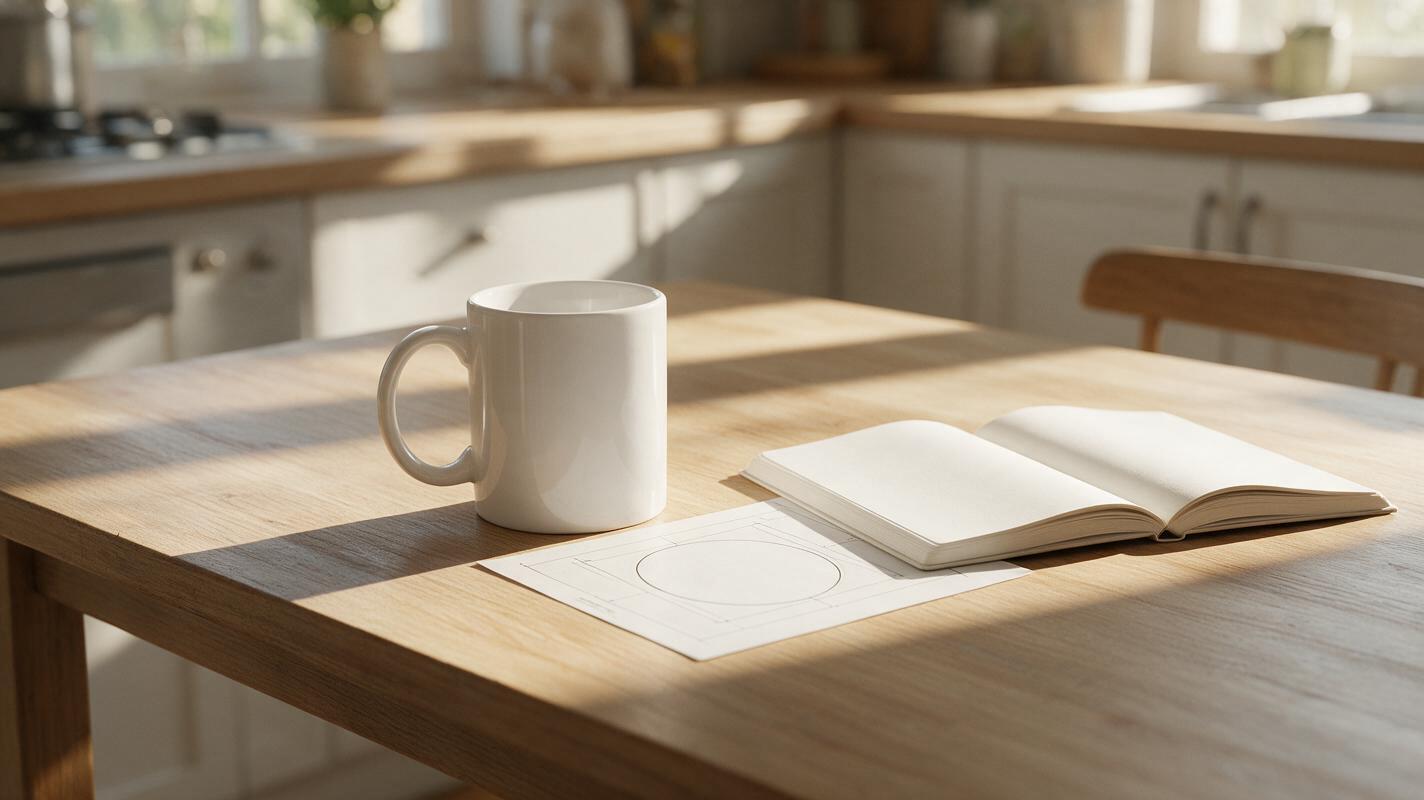
Table of contents
A mockup should make the customization easy to judge
A buyer looking at a personalized mug wants to know where their name will appear, how large it will be, and which side of the mug will face outward. A pretty lifestyle image cannot answer those questions if the lettering is warped or misspelled. The reliable approach is to photograph the actual blank mug, create the setting separately, and add the sample name as editable artwork—not as AI-generated text.
This works for Etsy listing images and can also help with Shopify product-page previews. Treat the result as a visual example until you have checked it against the print method and placement you actually offer.
Start with a real mug and a measured print area
Use a photograph of the mug model you sell, ideally from the supplier or a sample you have in hand. Photograph it at the angle you want to show in the listing, with the printable face visible and the handle in its intended position. Soft side lighting helps define the curved surface without creating a bright reflection across the name area.
Before designing the preview, record the production details that affect its appearance:
- Printable dimensions: the width and height your printer or production partner allows, not the full visible side of the mug.
- Artwork orientation: whether the design faces outward when held in the right hand, left hand, or both.
- Placement: distance from the rim, base, and handle, as specified by the production template.
- Finish and method: factors that may affect how sharply small letters reproduce.
Keep the original photograph available as a comparison. If a generated or edited image changes the handle, rim, glaze, or mug proportions, do not use that altered mug as your listing example.
Generate the scene without generating the name
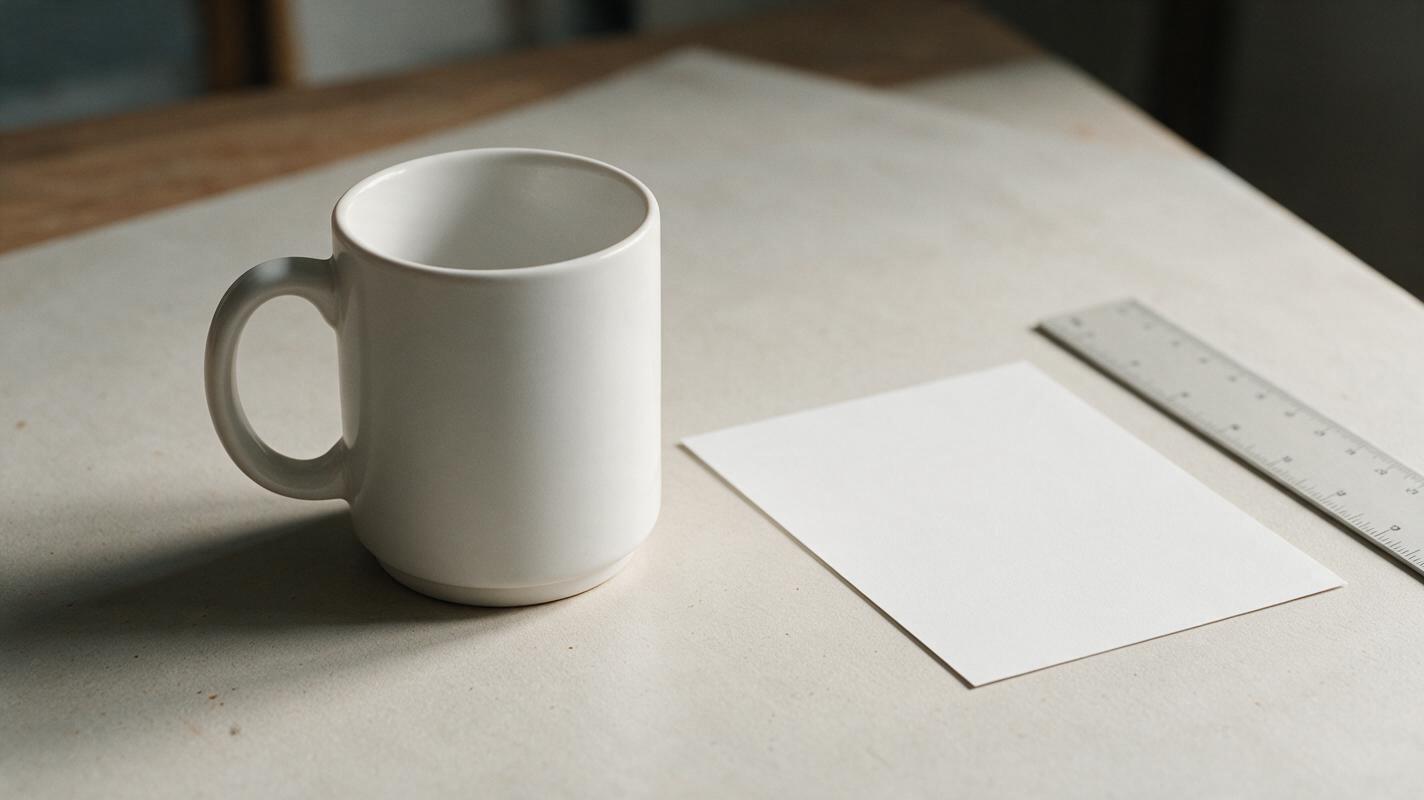
For a lifestyle image, use Nano Banana Pro to explore an empty tabletop setting, then place your cut-out mug photograph into the chosen scene. An ai image generator is useful here for lighting and surroundings; it is not the source of truth for the physical mug or its printed lettering.
Try a scene prompt that leaves room for the photographed product:
Photorealistic morning kitchen tabletop, warm natural window light from the left, pale neutral wall, subtle shadows, uncluttered surface, eye-level product photography composition. Leave a clear empty space at center-right for a photographed ceramic mug to be composited later. No mugs, no lettering, no logos, no packaging, no other products.Choose a background whose light direction and camera height are close to those of the mug photo. Mask the mug carefully around the handle opening and base. Add a restrained contact shadow so it appears to sit on the table, but avoid painting over the real glaze or changing the product silhouette.
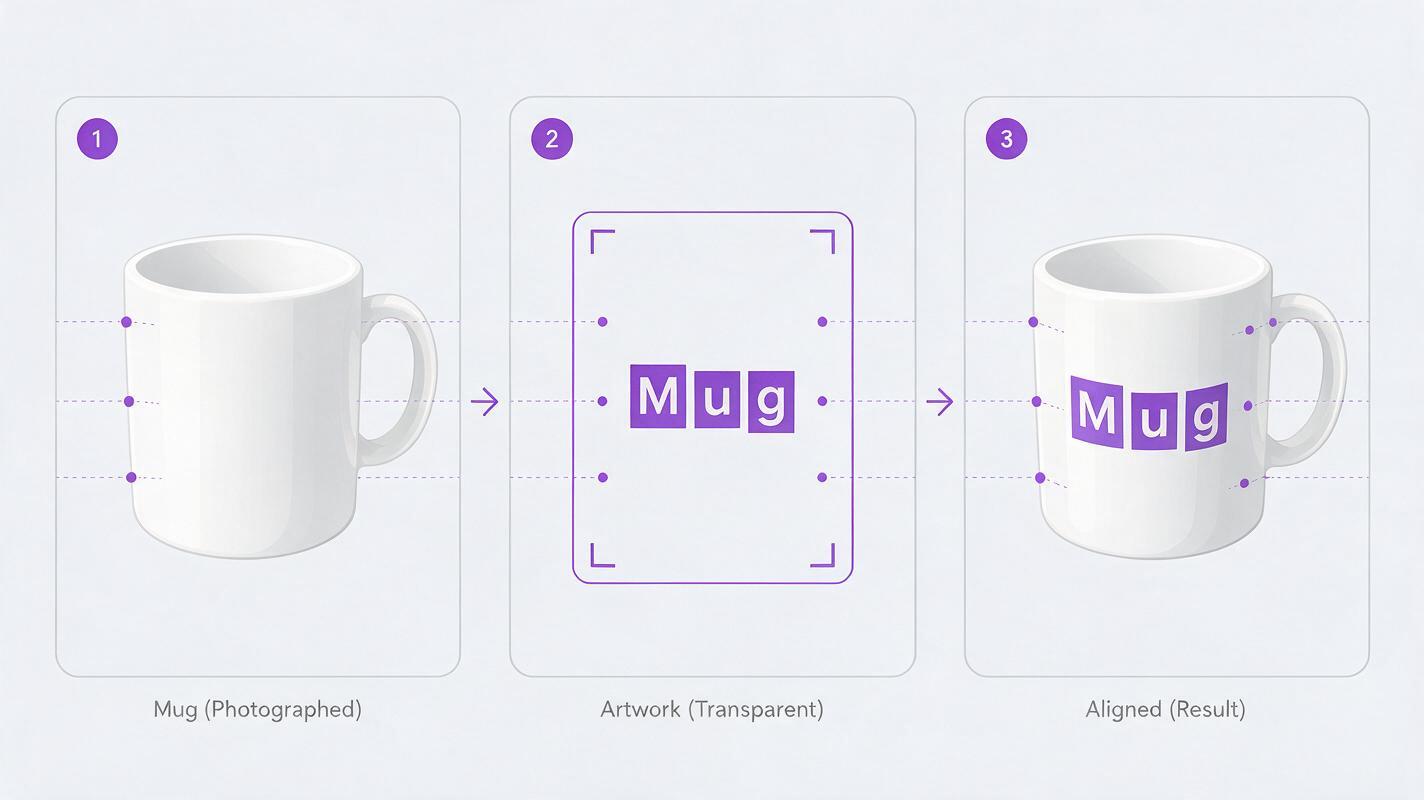
Keep the roles separate: the generated image supplies a setting; the photograph supplies the mug; editable artwork supplies the name.
Build the preview with editable lettering
Type a sample name in your design editor as live text or vector artwork. Use the actual font, capitalization, color, and approximate sizing available to customers. A sample name such as “MAYA” can demonstrate placement, but label the image as an example if a shopper might mistake it for the only available name.
Place the artwork within the measured print area. On a three-quarter-view mug, lettering should follow the photographed surface: the side nearer the edge appears narrower, while the center stays easiest to read. Use a modest perspective or warp adjustment rather than bending every letter into an exaggerated arc. Preserve enough contrast against the glaze for the name to remain legible at listing-thumbnail size.
Make one approved master layout, then replace only the editable name for other examples. Rebuilding the artwork from a fresh AI output each time can produce inconsistent font shapes, placement, and spelling. If you offer multiple fonts or colors, show clearly identified examples of options you actually fulfill rather than an unlimited-looking set of invented finishes.
Check what the buyer will actually see
Inspect the mockup at full size and at the small size used in a search grid. Read the sample name aloud, compare each letter with your editable artwork, and look for strokes that disappear into reflections. Check that the design does not run behind the handle or extend beyond the printable area.
| What looks wrong | Likely cause | Better correction |
|---|---|---|
| The name looks pasted on | Artwork ignores surface angle or lighting | Adjust perspective lightly and match the photograph’s contrast |
| Letters become unreadable near the edge | Preview spans too much of the visible curve | Reduce design width to match the approved print area |
| The preview shows the wrong side | Handle orientation was not checked | Use a photograph of the offered orientation and state the placement option |
| Every example looks like a different mug | The product was regenerated along with the scene | Reuse the same verified product photograph |
A mockup also needs to match the ordering experience. If buyers enter a name at checkout but do not receive a proof, do not present an automatically generated preview as a guaranteed proof. If you do send proofs, make the approval process and any character limits clear in the listing.
Choose images that answer different questions
A useful gallery does not need several nearly identical kitchen scenes. Pair one clean view that shows the whole mug with a closer view of the sample name. If orientation matters, show the relevant handle-side view. An additional image can explain where shoppers enter personalization details and which options they can choose, using text you have checked yourself.
For the main listing image, review the marketplace’s current image requirements before publishing; do not assume a lifestyle mockup is suitable in every placement. Wherever the image appears, the buyer should be able to distinguish a sample preview from a photograph of a finished custom order.
Final checklist
- The pictured mug matches the model, color, shape, and handle offered for sale.
- The sample name is editable artwork and is spelled correctly.
- The design fits the verified print area and offered orientation.
- Lettering remains readable at thumbnail size.
- The listing accurately explains options, proofs, and what the preview represents.
Ready to compare settings around your real mug photograph? test this prompt yourself, then add and verify the lettering in your design editor before publishing.
Keywords
Etsy personalized mug mockups, personalized mug listing images, Etsy mug photography, mug name preview, AI product photography, product lifestyle image