Etsy Printable Wall Art Mockups That Keep Your Artwork Accurate
Create Etsy listing mockups for printable wall art without letting AI redraw the artwork buyers will download. Use Seedream 4.5 to make empty room scenes, then place the actual file into correctly proportioned frames.
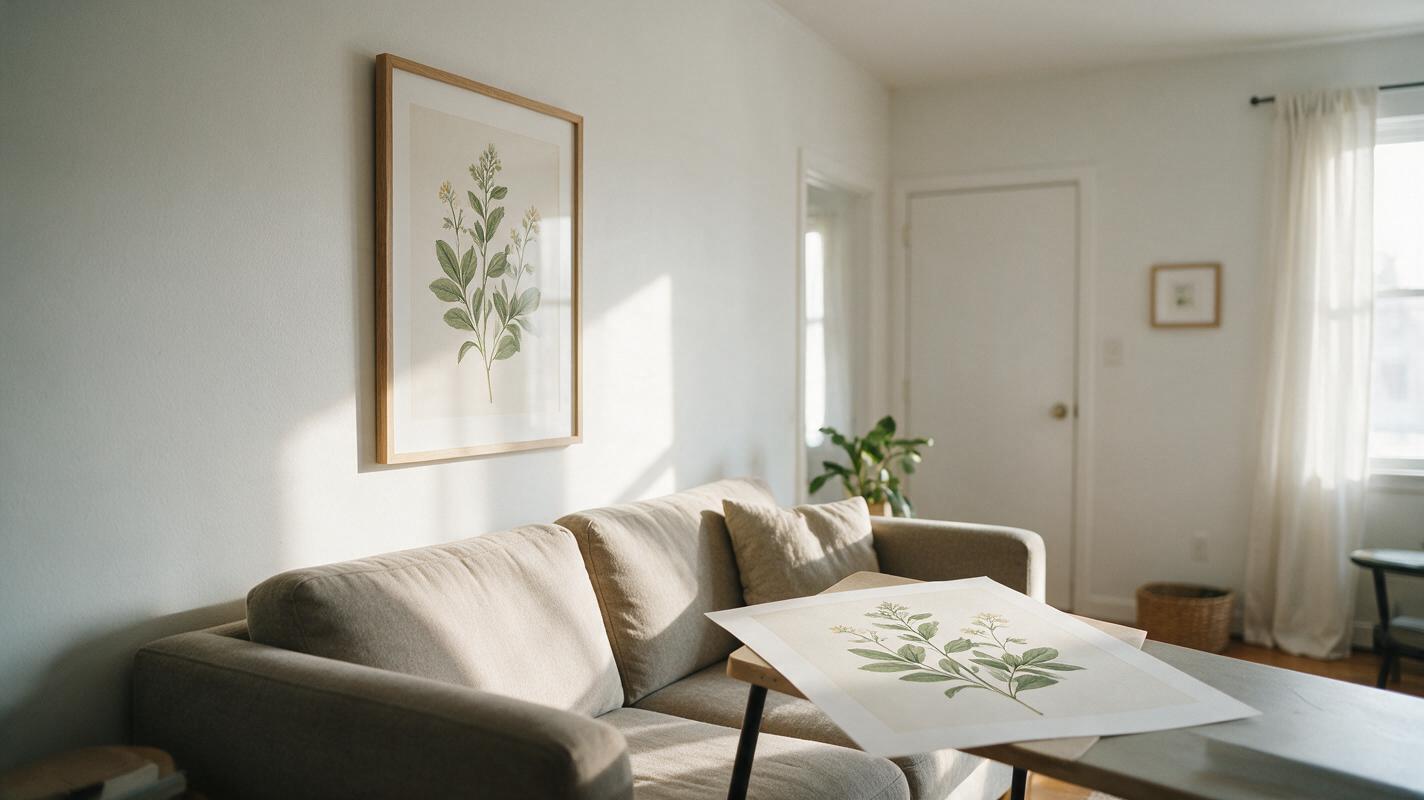
Table of contents
Show the room, not an AI remake of your print
An Etsy wall art mockup should help buyers imagine your printable in a room. It should not quietly change the illustration, crop away its edges, or suggest that a digital download includes a frame. The reliable approach is to generate an empty framed scene, then place your actual artwork file inside it. That gives you lifestyle images while keeping the product itself accurate.
The prompts below use Seedream 4.5 to create room scenes with blank frames. You can adapt them for typography prints, illustrations, photography, and gallery sets. Use your original export—not an AI interpretation of it—for every image a buyer might treat as a preview of the download.
Choose a frame shape that fits the file you sell
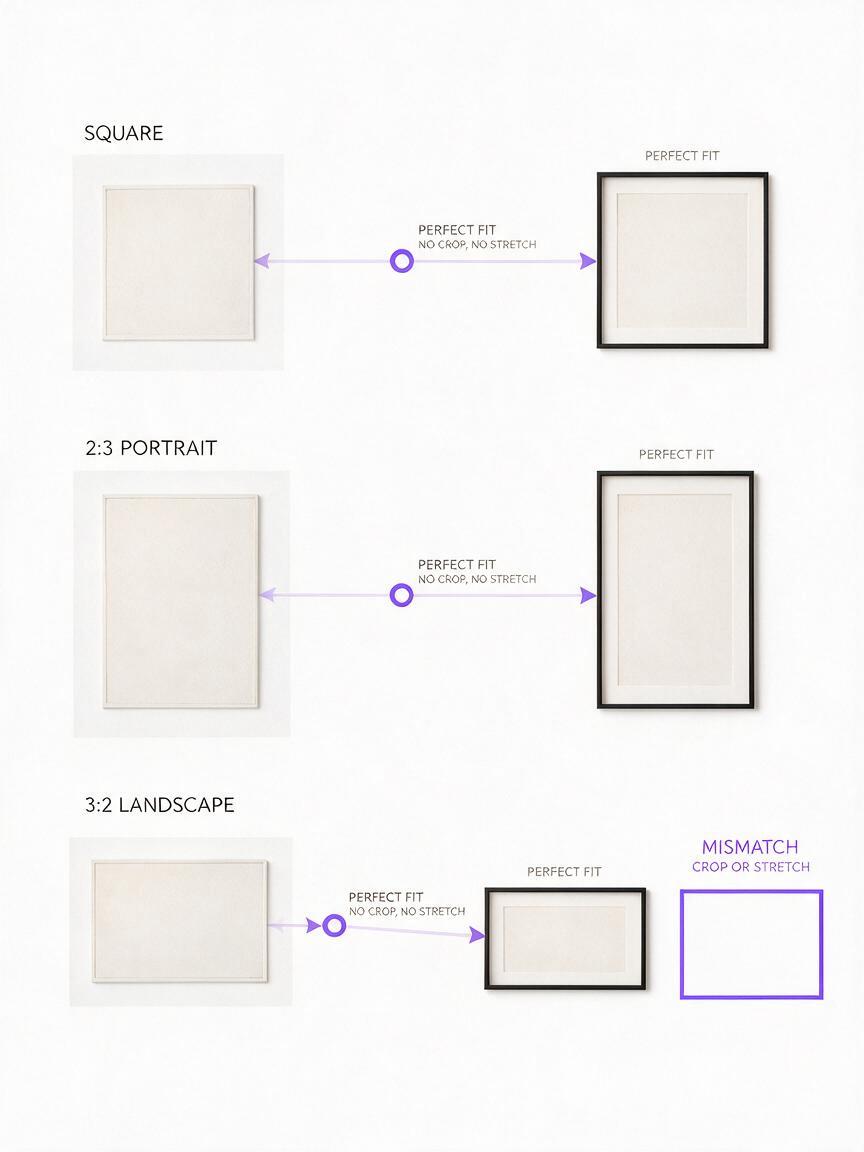
Before generating a room, check the aspect ratios included in your download. A square print will not fit a tall frame without cropping or large borders; a 2:3 design will not fill a 4:5 opening unchanged. Pick one actual ratio for each mockup and build the scene around it.
| Artwork file | Request in the scene | Check before publishing |
|---|---|---|
| Square | Square frame opening | All four artwork edges remain visible |
| 2:3 portrait | Tall portrait frame opening | No stretching or unexpected crop |
| 3:2 landscape | Wide landscape frame opening | Perspective does not distort the design |
If a listing includes several ratios, label them in your file-information image rather than implying that one mockup represents every supplied size. Keep the printable file's dimensions and included formats in the listing description, where buyers can read them precisely.
Use blank-frame prompts for distinct listing scenes
Start with one clean scene per intended frame shape. An ai image generator is useful here for creating the surroundings—the wall, light, furniture, and empty frame—not for regenerating the print. These prompts deliberately leave a plain insert area for your real file.
A quiet living-room hero image
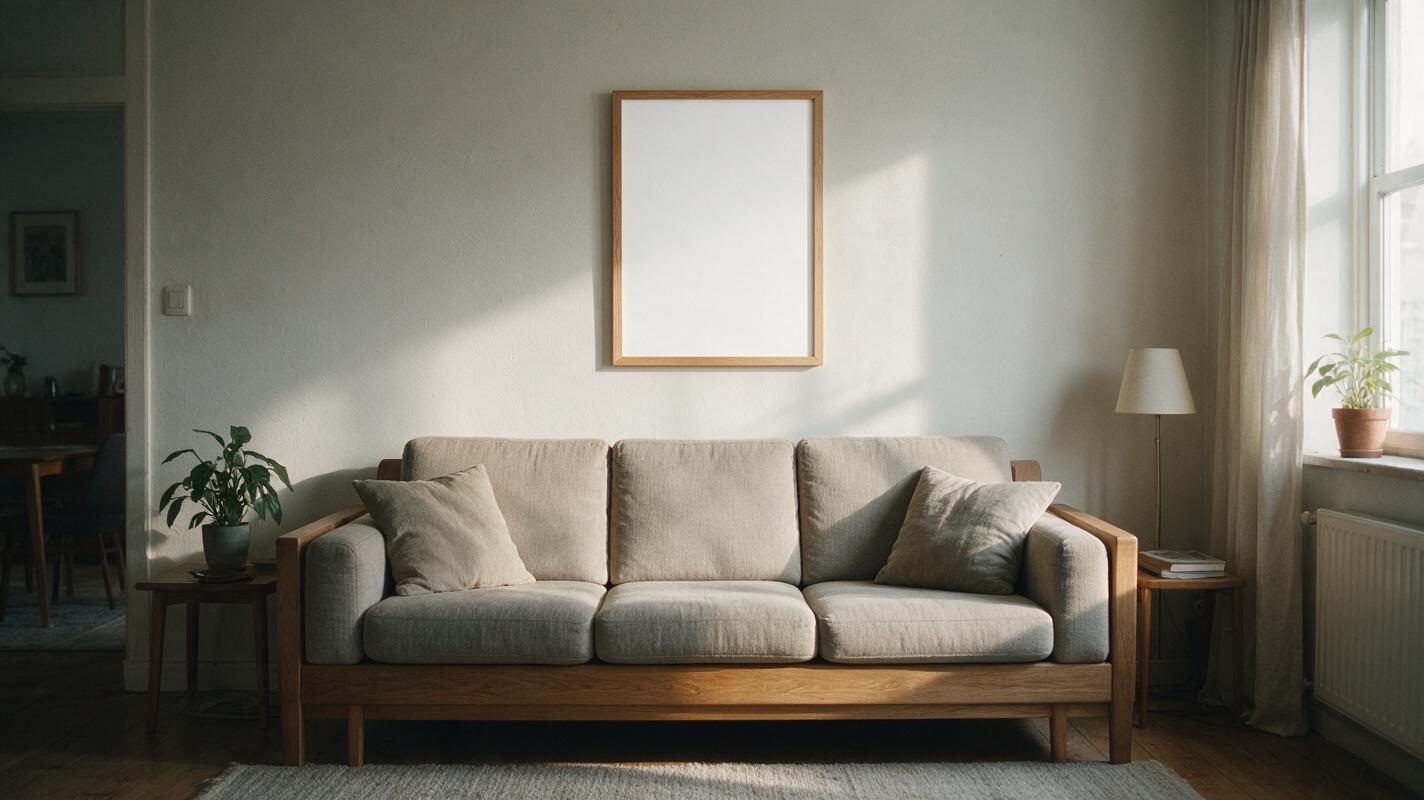
Photorealistic editorial interior photo of a calm living room in soft natural morning light. One empty 2:3 portrait frame hangs above a low neutral sofa, photographed nearly straight on. The entire frame and its blank, flat, evenly lit white insert are visible. Slim natural oak frame, subtle wall texture, restrained furniture, believable room scale. No artwork, writing, logos, collage, heavy glass reflections, objects blocking the frame, or dramatic camera angle.Use this as a lifestyle image after a clear artwork preview. The nearly straight-on frame makes it easier to insert a portrait design without warping its typography or border.
A small-space scale reference
Photorealistic photo of a modest apartment entryway in natural daylight. One empty square wall frame above a narrow console table, with a recognizable table lamp and key dish for everyday scale. Frame opening is blank matte white, unobstructed, and facing the camera with only slight perspective. Warm neutral decor, realistic proportions, no artwork, text, people, logos, or reflective glare.Objects in the scene provide context, but they are not a substitute for stated print dimensions. Avoid captioning this image with a physical frame size unless it matches the frame shown and you can substantiate it.
A coordinated gallery-set scene
Photorealistic interior photo of a bright hallway wall with three empty frames in a tidy horizontal arrangement. Each frame has the same visible 2:3 portrait insert opening, flat blank white interior, thin black frame, and consistent believable spacing. Camera faces the wall nearly straight on; all frame corners are visible. Soft daylight, minimal decor, no artwork, writing, glare, overlapping objects, or mismatched frame shapes.Use this only when your listing actually includes a set, or clearly identify it as a styling suggestion if prints are sold separately. If the outputs contain uneven openings or missing corners, regenerate the empty scene instead of forcing your artwork into a bad frame.
Insert the real artwork without redrawing it
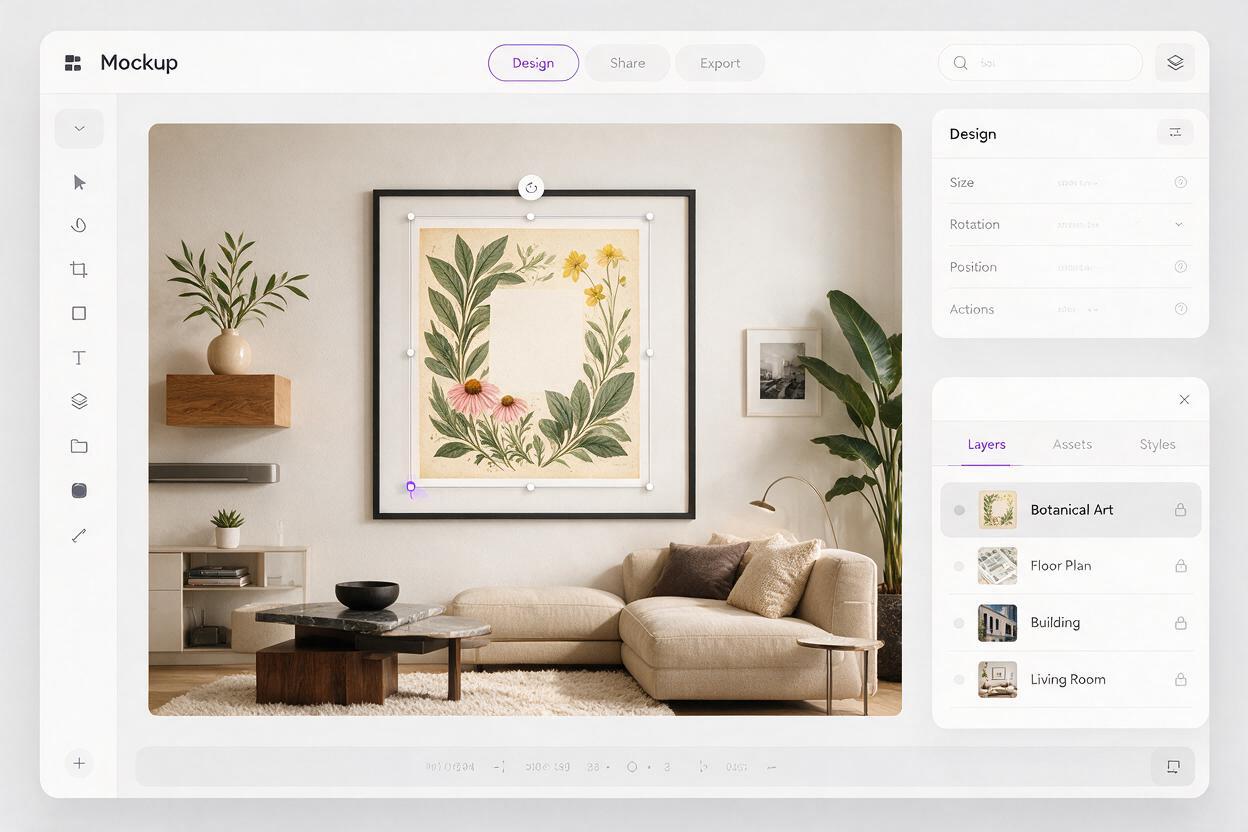
Open the selected scene in an editor that supports layers or perspective transforms. Place the exported artwork over the blank insert, preserve its aspect ratio, and align its corners to the inner frame opening. Apply only the minimum perspective adjustment needed. If the generated frame is strongly angled, choose a straighter scene rather than stretching the design until it fits.
Match the room's lighting around the print, not inside its design: a restrained shadow at the mat or frame edge can help the composite sit naturally, but a warm color filter over the artwork can misrepresent its colors. Keep a separate, straight-on image of the original file in the listing so buyers can inspect the design without room lighting or perspective.
Digital-download clarity: A framed room scene is a presentation mockup. Unless you ship a physical print or frame, say clearly that the purchase is a digital file and that the frame and decor are not included.
Check the mockup at listing size
Export a draft at the image size you intend to upload, then inspect both the full image and a small thumbnail. At thumbnail size, the art should still be the focal point. At full size, compare it side by side with your source file: inspect letter shapes, line work, borders, colors, and all four corners. A subtle mismatch is easy to miss when the room looks convincing.
- Artwork accuracy: The placed design is the actual exported file, with no AI-generated details inside it.
- Frame fit: The opening matches the chosen file ratio; nothing is stretched or accidentally cropped.
- Listing clarity: At least one image shows the artwork plainly, and the listing identifies the item as a digital download.
- Scene credibility: Frames have plausible proportions, consistent edges, and no objects obscuring the print.
- Gallery-set accuracy: The number of designs shown matches what the buyer receives, or the difference is clearly explained.
If a scene fails those checks, fix or regenerate the empty room rather than altering the sellable artwork. For your next listing, test this prompt yourself with one frame ratio and one scene; add more settings only after the first mockup accurately represents the file.
Final checklist
- Choose a frame opening that matches an included artwork ratio.
- Generate a blank scene, not a replacement version of your design.
- Composite the original exported file into the frame.
- Include a clear, straight-on artwork preview alongside lifestyle images.
- State that frames and decor are not included with a digital download.
Keywords
etsy printable wall art mockups, etsy digital download mockups, printable art listing images, ai room mockup, seedream 4.5 prompts, etsy wall art photos