Etsy Care Instruction Images That Match the Product You Ship
A care instruction image can answer a shopper’s question before purchase, but a polished AI graphic is risky if it invents washing, drying, or material advice. This guide shows Etsy sellers how to turn verified care instructions into a readable listing image while using Nano Banana Pro only for decorative elements.
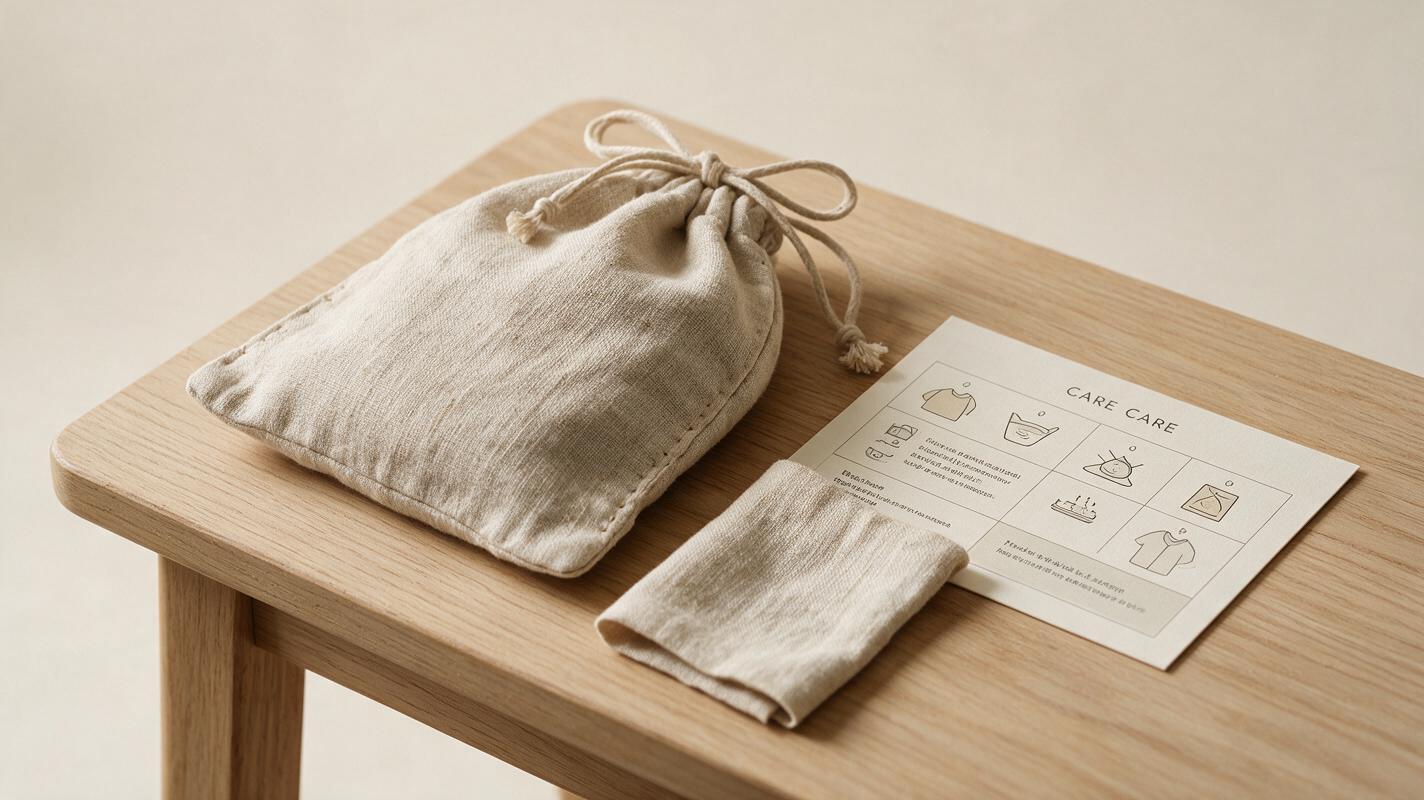
Table of contents
Make the care image useful before making it beautiful
A shopper considering a handmade textile, ceramic piece, or accessory may want to know how to care for it before buying. A listing image can answer that question quickly—provided every instruction comes from the actual product, not from an AI-generated guess. The safest approach is to write and verify the care directions first, then build a graphic around them.
This is especially important when similar-looking products have different finishes, coatings, dyes, or components. A generic “machine washable” icon may look helpful while giving the wrong advice for the item you ship.
Choose one product and verify its care instructions
Start with the exact item or variation represented by the listing. Gather the care information you already provide on its packaging, insert, or product page, and check it against the materials and processes used to make that item. If you source a finished component, consult the supplier’s applicable guidance rather than inferring care from its appearance.
For each proposed instruction, record both the wording and its source. A small working table prevents an attractive graphic from outrunning what you know:
| Proposed instruction | What to check | Decision |
|---|---|---|
| Spot clean with a damp cloth | Does this match the care guidance for the finished item, including its dye and trim? | Use only if verified |
| Machine wash cold | Has this been confirmed for this exact construction and variation? | Omit if uncertain |
| Keep away from prolonged moisture | Is this advice supported by the finish or material guidance? | Use only if applicable |
Do not copy the table’s example phrases into a listing as though they were universal care rules. If a direction is uncertain, resolve it before designing the image or leave it out. A care image does not need to cover every possible situation; it needs to be correct about the situations it does cover.
Build the graphic around verified text
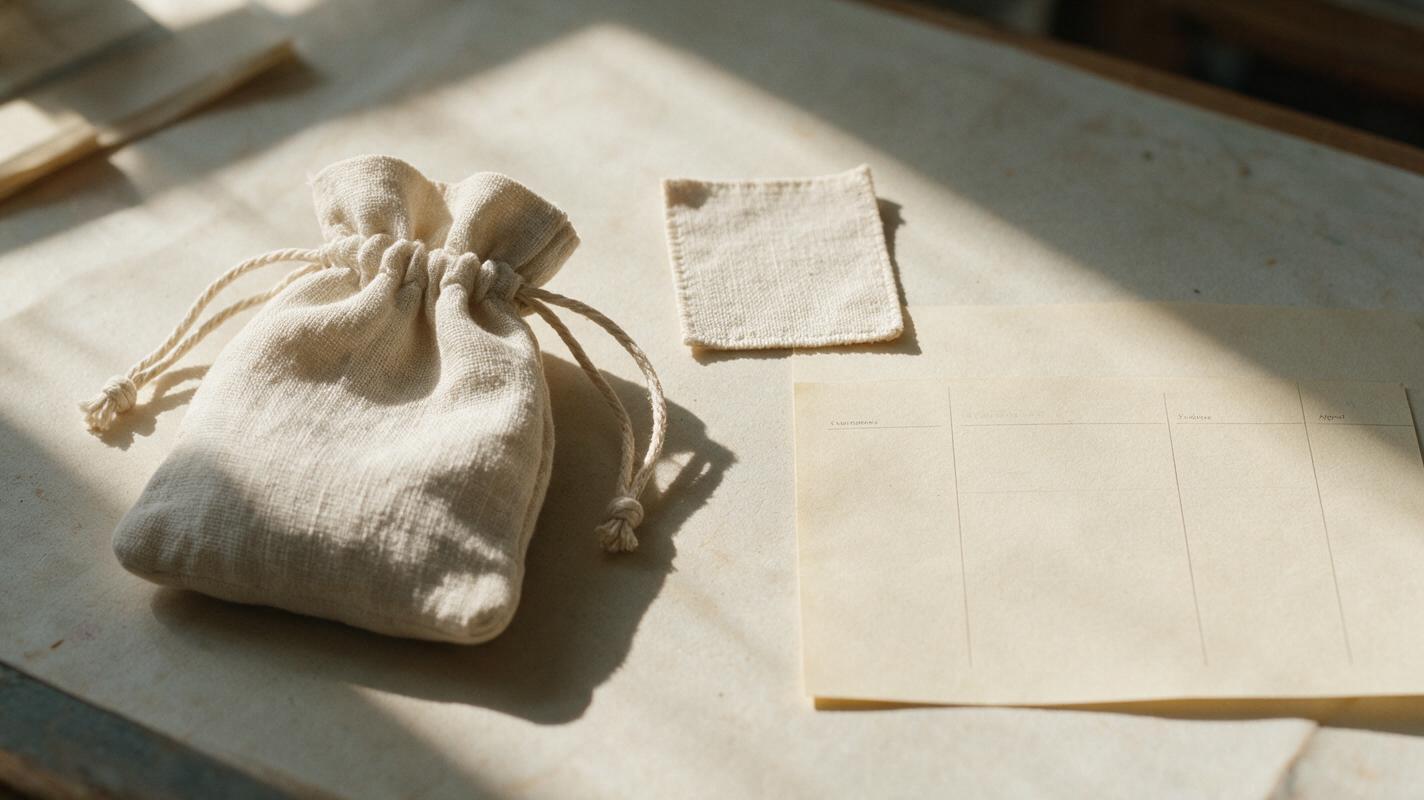
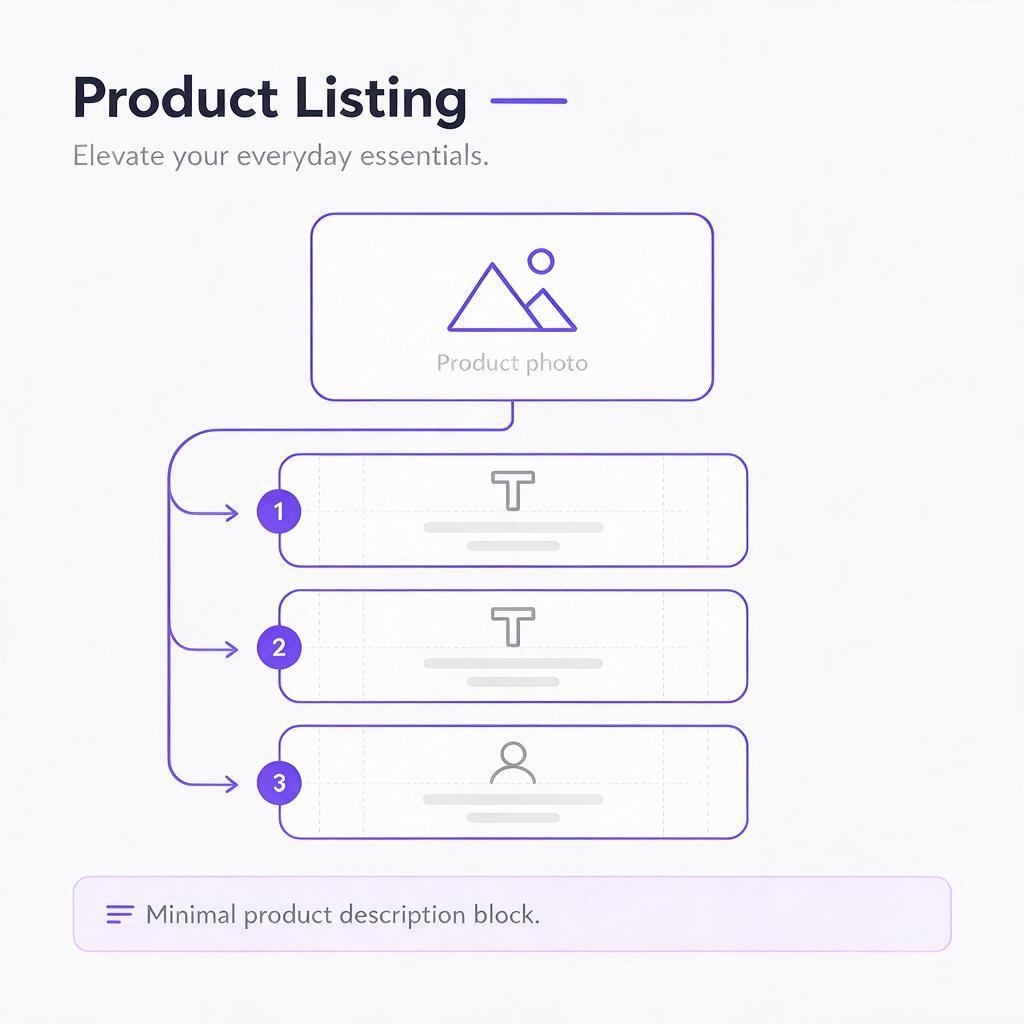
Use a straightforward hierarchy: a product photograph, a short heading such as “Care for your pouch,” and a few specific instructions. Keep the photographed product unchanged. Compose the text in a design editor where you can proofread and edit it directly, rather than asking an image model to render the final instructions.
For a listing viewed on a phone, one short idea per line is more useful than a paragraph. If an instruction needs a condition, keep the condition visible. “Wash on a delicate cycle only if the removable cover is detached,” for example, cannot safely be shortened to “Machine washable.” State which component an instruction applies to when the item has multiple parts.
Practical rule: If removing words changes what a customer is permitted to do, the shortened version is too vague for a care graphic.
Make the product photo large enough to identify the item, but give the directions enough room to remain legible at thumbnail size. A separate care image can complement your product photographs; it should not replace the images a shopper needs to judge the item’s appearance.
Generate decorative elements, not care claims
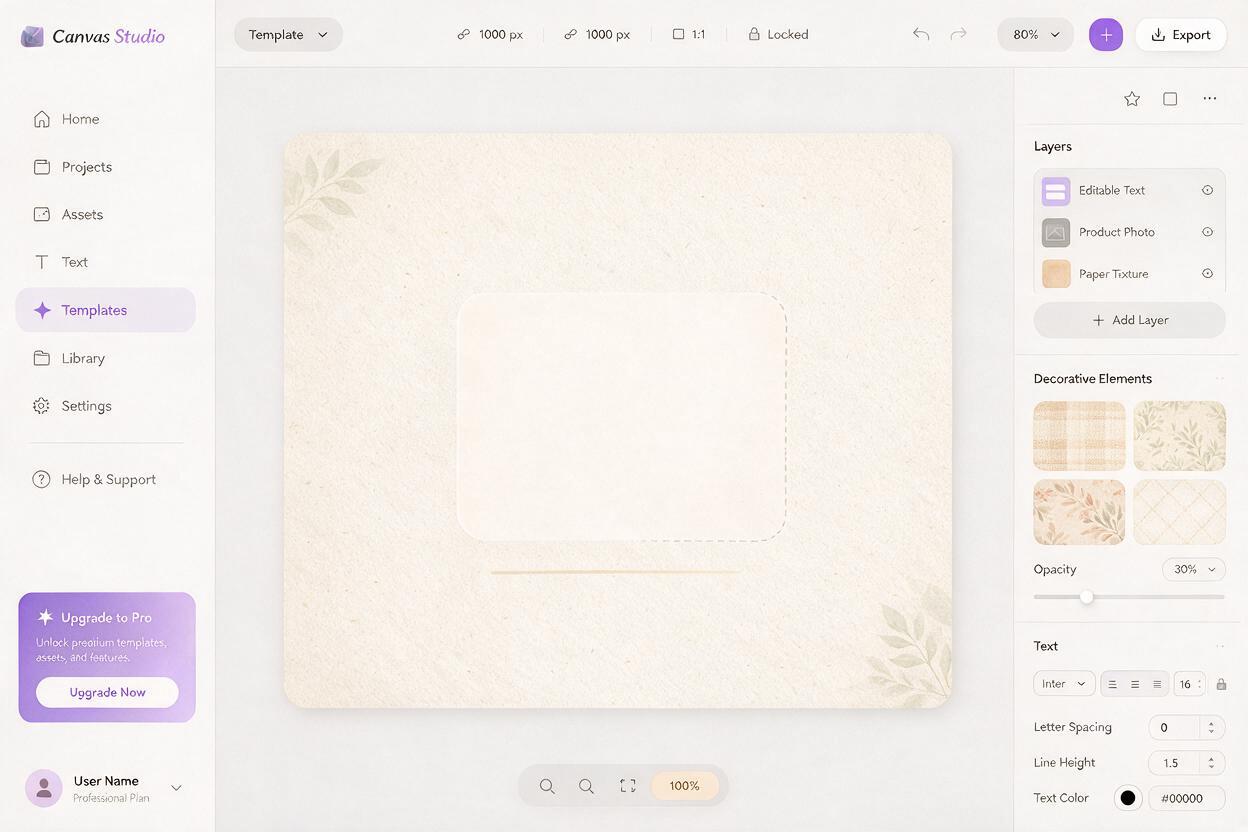
Nano Banana Pro can help create a restrained background or a set of decorative line motifs. Use ai image generator for those supporting visuals, then place your verified product photo and manually typeset instructions over the result. This keeps the model from redesigning the item or silently rewriting its care requirements.
For an empty background, try a prompt that reserves clear space for information:
Create a clean, warm editorial background for an Etsy product-care listing image. Soft off-white paper texture, subtle natural linen fibers near the outer edges, gentle daylight from the upper left, and generous empty space in the center for a real product photograph and manually added text. No products, labels, letters, words, care symbols, washing instructions, badges, or logos.If you want small illustrations, request them separately. Ask for simple, non-instructional motifs—such as a water droplet or folded cloth—and check each one before use. A crossed-out washing symbol, temperature number, or certification-style badge communicates a specific claim even when generated as “decoration.” It belongs in the image only if its meaning is verified.
Keep the AI-generated background visually quiet. Heavy textures, simulated packaging, and oversized props can make the instructions harder to read or imply that an accessory comes with the order. The real product photo should remain the recognizable centerpiece.
Check the image as a shopper would see it
Review the finished graphic at its full editing size, then shrink it to approximately the size it will occupy on a phone screen. Ask someone unfamiliar with the product to read it without zooming. If they miss a condition, confuse an icon, or cannot tell which item the instructions describe, revise the layout.
- Compare every line with its source. Check small words such as “only,” “avoid,” and “removable.”
- Check variations separately. Do not reuse one care image across colors, finishes, or materials unless the directions truly match them all.
- Inspect the product photo. The depicted item should be the item offered, not an AI-rendered approximation.
- Check visual meaning. Icons, props, and badges must not introduce instructions or product claims absent from the text.
- Read on mobile. Increase type size or reduce the number of directions if the graphic requires zooming.
Keep an editable source file. If a material, finish, or supplier instruction changes, you can update the text without recreating the whole image. The useful outcome is not a reusable care claim; it is a reusable layout that makes product-specific guidance easy to maintain.
Final checklist
- The care directions apply to the exact product or variation shown.
- Every instruction has been checked against an applicable source.
- The real product photograph has not been altered into a different item.
- Generated backgrounds or motifs add no unverified care symbols or claims.
- All text is readable on a phone and matches the current listing.
Once the wording is verified, test this prompt yourself to create an uncluttered background, then add your own product photo and approved instructions.
Keywords
etsy care instructions, etsy listing images, product care infographic, ai product infographic, nano banana pro, etsy product photos