Why AI Product Ads Distort Packaging—and How to Fix It
AI-generated product ads often damage packaging, labels, logos, and product proportions—the exact details customers need to recognize and trust. This guide shows performance marketers how to use Nano Banana Pro and a reference-controlled compositing workflow to create varied campaign scenes while keeping the product accurate.
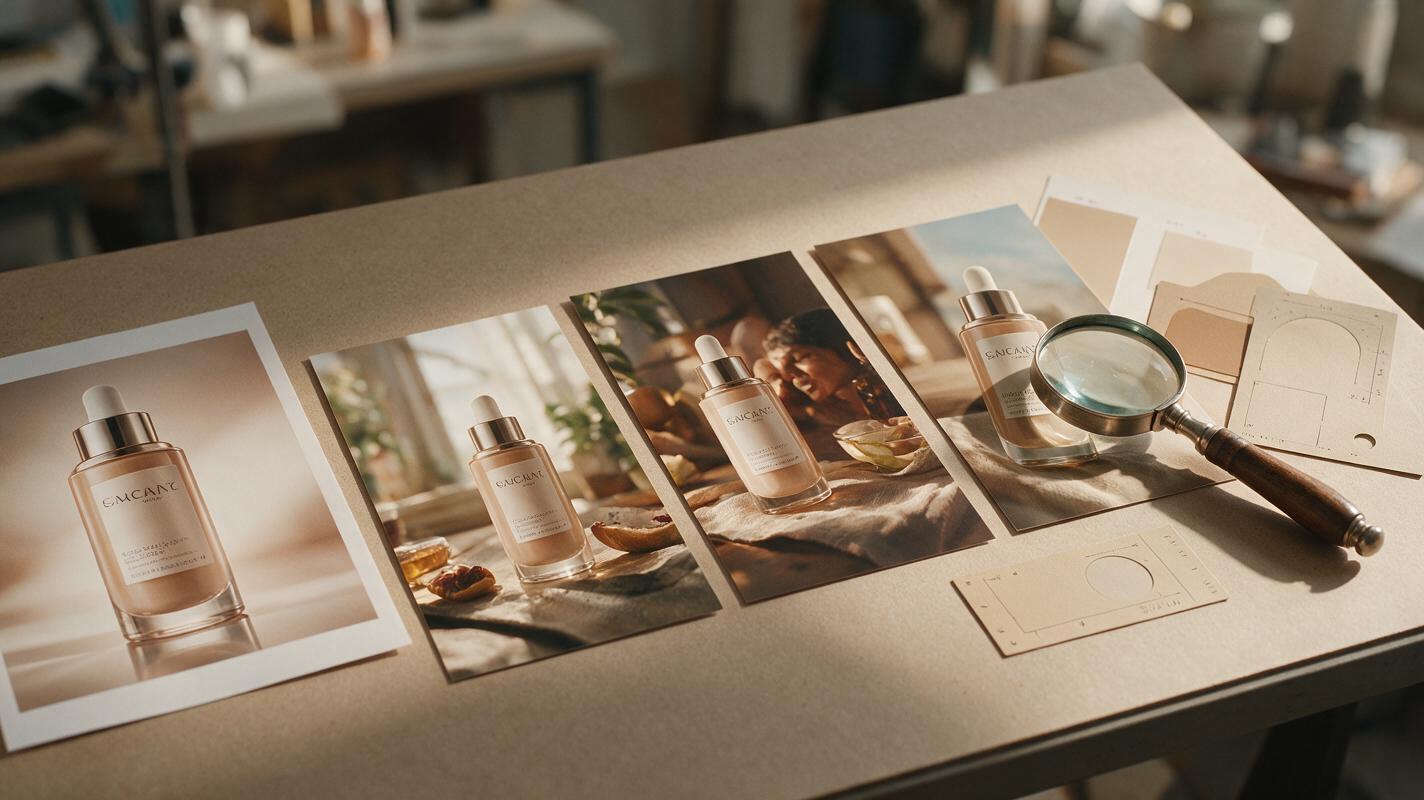
Table of contents
Keep the product accurate while changing the ad around it
A strong AI product ad can still fail if the package shape changes, the label becomes unreadable, or the logo moves. For performance marketers, these are not minor visual defects. They can weaken product recognition, create approval problems, and make a creative test less reliable.
The solution is to stop asking the model to regenerate the entire advertisement. Use Nano Banana Pro to build or edit the surrounding campaign scene while treating the approved product image as a locked visual reference. This separation gives you creative range without sacrificing the details customers expect to receive.
The operating rule is simple: generate the environment, preserve the evidence.
Why AI-generated packaging drifts
Product packaging contains several elements that are unusually difficult to reconstruct together: precise geometry, small typography, repeated patterns, regulated statements, logos, reflections, and material texture. A broad prompt such as “create a premium skincare ad” gives the model permission to reinterpret all of them.
Common failures include:
- Label mutation: letters are replaced, merged, duplicated, or rearranged.
- Shape drift: a narrow bottle becomes wider, a cap changes height, or a box gains extra edges.
- Logo displacement: the brand mark changes size or moves to a visually convenient location.
- Variant confusion: colors or claims from another SKU appear on the featured product.
- Reflection damage: highlights cover important text or create false structural details.
- Scale inconsistency: the product looks unnaturally large compared with props, hands, or furniture.
These errors usually happen because the prompt describes what the package means rather than what must remain visually unchanged. “A bottle of citrus electrolyte mix” is a semantic description. It is not an exact production specification.
Define what the model may and may not change
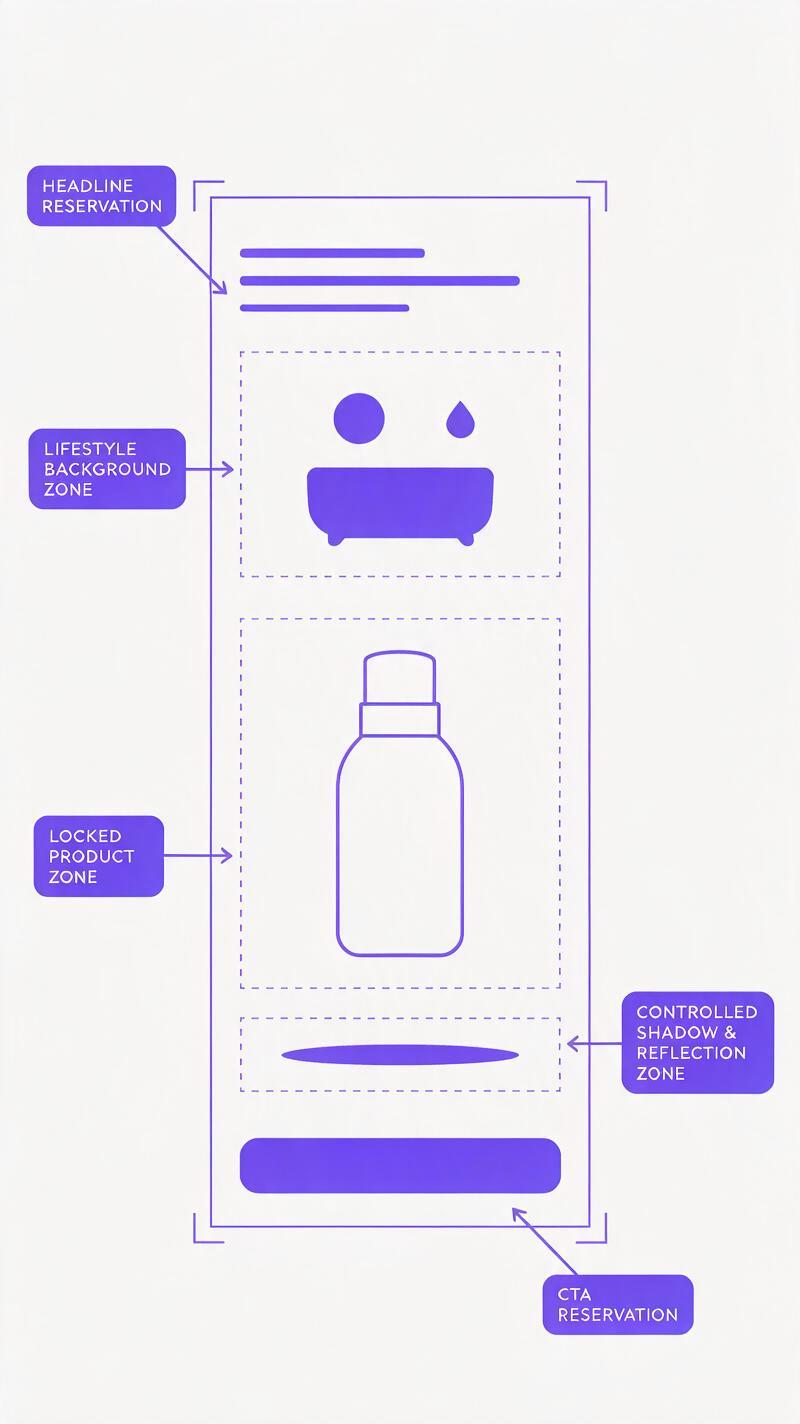
Before generating campaign assets, divide the composition into locked and flexible zones. This makes review faster and prevents subjective arguments about whether an output is “close enough.”
| Composition zone | Typical elements | Generation rule |
|---|---|---|
| Locked product zone | Package silhouette, label, logo, cap, product color | Preserve from the approved reference |
| Controlled interaction zone | Contact shadows, condensation, reflections, hand placement | May adapt without covering product information |
| Flexible scene zone | Background, surface, props, lighting mood | Generate according to the campaign concept |
| Layout zone | Headline space, CTA area, badge location | Reserve clean space; add final copy in design software |
Start with the highest-resolution approved product image available. A front-facing or three-quarter view with clean boundaries is generally easier to integrate than a low-resolution lifestyle crop. If the product has transparent, reflective, or irregular edges, prepare a clean cutout before generation.
For a range containing multiple SKUs, create a separate approved reference for each one. Do not expect a model to infer the correct flavor, size, or variant from a combined catalog screenshot.
Build a preservation-first Nano Banana Pro prompt
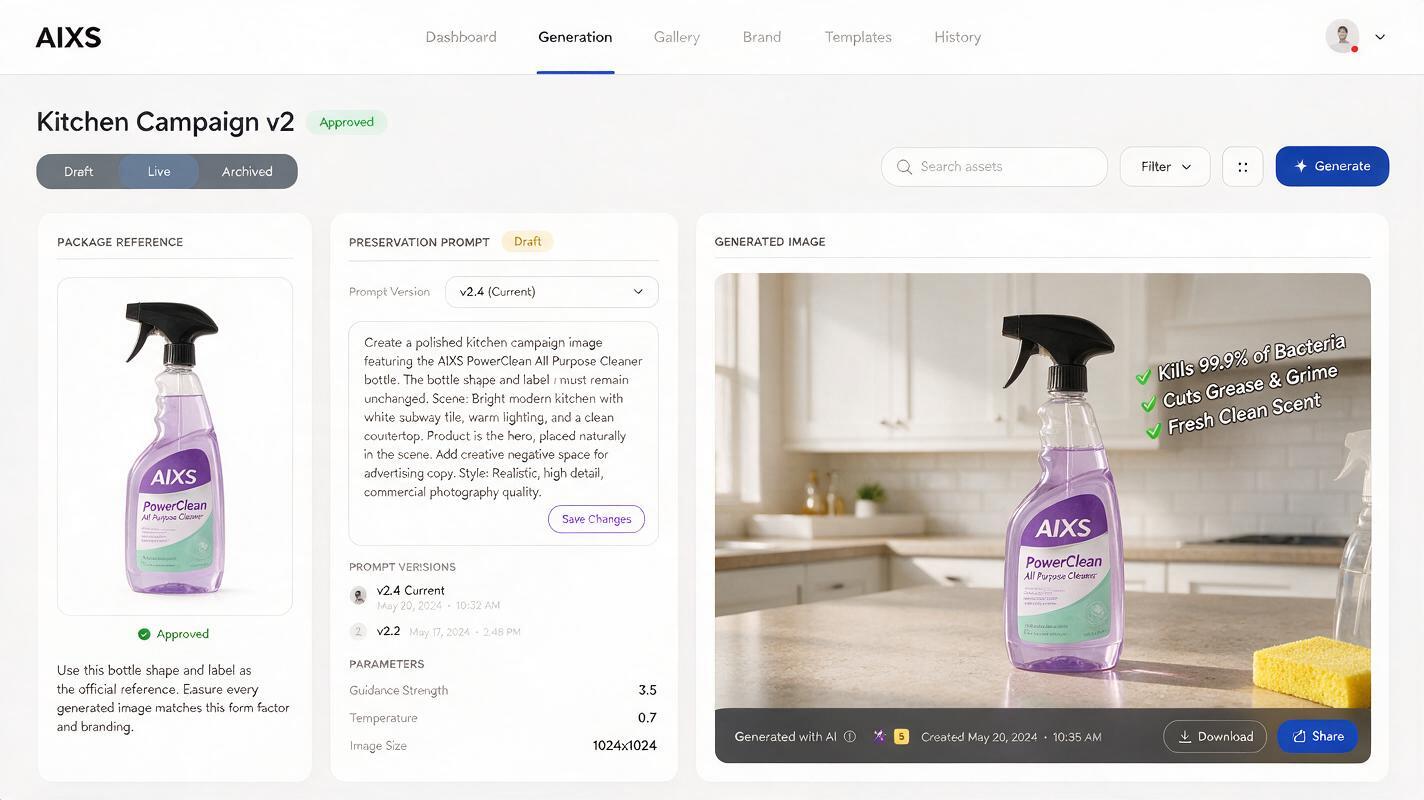
A useful prompt tells Nano Banana Pro what is immutable, what may be generated, how the product meets the scene, and where the advertisement needs usable layout space. Keep campaign copy out of the generated package unless it already exists in the reference.
Use the attached approved product image as the exact product reference.

LOCKED PRODUCT:
Preserve the original package silhouette, proportions, cap, label layout,
logo placement, printed wording, colors, and visible product details.
Do not redesign, simplify, translate, replace, or invent packaging text.

GENERATED SCENE:
Place the product on a pale stone counter in a bright modern kitchen.
Add soft morning side light, a realistic contact shadow, and two subtle
supporting props associated with an active breakfast routine.

COMPOSITION:
Vertical 4:5 paid-social composition. Product occupies approximately
40 percent of the frame. Leave uncluttered negative space in the upper
left for a headline and in the lower right for a CTA.

RESTRICTIONS:
No extra products, no floating ingredients, no text overlays, no badges,
no hands covering the label, and no exaggerated splash effects.
The exact scene can change, but the prompt architecture should remain stable. This is more reliable than rewriting every request from scratch in an ai image generator, because each generation receives the same product-preservation requirements.
If an output still changes the label, shorten the creative description rather than adding more decorative instructions. The more competing visual requests you include, the easier it becomes for the product to lose priority.
Generate concepts that test one marketing variable
Once the preservation prompt works, vary one hypothesis at a time. The objective is not to produce a gallery of attractive images. It is to learn which message context improves campaign performance.
Problem-aware context
Show the product near a recognizable friction point without making prohibited or unsupported claims. For example, a travel product might appear beside a crowded carry-on packing scene, with clear space for copy about convenience.
Outcome-oriented context
Build the scene around the desired state: an organized desk, a calm morning routine, or a post-workout setup. Keep the product as the visual proof point rather than asking the model to illustrate an implausible transformation.
Feature-demonstration context
Use props and composition to clarify a product feature. A compact charger can sit beside commonly carried devices; a refillable container can appear next to the relevant refill. The relationship should be visually understandable without relying on generated text.
Retargeting context
For audiences already familiar with the product, reduce lifestyle detail and increase product prominence. Reserve deliberate space for an offer, testimonial excerpt, bundle message, or urgency element that your design team will add later.
Create several candidates per hypothesis, but promote only outputs that pass the product-accuracy review. A malformed label should never enter a media test, even if the overall composition is compelling.
Separate image generation from ad typography
Small marketing copy is a precision layout task. Generate the product scene first, then add headlines, prices, legal lines, promotional badges, and CTA buttons in your normal design tool.
This separation provides three practical advantages:
- Copy remains editable when an offer, audience, or campaign deadline changes.
- Localization becomes safer because translators work with live text rather than pixels.
- Test comparisons remain cleaner because the typography system can stay fixed while the visual hypothesis changes.
Ask the model for negative space, not final advertising copy. Specify its location and approximate size: “clean dark area across the upper third for two lines of light headline text” is more actionable than “leave room for copy.”
Use local corrections instead of full regeneration
When most of a composition works, avoid replacing the whole image. Correct only the defective area while repeating the preservation constraint.
Edit only the selected background area behind the product.
Remove the overlapping leaf and rebuild the wall naturally.
Do not modify the product, label, logo, package edges, shadow direction,
color balance, camera angle, or any pixels outside the selected region.
Local corrections are especially useful for removing props that obscure the package, cleaning awkward shadows, extending negative space, or simplifying a busy background. If the package itself has already drifted, replace it with the approved cutout rather than trying to repair invented lettering one character at a time.
For difficult glossy products, a hybrid composite is often the safest production method: generate the scene with a temporary product placeholder, insert the original product cutout, then create contact shadows and environmental reflections around it. This preserves the source asset while allowing the surrounding light to feel coherent.
Run a product-accuracy gate before creative review
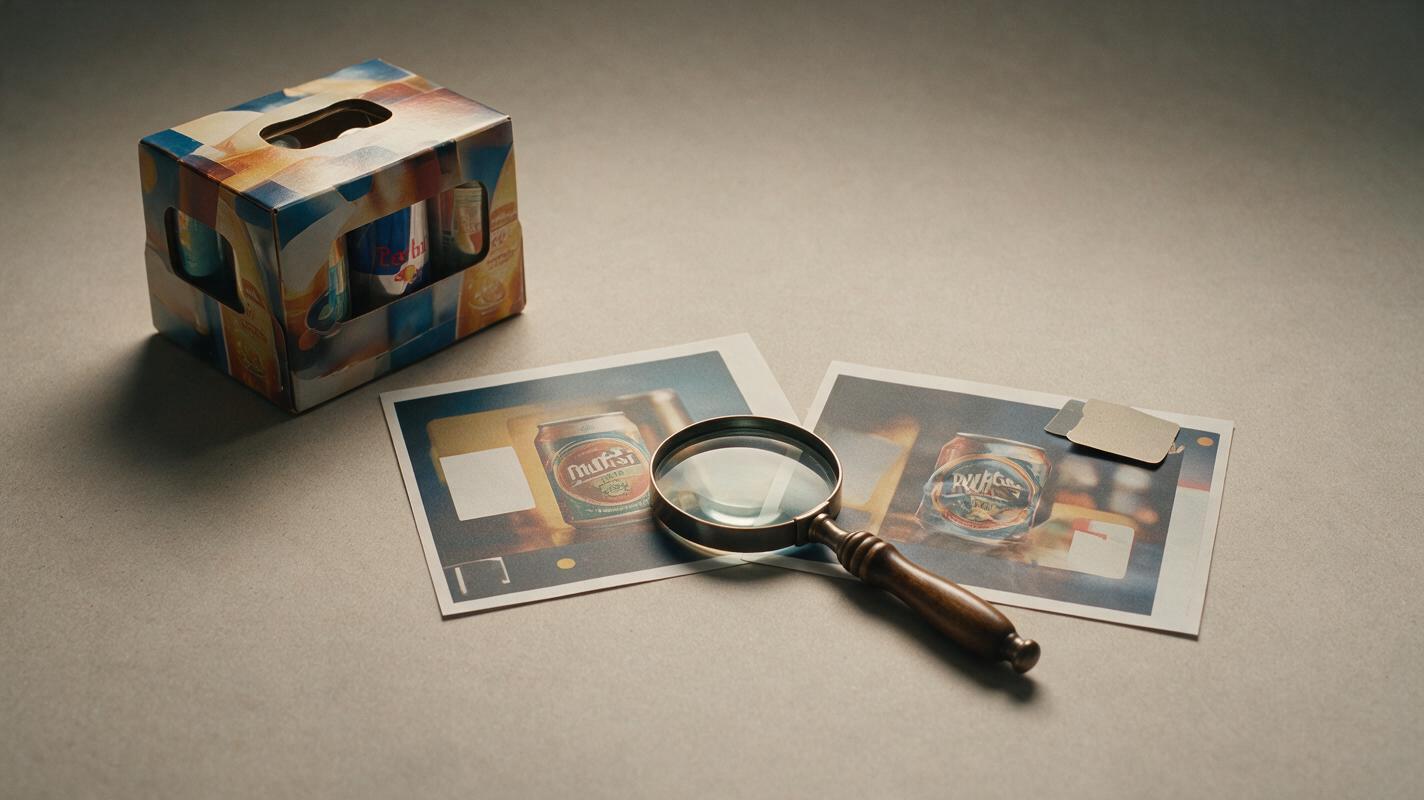
Do not begin by debating aesthetics. First compare every candidate against the approved product reference at high zoom.
| Check | Pass condition | Reject when |
|---|---|---|
| Silhouette | Outer shape and proportions match | Width, height, cap, handle, or corners drift |
| Identity | Correct logo, colorway, and SKU | Variant details are mixed or invented |
| Label | Required visible text matches the source | Words mutate, disappear, or become misleading |
| Interaction | Shadows and reflections look physically plausible | Product floats or props pass through it |
| Ad utility | Layout supports headline and CTA placement | Critical space is cluttered or low-contrast |
After candidates pass this gate, evaluate hook clarity, product prominence, message fit, and expected stopping power. This order prevents teams from becoming attached to an unusable image.
If the advertised object is not accurate, the creative is not ready—regardless of how polished the background looks.
Turn approved scenes into a controlled test matrix
Label each output by its hypothesis instead of using generic filenames. A practical convention is “audience_message_scene_format_version,” such as “prospecting_convenience_travel_4x5_v03.”
Keep the product reference, offer, typography, and CTA stable while testing scene context. In a separate experiment, keep the winning scene stable and test the hook. Changing the background, headline, offer, crop, and CTA simultaneously may produce a winner, but it will not explain why that winner worked.
When you have a valid reference image and a campaign hypothesis ready, test this prompt yourself with one scene first. Approve the preservation quality before generating a larger batch.
Final checklist
- Use an approved, high-resolution product reference for the exact SKU.
- Separate locked product details from flexible scene elements.
- State explicitly that packaging text, colors, proportions, and logos must not change.
- Generate negative space for copy instead of relying on generated typography.
- Change one marketing variable per test group.
- Use local edits when only one area is defective.
- Compare every output with the source product at high zoom.
- Reject attractive creatives that distort the advertised item.
- Add final copy, prices, disclaimers, and CTAs in a precision design tool.
Keywords
ai product ads, ai advertising images, Nano Banana Pro, product packaging, performance ad creative, campaign creative, creative testing