Why AI UGC Ads Feel Fake—and How to Fix Them With Vidu
AI UGC-style ads usually feel fake because they ask one generated clip to deliver a hook, demonstration, testimonial, and conversion message at once. This guide shows performance marketers how to use Vidu, shot-level prompts, controlled hook tests, and proof-led editing to create more believable paid-social videos.
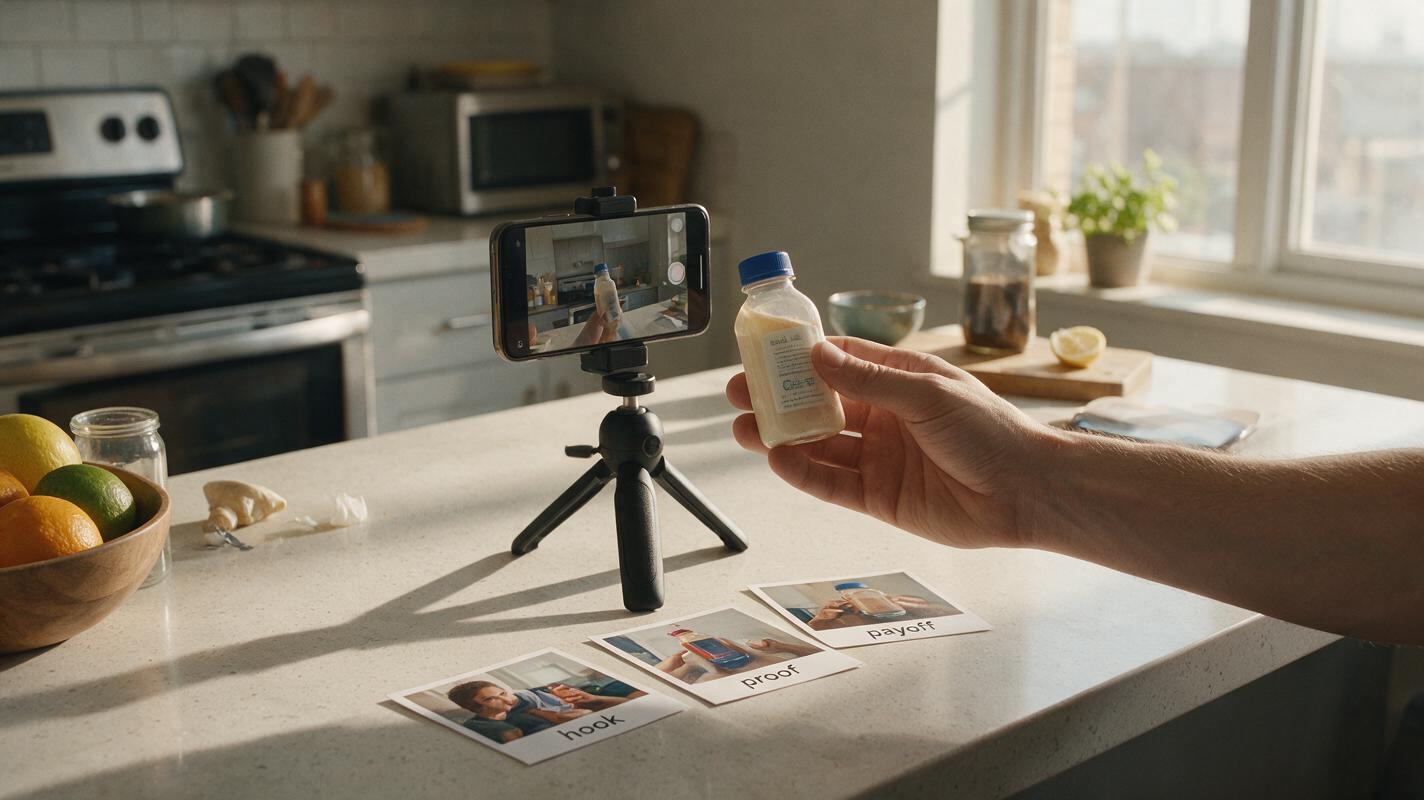
Table of contents
The problem is not video quality
An AI UGC ad can look polished and still feel instantly fake. The usual cause is not resolution. It is implausible behavior: hands move without purpose, products change shape, reactions feel exaggerated, and one overloaded clip tries to communicate the entire sales pitch.
A better approach is to treat Vidu as a shot generator rather than a complete ad generator. Build several short, physically credible moments, then assemble the hook, proof, offer, captions, and call to action during editing. This gives performance marketers more control over believability and makes each creative variable easier to test.
Use “UGC-style” accurately. A synthetic scene should not be presented as an unsolicited review from a real customer.
Recognize the signals that make AI UGC look fake
Viewers are highly familiar with phone-shot social content. They may not identify the generation error precisely, but they notice when behavior, camera movement, or product interaction does not match the visual language of genuine creator content.
| Visible symptom | Likely cause | Practical correction |
|---|---|---|
| The creator performs too many actions | The prompt describes an entire commercial | Generate one physical action per shot |
| The product changes between frames | Identity is being regenerated during motion | Use a clean reference and reduce rotation or occlusion |
| The reaction feels theatrical | Emotion words are too intense | Prompt restrained, task-related behavior |
| The camera floats like a commercial rig | Cinematic movement conflicts with the UGC format | Request a mostly fixed handheld phone composition |
| The spoken claim feels untrustworthy | The script imitates a customer testimonial | Use demonstrable product facts or clearly labeled brand narration |
| The clip cannot support multiple edits | Hook, proof, and payoff are fused together | Generate modular shots with clean entry and exit frames |
Build the ad around visible proof
A believable performance ad shows something the audience can evaluate. Before generating footage, identify the strongest piece of visible proof available: texture, size, assembly, application, interface behavior, packaging contents, or a simple before-and-after state that can be represented honestly.
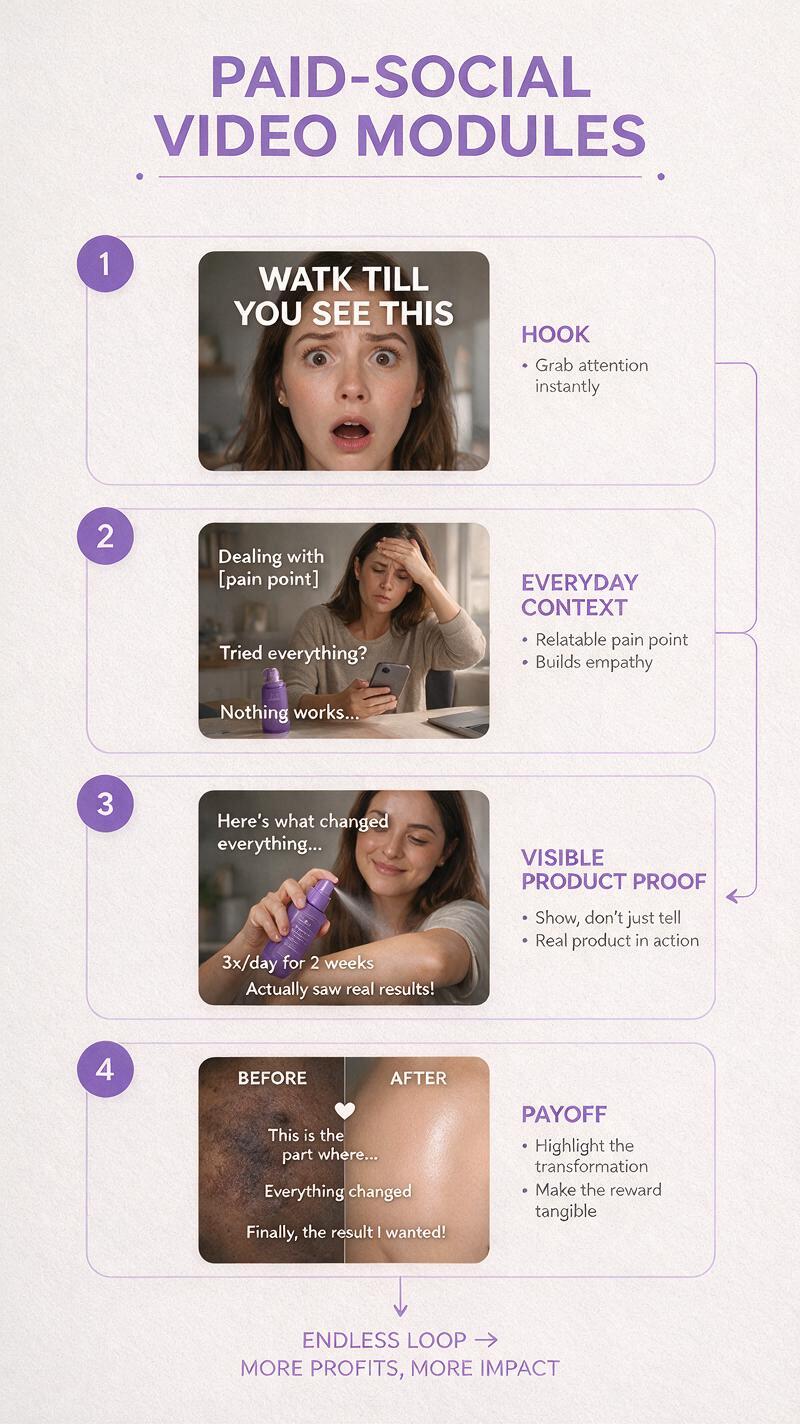
Organize the concept into four editing functions:
- Hook: a familiar problem, surprising product detail, or visually specific opening.
- Context: where the product fits into a real routine.
- Proof: the action or detail that substantiates the message.
- Payoff: the outcome, offer, or next action.
These functions do not need to appear inside one generated clip. A practical ad might combine a phone-shot problem scene, a controlled product close-up, a real interface recording, and a separately designed end card.
| Ad beat | Example visual | Best production method |
|---|---|---|
| Hook | A cluttered bag with the old solution taking up space | Generated lifestyle shot |
| Context | A hand removes the compact product | Reference-led generated shot |
| Proof | The product opens and reveals its functional parts | Real footage or tightly controlled generation |
| Payoff | Price, offer, logo, and call to action | Designed in the editor |
Write one physical action per shot
Vidu prompts become easier to control when they describe a bounded moment. Avoid scripts such as “the creator opens the package, explains three benefits, uses the product, smiles, and points to the offer.” That instruction contains too many opportunities for continuity and anatomy errors.
Use this compact shot formula instead:
Format and framing: vertical phone video, medium close-up
Subject: one person or one pair of hands
Product: exact item from the reference image
Action: one simple physical action
Environment: specific everyday location
Camera behavior: mostly fixed handheld framing
Performance: natural, restrained, task-focused
Constraints: preserve product shape, colors, and proportions
For example:
Vertical phone-shot video in a bright apartment kitchen. A person's hand lifts the referenced reusable bottle from beside a laptop and places it into the side pocket of a canvas work bag. One continuous action, natural morning light, slight realistic handheld movement, ordinary unstyled environment. Preserve the bottle's exact silhouette, cap color, proportions, and printed mark. No talking, no camera orbit, no extra objects appearing.This is an appropriate use of an ai video generator: producing a short visual unit that has a clear role in the final edit, rather than asking the model to make every marketing decision at once.
Use Vidu prompts that direct the shot
The most useful prompt changes describe what the camera can observe. Marketing abstractions such as “premium,” “high converting,” or “viral” offer little physical direction. Translate each concept into a visible choice.
Natural product discovery
Vertical casual phone video, chest-level framing. A person tidies a crowded bathroom shelf, notices the referenced product, picks it up, briefly examines the front, and holds it naturally at waist height. Soft window light, realistic home setting, restrained expression, slight handheld imperfection. Keep the packaging dimensions, color blocks, cap, and label placement consistent. No dramatic reaction and no floating camera.Routine integration
Vertical over-the-shoulder phone video at a work desk. The person places the referenced product beside a keyboard and uses it once as part of a normal afternoon routine. The action is calm and unhurried. Neutral daylight, believable desk clutter, fixed composition with minimal hand movement. Preserve the product's material, scale, and component count.Feature close-up
Vertical macro-style phone shot of two hands demonstrating one mechanical feature of the referenced product. The left hand holds the base steady while the right hand opens the single hinged component once. Keep the object centered and fully visible. Realistic finger contact, stable geometry, soft natural shadows, no scene change, no additional components.Replace the product, setting, and action while keeping the prompt structure. If you already have an approved product reference, you can test this prompt yourself with a low-risk movement before attempting more complex interaction.
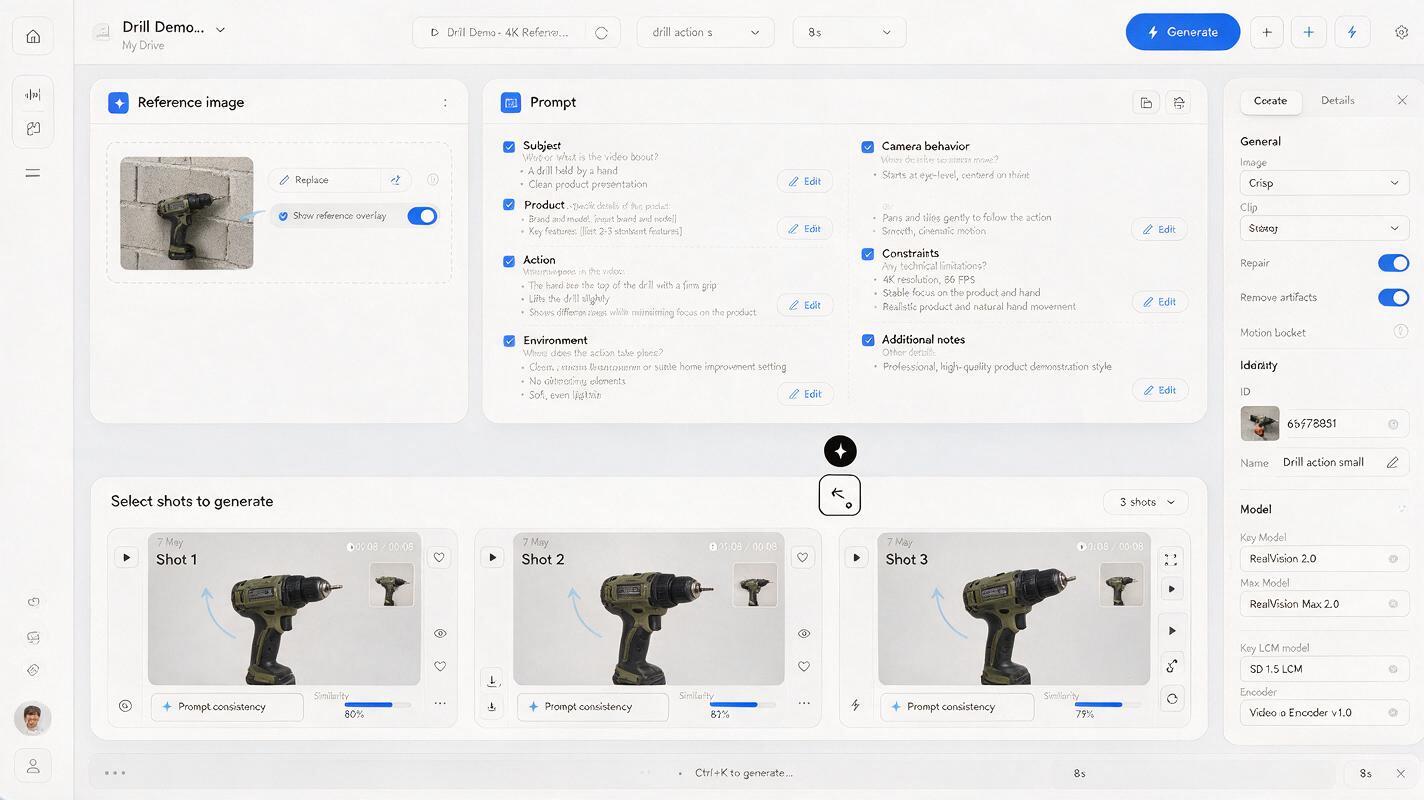
Keep product identity stable across separate clips
Create a small reference pack before generating the campaign. Include a clean front view, a three-quarter view, a scale reference, and close-ups of any functional detail that must remain recognizable. Remove temporary badges, reflections, or props that the model could interpret as part of the product.
Continuity improves when every shot has a narrow responsibility:
- Keep the product visible instead of hiding it behind fingers.
- Avoid full rotations when the unseen side is not documented.
- Use simple contact actions before pouring, folding, tearing, or assembling.
- Match the product scale to a familiar object in the scene.
- Generate multiple short candidates and reject identity drift early.
Do not depend on generated frames to reproduce important offer text, legal copy, or fine packaging typography. Add exact text during editing, or composite approved product photography when perfect label fidelity is mandatory.
Make motion obey ordinary physics
Believability often comes from constraints rather than extra detail. State what remains stationary, what moves, where contact occurs, and when the action stops. For a lid-opening shot, specify that one hand holds the container while the other rotates only the lid. For a fabric product, specify whether it bends, stretches, or remains rigid.
Useful motion constraints include:
- Contact: fingers visibly grip the correct surface before movement begins.
- Support: the table, hand, or container supporting the object remains stable.
- Direction: the object moves once along a clear path.
- Completion: the action ends in a readable final position.
- Camera: movement remains subtle enough to inspect the demonstration.
Words such as “dynamic,” “energetic,” and “cinematic” can encourage excessive motion. Use them only when movement itself is the test variable.
Design hook tests around one controlled variable
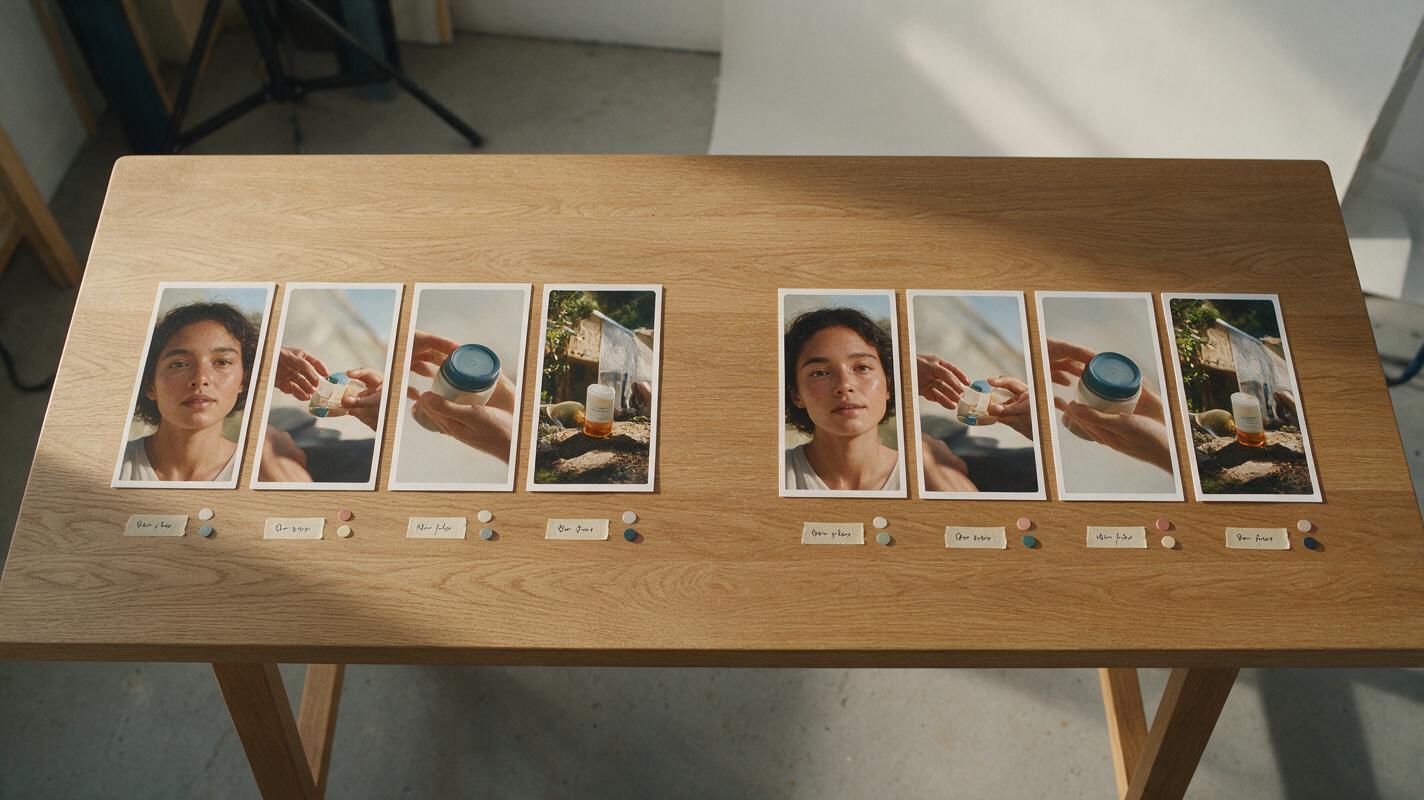
Generating many openings is not useful if every version changes the setting, product angle, actor, claim, and pacing. Hold the proof and body edit constant, then change one hook dimension at a time.
| Test family | Variable to change | What remains fixed |
|---|---|---|
| Problem framing | Mess, delay, discomfort, or inconvenience | Product demonstration and offer |
| Opening composition | Face, hands, product close-up, or environment | Message and body sequence |
| First caption | Question, observation, or specific benefit | Opening footage |
| Proof order | Feature first or outcome first | Assets, claim, and offer |
| Pacing | Fast cuts or longer demonstration | Shot content and copy |
Name exports by hypothesis rather than by vague labels such as “version final 3.” A useful convention is product_audience_hook-proof-format. This makes creative testing results easier to interpret and helps the team identify what should be generated next.
Edit for paid social instead of exporting the first generation
The generated clip is raw material. Assemble the final ad in an editor where timing, captions, brand elements, disclosures, and calls to action can remain exact.
- Cut into the action instead of waiting for a generated establishing pause.
- Remove unstable opening or closing frames.
- Use platform-safe caption placement and check the latest placement specifications.
- Add approved claims as editable overlays rather than embedding them in generation.
- Use real screen recordings when software behavior must be accurate.
- Keep a clean version without captions so the same footage can support localization.
- Review the ad at phone size and without sound before launch.
A slight handheld feel can support the format, but uncontrolled shake does not make a clip more authentic. The product demonstration still needs to be readable.
Troubleshoot the most expensive failures
The hands merge with the product
Reduce the number of contact points, show the full object, and simplify the action. Begin with a stable hold or placement before trying twisting, pumping, or assembly.
The product looks different in every clip
Use the same approved reference set, repeat identity constraints, and avoid dramatic angle changes. If continuity still fails, use generated footage for context and insert real product close-ups for proof.
The creator performance feels exaggerated
Remove instructions such as “excited,” “amazed,” and “shocked.” Describe observable behavior instead: a brief glance, a small nod, relaxed posture, or focused use of the product.
The footage looks like a glossy television commercial
Replace sweeping camera moves, perfect studio lighting, and luxury set language with a specific phone position, ordinary location, practical daylight, and minimal movement.
The ad gets attention but does not explain the product
Do not solve this by adding more spectacle. Insert a proof shot that shows one concrete function, then place the claim next to the evidence it describes.
Know what AI should not generate
Use real footage when authenticity is itself the evidence. Customer testimonials, medical outcomes, regulated claims, precise software demonstrations, and sensitive before-and-after results may require direct documentation, review, or disclosure. Never invent a customer identity, imply an endorsement that did not happen, or disguise synthetic footage as independent consumer content.
AI UGC-style production is strongest when it supplies adaptable campaign scenes: contextual hooks, transitions, lifestyle setups, hands-only demonstrations, and visual metaphors. Human review remains responsible for claim accuracy, permissions, platform policy, and brand safety.
Final checklist
- Define one visible proof point before writing the prompt.
- Assign one physical action to each generated shot.
- Use clean product references and explicit identity constraints.
- Describe observable behavior instead of marketing adjectives.
- Keep motion simple, supported, and physically plausible.
- Test one hook variable while holding the body edit constant.
- Add exact copy, offers, captions, and disclosures during editing.
- Reject product drift and anatomy errors before producing more variants.
- Label synthetic content appropriately and never fabricate testimonials.
Keywords
ai ugc ads, Vidu prompts, ai marketing video, performance ad creative, ugc ad generator, creative testing, social media ads